Overview
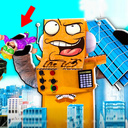
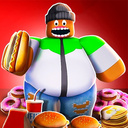
Welcome to an exciting world where you can eat tons of food! Start your journey as a skinny character ready to conquer the world, but to do so he needs to gain some fat.
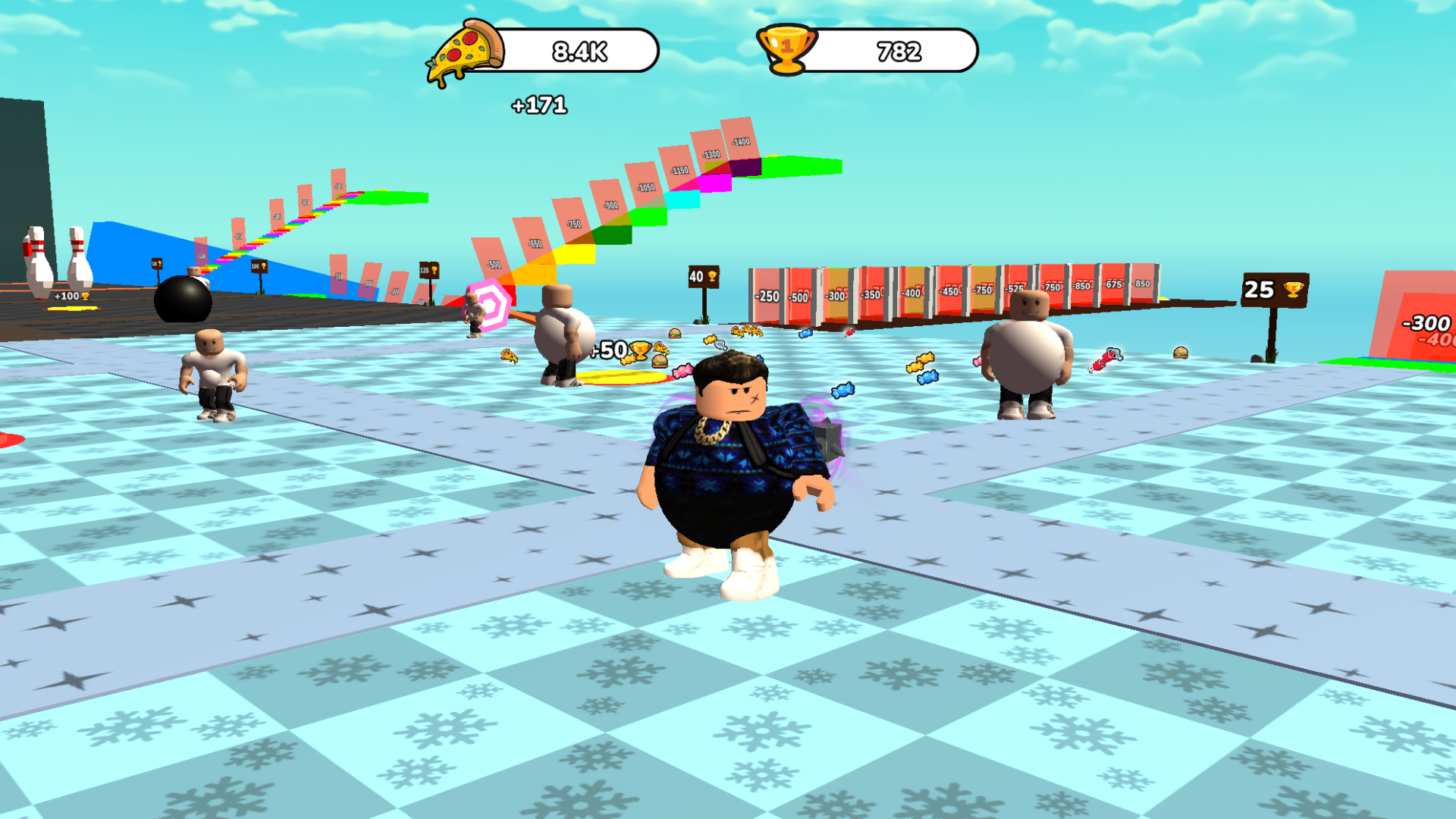
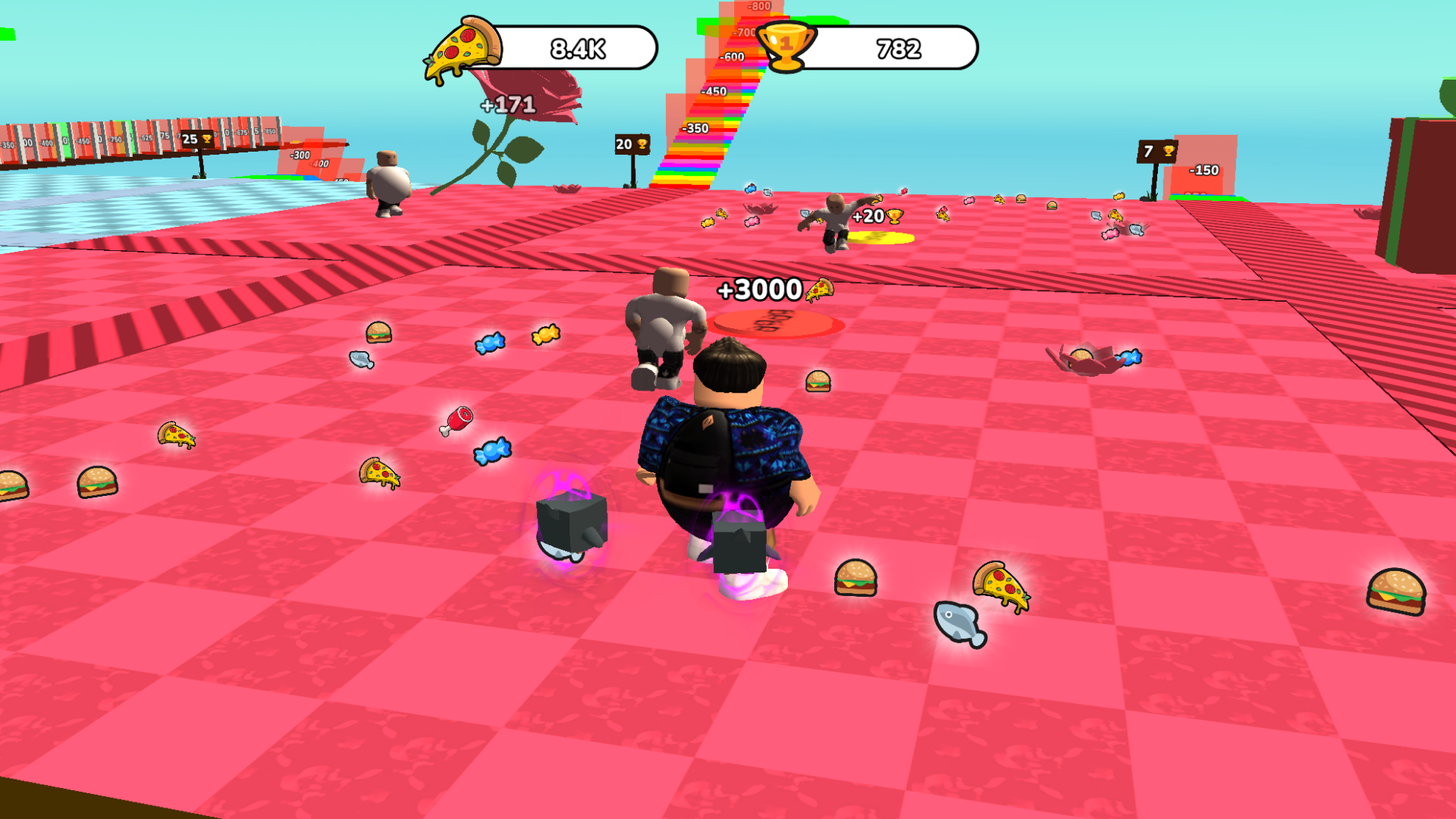
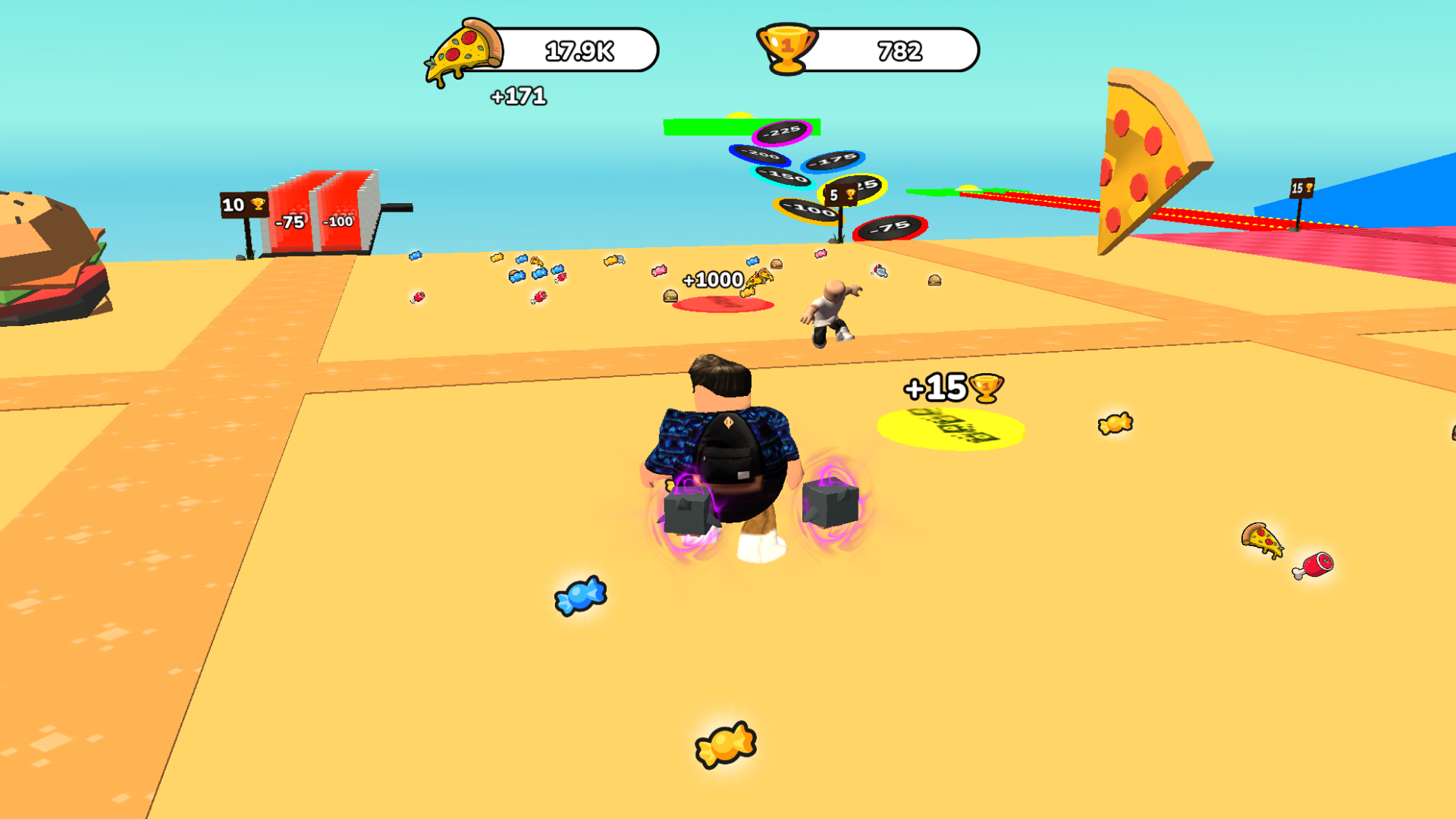
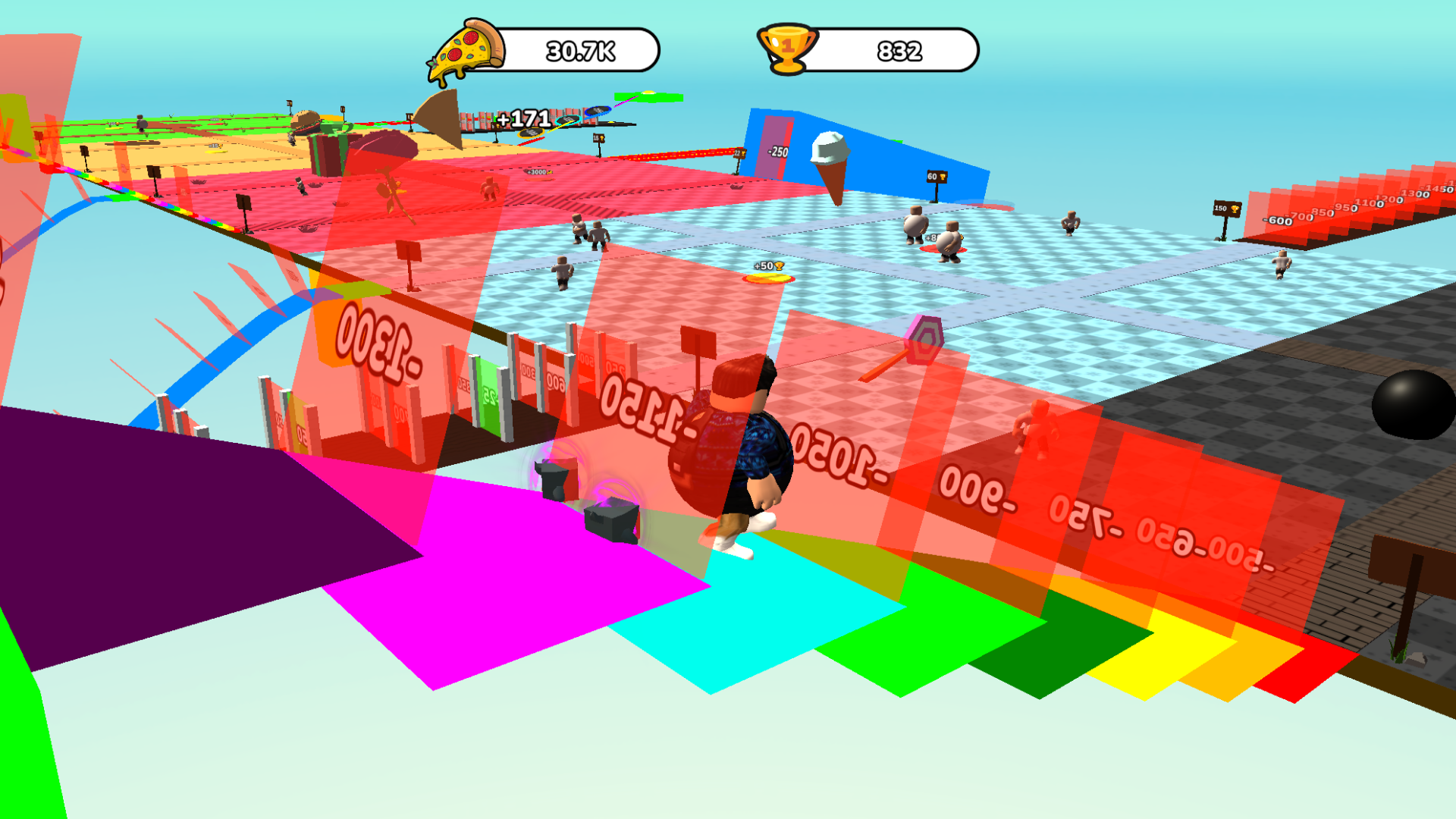
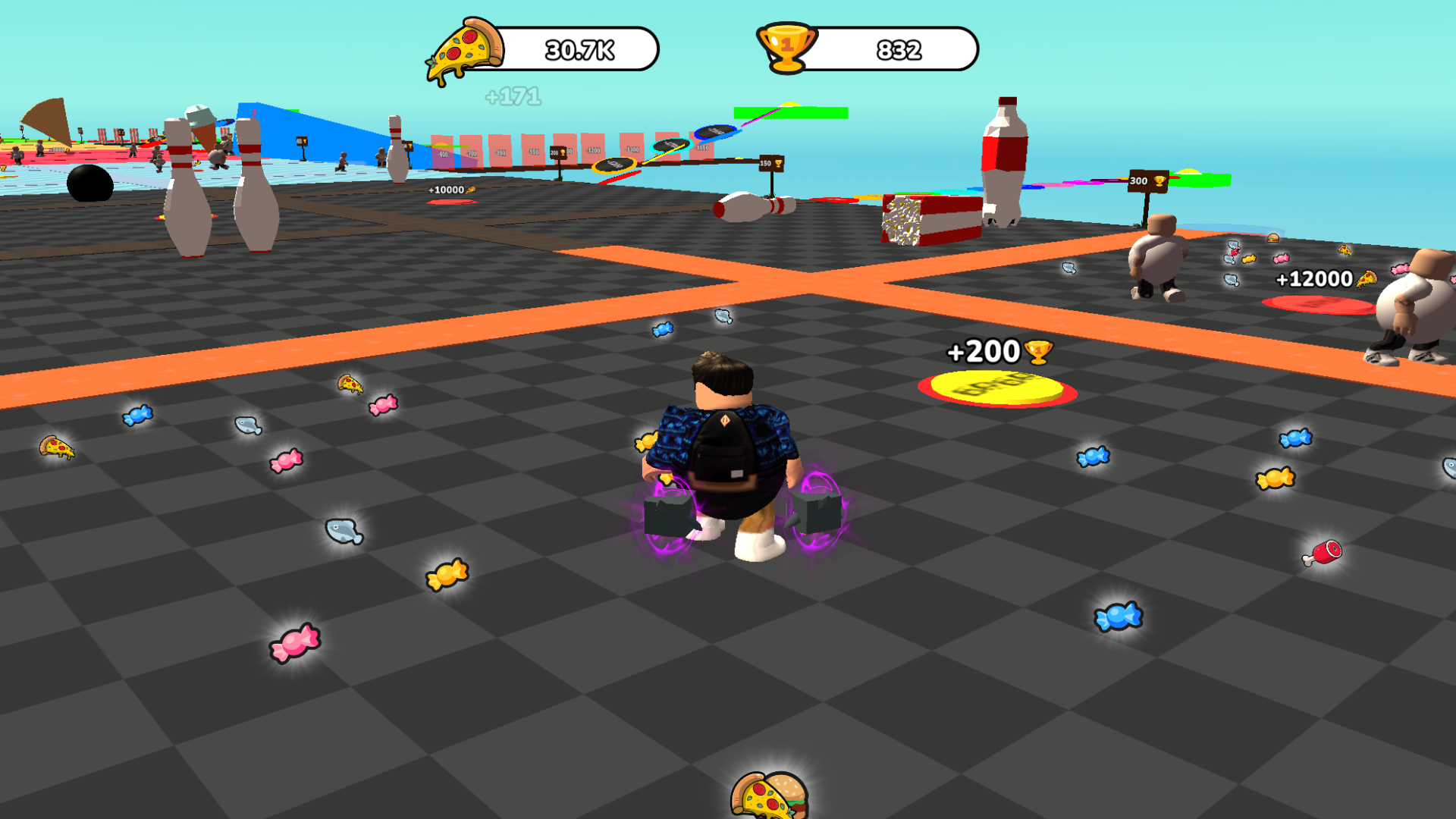
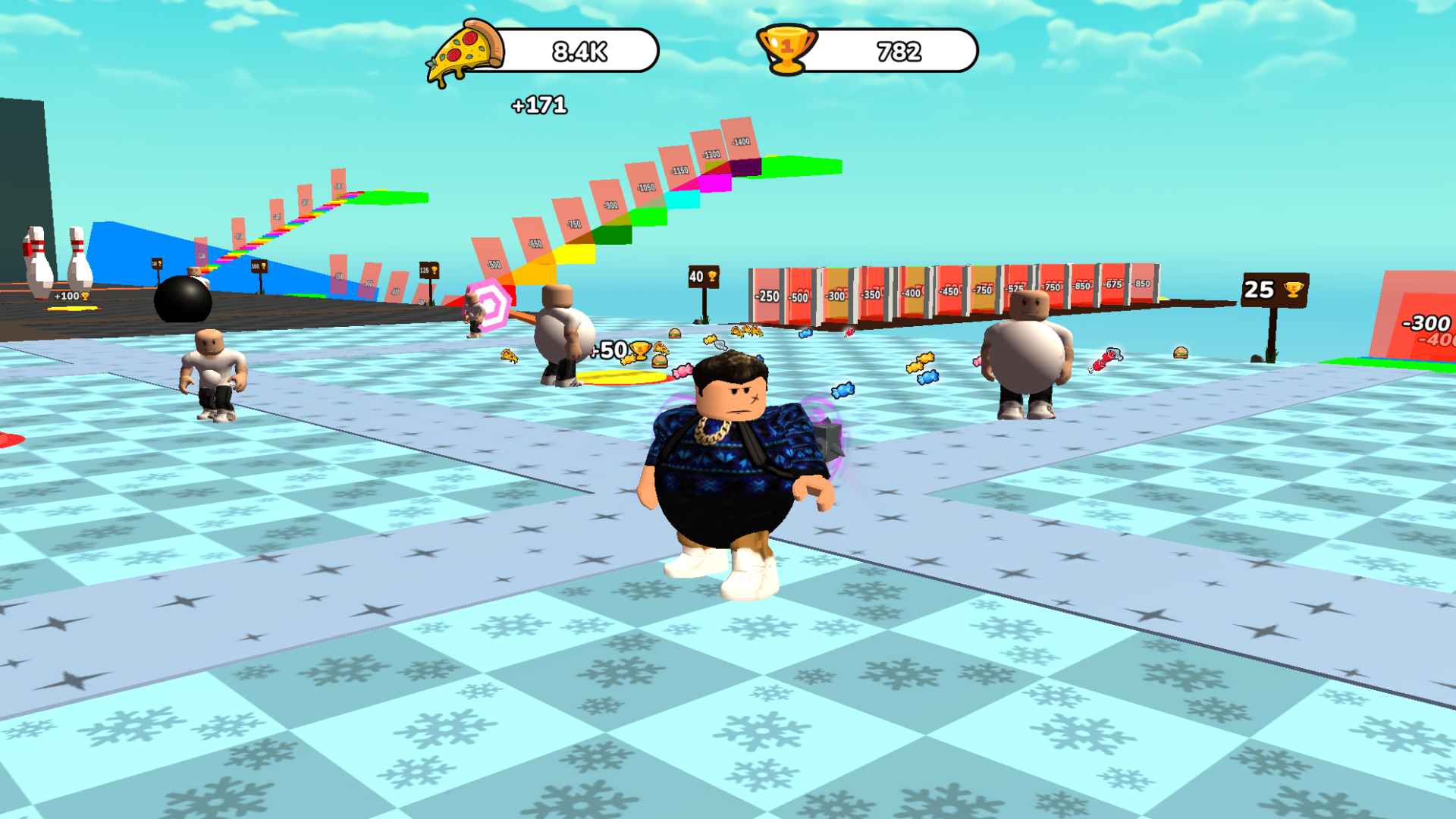
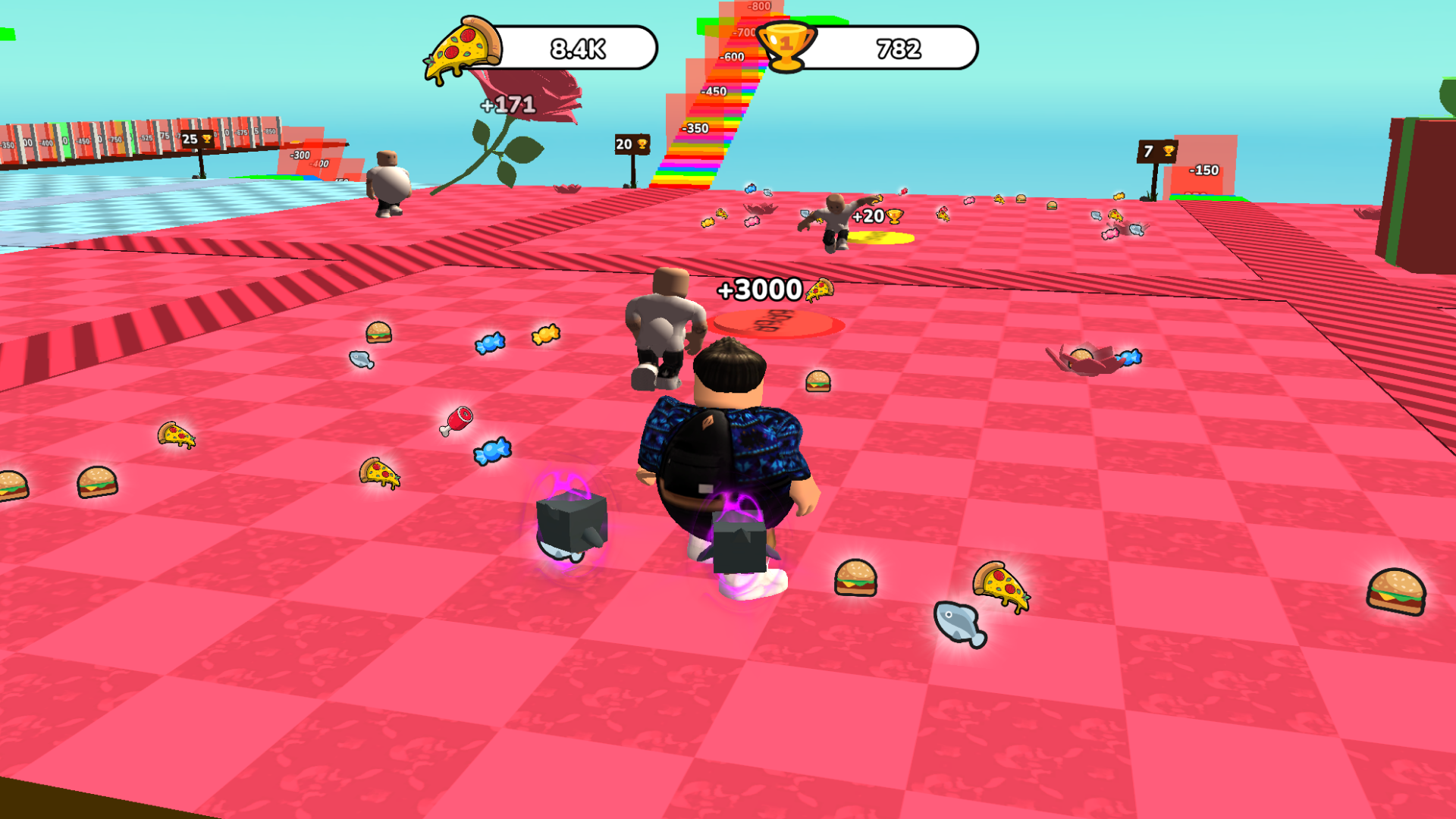
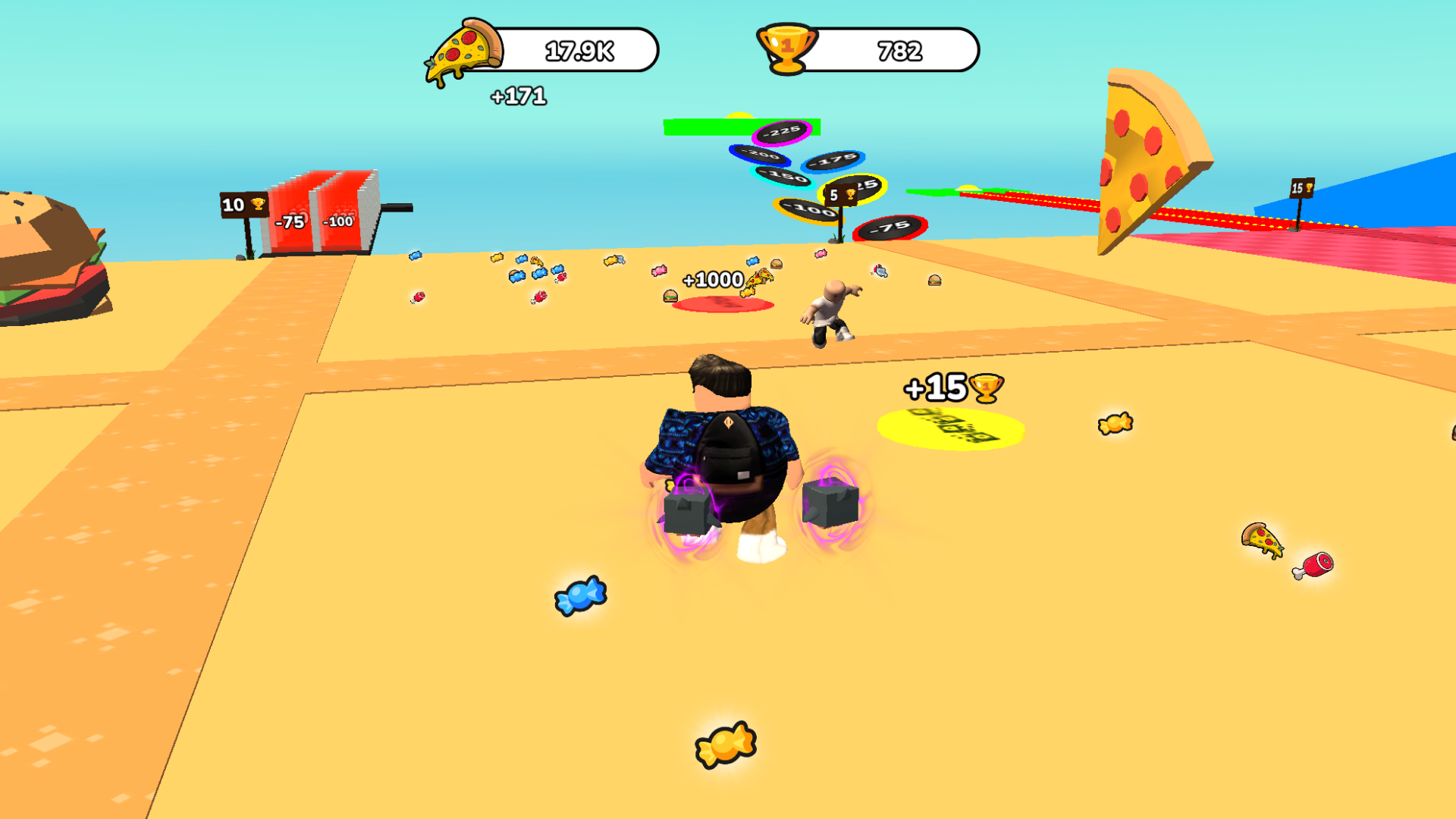
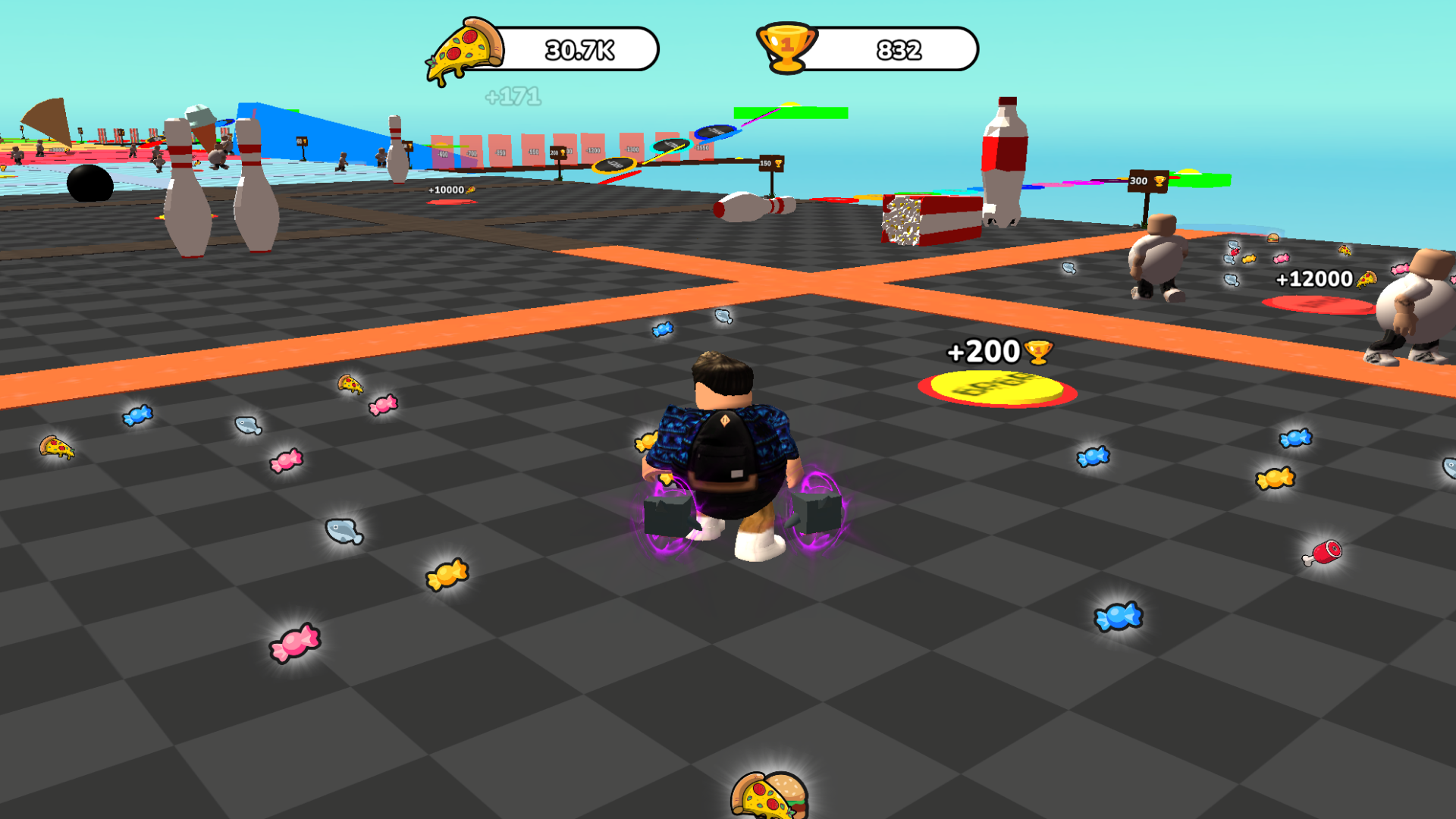
The gameplay begins with eating food that is scattered throughout the level. The more your character eats, the fatter he becomes. Increase your fat per second and become a real “giant”.
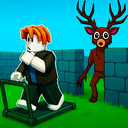
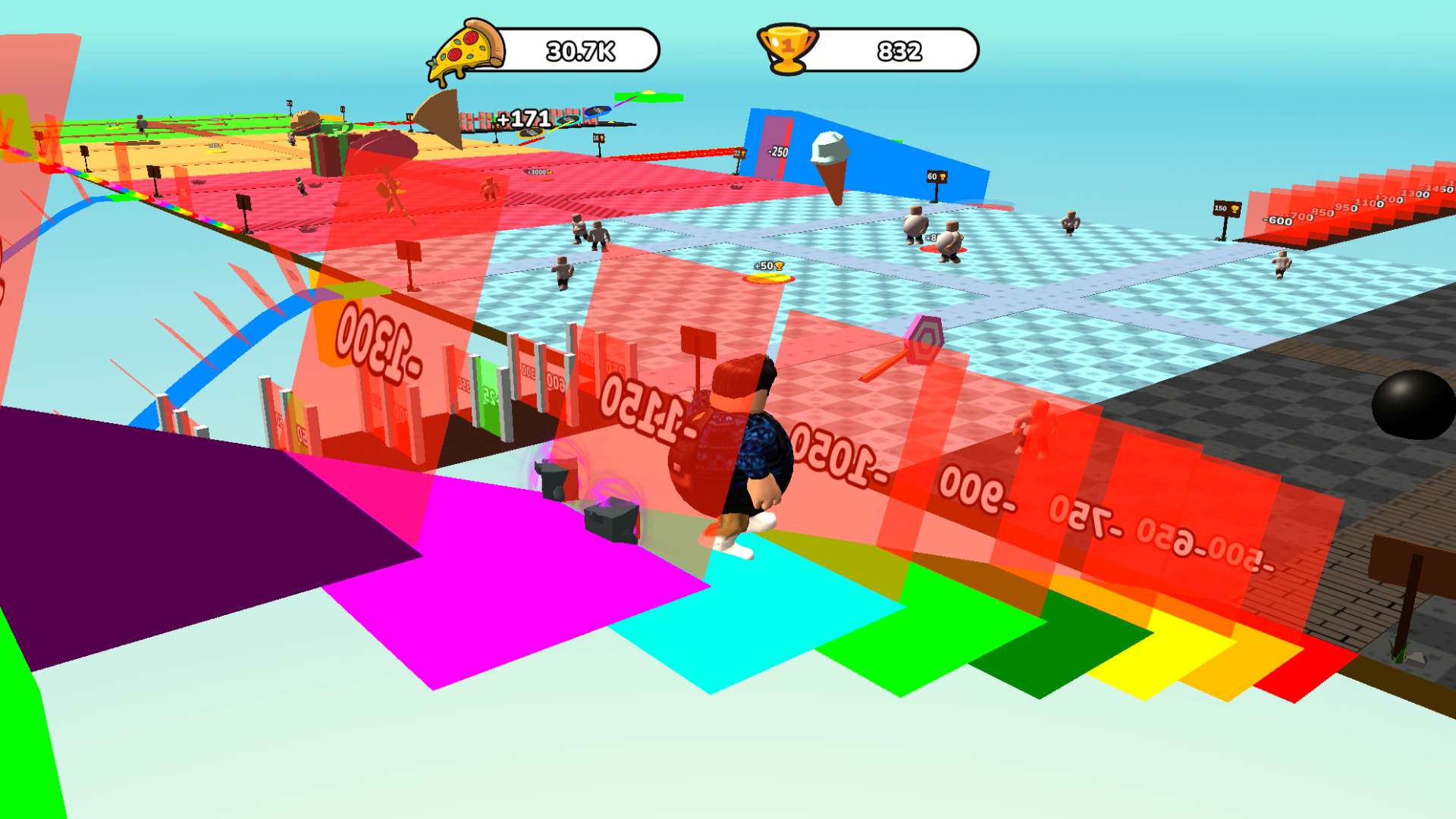
However, your character must go through various trials. These challenges are fun challenges where you lose fat and earn trophies. Use these cups to purchase various pets that not only add a unique flavor to the gameplay, but also provide fat bonuses.
This is not just a game, but an exciting world where the balance between eating and challenging is the key to success. Are you ready to make your character the greatest hero in this exciting world? Start your adventure now!
Videos and screenshots
13,162 players online
How to play
-
Open the game
Press Play now and the game opens on its own screen.
-
Follow the in-game instructions
The controls and goals are shown inside the game as you play.
-
Use the game menu
The floating button over the game reloads it, saves it to your favourites, or takes you back out.