Overview
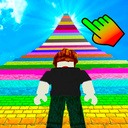
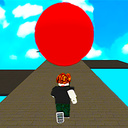
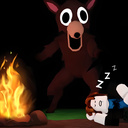
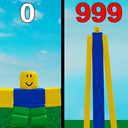
"+1 Growth per second: Robbie!" is similar to the popular Roblox mode. Here you are constantly getting +1 to growth. Score as many points as possible and take the first place in the leaderboard.
You will like the game if you like jumping, parkour, roblox, obby, robbie, minecraft and +1 Per second games.
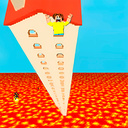
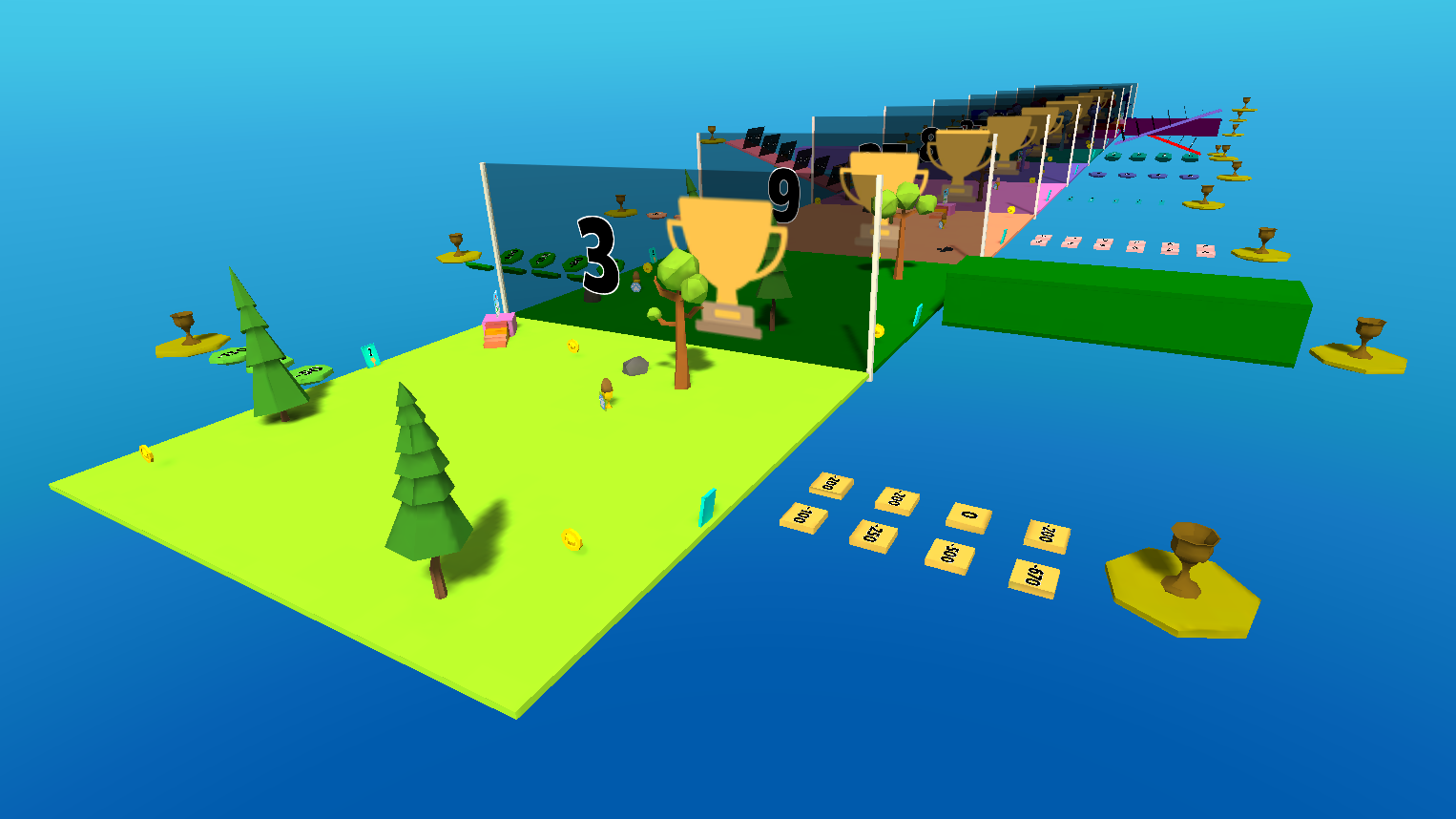
There are many different beautiful locations in this Robbie. To open them, you need to accumulate a certain number of cups. Each location has its own challenges.
After you open all the locations, you can be reborn, resetting all progress. This will help you level up even faster than last time!
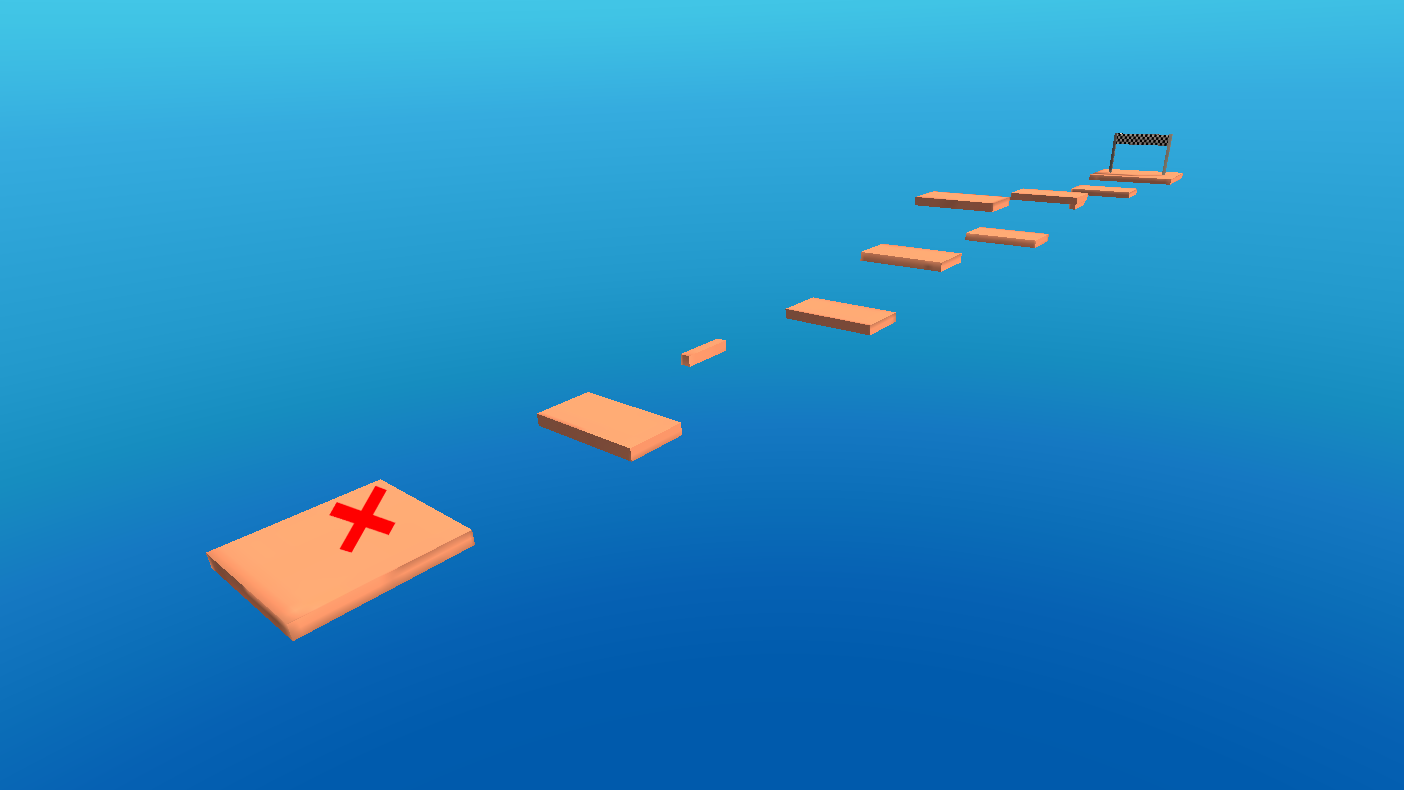
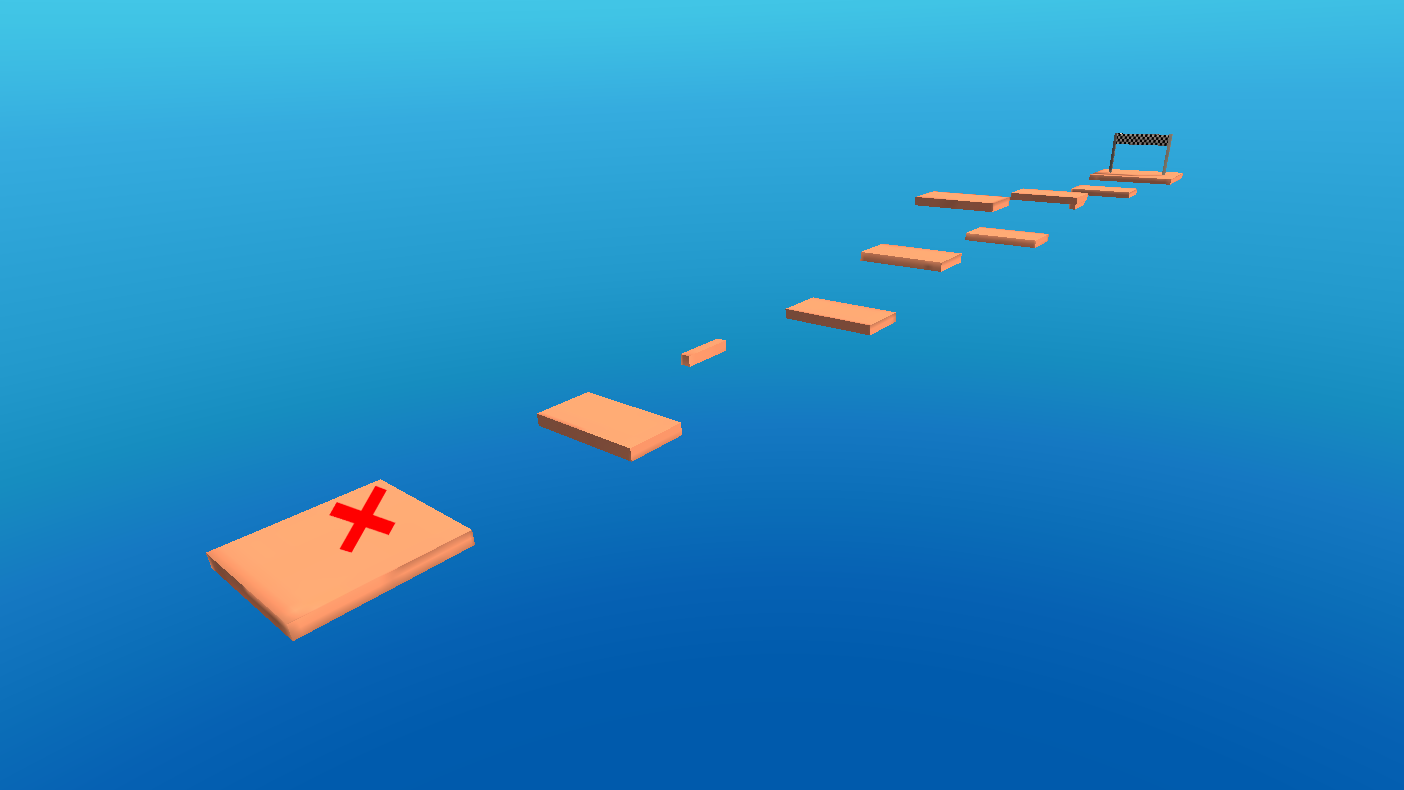
You can go through the parkour rounds to get some points and practice your skills!
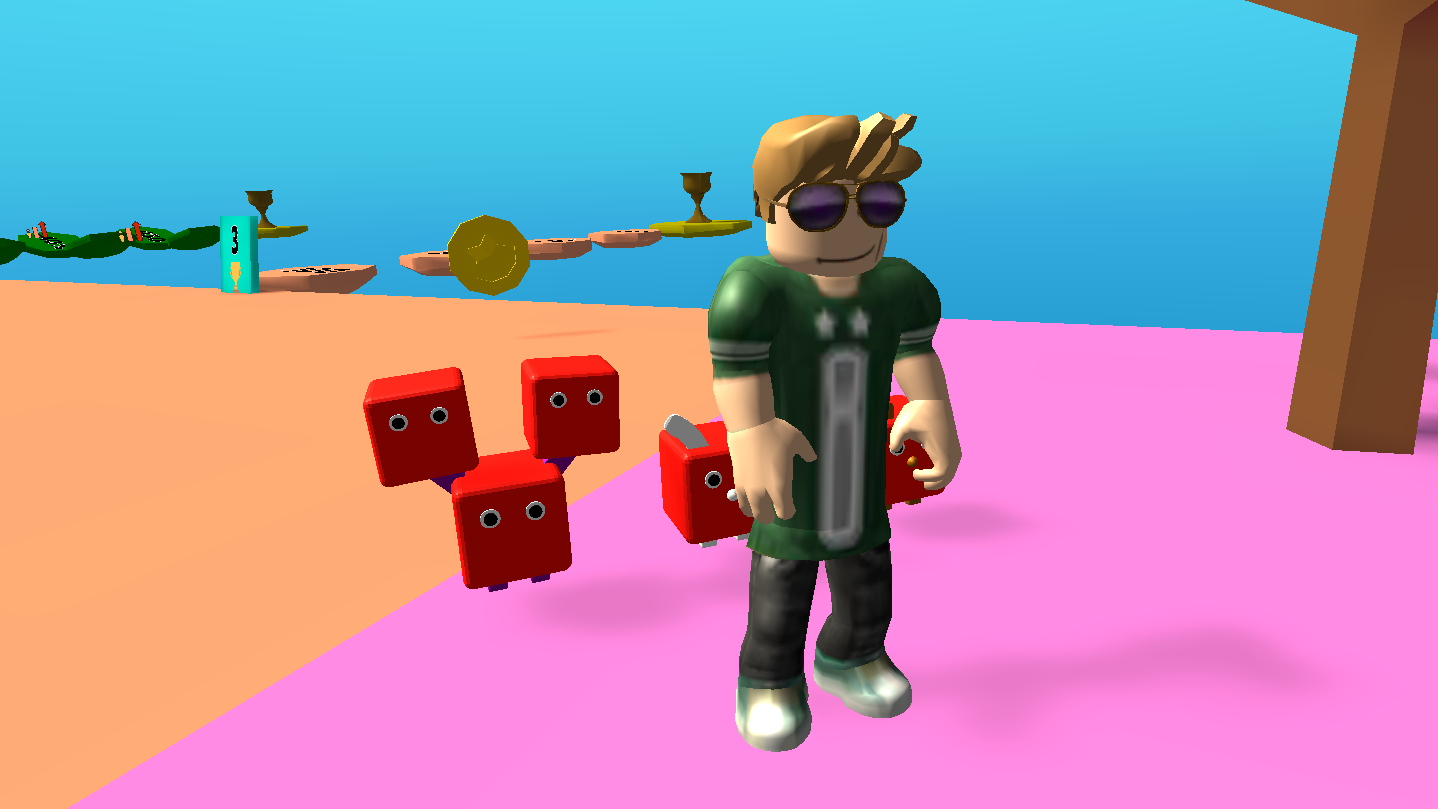
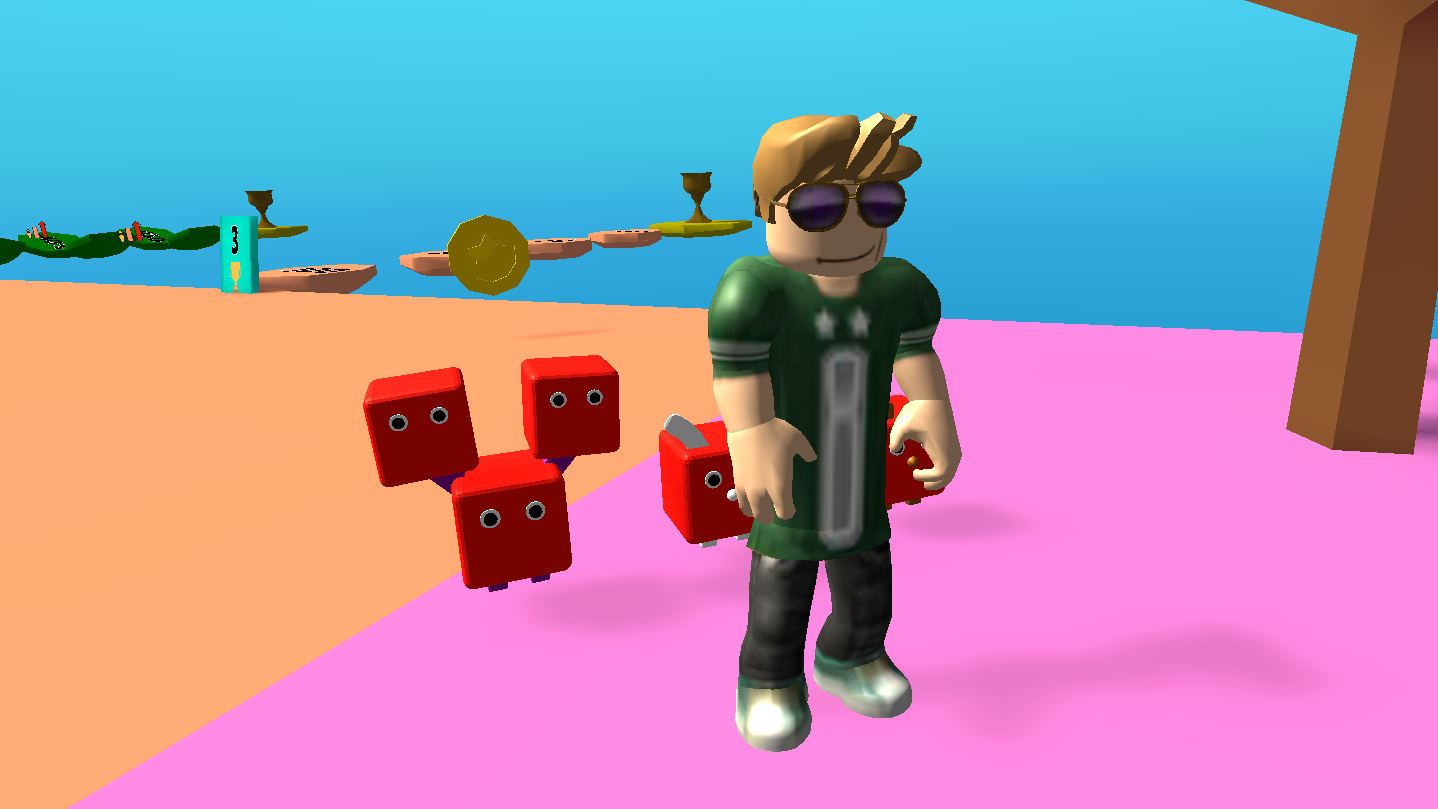
Buy different cool skins to be different from other players! This Robbie also has the option of buying X2 bonuses, which will give you a significant chance to take the first place in the leaderboard!
Buy pets and collect gifts to gain the growth of your robloxer as quickly as possible!
Videos and screenshots
11,686 players online
How to play
-
Open the game
Press Play now and the game opens on its own screen.
-
Follow the in-game instructions
The controls and goals are shown inside the game as you play.
-
Use the game menu
The floating button over the game reloads it, saves it to your favourites, or takes you back out.