Skip to content
KG
2048 3D: Merge Cubes

2048 3D: Merge Cubes

6K plays 4.2 out of 5

Overview

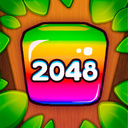
This fascinating puzzle game contains a new look at the classic mechanics of merging the numbers 2048. Now the action takes place in three-dimensional space, and each game block can physically interact with others, pushing them and influencing the location of blocks on the field. The ease of gameplay allows you to train your brain at any age, and the beautiful graphics will be a pleasant bonus.

Videos and screenshots
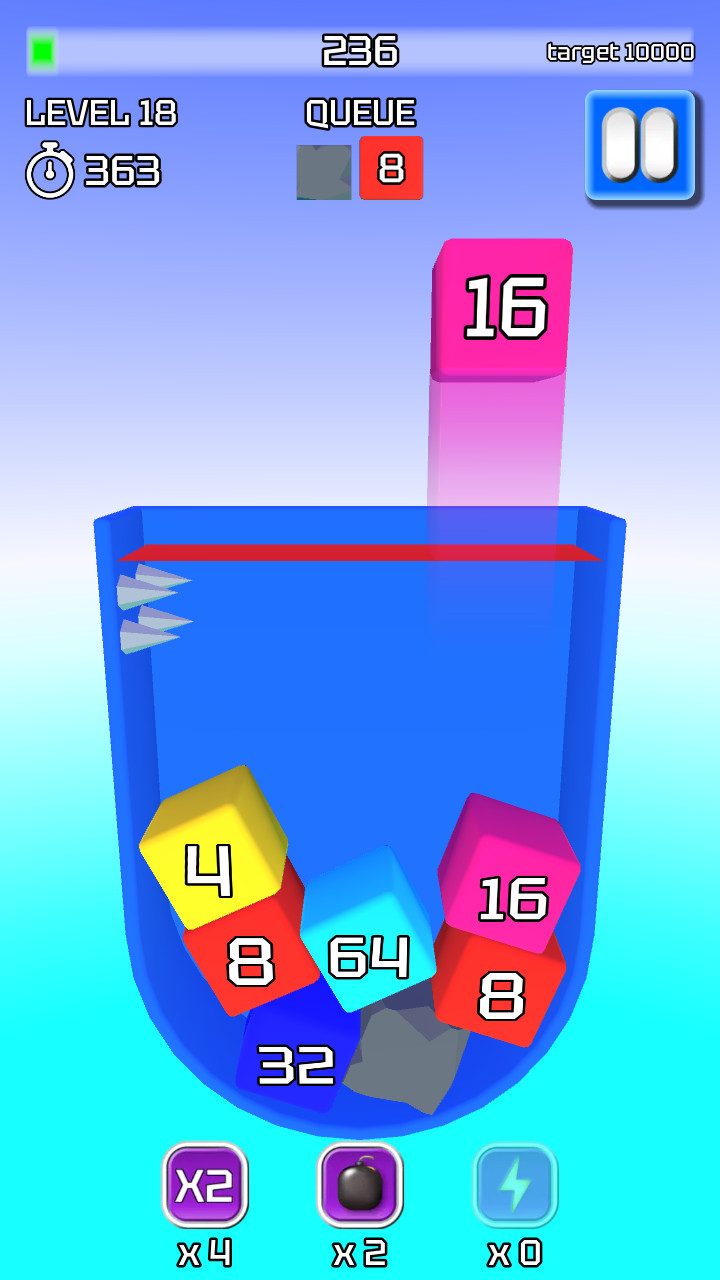
  • 2048 3D: Merge Cubes screenshot 1
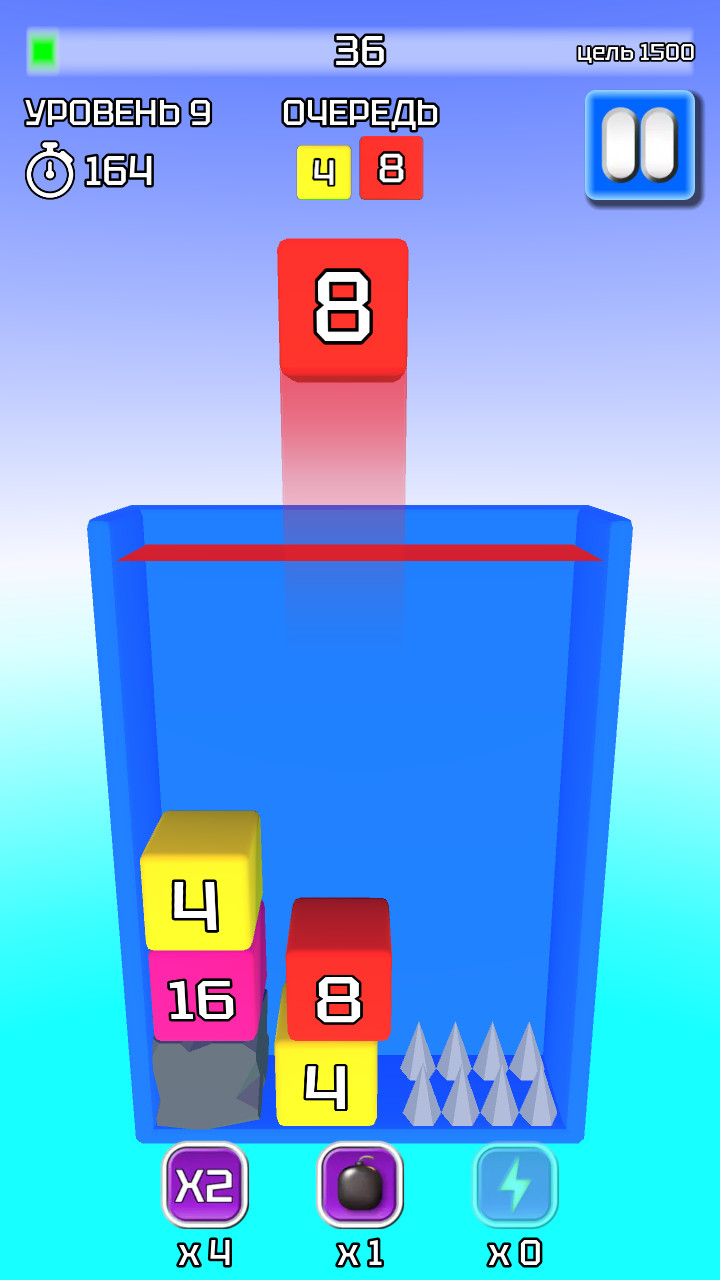
  • 2048 3D: Merge Cubes screenshot 2
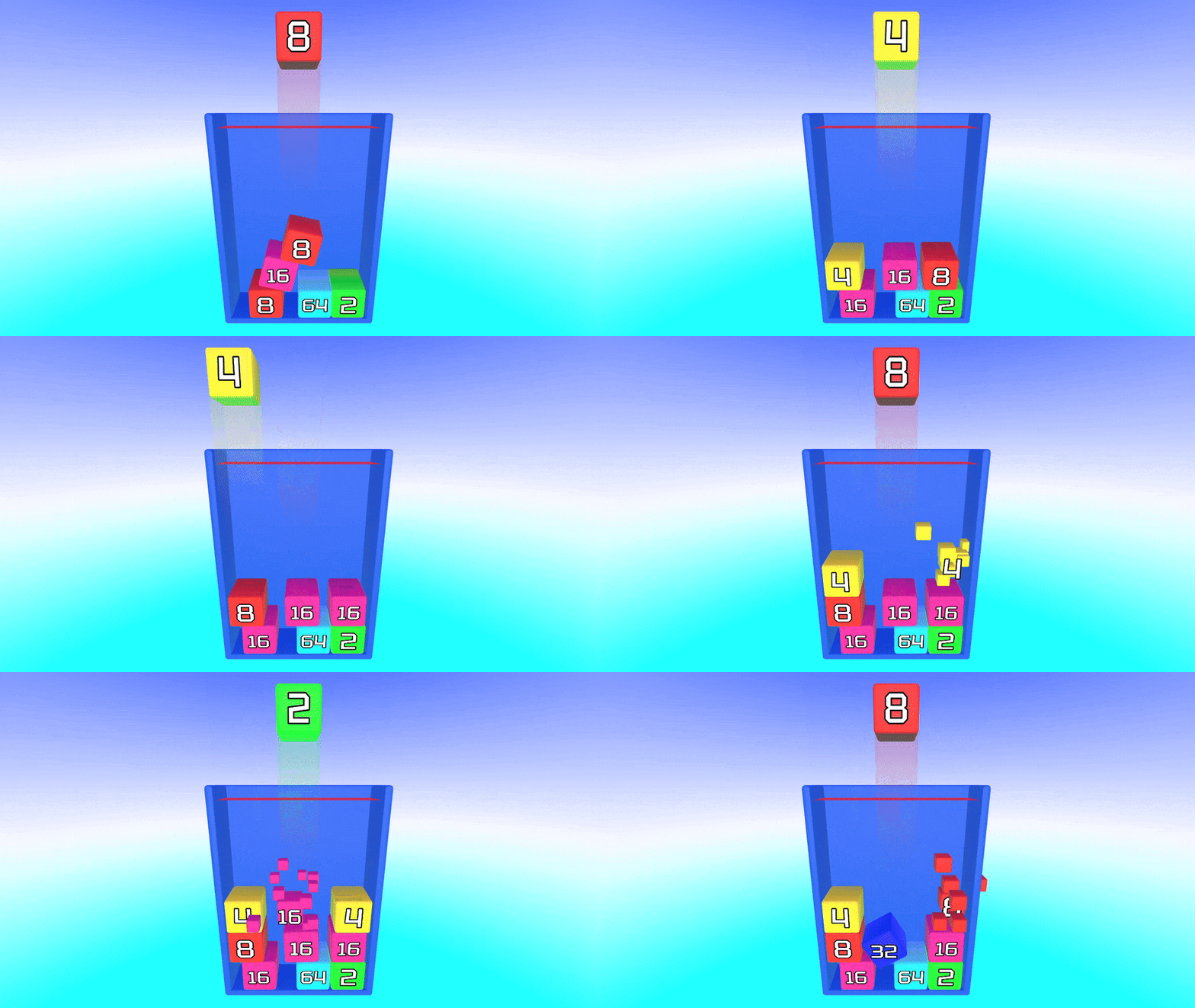
  • 2048 3D: Merge Cubes screenshot 3
  • 2048 3D: Merge Cubes screenshot 4
  • 2048 3D: Merge Cubes screenshot 5
  • 2048 3D: Merge Cubes screenshot 6
  • 2048 3D: Merge Cubes screenshot 7
  • 2048 3D: Merge Cubes screenshot 8
Play Now

10,038 players online

How to play

  1. Open the game

    Press Play now and the game opens on its own screen.

  2. Follow the in-game instructions

    The controls and goals are shown inside the game as you play.

  3. Use the game menu

    The floating button over the game reloads it, saves it to your favourites, or takes you back out.

Game instructions

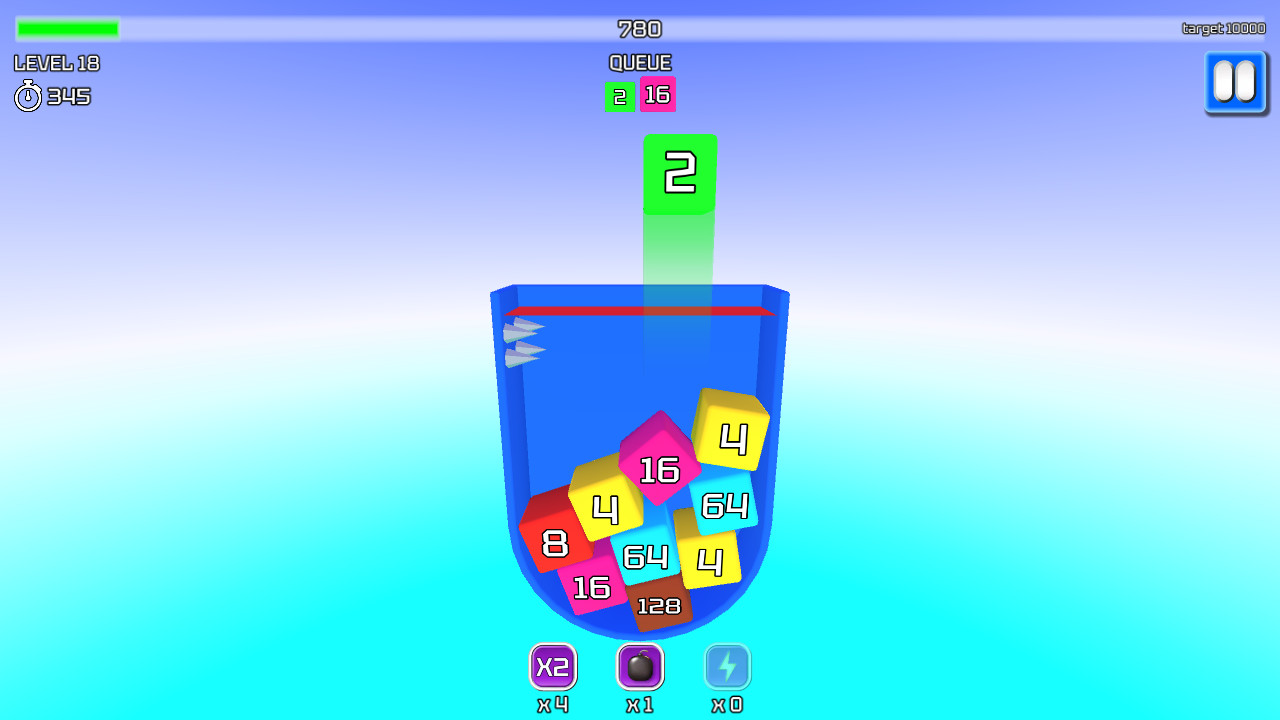
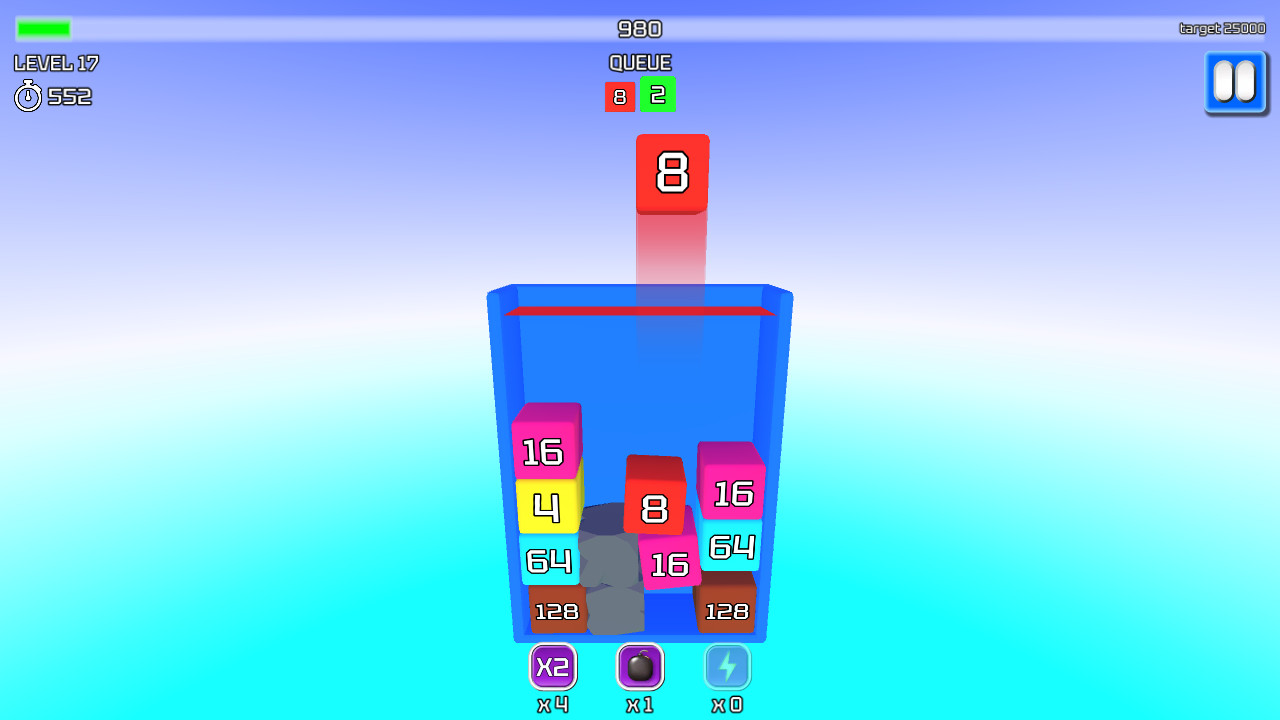
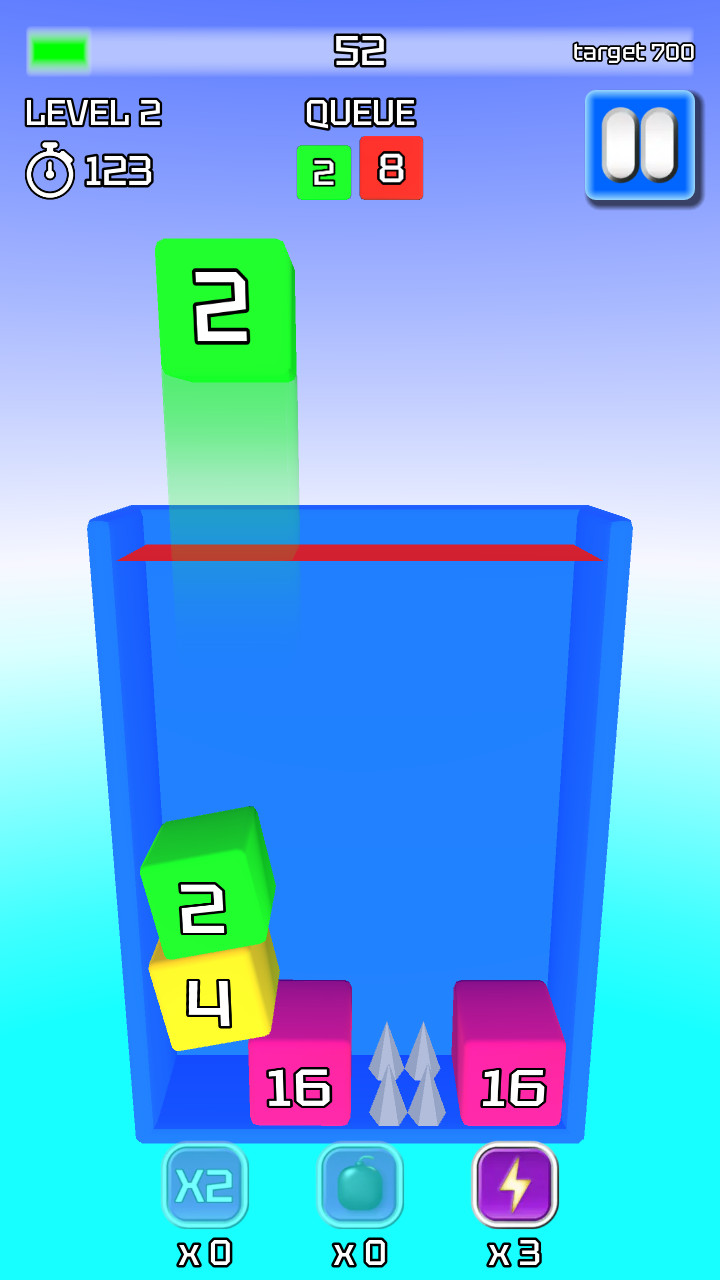
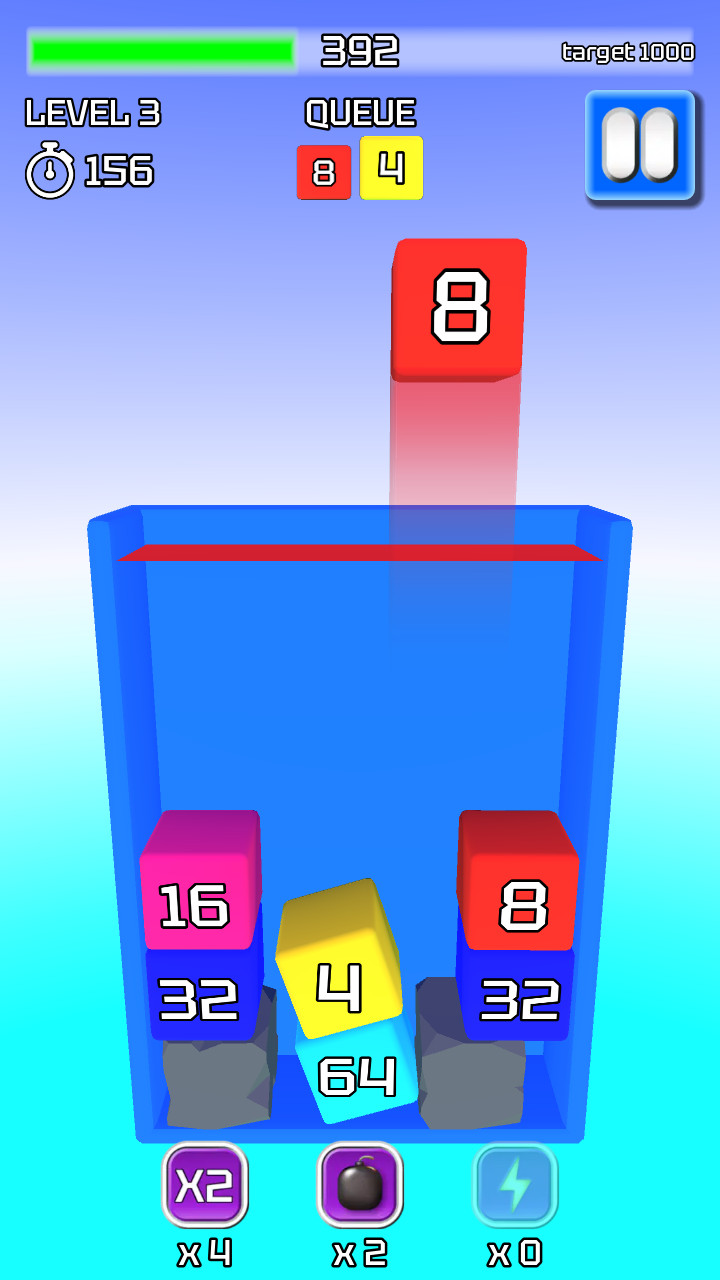
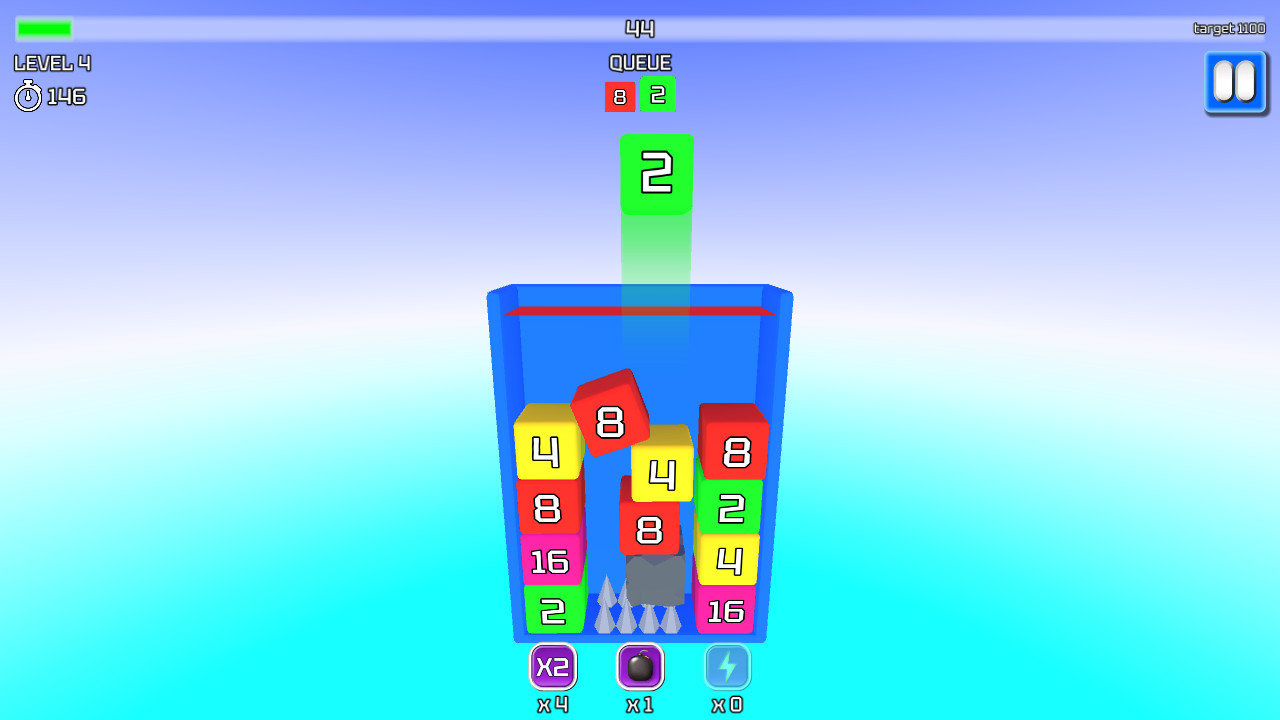
Blocks with numbers from 2 to 2048 appear above the playing field. The blocks must be dropped into the playing field, trying to combine the same ones. When they are connected, a new block with a higher degree appears, and points are awarded. Sometimes there may be "stones" - these are blocks that have no number and do not connect to other blocks. You can remove them with a "bomb" or "lightning" booster. There is a boundary at the top of the playing field, which ends the game after crossing it for more than three seconds. The goal is to complete the levels and set new records in endless mode. Boosters: -"X2" doubles any numeric block - "bomb" destroys nearby blocks of any type - "flash" removes all the stones from the field Control: -in an empty place on the screen, move your finger (or mouse with the left key held down) left/right to select the desired position of the block -to throw a block, you need to remove your finger from the screen (or release the left mouse button)

More games

More games