Skip to content
KG
3D Checkers

3D Checkers

79K plays 4.4 out of 5

Overview

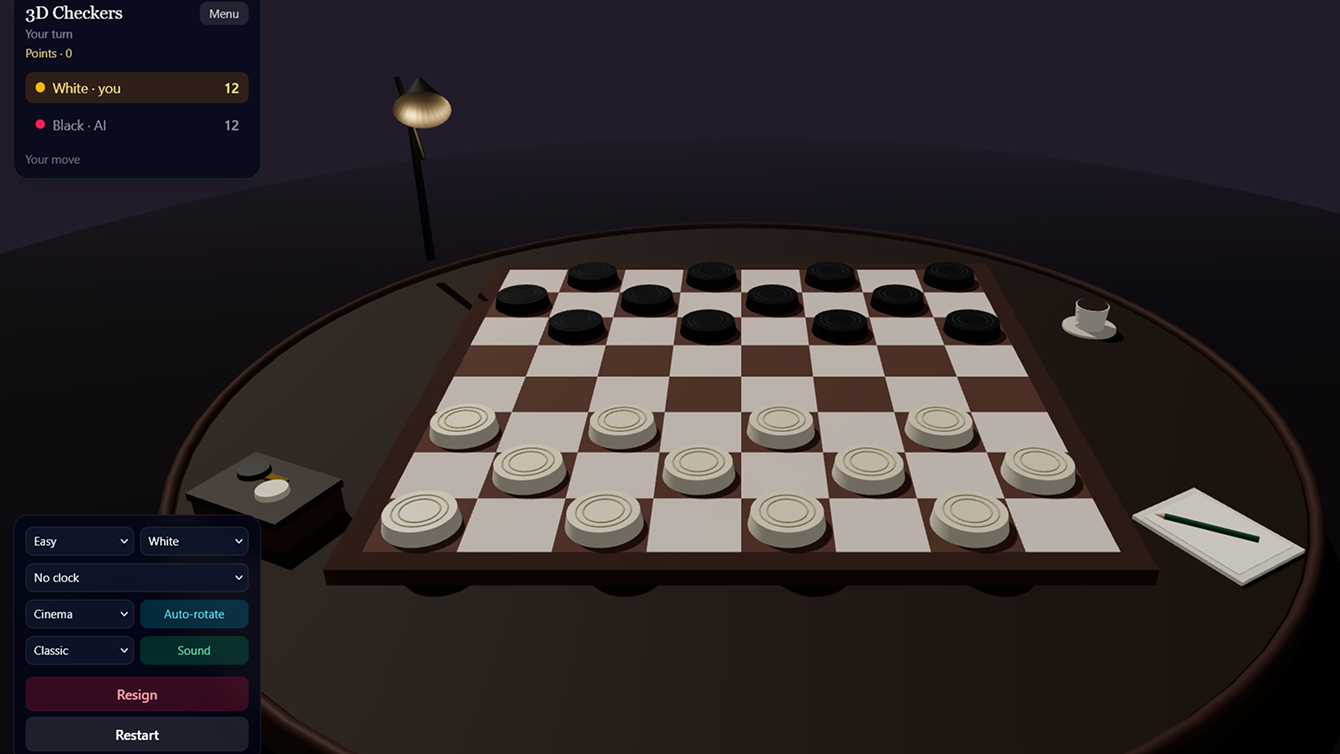
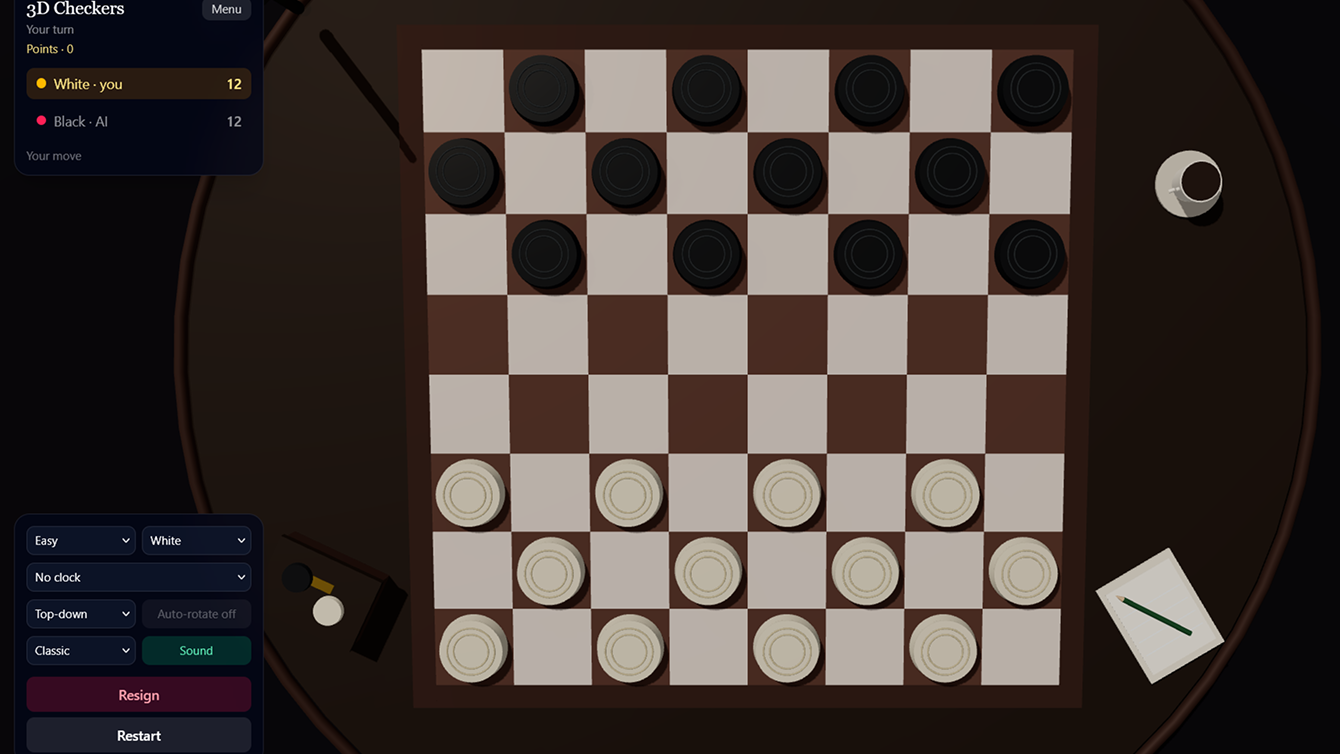
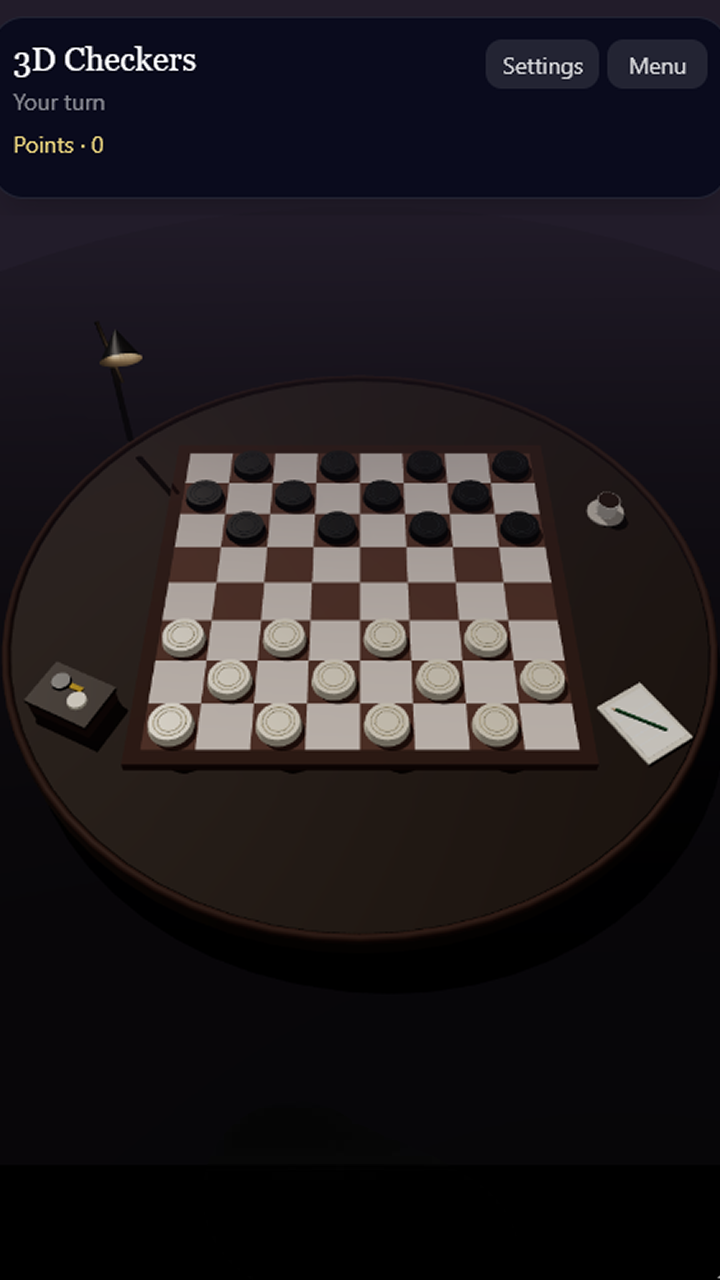
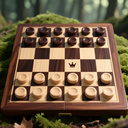
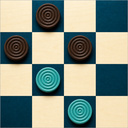
Classic Russian checkers played on a 3D board. Move diagonally, execute mandatory captures and long multi-jump sequences, and promote your pieces to kings—kings can move any number of squares diagonally. Choose a mode to suit your mood: • vs. Computer — three difficulty levels, ranging from a casual match to a tough opponent; • Tournament — an 8-player bracket; win three matches to claim the cup; • Two-player (local) — a classic choice for friends and family; • Puzzles — forced scenarios where the opponent responds to every move; • Tutorial — master the rules in just a few quick steps. Switch board themes and camera angles, and turn on the blitz clock. Earn points for victories and unlock achievements. Play on your phone or computer—sit down at the board and make your first move!

Videos and screenshots
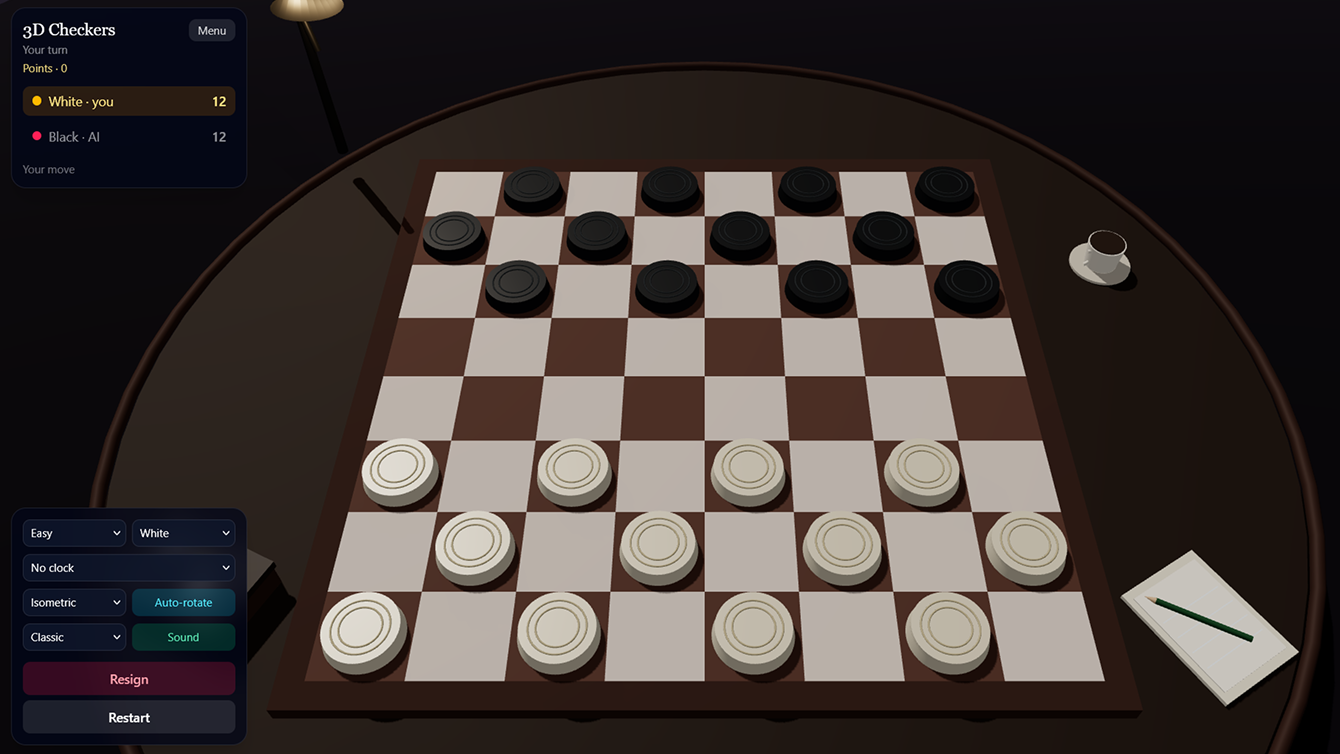
  • 3D Checkers screenshot 1
  • 3D Checkers screenshot 2
  • 3D Checkers screenshot 3
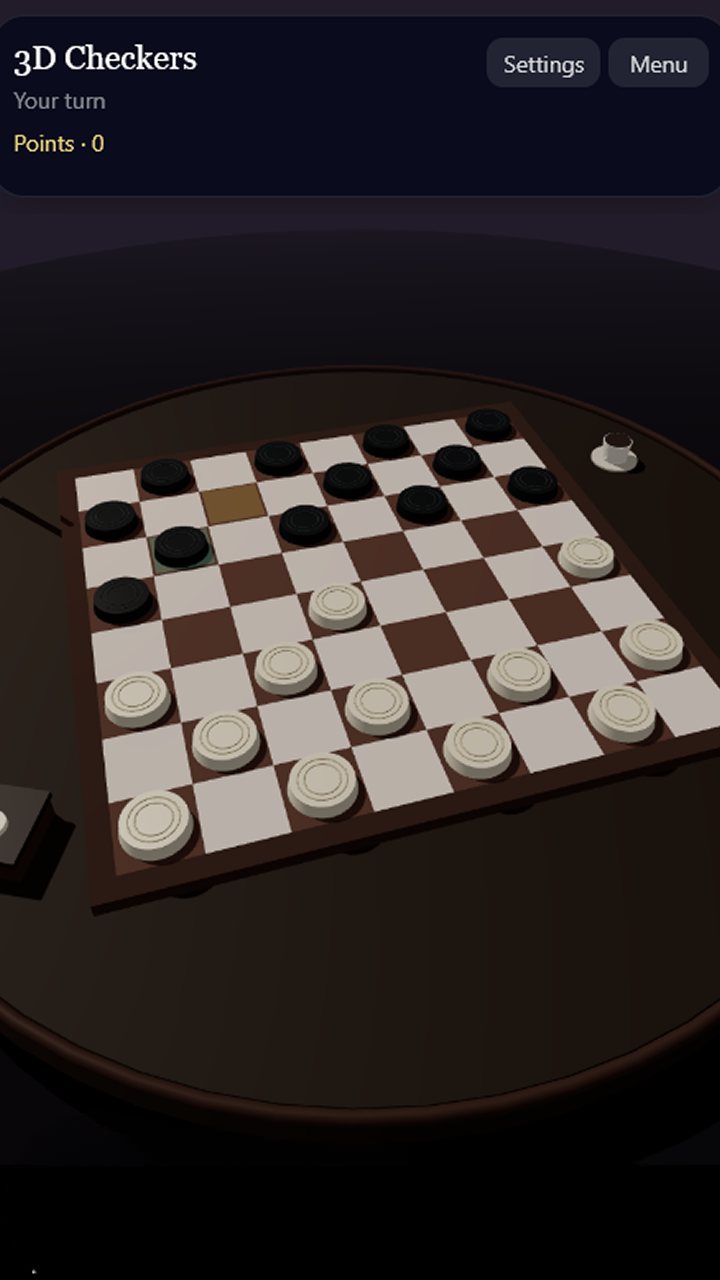
  • 3D Checkers screenshot 4
  • 3D Checkers screenshot 5
Play Now

12,016 players online

How to play

  1. Open the game

    Press Play now and the game opens on its own screen.

  2. Follow the in-game instructions

    The controls and goals are shown inside the game as you play.

  3. Use the game menu

    The floating button over the game reloads it, saves it to your favourites, or takes you back out.
Game instructions

Controls • Tap or click a piece to select it. • Available moves are highlighted in green—click a square to move. • A yellow highlight indicates a piece that must make a capture. • Drag your finger or mouse across the board to rotate the camera; use the mouse wheel to zoom. • The camera menu allows you to choose the view: isometric, top-down, or cinematic. Rules • Pieces move only diagonally on dark squares. • A regular piece moves forward one square; it captures forward or backward by jumping over an adjacent piece. • Capturing is mandatory if a capture is available. A single piece may continue a sequence of captures. • Upon reaching the last row, a piece becomes a king and can move or capture any number of squares diagonally. • The goal is to eliminate all of the opponent's pieces or leave them with no legal moves. The "Undo Move," "Resign," and "Restart" buttons are located in the game panel. The "Tutorial" mode is suitable for beginners.

More games

More games