Skip to content
KG
3D Mahjong

3D Mahjong

28K plays 4.7 out of 5

Overview

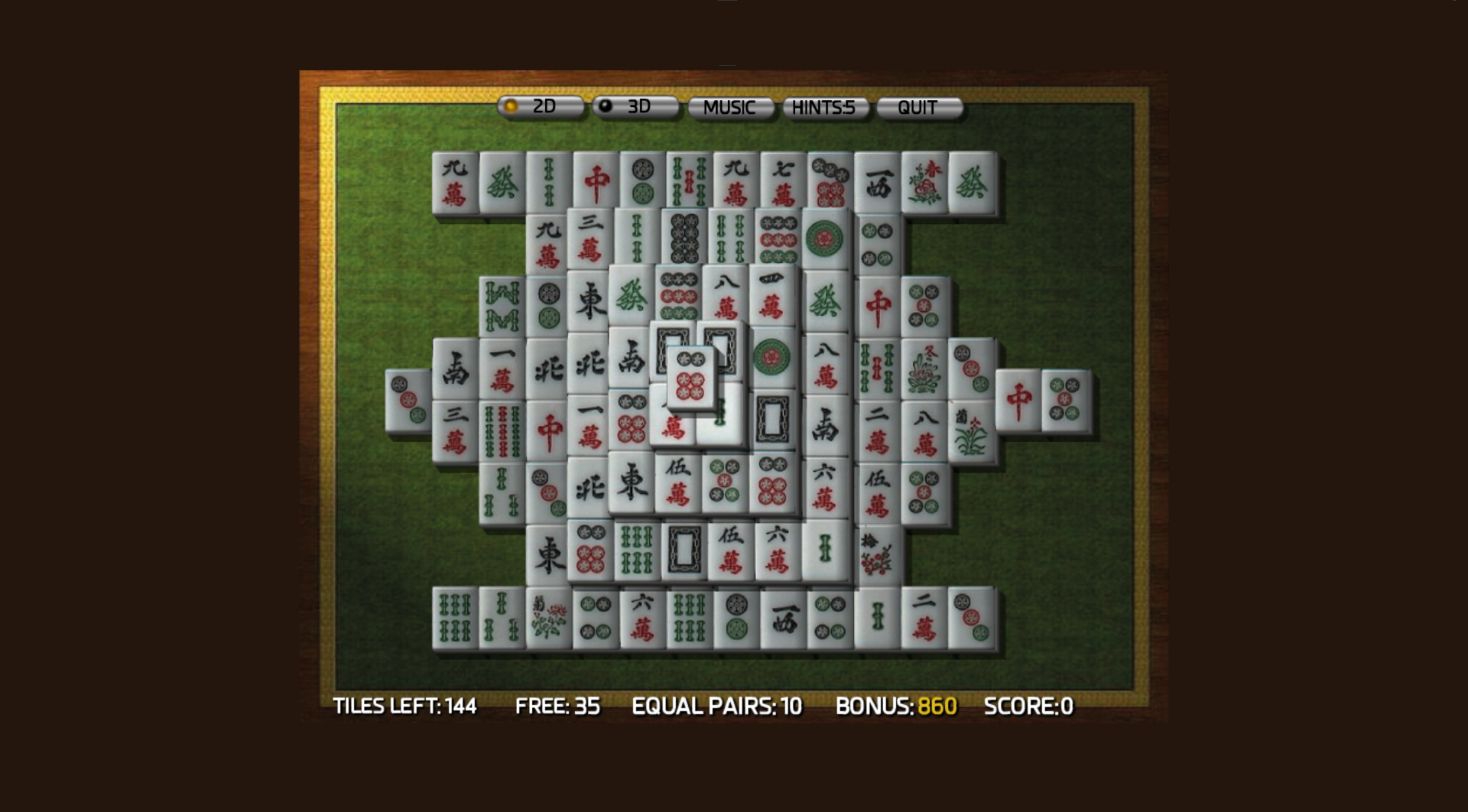
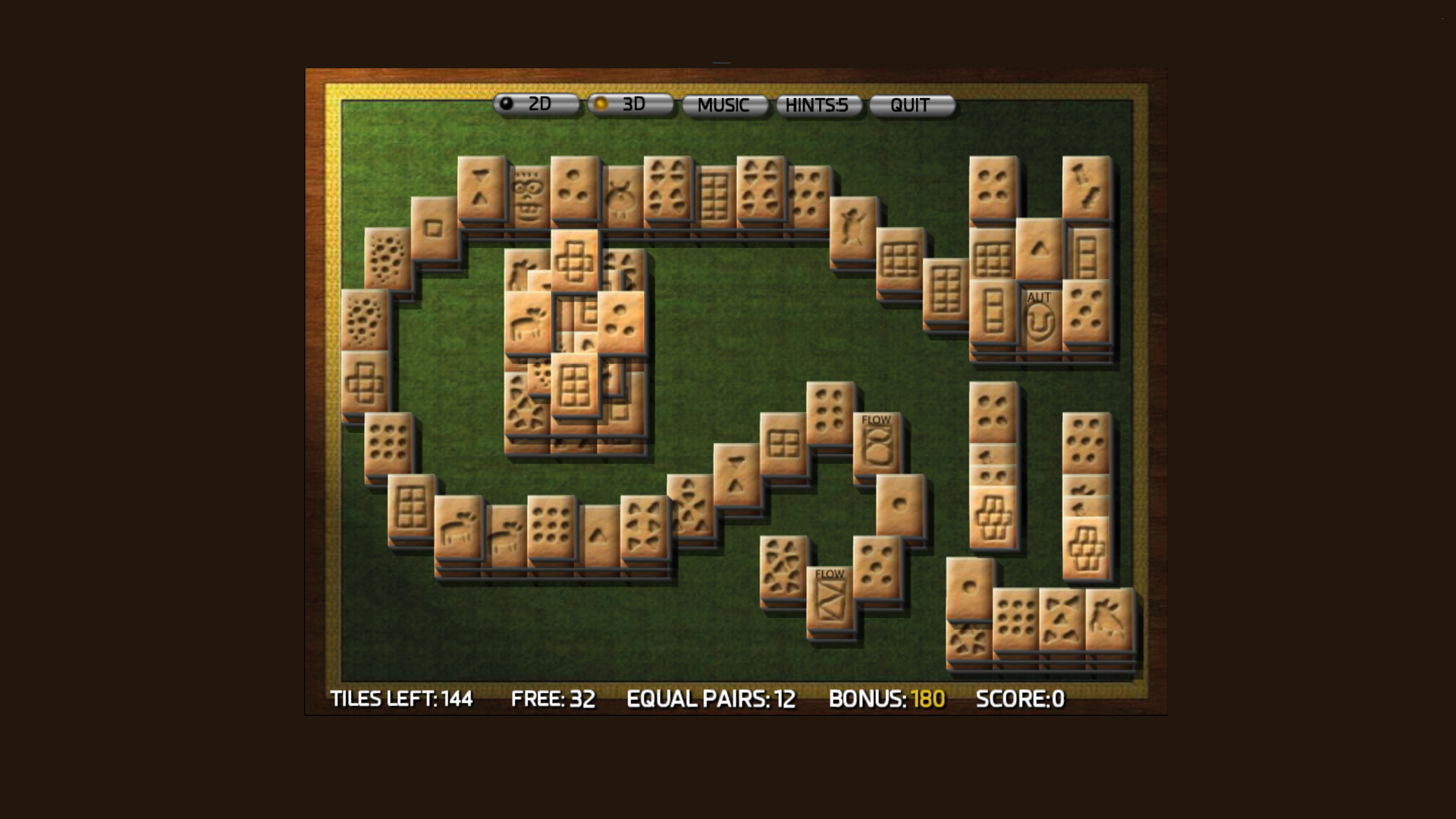
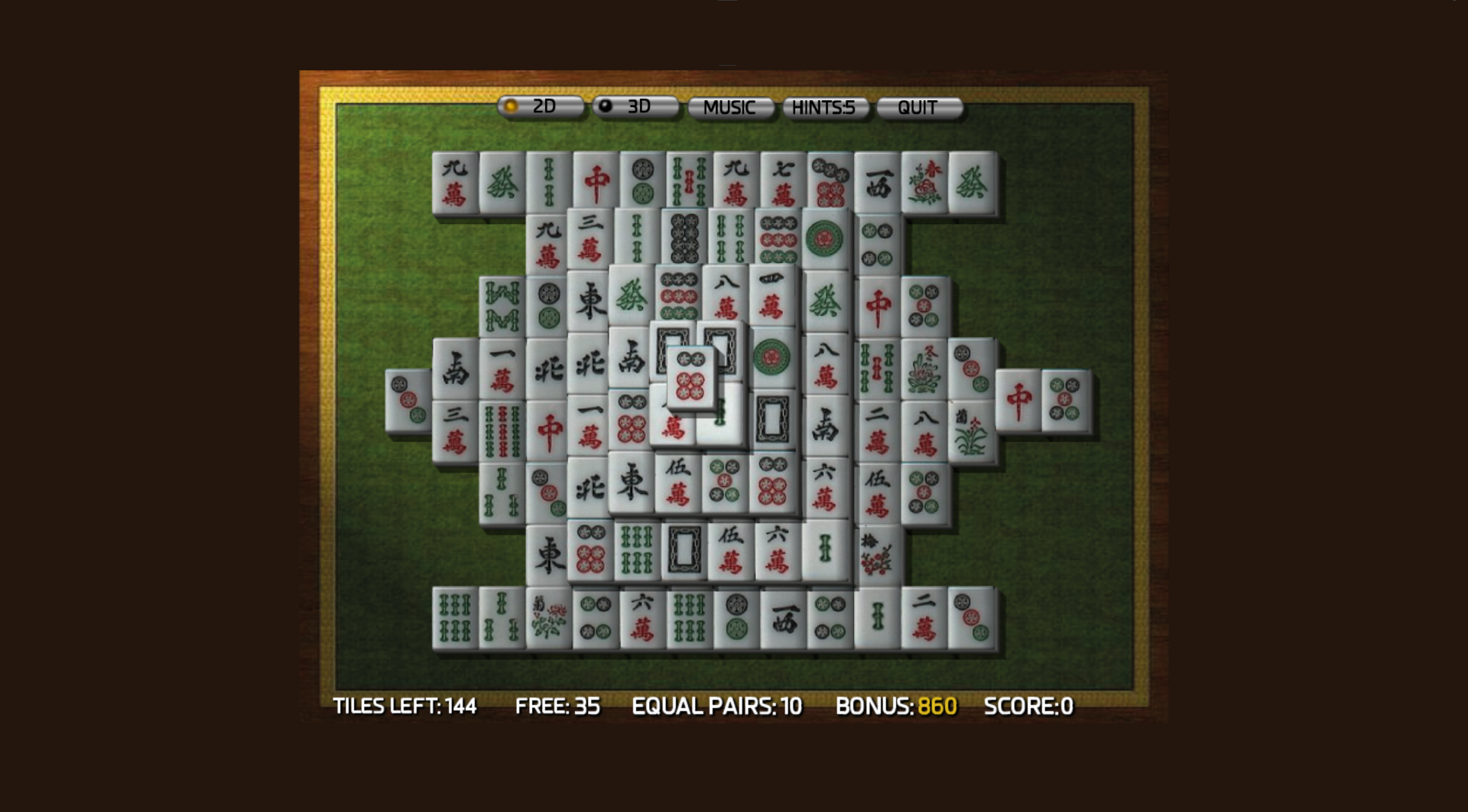
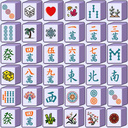
In this mahjong game you can play in 3D and 2D modes. In the game, you can configure the type of tile layout (Layout menu), or choose one of the types of drawings for the dice (Tile set menu).

Videos and screenshots
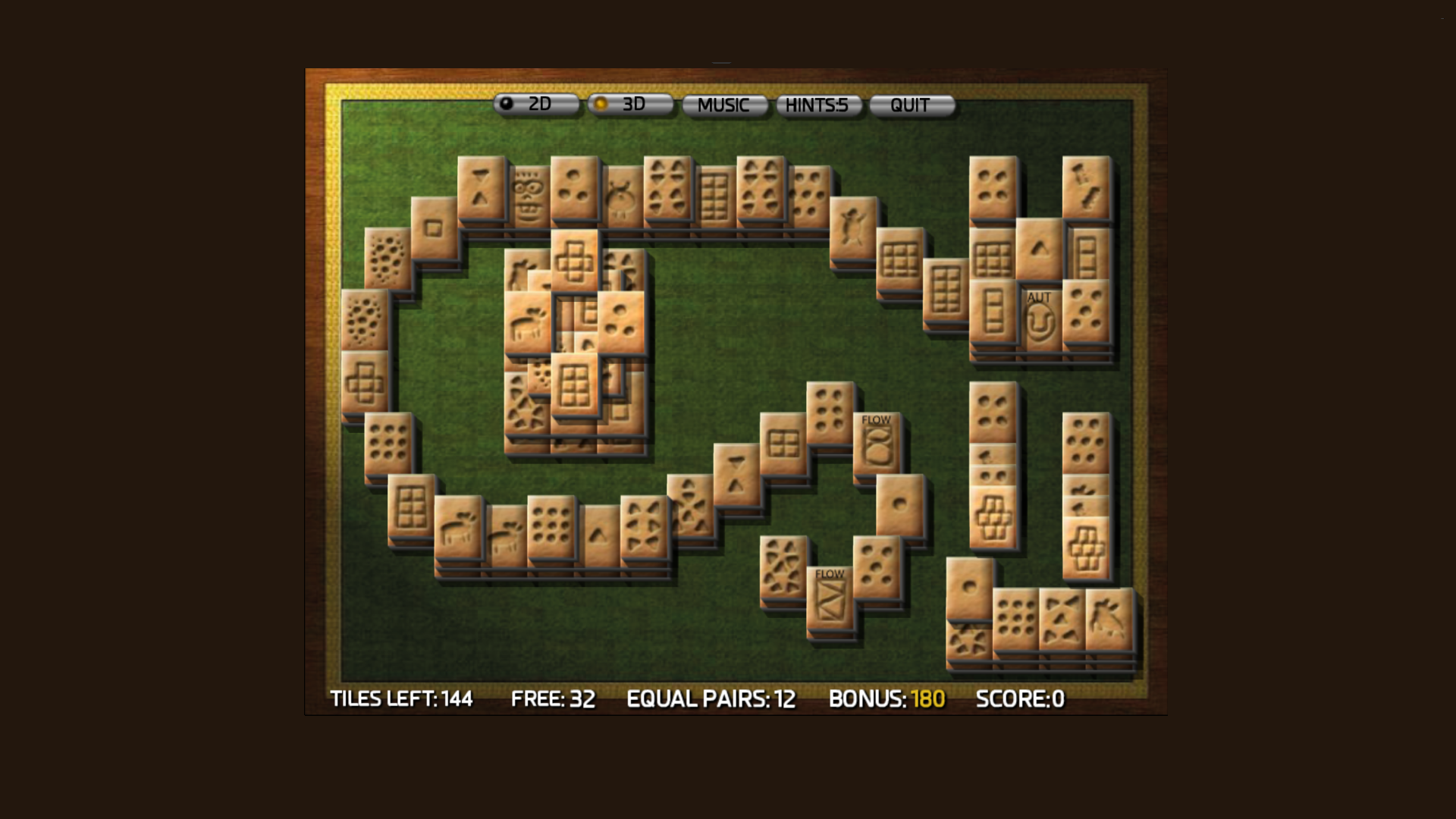
  • 3D Mahjong screenshot 1
  • 3D Mahjong screenshot 2
  • 3D Mahjong screenshot 3
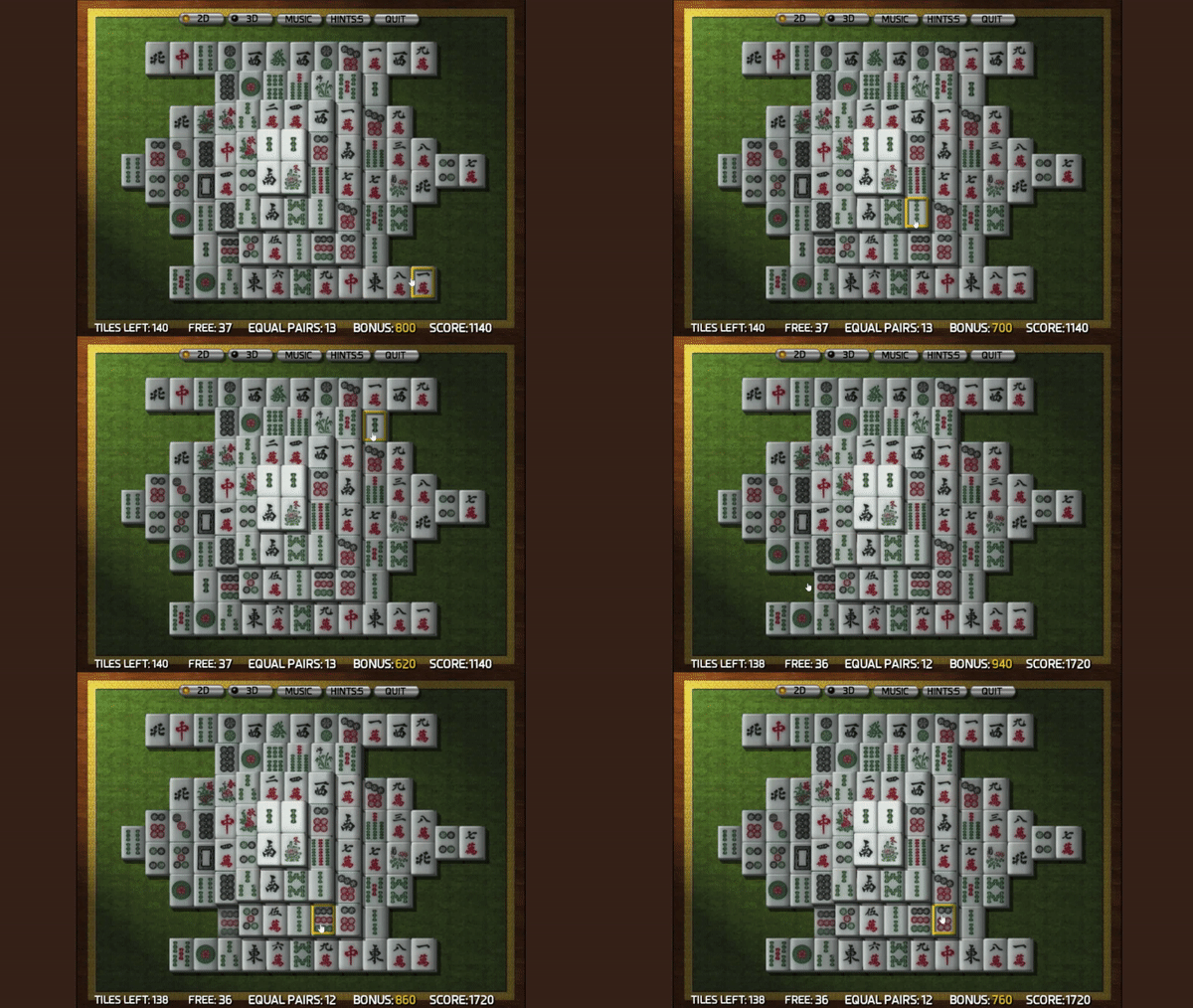
  • 3D Mahjong screenshot 4
  • 3D Mahjong screenshot 5
Play Now

10,480 players online

How to play

  1. Open the game

    Press Play now and the game opens on its own screen.

  2. Follow the in-game instructions

    The controls and goals are shown inside the game as you play.

  3. Use the game menu

    The floating button over the game reloads it, saves it to your favourites, or takes you back out.

Game instructions

Remove identical mahjong dices in pairs from the game field. To do this, click first on one dice, then on the other. If the dices are free, that means they are not clamped from above or from the sides by other dices, then the pair will be connected and disappear. Try to carefully think through each move to completely clear the field of cubes.

More games

More games