Skip to content
KG
5 Nights with Miku

5 Nights with Miku

107K plays 4.4 out of 5

Overview

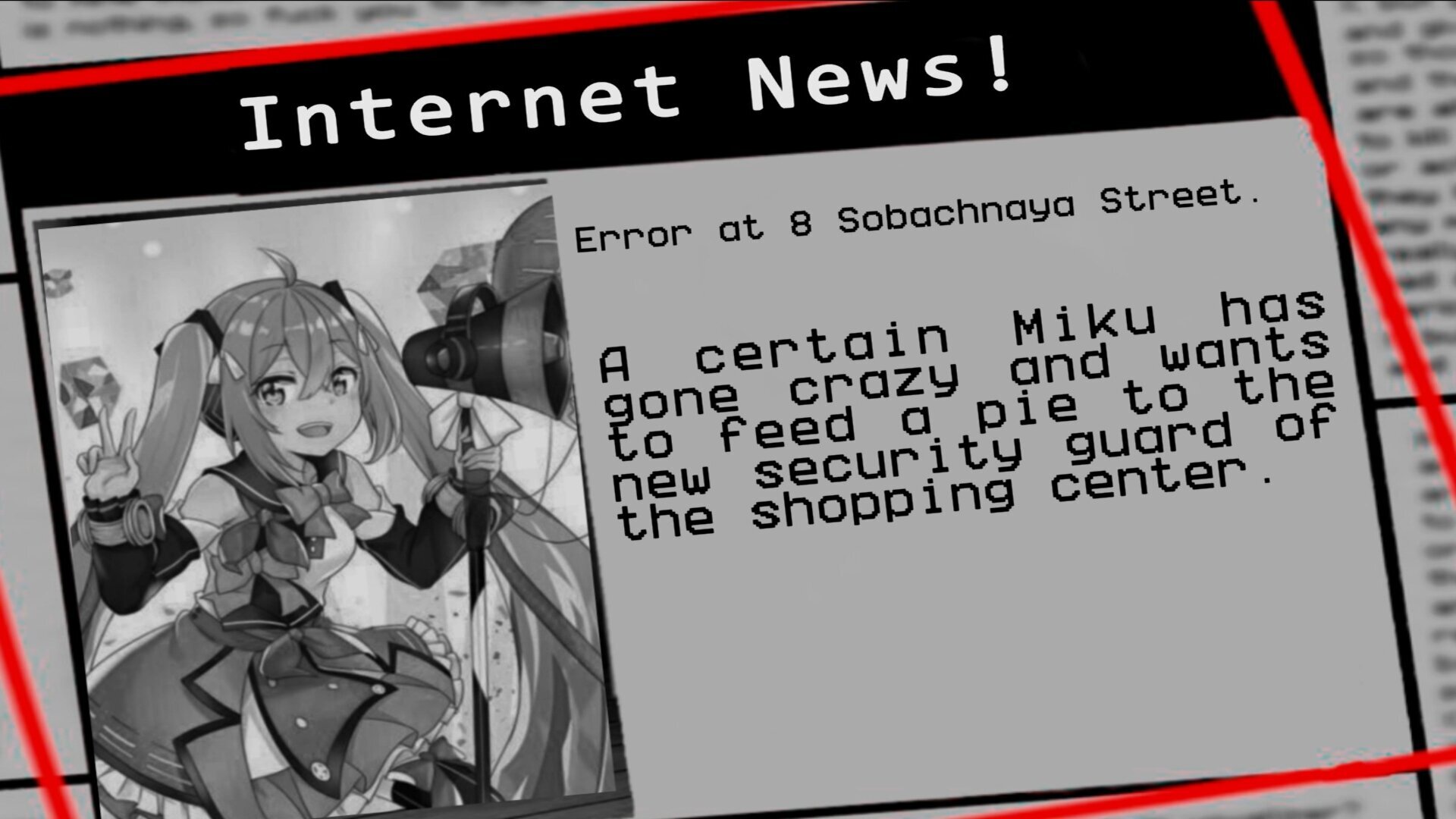
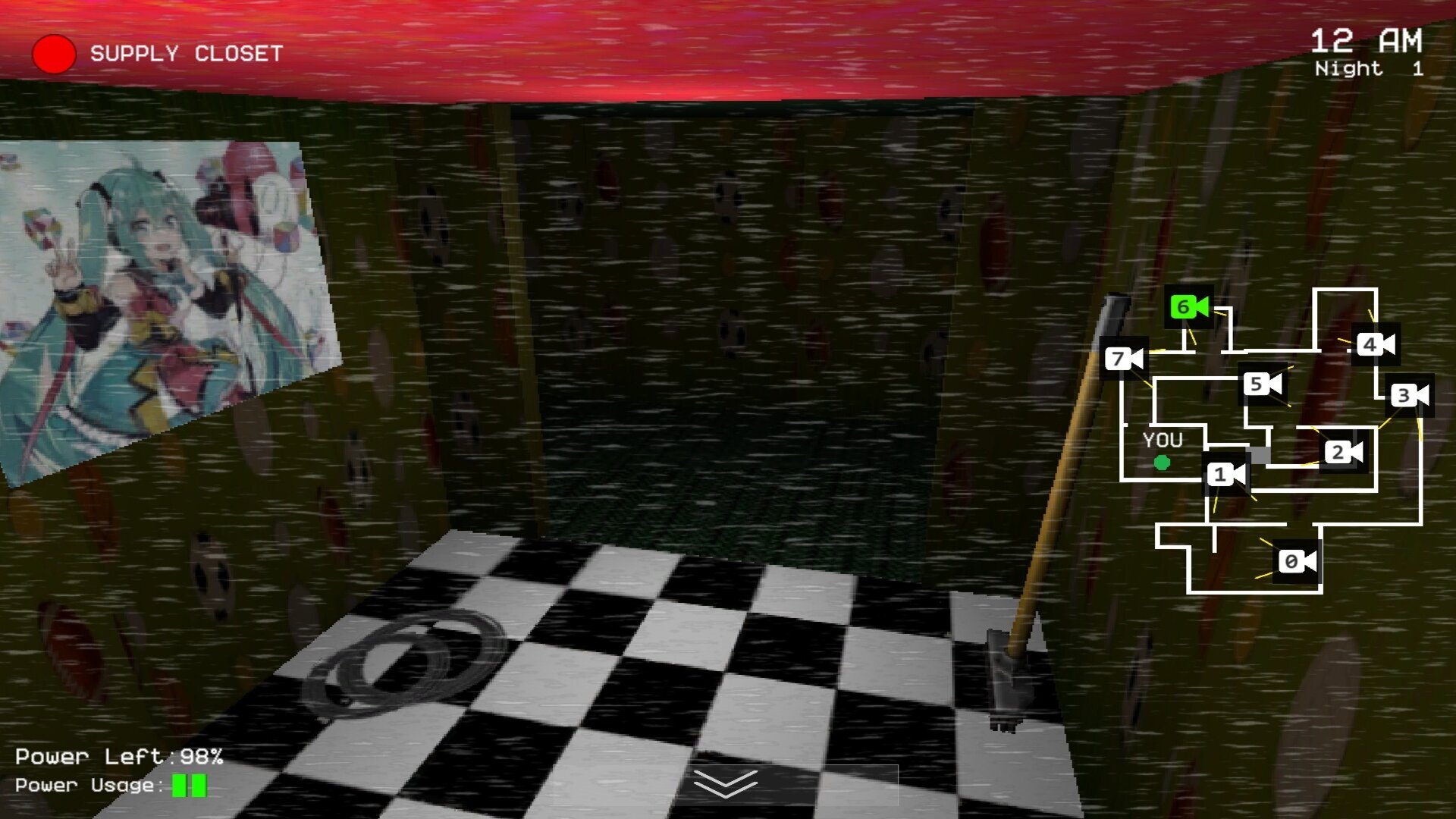
"5 Nights with Miku" may appeal to those who like games in the style of 5 nights, and with a scary atmosphere during the game.

Videos and screenshots
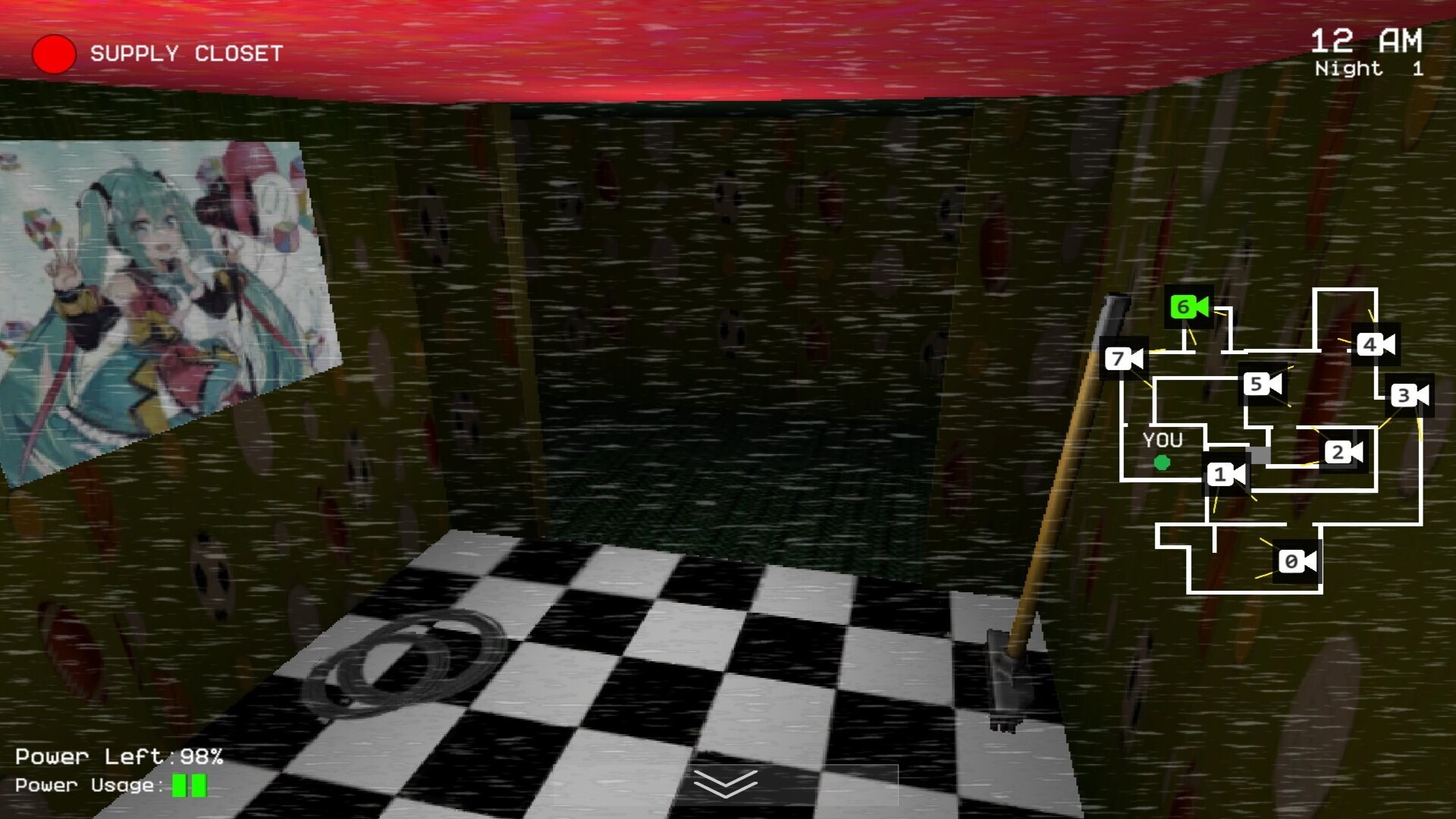
  • 5 Nights with Miku screenshot 1
  • 5 Nights with Miku screenshot 2
  • 5 Nights with Miku screenshot 3
  • 5 Nights with Miku screenshot 4
Play Now

12,608 players online

How to play

  1. Open the game

    Press Play now and the game opens on its own screen.

  2. Follow the in-game instructions

    The controls and goals are shown inside the game as you play.

  3. Use the game menu

    The floating button over the game reloads it, saves it to your favourites, or takes you back out.

Game instructions

Your goal is to last five nights, each of which will be more difficult than the previous one. You have two doors, one on the left and one on the right. They are equipped with corridor lighting. You also have a tablet with access to surveillance cameras. But be careful! All devices use a limited amount of energy, so use it wisely. PC Management: - S— open the surveillance cameras. - Th (hold) — turn on the light at the left door. - Y (hold) — turn on the light at the right door. - F — close or open the left door. - C — close or open the right door. The buttons near the doors will also come in handy. To turn your head, move the mouse cursor to the buttons on the edges of the screen. **Control for phone or tablet:** - For doors and lighting, there are buttons next to them. - For cameras, there is a button at the bottom of the screen. To turn your head, tap on the controls on the sides of the screen.

More games

More games