
Overview
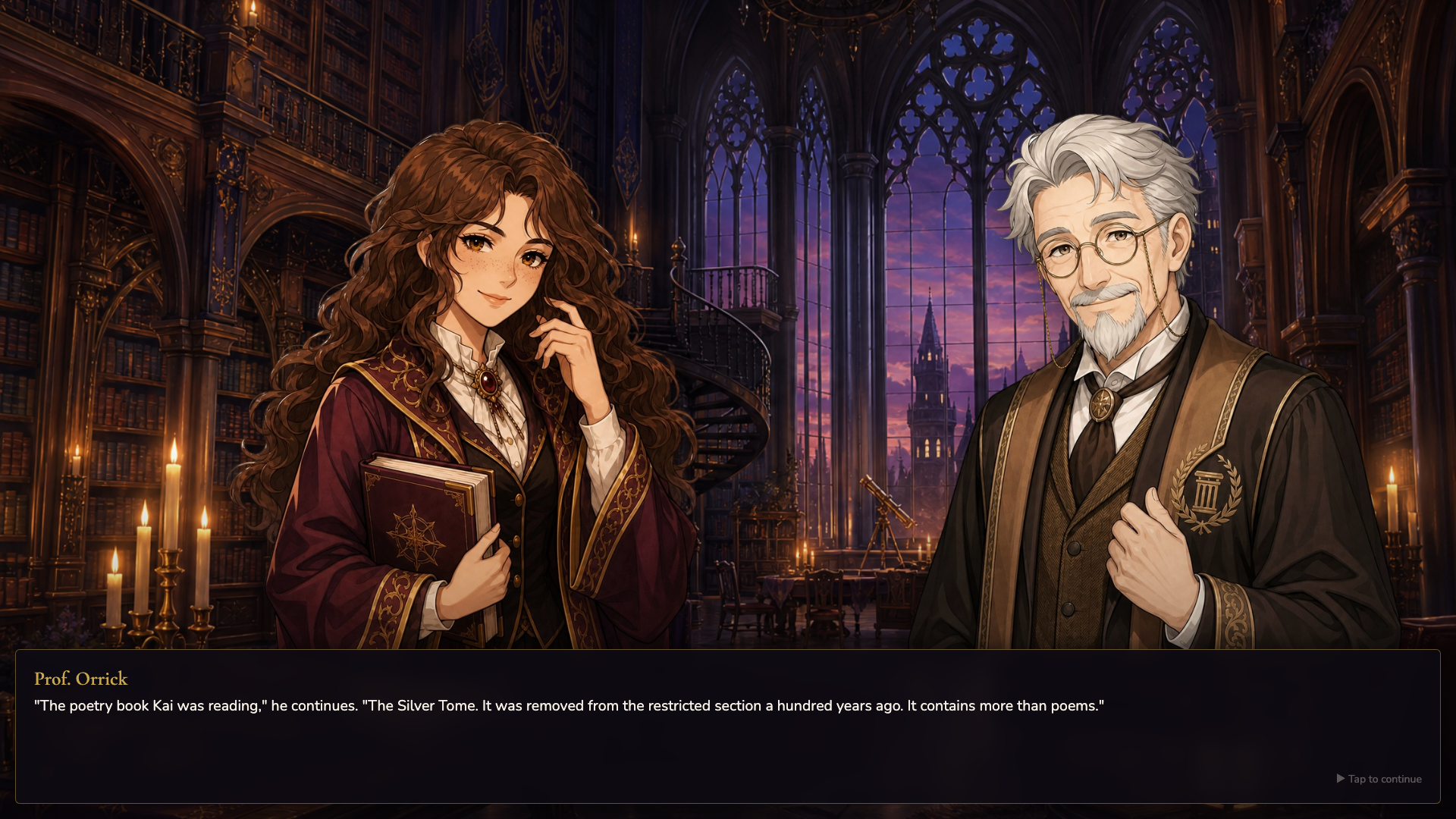
An autumn evening at a magic academy. You are Lira, a diligent first-year from Sapphire Faculty — curious enough to stumble into secrets she was not meant to see.
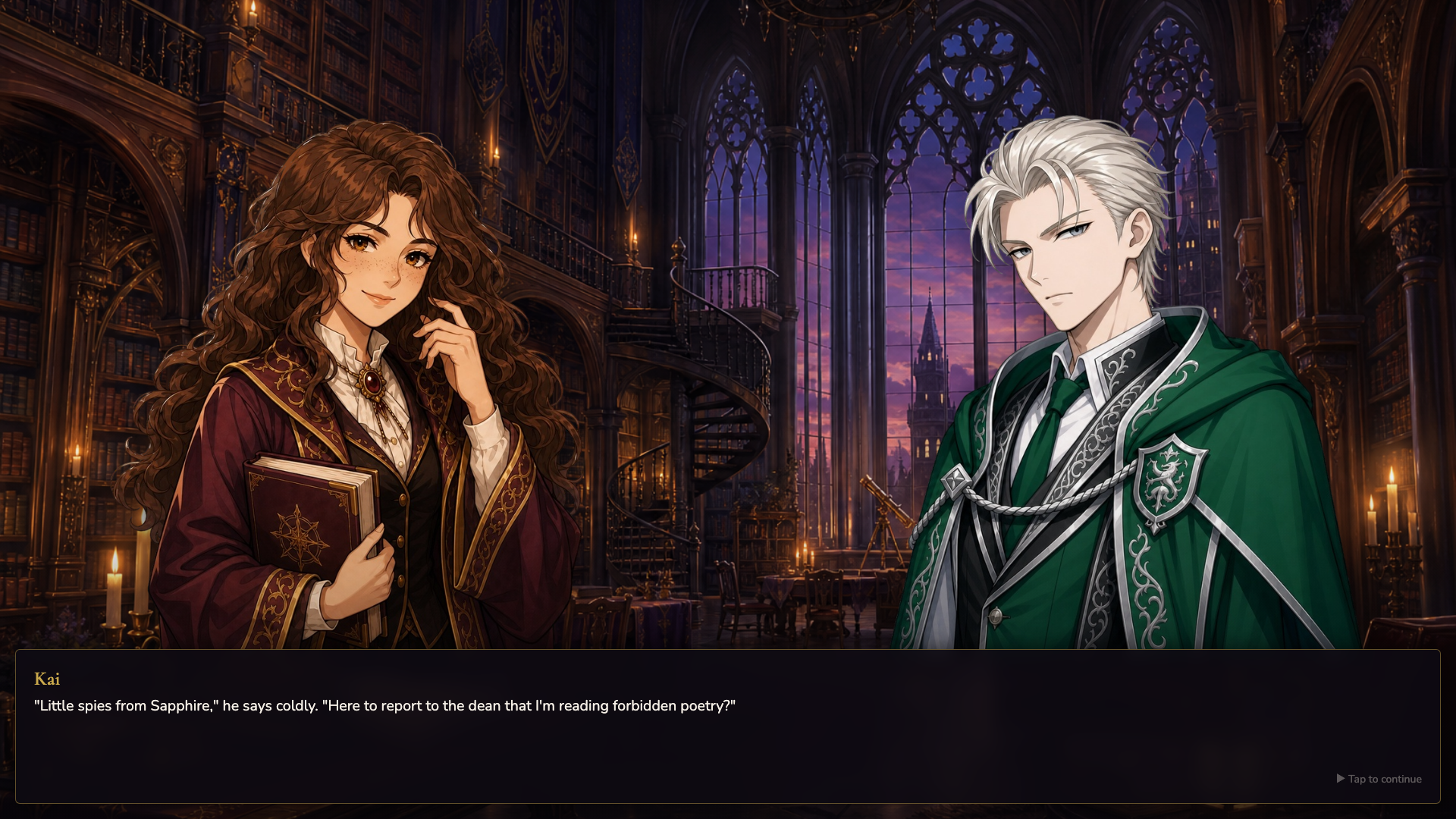
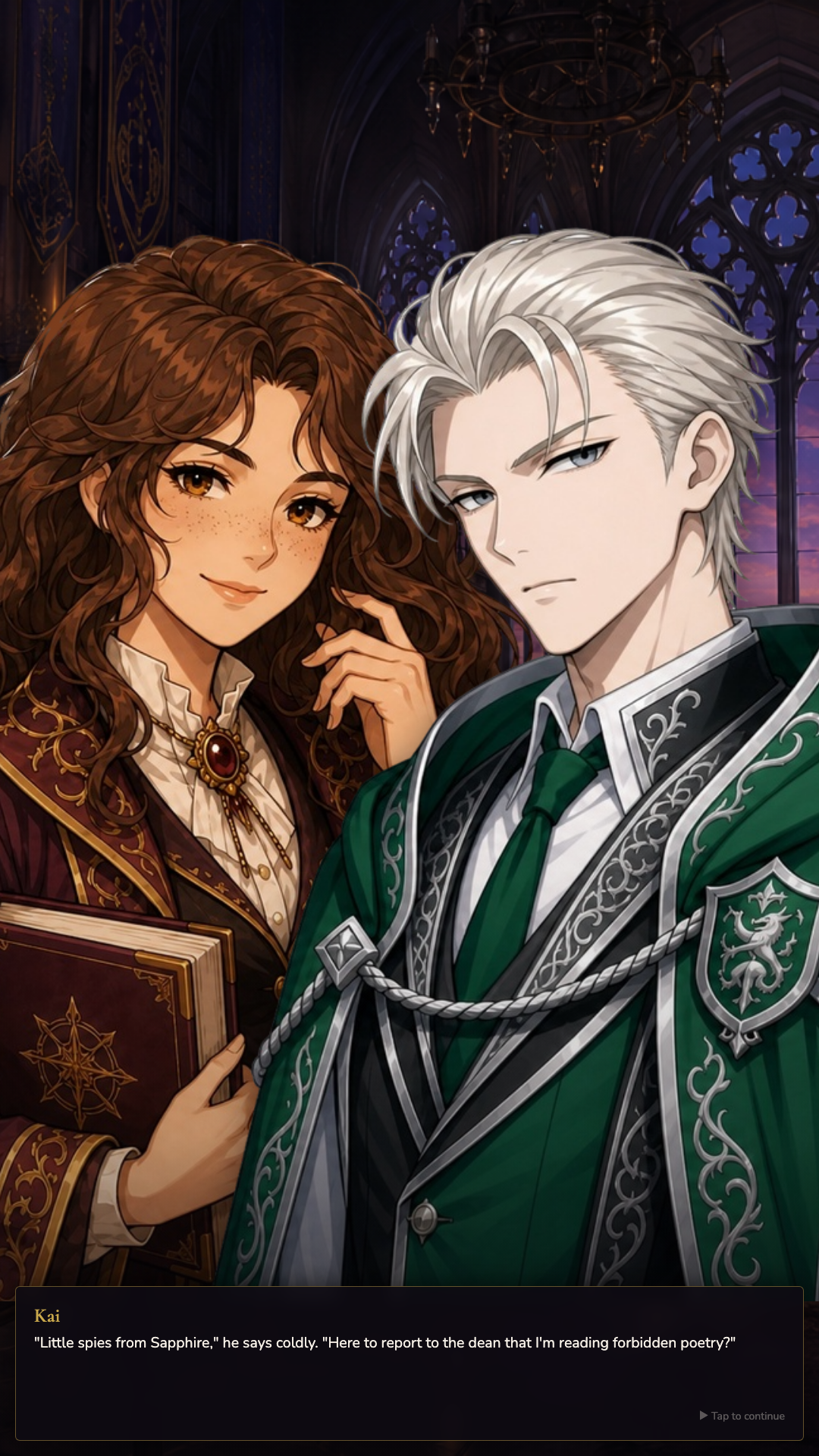
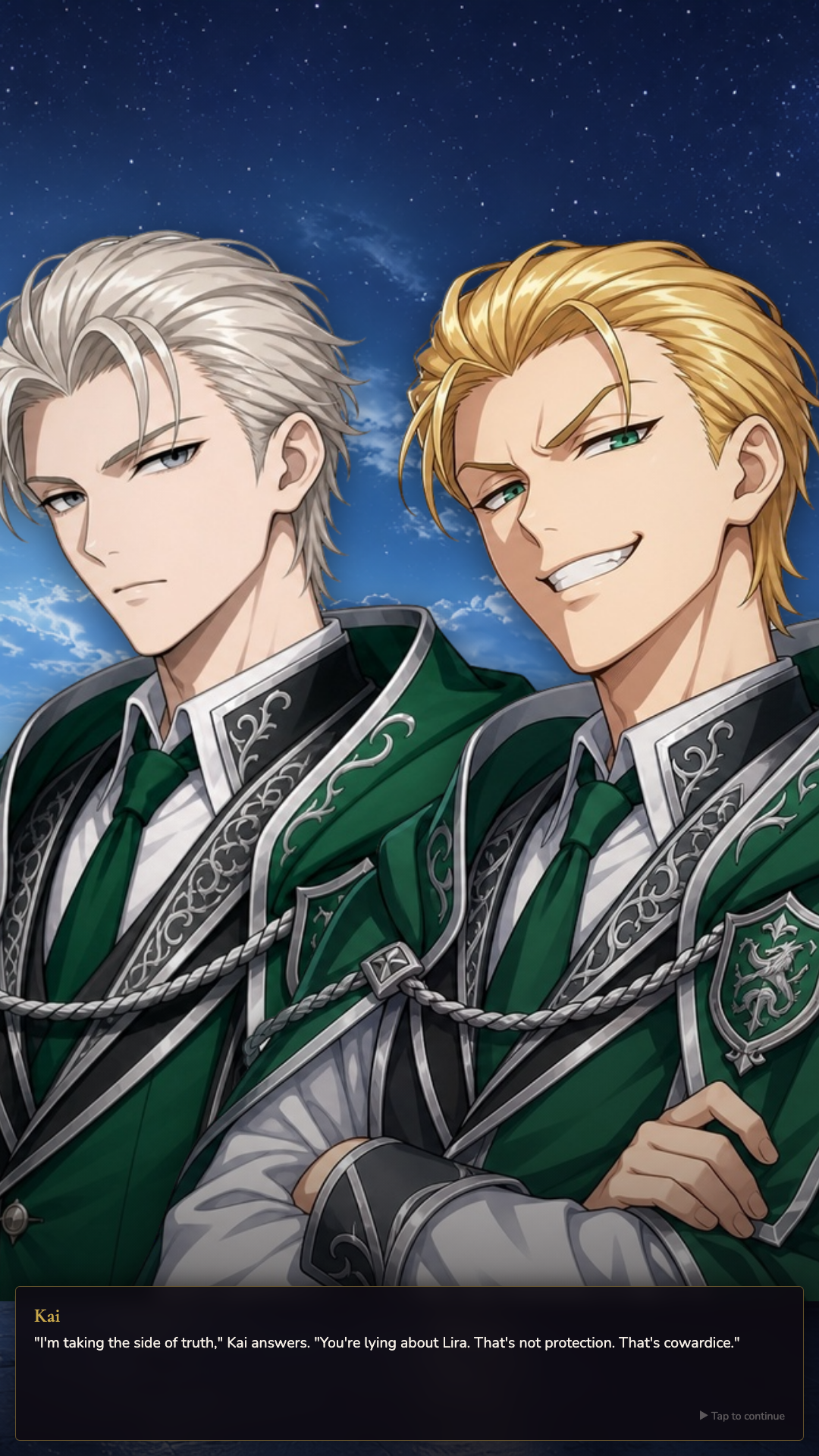
In the library's forbidden section you find Kai from Emerald Faculty — not studying dark arts, but reading poetry. What follows is a story of trust, faculty rivalries, and feelings that are not spoken aloud.
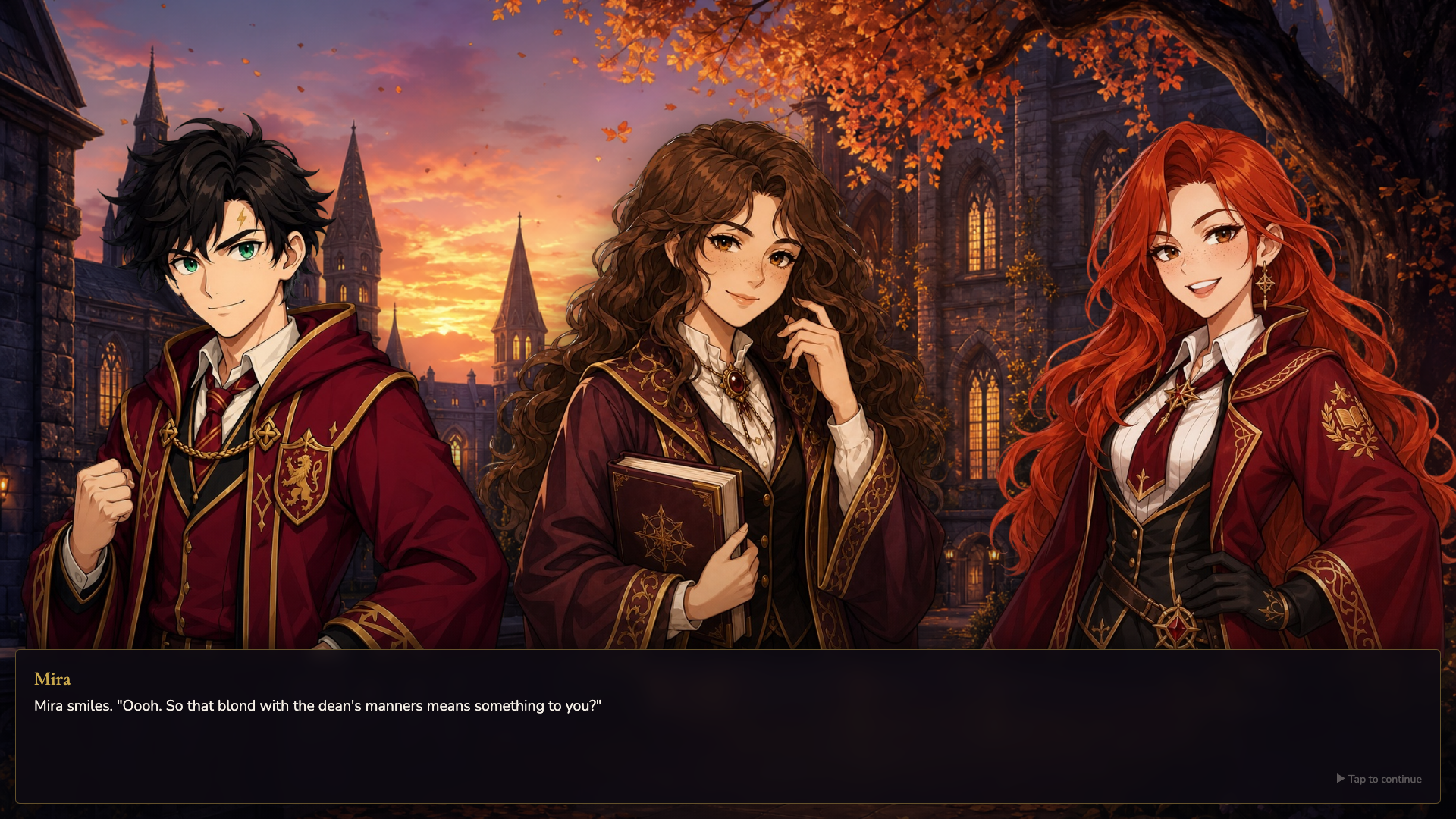
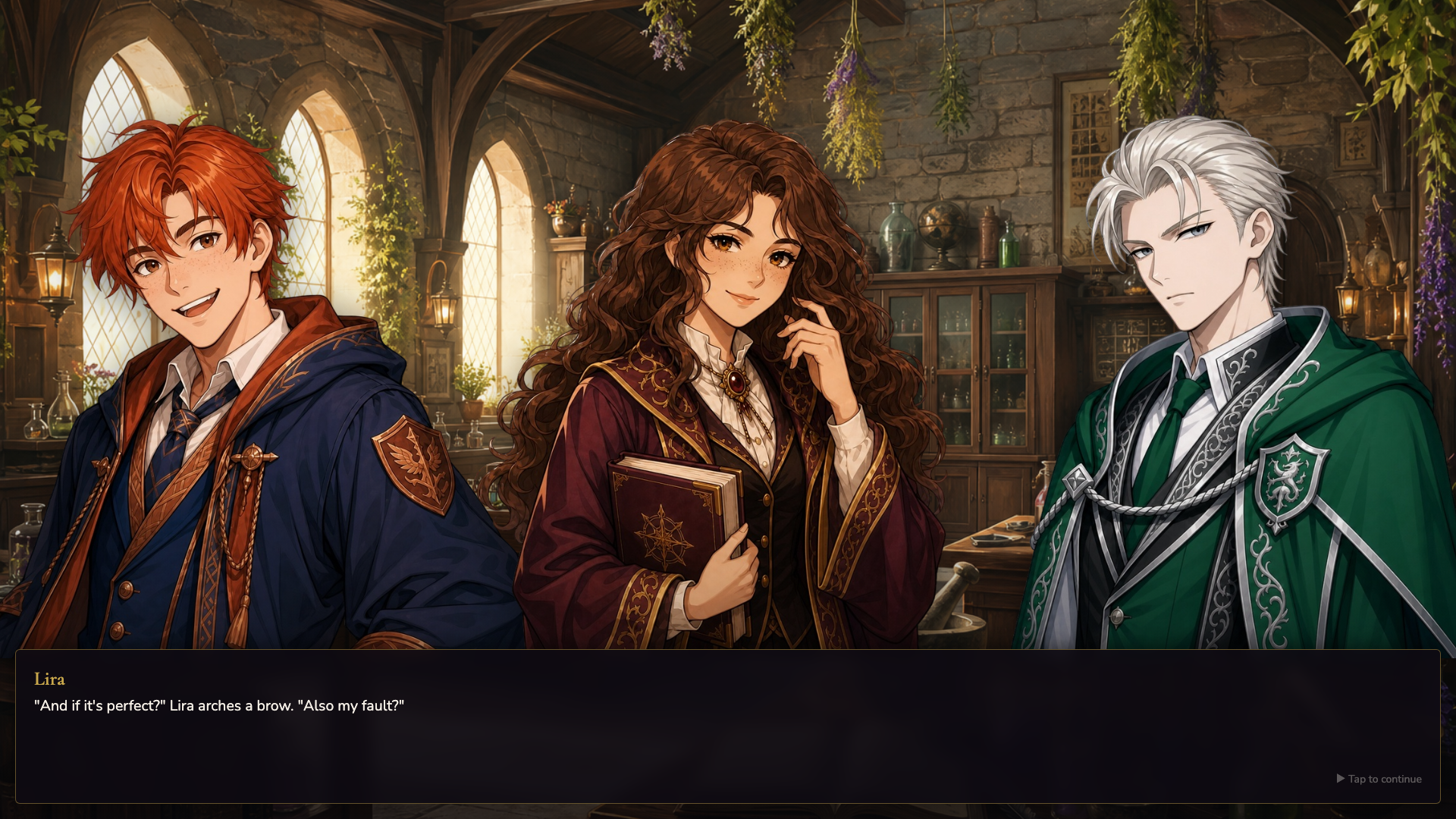
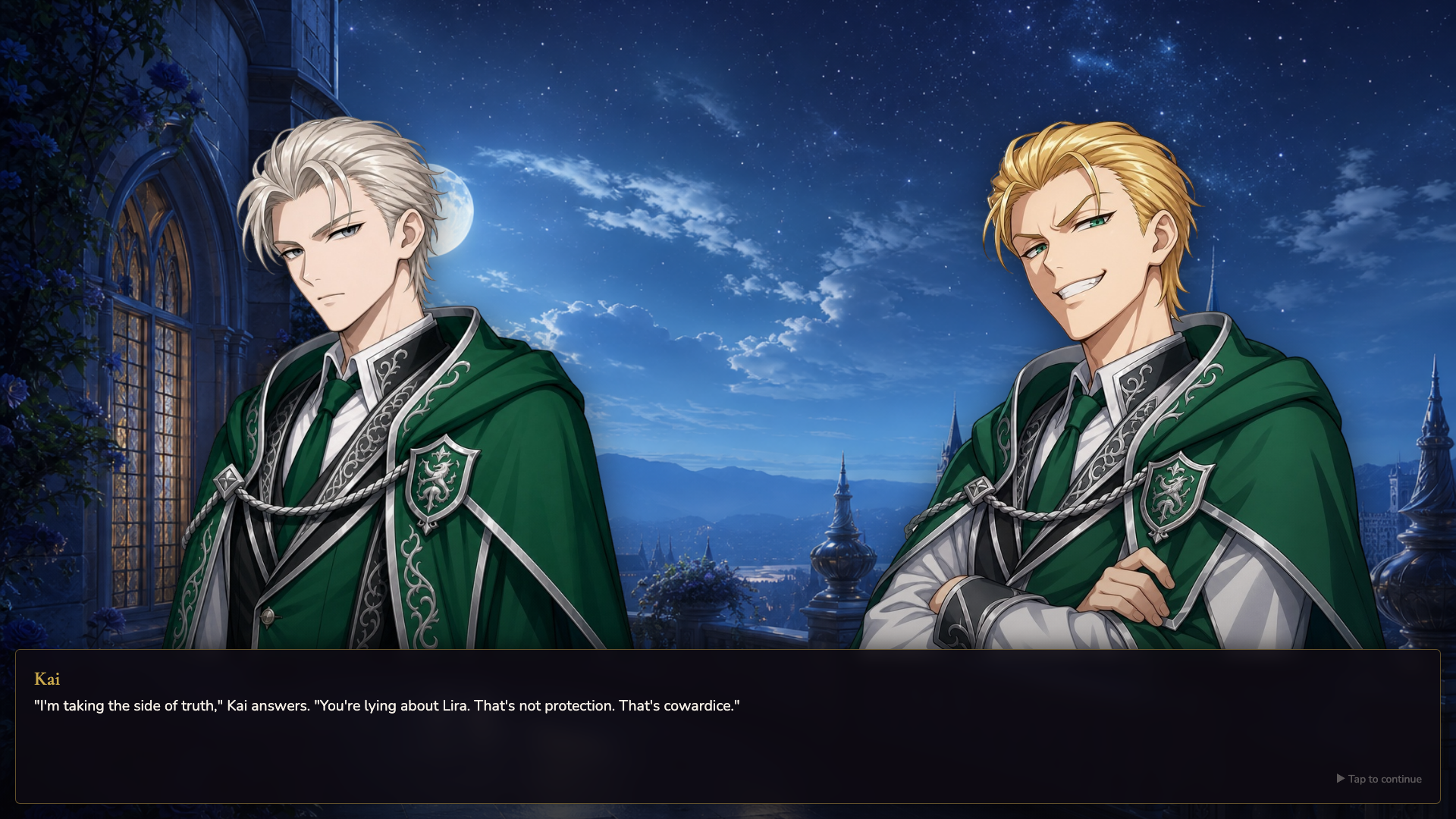
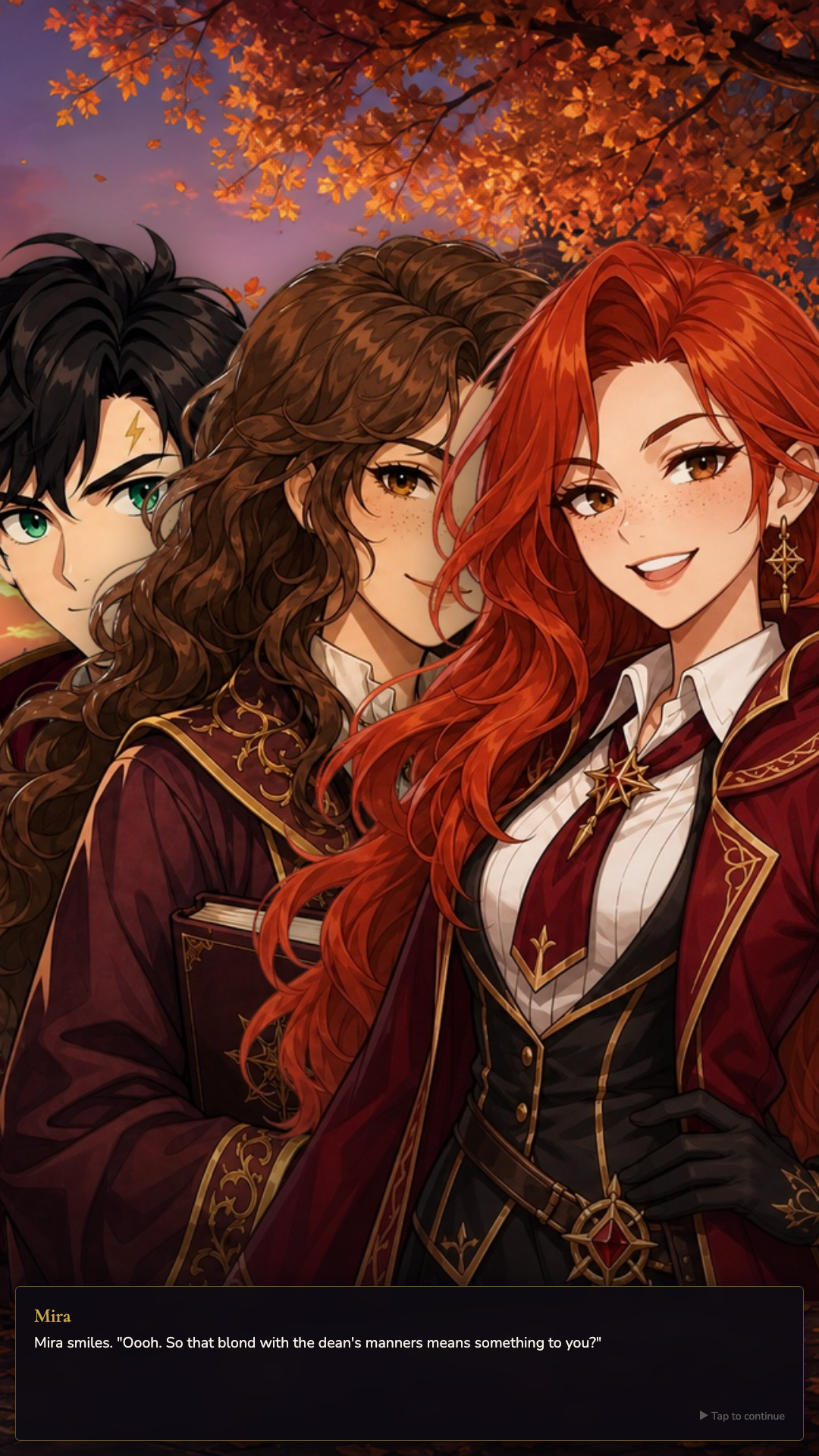
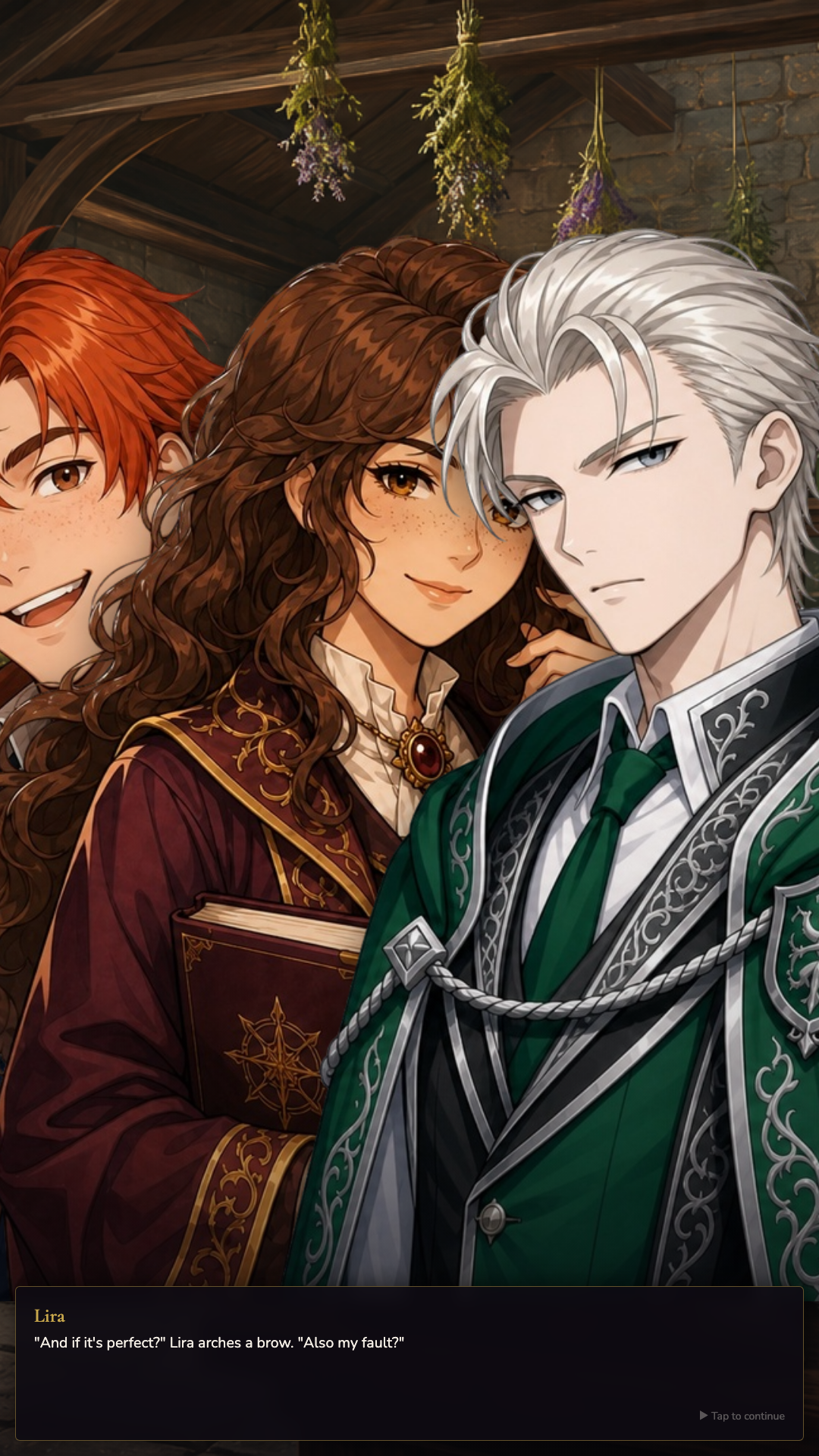
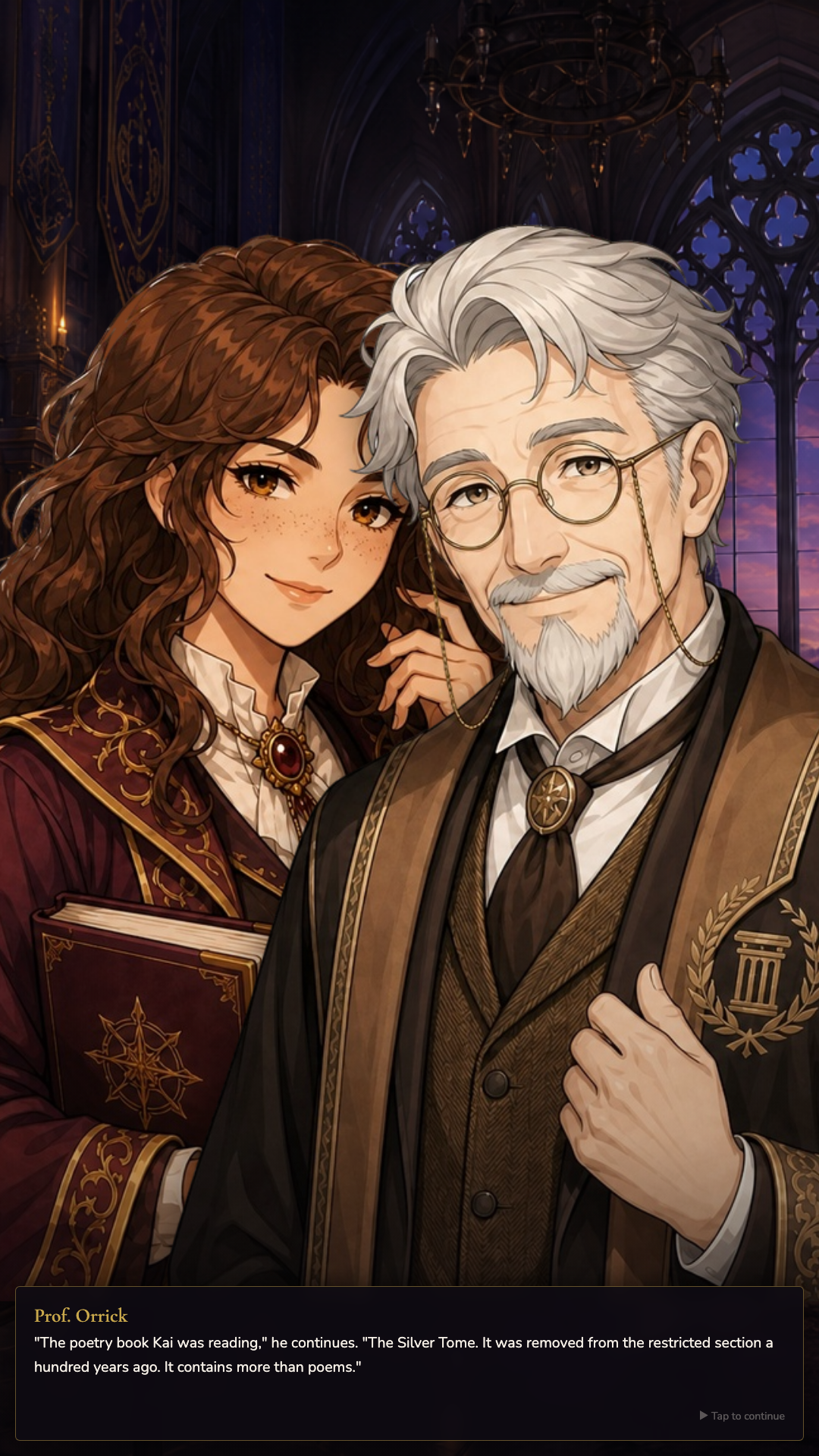
This is a full visual novel in four acts: the library, potions class, the academy courtyard, and the moonlit tower. Meet Finn, Mira, Ellis, Dean Aldar, and others. Compete in the potions tournament, uncover the mystery of the Silver Tome, and make choices for Lira that shape her bond with Kai and the ending you reach.
Multiple endings, auto-save, calm background music, and a Characters section in the pause menu. Play at your own pace — one autumn story worth seeing through to the end.
Videos and screenshots
13,515 players online
How to play
-
Open the game
Press Play now and the game opens on its own screen.
-
Follow the in-game instructions
The controls and goals are shown inside the game as you play.
-
Use the game menu
The floating button over the game reloads it, saves it to your favourites, or takes you back out.