Skip to content
KG
Alphabet Adventure: Coloring Game for Kids

Alphabet Adventure: Coloring Game for Kids

399K plays 4.7 out of 5

Overview

Welcome to the Alphabet Adventure: Coloring Game for Kids – a fun and educational coloring game! πŸŽ¨πŸ“– In this game, children will be able to get acquainted with the letters of the alphabet by coloring them in bright colors. Each letter is an exciting mini–adventure where you need to choose colors, show imagination and create a unique image for each letter! What awaits you in the game? βœ… Learning through play – the child learns letters by playing. Bright colors and funny animations – the coloring process turns into an exciting activity. βœ… Simple operation – user-friendly interface, suitable even for toddlers. Motor skills and imagination development – drawing helps children to train their hand and develop creativity. Suitable for all ages – the game will be interesting for both toddlers and older children. Immerse yourself in the world of letters and colors! Color, learn and have fun with the user-friendly application! 🎨✨

Videos and screenshots
  • Alphabet Adventure: Coloring Game for Kids screenshot 1
  • Alphabet Adventure: Coloring Game for Kids screenshot 2
  • Alphabet Adventure: Coloring Game for Kids screenshot 3
  • Alphabet Adventure: Coloring Game for Kids screenshot 4
  • Alphabet Adventure: Coloring Game for Kids screenshot 5
  • Alphabet Adventure: Coloring Game for Kids screenshot 6
Play Now

12,837 players online

How to play

  1. Open the game

    Press Play now and the game opens on its own screen.

  2. Follow the in-game instructions

    The controls and goals are shown inside the game as you play.

  3. Use the game menu

    The floating button over the game reloads it, saves it to your favourites, or takes you back out.

Game instructions

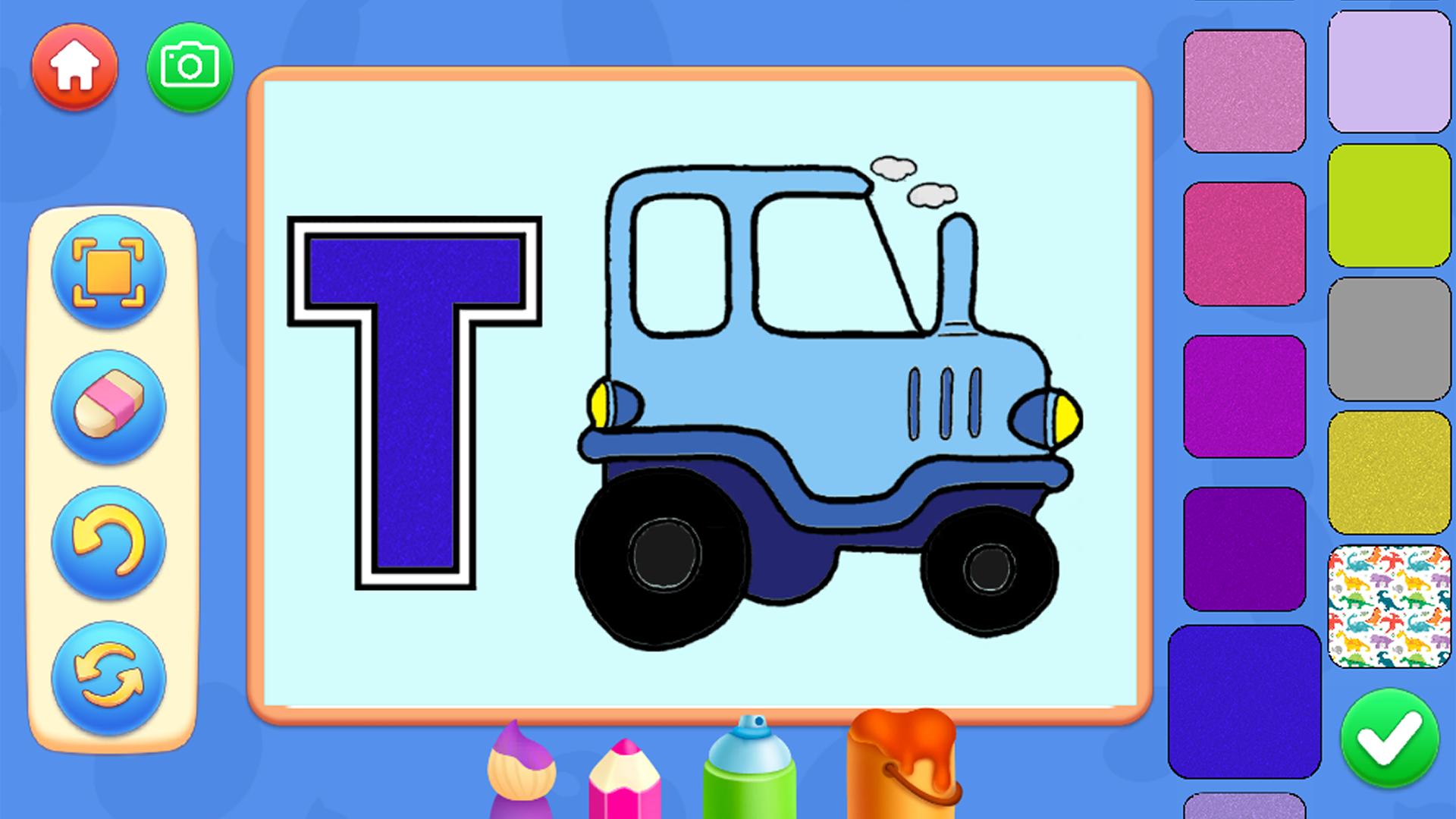
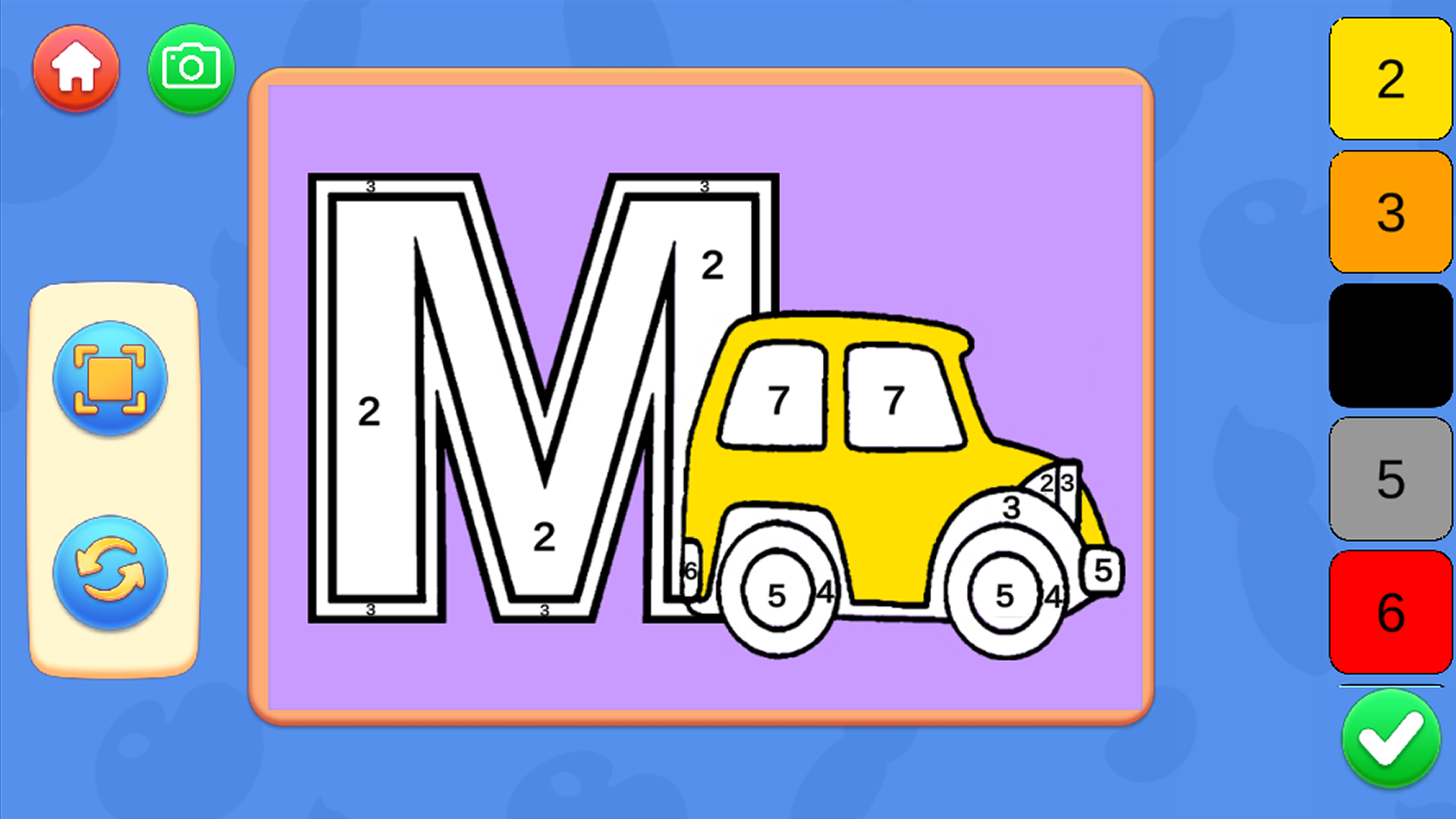
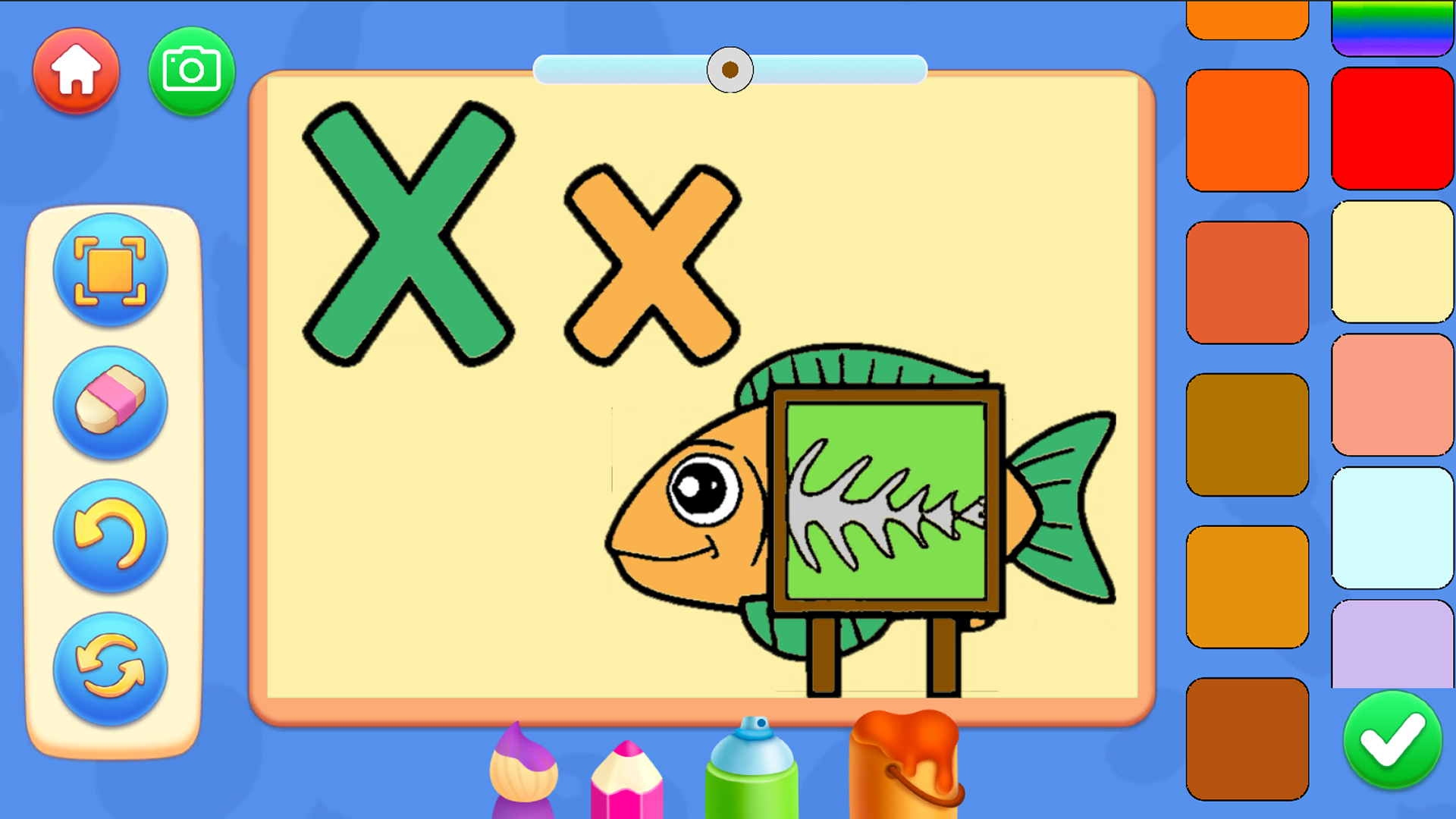
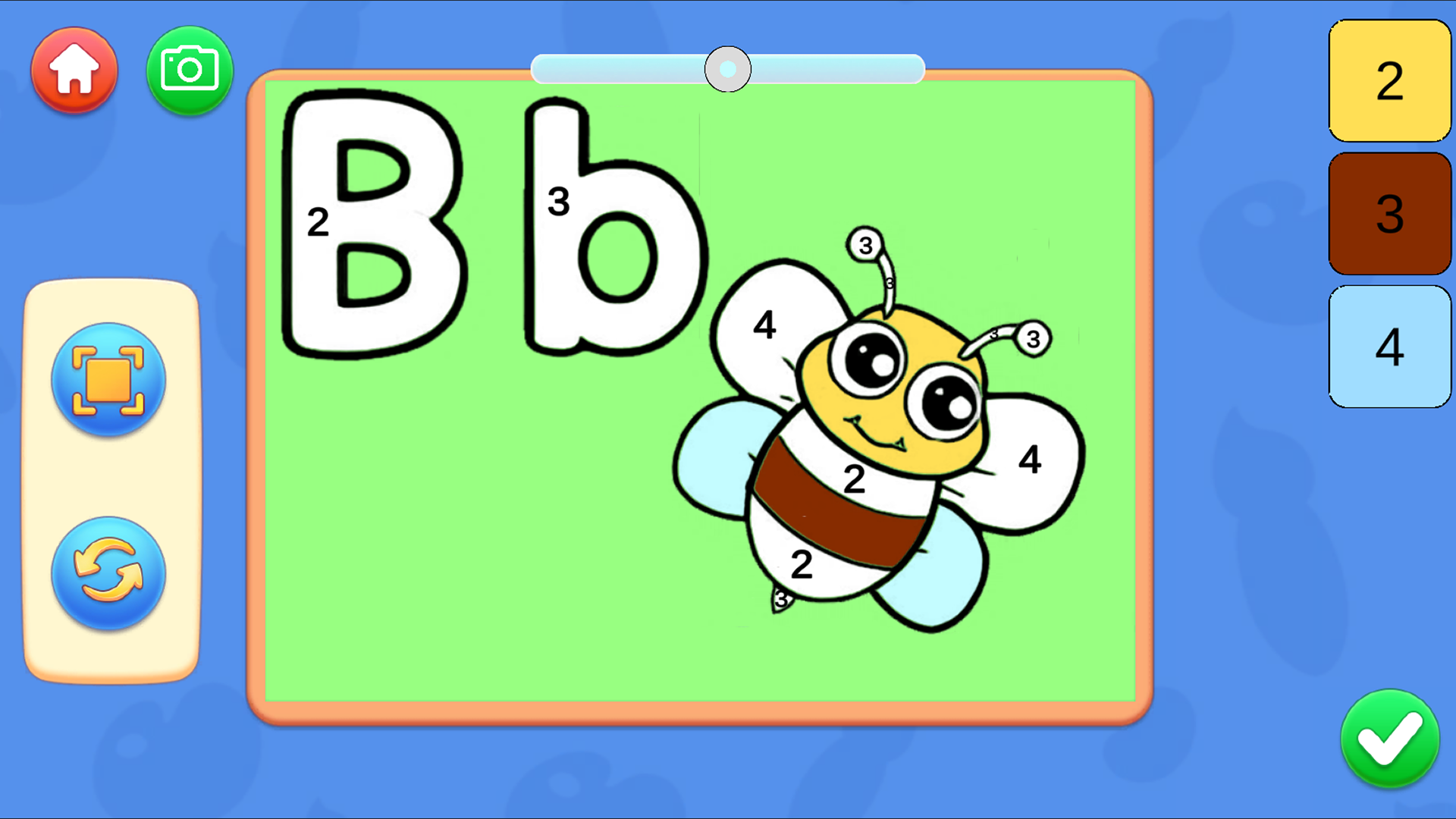
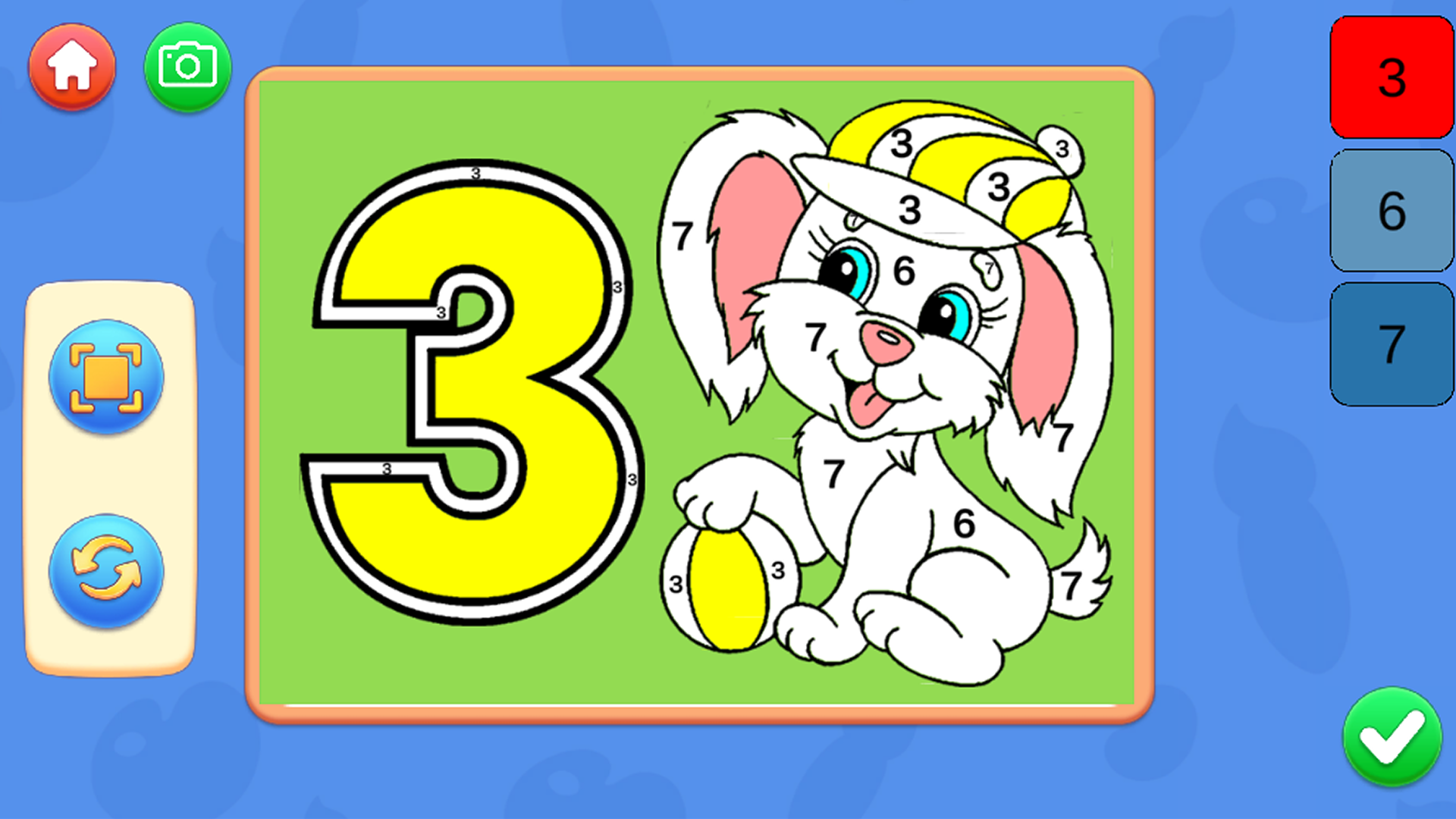
In the main menu, select the game mode from the available ones. There are 2 modes to choose from. The first of which is a coloring of ready-made pictures, and another mode for drawing by numbers. In coloring mode: There are tools at the bottom of the screen that can be changed. There are palettes to the right of the screen that can be changed and other colors can be set. There are buttons to the left of the screen to undo the last action, start over and focus on the image. By pressing the camera button, you can save the resulting image. For mobile devices: The drawing process takes place when you swipe with one finger over the coloring area. To zoom in, make a gesture to zoom in. To move around the image, press the hand button. For PC: To draw, hold down the left mouse button and move the mouse To move, hold down the left mouse button and move the mouse Use the mouse wheel to zoom in/out

More games

More games