Overview
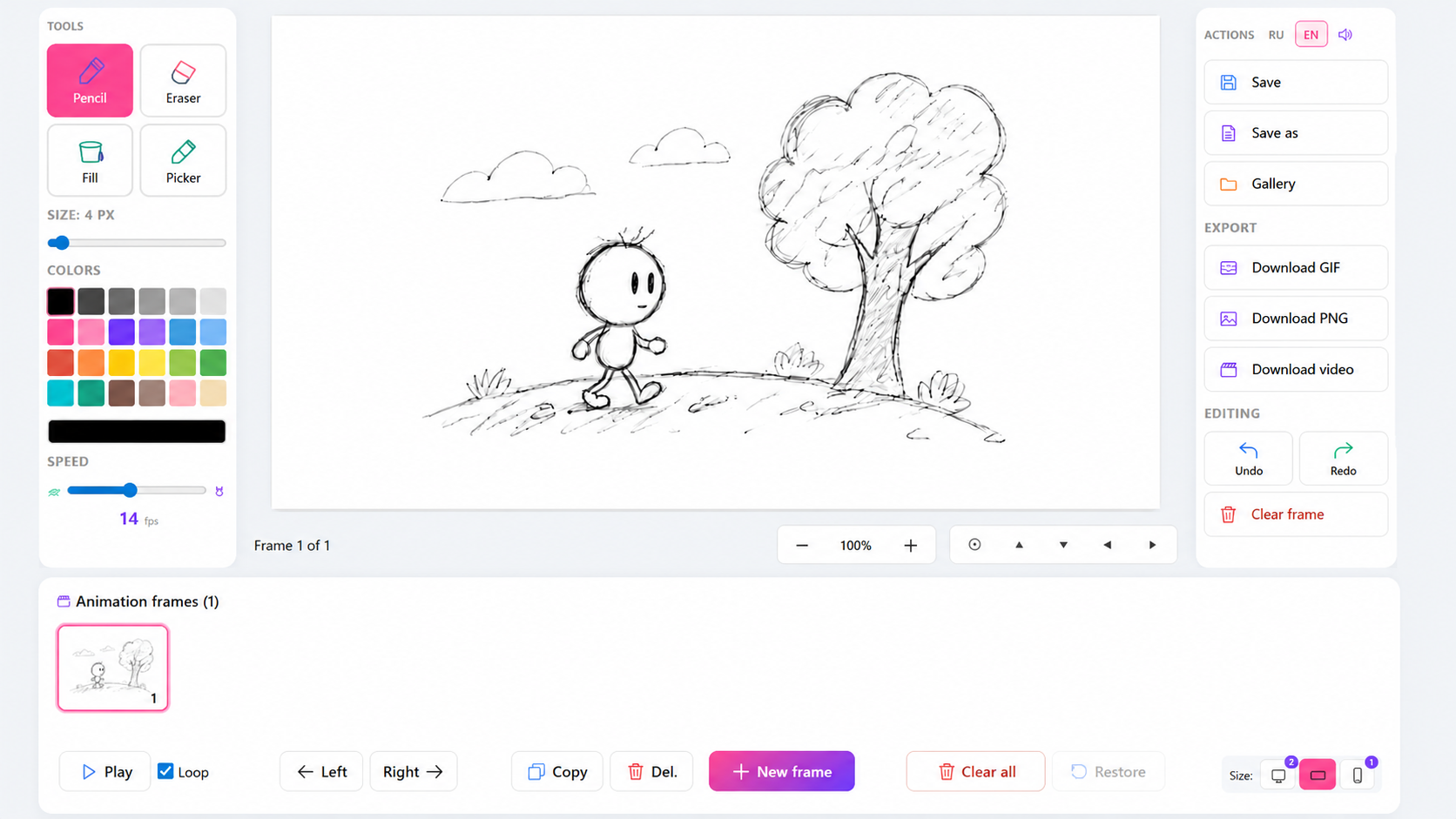
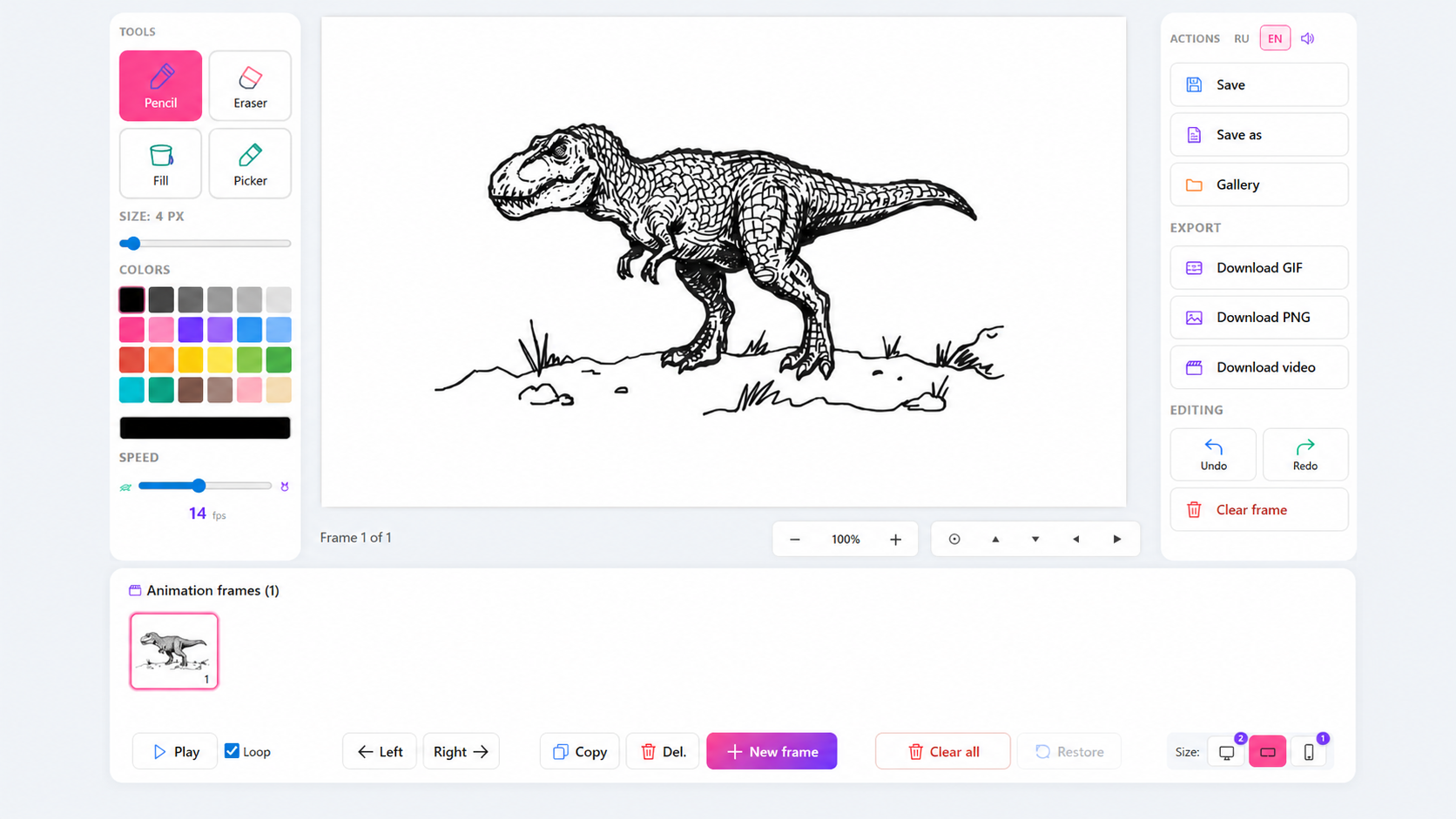
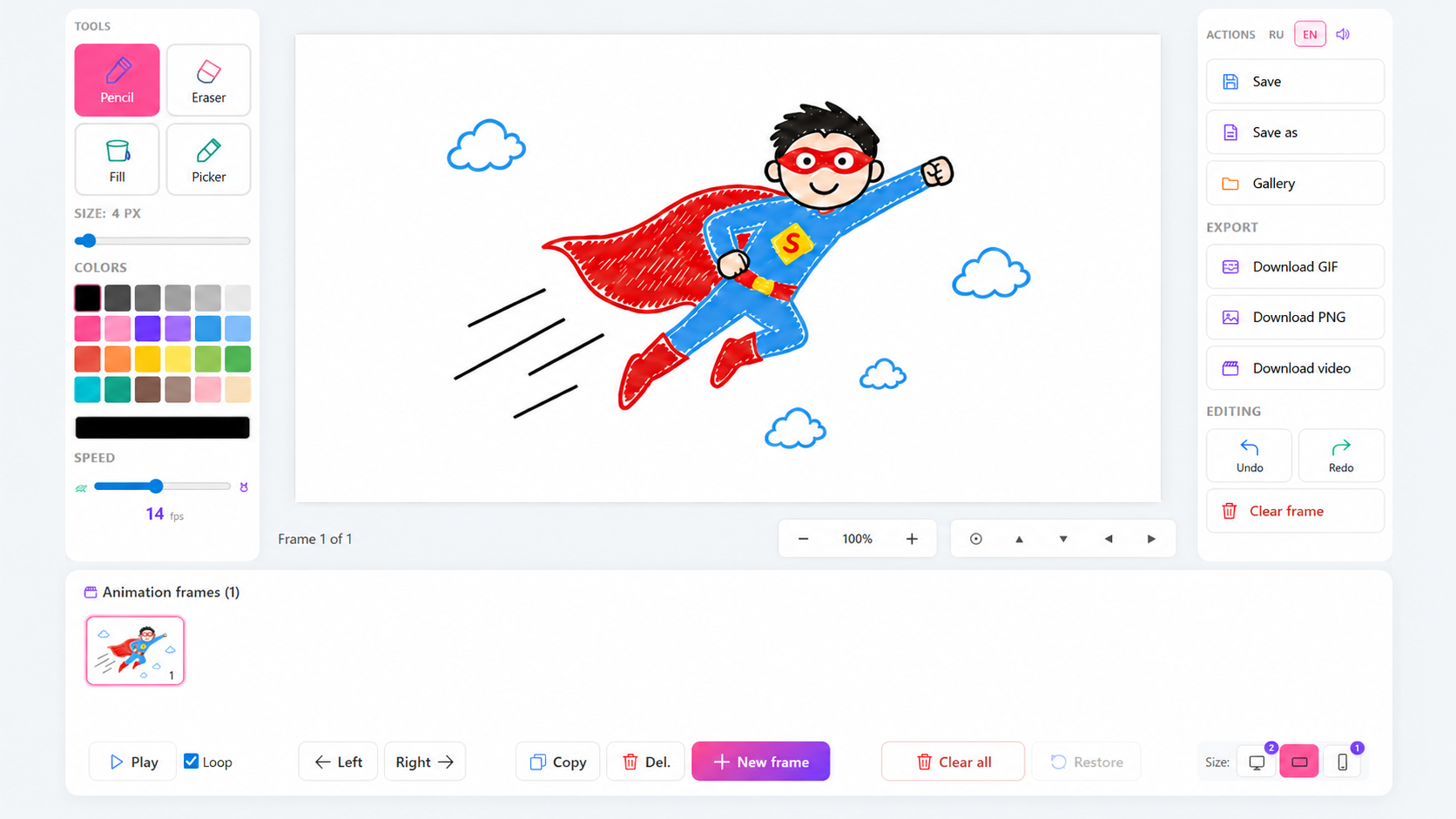
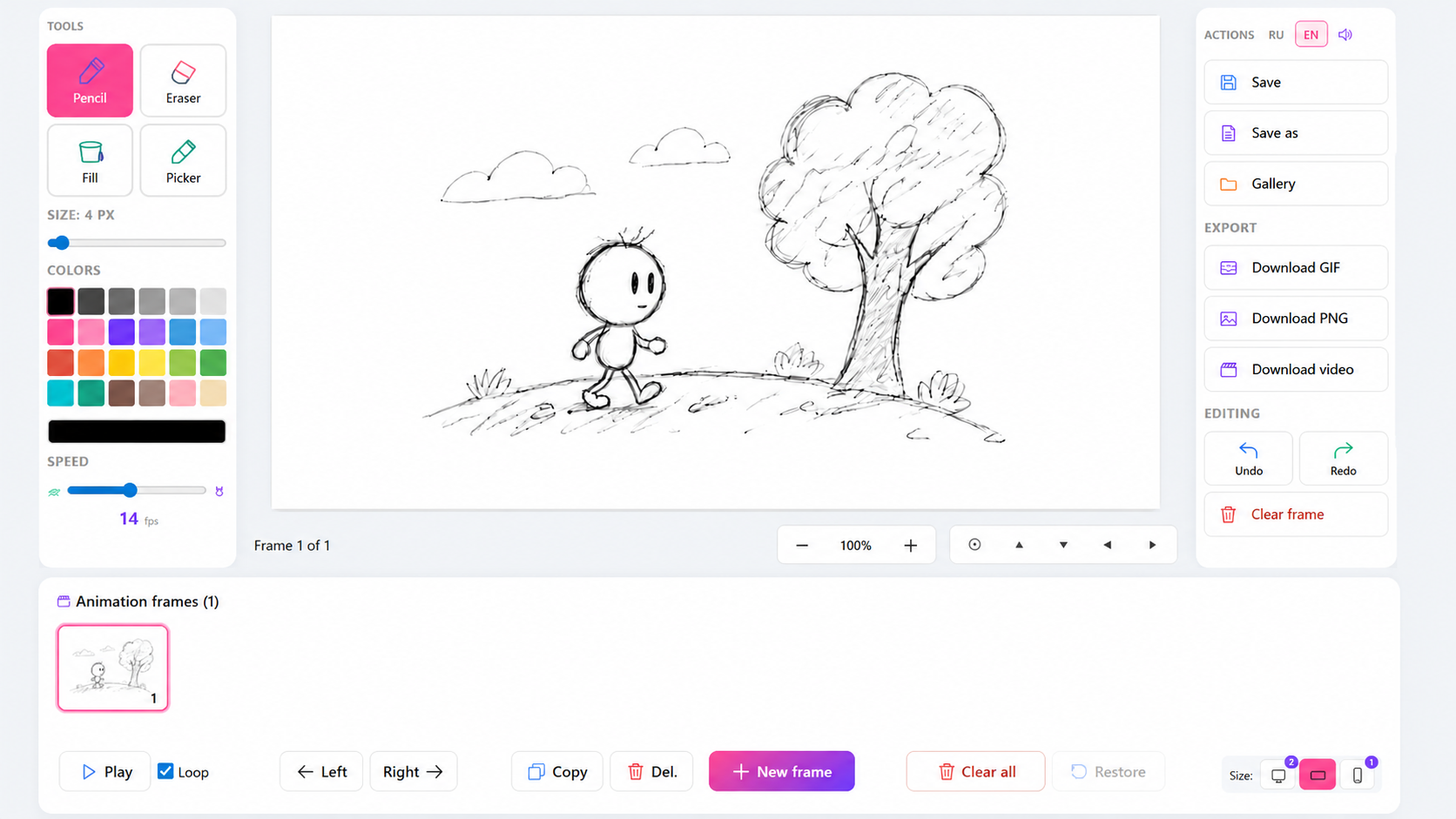
Animator: Cartoon Studio is a creative game-editor where you become a real animator! Draw every frame, animate your favorite characters, and create short clips like in a real animation studio. Right in your browser — no downloads needed.
🎬 What you can do:
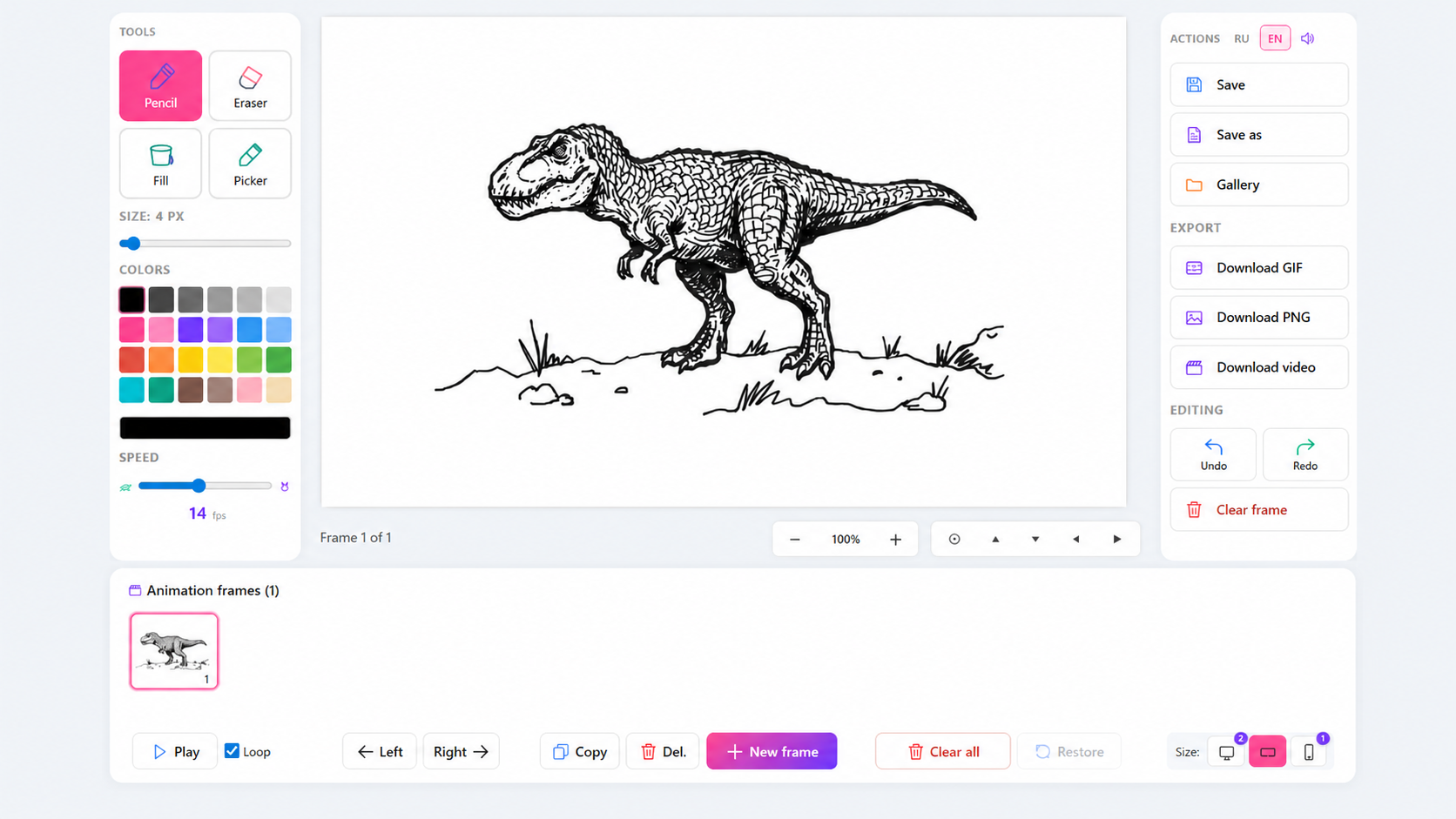
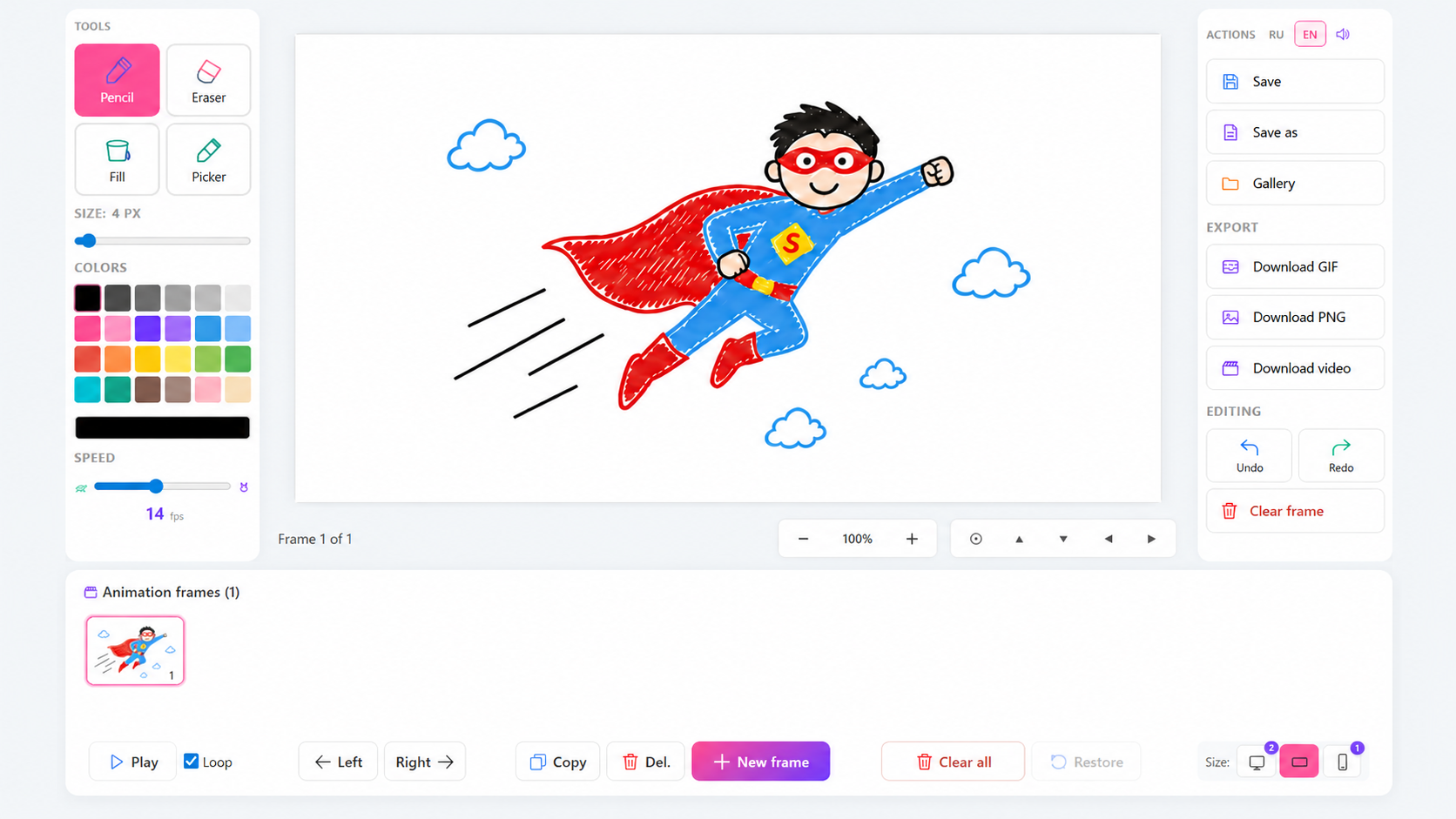
- Draw with pencil, eraser, fill bucket, and color picker
- Create frame-by-frame animation
- See the previous frame through "onion skin" — just like professional animators
- Choose from 24 beautiful colors or pick your own
- Control playback speed from 1 to 30 frames per second
- Save cartoons to your personal gallery
- Export finished work as GIF, PNG, or video
🖥 Three formats to choose from:
- Standard 4:3 — classic format
- Widescreen 16:9 — horizontal videos
- Vertical 9:16 — clips for social media
Perfect for kids and adults alike — from your first doodles to serious animations. Boost your creativity, make funny memes, and share your cartoons with friends!
Videos and screenshots
14,826 players online
How to play
-
Open the game
Press Play now and the game opens on its own screen.
-
Follow the in-game instructions
The controls and goals are shown inside the game as you play.
-
Use the game menu
The floating button over the game reloads it, saves it to your favourites, or takes you back out.