Skip to content
KG
Aquarium: Connect the Bubbles

Aquarium: Connect the Bubbles

30K plays 4.7 out of 5

Overview

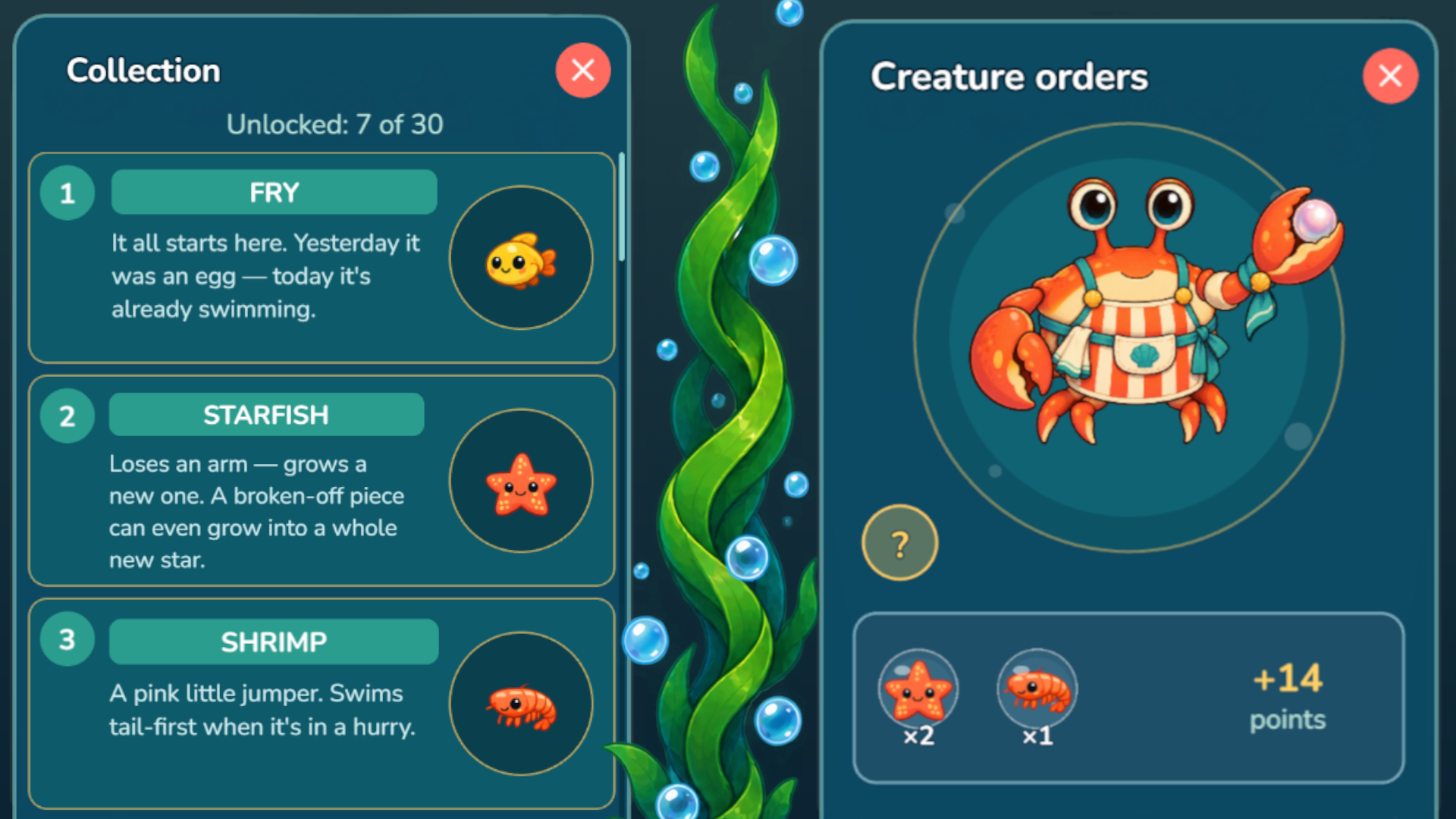
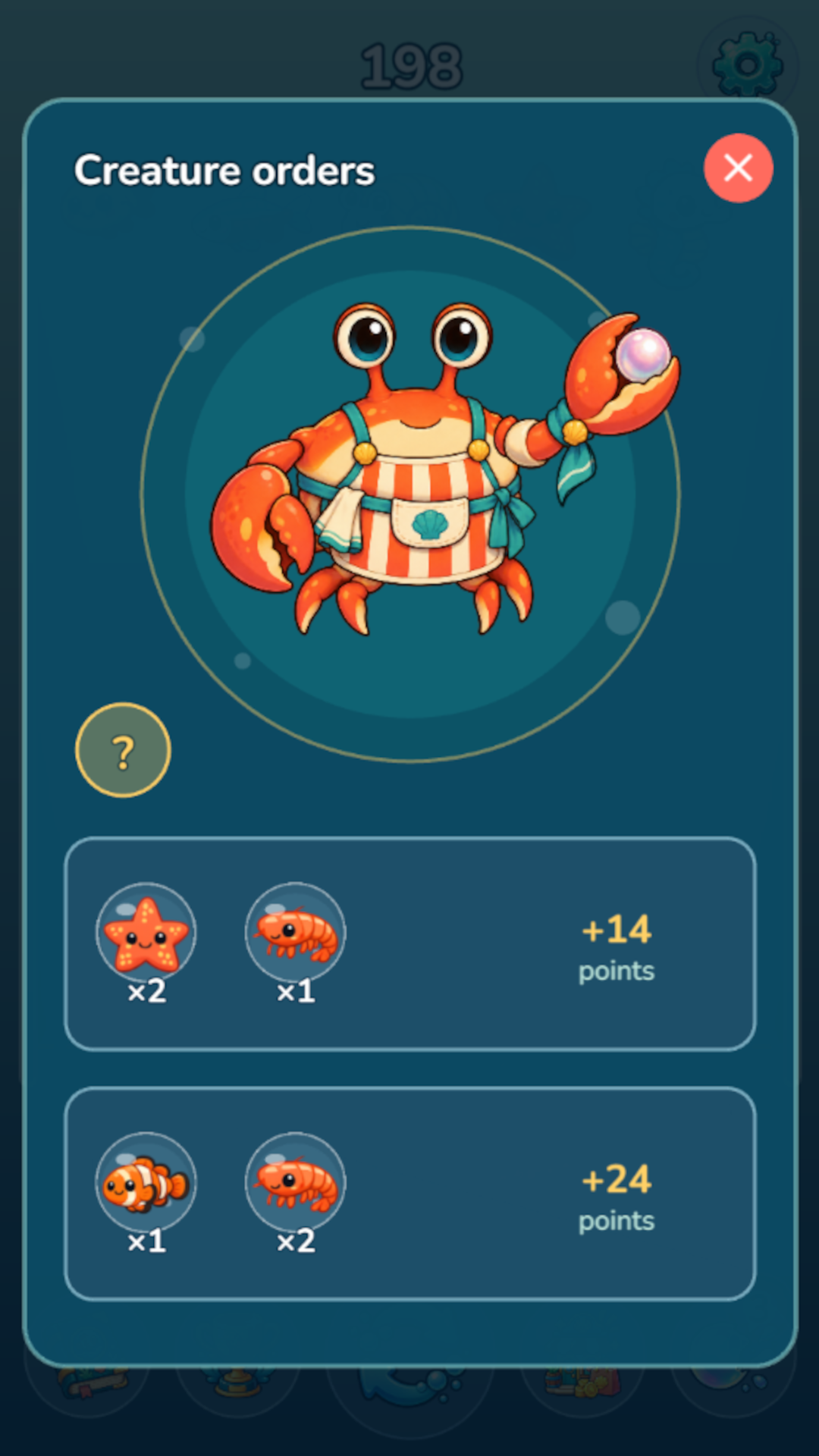
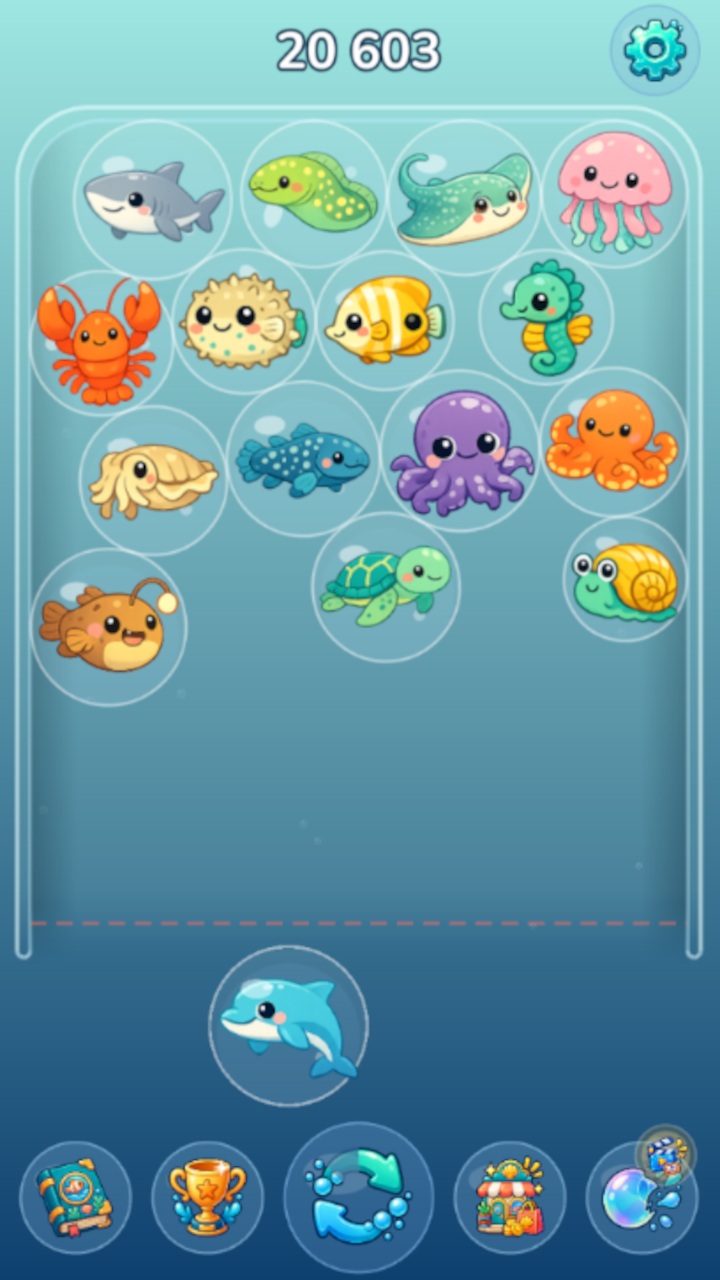
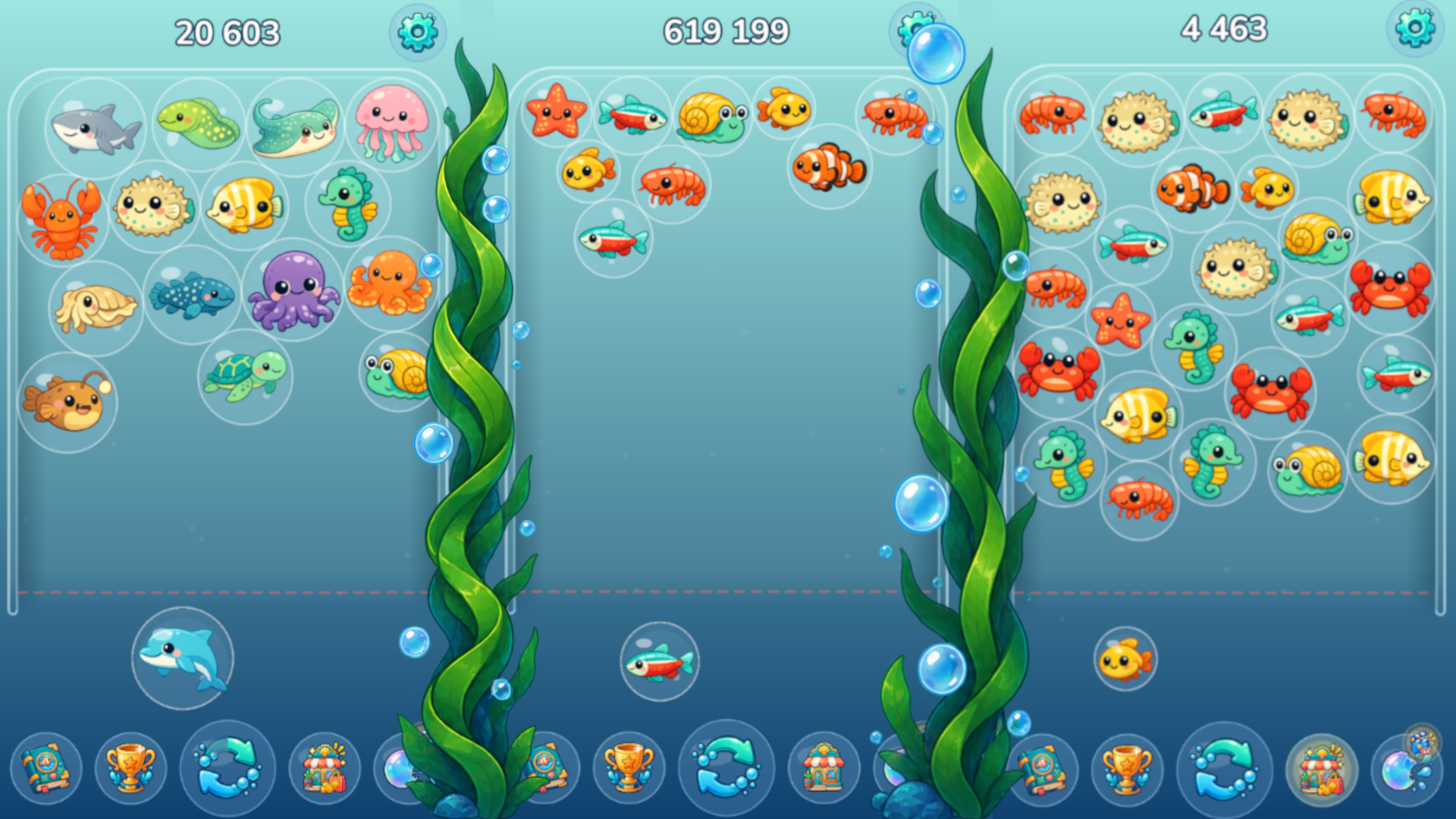
Aquarium: Connect the Bubbles is a fun merge puzzle game set in an underwater world, in the spirit of popular "merge" games. Drop bubbles with sea creatures into the tank so that two matching creatures touch — they will merge into a new, bigger, rarer species! The game features 30 creatures — from a tiny fry all the way up to a giant whale and a legendary leviathan. Every species comes with its own description in the collection. Complete orders in the shop by selling the right creatures for points, compete with other players on the leaderboard, and try not to overfill your aquarium! Simple controls, a friendly 0+ look, and endless gameplay — get comfortable and start building your own underwater world.

Videos and screenshots
  • Aquarium: Connect the Bubbles screenshot 1
  • Aquarium: Connect the Bubbles screenshot 2
  • Aquarium: Connect the Bubbles screenshot 3
  • Aquarium: Connect the Bubbles screenshot 4
  • Aquarium: Connect the Bubbles screenshot 5
Play Now

13,791 players online

How to play

  1. Open the game

    Press Play now and the game opens on its own screen.

  2. Follow the in-game instructions

    The controls and goals are shown inside the game as you play.

  3. Use the game menu

    The floating button over the game reloads it, saves it to your favourites, or takes you back out.

Game instructions

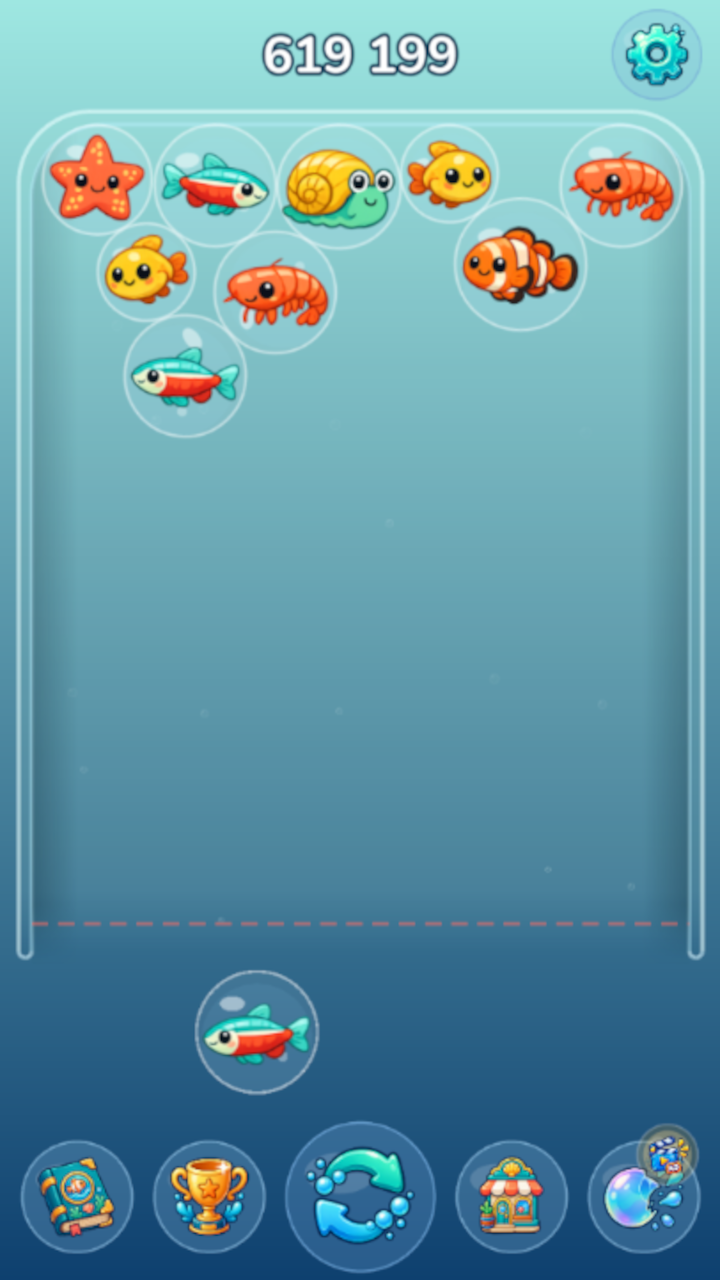
1. The whole game takes place in the aquarium. 2. A bubble with a creature waits below the aquarium — it moves along with your held finger or mouse cursor. 3. Release your finger or the mouse button to let the bubble float up into the aquarium. 4. Make two matching creatures touch — they will merge into one creature of a higher level. 5. Check the shop (button at the bottom of the screen) — orders for specific creatures appear there. 6. If your aquarium has all the creatures an order needs, tap its card to sell them and earn points. 7. Use the "Swap" button to replace the creature you are about to drop. 8. Use the "Remove" button to take any chosen creature out of the aquarium. 9. If the aquarium overflows, a final screen will offer a choice: start over or remove some creatures. 10. You can remove creatures for free a limited number of times per run, and after that by watching an ad.

More games

More games