Skip to content
KG
Arrows: Cozy Garden

Arrows: Cozy Garden

78K plays 4.4 out of 5

Overview

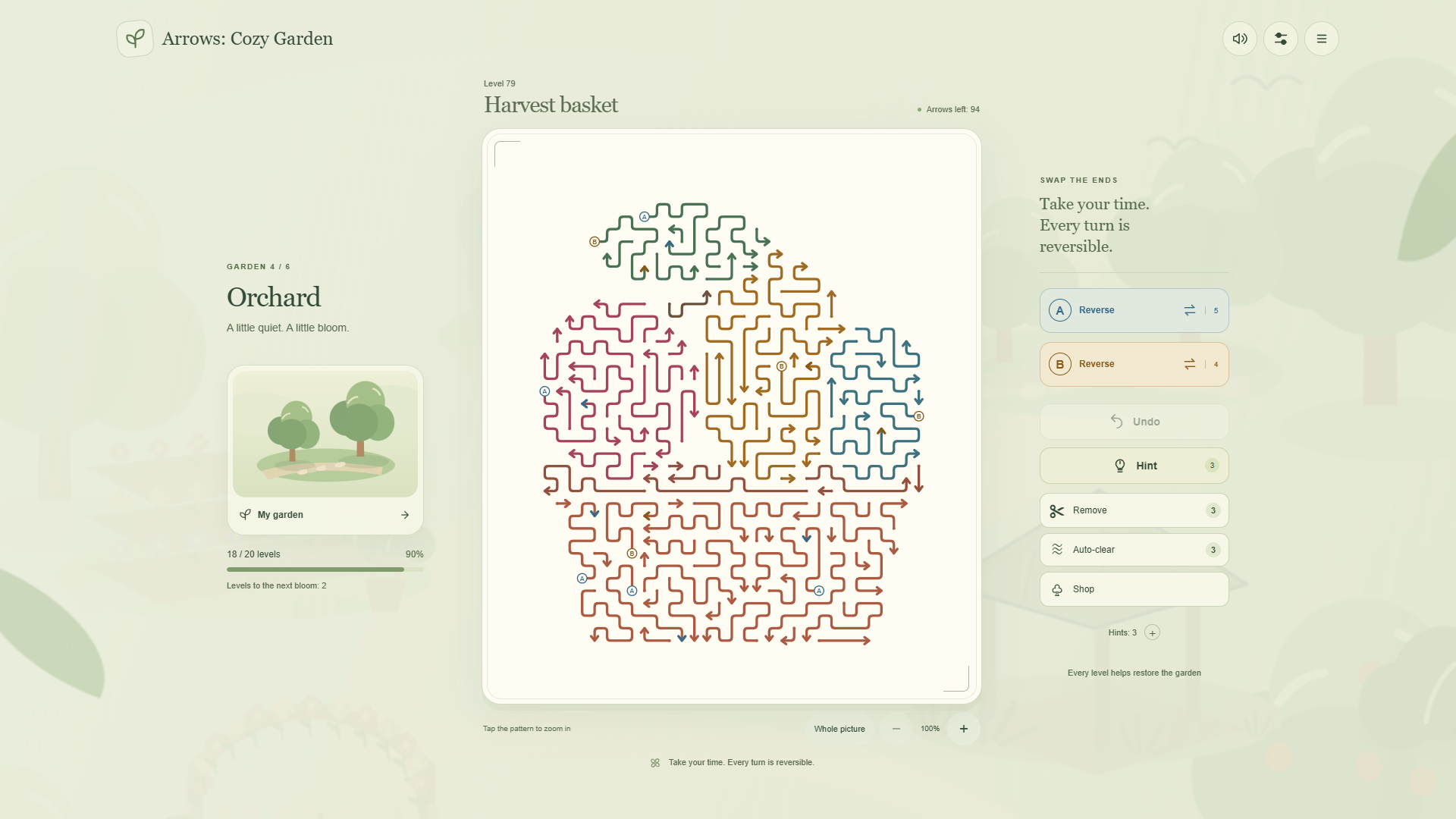
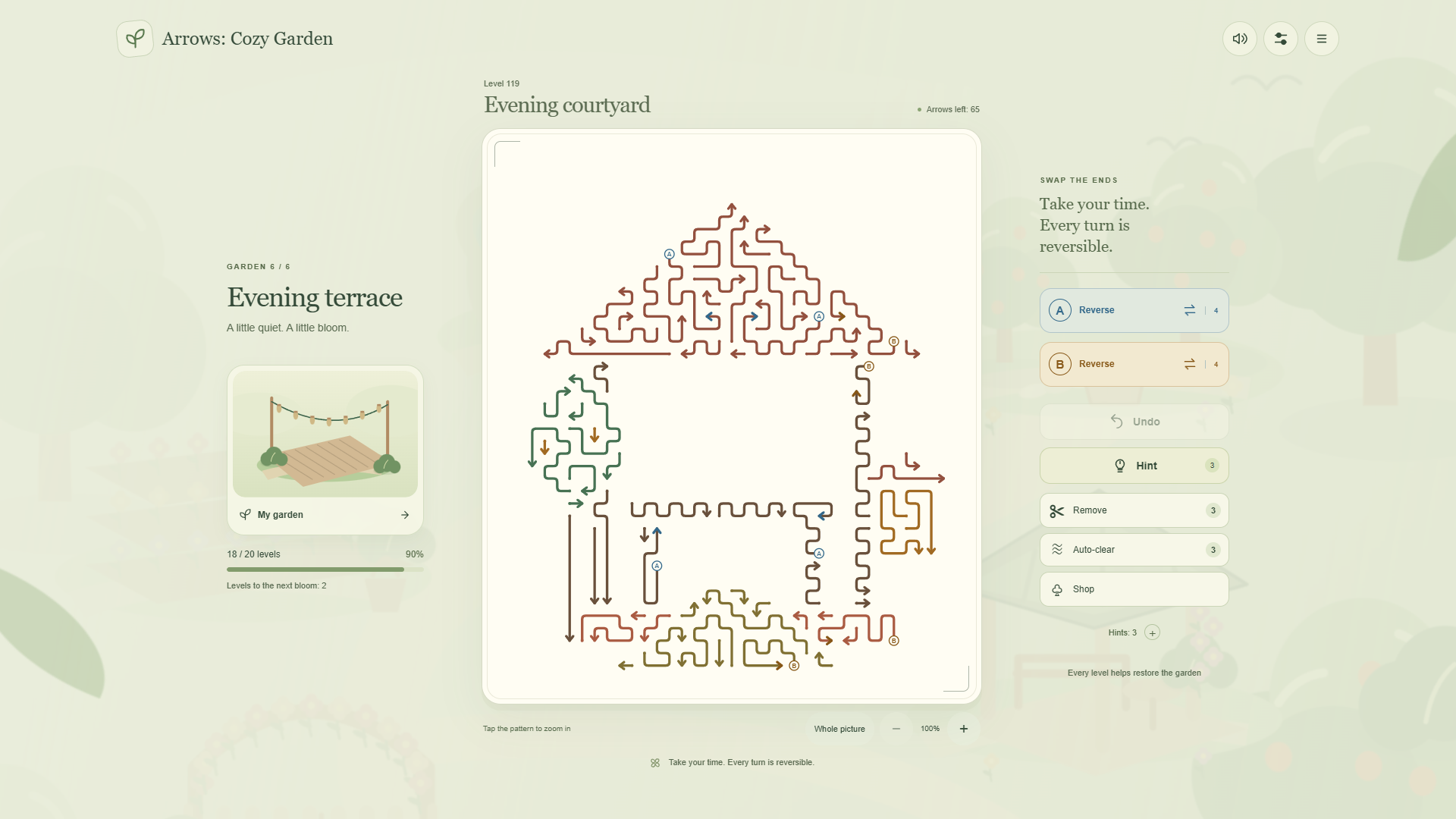
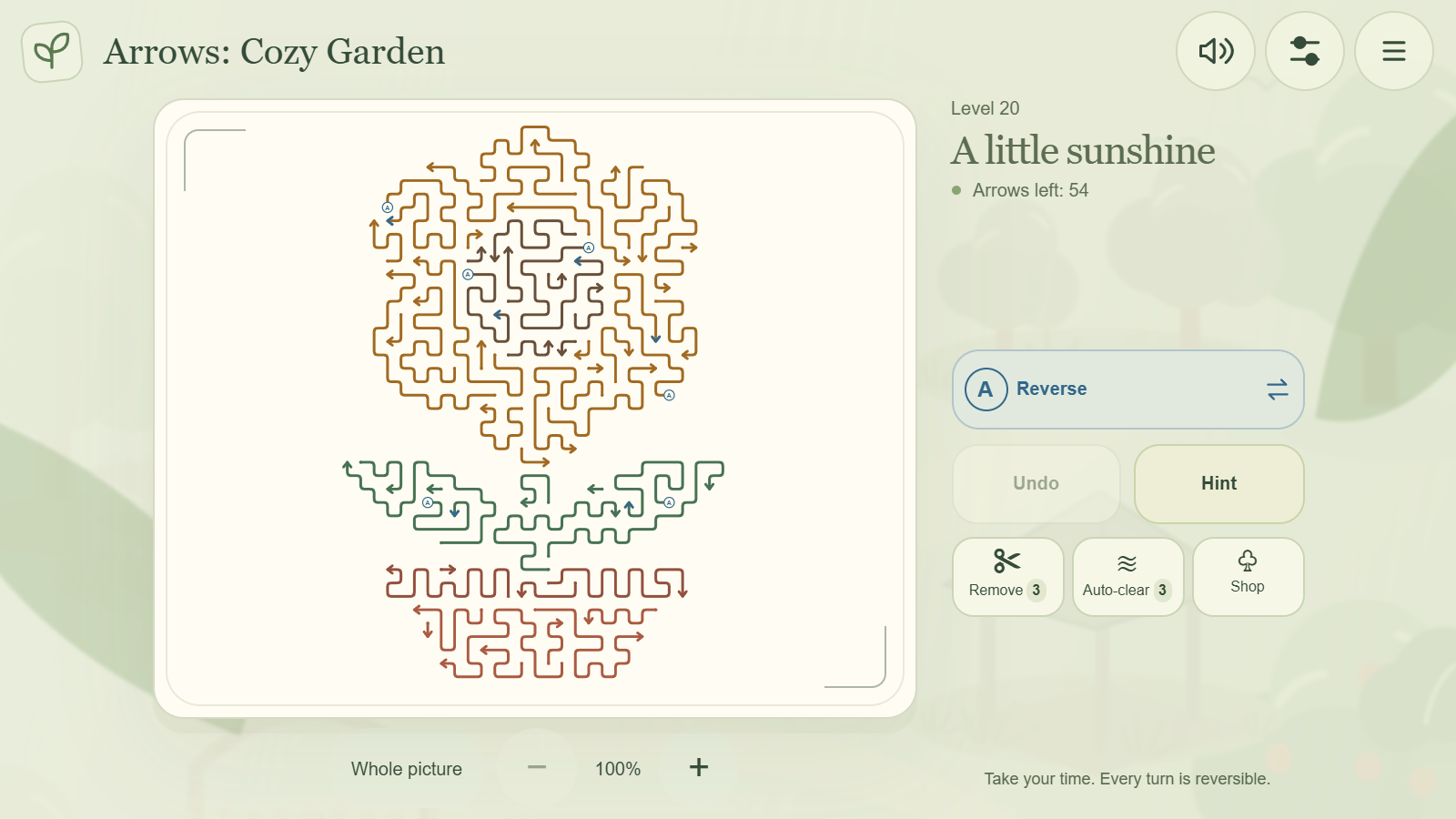
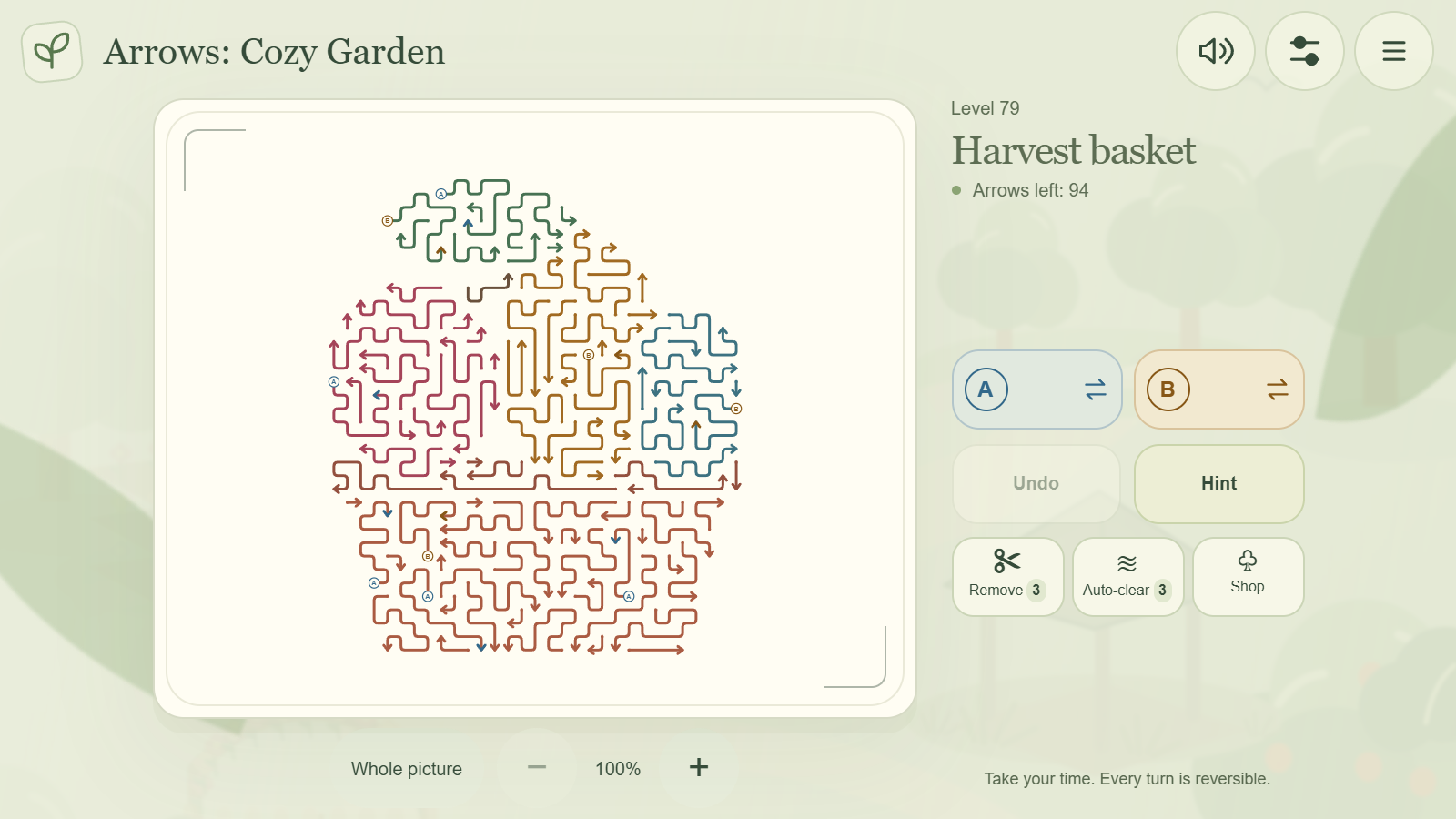
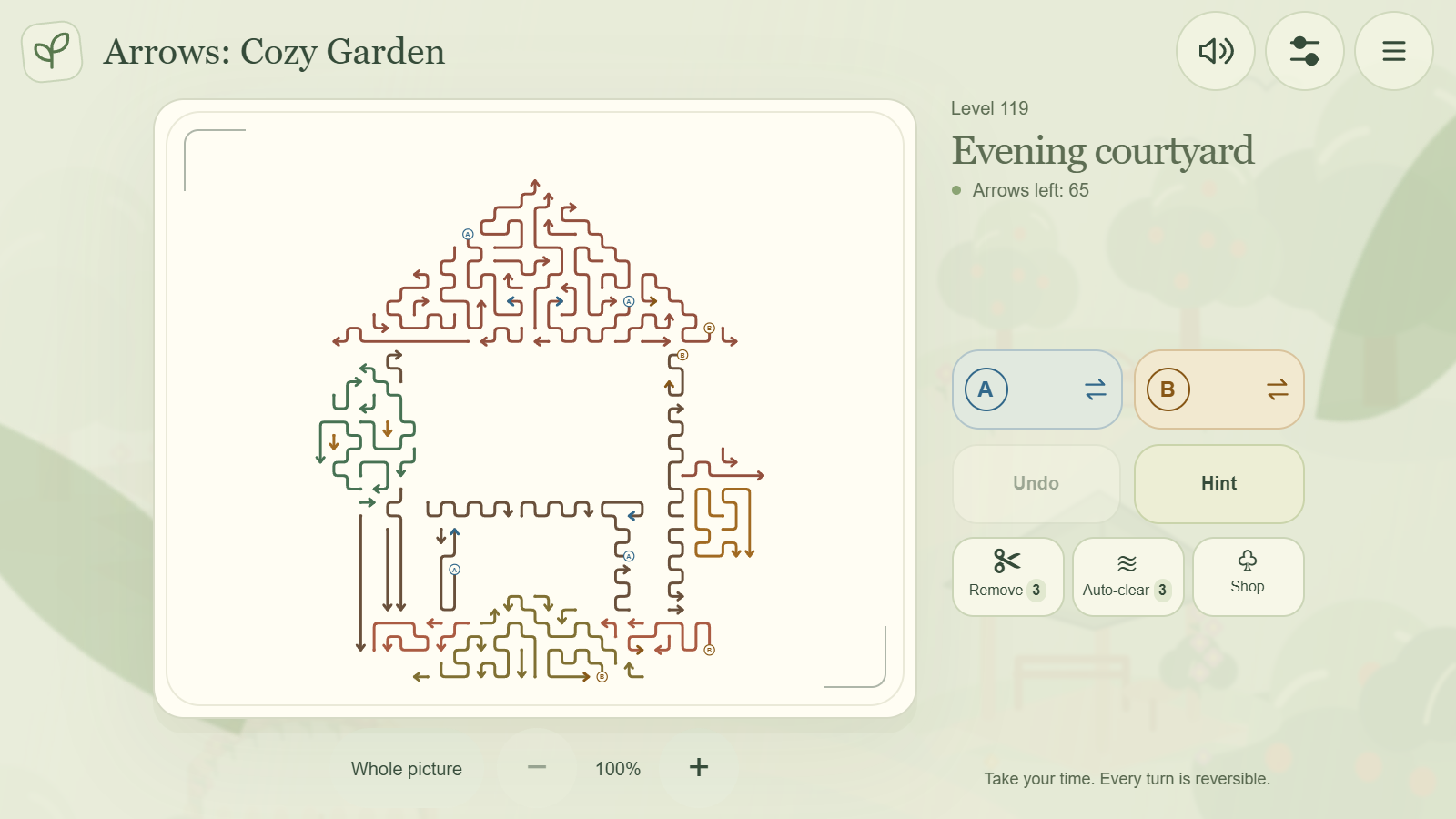
Arrows: Cozy Garden is a relaxing puzzle game where winding arrows form flowers, birds and charming garden pictures. Find clear exits and use switches to swap the head and tail of arrows. Complete 120 levels to restore six garden areas, from the gate to the evening terrace. Finish the campaign to unlock endless mode with randomly generated boards. Take your time: there is no timer and no lives to lose. Zoom in, undo moves and use hints when you need a hand. Completing levels, including replays, awards random tools: Remove and Auto-clear. Extra tools are available for coins, which can be purchased in the shop. Purchases and tools are optional: every puzzle can be solved without them. Your progress is saved automatically.

Videos and screenshots
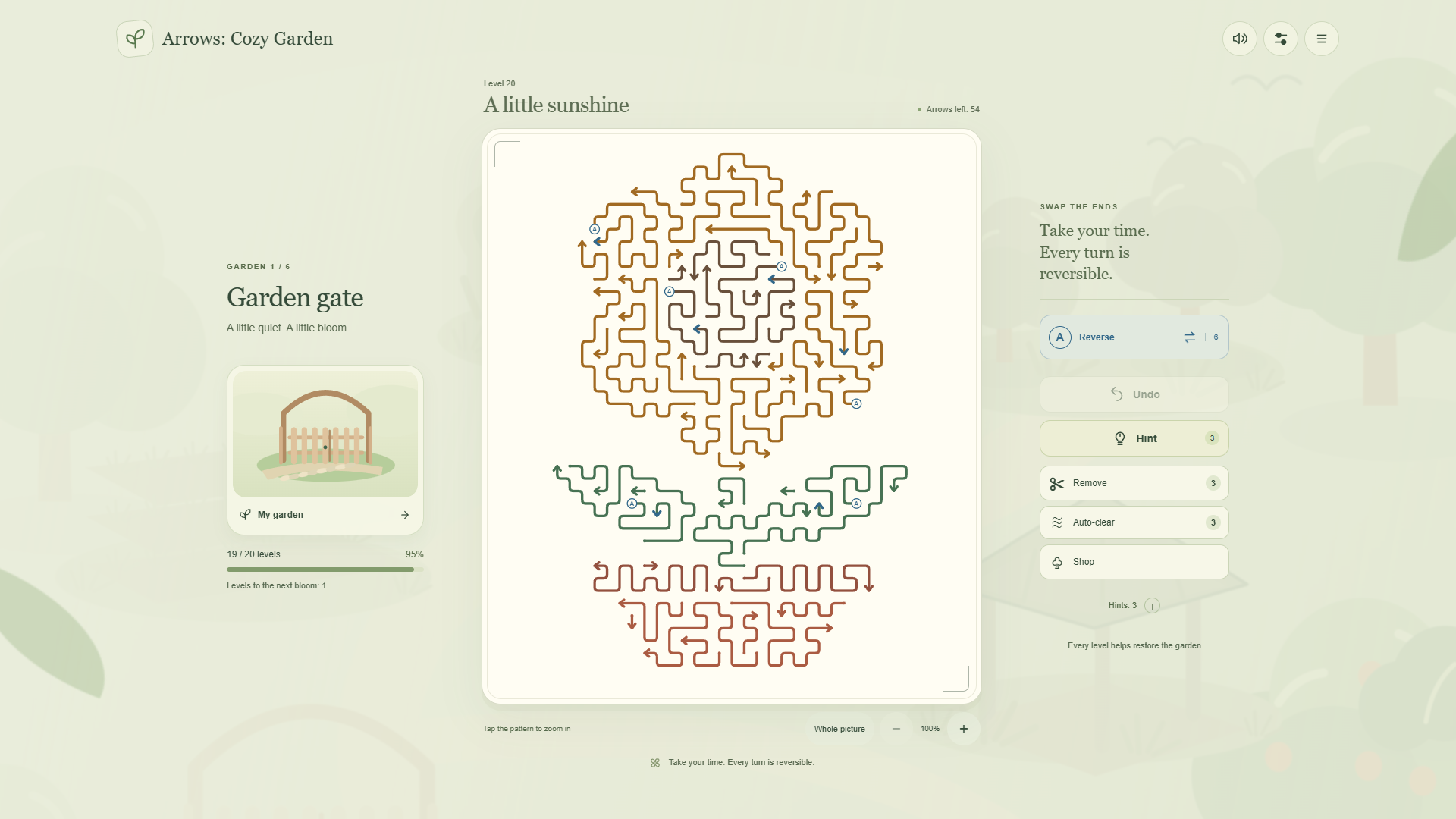
  • Arrows: Cozy Garden screenshot 1
  • Arrows: Cozy Garden screenshot 2
  • Arrows: Cozy Garden screenshot 3
  • Arrows: Cozy Garden screenshot 4
  • Arrows: Cozy Garden screenshot 5
  • Arrows: Cozy Garden screenshot 6
Play Now

12,426 players online

How to play

  1. Open the game

    Press Play now and the game opens on its own screen.

  2. Follow the in-game instructions

    The controls and goals are shown inside the game as you play.

  3. Use the game menu

    The floating button over the game reloads it, saves it to your favourites, or takes you back out.
Game instructions

Remove every arrow from the board to complete a level. Tap or click any part of an arrow. If the path from its head to the edge is clear, it slides out like a snake. Other arrows or its own body may block the exit. If it cannot move, try another arrow. Switches A and B swap the head and tail of all remaining arrows in their group. Use them to open new exits. Tap the picture to zoom in, drag to move the board, and adjust the zoom with buttons or a pinch gesture. Undo and restart are free. A hint shows a useful move. Remove clears a selected arrow. Auto-clear removes only arrows that are free when you press it; it does not continue into a chain. Tools are consumed when used, and undo does not refund them. Play with touch on a phone, or use a mouse on a computer.

More games

More games