
Overview
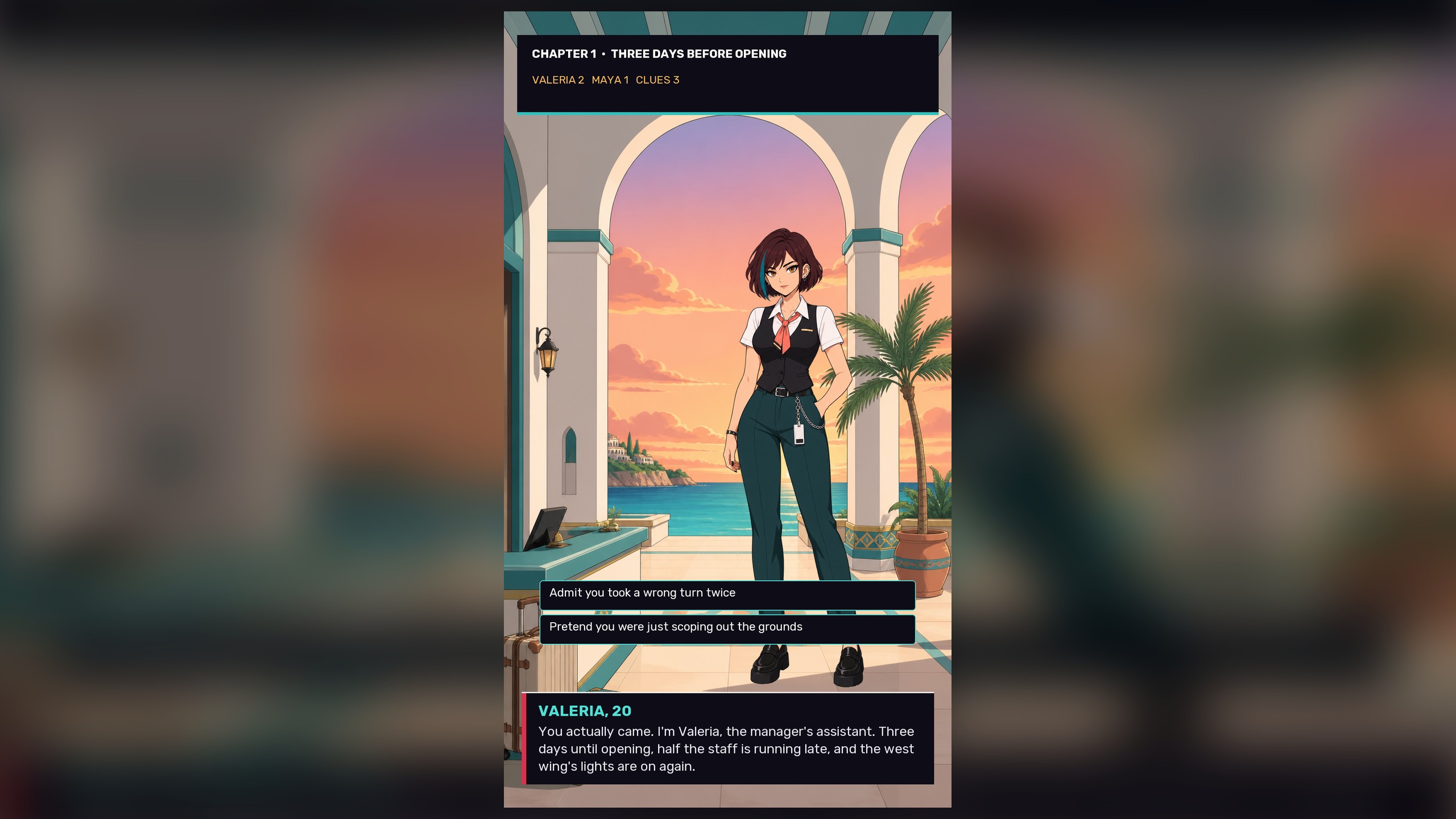
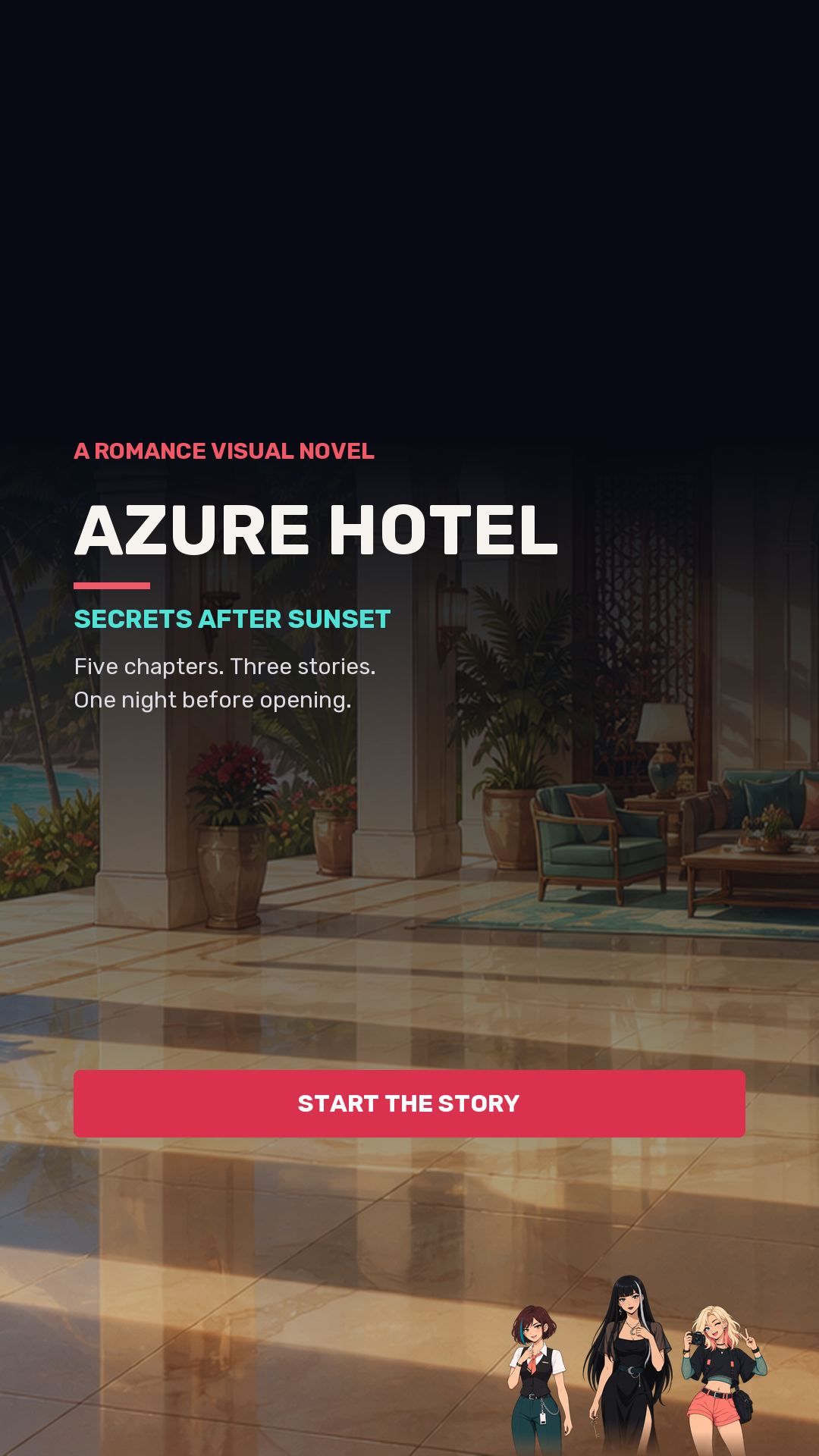
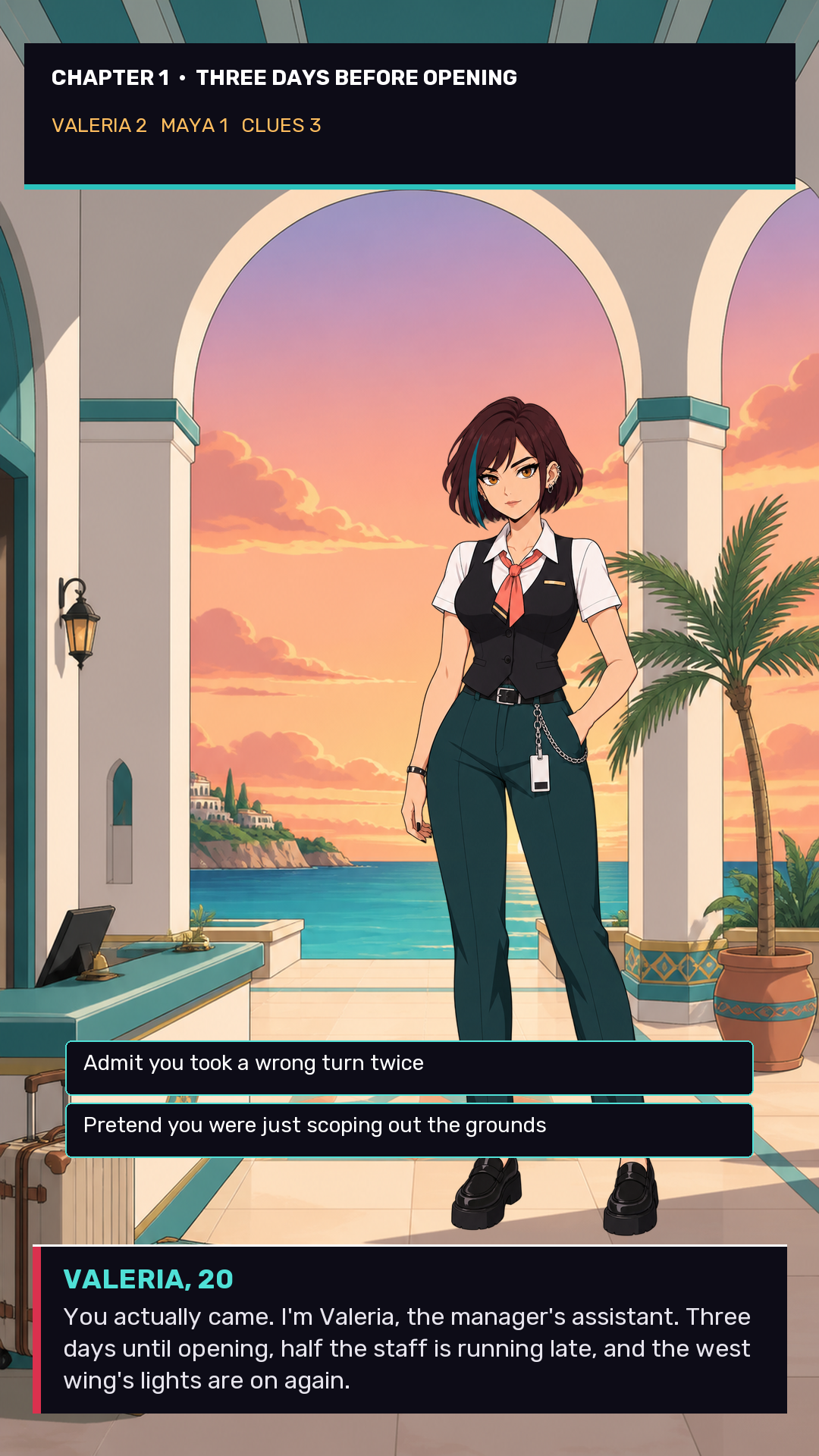
Azure Hotel is a romance visual novel set over three days before the grand opening of a luxury seaside hotel.
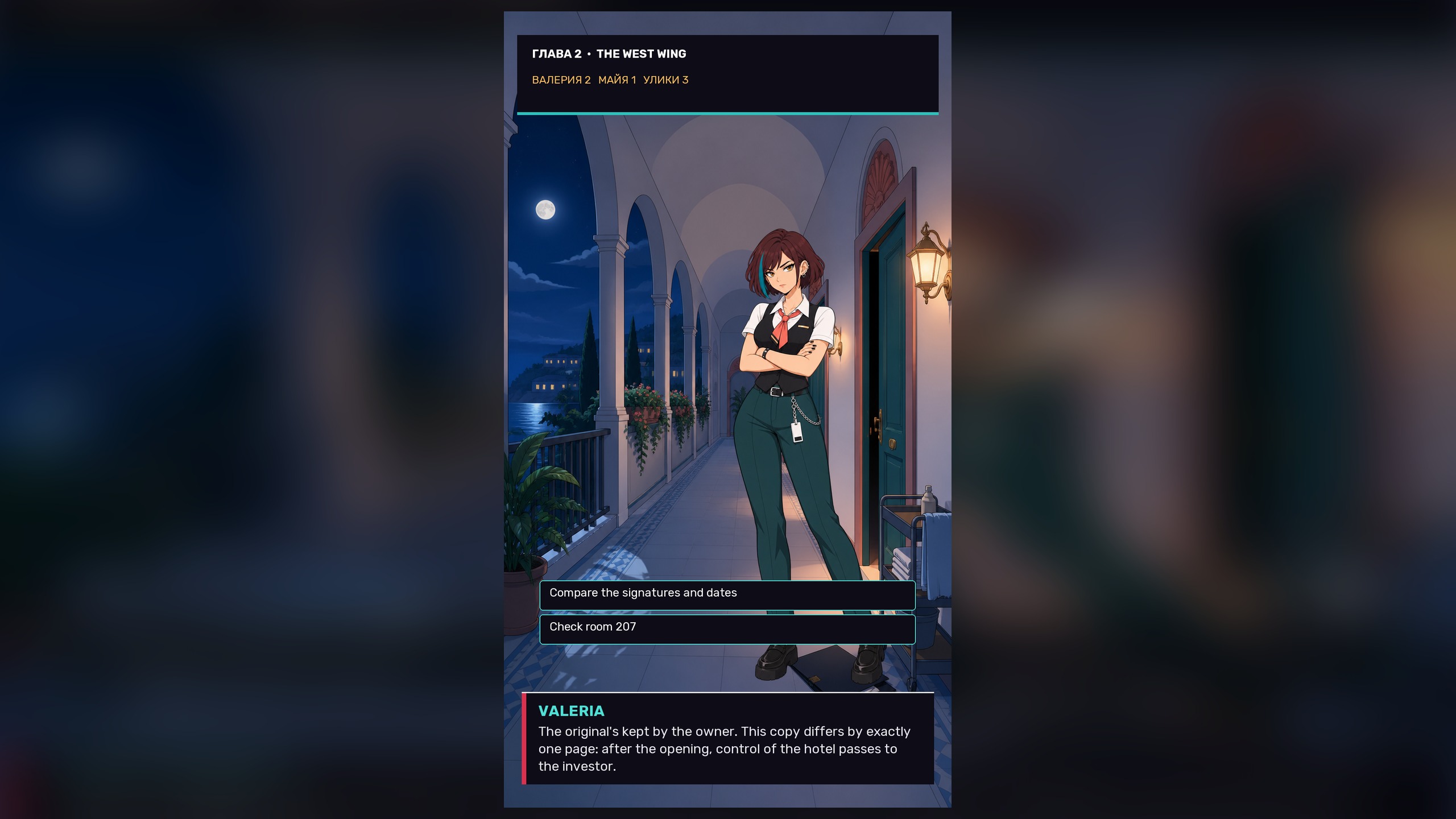
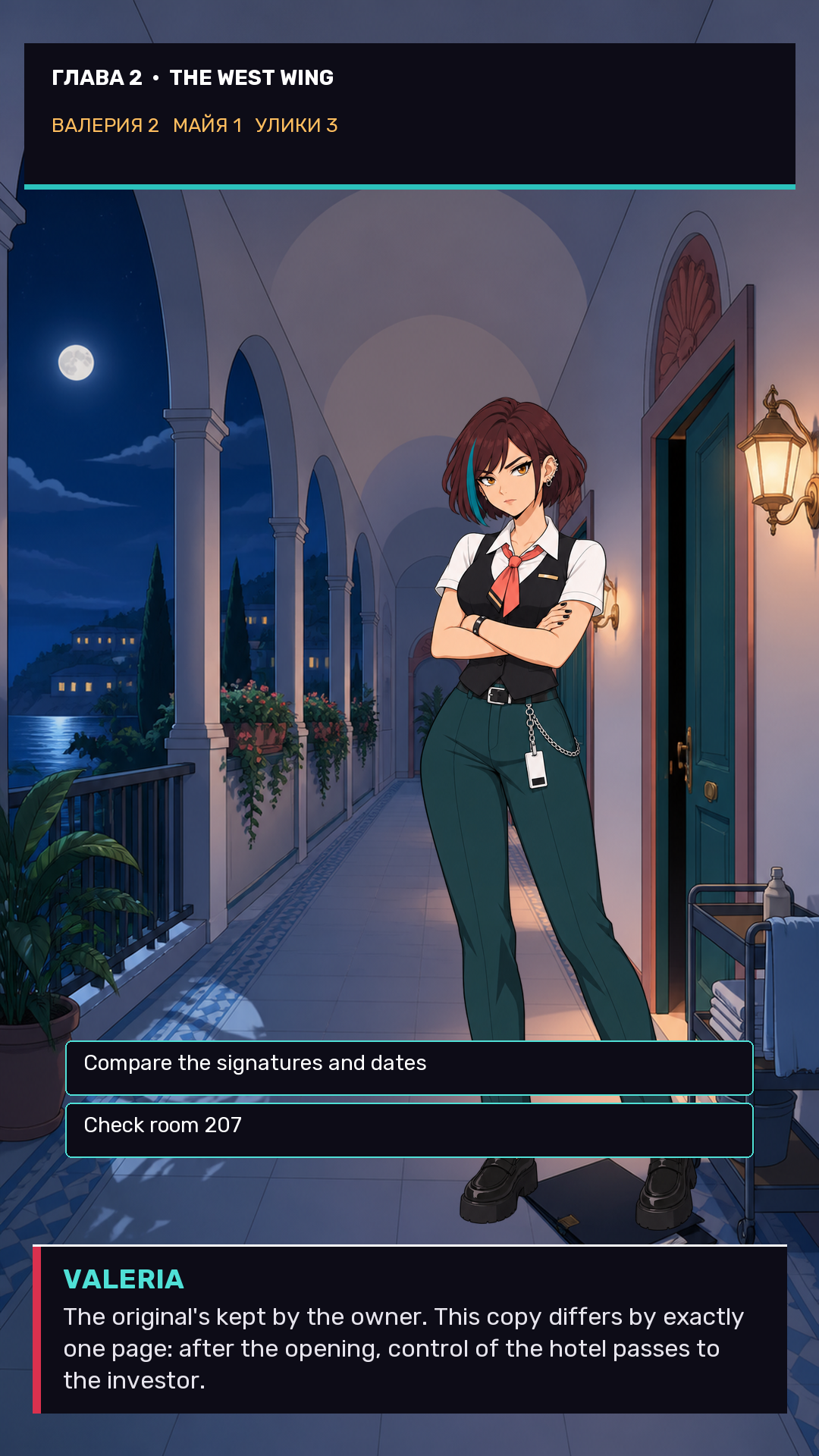
You'll meet three heroines - Valeria, the strict and devoted assistant manager; Maya, the bold trainee photographer; and Sofia, the cautious heiress to the hotel. Each has her own personality, her own secrets, and her own story to tell.
When it turns out someone is forging a contract to secretly sell the hotel, you'll need to investigate: gather clues, crack codes, and decide who you can trust.
Every choice affects your relationships with the heroines and unlocks different scenes - from tense investigation moments to warm evenings by the pool at sunset.
Play through to the end and choose one of three endings - each one reveals its own romantic storyline with unique scenes.
Videos and screenshots

14,168 players online
How to play
-
Open the game
Press Play now and the game opens on its own screen.
-
Follow the in-game instructions
The controls and goals are shown inside the game as you play.
-
Use the game menu
The floating button over the game reloads it, saves it to your favourites, or takes you back out.