Skip to content
KG
Battle chicks

Battle chicks

100K plays 3.6 out of 5

Overview

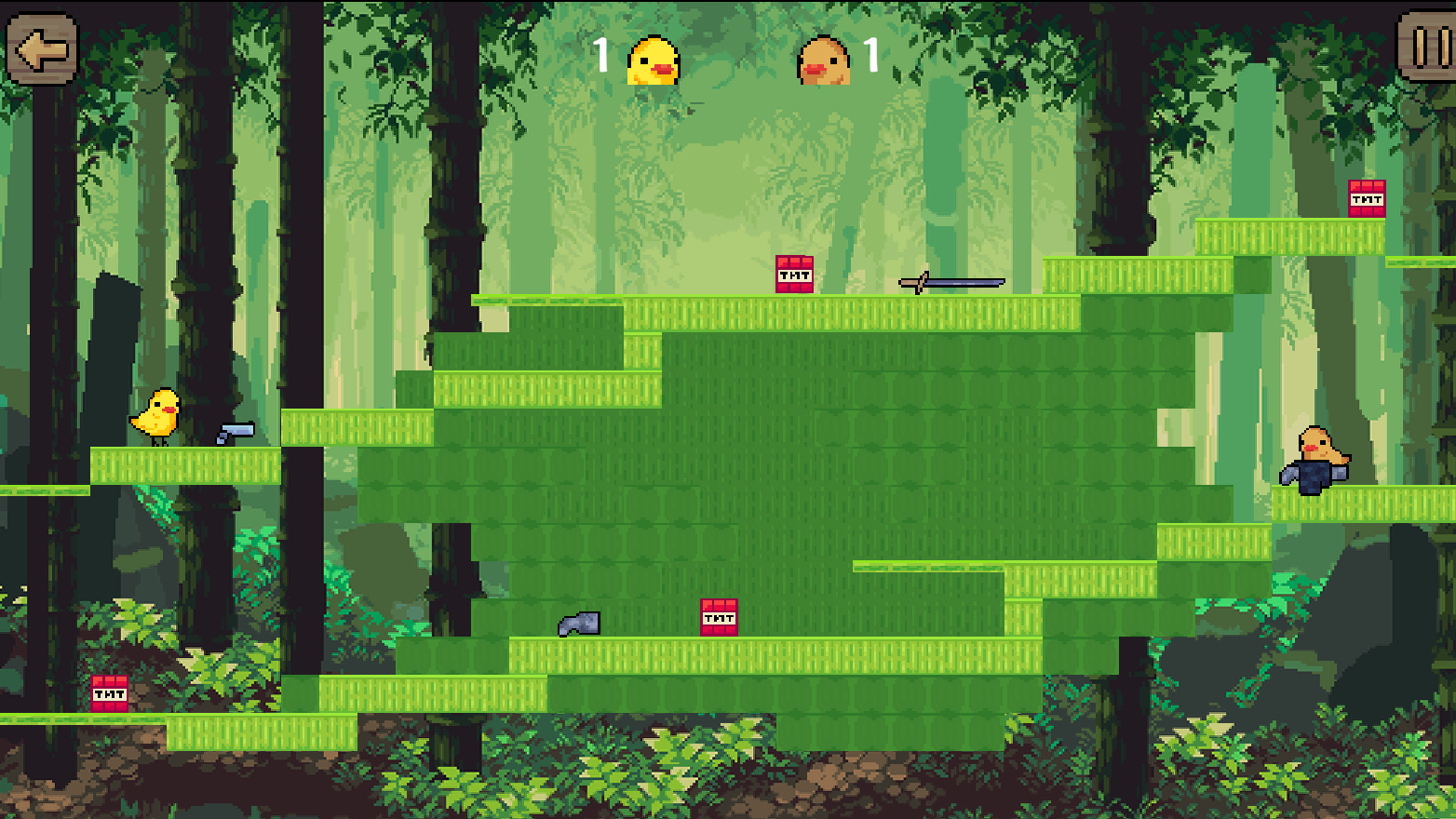
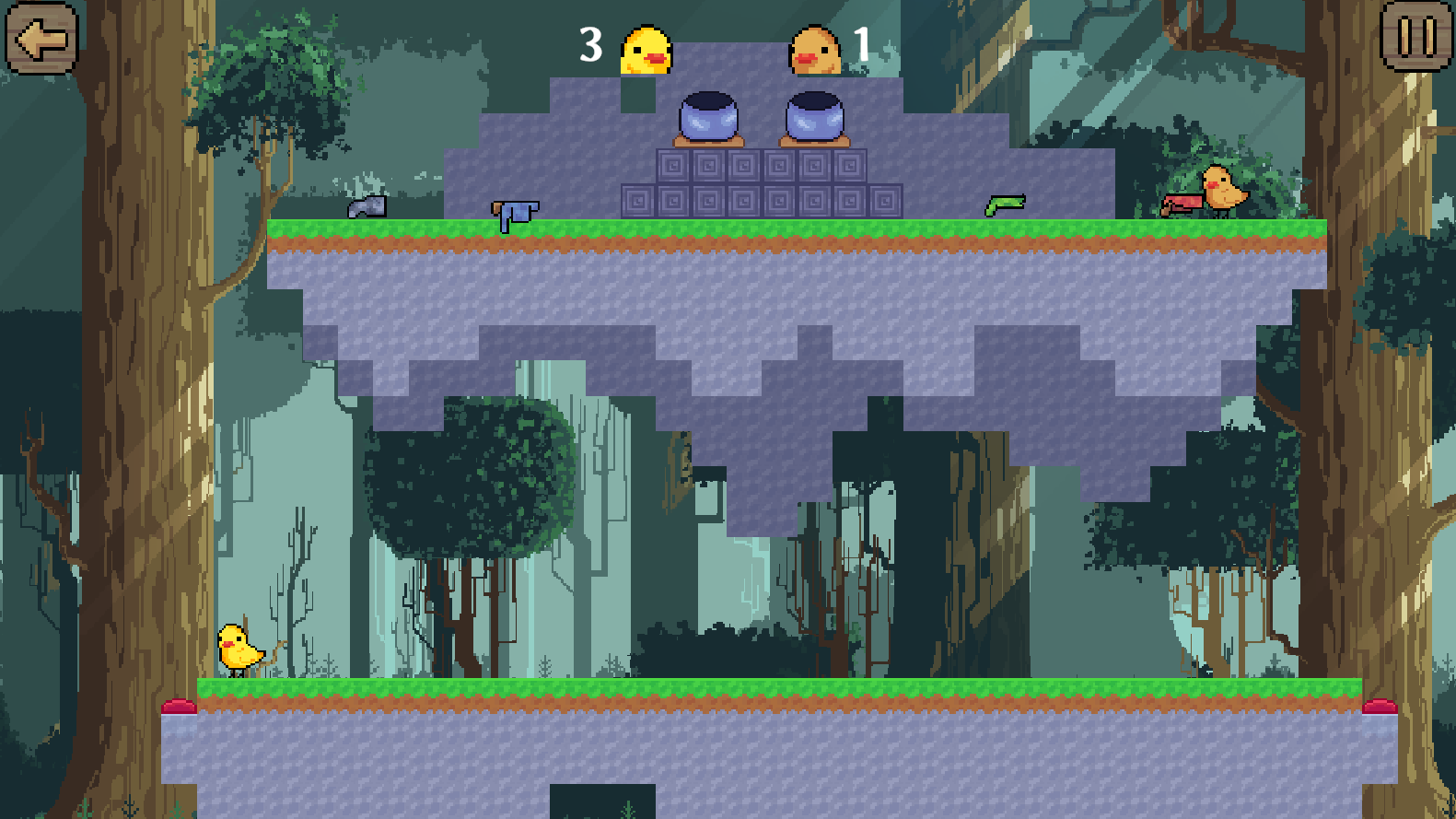
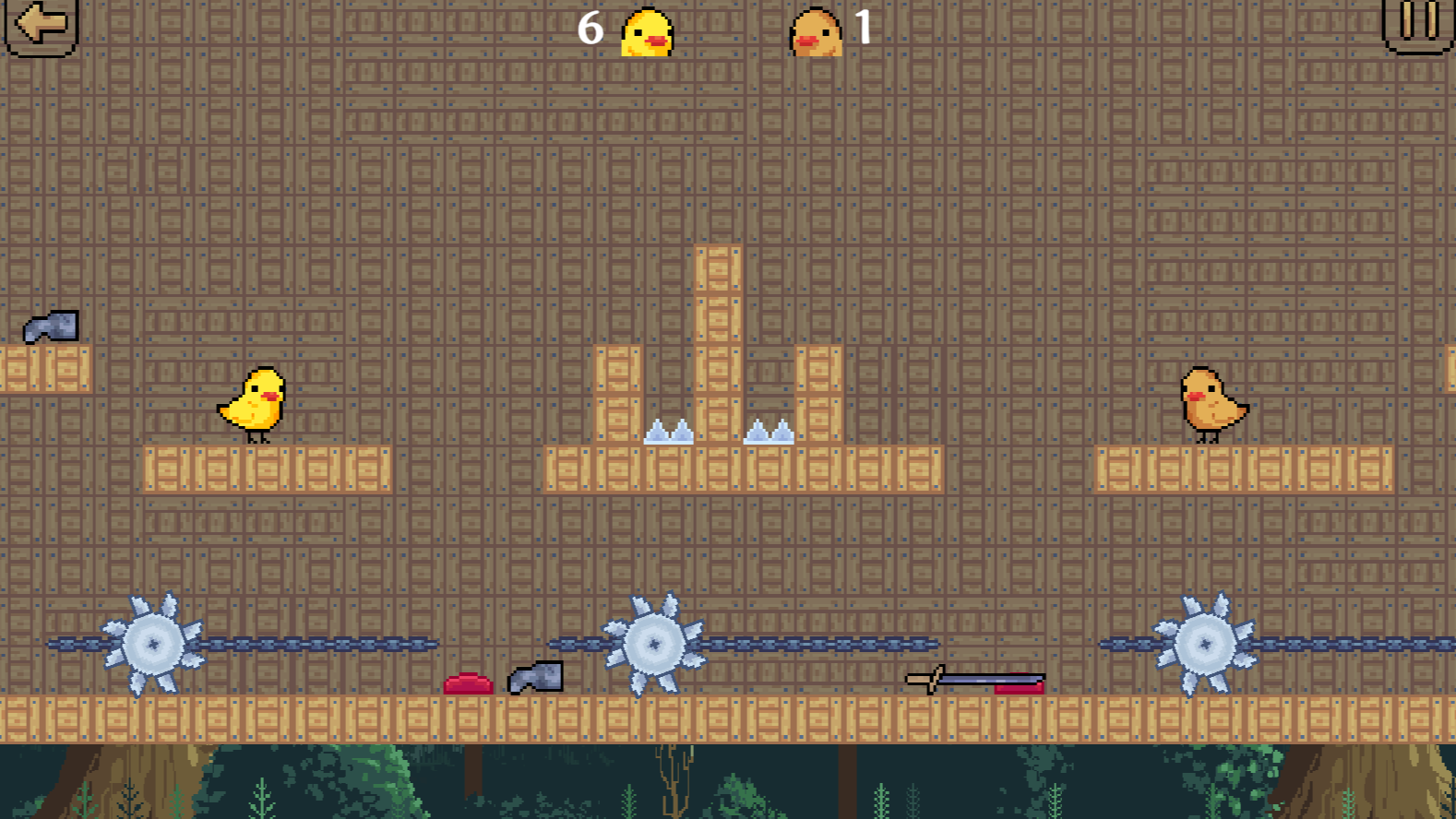
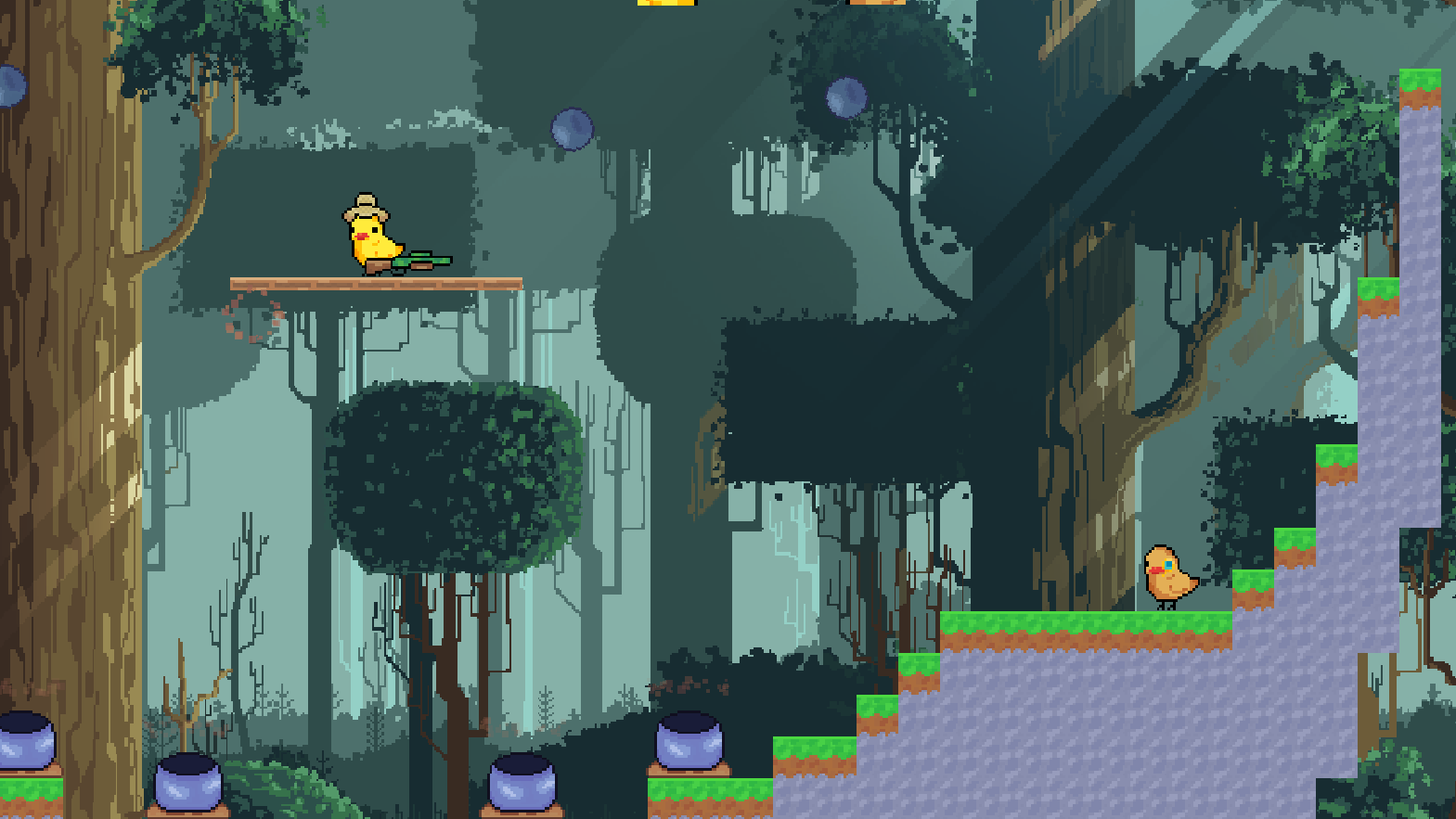
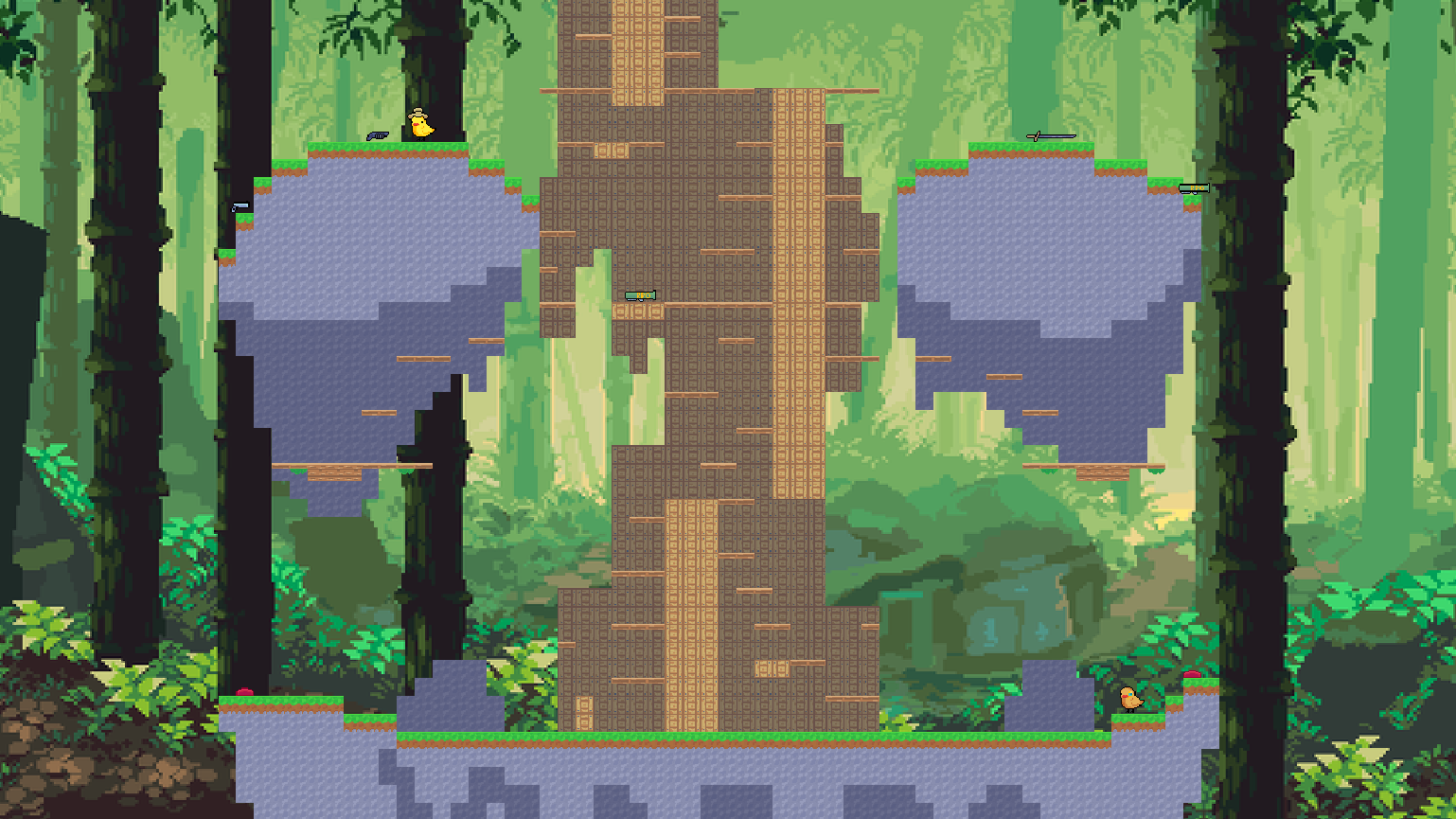
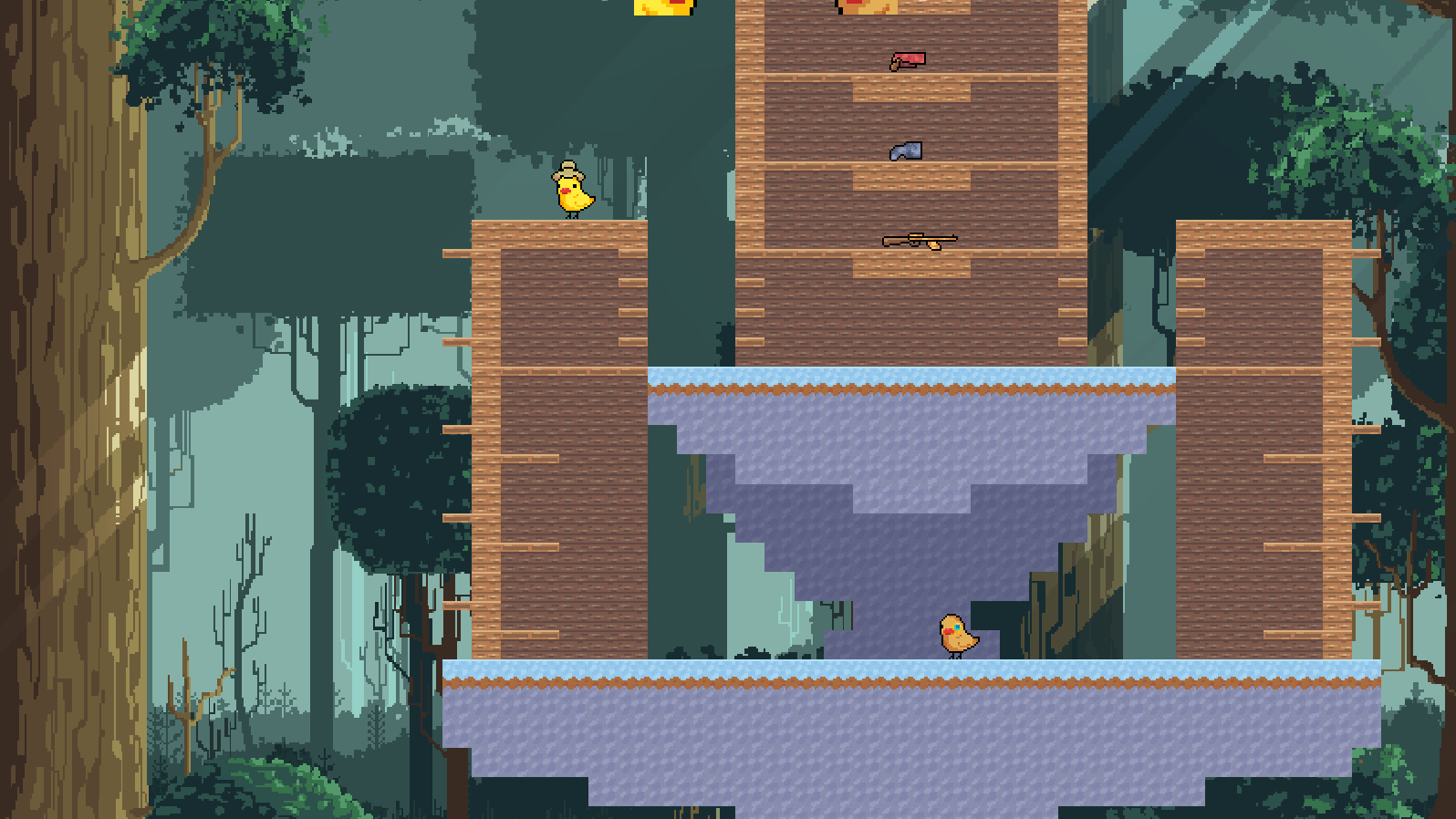
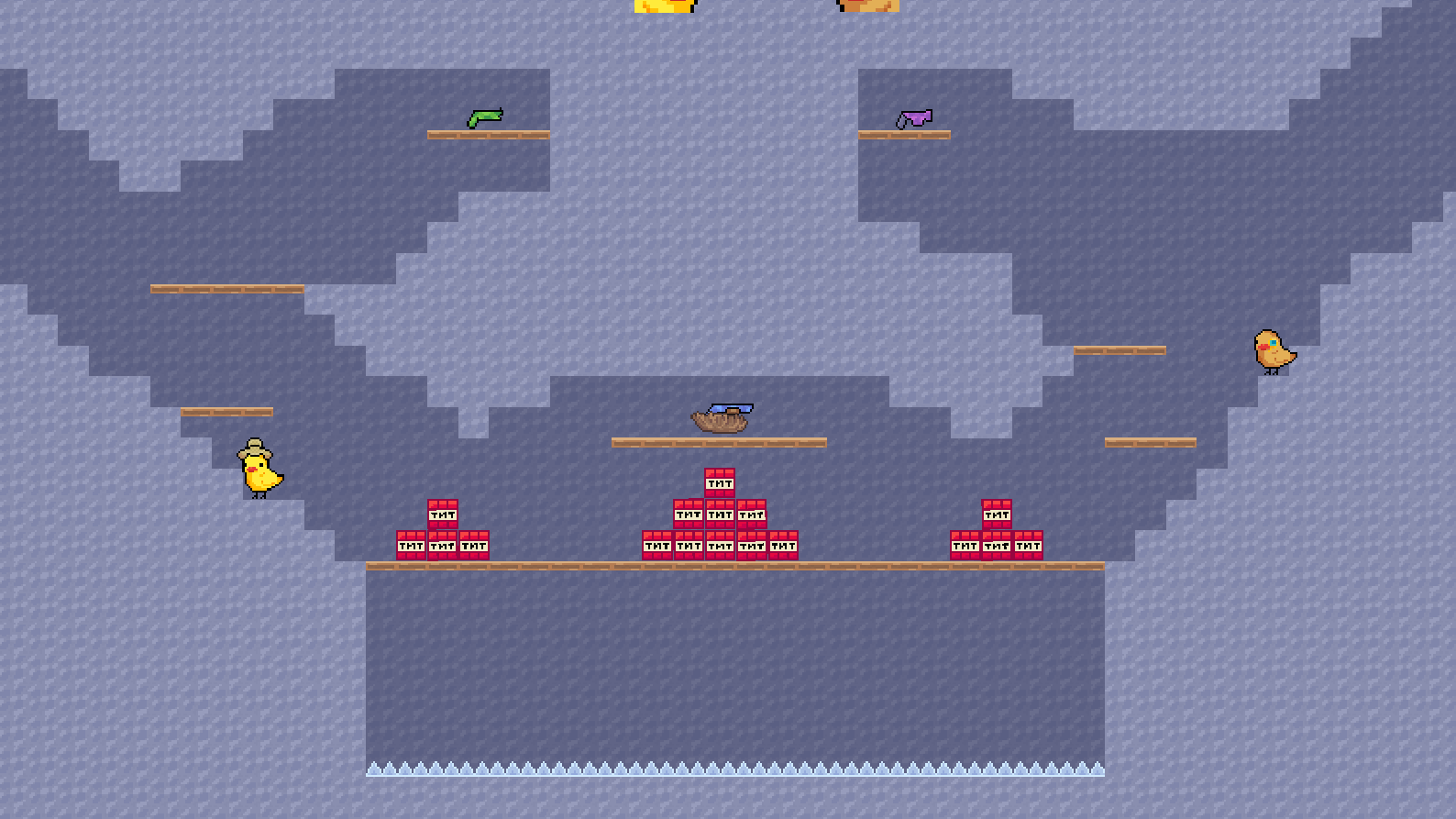
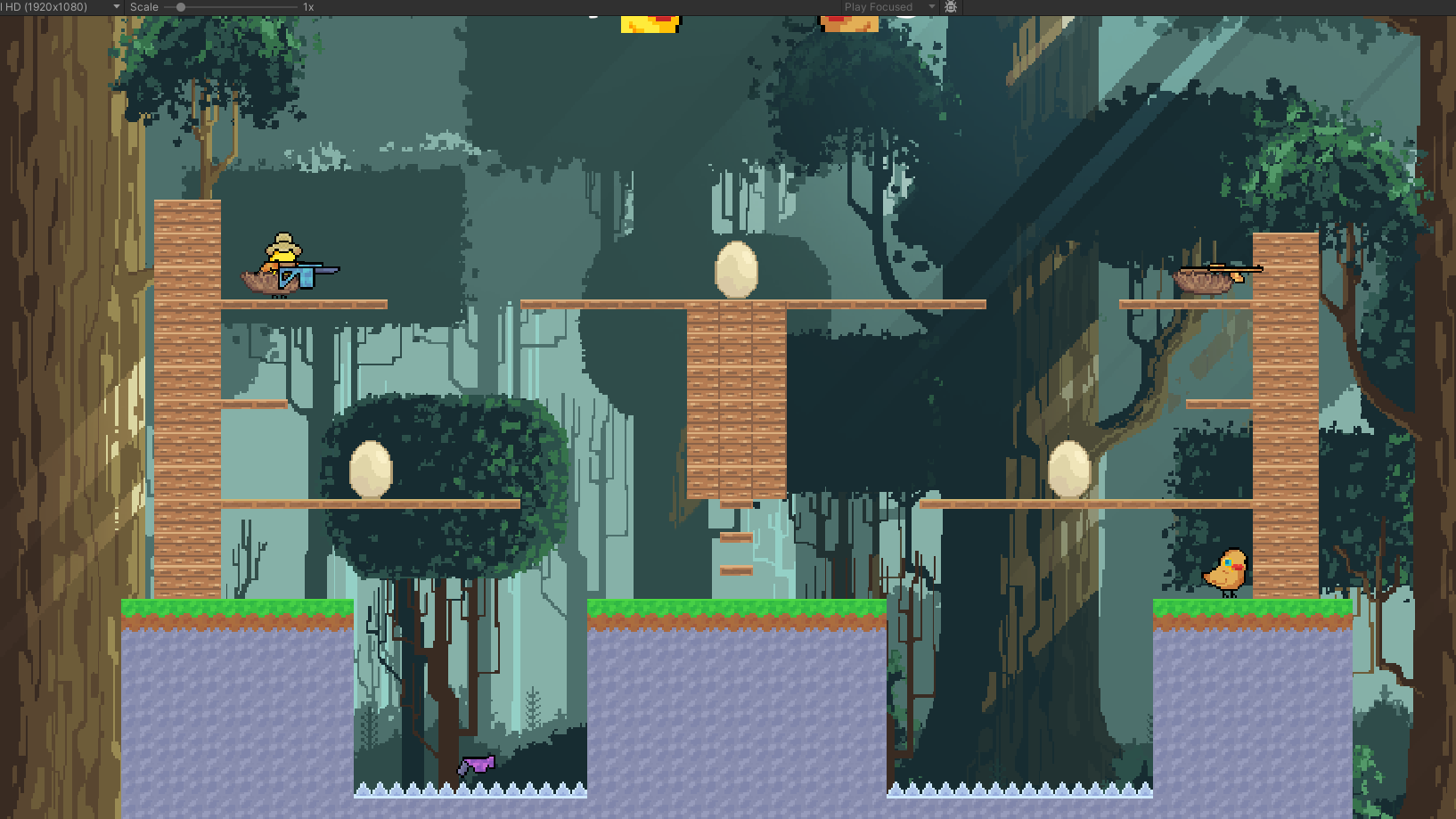
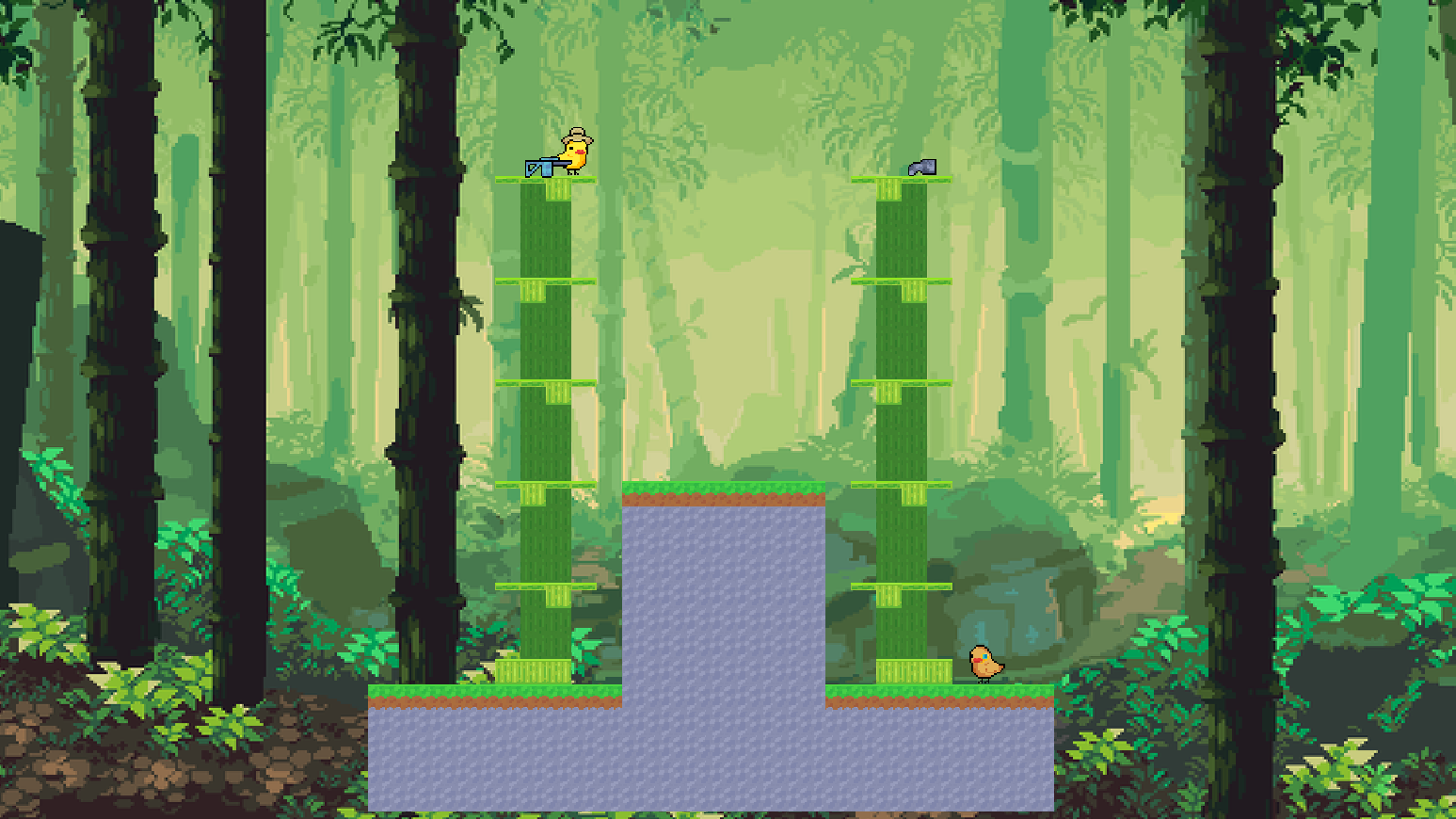
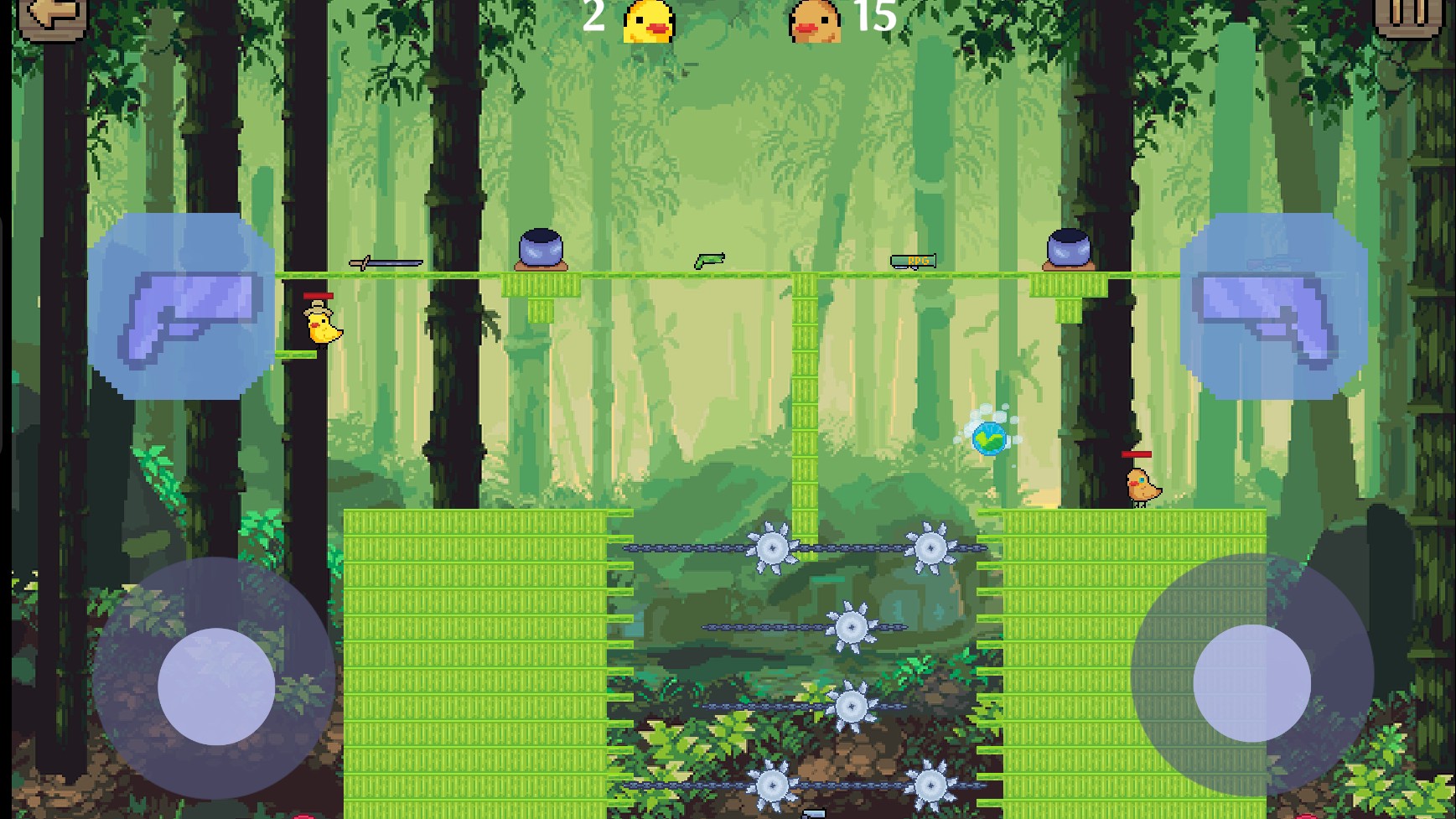
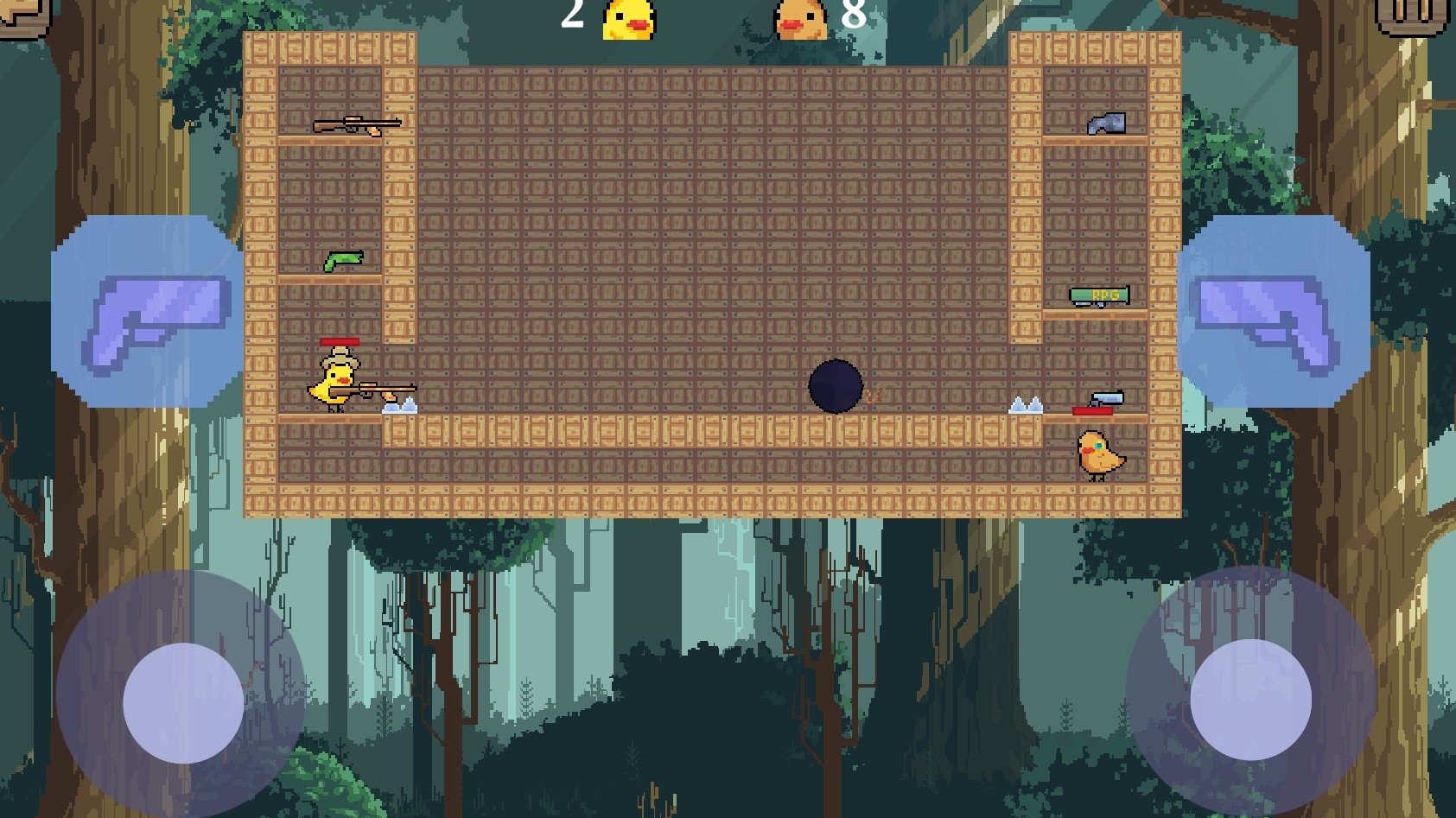
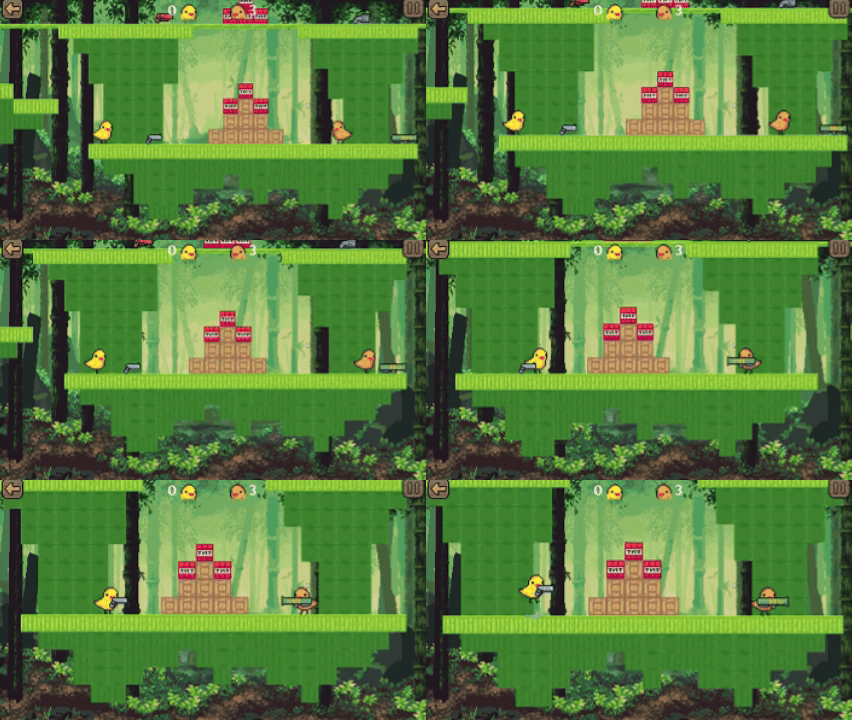
A casual game for two on one PC⚔️ Players are two chickens, each of whom can be customized to your taste🐣 Players can not only play on a variety of existing maps with different weapons, but also create their own using the built-in level editor🗺️ Weapon variety: a variety of guns, some of which can not only shoot but also destroy blocks, as well as katanas, which can be used in close combat and thrown at enemies from a distance 🗡️

Videos and screenshots
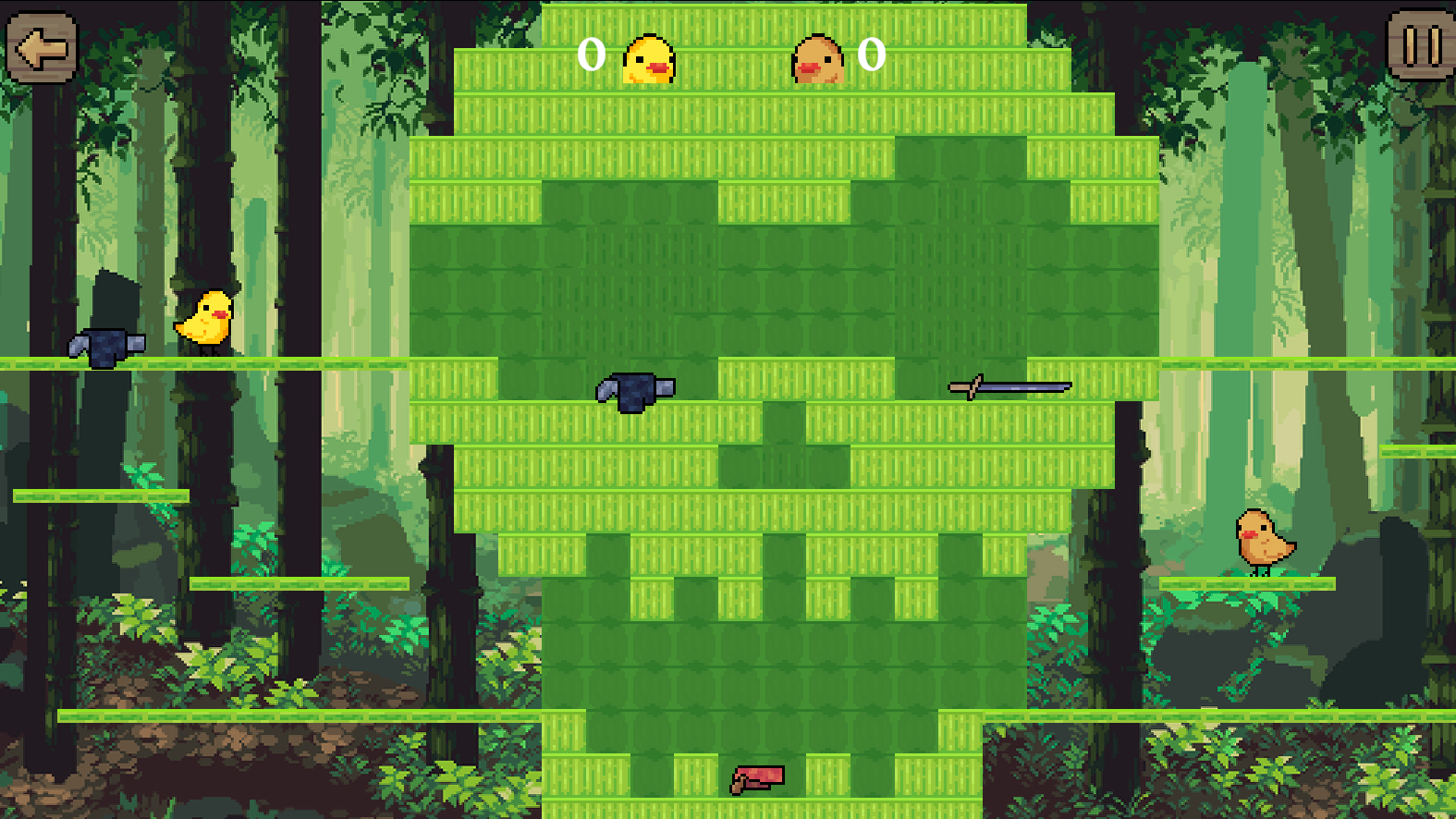
  • Battle chicks screenshot 1
  • Battle chicks screenshot 2
  • Battle chicks screenshot 3
  • Battle chicks screenshot 4
  • Battle chicks screenshot 5
  • Battle chicks screenshot 6
  • Battle chicks screenshot 7
  • Battle chicks screenshot 8
  • Battle chicks screenshot 9
  • Battle chicks screenshot 10
  • Battle chicks screenshot 11
  • Battle chicks screenshot 12
  • Battle chicks screenshot 13
Play Now

12,387 players online

How to play

  1. Open the game

    Press Play now and the game opens on its own screen.

  2. Follow the in-game instructions

    The controls and goals are shown inside the game as you play.

  3. Use the game menu

    The floating button over the game reloads it, saves it to your favourites, or takes you back out.

Game instructions

🐥Player One / Left: Move - W A S D keys Pick up / Drop weapons - E key Attack - R key 🐤Player Two / Right: Move - Up / Left / Down / Right arrow keys Pick up / Drop weapons - RMB (right mouse button) Attack - LMB (left mouse button) 🏞️ Creating custom maps: ◾ Move the canvas - Hold RMB and drag ◾ Zoom in - Mouse wheel ◾ To place a block - Select in the bottom panel and click ◾ LMB on the map location where you want to place the block ◾ To remove a block - Select the eraser and use it on the desired block ◾ Set the map's center and initial size - The button on the right with four arrows pointing in all directions (⚠️ Custom maps are not saved when the page is refreshed⚠️)

More games

More games