Skip to content
KG
Battle of Knights: Robby and Dragons

Battle of Knights: Robby and Dragons

130K plays 4.4 out of 5

Overview

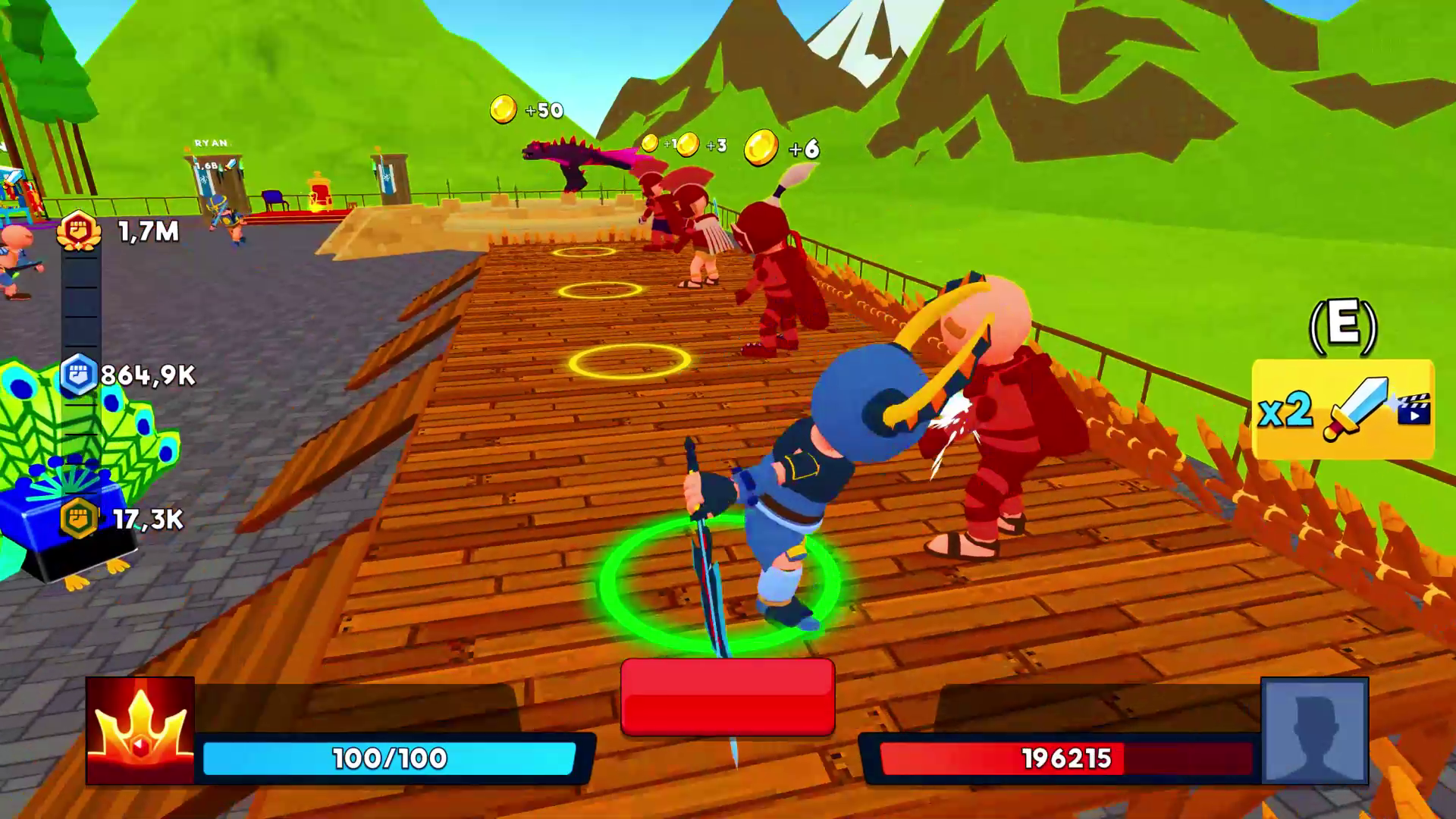
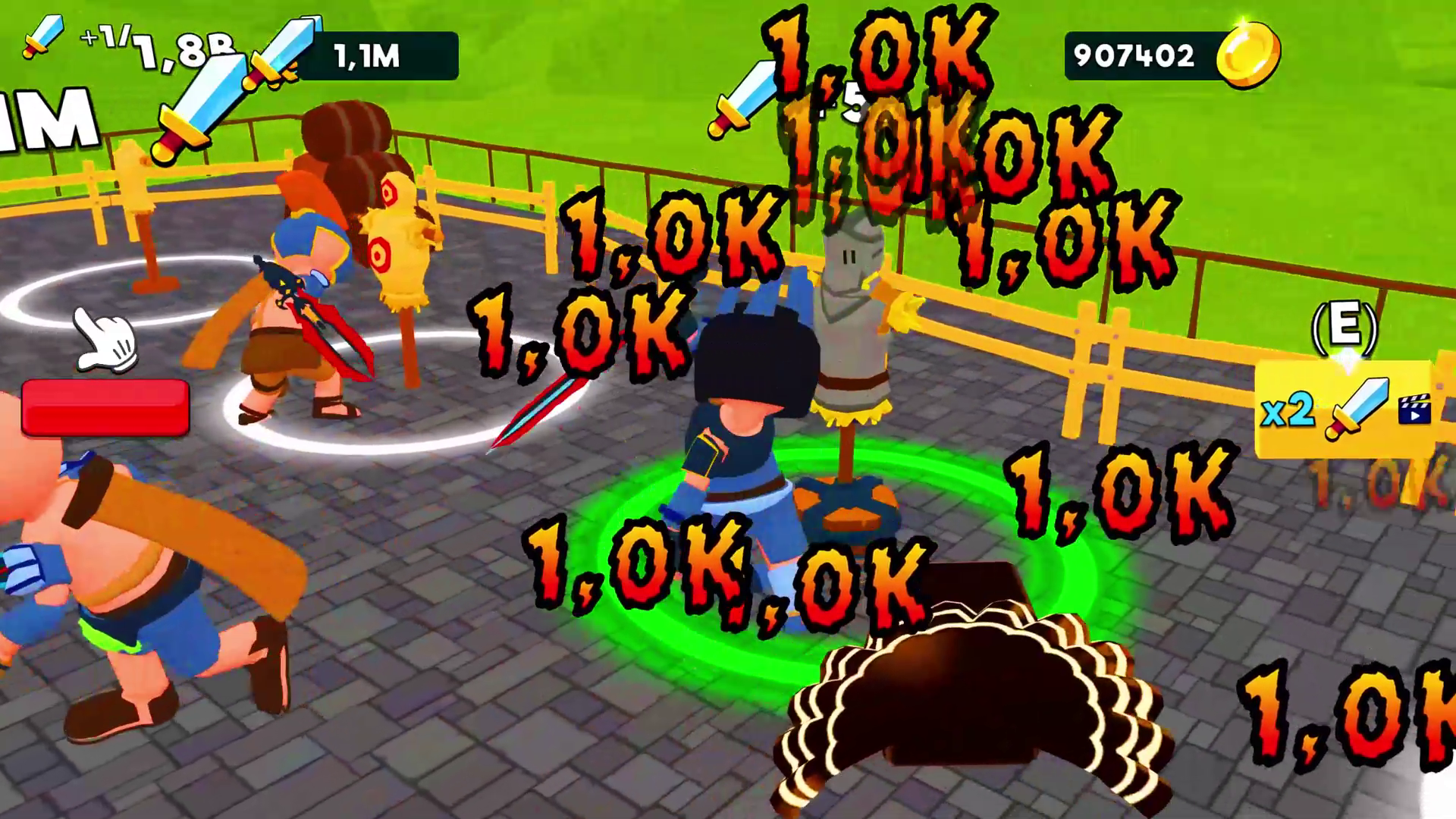
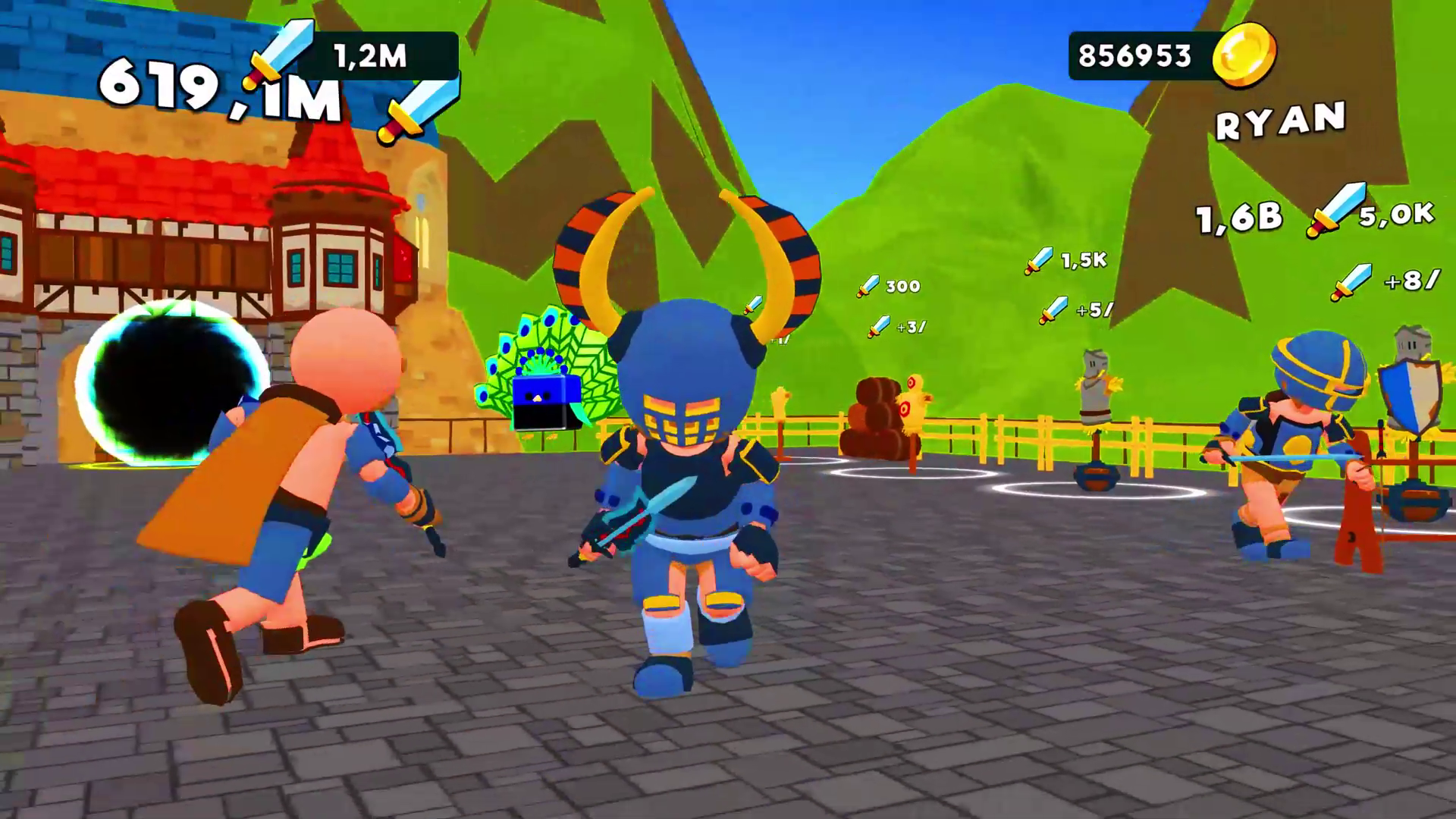
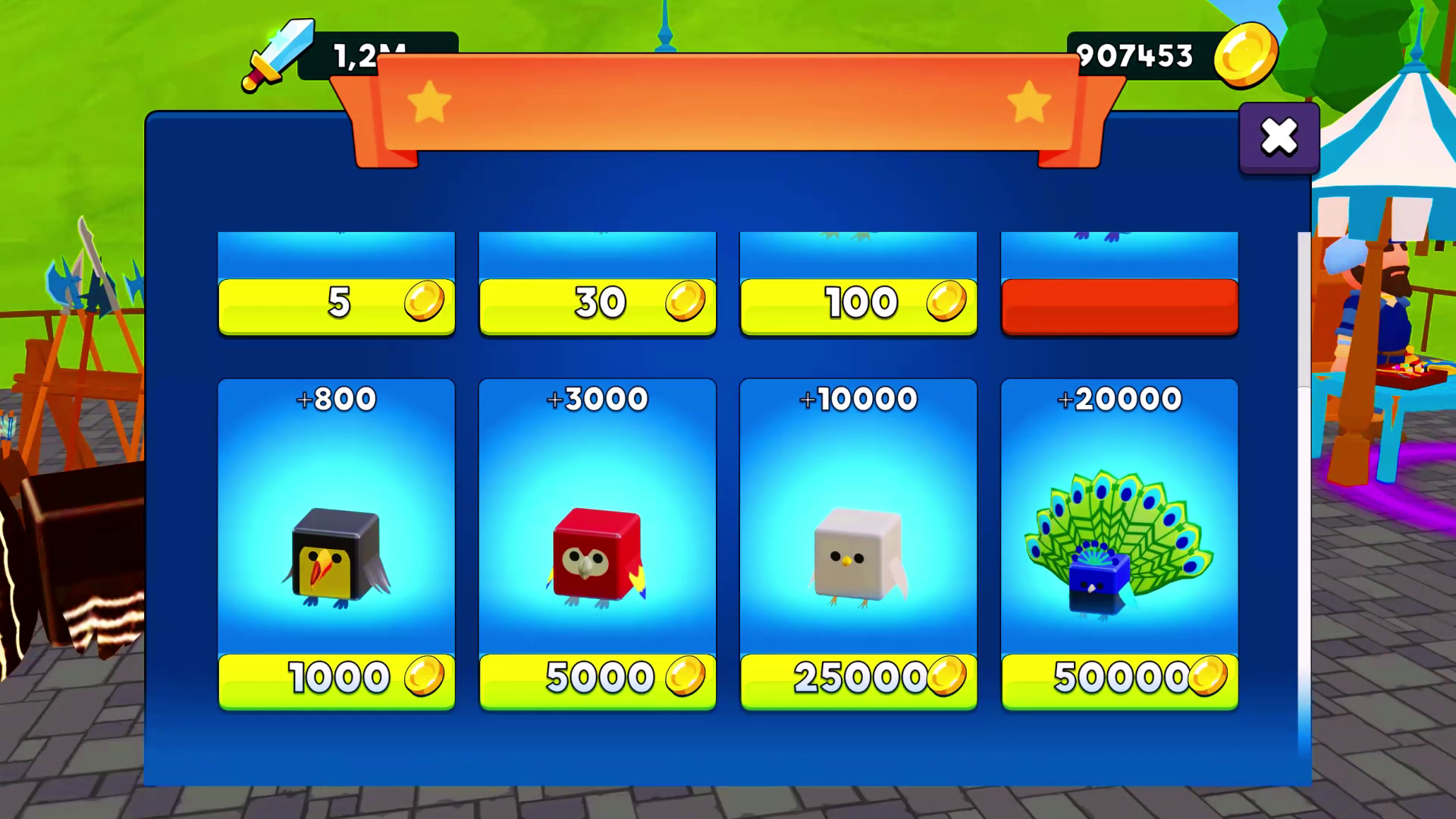
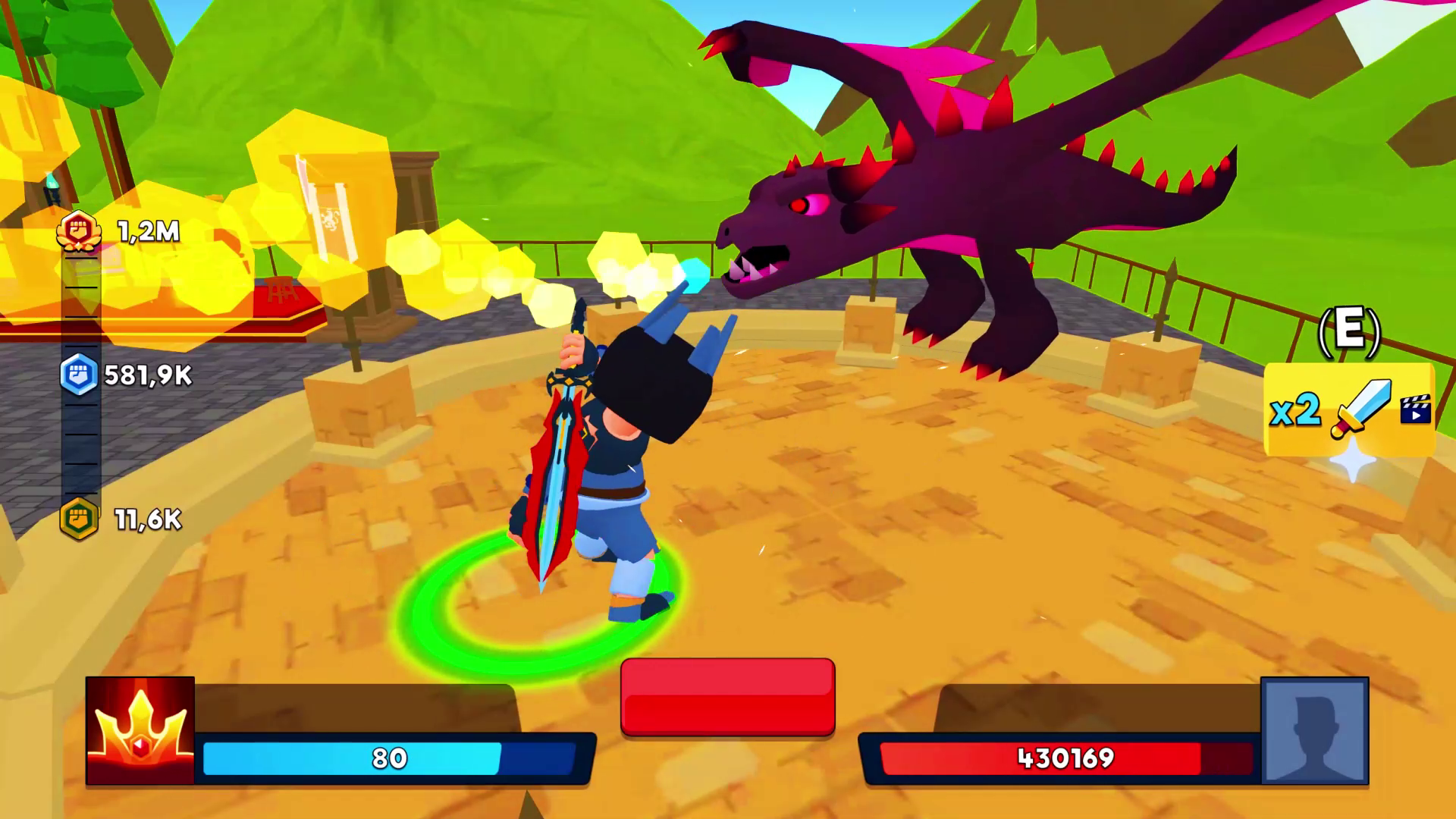
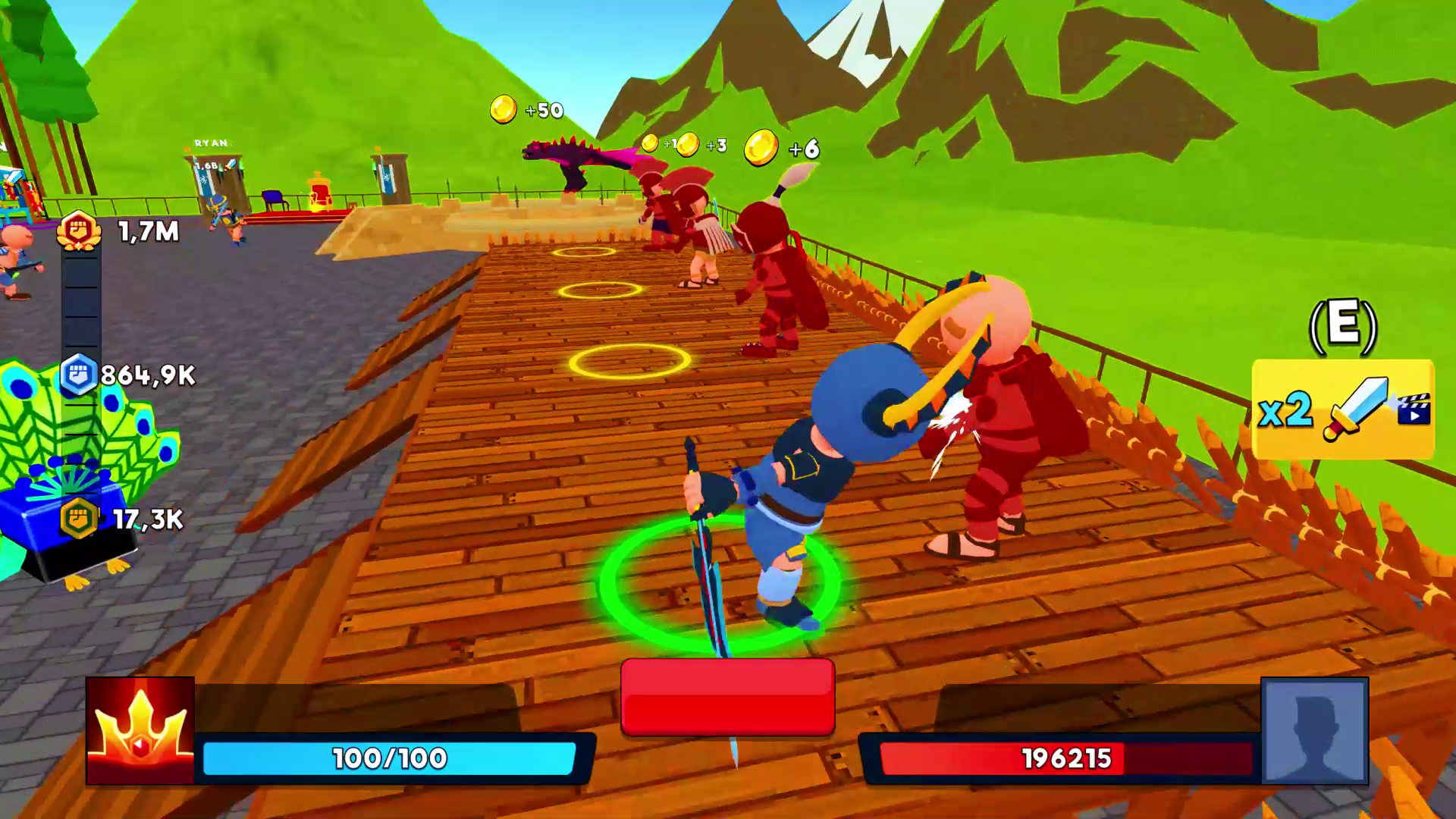
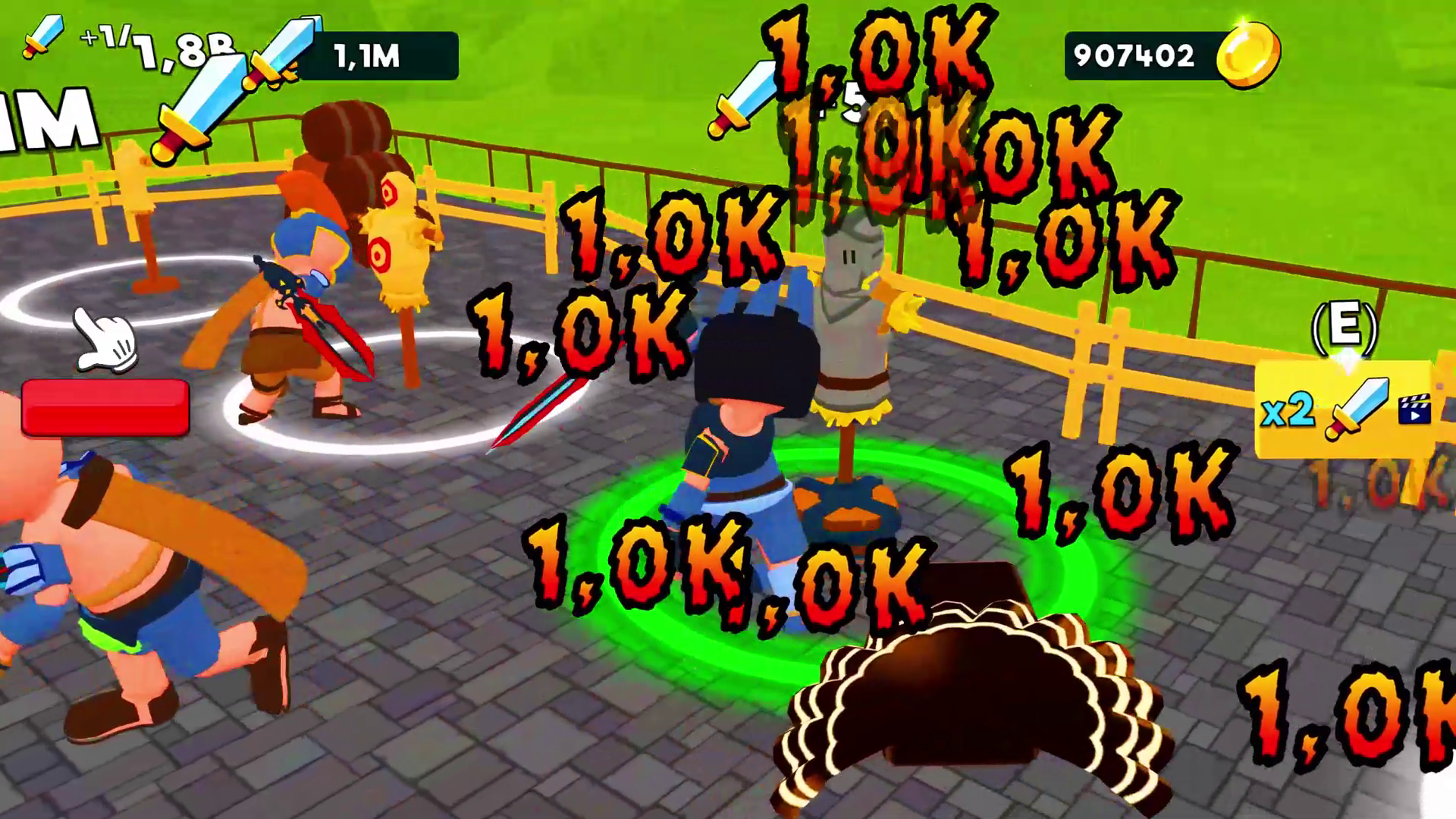
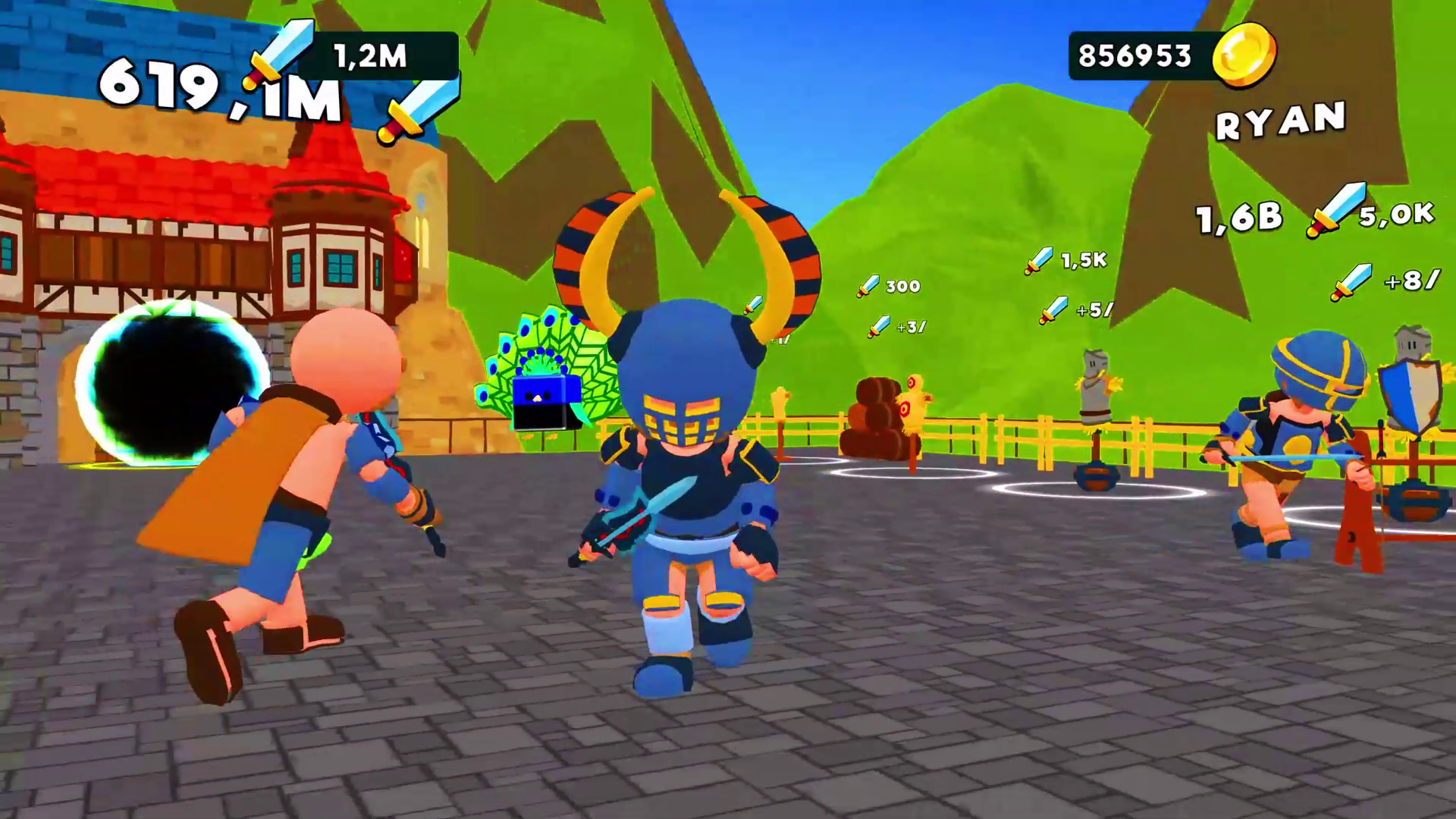
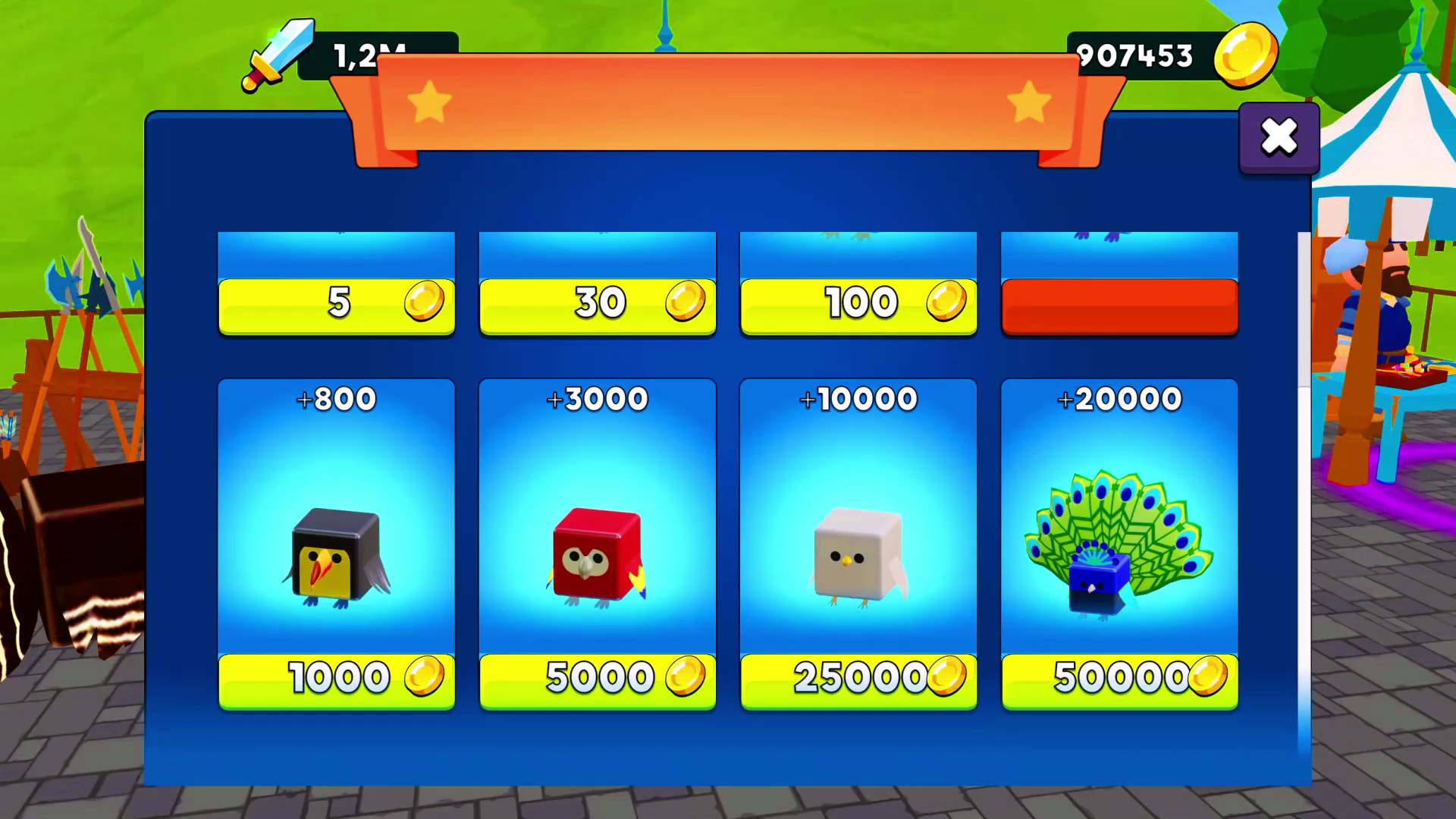
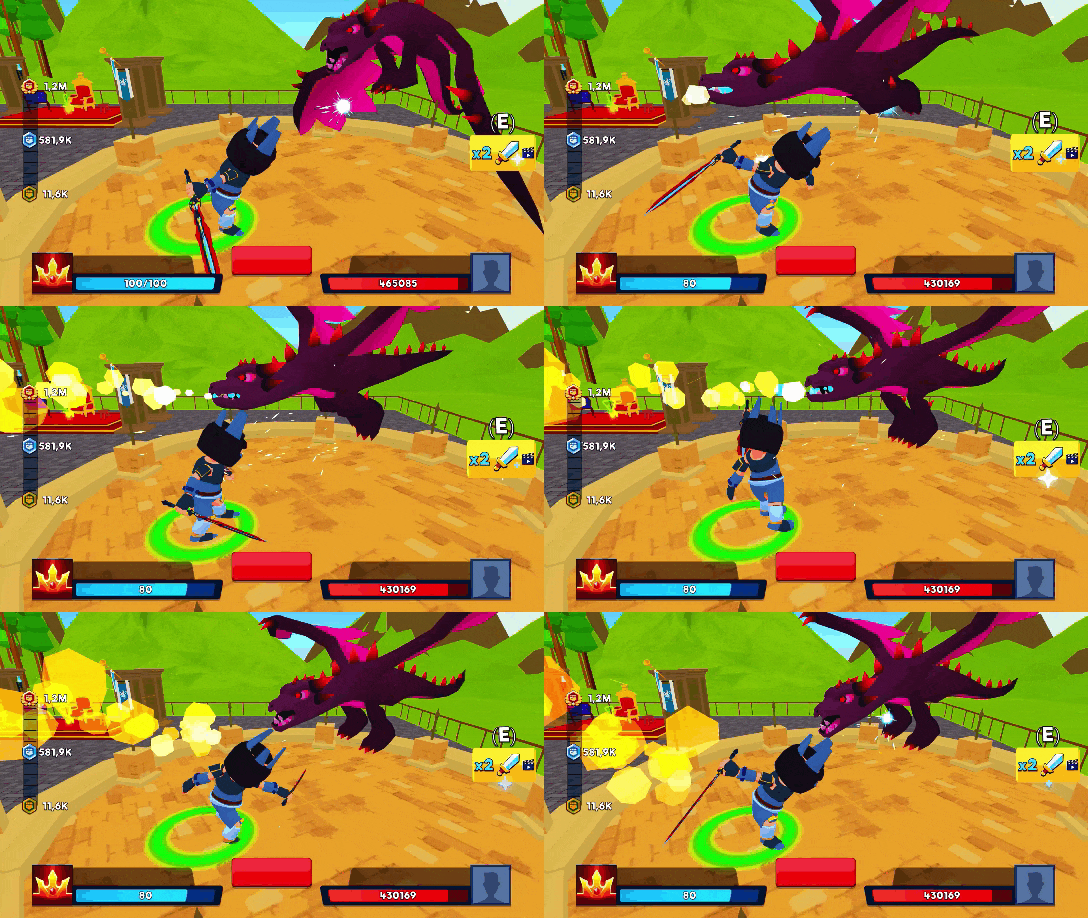
“Battle of Knights: Robby and Dragons” is a Roblox style Sandbox game with a knights atmosphere. Here you need to defeat all the enemies! Collect as many points as possible and take the first place in the leaderboard! ✔️ A lot of different in difficulty enemies, after defeating which you will be waiting for cups! ✔️ Shops where you can buy character upgrades, pets and skins! ✔️ Compete in battle with other players! Defeat the strongest boss in the last level! The game is similar to the “Power of Strike” mode in Roblox. Cool skins: Obby, Robby. Do you like Roblox and Sandbox? Play "Battle of Knights: Robby and Dragons"! 🔥Why you'll love our game “Battle of Knights: Robby and Dragons”? 🔥 Because it's got cool skins: Robby and Obby. Everyone who plays Roblox and who likes "Power of Strike" and Sandbox will appreciate this game.

Videos and screenshots
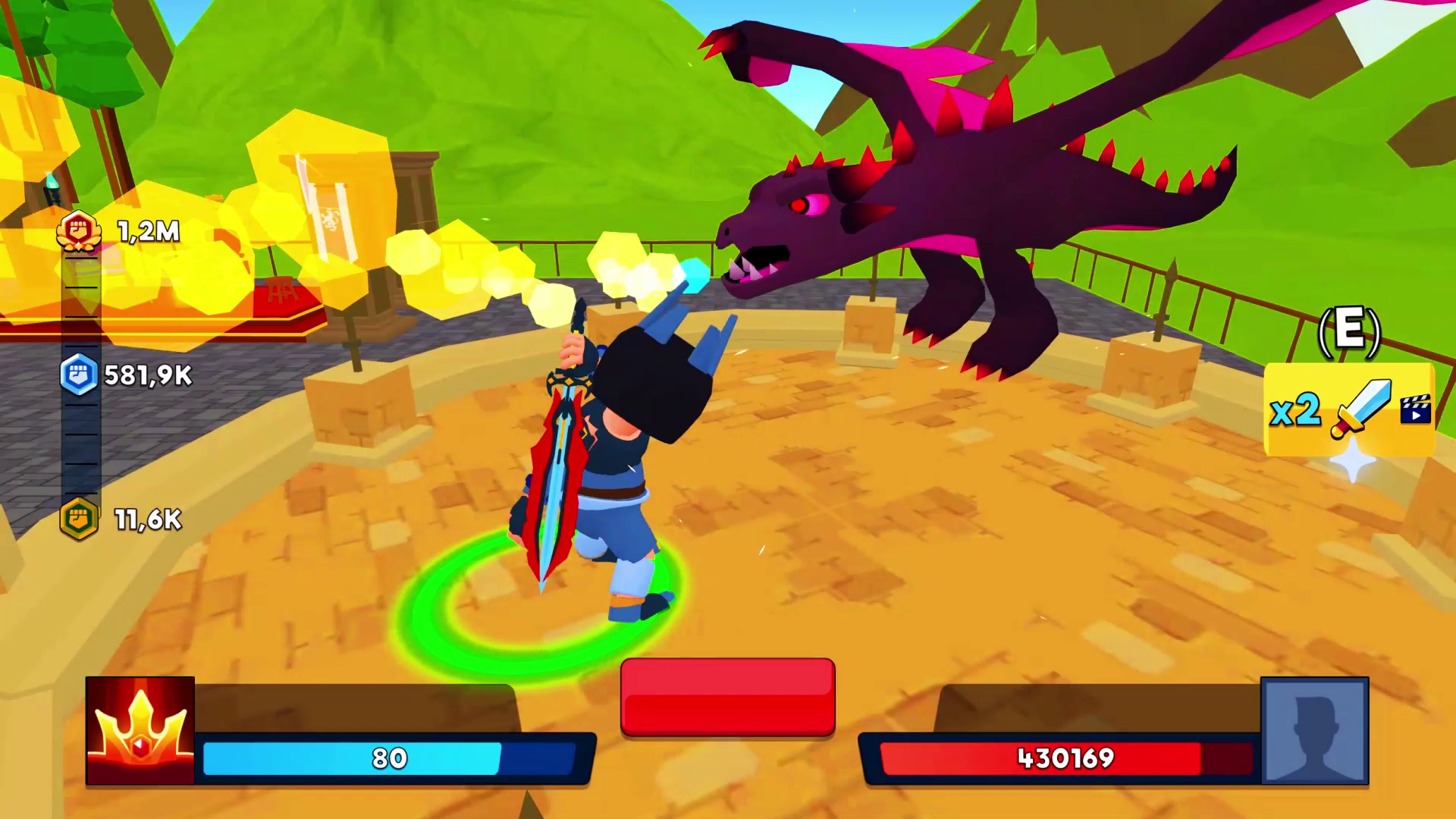
  • Battle of Knights: Robby and Dragons screenshot 1
  • Battle of Knights: Robby and Dragons screenshot 2
  • Battle of Knights: Robby and Dragons screenshot 3
  • Battle of Knights: Robby and Dragons screenshot 4
  • Battle of Knights: Robby and Dragons screenshot 5
  • Battle of Knights: Robby and Dragons screenshot 6
  • Battle of Knights: Robby and Dragons screenshot 7
  • Battle of Knights: Robby and Dragons screenshot 8
  • Battle of Knights: Robby and Dragons screenshot 9
  • Battle of Knights: Robby and Dragons screenshot 10
  • Battle of Knights: Robby and Dragons screenshot 11
Play Now

14,725 players online

How to play

  1. Open the game

    Press Play now and the game opens on its own screen.

  2. Follow the in-game instructions

    The controls and goals are shown inside the game as you play.

  3. Use the game menu

    The floating button over the game reloads it, saves it to your favourites, or takes you back out.
Game instructions

To play, you need to pump up your character, there is a tutorial in the game that will help you with this. Read it carefully if you haven't played similar modes! Computers: - WADS - character control. - Spacebar - jump. - To rotate the camera, swipe the mouse across the screen. Mobile Devices: - Use the joystick to control the character. - Use the button in the lower right corner to jump. - Swipe your finger across the screen to rotate the camera.

More games

More games