Skip to content
KG
Battle of the Maycraft Ragdolls

Battle of the Maycraft Ragdolls

379K plays 4.2 out of 5

Overview

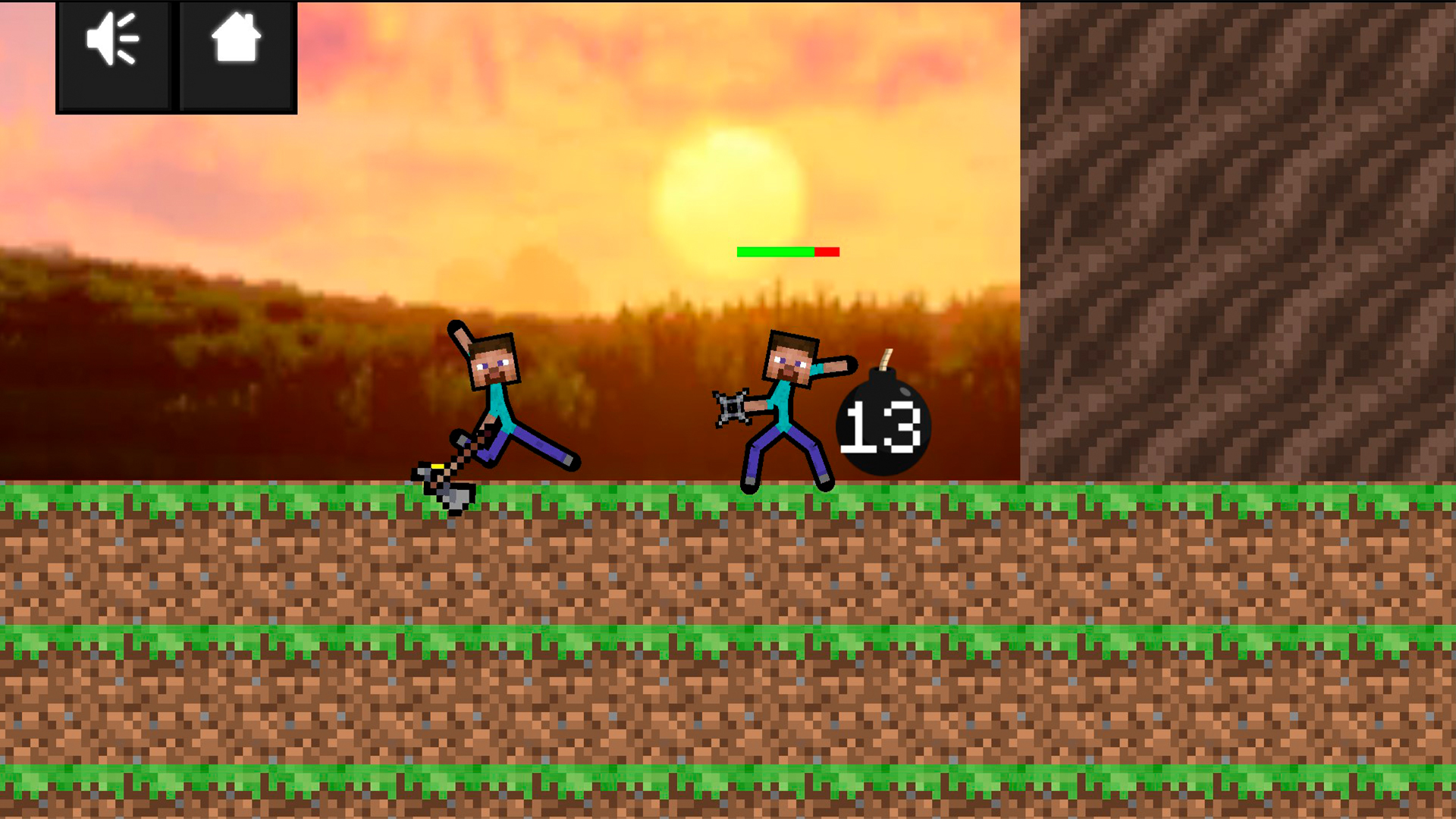
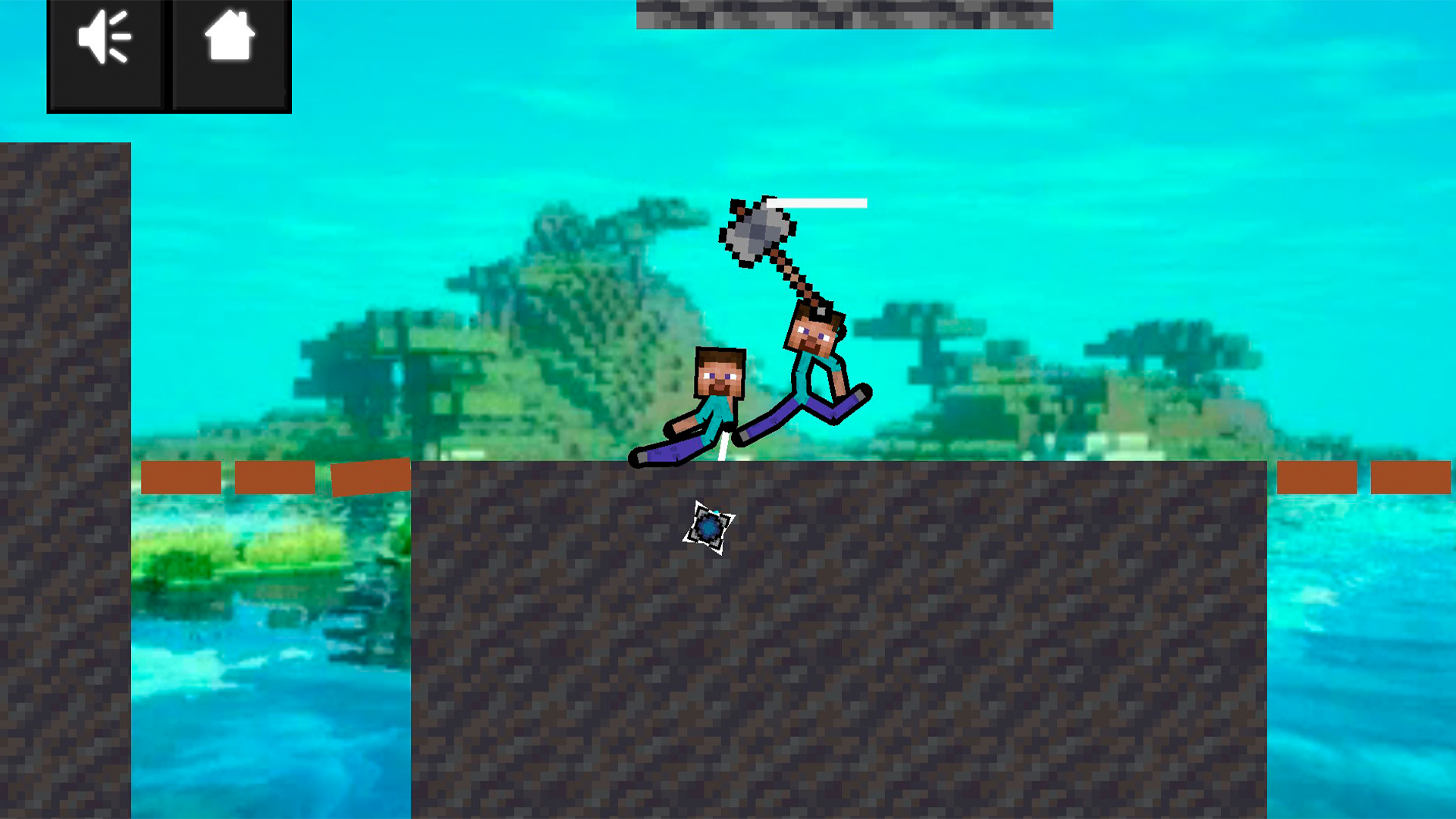
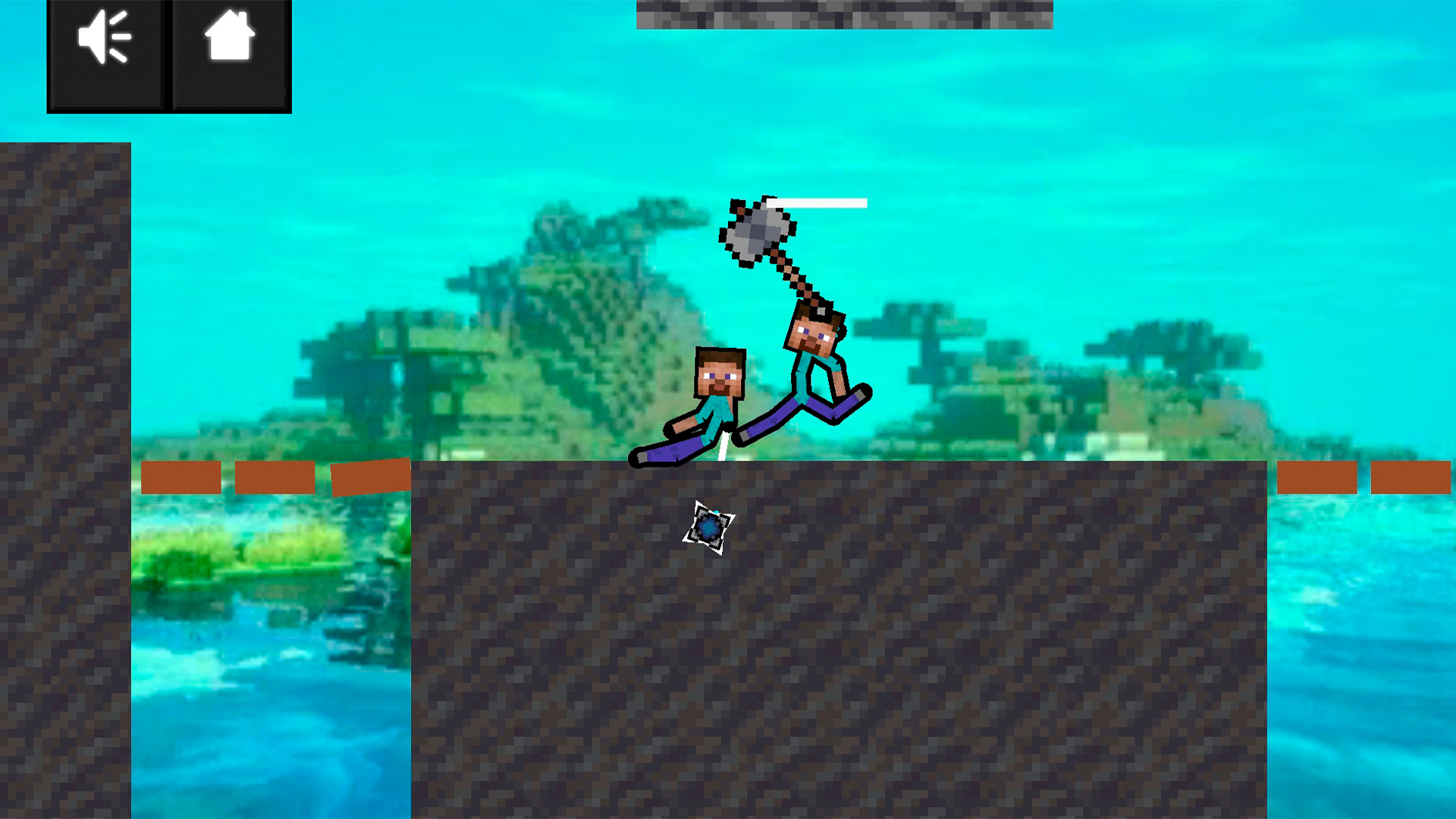
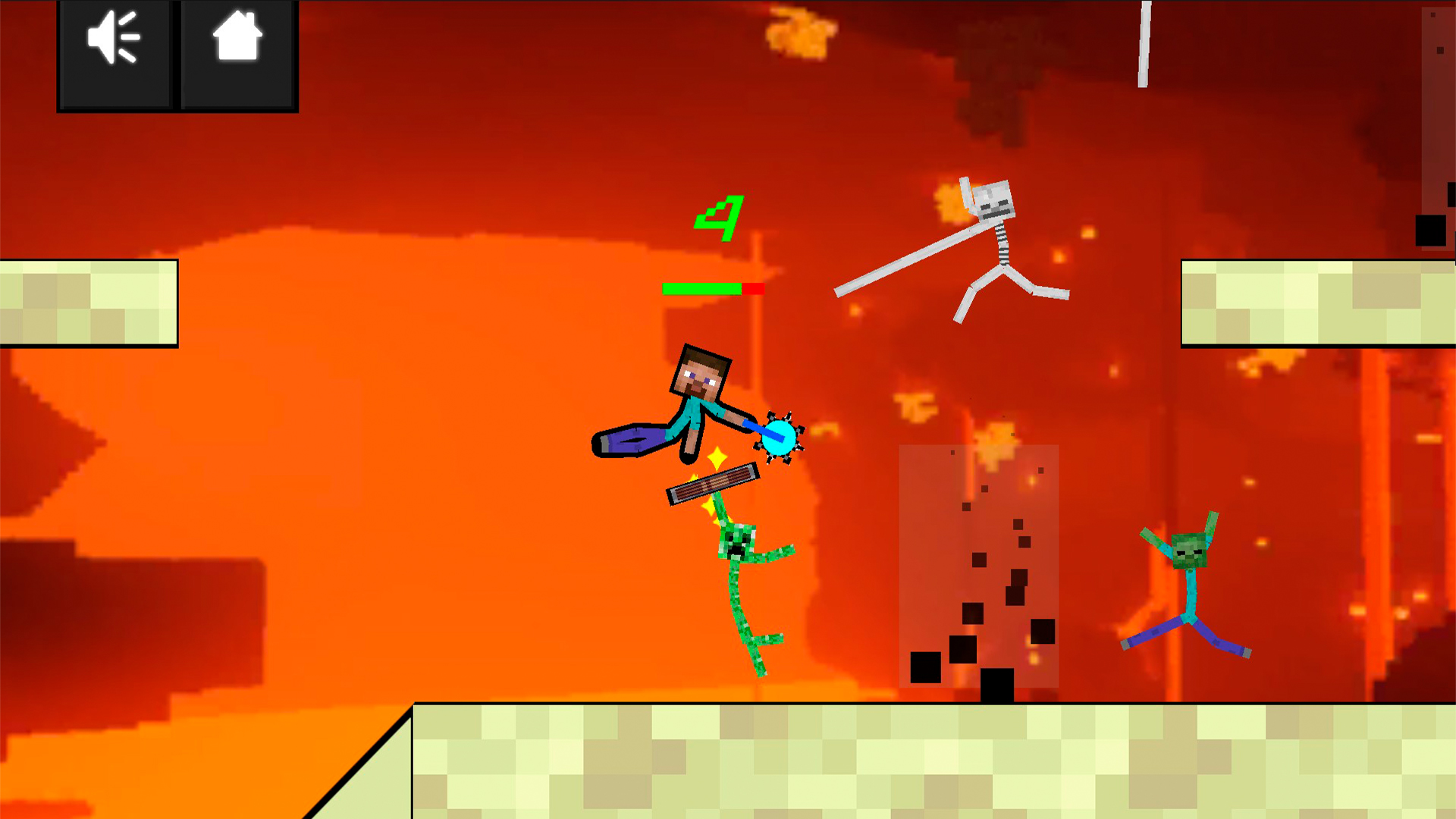
Immerse yourself in a world of exciting duels with your opponent in this game. Choose from a variety of locations and weapons for survival battles. This game is perfect for variety in your free time, where you can enjoy duels on scissors or sledgehammers, and get a lot of positive emotions. Its features include realistic fights, simple and interesting gameplay, and a wide range of locations for variety.

Videos and screenshots
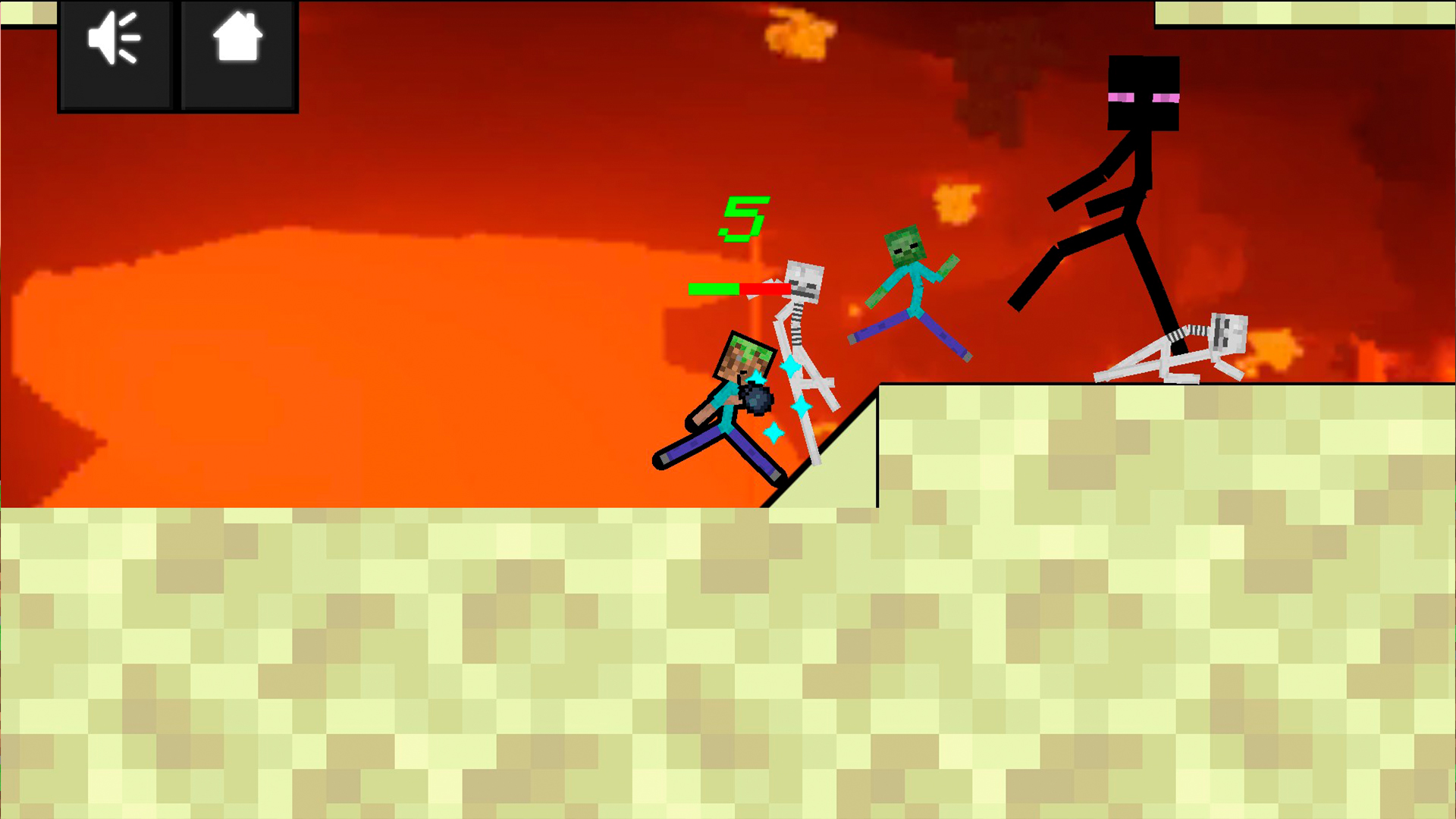
  • Battle of the Maycraft Ragdolls screenshot 1
  • Battle of the Maycraft Ragdolls screenshot 2
  • Battle of the Maycraft Ragdolls screenshot 3
  • Battle of the Maycraft Ragdolls screenshot 4
  • Battle of the Maycraft Ragdolls screenshot 5
  • Battle of the Maycraft Ragdolls screenshot 6
  • Battle of the Maycraft Ragdolls screenshot 7
  • Battle of the Maycraft Ragdolls screenshot 8
Play Now

10,955 players online

How to play

  1. Open the game

    Press Play now and the game opens on its own screen.

  2. Follow the in-game instructions

    The controls and goals are shown inside the game as you play.

  3. Use the game menu

    The floating button over the game reloads it, saves it to your favourites, or takes you back out.

Game instructions

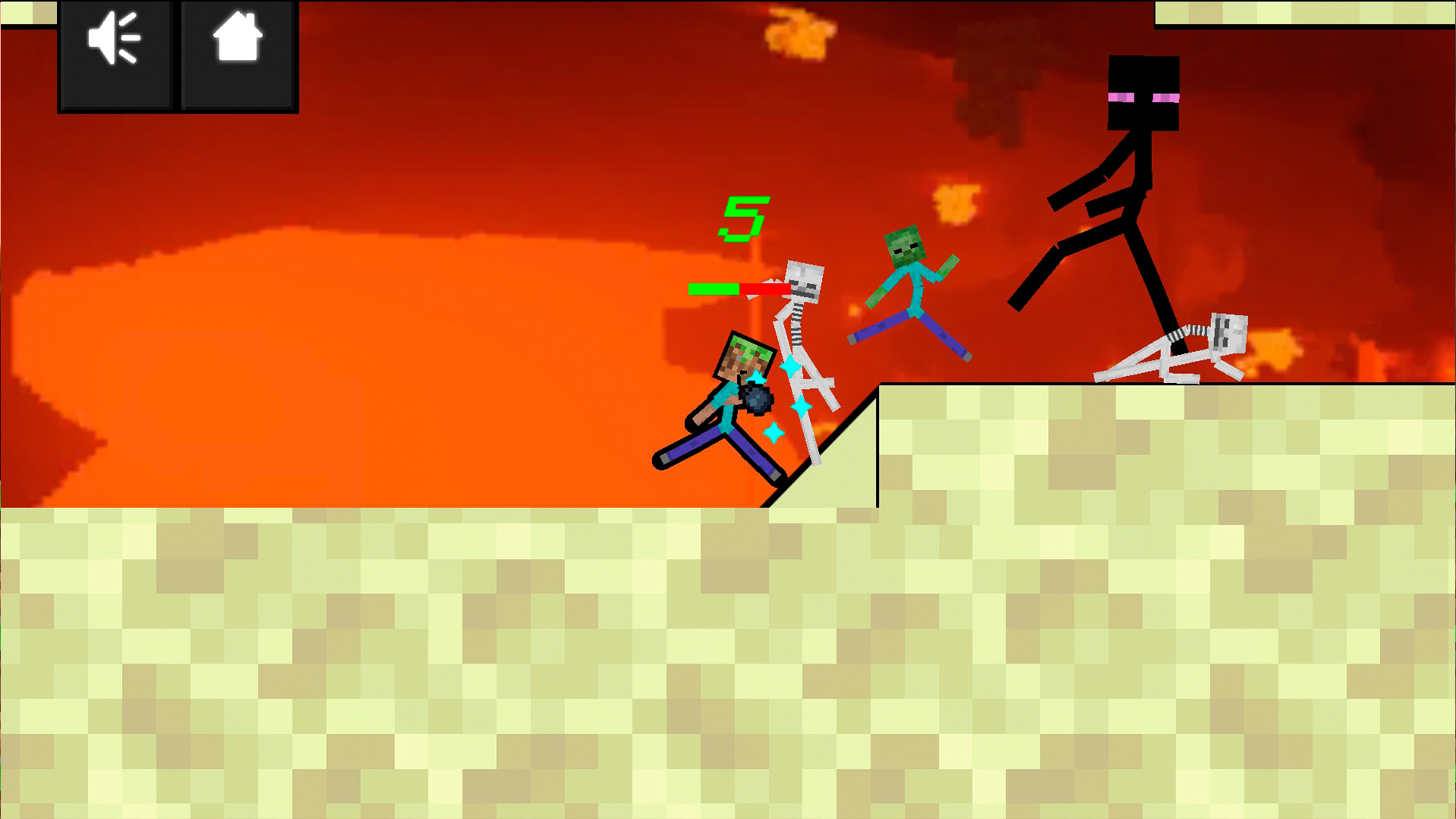
The game has three game modes: single player, multiplayer and survival. In single player mode you will face other stickmen in exciting battles, here the scene changes with every fight. To win the game, just defeat your opponent..... before he defeats you! On the other hand, two players can fight on the same device in multiplayer mode. While playing in this mode, two joysticks appear on mobile devices, each on opposite sides of the screen, and players use them to attack each other and try to defeat each other. Finally, there's a survival mode where you fight hordes of other stickmen and try to defeat as many of them as possible. To control your character on mobile devices, there is a virtual joystick on the right side of the screen. There are no special action or attack buttons, instead your big guy automatically attacks in whatever direction you move the joystick. Use “WASD” or arrows to control on PC.

More games

More games