Overview
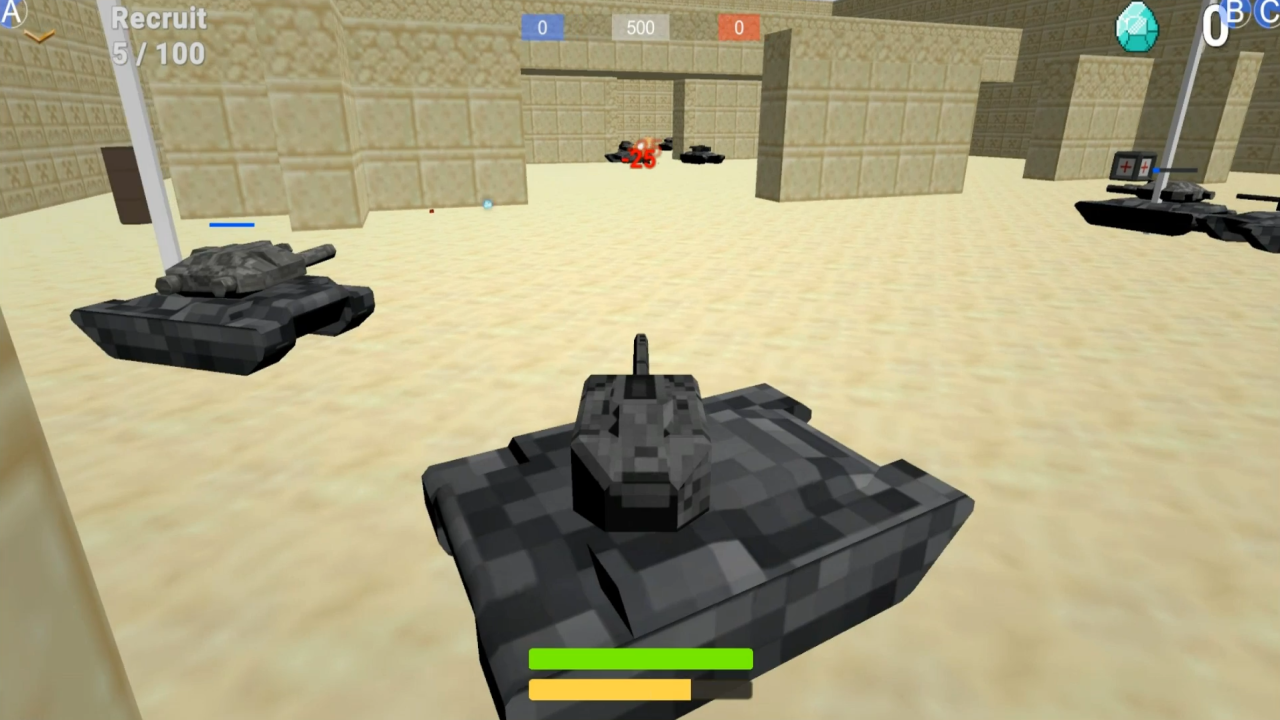
Immerse yourself in the exciting world of tank battles, where every battle is a chance to prove yourself! In Block Tanks, you will become the commander of a unique tank and lead your army in epic battles between the Reds and the Blues.
- Unique cannons: Each weapon in the game has its own unique mechanics, allowing you to experiment with tactics and strategies. Discover a wide range of cannons, from powerful guns to clever mortars!
- Rank system and leaderboard: Climb the ranks by earning ranks for your achievements on the battlefield. Compare your progress with players from all over the world on the leaderboard and strive for the top!
- Minecraft-like cubic graphics: Discover a unique visual style that combines the simplicity and vibrancy of a cubic world.
Are you ready to take command and lead your army to victory? Join "Block Tanks" and become a legend on the battlefield!
Videos and screenshots
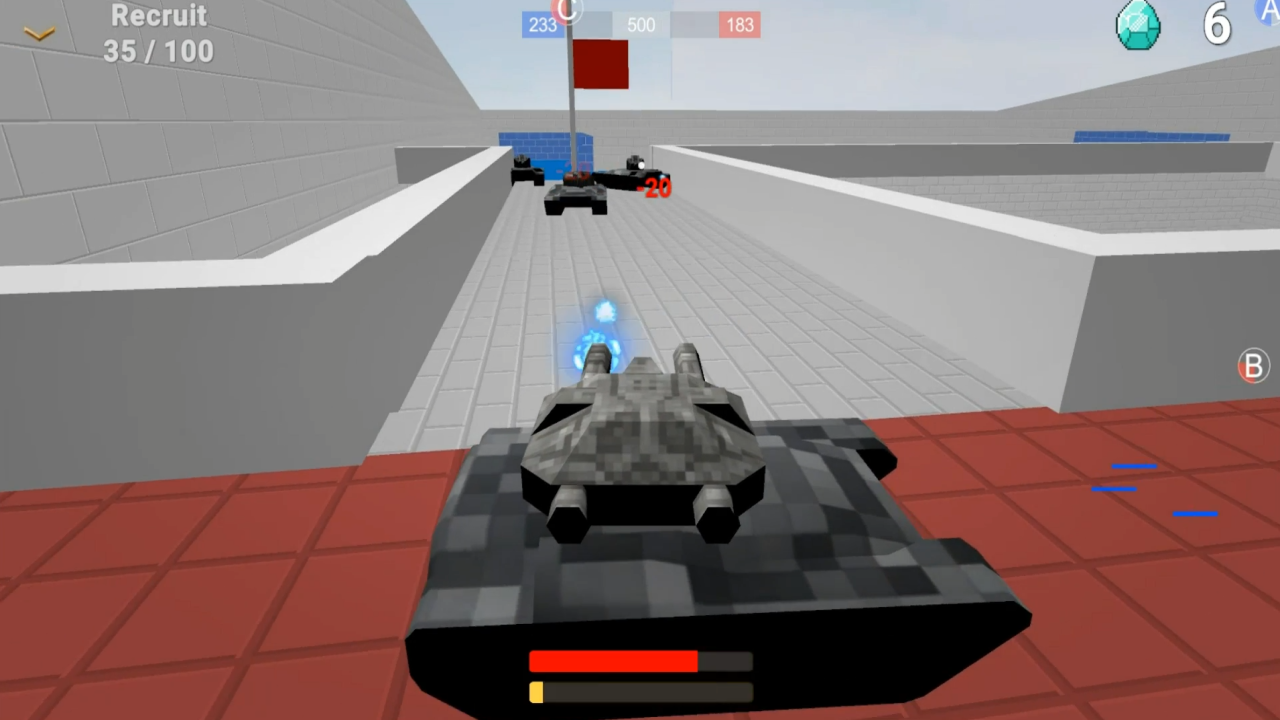
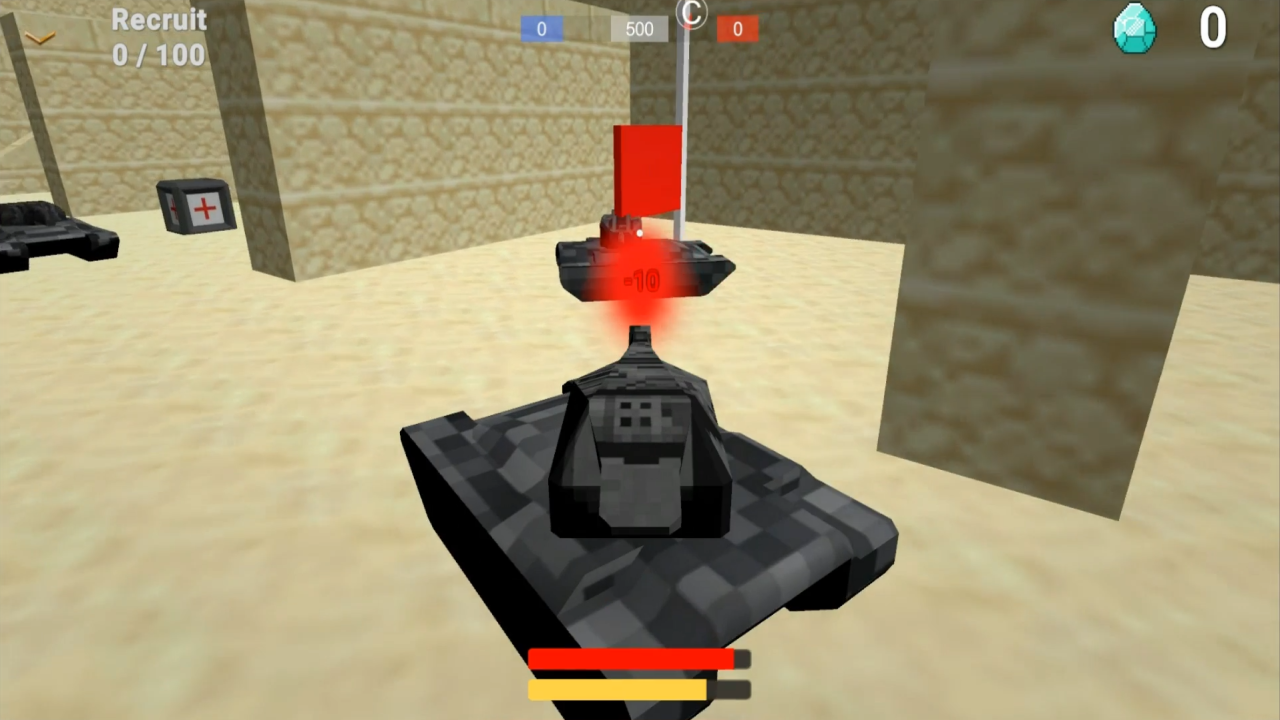
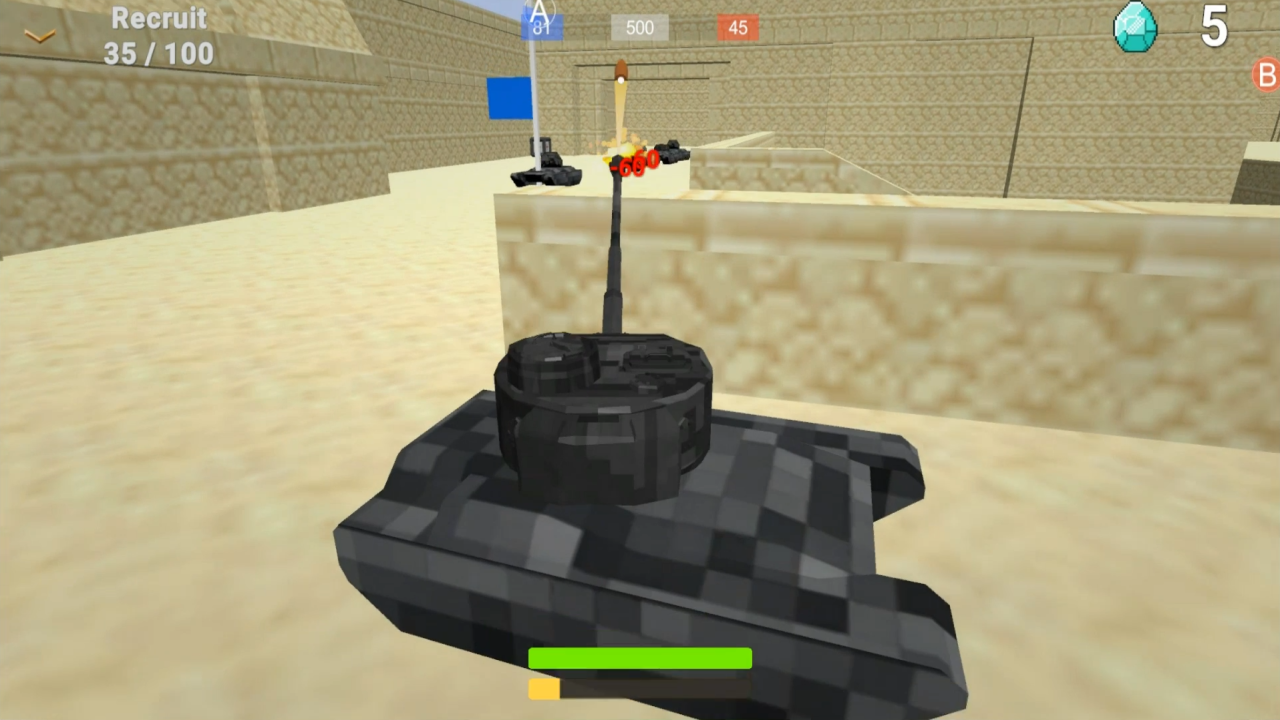
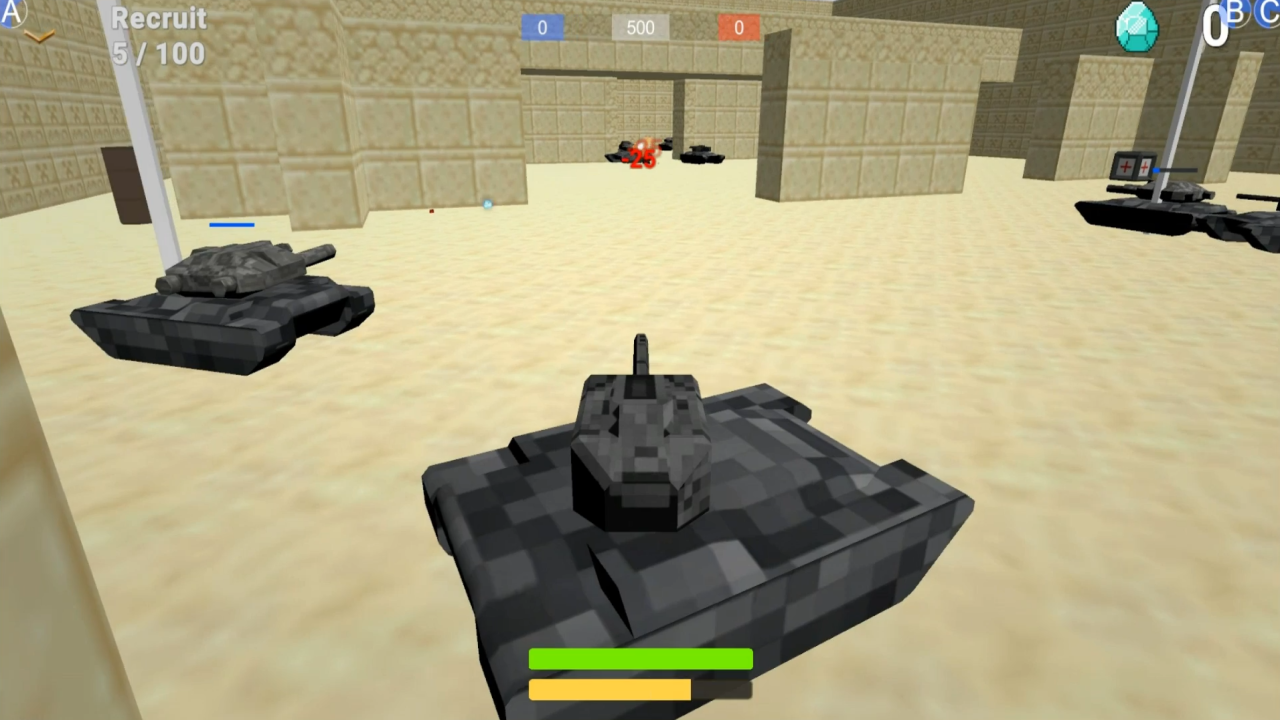
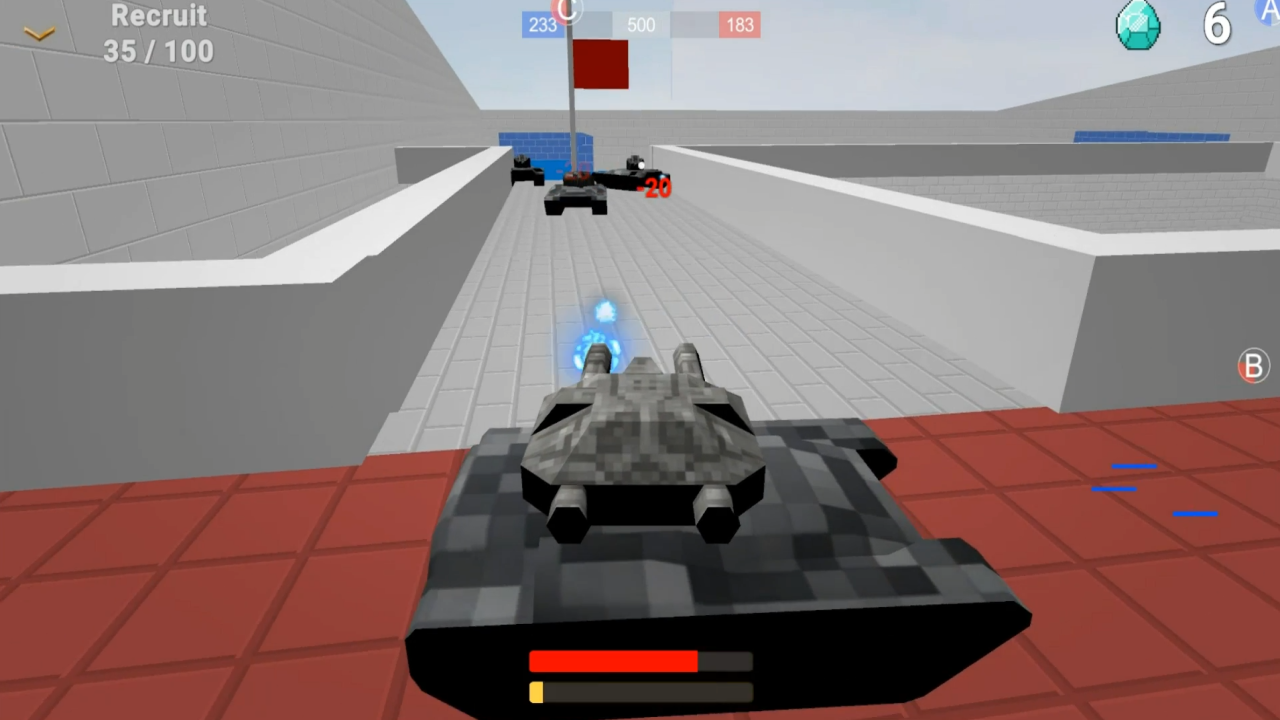

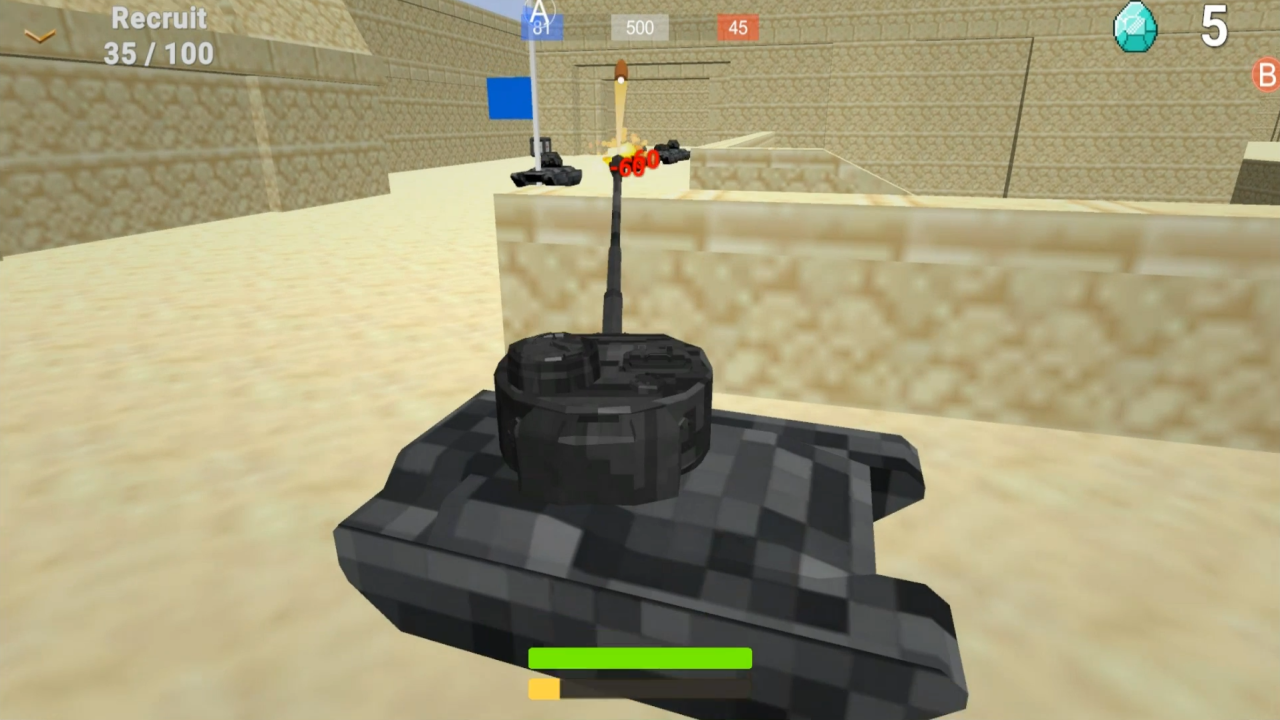
11,933 players online
How to play
-
Open the game
Press Play now and the game opens on its own screen.
-
Follow the in-game instructions
The controls and goals are shown inside the game as you play.
-
Use the game menu
The floating button over the game reloads it, saves it to your favourites, or takes you back out.