Skip to content
KG
BlockEdge - 3D puzzle

BlockEdge - 3D puzzle

85K plays 4.6 out of 5

Overview

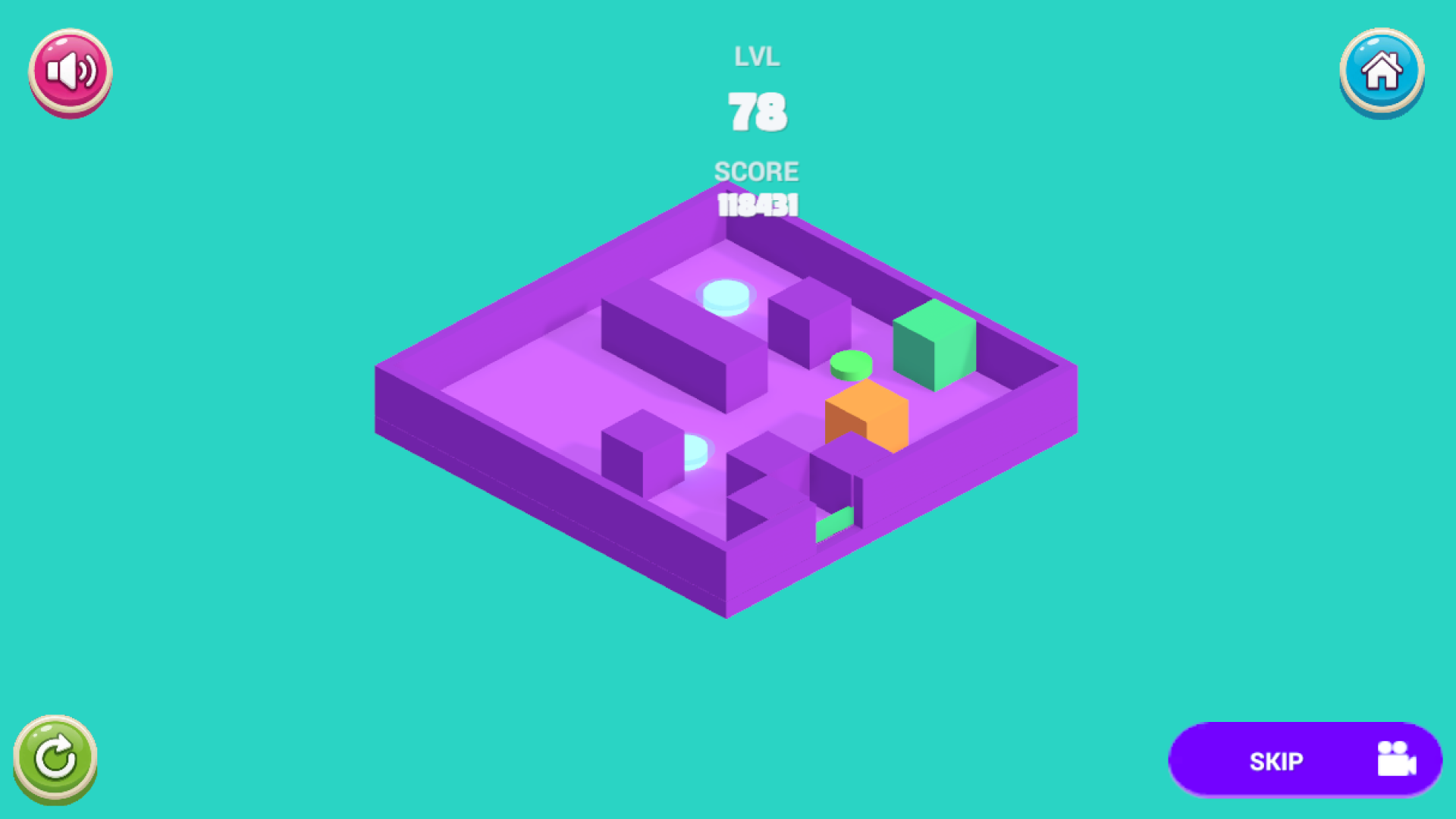
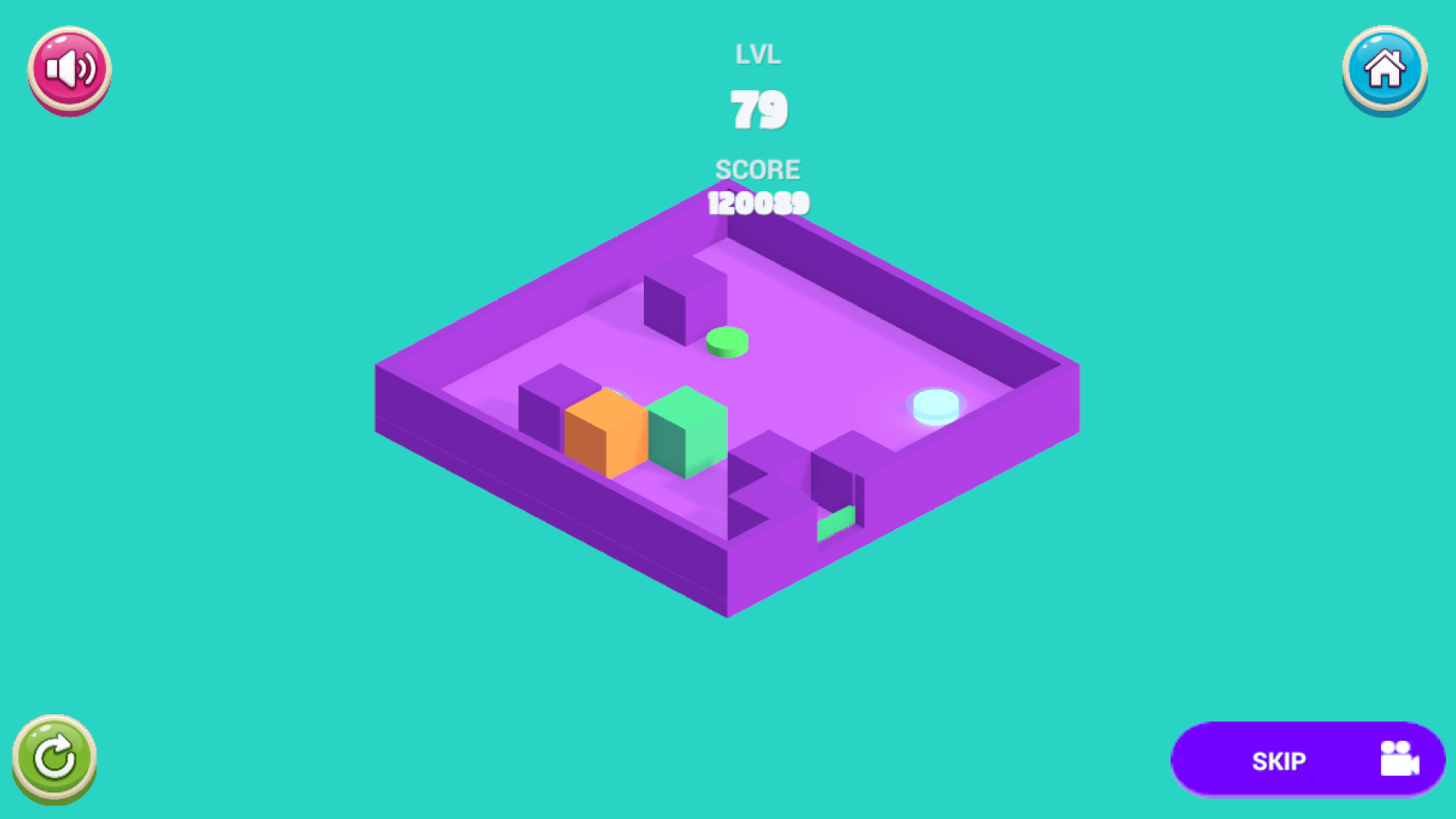
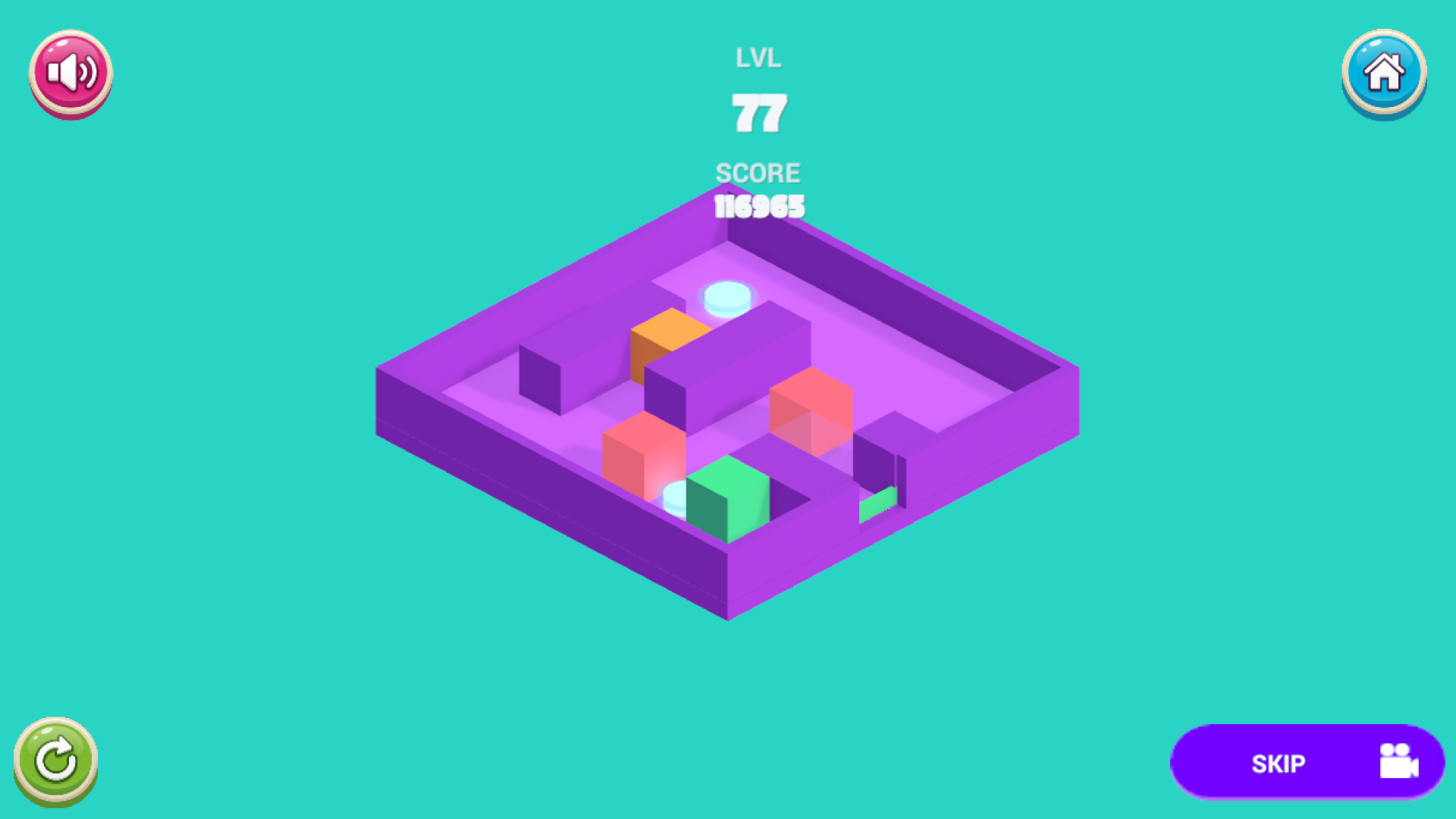
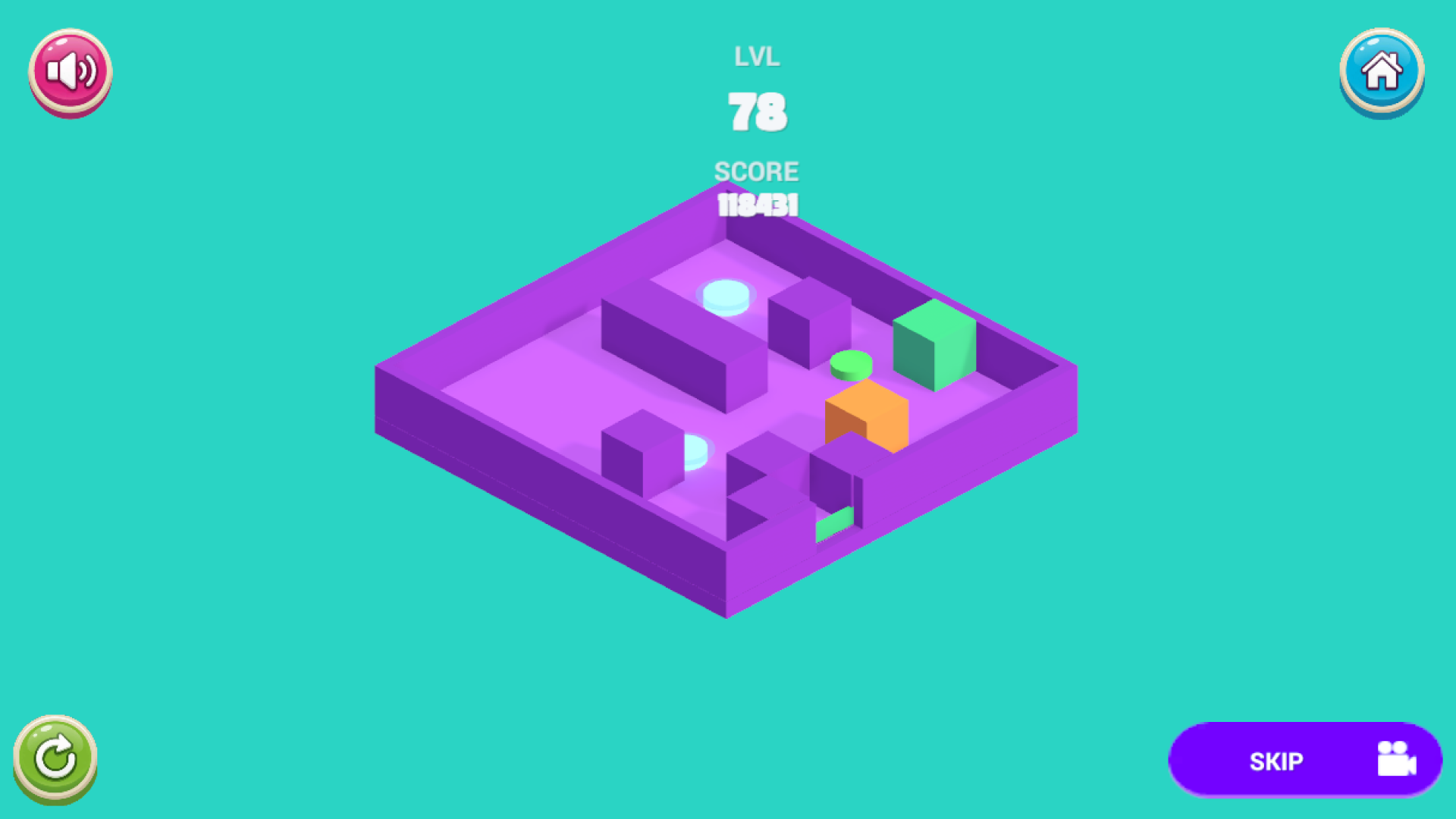
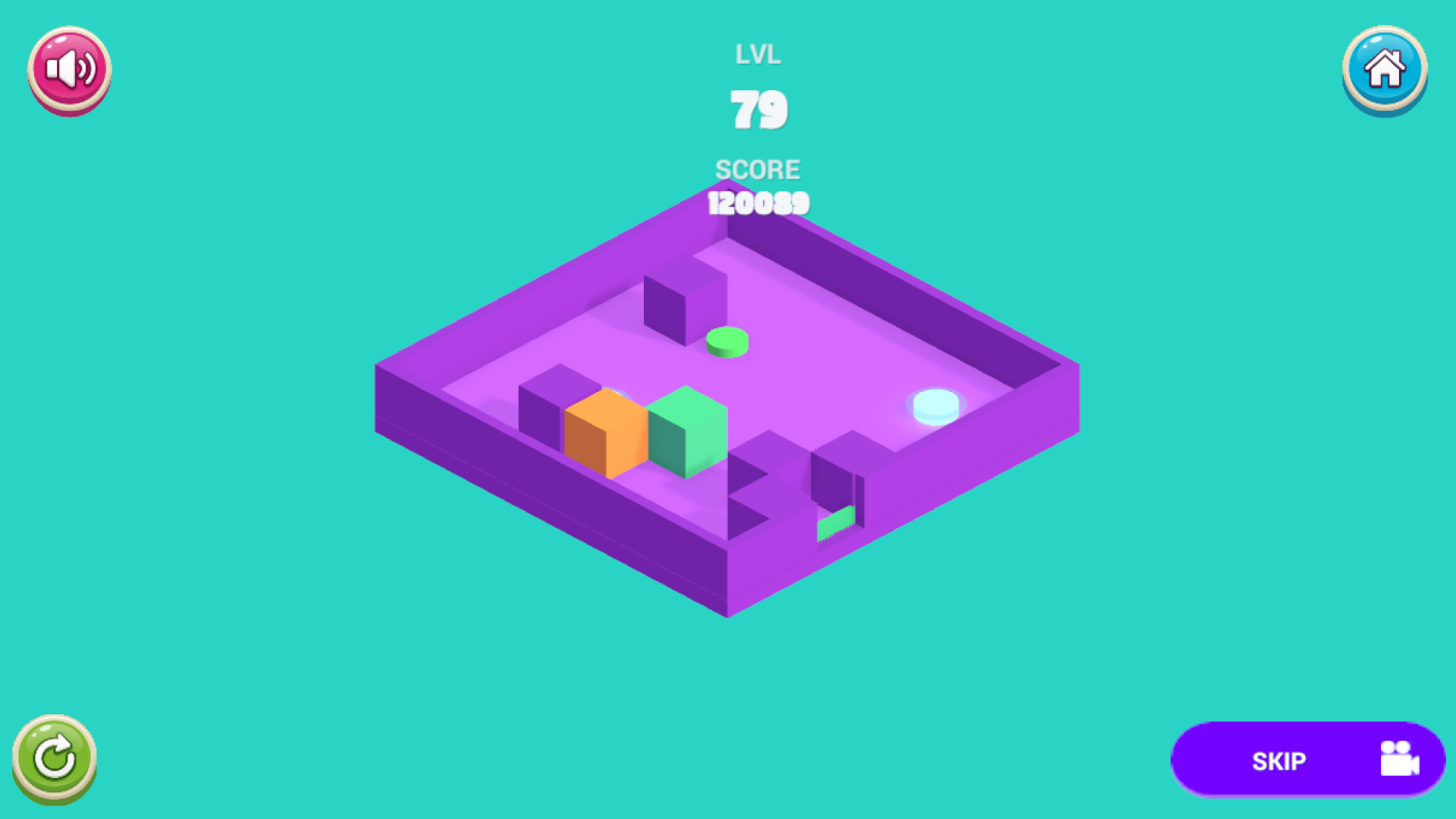
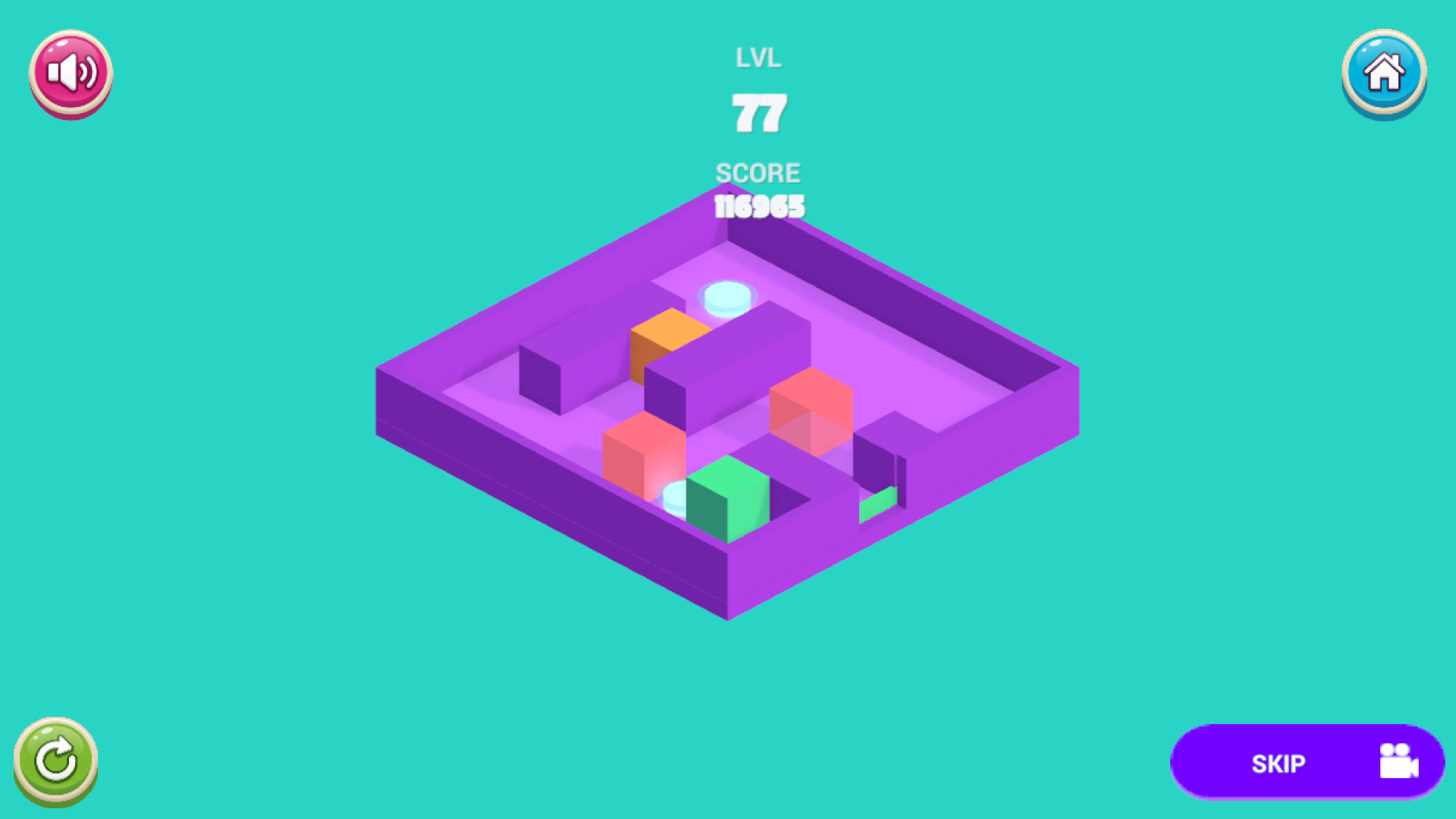
3D logic puzzle that requires precise swiping. A green cube is standing on the purple platform. One swipe — and it glides in a straight line, like on ice, until it hits a wall or edge. The goal is to free the cube. Obstacles and mechanics: • purple walls and beams • yellow buttons that remove obstacles • red blocks that disappear upon impact • portal-teleporters • orange blocks that move along a route Levels progress from simple “exits” to complex combinations with buttons and timing. A game lasts 1–2 minutes — perfect for short sessions. The game opens instantly in the browser. No downloading or registration required. There is a leaderboard. Works on phone and computer.

Videos and screenshots
  • BlockEdge - 3D puzzle screenshot 1
  • BlockEdge - 3D puzzle screenshot 2
  • BlockEdge - 3D puzzle screenshot 3
  • BlockEdge - 3D puzzle screenshot 4
  • BlockEdge - 3D puzzle screenshot 5
  • BlockEdge - 3D puzzle screenshot 6
Play Now

10,530 players online

How to play

  1. Open the game

    Press Play now and the game opens on its own screen.

  2. Follow the in-game instructions

    The controls and goals are shown inside the game as you play.

  3. Use the game menu

    The floating button over the game reloads it, saves it to your favourites, or takes you back out.
Game instructions

The goal is to move the green cube into the green hole in the wall of the platform. Controls: • phone — swipe in the direction of the move • computer — swipes, WASD or arrows The cube moves only in a straight line and stops at an obstacle. While it is sliding, you cannot start a new move. If the path to the exit is clear, the cube exits and the level is completed. Hints: • the yellow button removes the connected wall • Hitting the red block destroys it. • The portal instantly transfers the cube to its pair. • The orange block moves on its own — take this into account. Buttons on the screen: • Restart (on PC — R) • Return to main menu • Sound control • Skip level After winning, press “Next” (on PC — space, Enter, or Q).

More games

More games