Skip to content
KG
Blocks against frogs

Blocks against frogs

470K plays 4.0 out of 5

Overview

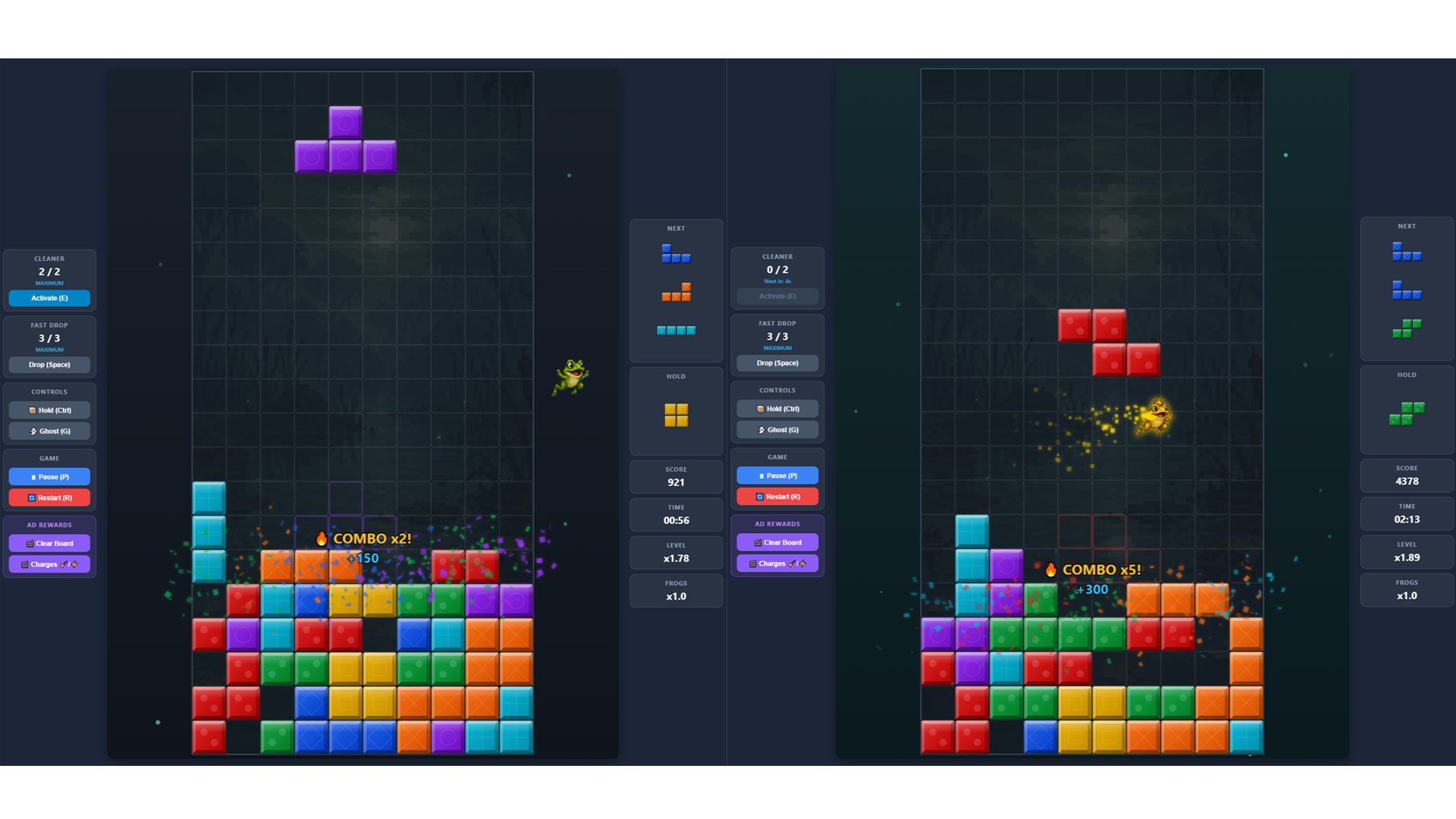
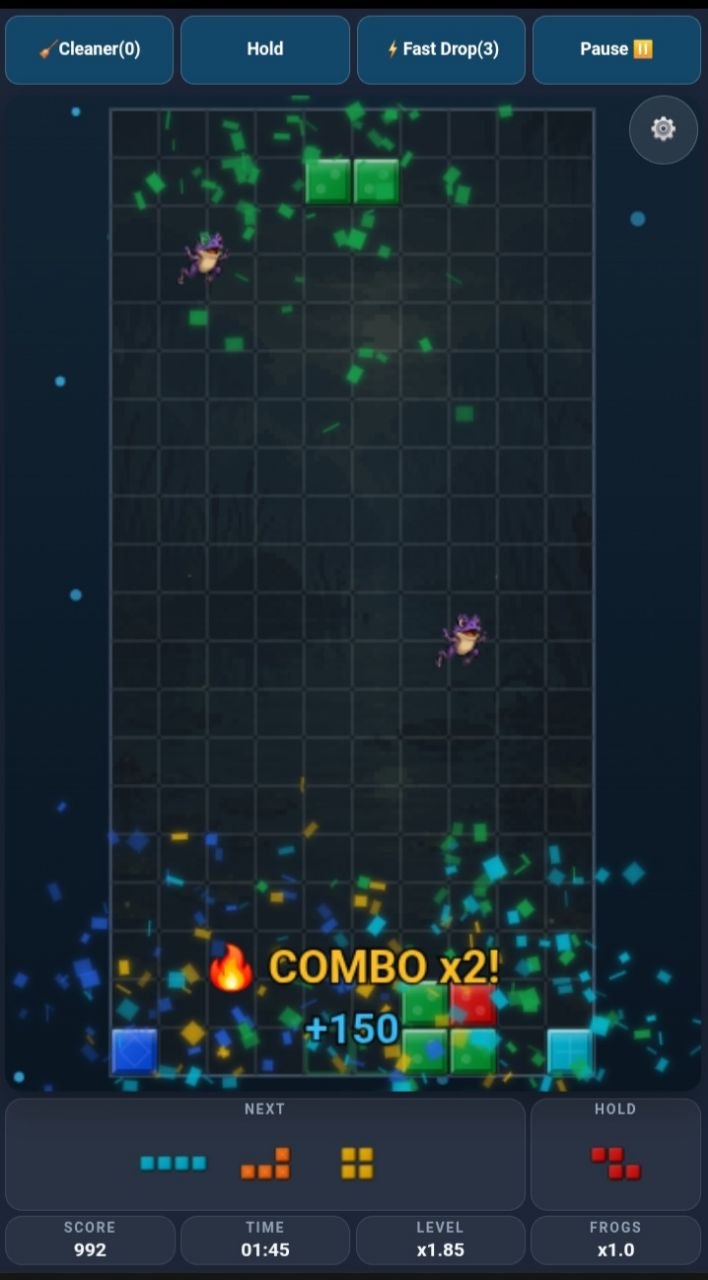
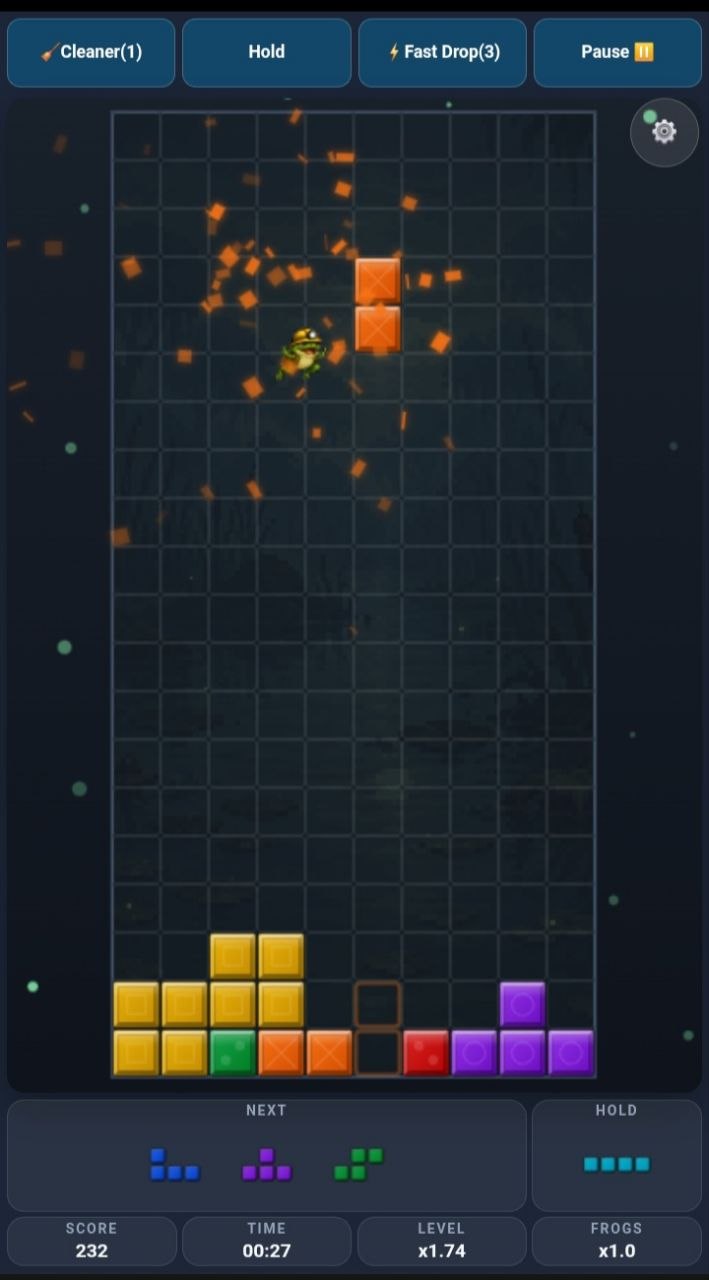
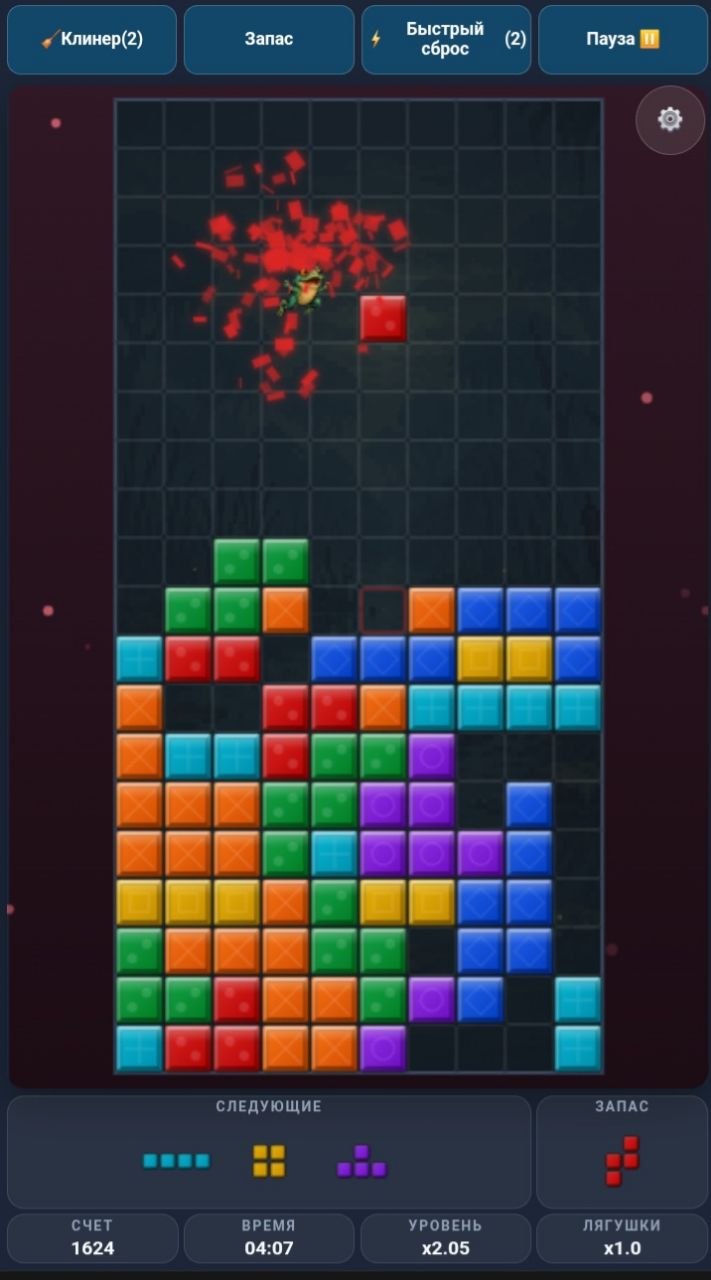
"Blocks against frogs" is a fresh, unique twist on classic Tetris! It’s not just about stacking blocks — it’s a real battle! Flying frogs burn your falling pieces mid-air, drop dangerous bombs, and spawn chaotic blocks. Don’t give up: catch the rare Golden Frog to instantly clear the bottom row and stop the frogs from winning! Game Features: 🐸 Unique "Frogs" Mode: dynamic obstacles, flying frogs, and special abilities. 👑 Boss Battles: earn enough points to defeat giant frog bosses! 🧹 Cleaner & Fast Drop: use superpowers to get out of tricky situations. 🧱 "Classic" Mode: traditional Tetris for players who prefer classic, relaxing gameplay. 🏆 Leaderboard: compete with other players for the top spot! 🎵 Atmospheric Visuals & Great Soundtrack: immersive sound design and music. Test your reflexes and set new high scores!

Videos and screenshots
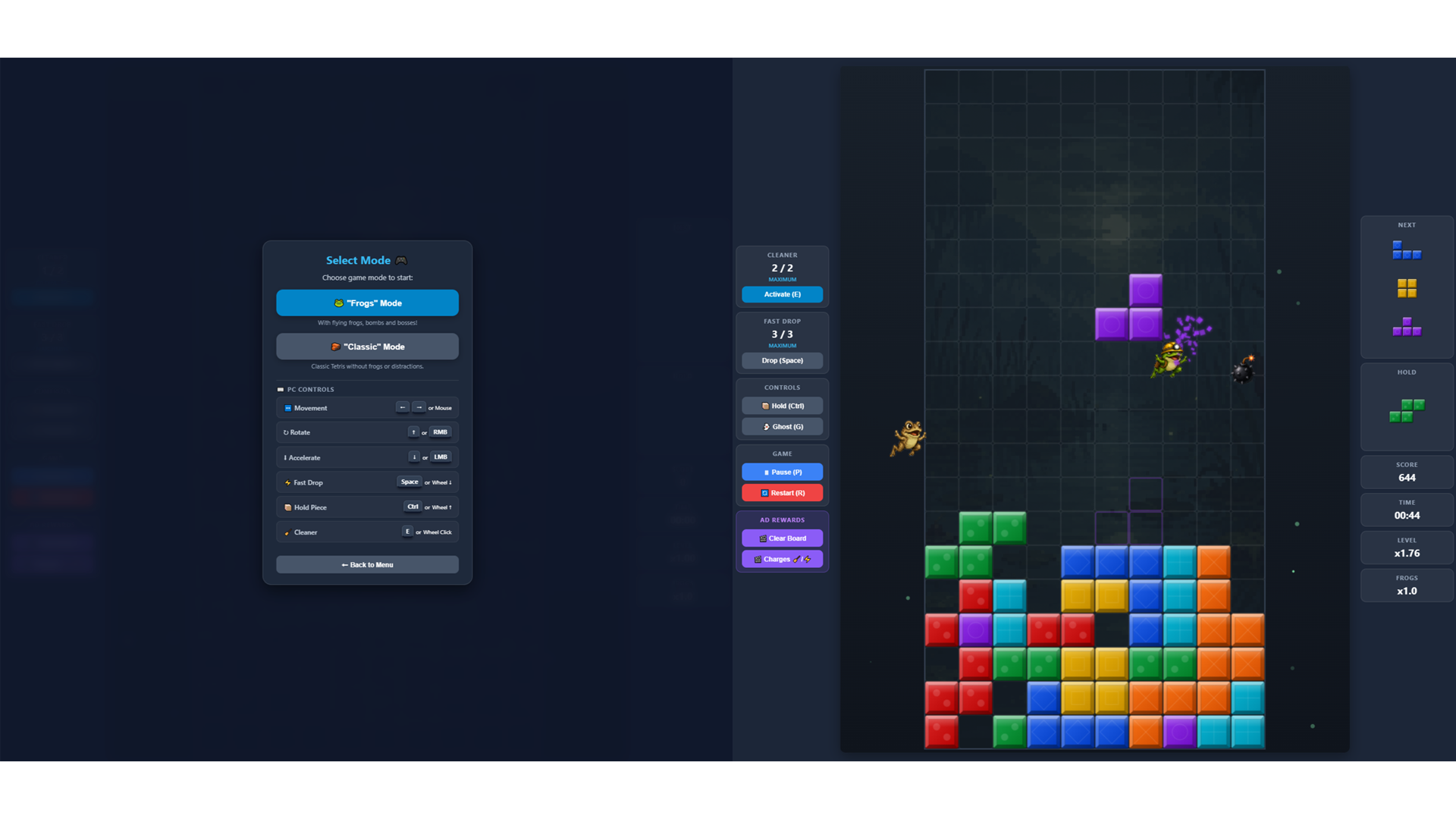
  • Blocks against frogs screenshot 1
  • Blocks against frogs screenshot 2
  • Blocks against frogs screenshot 3
  • Blocks against frogs screenshot 4
  • Blocks against frogs screenshot 5
  • Blocks against frogs screenshot 6
Play Now

12,561 players online

How to play

  1. Open the game

    Press Play now and the game opens on its own screen.

  2. Follow the in-game instructions

    The controls and goals are shown inside the game as you play.

  3. Use the game menu

    The floating button over the game reloads it, saves it to your favourites, or takes you back out.
Game instructions

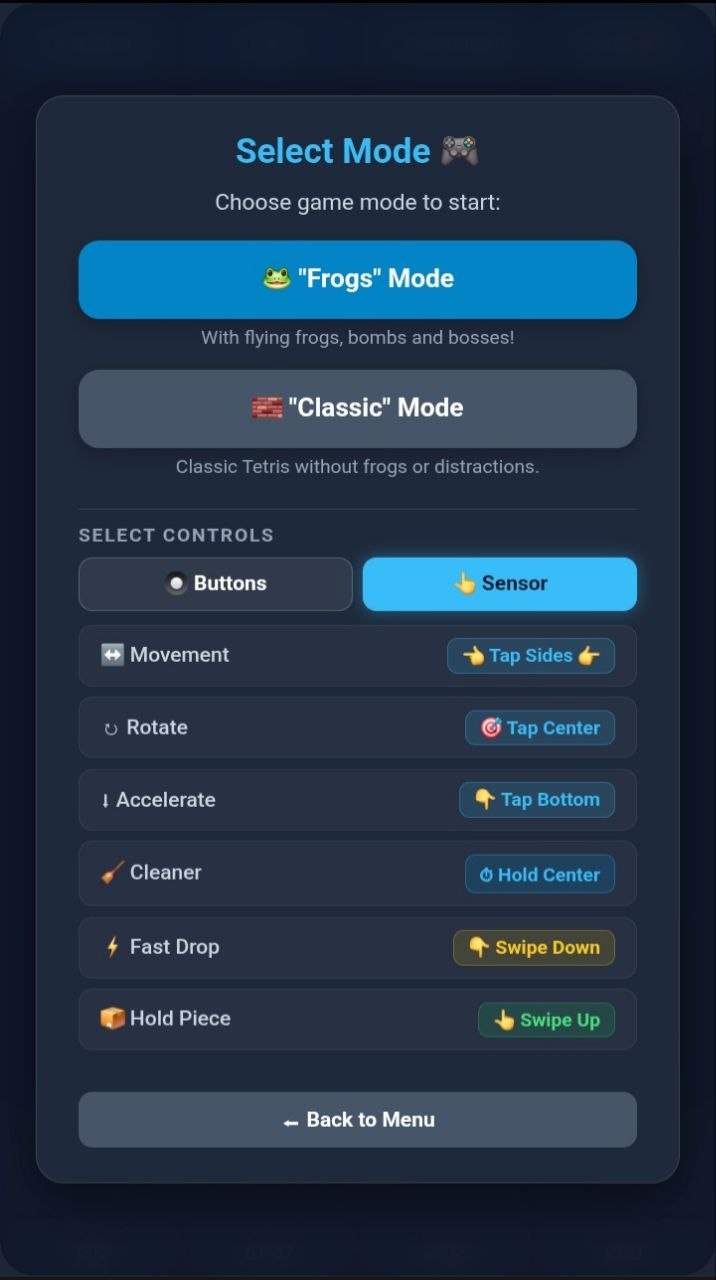
The goal of the game is to complete full horizontal lines of blocks to clear the board and earn points. ⌨️ PC Controls: • Left / Right Arrows (or Mouse movement) — move piece • Up Arrow (or RMB) — rotate piece • Down Arrow (or LMB) — soft drop (speed up) • Spacebar (or Mouse Wheel Down) — hard drop (fast drop) • Ctrl (or Mouse Wheel Up) — hold piece • E Key (or Mouse Wheel Click) — Cleaner (destroy blocks) • P / Esc — pause 📱 Mobile Controls: You can select your preferred control scheme in the settings — "Buttons" or "Touch": • Buttons: arrow buttons at the bottom of the screen for precise control. • Touch Gestures: tap sides and bottom sides of game's field — move, tap center — rotate, swipe down — fast drop, swipe up — hold piece, tap and hold center — Cleaner. Use Cleaner and Fast Drop wisely — charges restore over time!

More games

More games