Overview
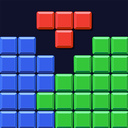
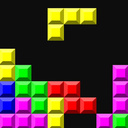
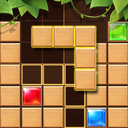
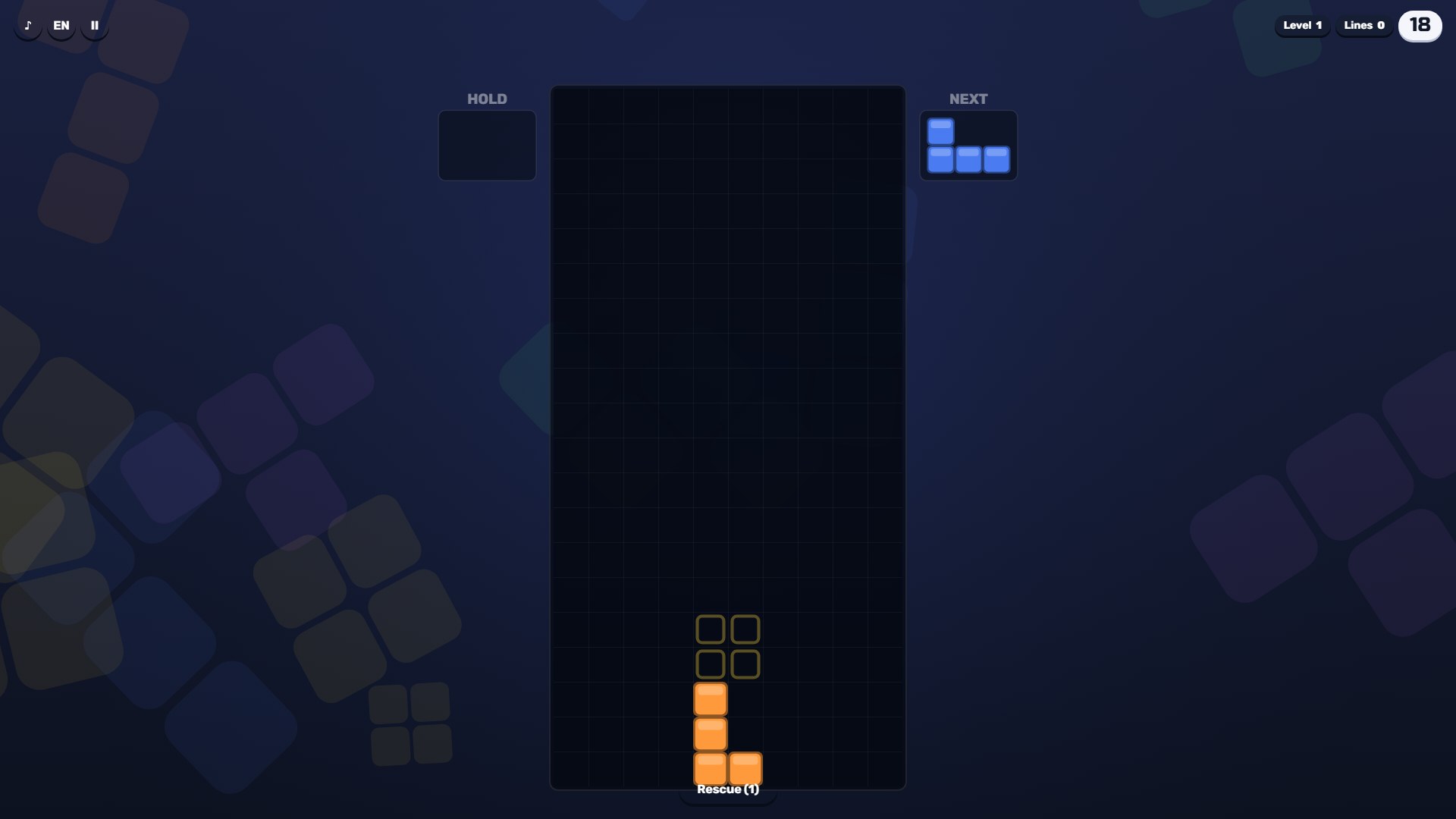
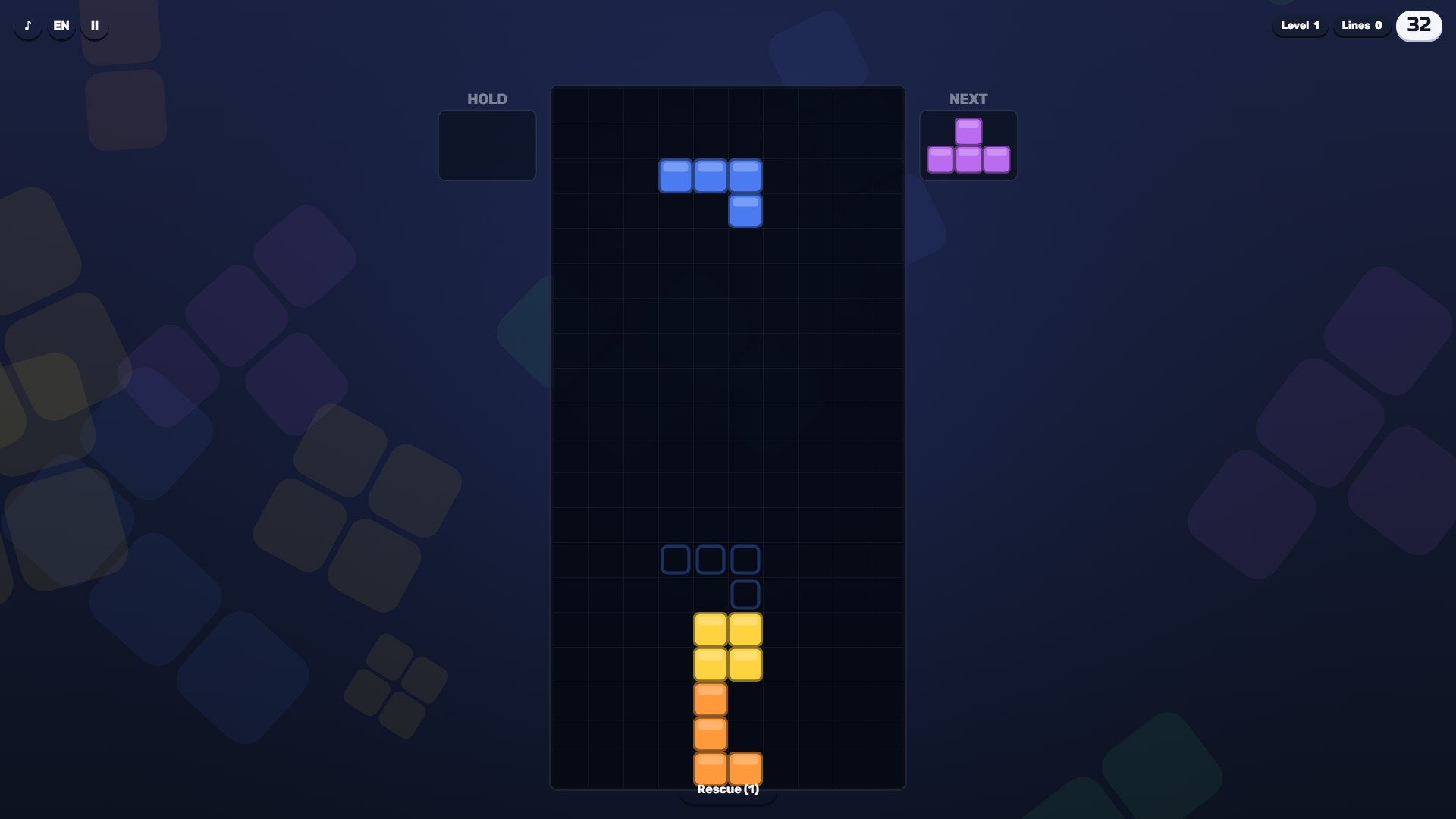
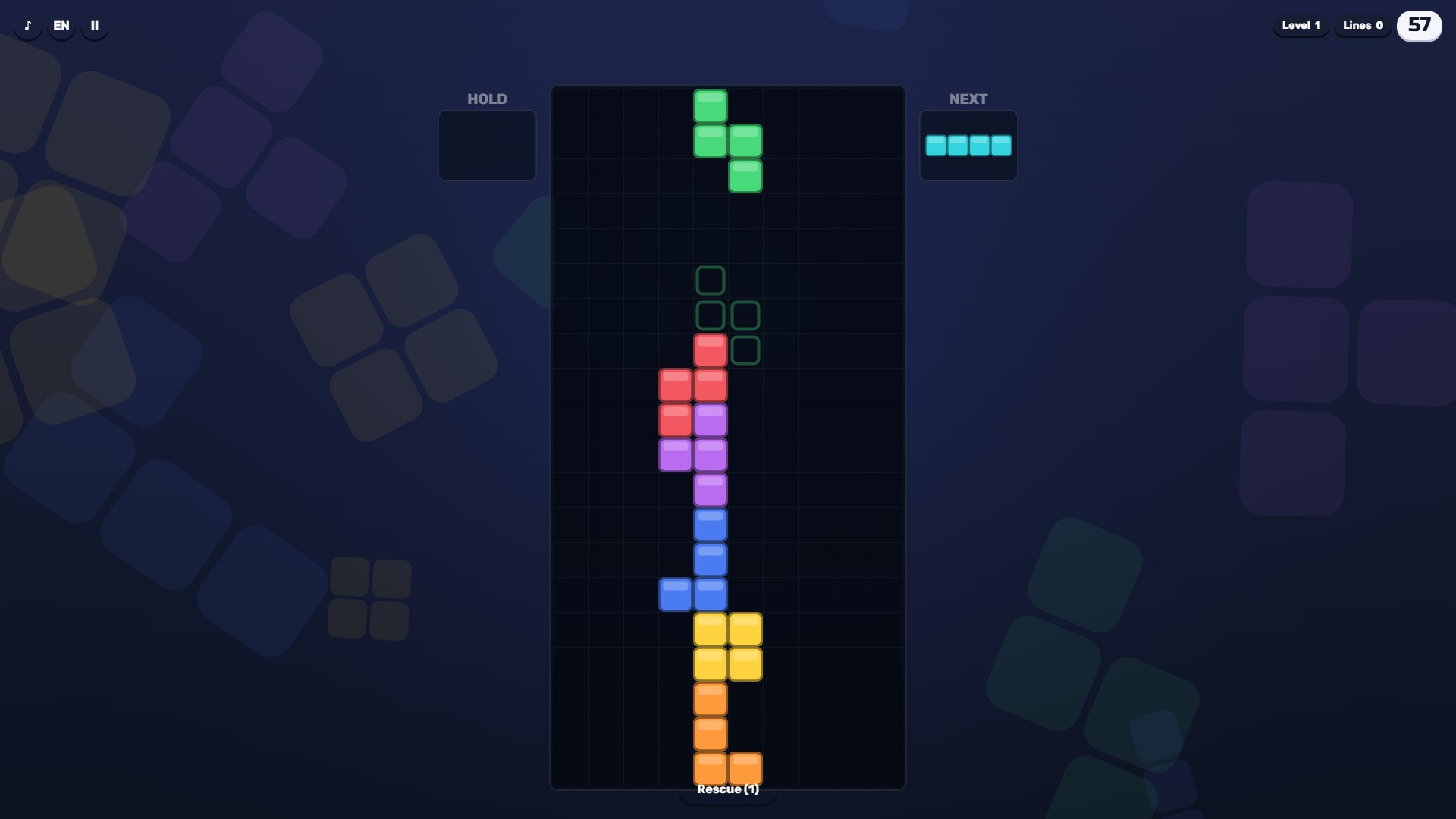
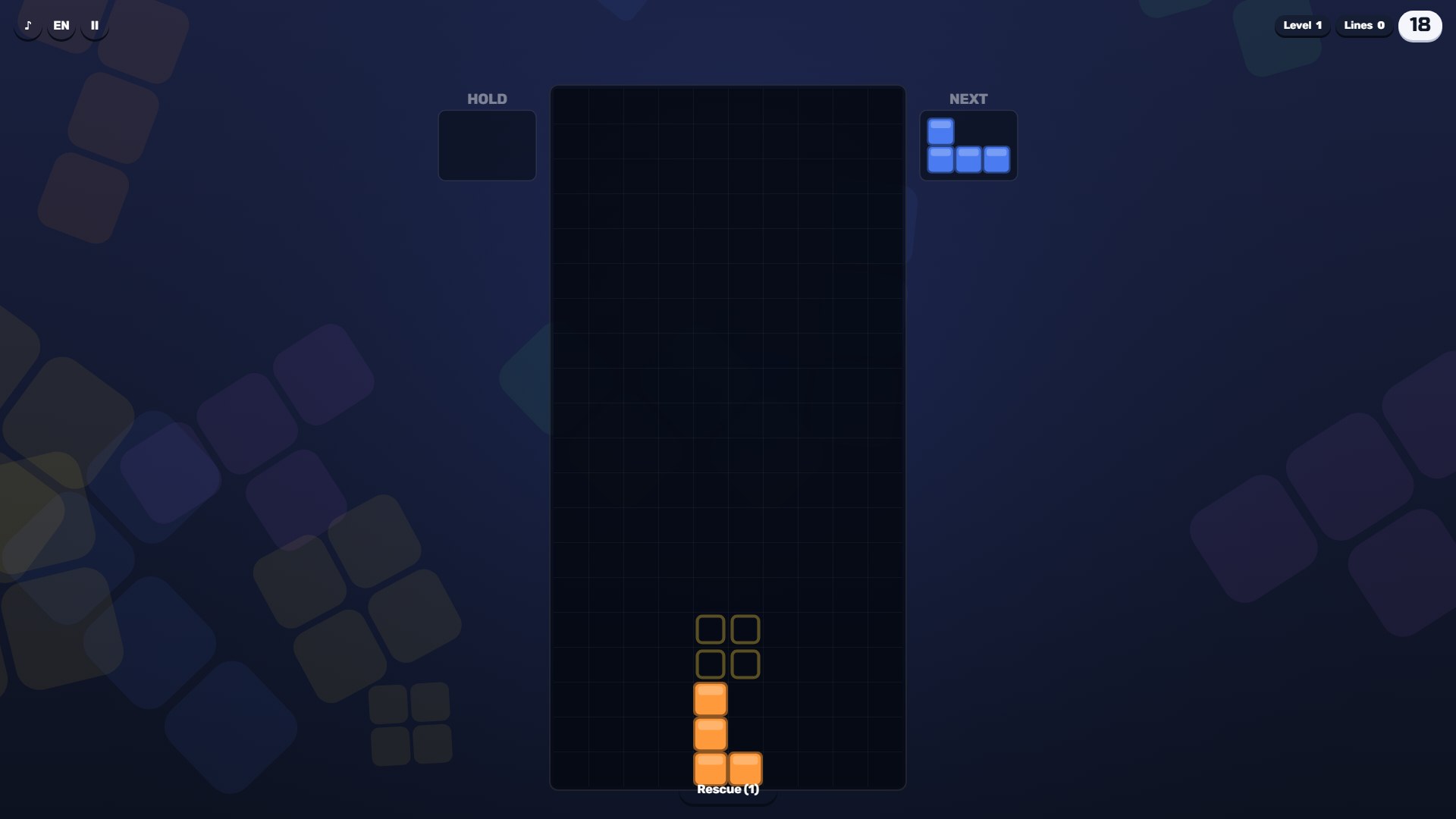
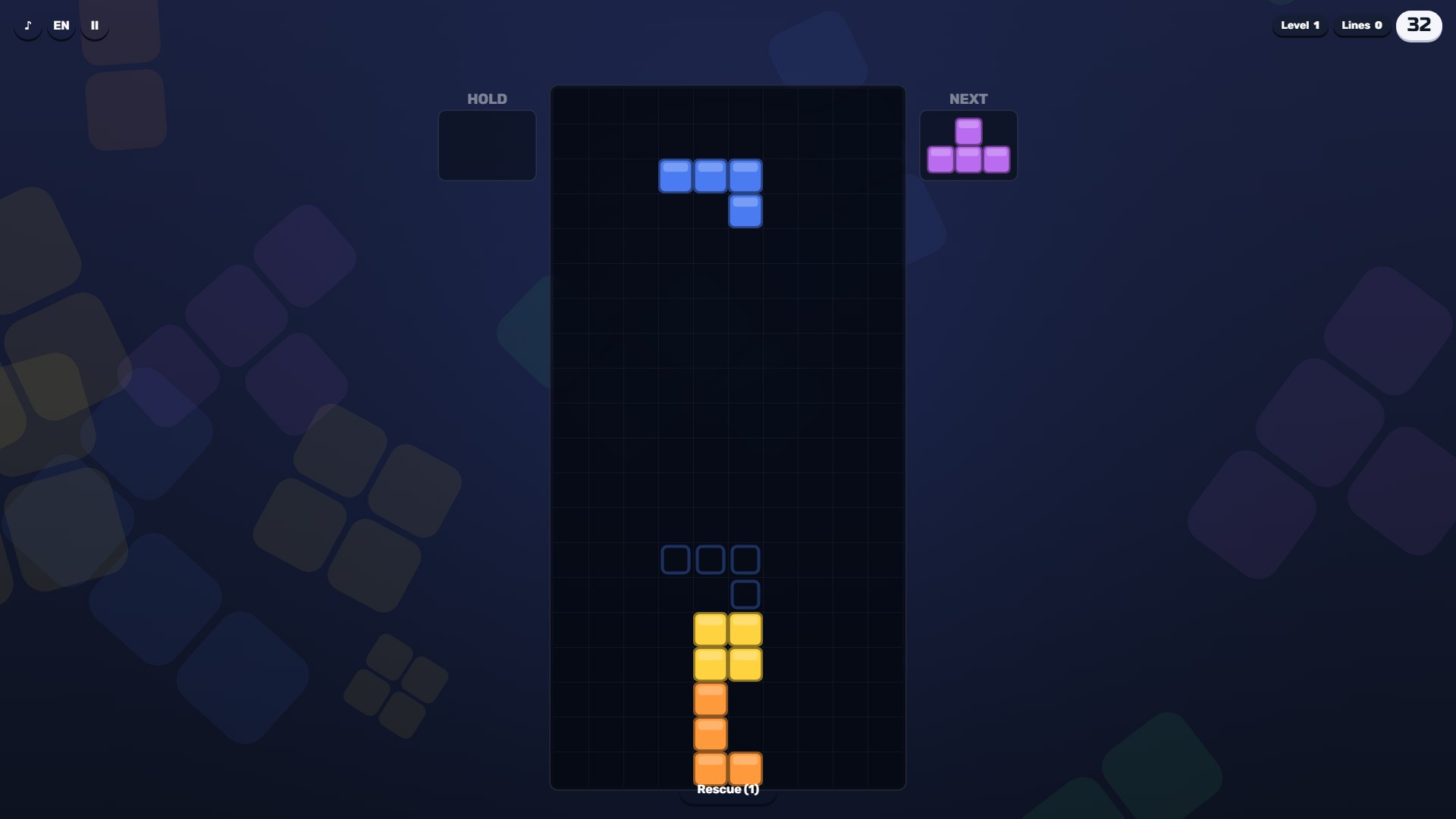
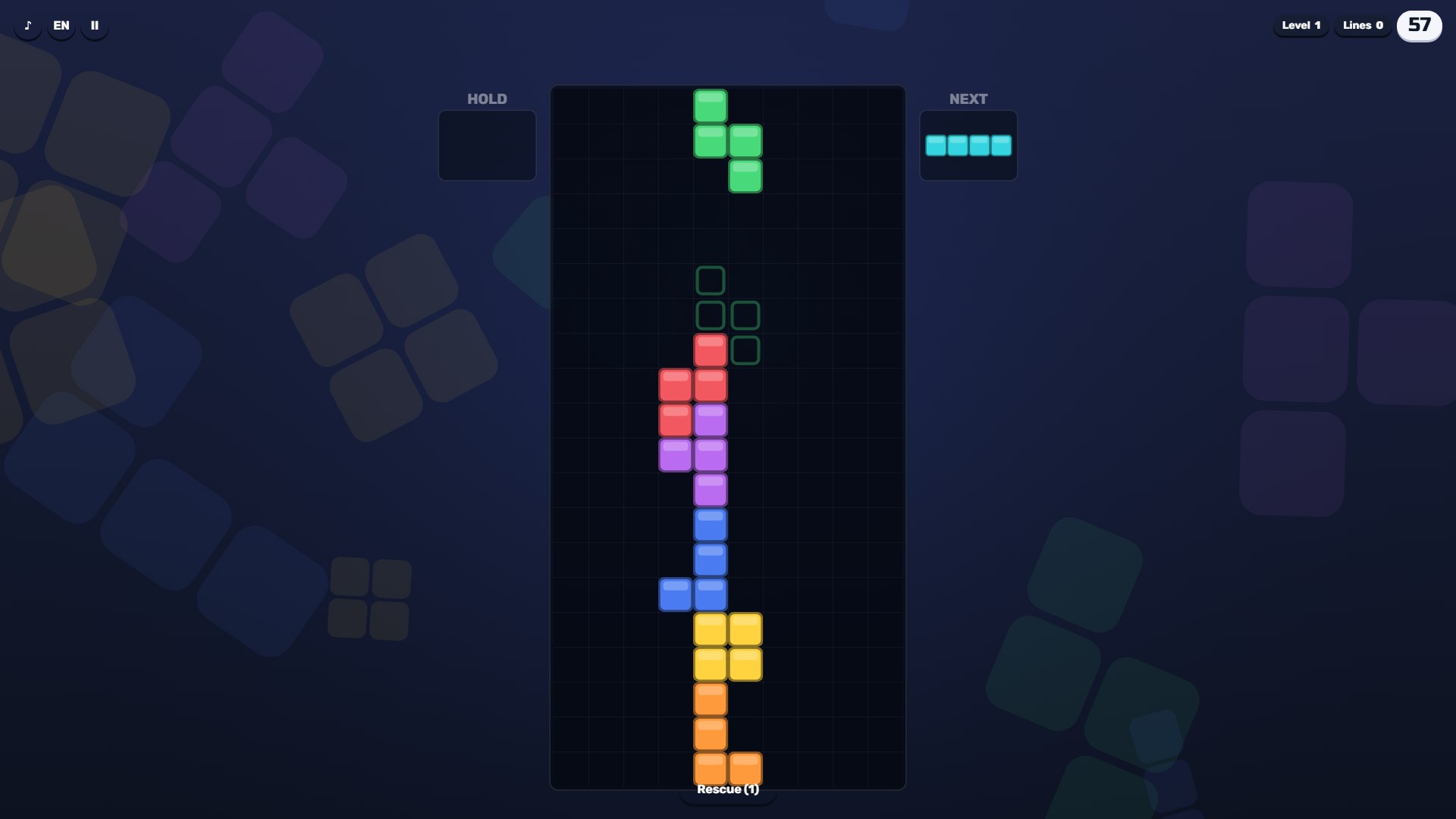
🧩 A falling-block puzzle: seven four-cell pieces drop onto a board ten cells wide.
🎯 A full row disappears and everything above it moves down. If the stack reaches the top, the game ends.
📈 Marathon: a new level every 10 rows, speed grows up to level 14, and the levels never end.
🧱 Dig: you start with six garbage rows, one hole each, and new ones rise from below more often at higher levels.
💥 You score for rows, clear streaks, T-piece spins into tight gaps and a clean board.
👻 A shadow shows where the piece will land, the Next window shows the upcoming one, and you can put a piece on hold.
💰 Coins for finished games and the daily goal buy upgrades and new piece colours.
🆘 Rescue removes the four bottom rows once per game, up to three times with upgrades. After losing, you can continue once by watching an ad: the six bottom rows are cleared.
🏆 For signed-in players the Marathon record goes to the leaderboard; progress is saved on your device.
Videos and screenshots
14,722 players online
How to play
-
Open the game
Press Play now and the game opens on its own screen.
-
Follow the in-game instructions
The controls and goals are shown inside the game as you play.
-
Use the game menu
The floating button over the game reloads it, saves it to your favourites, or takes you back out.