Skip to content
KG
Boat rush | Robby

Boat rush | Robby

1K plays 4.2 out of 5

Overview

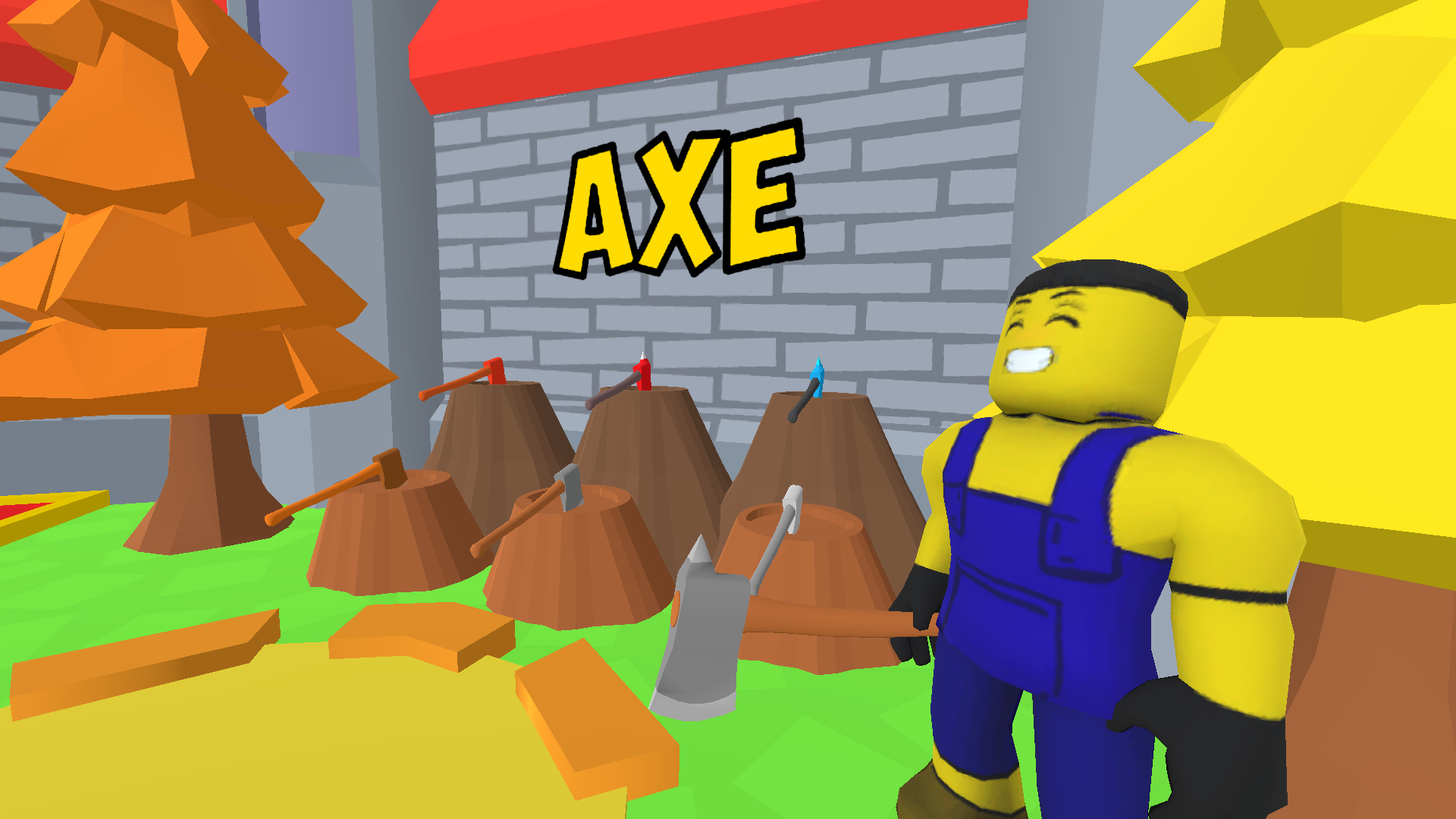
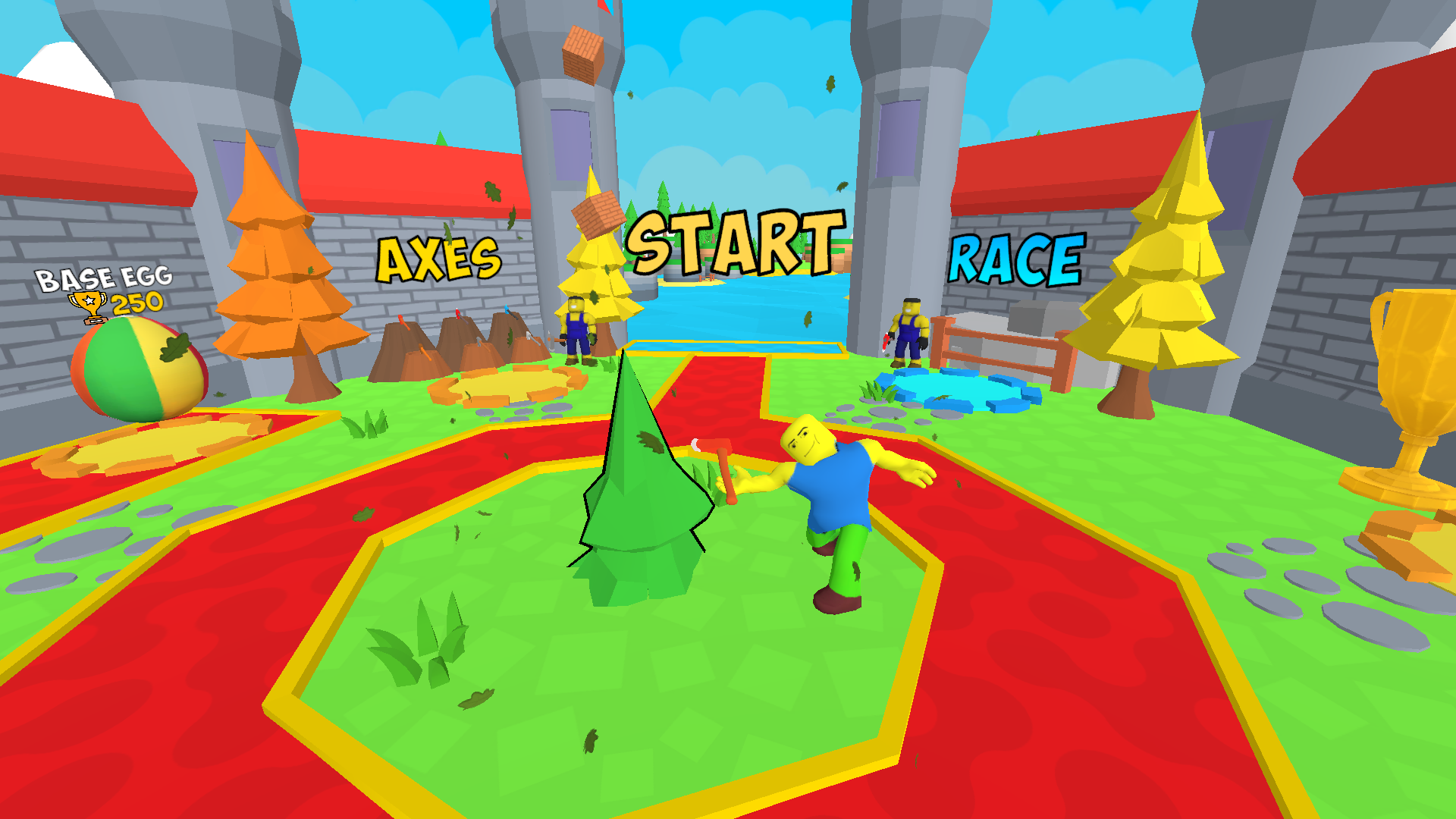
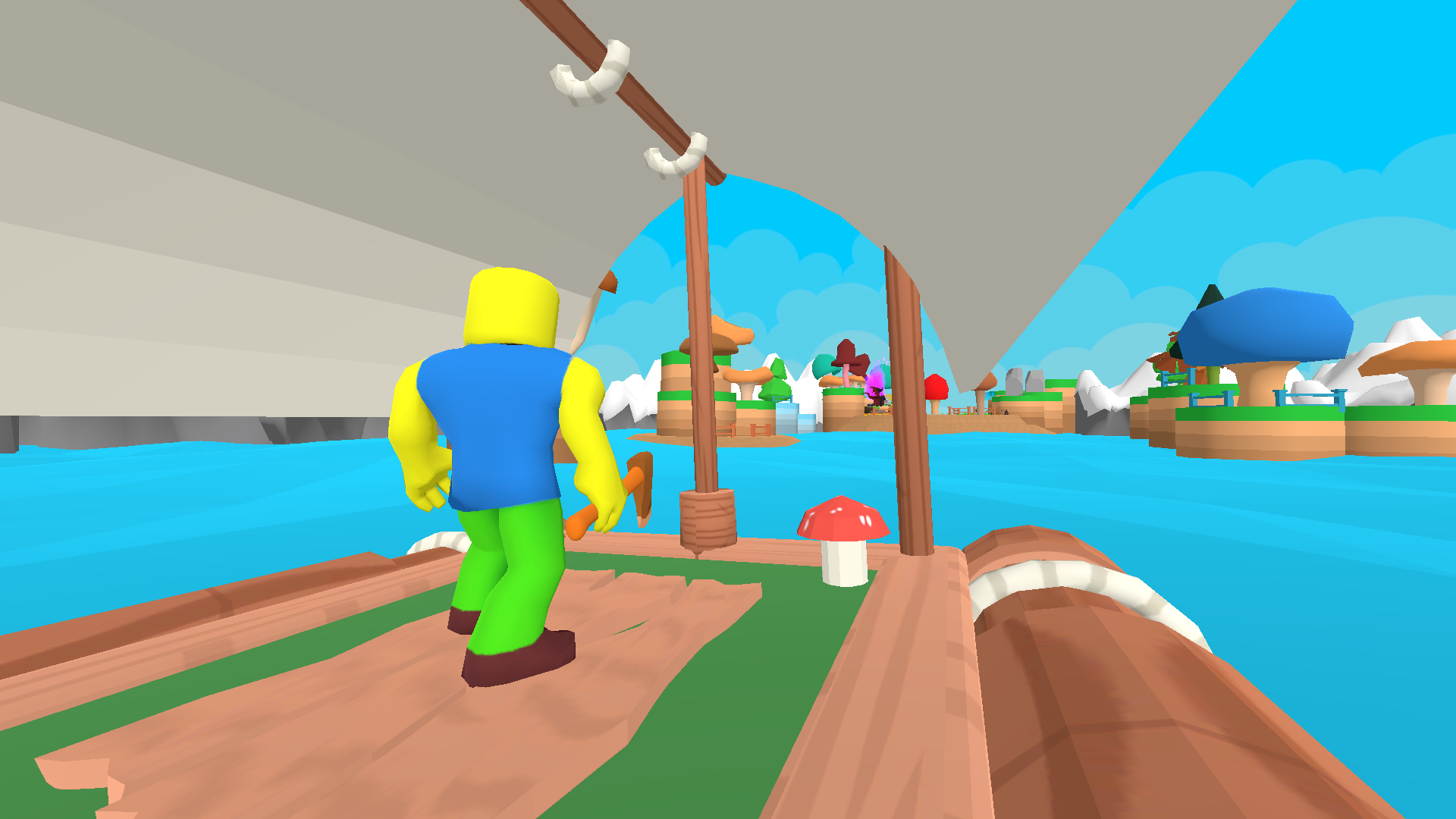
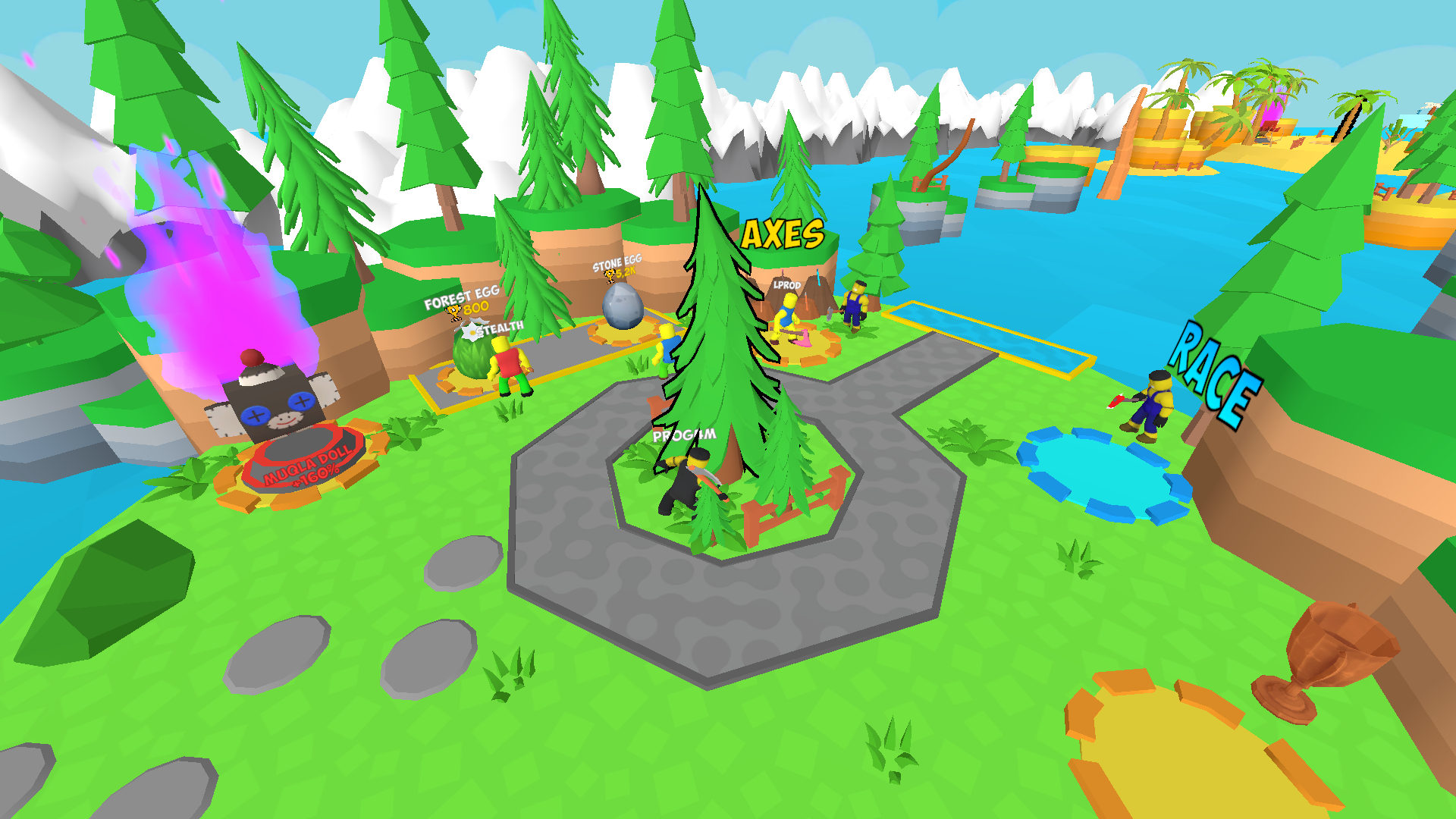
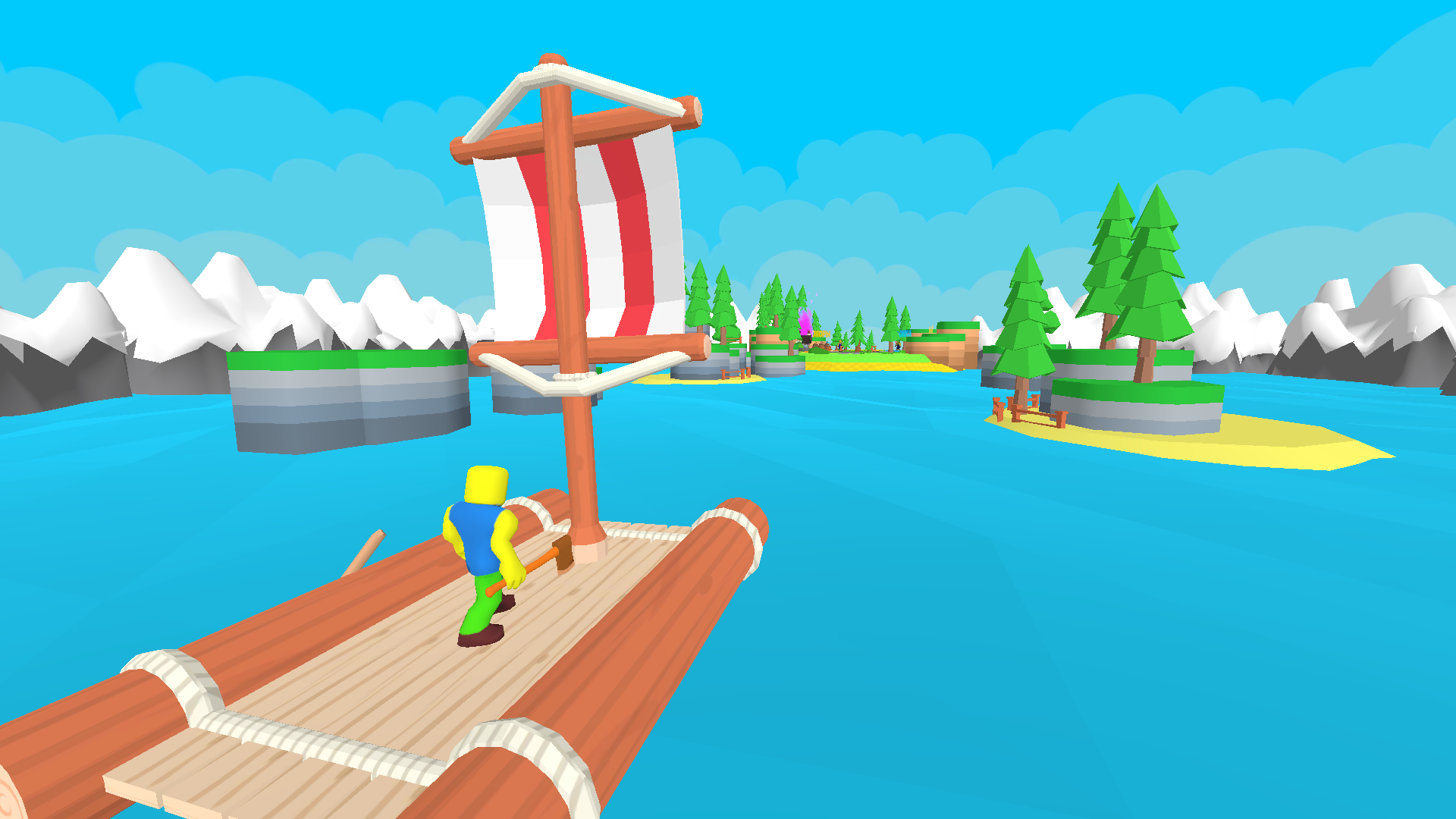
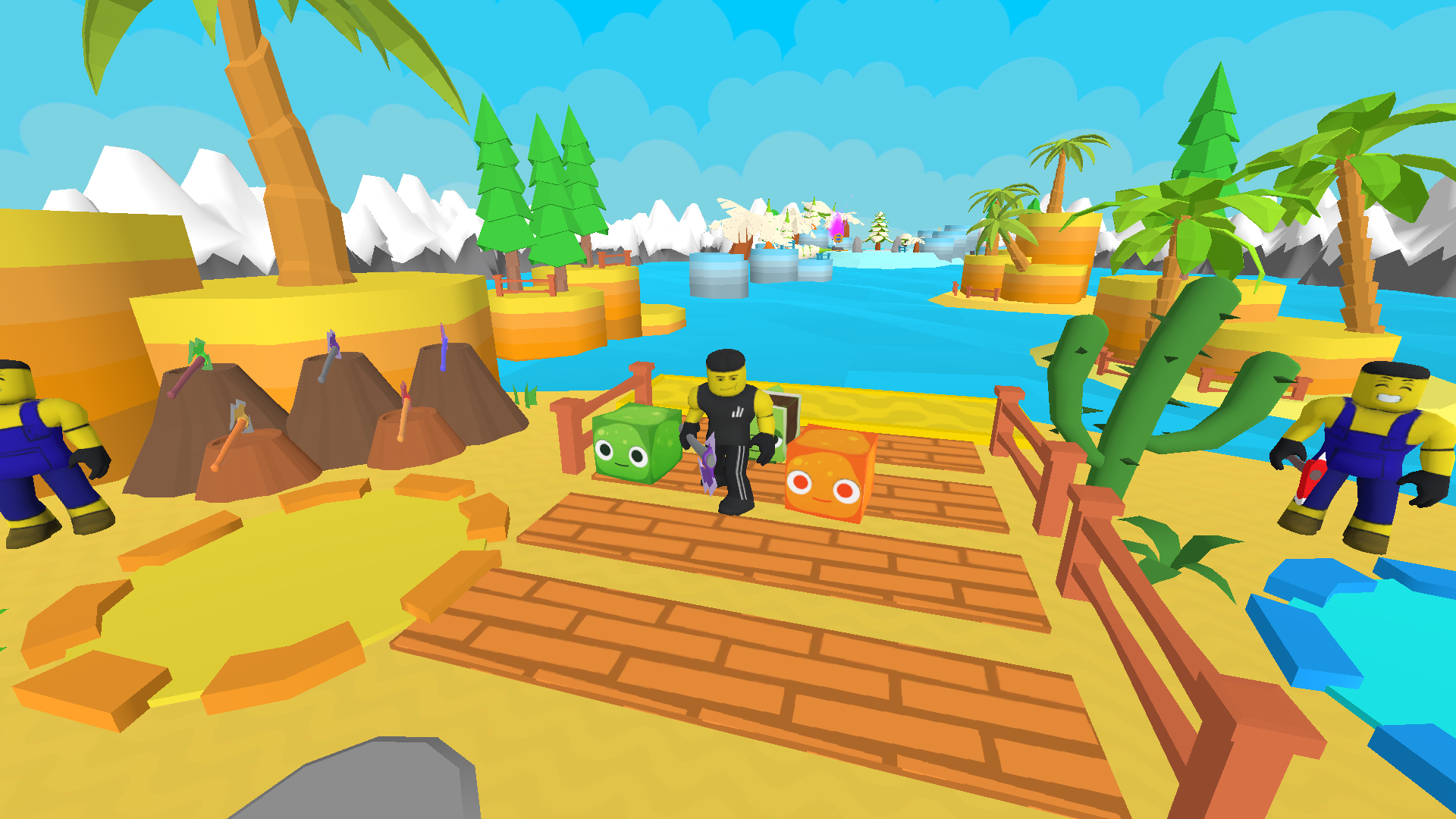
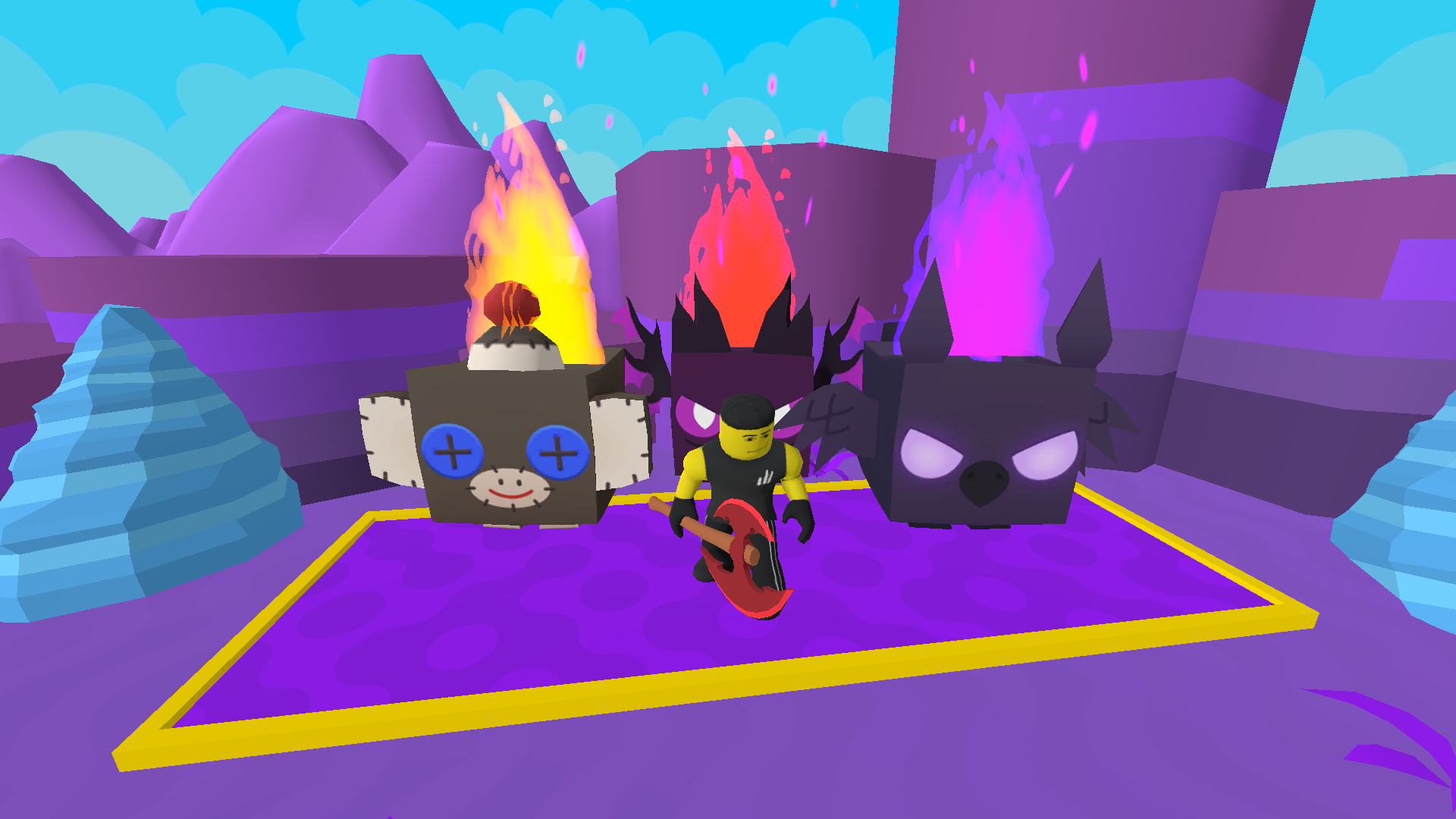
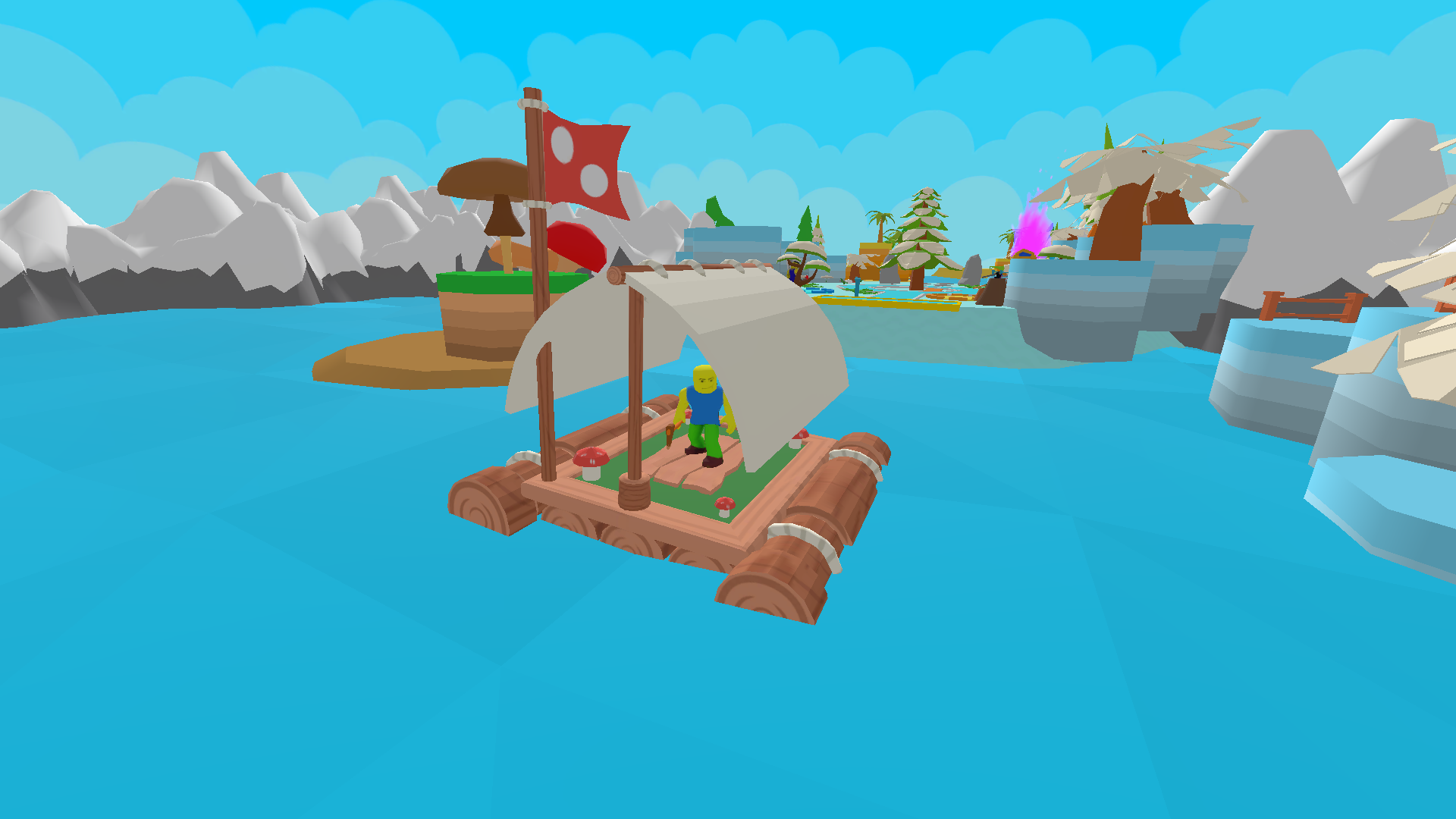
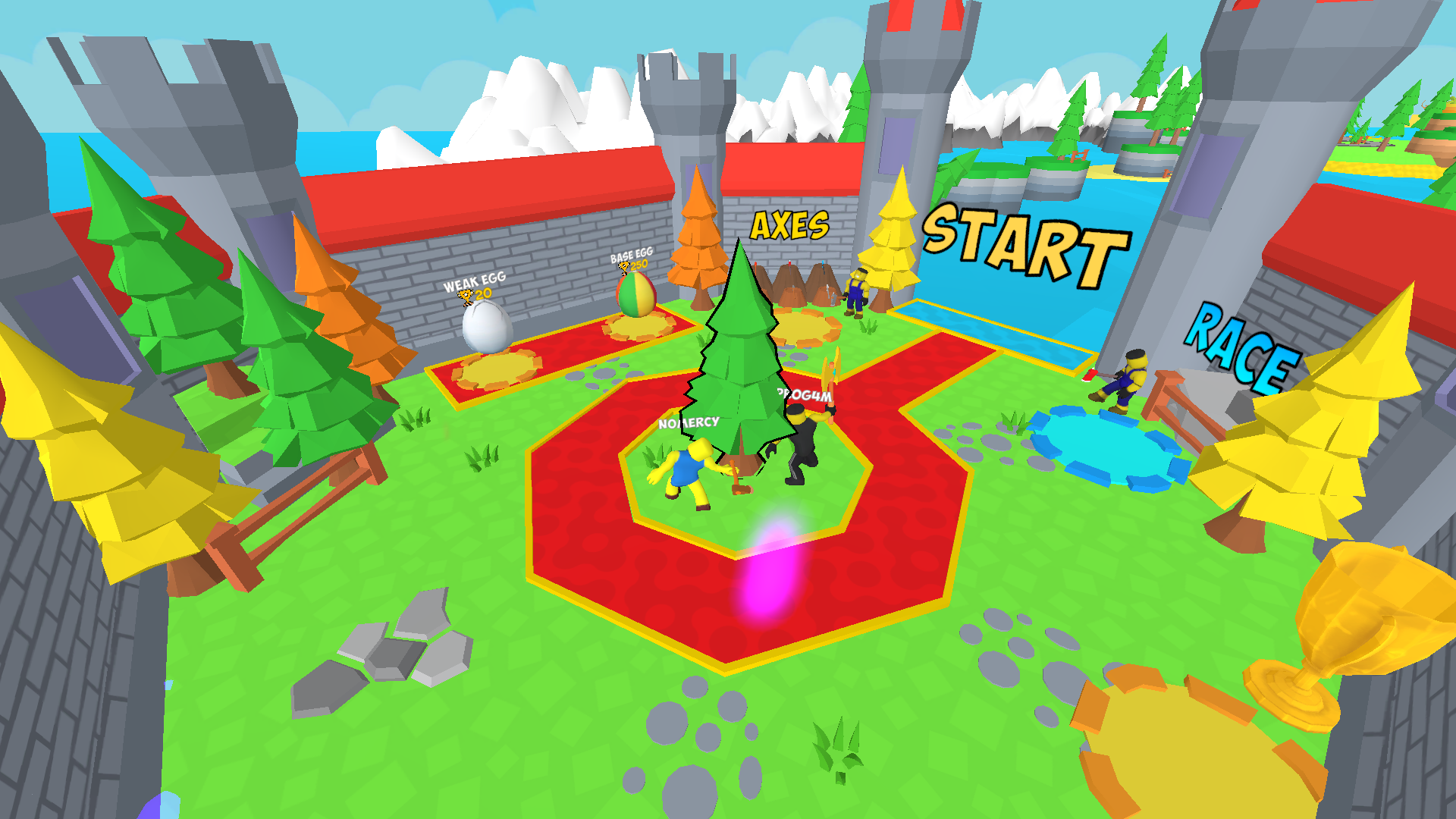
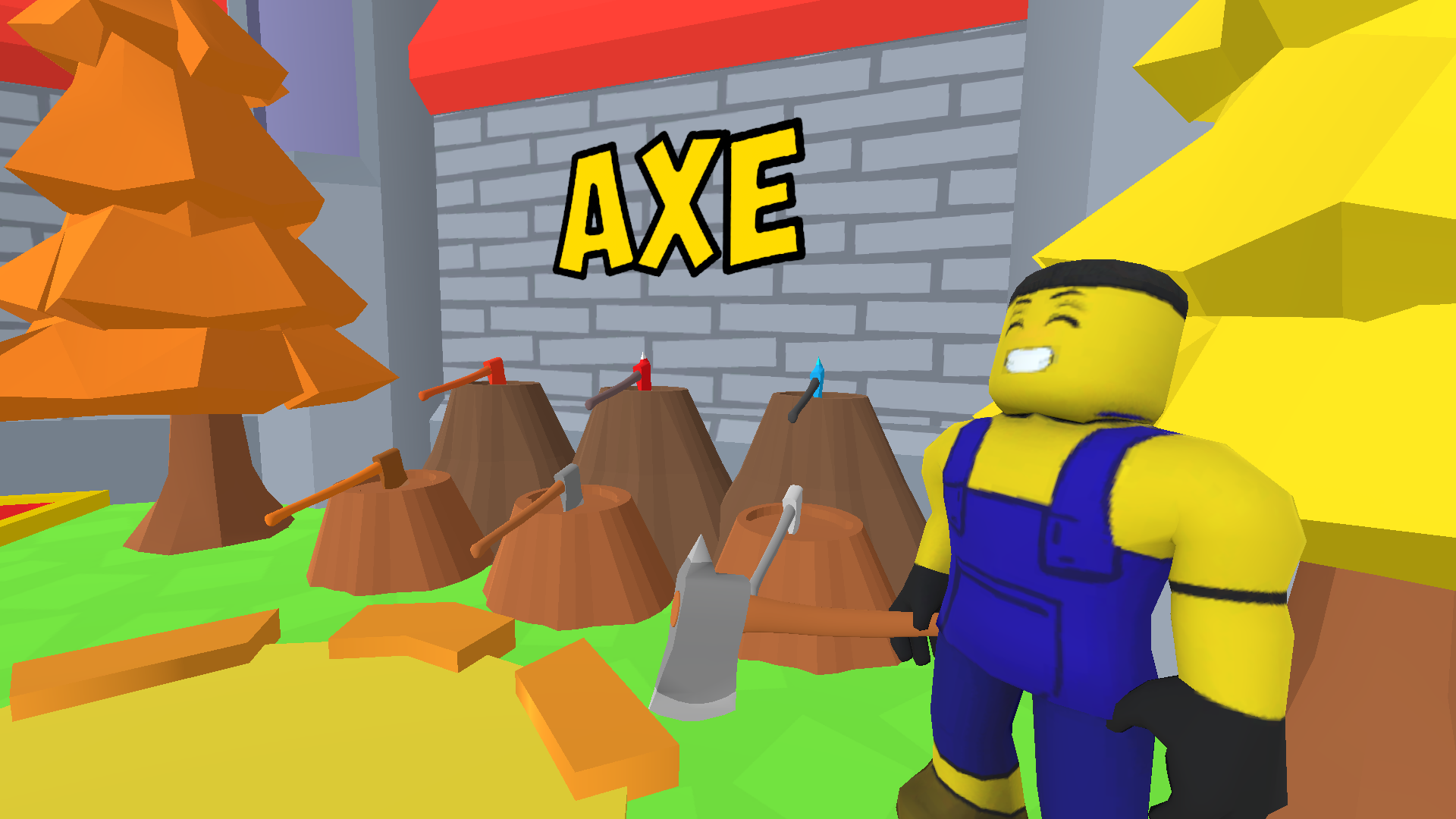
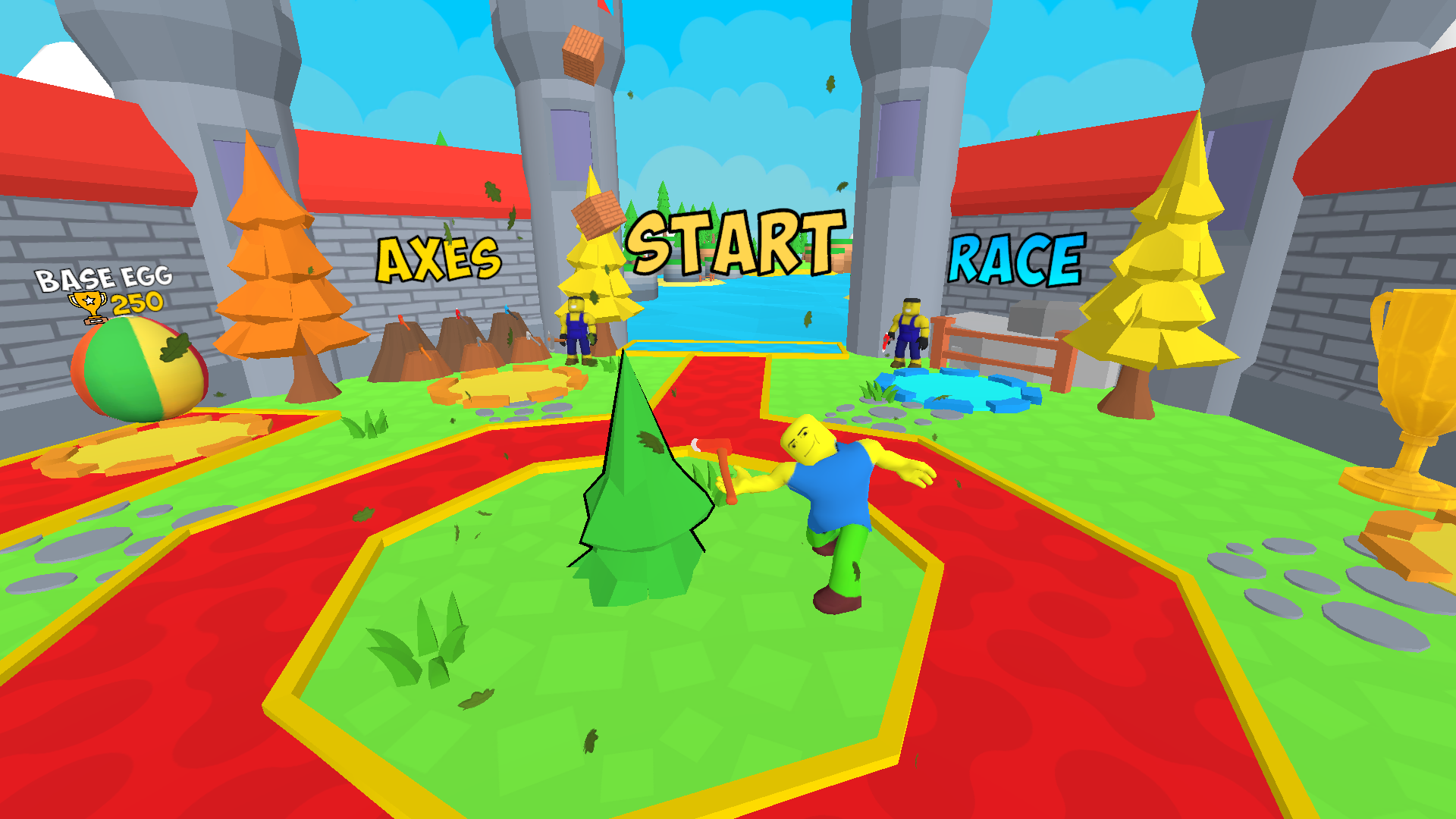
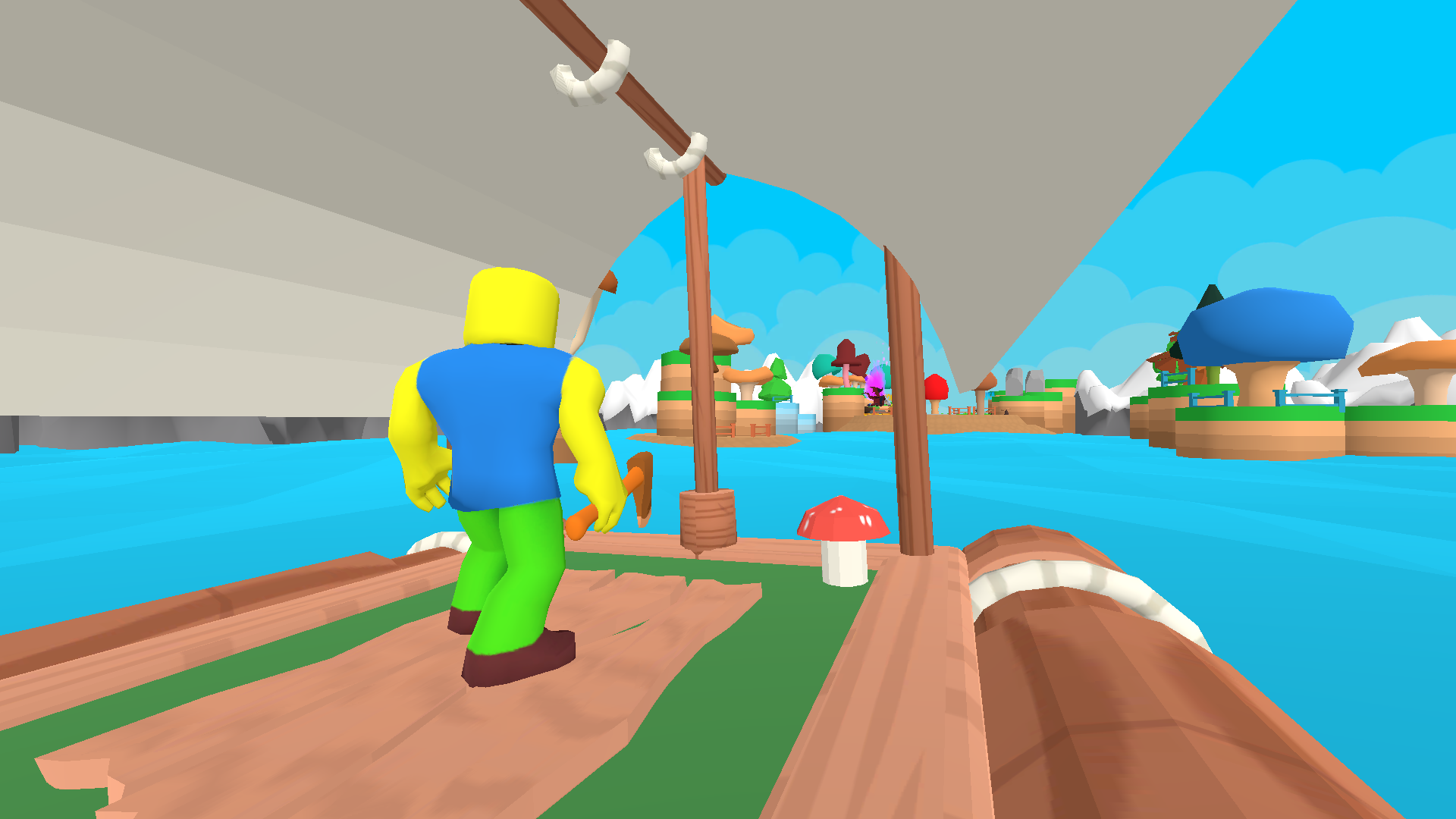
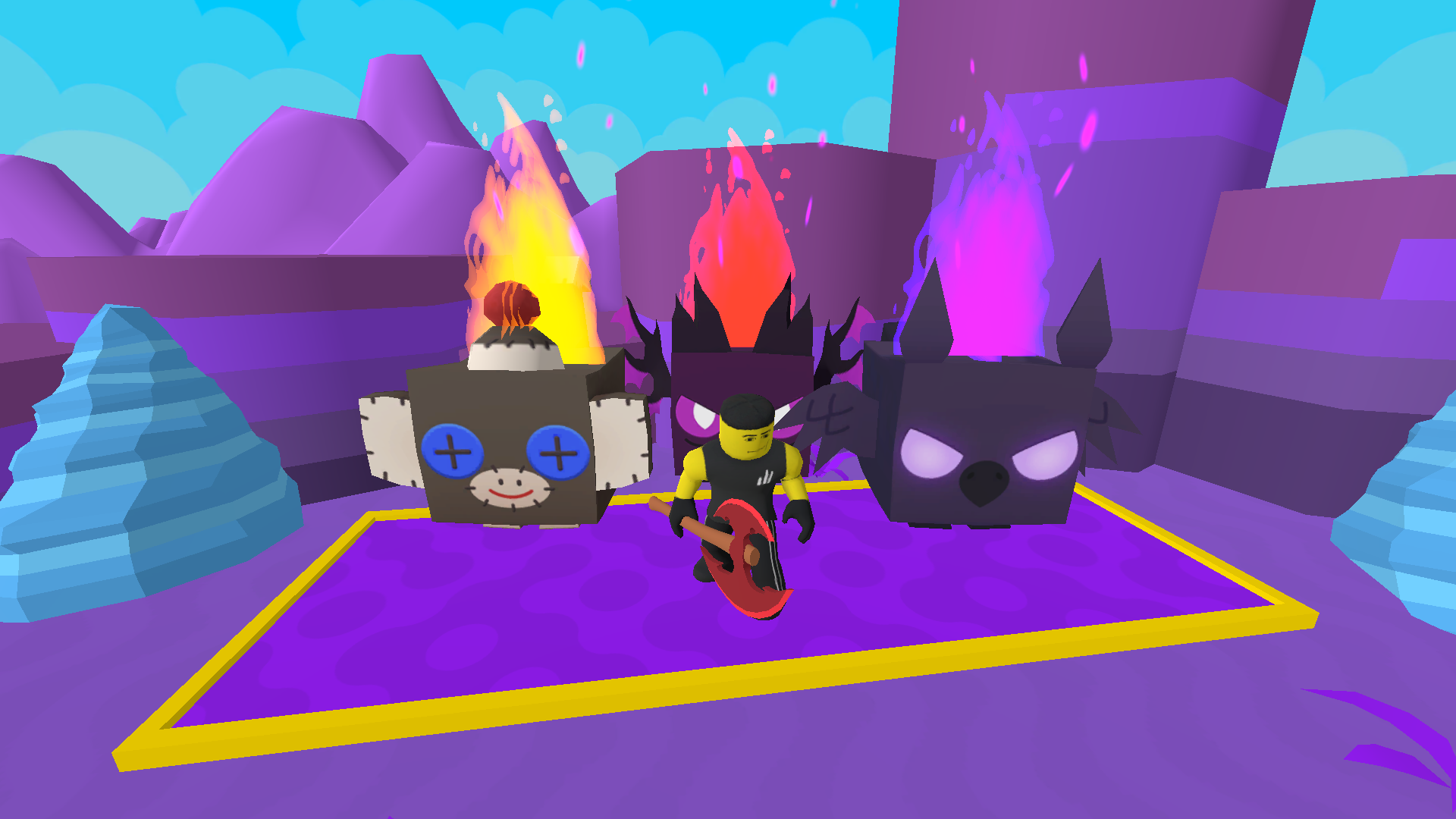
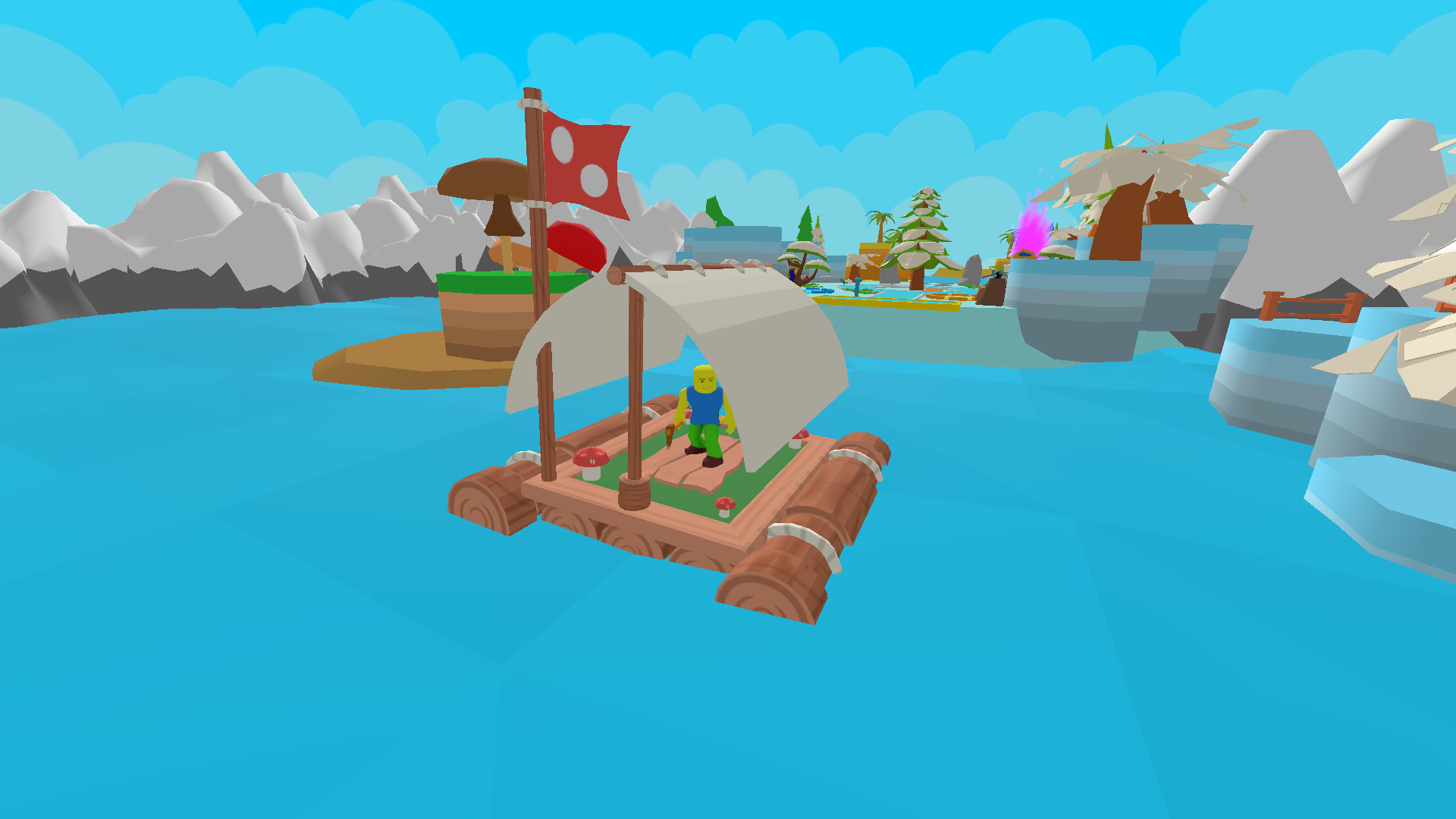
A popular mode from Roblox! 🚩Update🚩 🔴Rebirth! 🔴Now you can be reborn and get bonuses for it! 🔴Bug fixes! 🔴And much more! 🏝️ You have to build a boat to the very last island!🏝️ But be careful, others who want to win are competing with you!🔴 👑Score as many points as possible and take the first place in the leaderboard!👑 🏆There are many levels of varying difficulty, at the end of which you will receive cups for which you can upgrade your character!🏆 🚩Compete in a race with other players! Complete the most difficult island on the last level!🚩

Videos and screenshots
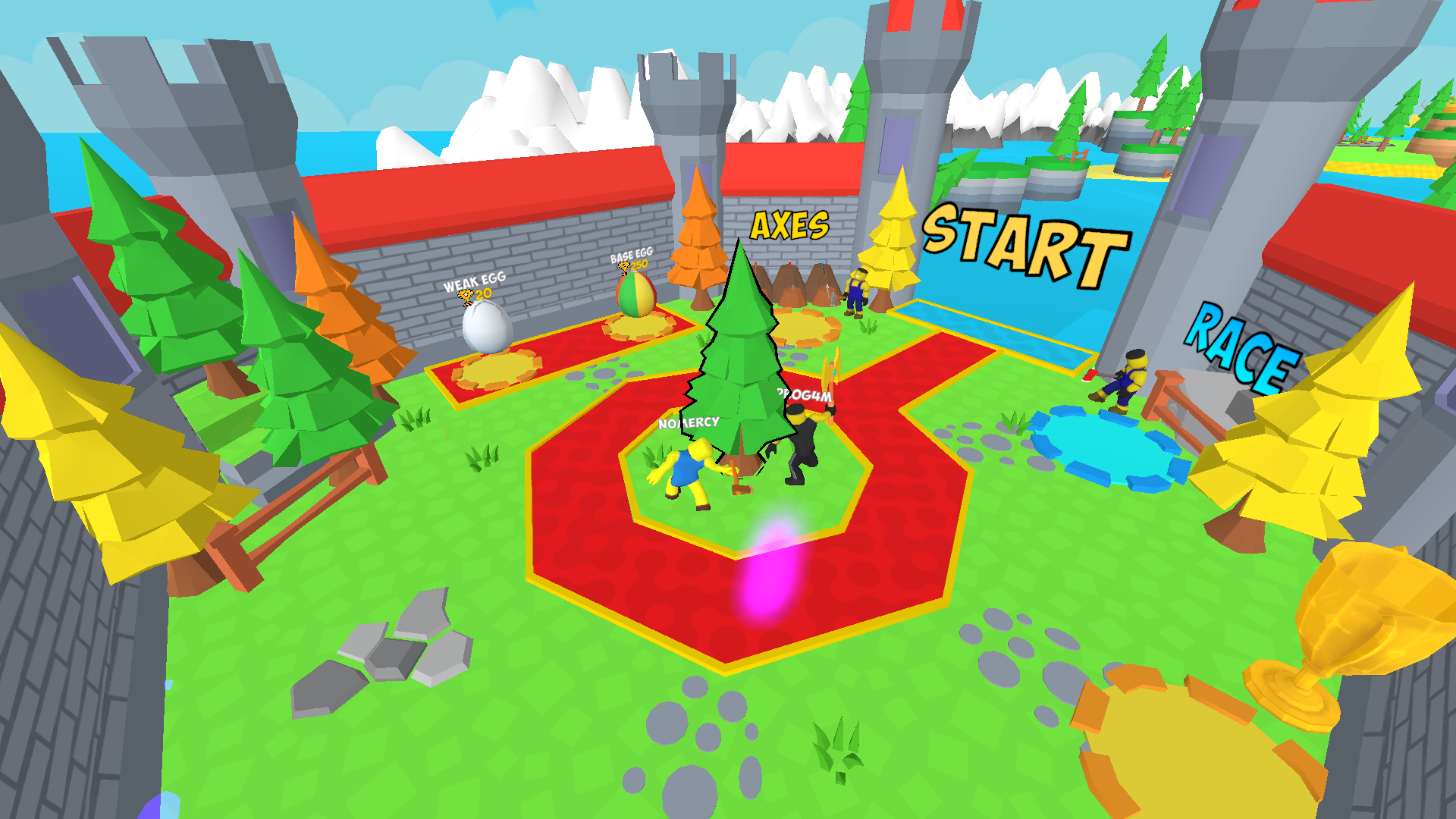
  • Boat rush | Robby screenshot 1
  • Boat rush | Robby screenshot 2
  • Boat rush | Robby screenshot 3
  • Boat rush | Robby screenshot 4
  • Boat rush | Robby screenshot 5
  • Boat rush | Robby screenshot 6
  • Boat rush | Robby screenshot 7
  • Boat rush | Robby screenshot 8
  • Boat rush | Robby screenshot 9
  • Boat rush | Robby screenshot 10
  • Boat rush | Robby screenshot 11
  • Boat rush | Robby screenshot 12
  • Boat rush | Robby screenshot 13
  • Boat rush | Robby screenshot 14
  • Boat rush | Robby screenshot 15
  • Boat rush | Robby screenshot 16
  • Boat rush | Robby screenshot 17
  • Boat rush | Robby screenshot 18
Play Now

11,420 players online

How to play

  1. Open the game

    Press Play now and the game opens on its own screen.

  2. Follow the in-game instructions

    The controls and goals are shown inside the game as you play.

  3. Use the game menu

    The floating button over the game reloads it, saves it to your favourites, or takes you back out.

Game instructions

To play, you need to level up your character, the game has a tutorial that will help you with this. Read it carefully if you haven't played similar modes! Buy new pets and axes, they will help you level up! 🖥️Computers:🖥️ • WADS - character control. • Space - jump. • To rotate the camera, drag the mouse across the screen. 📱Mobile devices:📱 • Use the joystick to control the character. • Use the button in the lower right corner to hit. • To rotate the camera, drag your finger across the screen.

More games

More games