Skip to content
KG
Bomberman in maze Mod

Bomberman in maze Mod

533K plays 4.9 out of 5

Overview

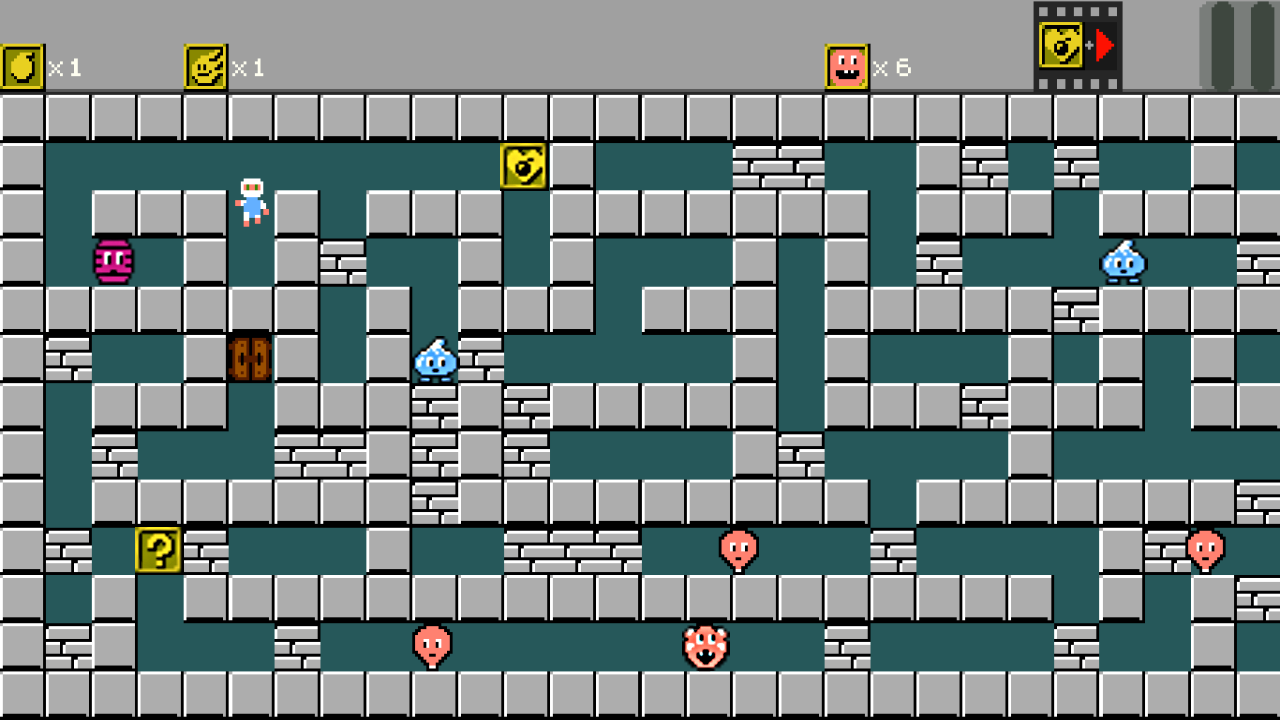
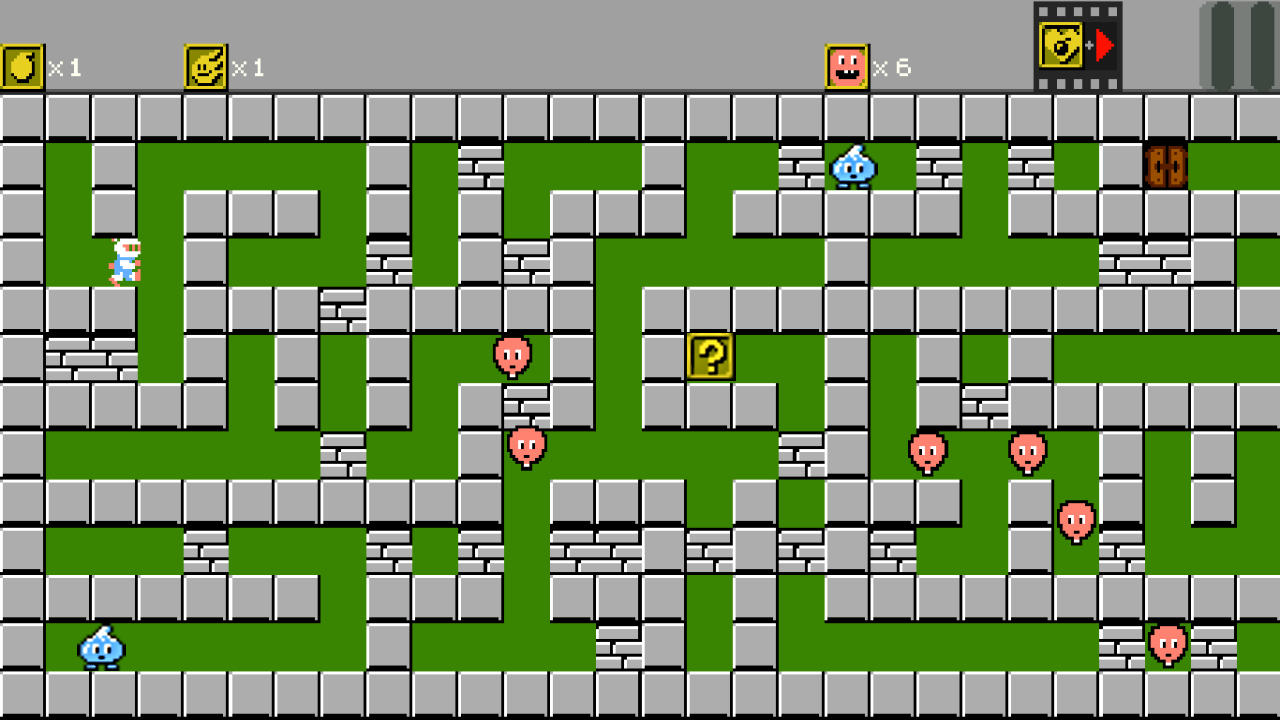
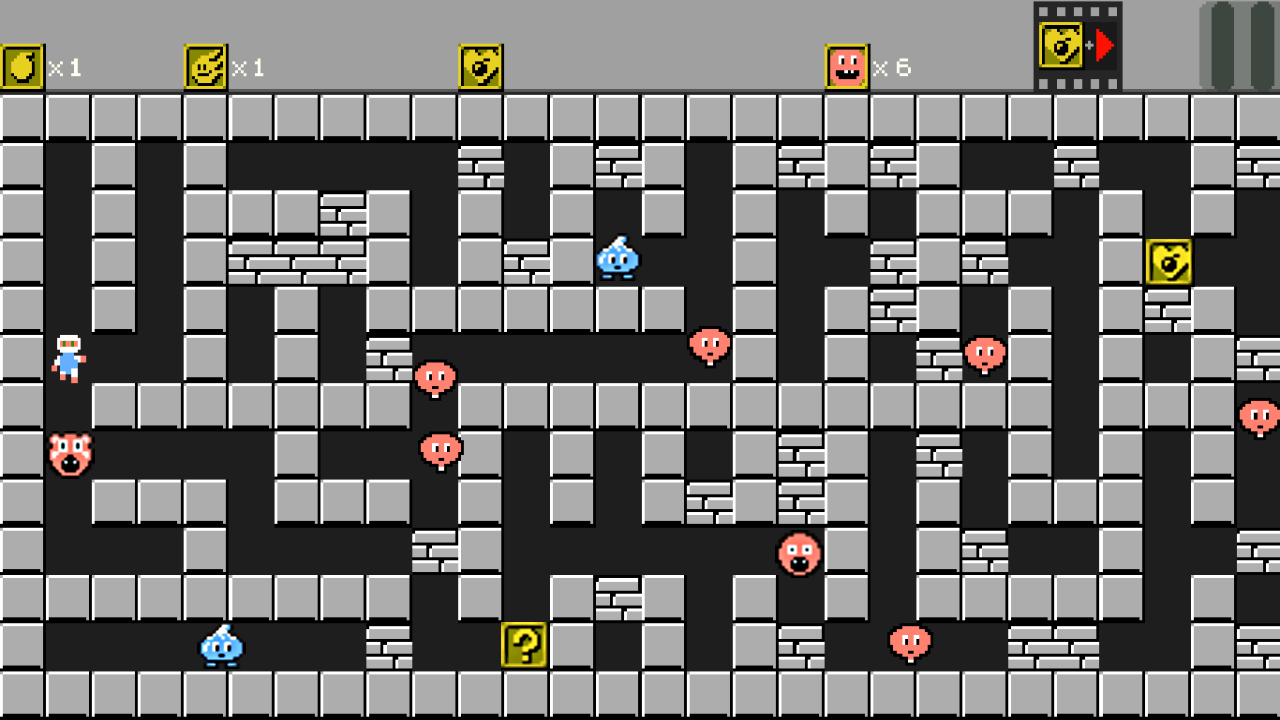
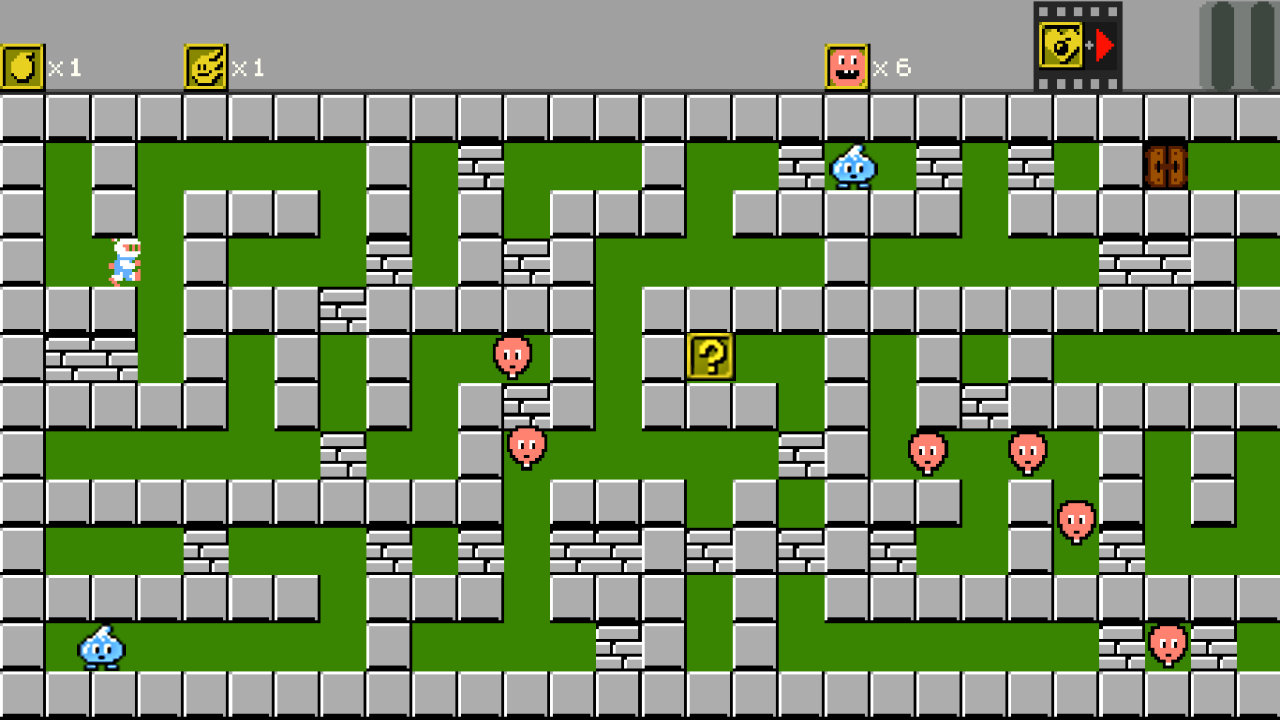
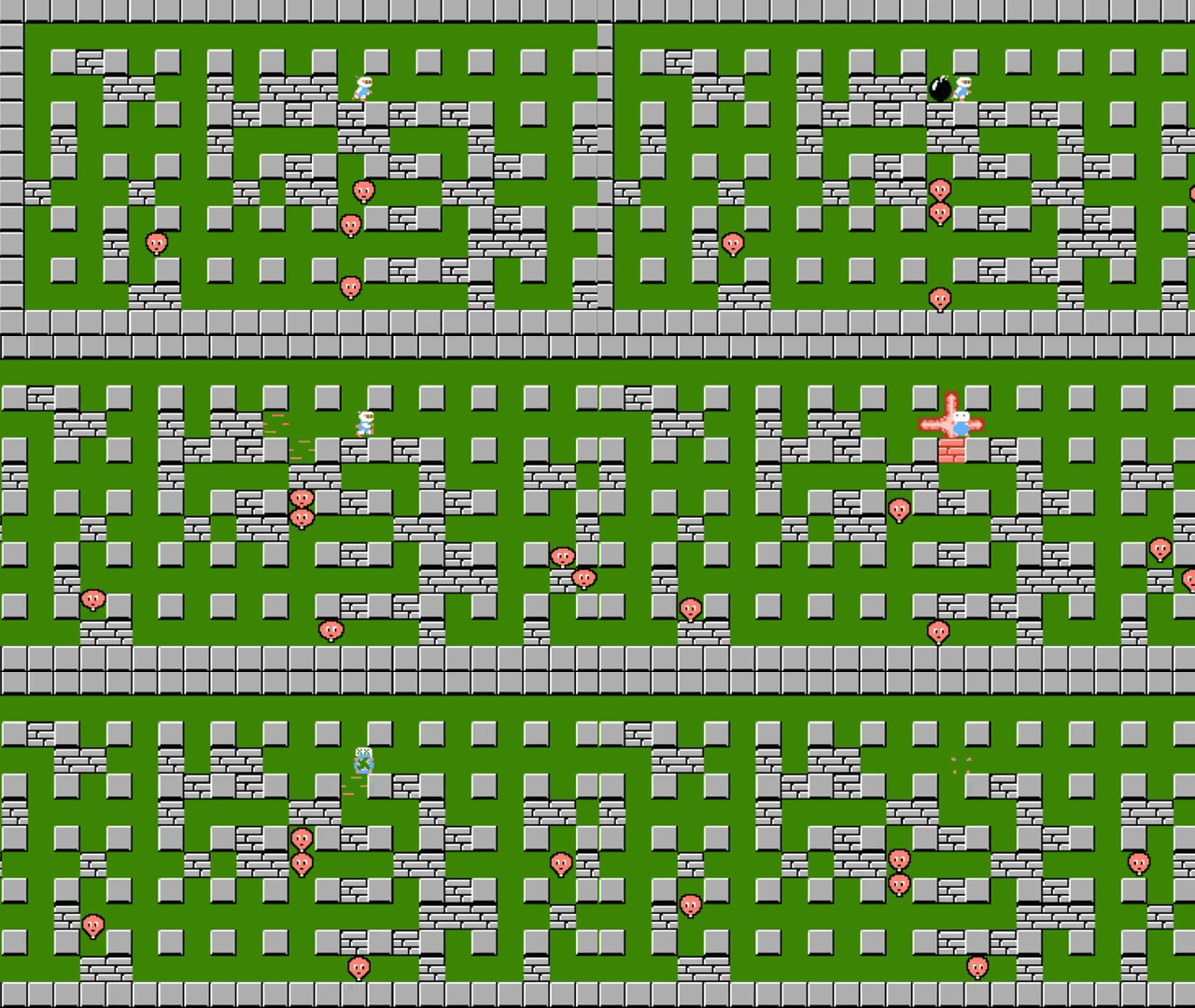
"Bomberman in Maze Mod" is an exciting game that provides the opportunity to enjoy the classic bomberman gameplay, but with its own unique features. There are three modes available in the game: classic, where you need to destroy barriers and fight with opponents, classic in the labyrinth, where the action takes place in treacherous labyrinths, and a full-fledged labyrinth, where you have to overcome waves of enemies and get to the exit. Immerse yourself in this exciting world and become a real blasting master!

Videos and screenshots
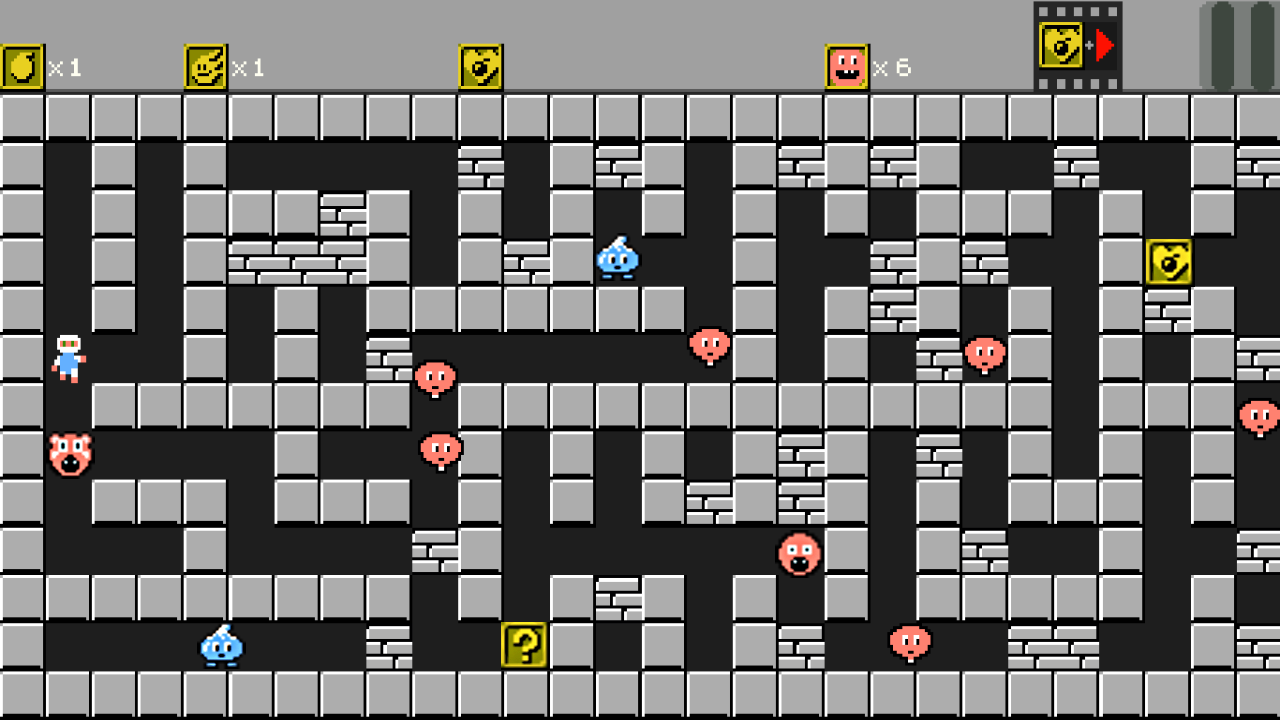
  • Bomberman in maze Mod screenshot 1
  • Bomberman in maze Mod screenshot 2
  • Bomberman in maze Mod screenshot 3
  • Bomberman in maze Mod screenshot 4
  • Bomberman in maze Mod screenshot 5
  • Bomberman in maze Mod screenshot 6
  • Bomberman in maze Mod screenshot 7
Play Now

12,272 players online

How to play

  1. Open the game

    Press Play now and the game opens on its own screen.

  2. Follow the in-game instructions

    The controls and goals are shown inside the game as you play.

  3. Use the game menu

    The floating button over the game reloads it, saves it to your favourites, or takes you back out.

Game instructions

Purpose of the game. Mode "Classic" / "Classic in the Maze": destroy all enemies, find the passage to the next level, hidden under one of the brick blocks. Maze mode: Find the path to the next level. In any mode: at each level, under one of the brick blocks, a bonus is hidden that strengthens the character. Control. Keyboard movement: "W,A,S,D" or direction arrows plant bomb: "space" or "F" detonate a bomb: "Enter" or "E" (if there is a bonus) setting the label: "Q" (for the "labyrinth" mode) pause: "Escape" or "Backspace" interface navigation: direction arrows, OK - "Enter", back: "Escape" or "Backspace" Gamepad: movement: direction arrows plant bomb: "A" detonate a bomb: "B" (if there is a bonus) setting the label: "Y" (for the "labyrinth" mode) pause: "Start" interface navigation: direction arrows, OK - "A", back: "B" Sensor movement: slide along the left half of the screen other controls: touch the corresponding icons/buttons

More games

More games