Skip to content
KG
Brainrot: Escape from the Laboratory

Brainrot: Escape from the Laboratory

474K plays 4.1 out of 5

Overview

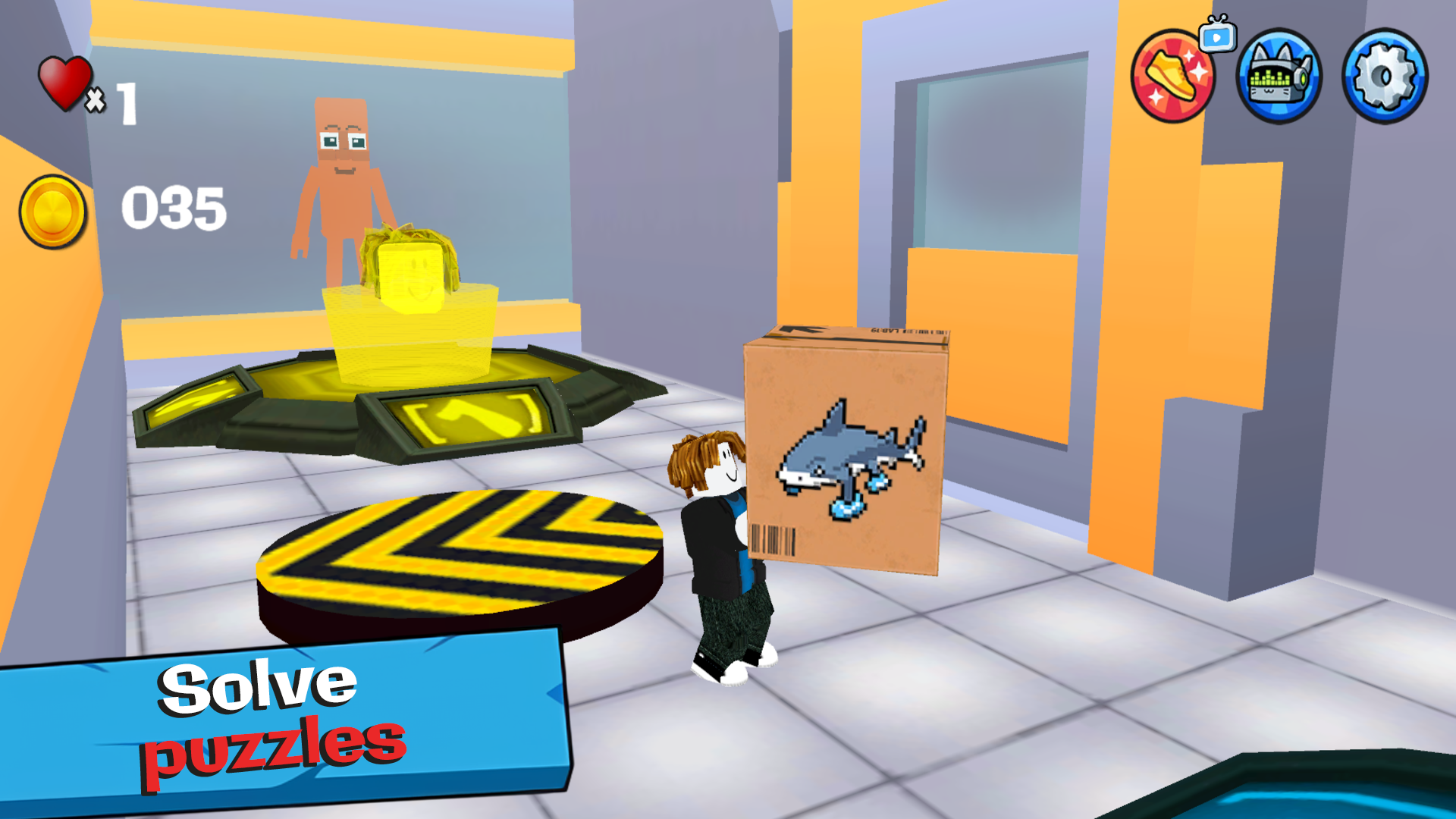
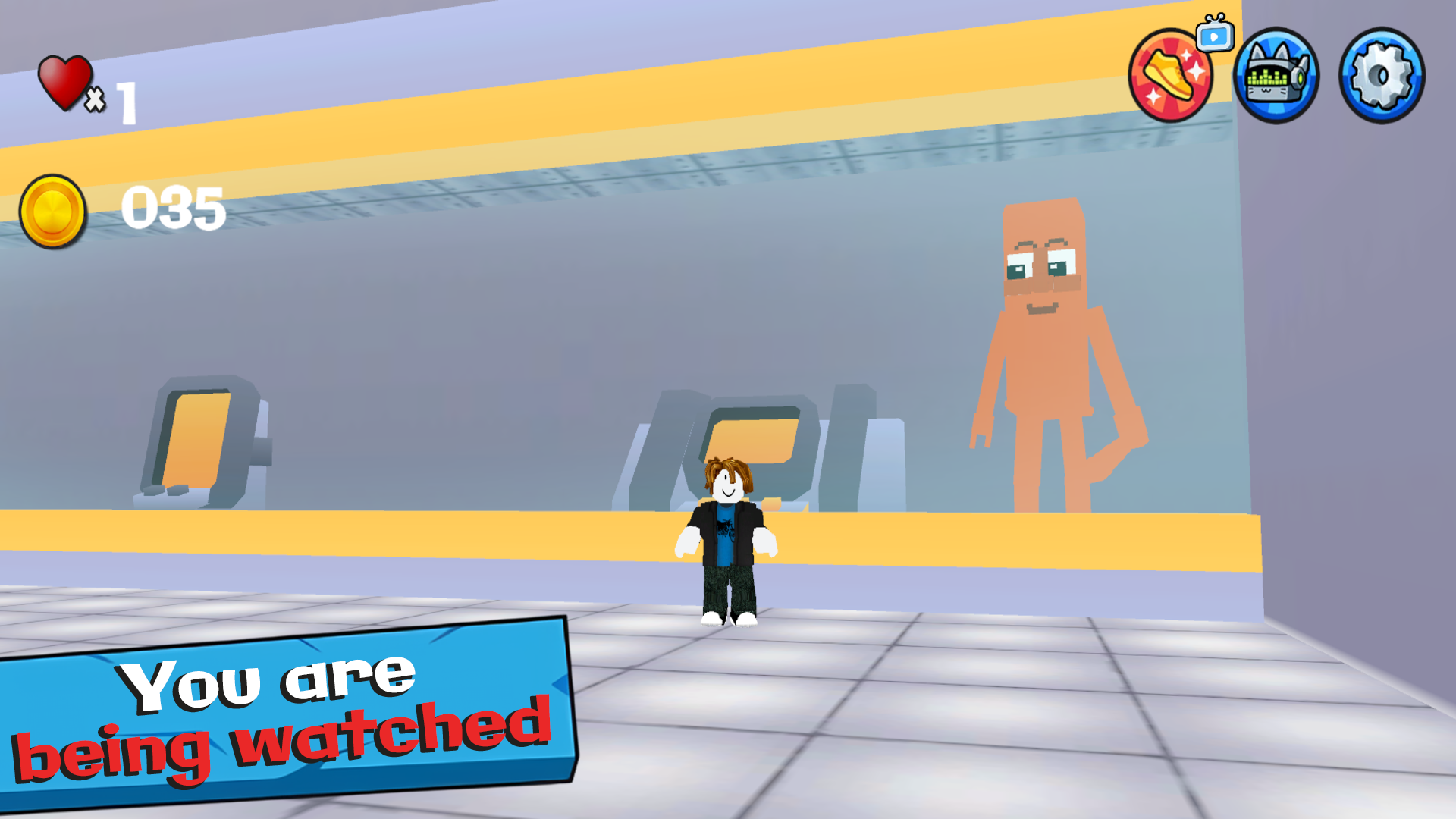
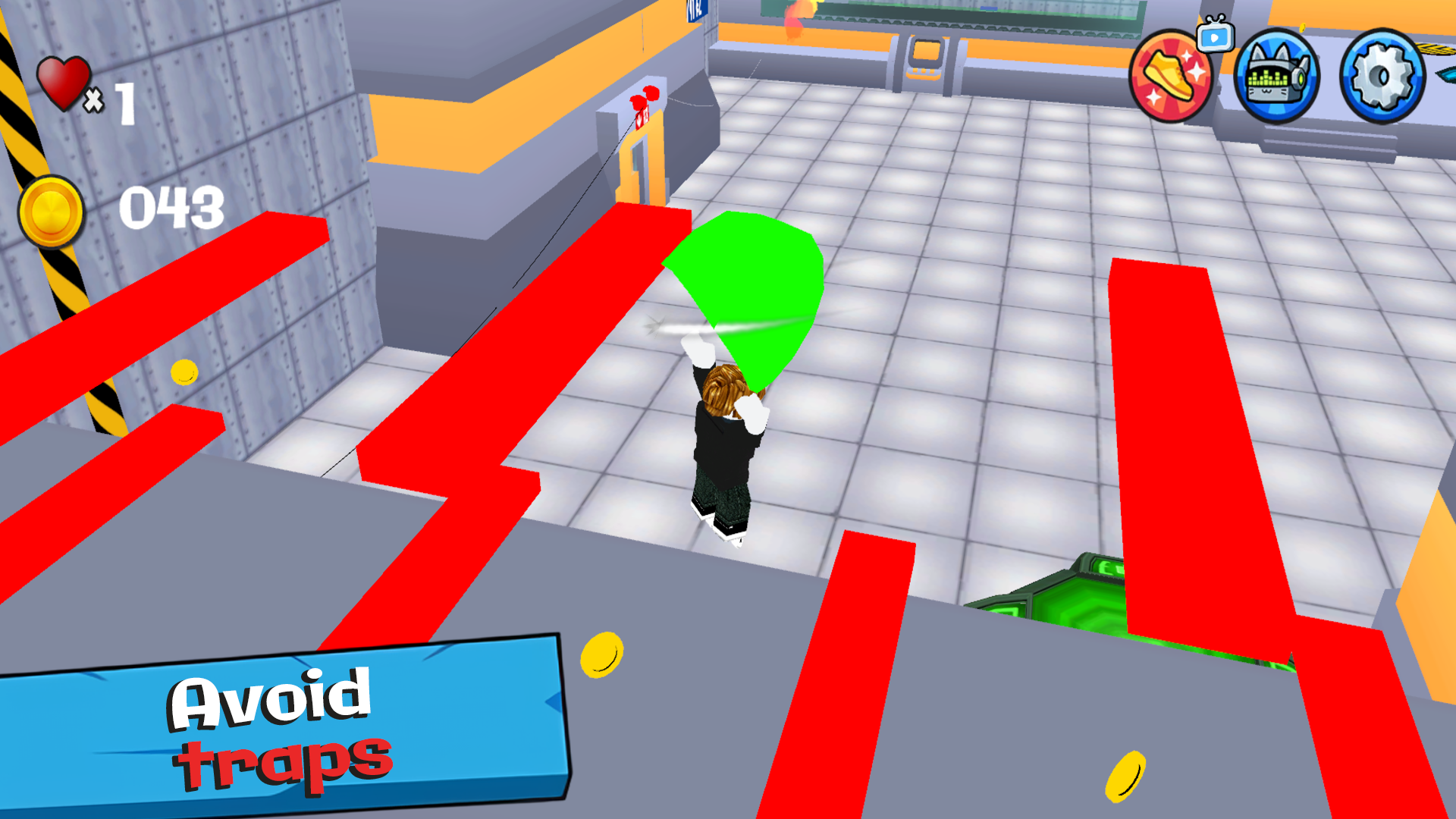
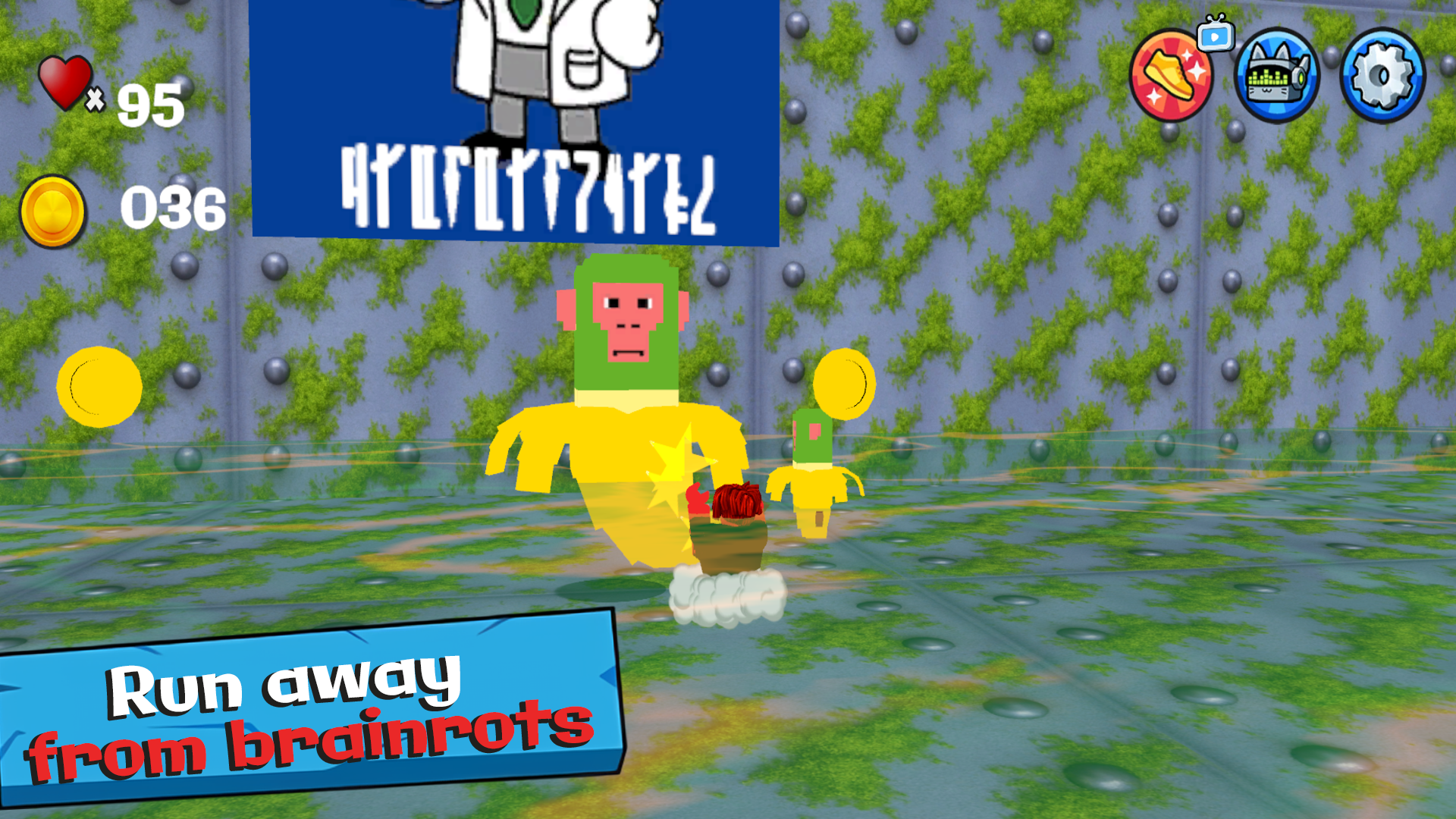
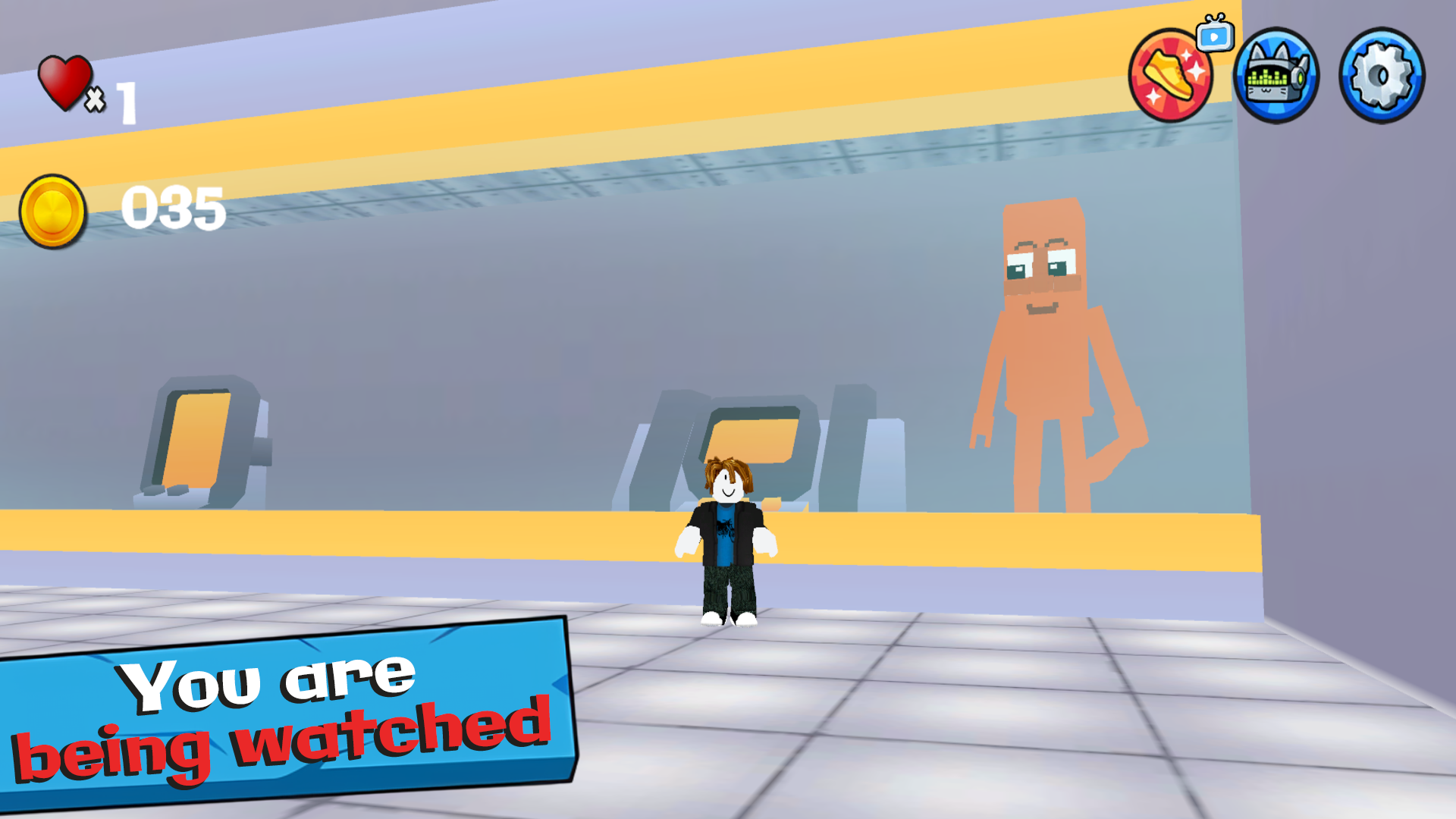
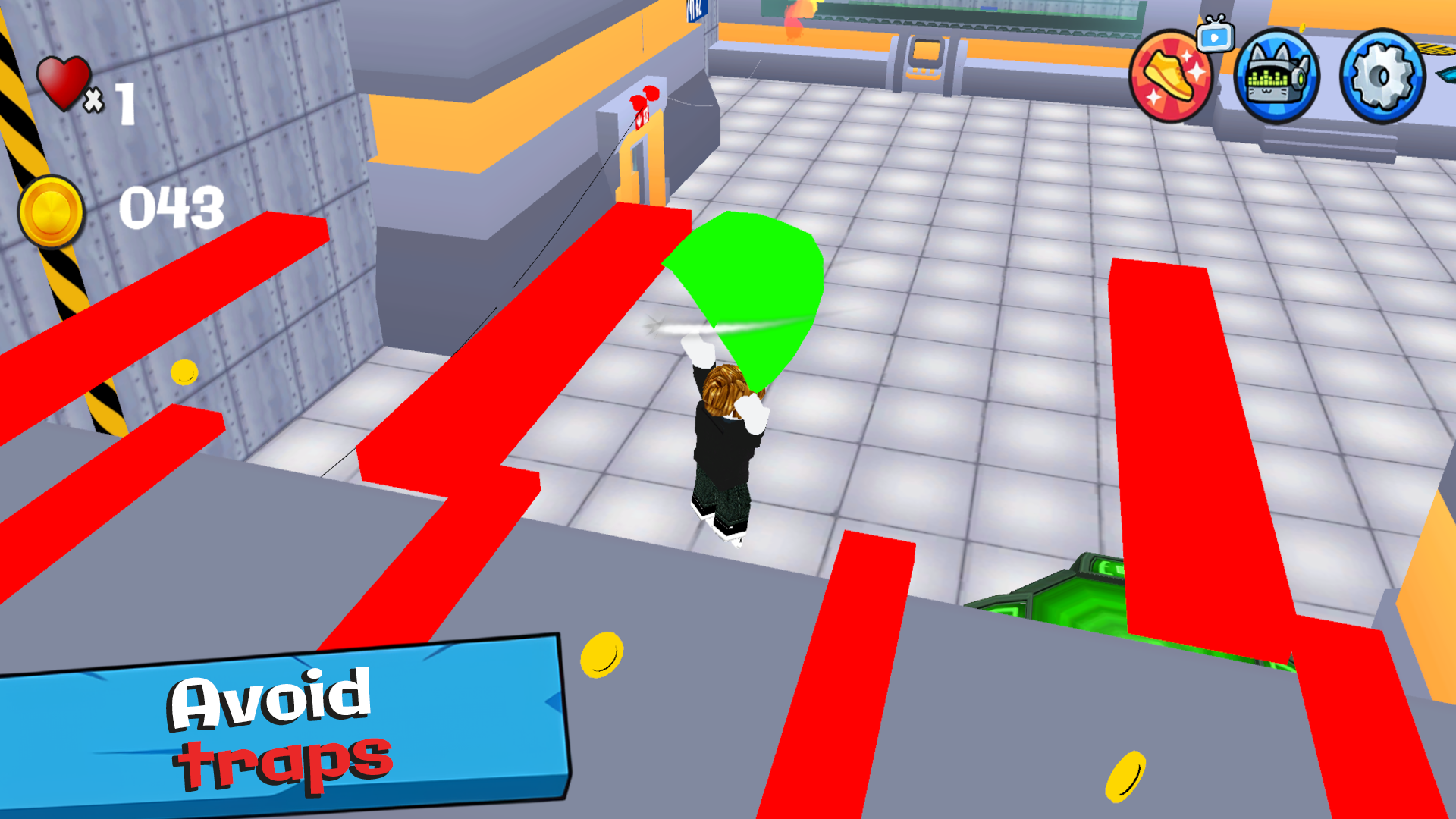
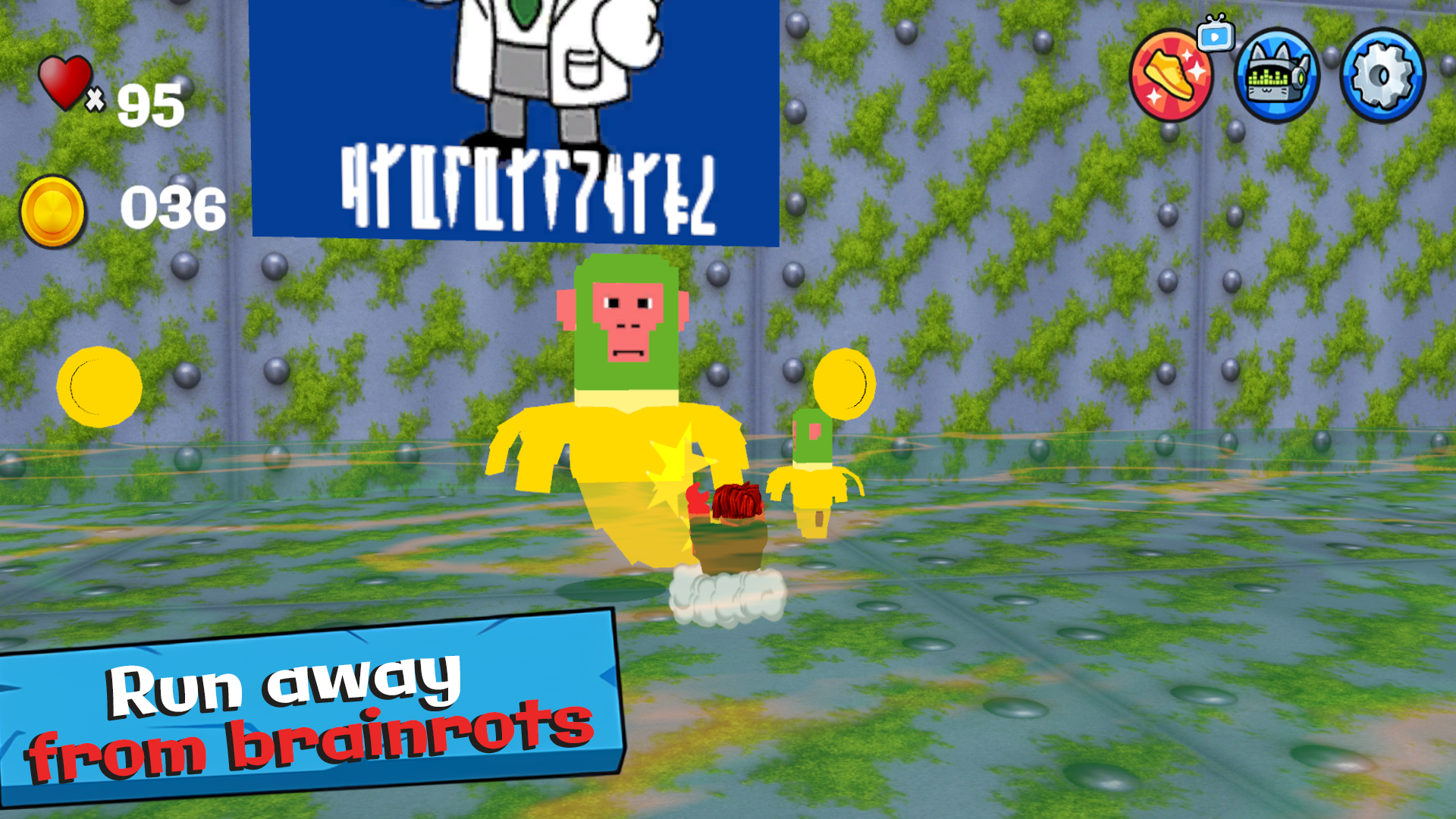
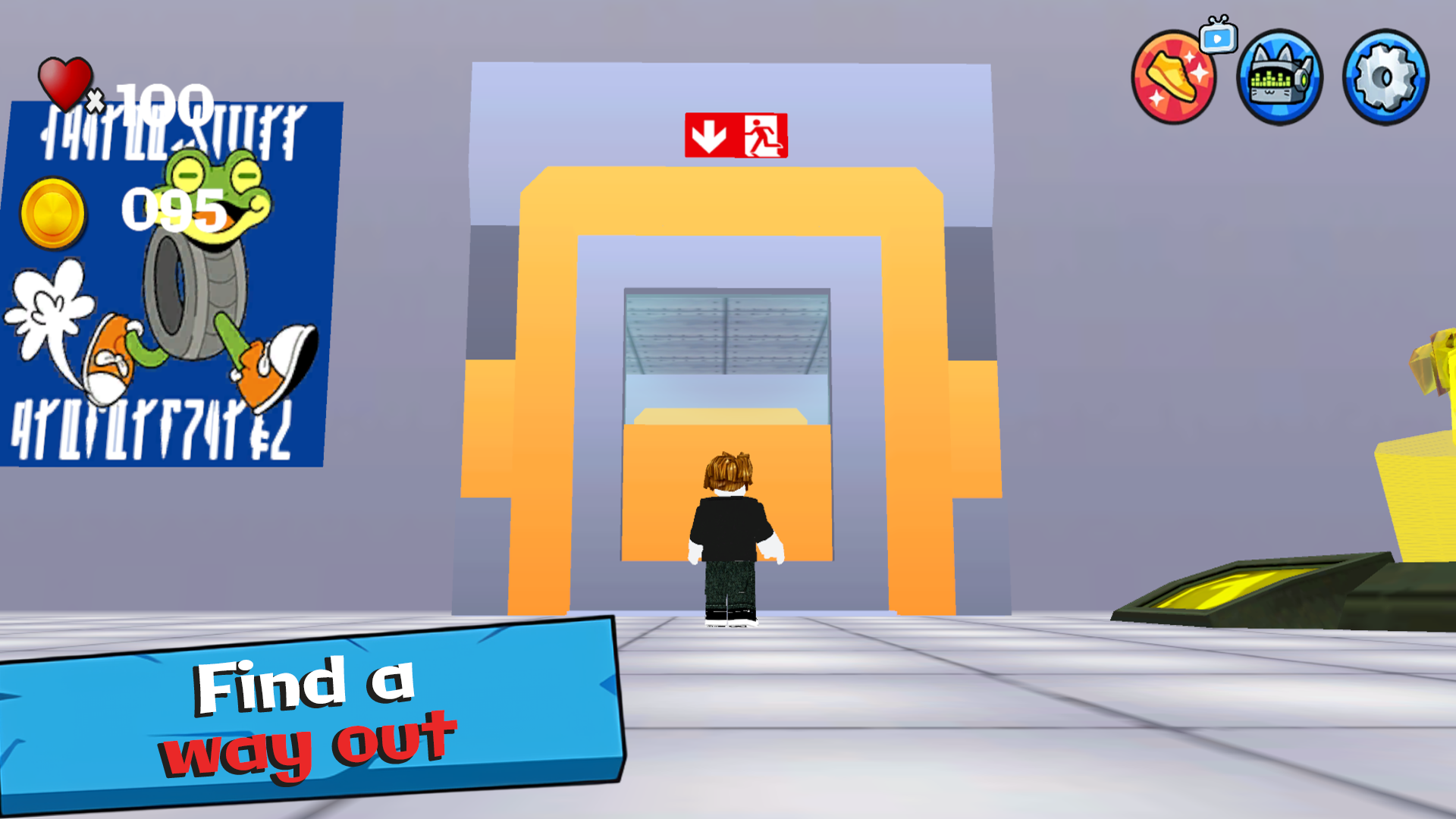
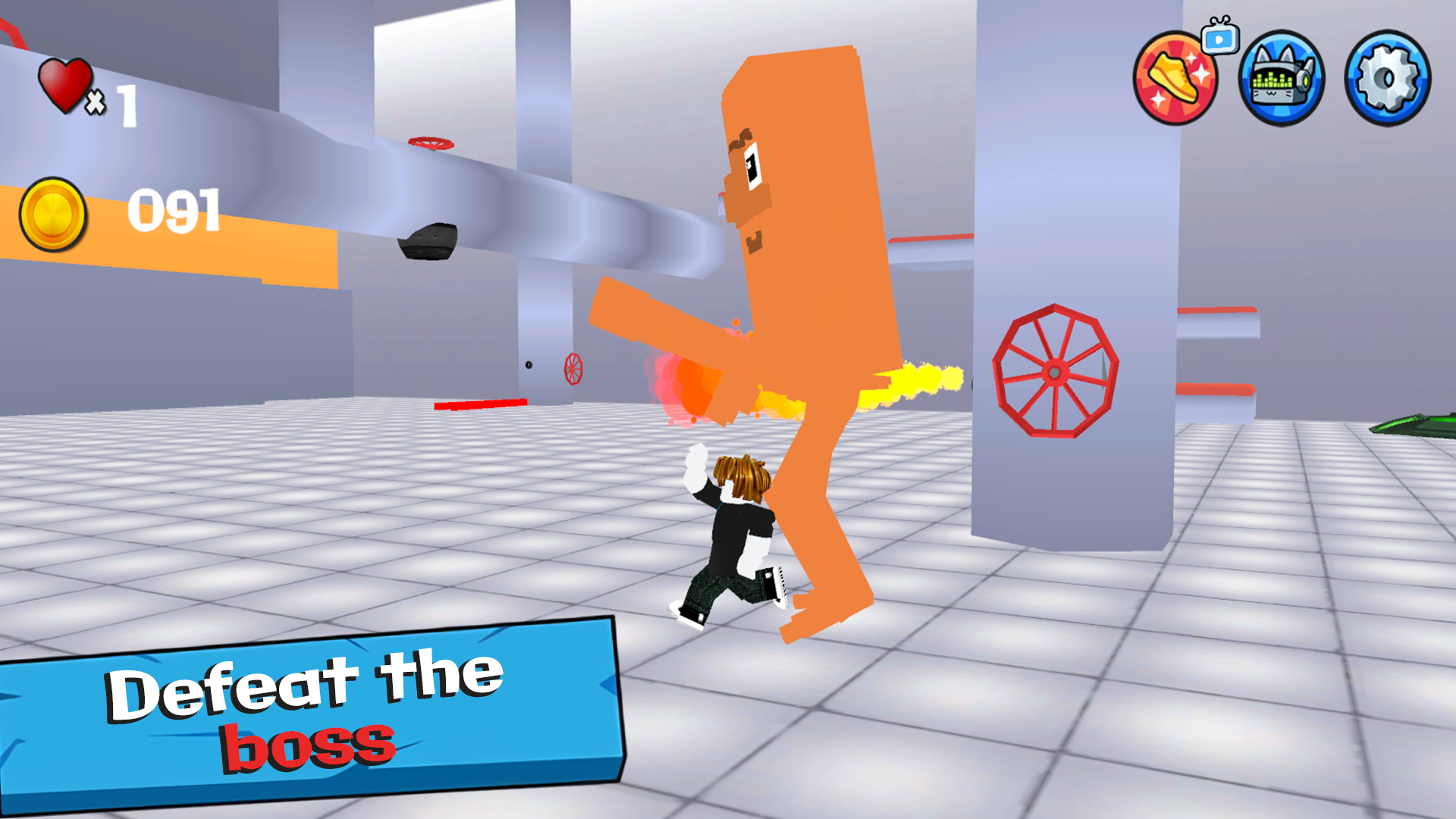
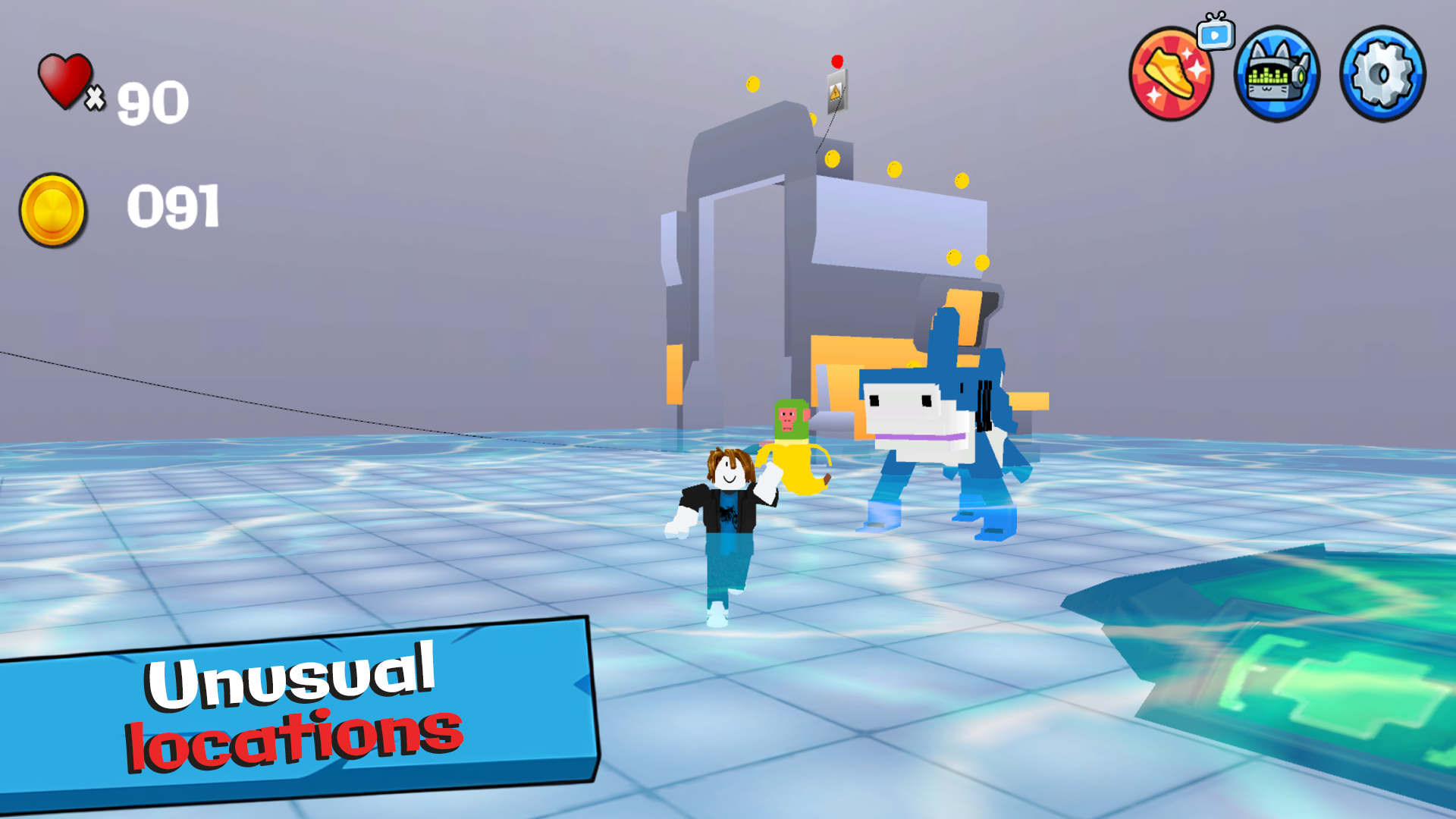
๐Ÿง  Brainrot: Escape from the Laboratory is a fun adventure full of memes, laughter, and crazy experiments! ๐Ÿ˜œ You wake up in the lab of the mad scientist Tung-Tung Sakhur ๐Ÿงช, where everything has gone wrong. Your mission โ€” escape before your brain starts to rot! ๐Ÿ˜‚ Solve funny puzzles ๐Ÿงฉ, dodge traps โšก๏ธ, run from weird creatures ๐Ÿงฌ, and find a way out of every room. Meet bright characters ๐Ÿค–, unexpected logic, chaotic situations, and tons of fun! ๐ŸŽฎ Can you save your brain and escape the lab? ๐Ÿšช๐Ÿ’ฅ

Videos and screenshots

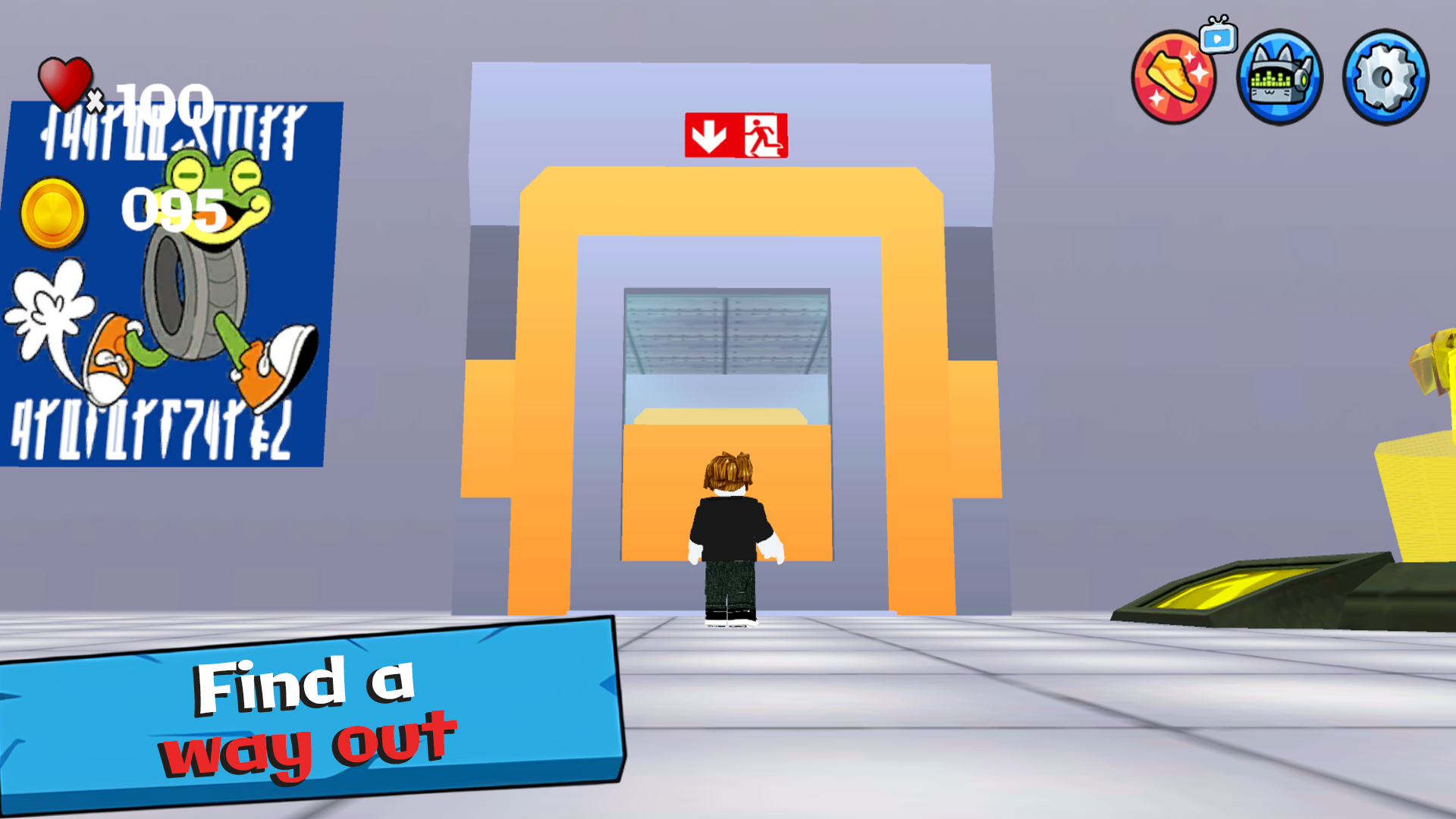
  • Brainrot: Escape from the Laboratory screenshot 1
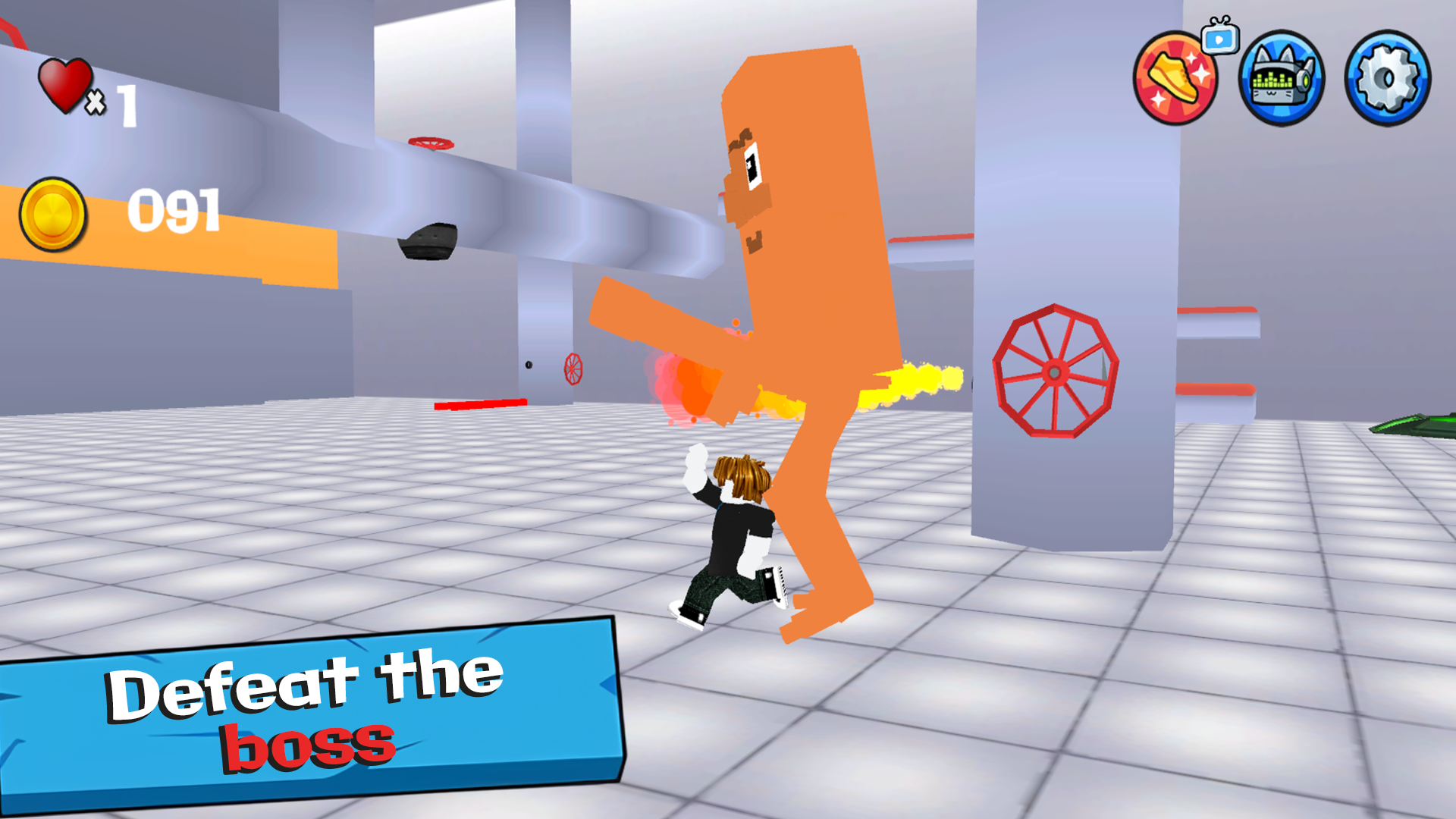
  • Brainrot: Escape from the Laboratory screenshot 2
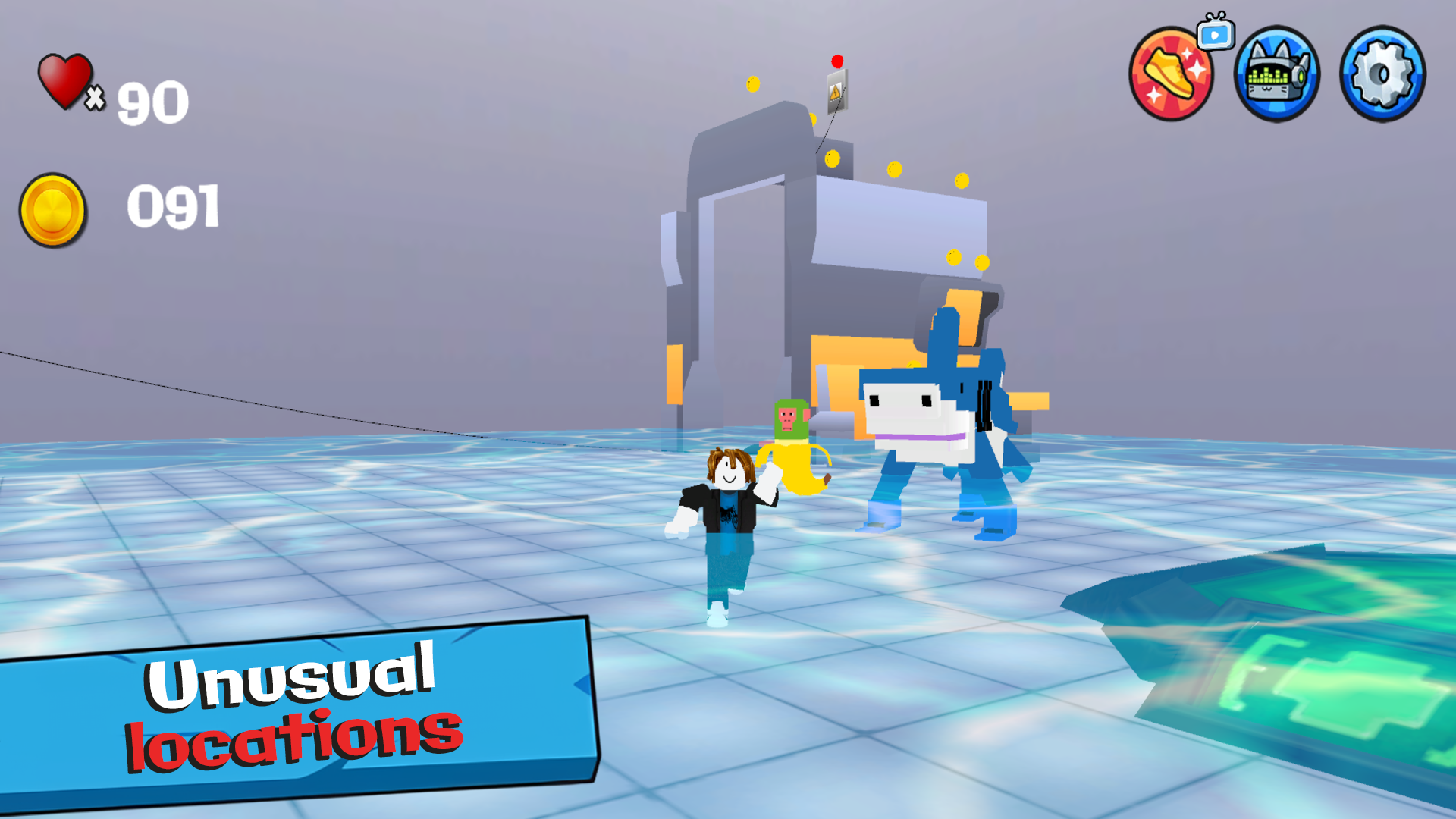
  • Brainrot: Escape from the Laboratory screenshot 3
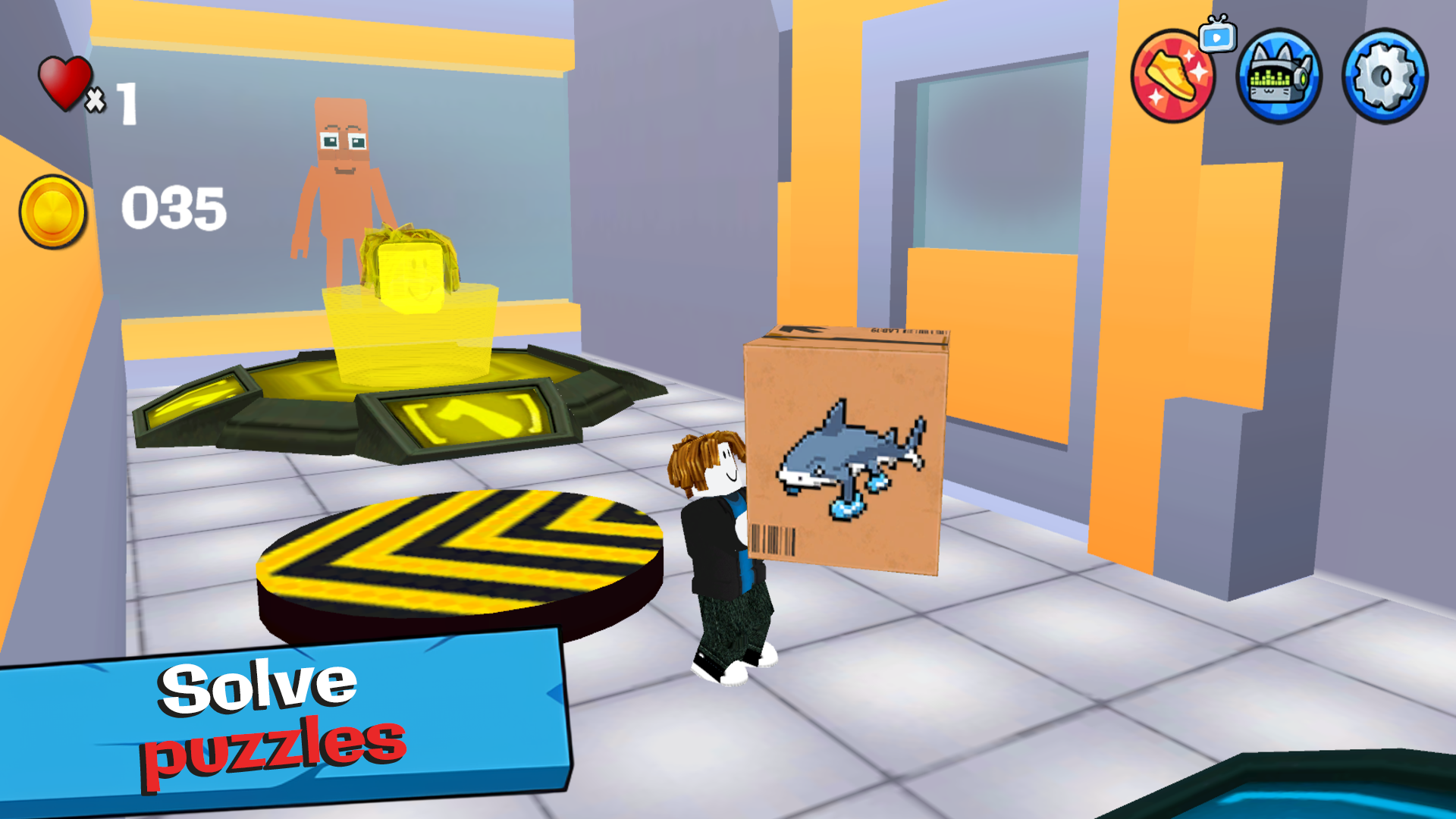
  • Brainrot: Escape from the Laboratory screenshot 4
  • Brainrot: Escape from the Laboratory screenshot 5
  • Brainrot: Escape from the Laboratory screenshot 6
  • Brainrot: Escape from the Laboratory screenshot 7
  • Brainrot: Escape from the Laboratory screenshot 8
  • Brainrot: Escape from the Laboratory screenshot 9
  • Brainrot: Escape from the Laboratory screenshot 10
  • Brainrot: Escape from the Laboratory screenshot 11
  • Brainrot: Escape from the Laboratory screenshot 12
  • Brainrot: Escape from the Laboratory screenshot 13
  • Brainrot: Escape from the Laboratory screenshot 14
Play Now

13,112 players online

How to play

  1. Open the game

    Press Play now and the game opens on its own screen.

  2. Follow the in-game instructions

    The controls and goals are shown inside the game as you play.

  3. Use the game menu

    The floating button over the game reloads it, saves it to your favourites, or takes you back out.
Game instructions

๐ŸŽฎ Controls: ๐Ÿ•น๏ธ Move: WASD on PC | Left joystick on mobile ๐Ÿ†™ Jump: Space on PC | On-screen button on mobile ๐Ÿช‚ Glider: Q on PC | On-screen button on mobile ๐ŸŽฅ Camera: Mouse on PC | Right joystick on mobile ๐Ÿƒ Sprint: Left Shift | On-screen button on mobile On PC: ๐Ÿ–ฑ๏ธ Show | Hide cursor: Right mouse button

More games

More games