
Overview
Welcome to the world of "Brainrots: Prison Escape"!
You have been locked inside the most dangerous prison, filled with crazy Brainrots. Your only chance to escape is to dig a secret tunnel, but you'll need spoons to do it. Unfortunately, all 15 spoons have been scattered throughout the prison, and without your help, escaping is impossible!
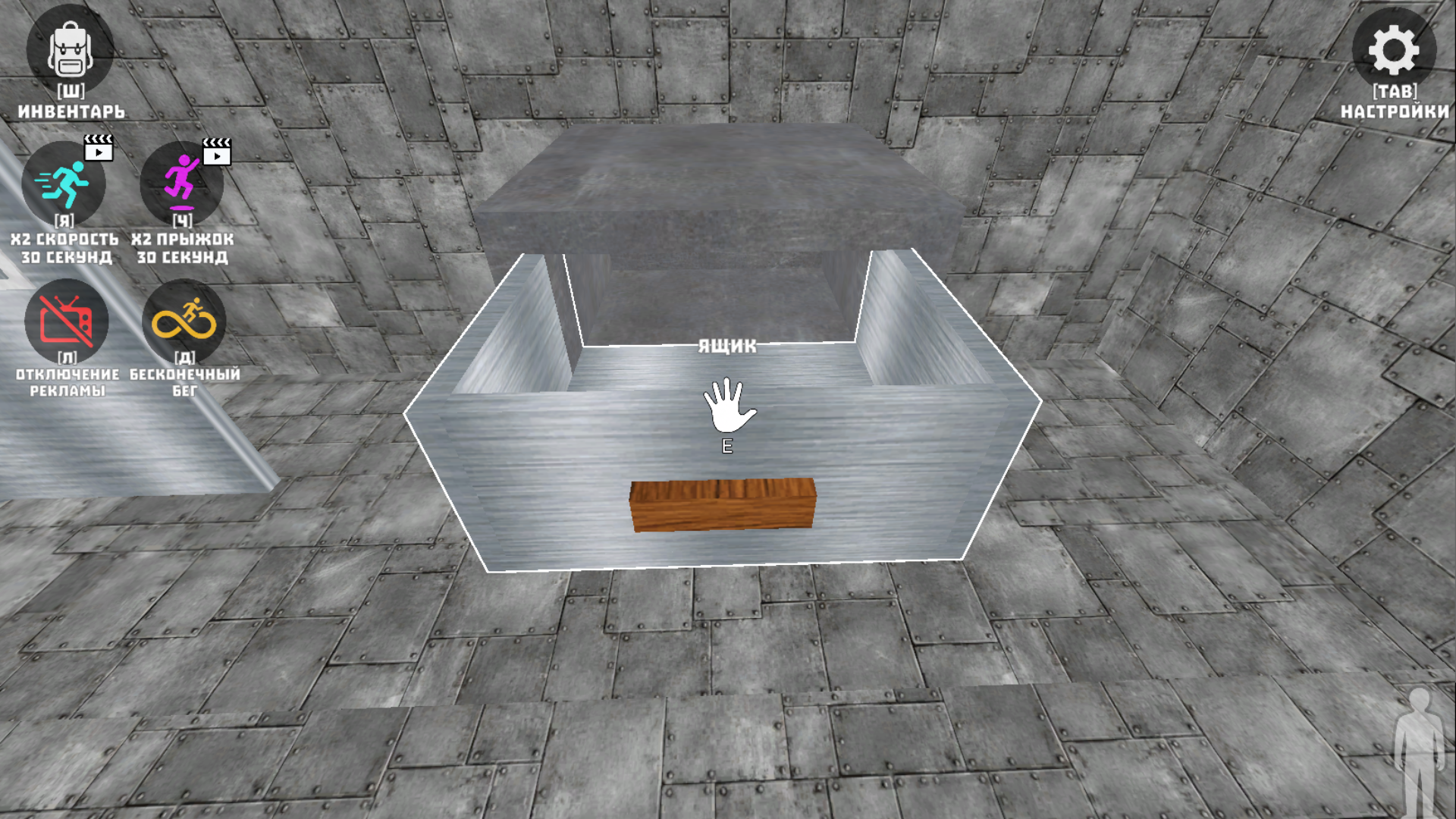
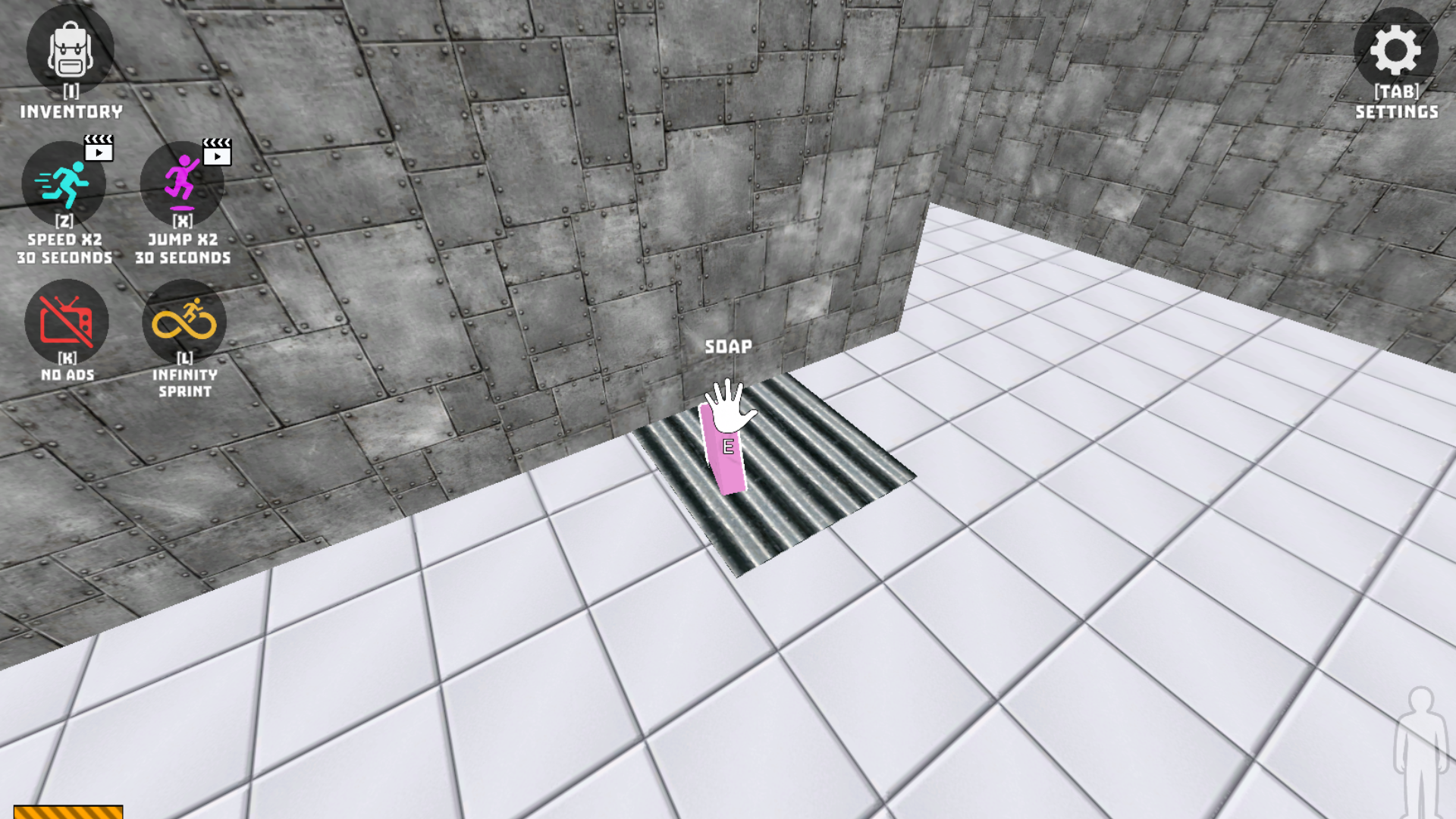
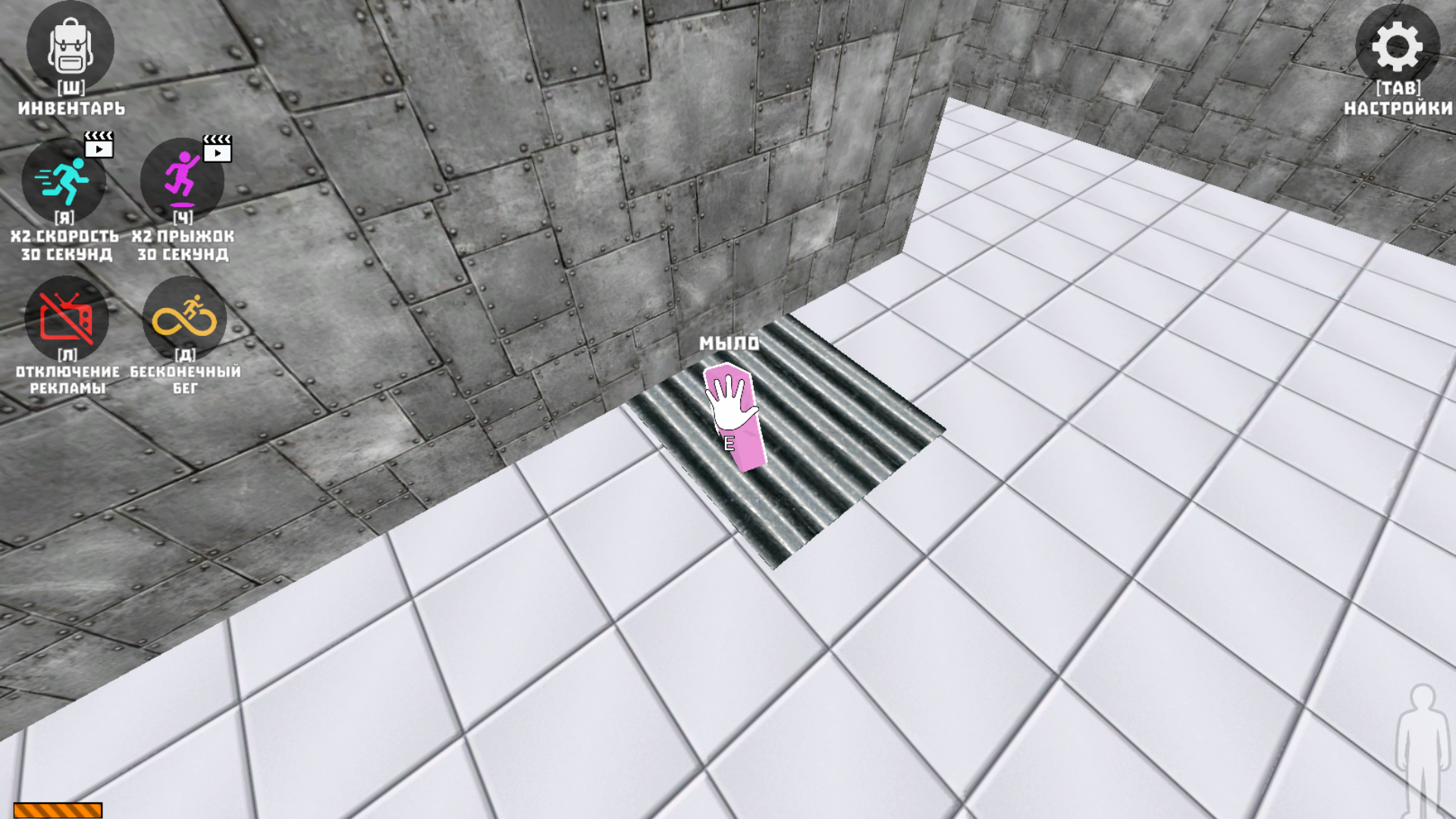
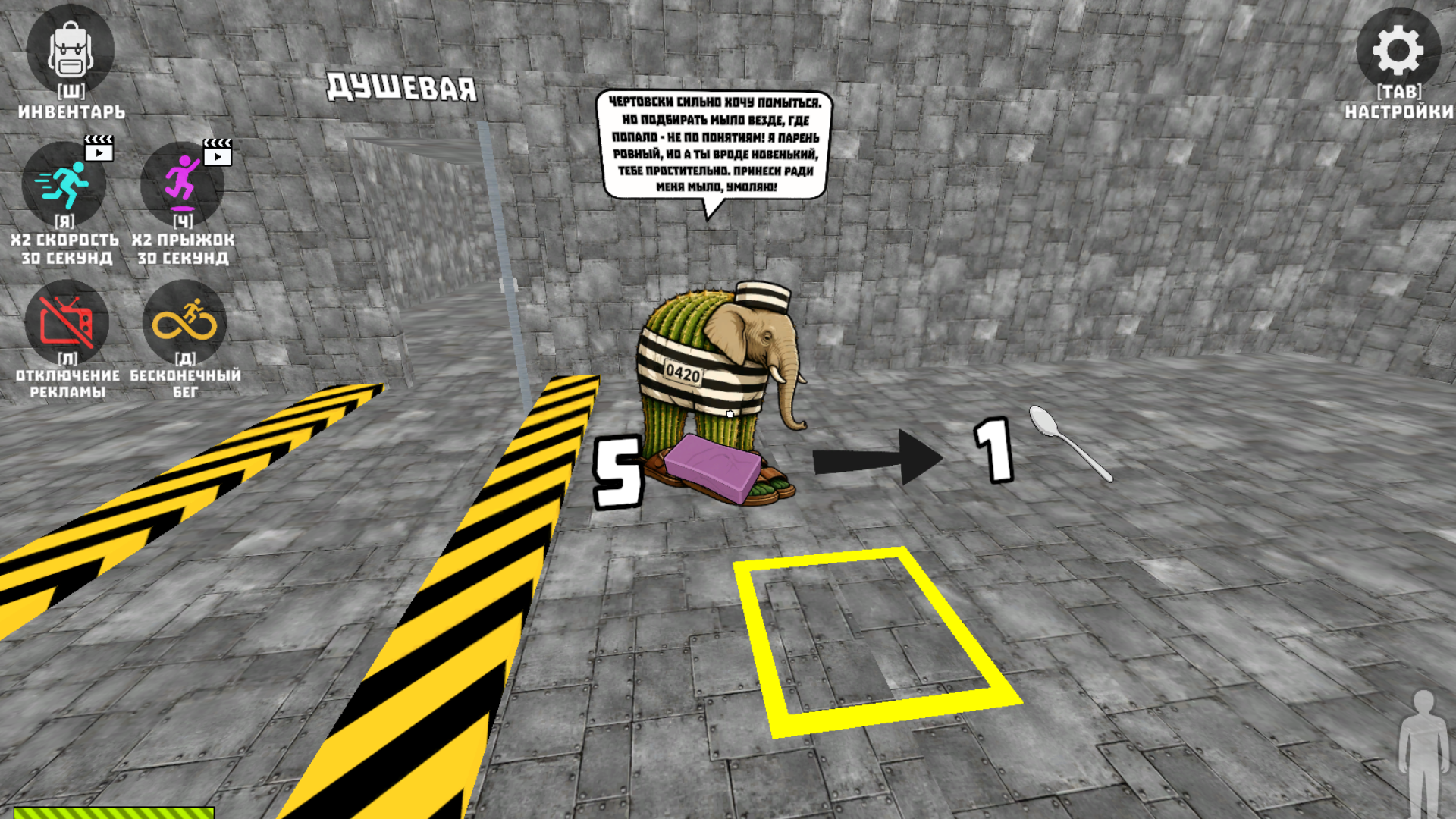
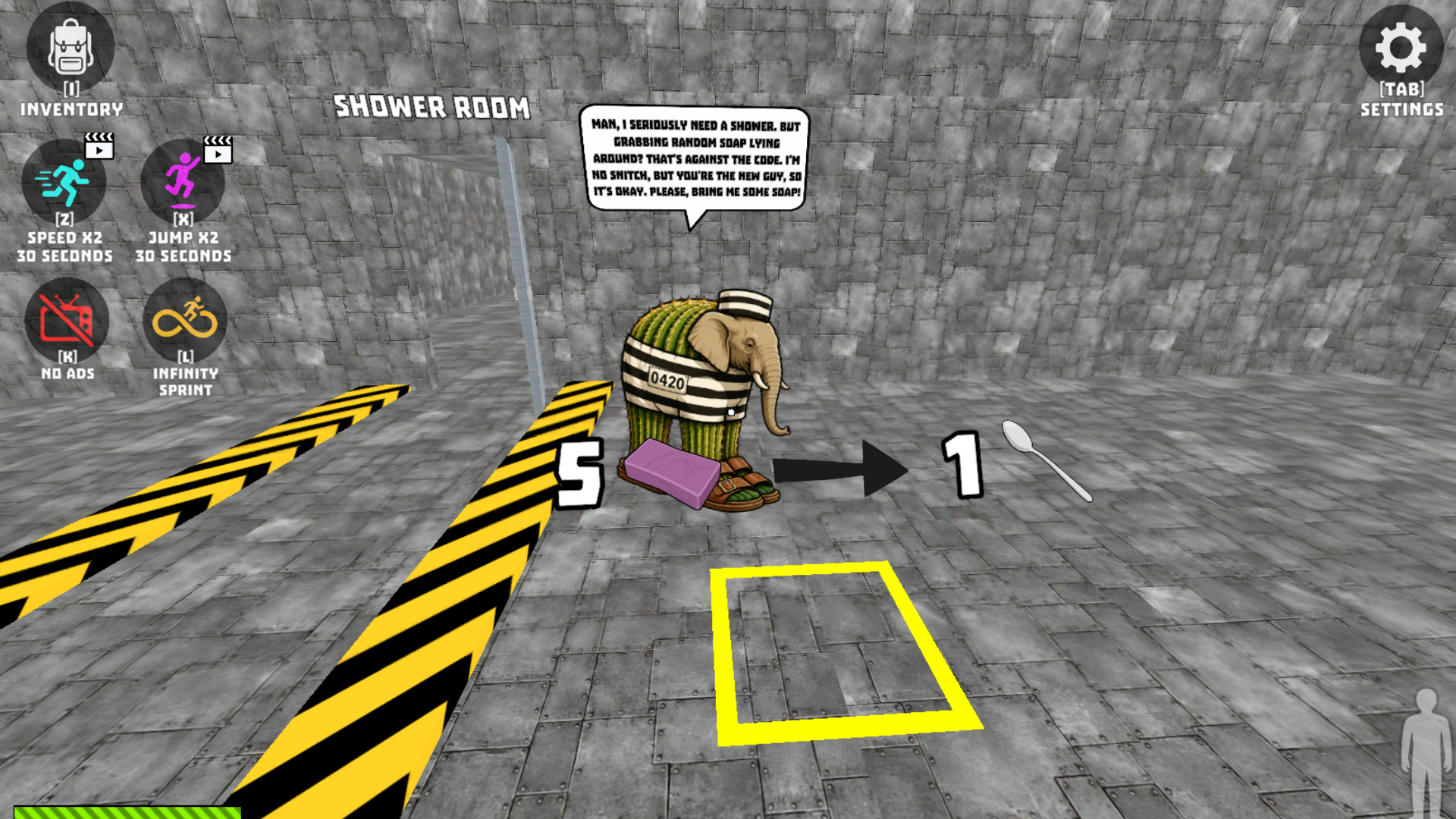
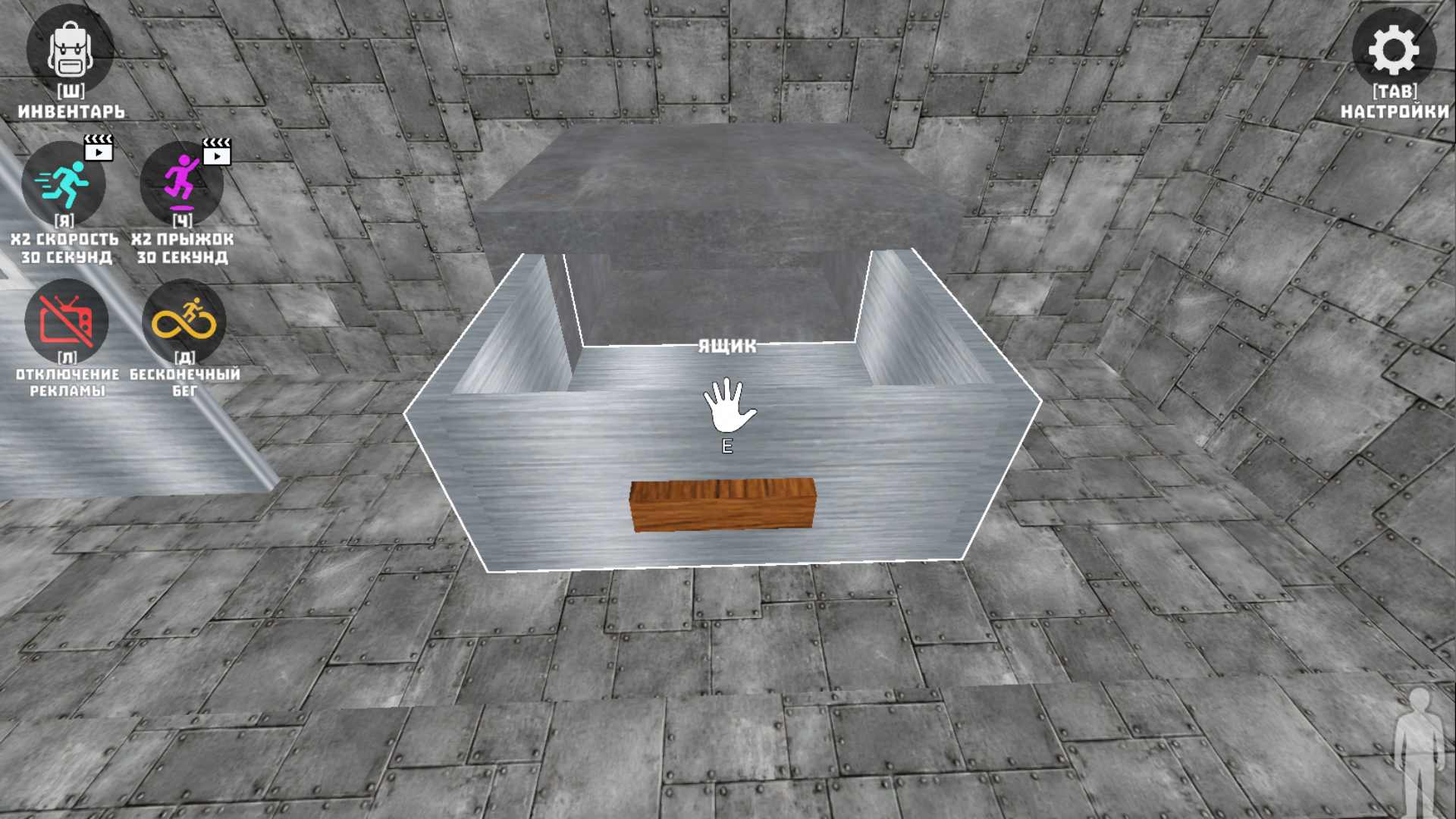
Set off on an exciting adventure! Explore prison cells, the yard, the cafeteria, the laundry room, and many other areas. Search for hidden spoons, help other prisoners, complete fun quests, and unlock new locations.
Your main goal is to collect all 15 spoons. Once you find every spoon, you'll be able to finish the tunnel, outsmart the Brainrots, and make your long-awaited escape from prison!
Videos and screenshots
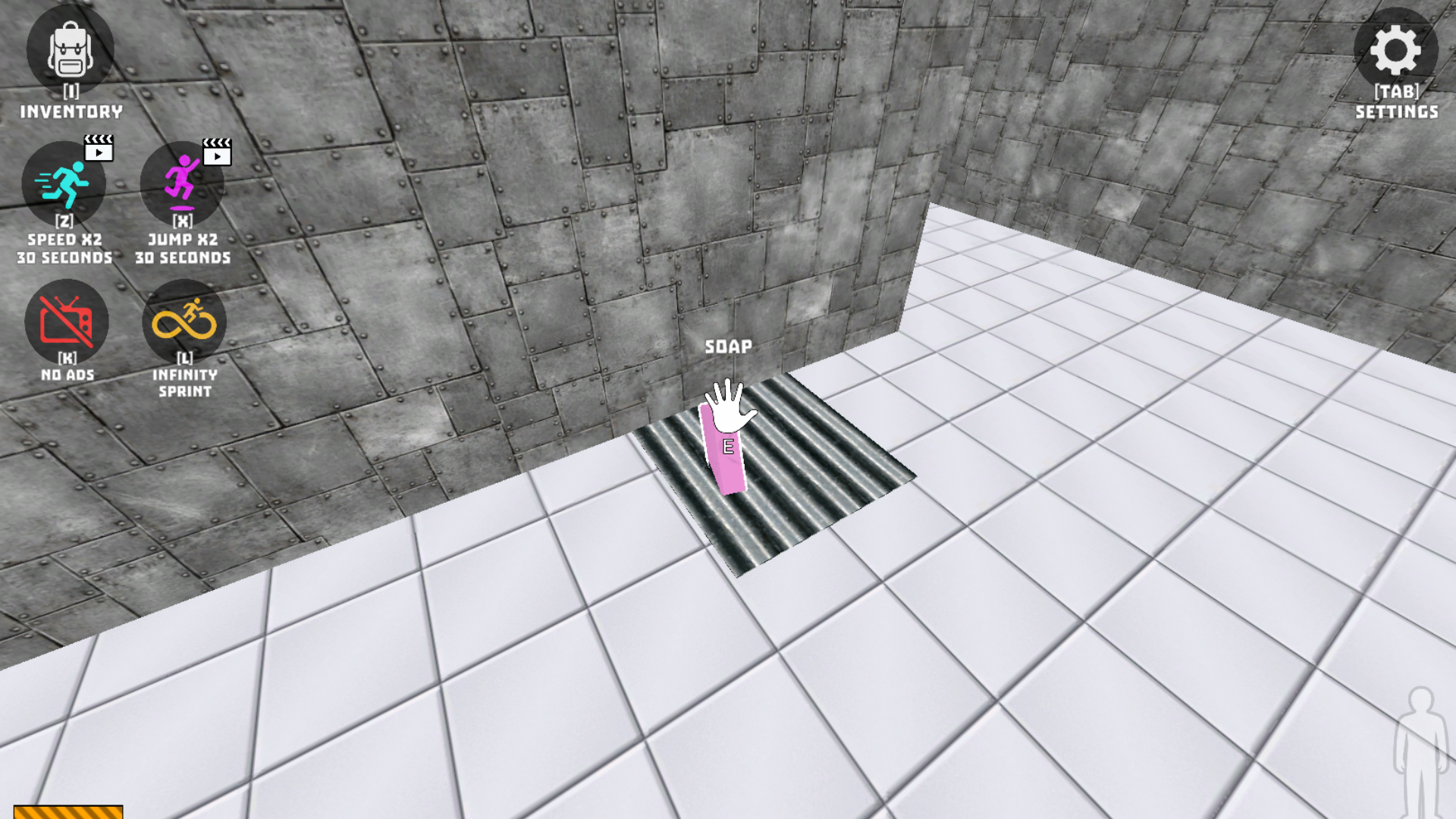
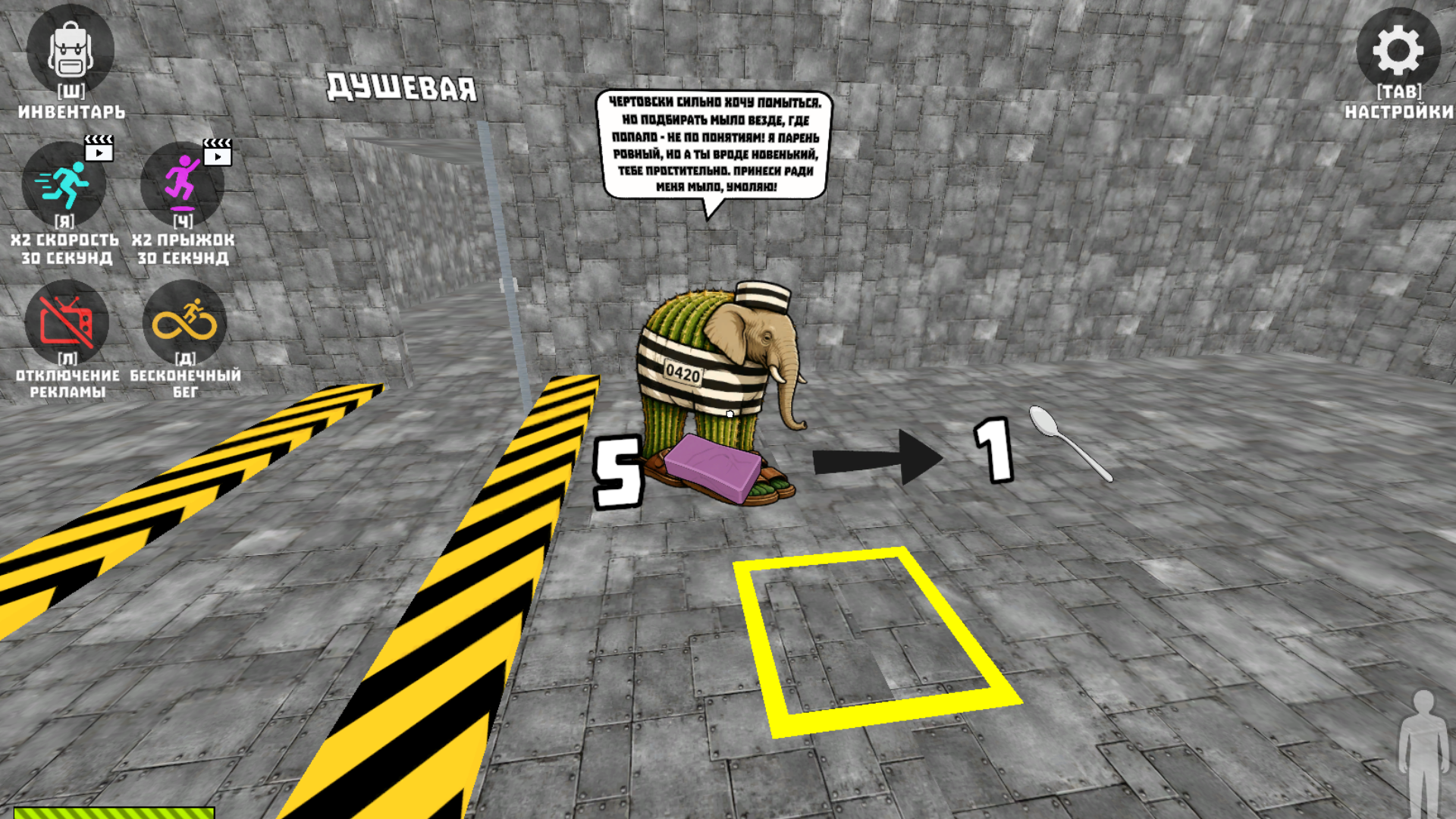
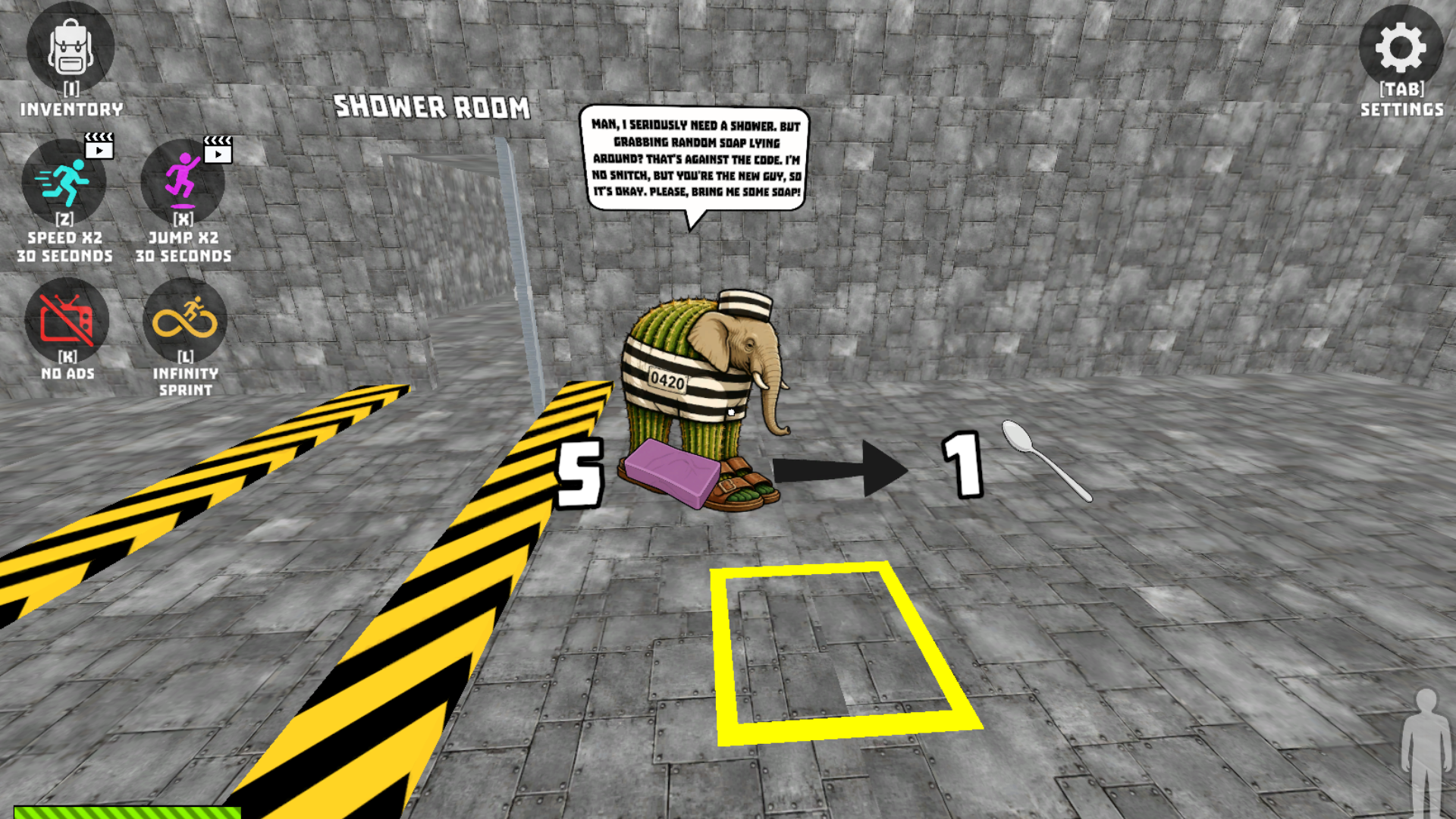
11,702 players online
How to play
-
Open the game
Press Play now and the game opens on its own screen.
-
Follow the in-game instructions
The controls and goals are shown inside the game as you play.
-
Use the game menu
The floating button over the game reloads it, saves it to your favourites, or takes you back out.