Skip to content
KG
Break the Keyboard Escape: Brainrot Boss Mode Obby

Break the Keyboard Escape: Brainrot Boss Mode Obby

20K plays 4.9 out of 5

Overview

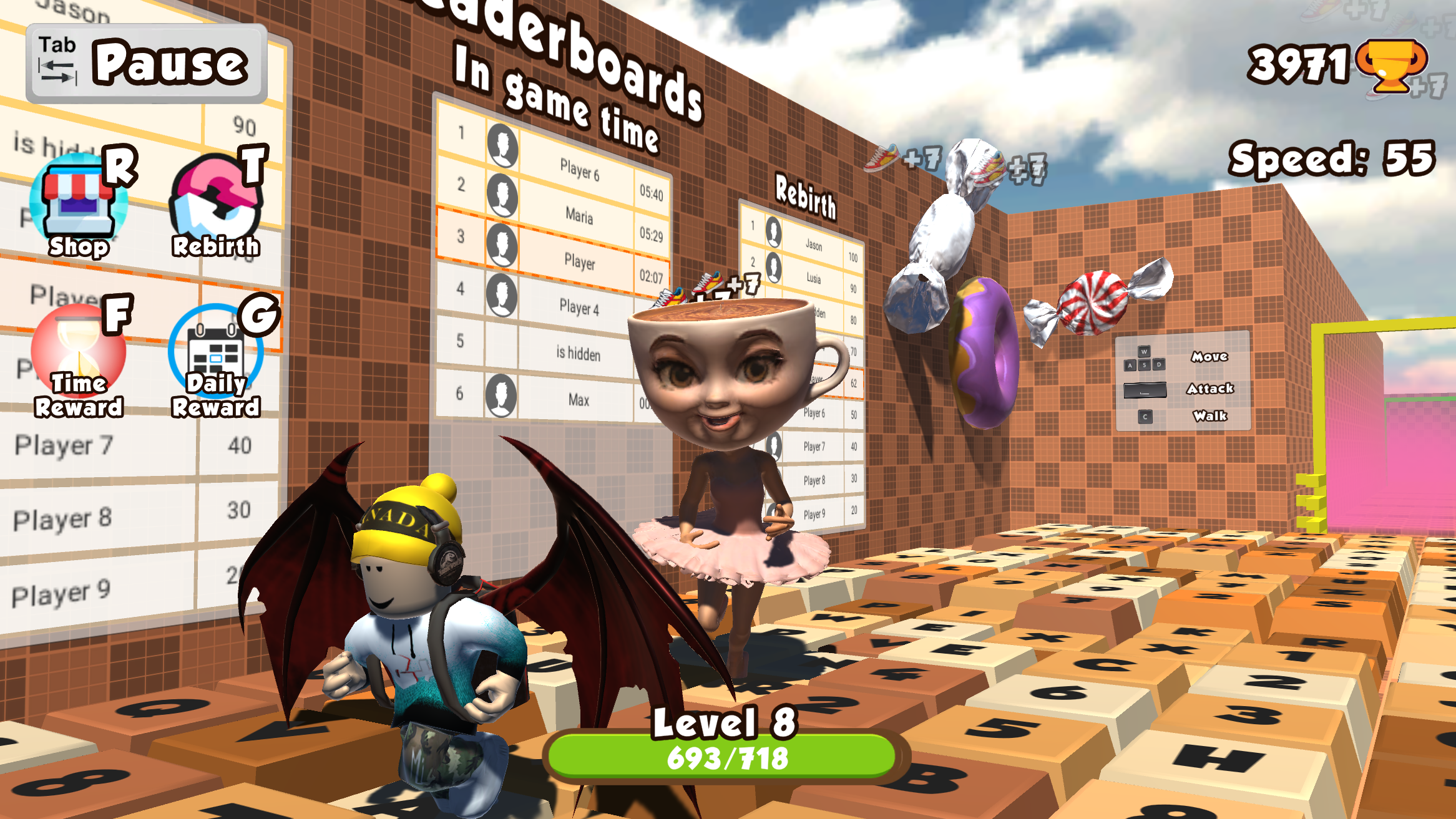
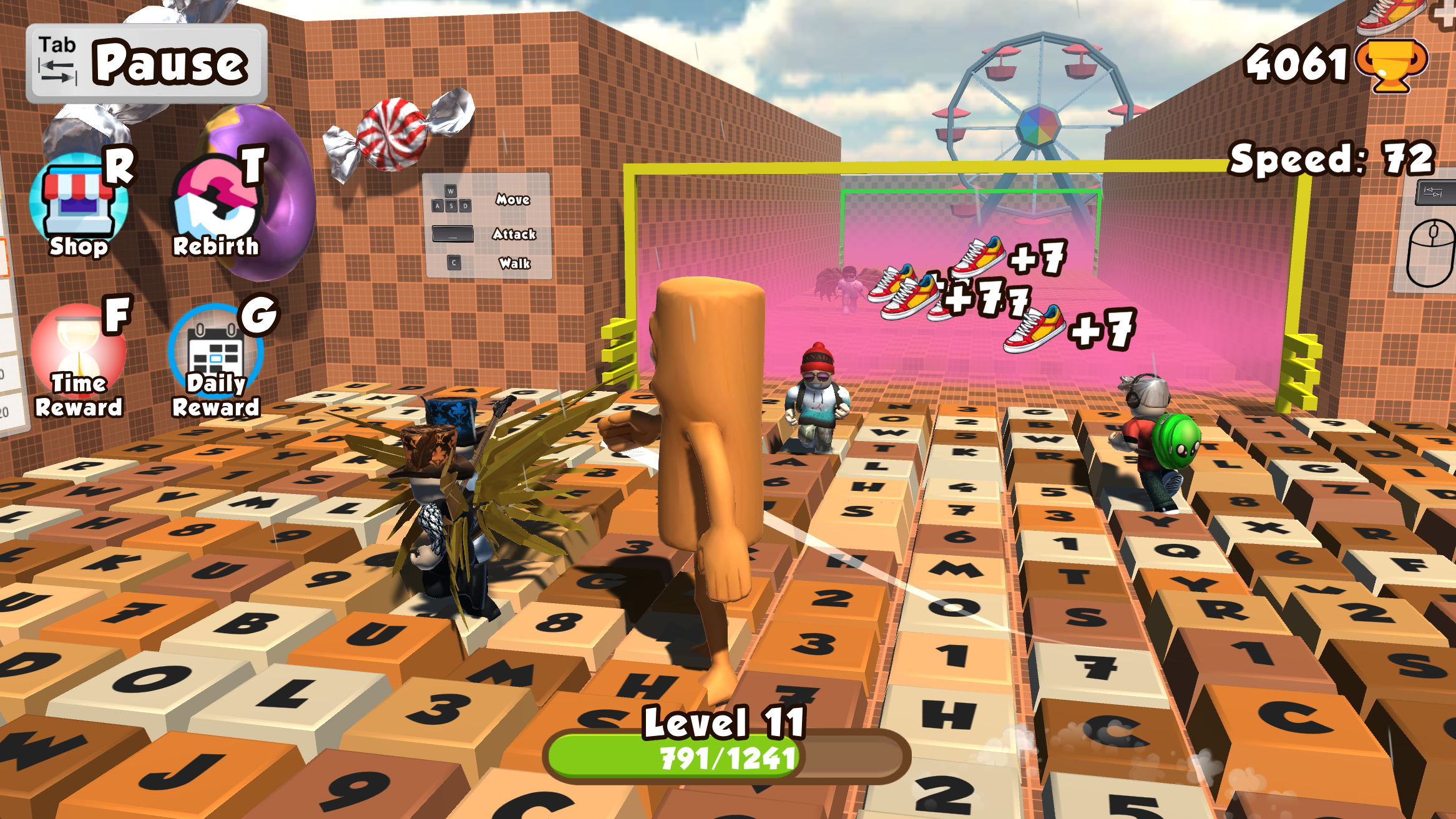
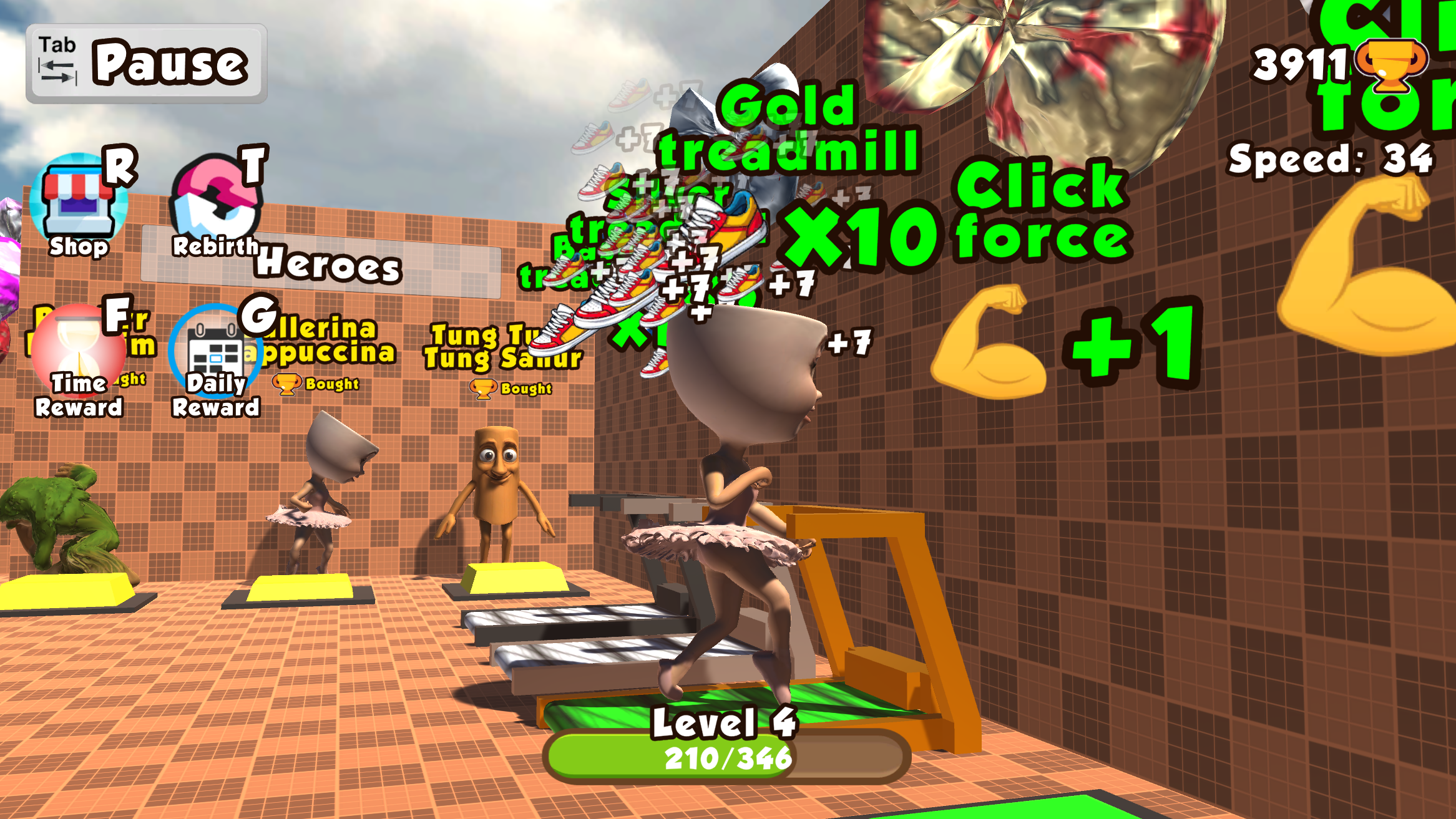
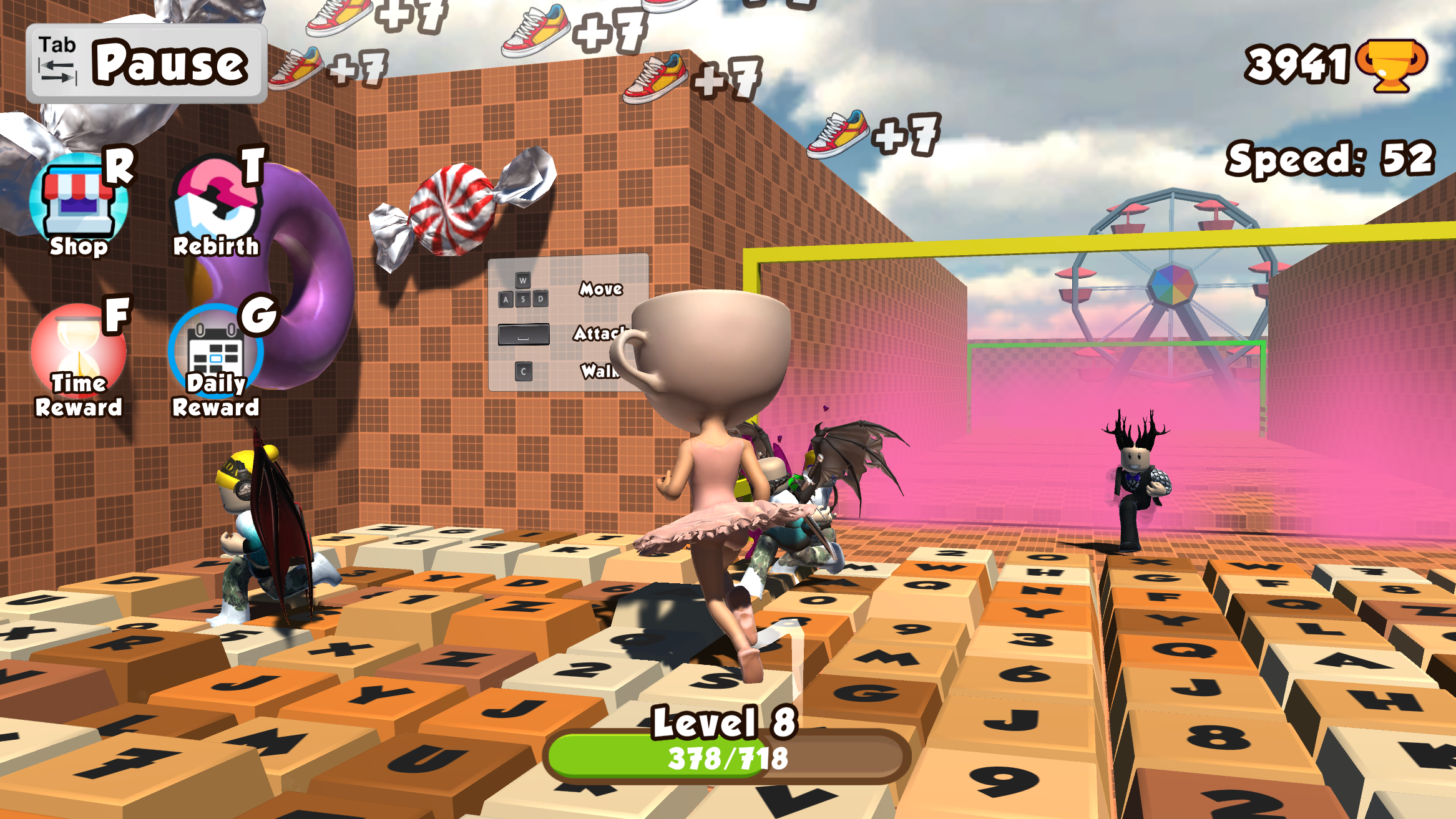
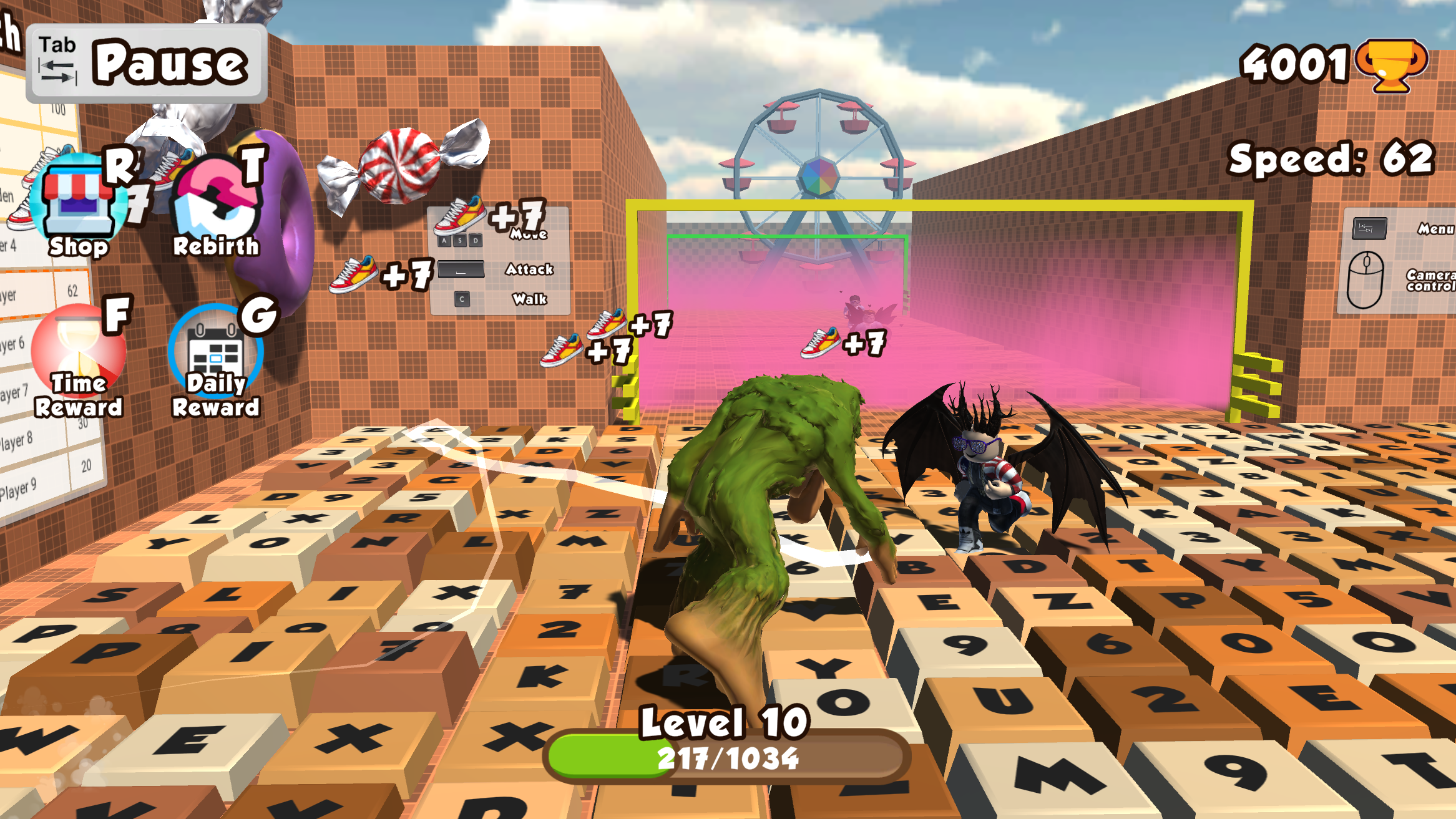
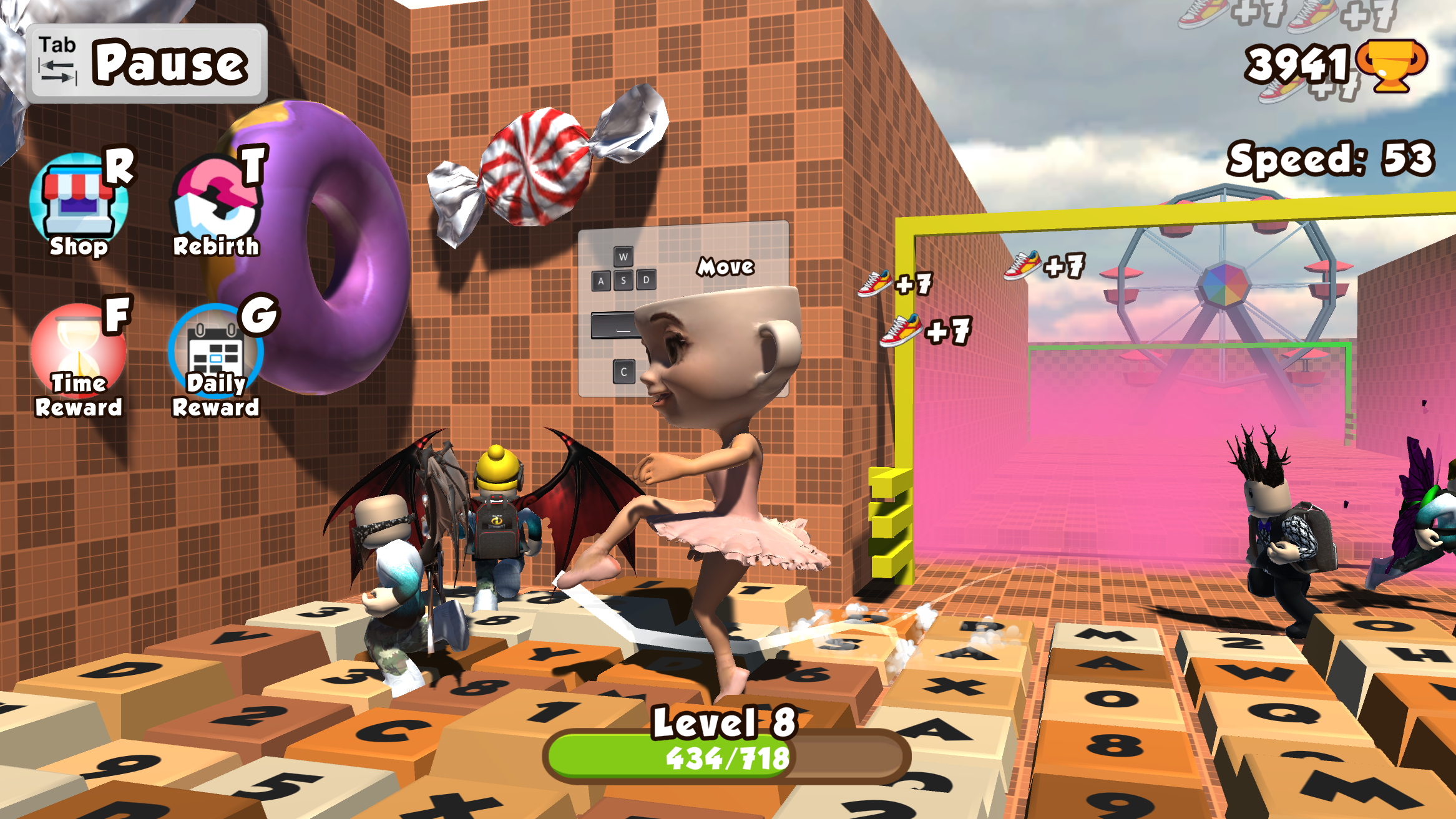
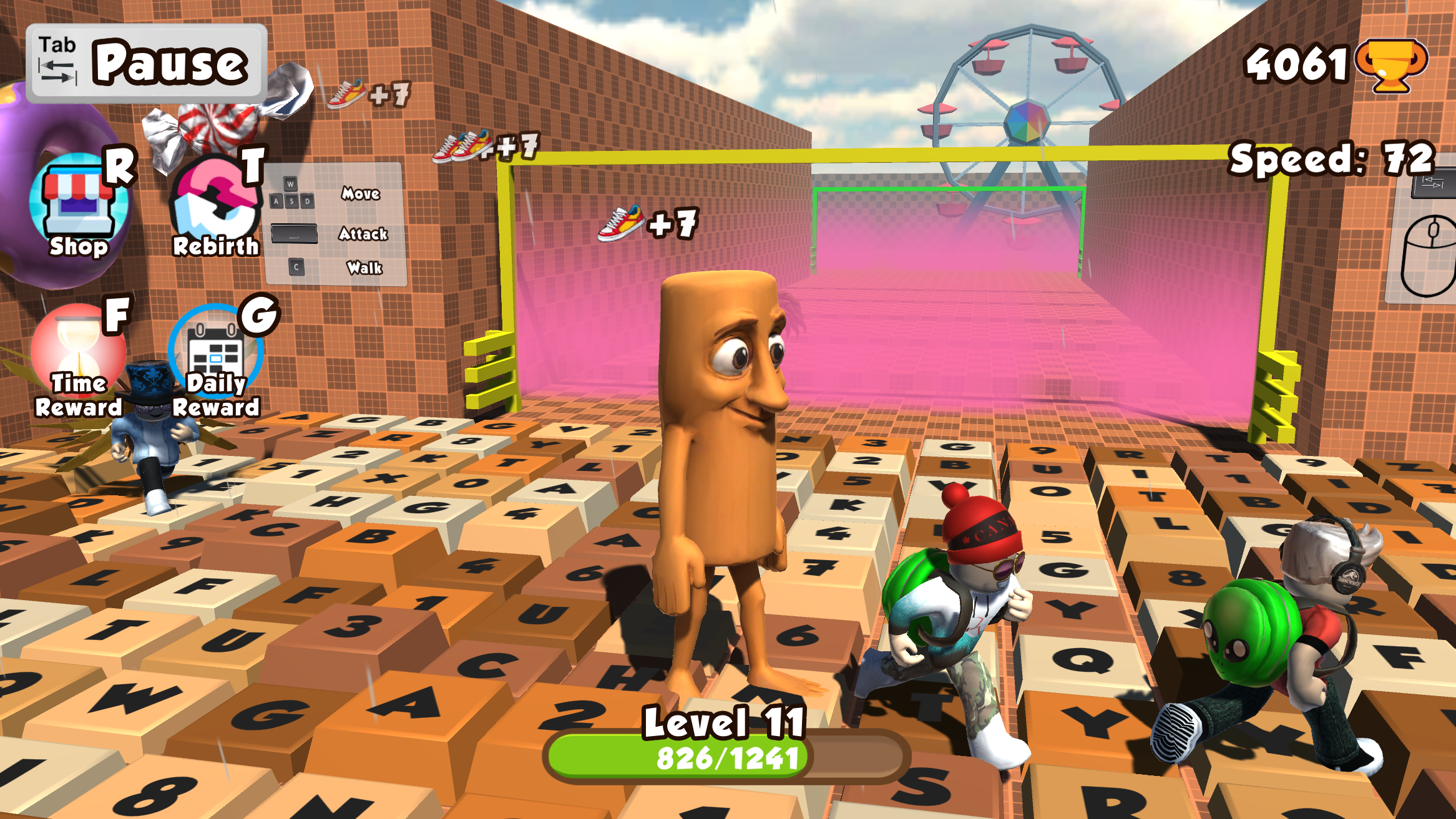
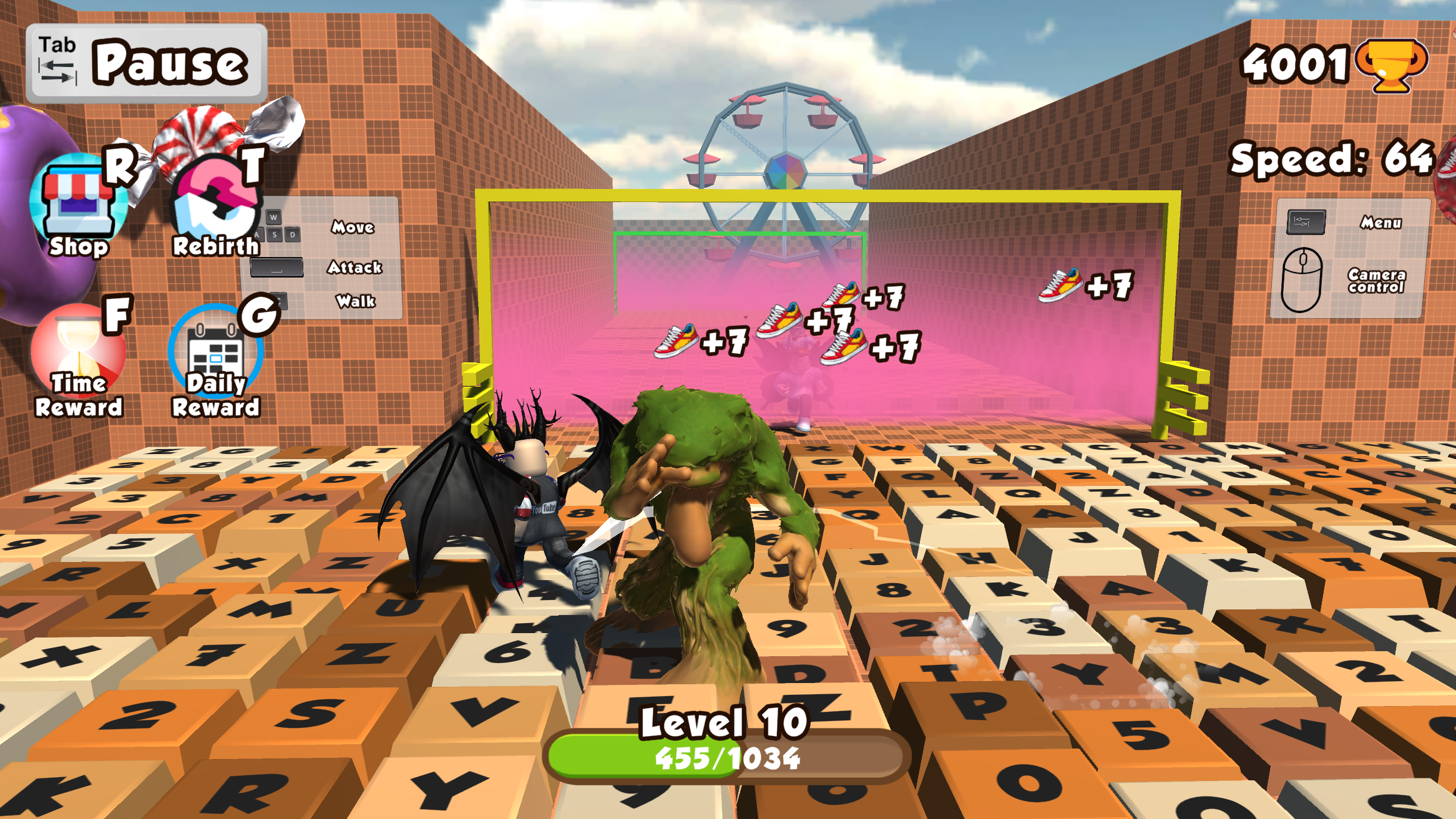
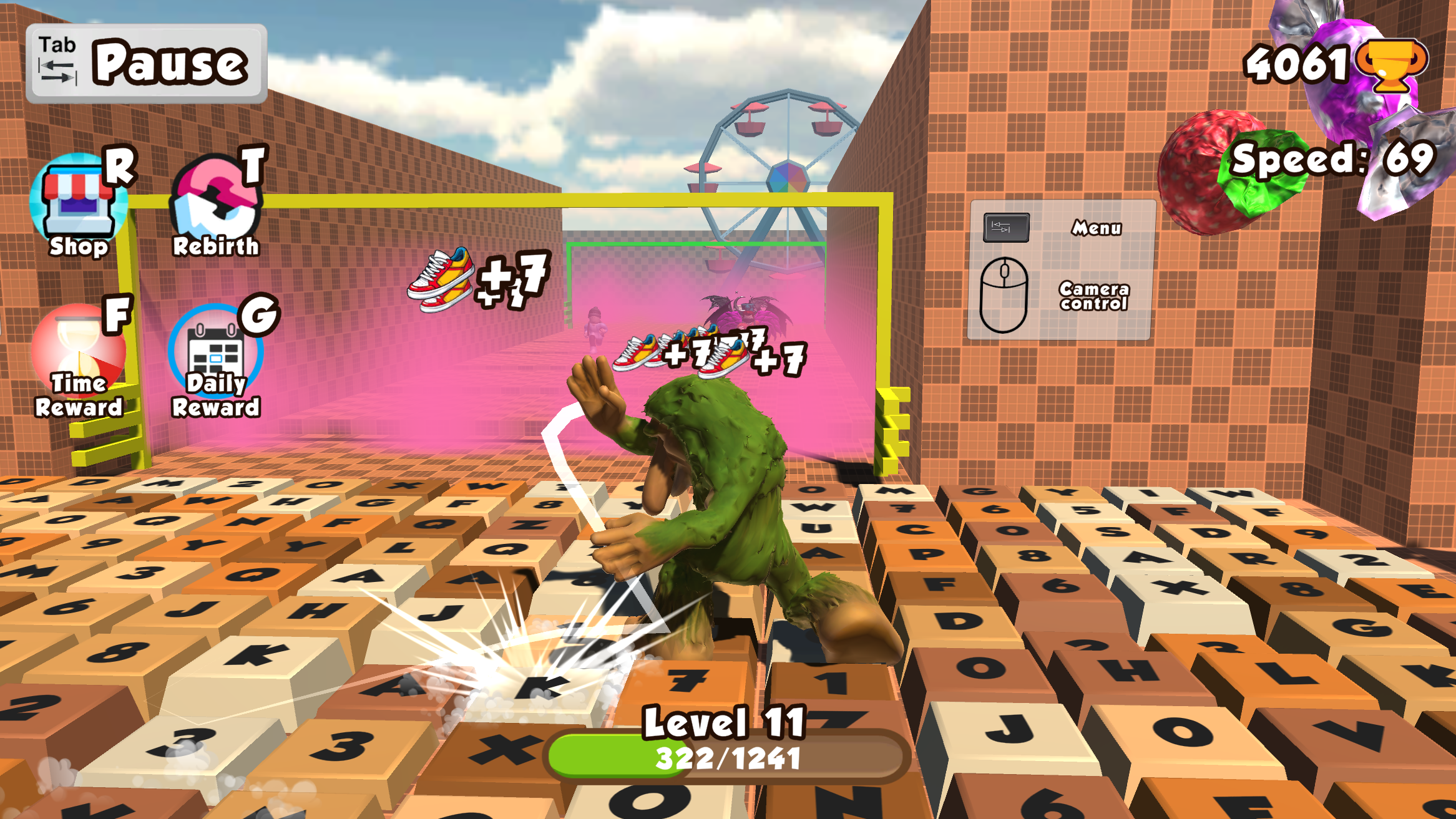
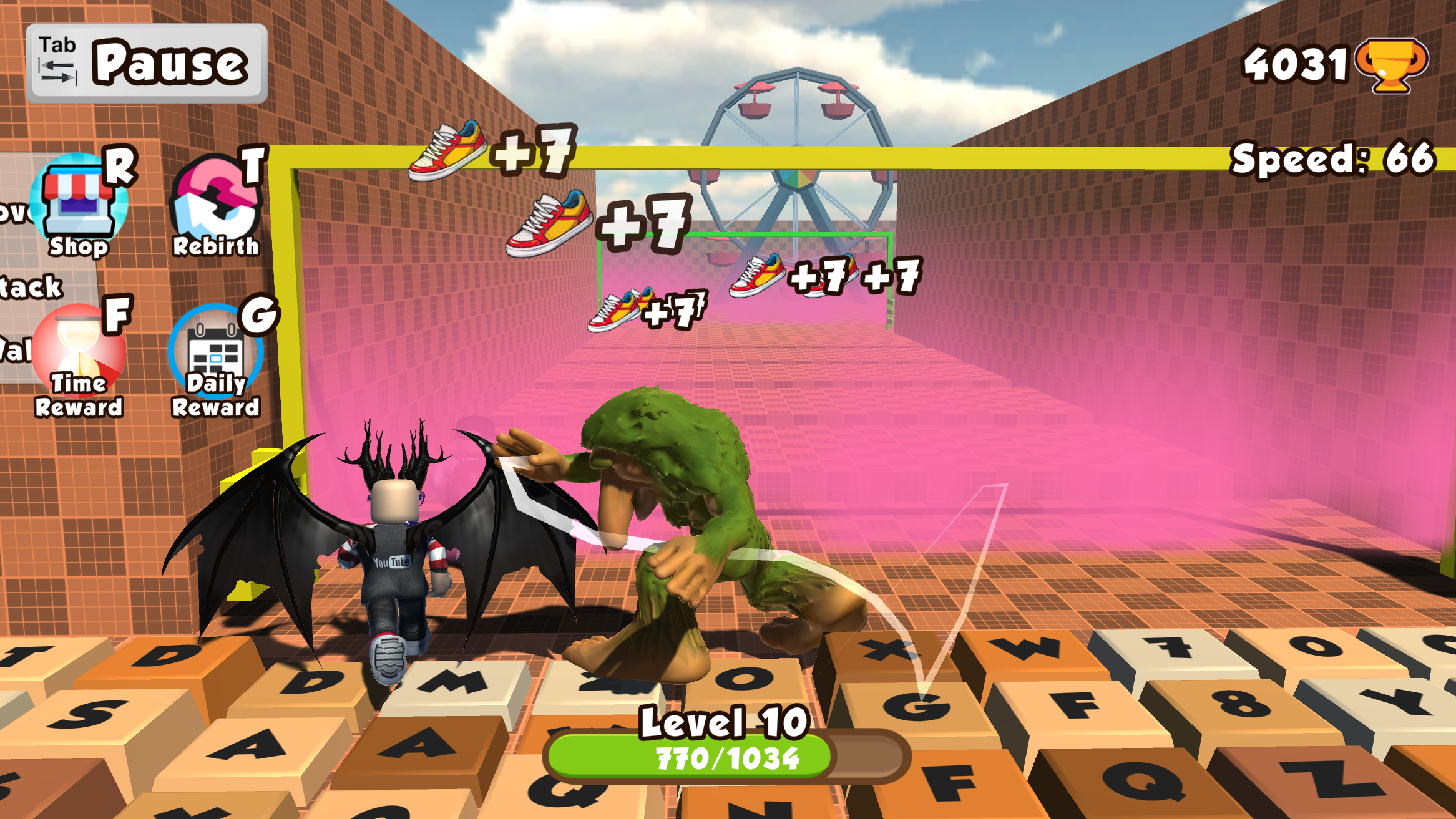
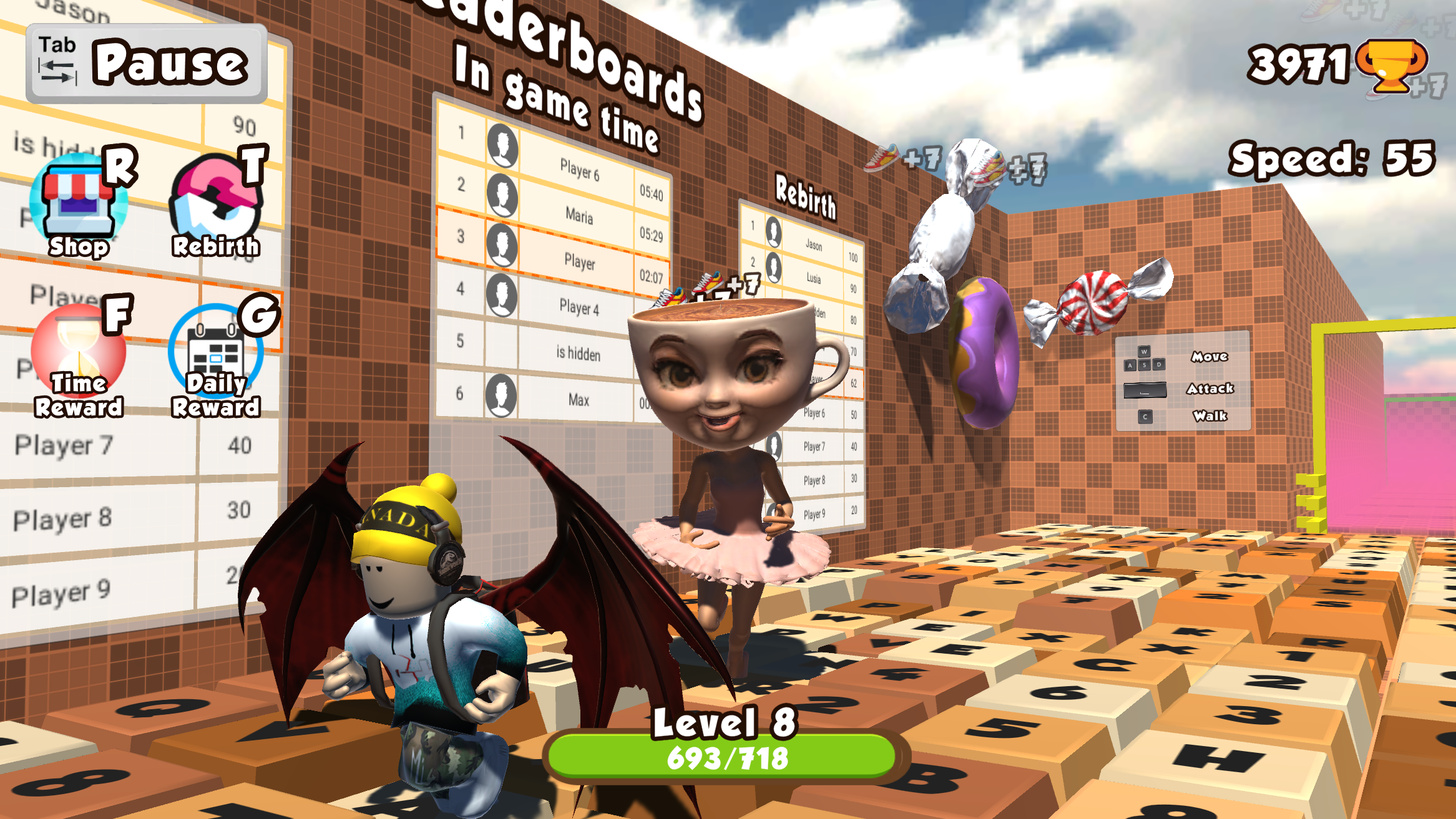
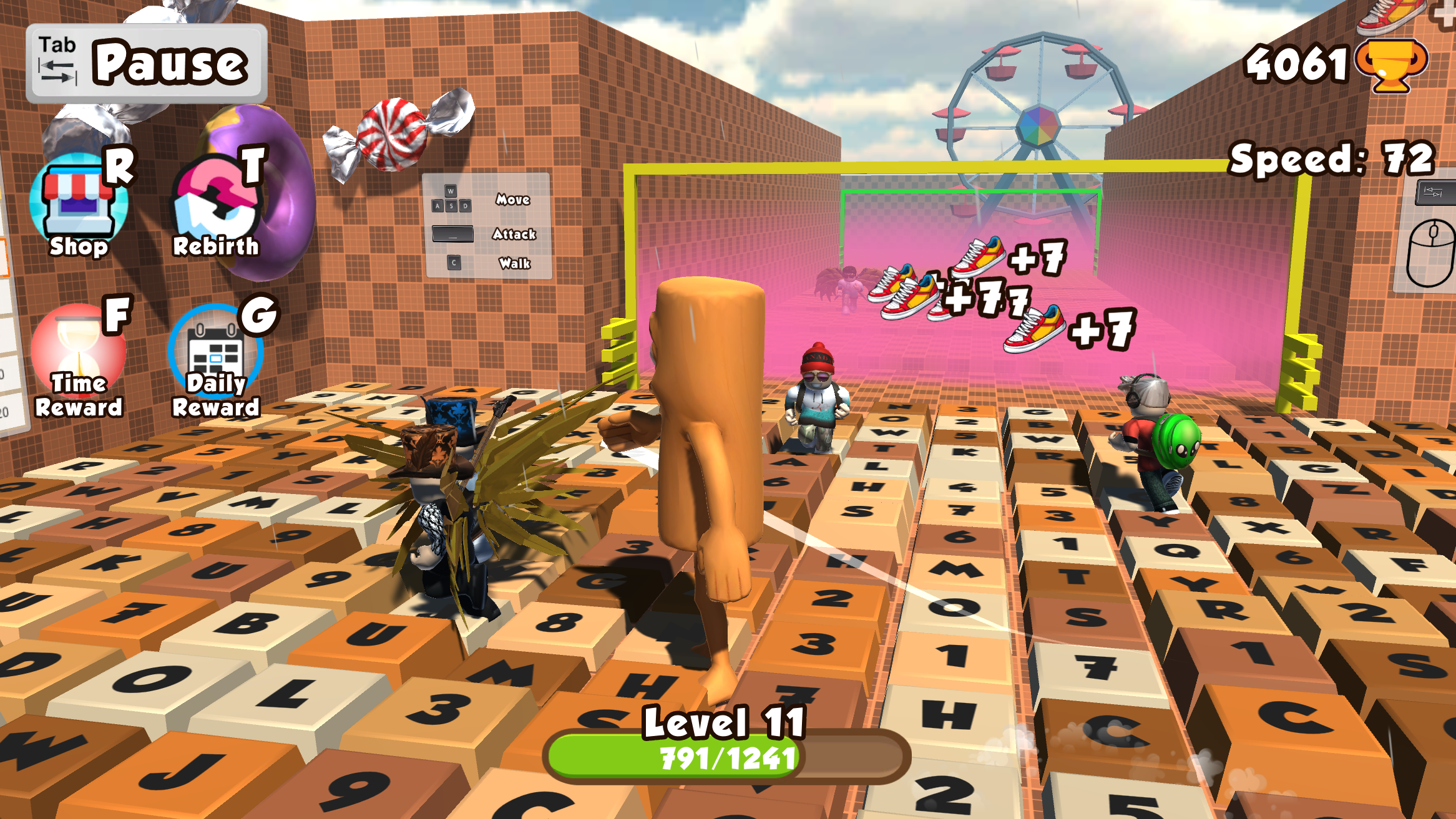
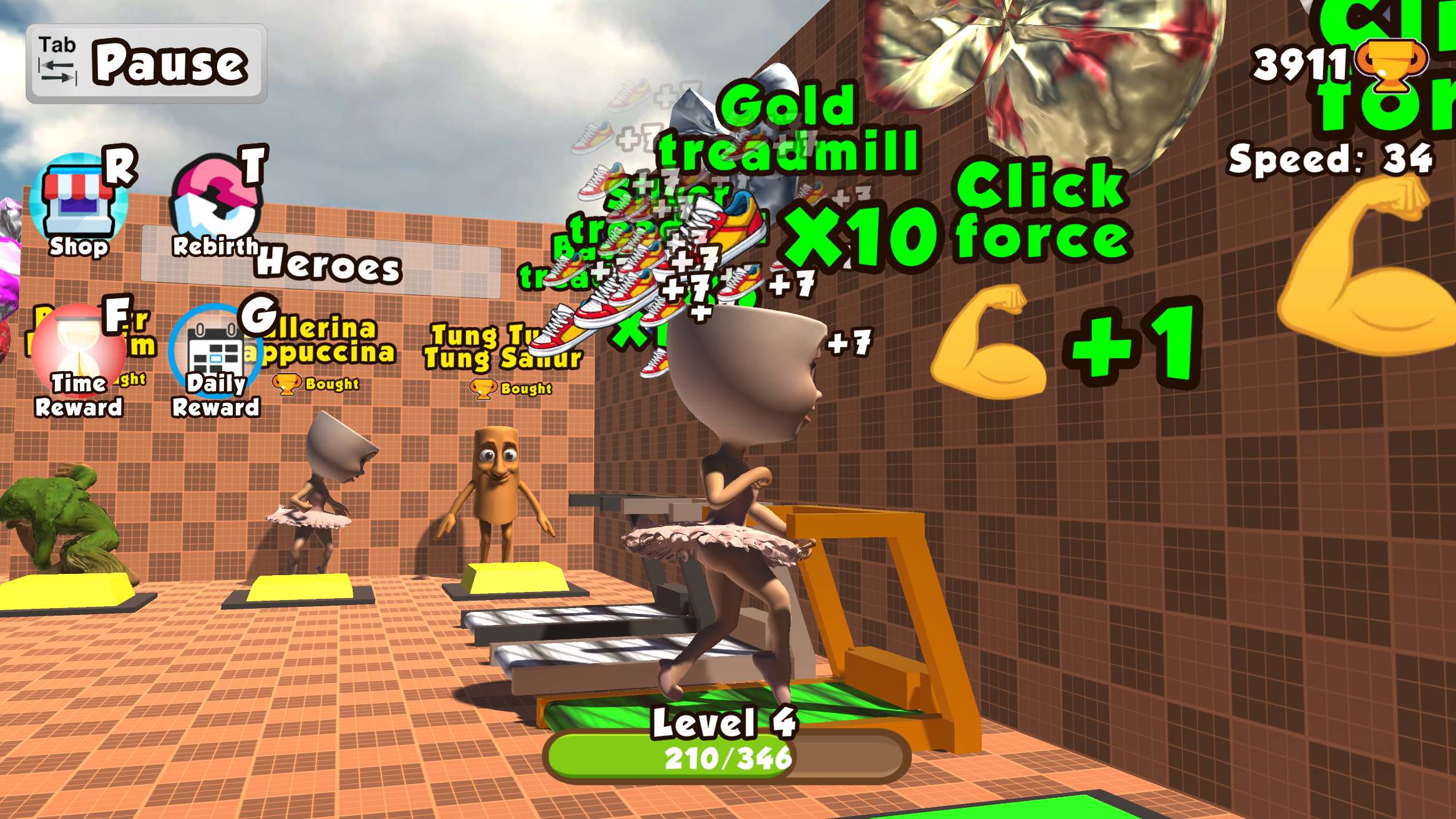
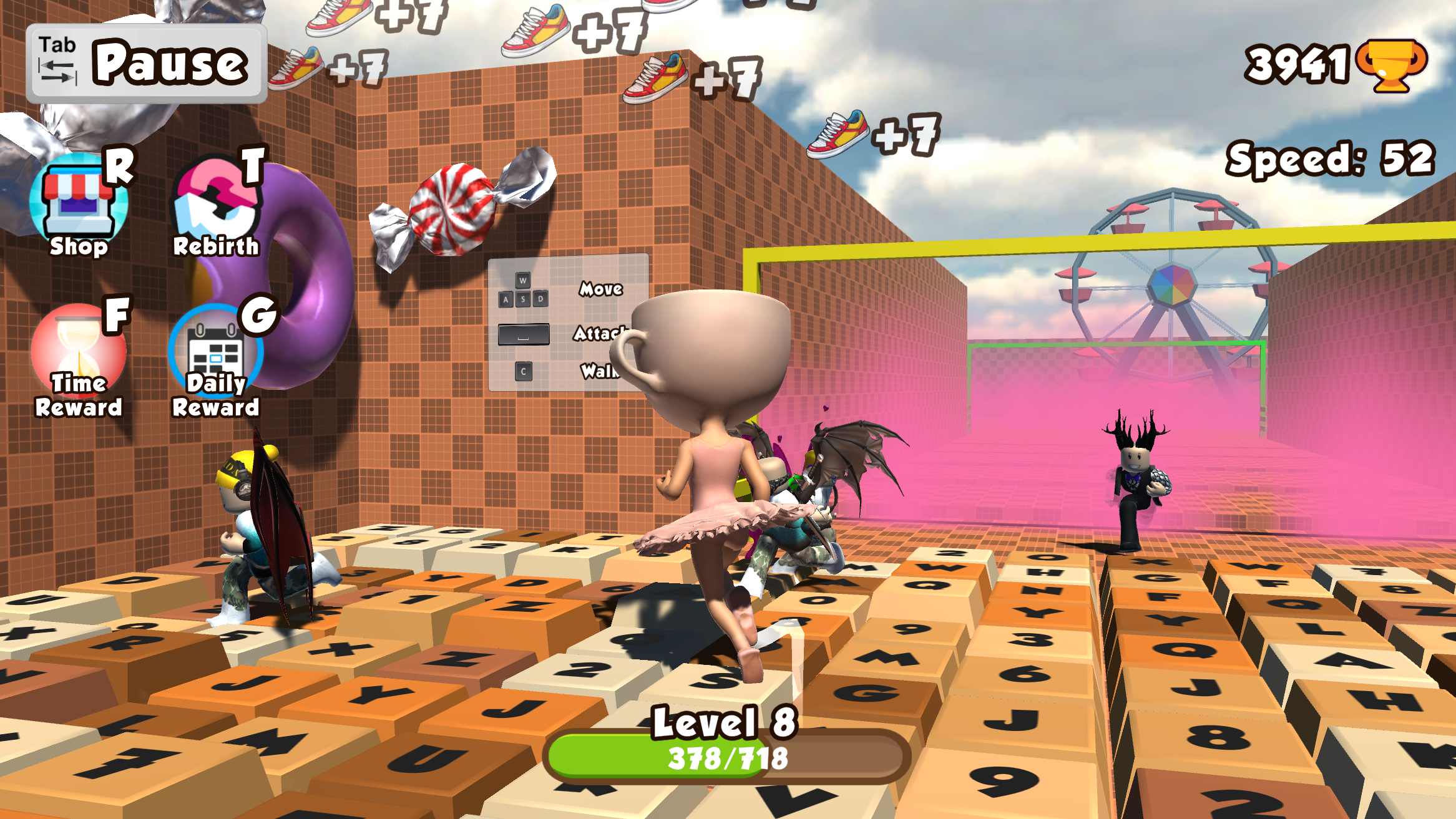
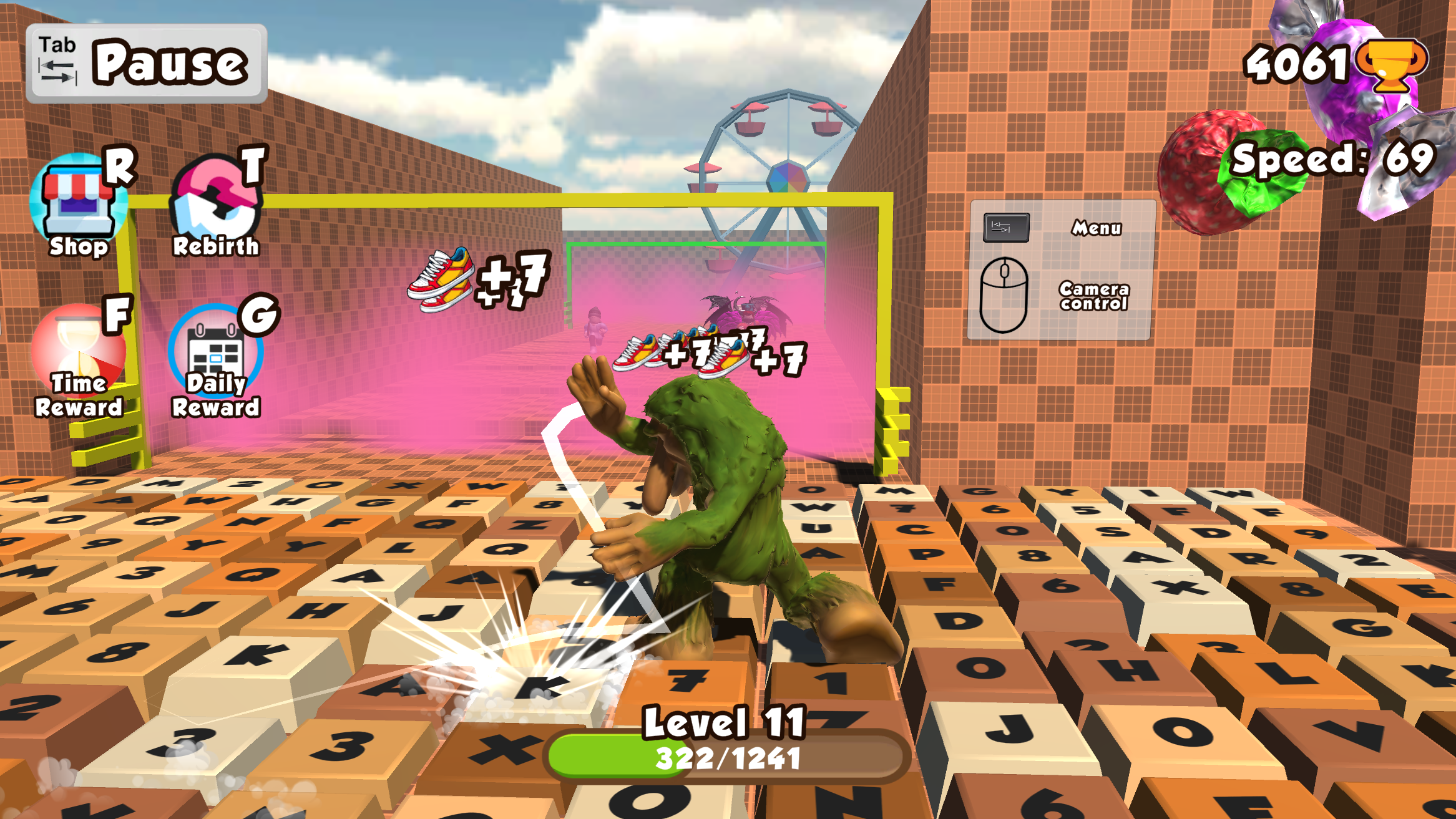
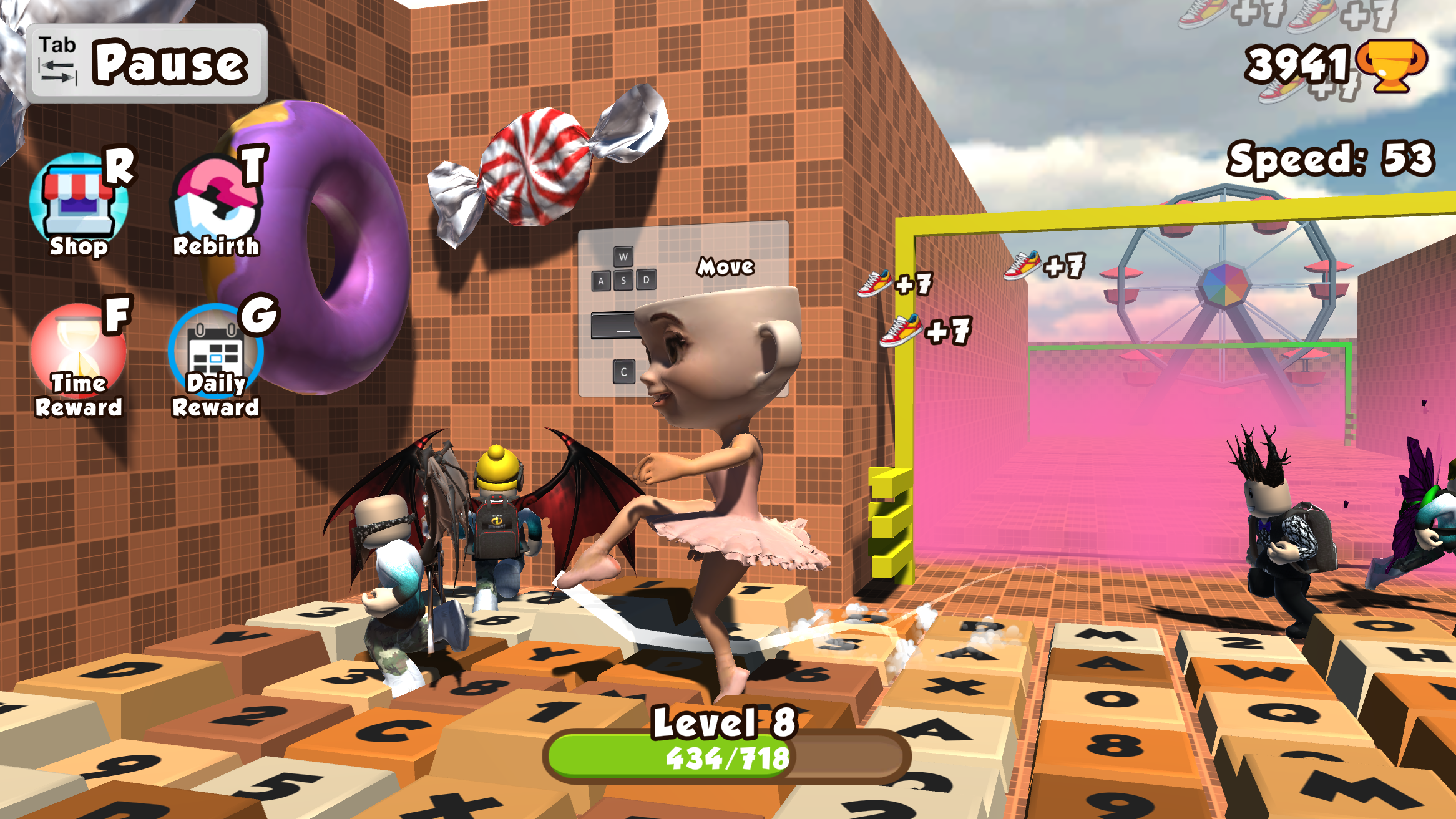
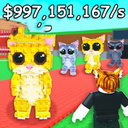
You play as the Boss in the Keyboard Escape game genre. Don’t let the Runaways slip past you — catch them and get bonuses to upgrade your characters! Each click adds speed to you: become the fastest and leave no chance for the Runaways to get past you!

Videos and screenshots
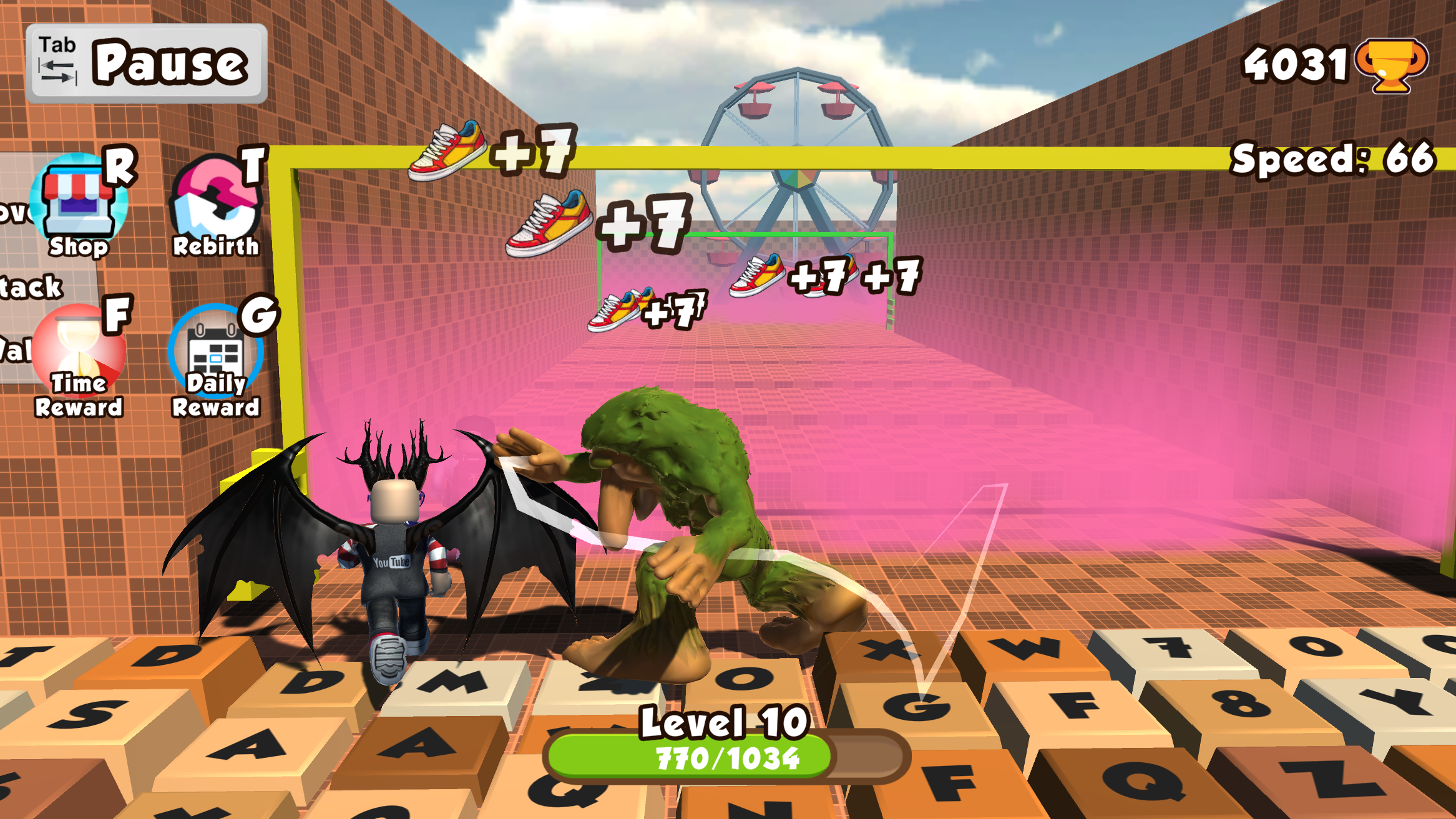
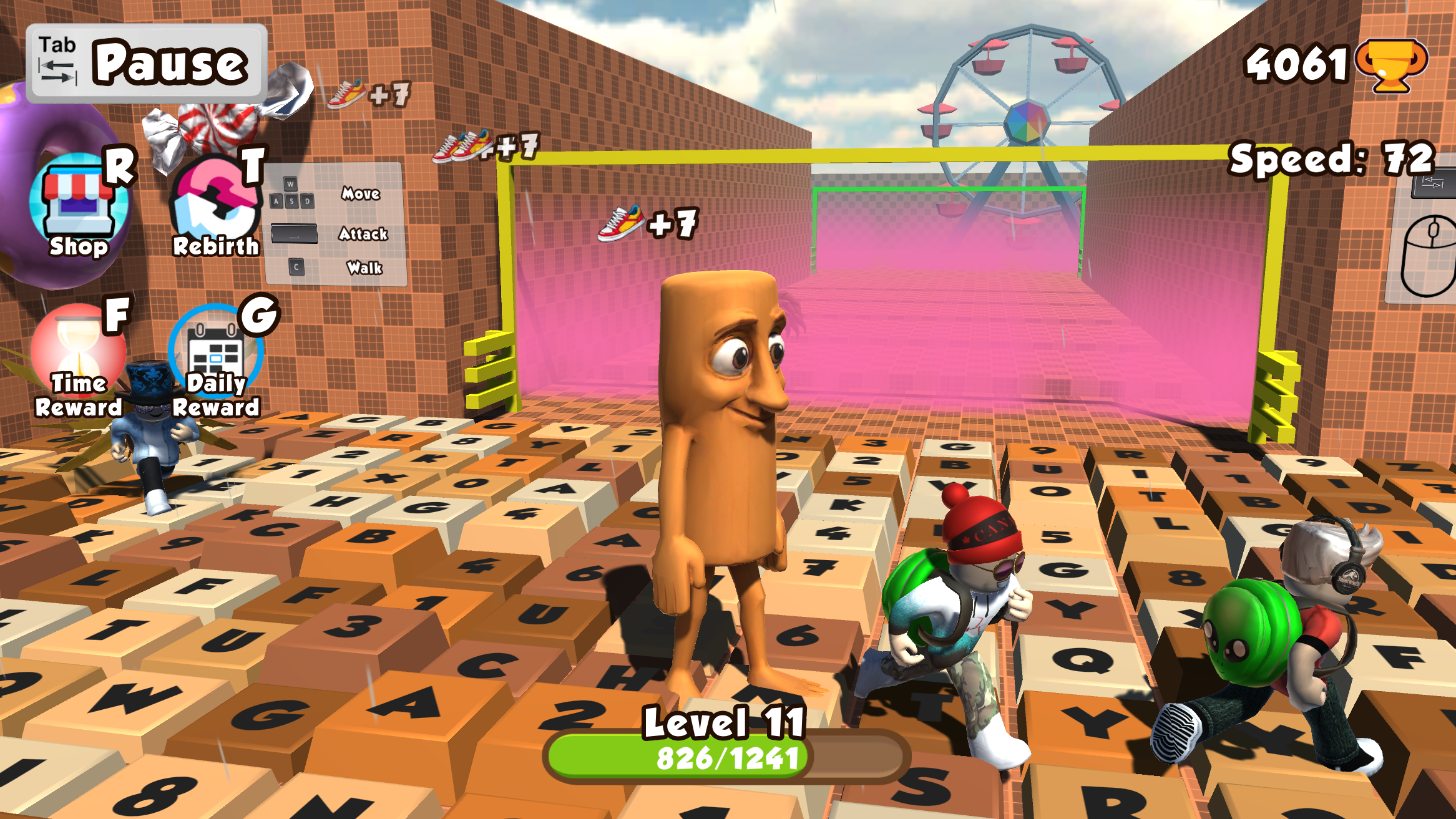
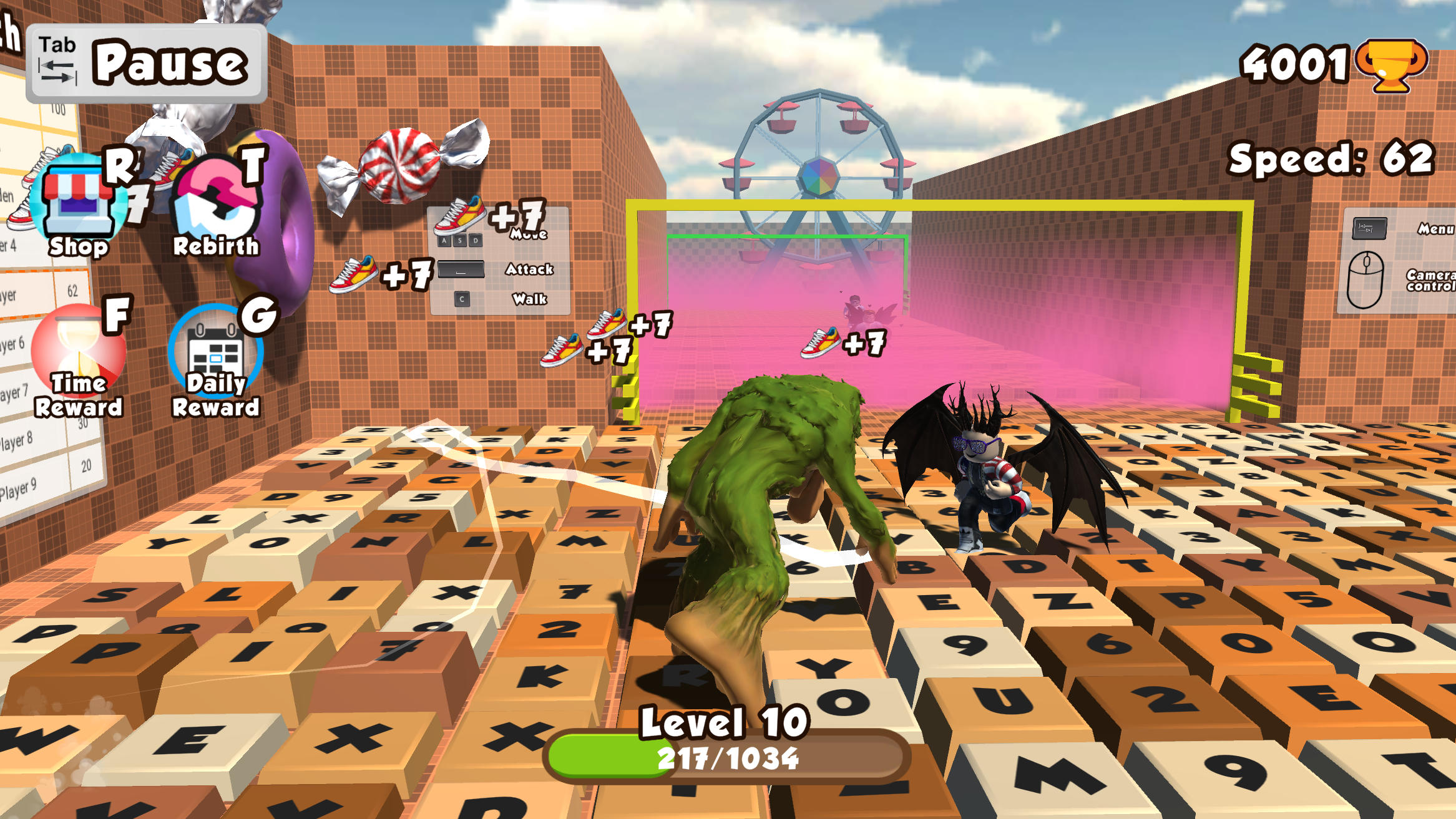
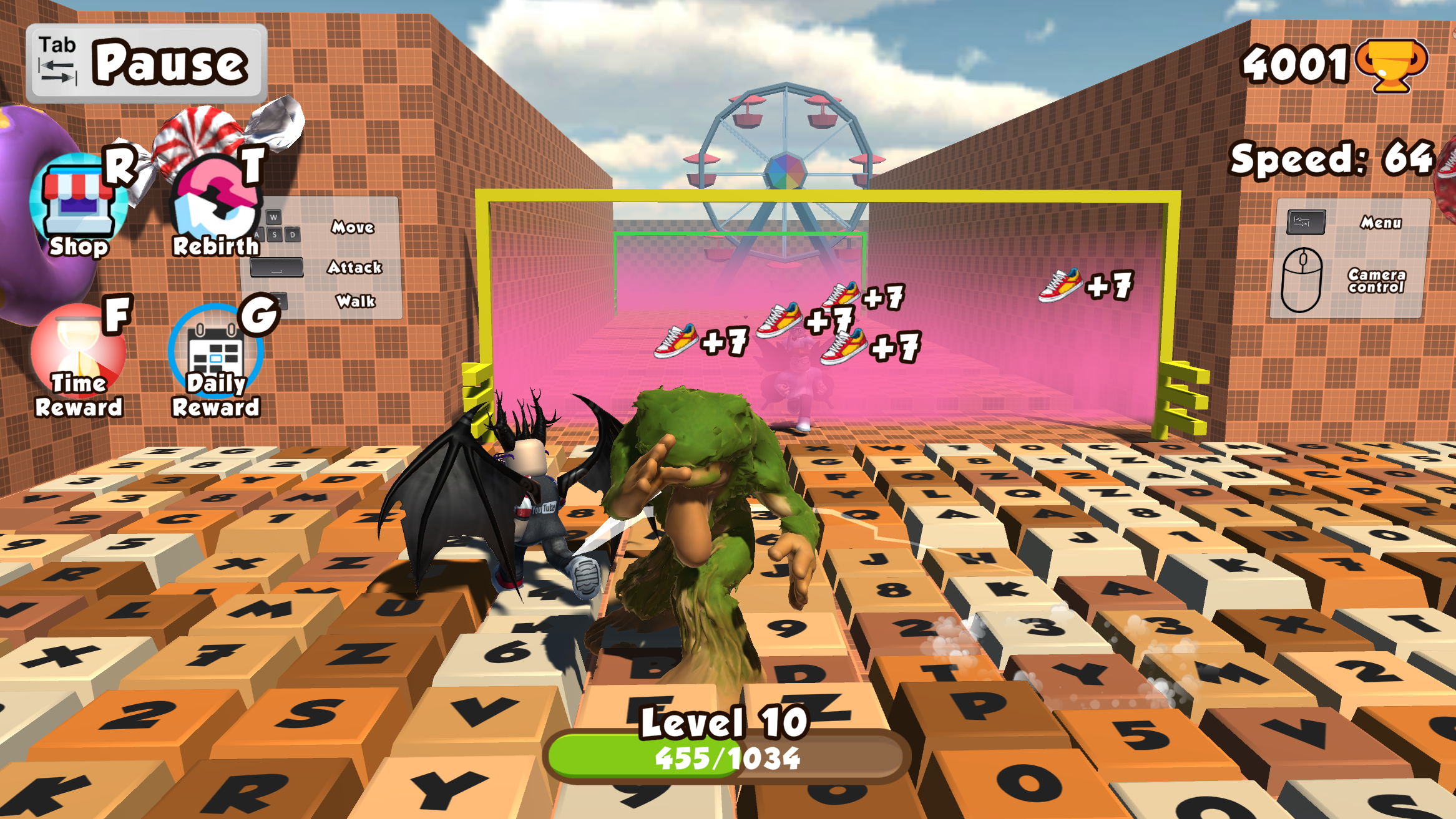
  • Break the Keyboard Escape: Brainrot Boss Mode Obby screenshot 1
  • Break the Keyboard Escape: Brainrot Boss Mode Obby screenshot 2
  • Break the Keyboard Escape: Brainrot Boss Mode Obby screenshot 3
  • Break the Keyboard Escape: Brainrot Boss Mode Obby screenshot 4
  • Break the Keyboard Escape: Brainrot Boss Mode Obby screenshot 5
  • Break the Keyboard Escape: Brainrot Boss Mode Obby screenshot 6
  • Break the Keyboard Escape: Brainrot Boss Mode Obby screenshot 7
  • Break the Keyboard Escape: Brainrot Boss Mode Obby screenshot 8
  • Break the Keyboard Escape: Brainrot Boss Mode Obby screenshot 9
  • Break the Keyboard Escape: Brainrot Boss Mode Obby screenshot 10
  • Break the Keyboard Escape: Brainrot Boss Mode Obby screenshot 11
  • Break the Keyboard Escape: Brainrot Boss Mode Obby screenshot 12
  • Break the Keyboard Escape: Brainrot Boss Mode Obby screenshot 13
  • Break the Keyboard Escape: Brainrot Boss Mode Obby screenshot 14
  • Break the Keyboard Escape: Brainrot Boss Mode Obby screenshot 15
  • Break the Keyboard Escape: Brainrot Boss Mode Obby screenshot 16
  • Break the Keyboard Escape: Brainrot Boss Mode Obby screenshot 17
  • Break the Keyboard Escape: Brainrot Boss Mode Obby screenshot 18
  • Break the Keyboard Escape: Brainrot Boss Mode Obby screenshot 19
  • Break the Keyboard Escape: Brainrot Boss Mode Obby screenshot 20
Play Now

13,855 players online

How to play

  1. Open the game

    Press Play now and the game opens on its own screen.

  2. Follow the in-game instructions

    The controls and goals are shown inside the game as you play.

  3. Use the game menu

    The floating button over the game reloads it, saves it to your favourites, or takes you back out.
Game instructions

PC control: ● WASD - Movement ● Mouse - Camera Overview ● Space Bar - Attack ● C - Walking ● Tab - Pause Phone control: ● Left side of the screen - Movement ● Right side of the screen - Camera Overview ● Screen buttons - responsible for the actions indicated on them.

More games

More games