Overview
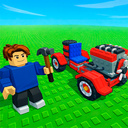
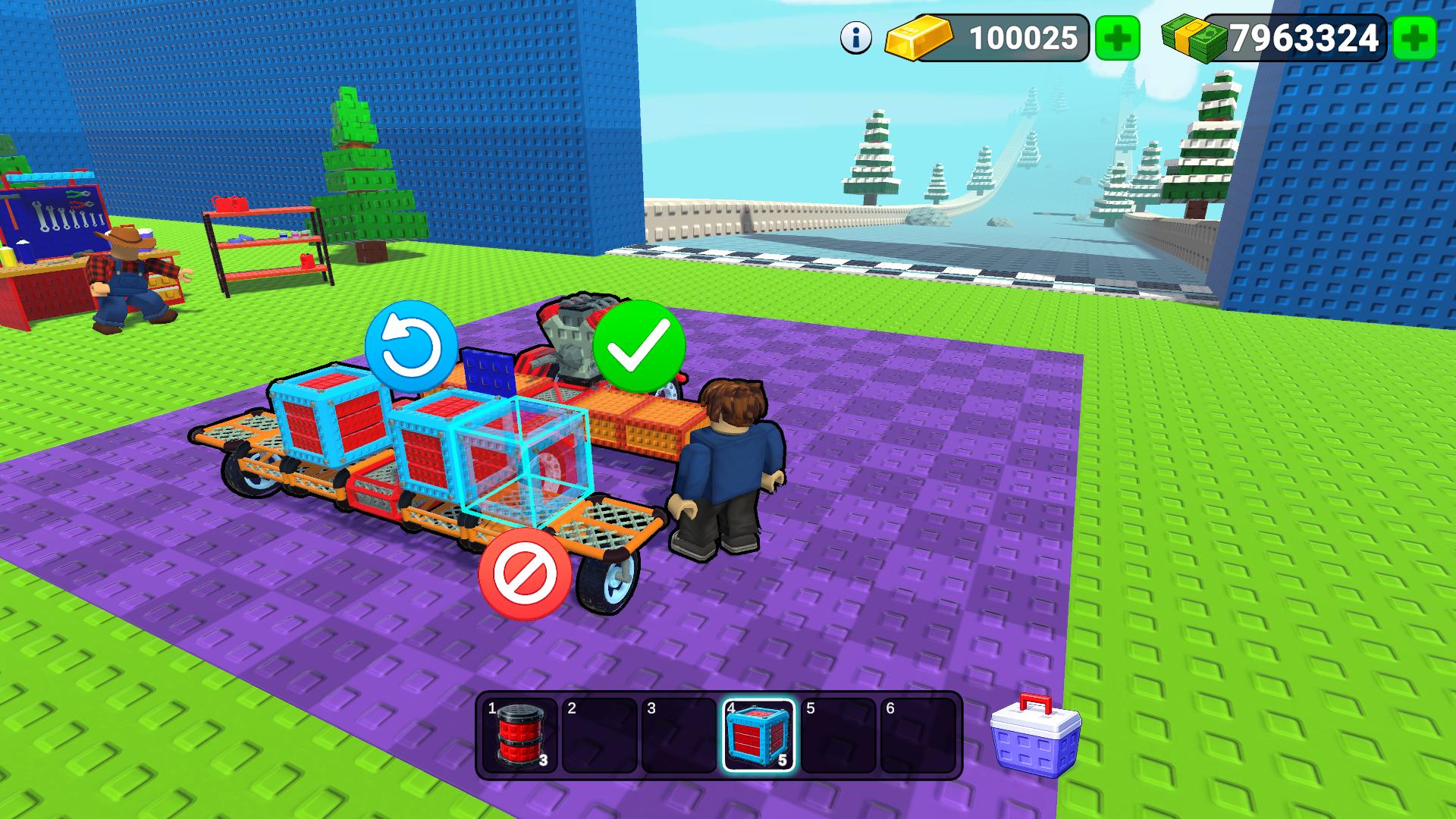
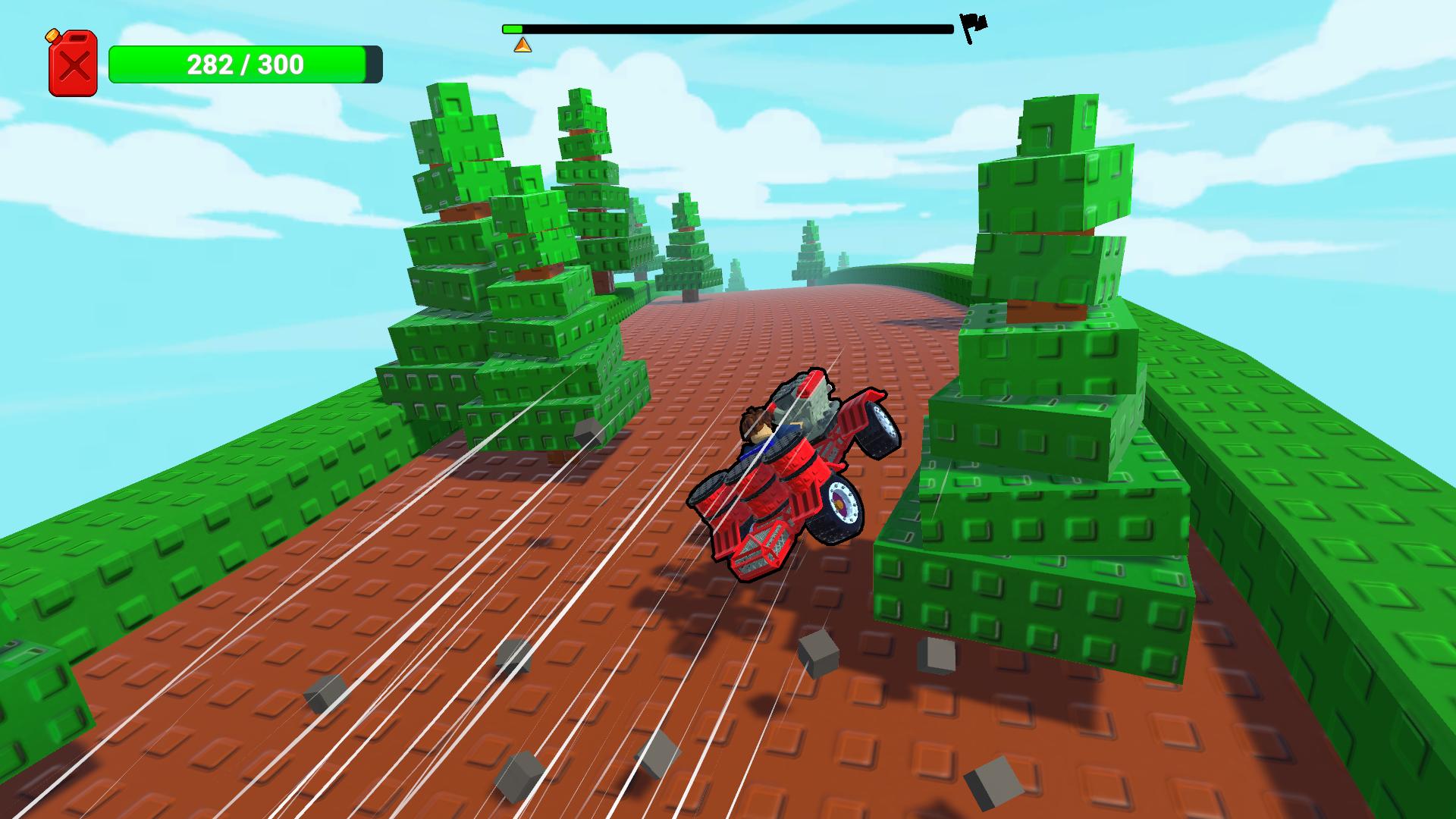
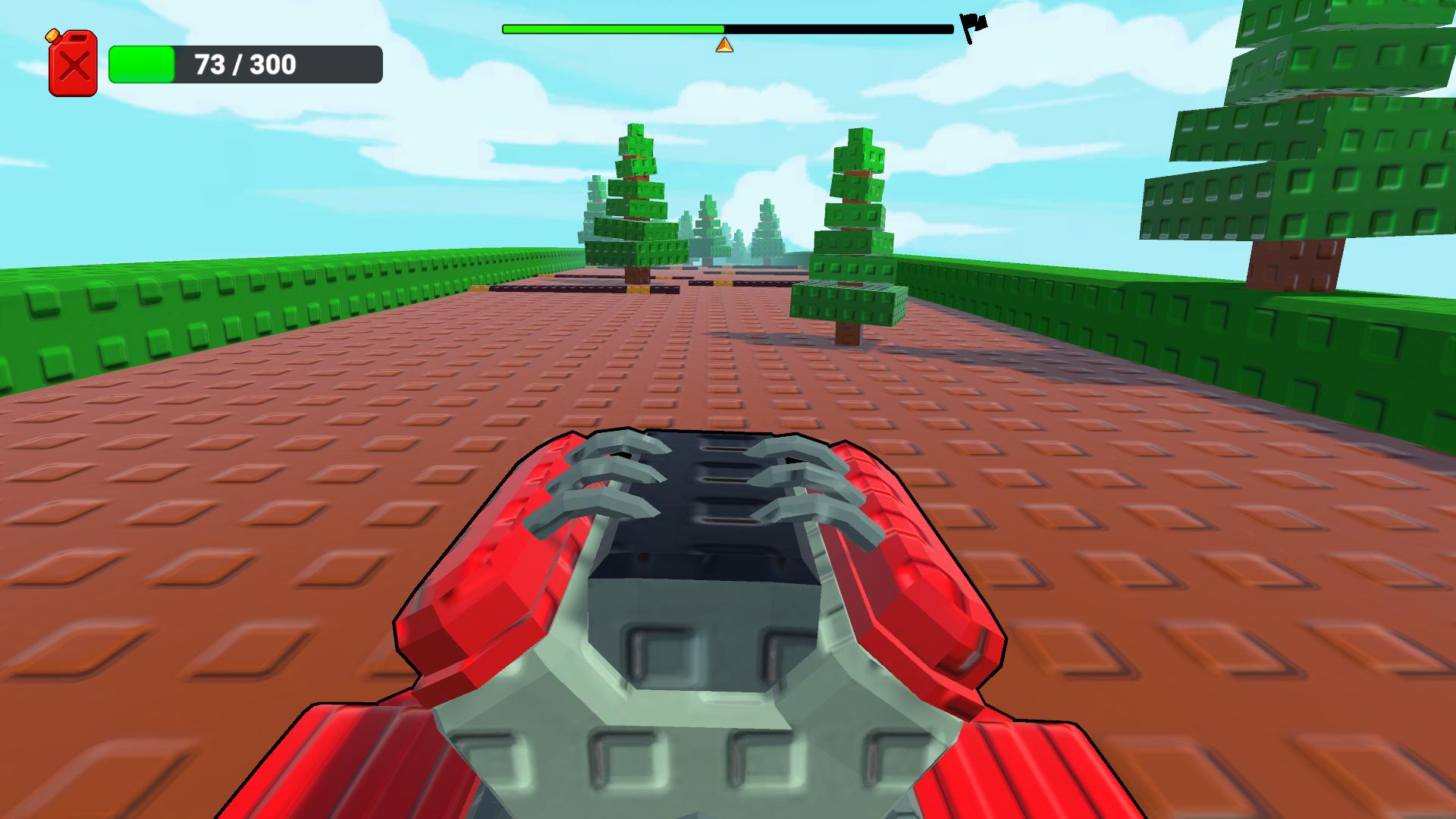
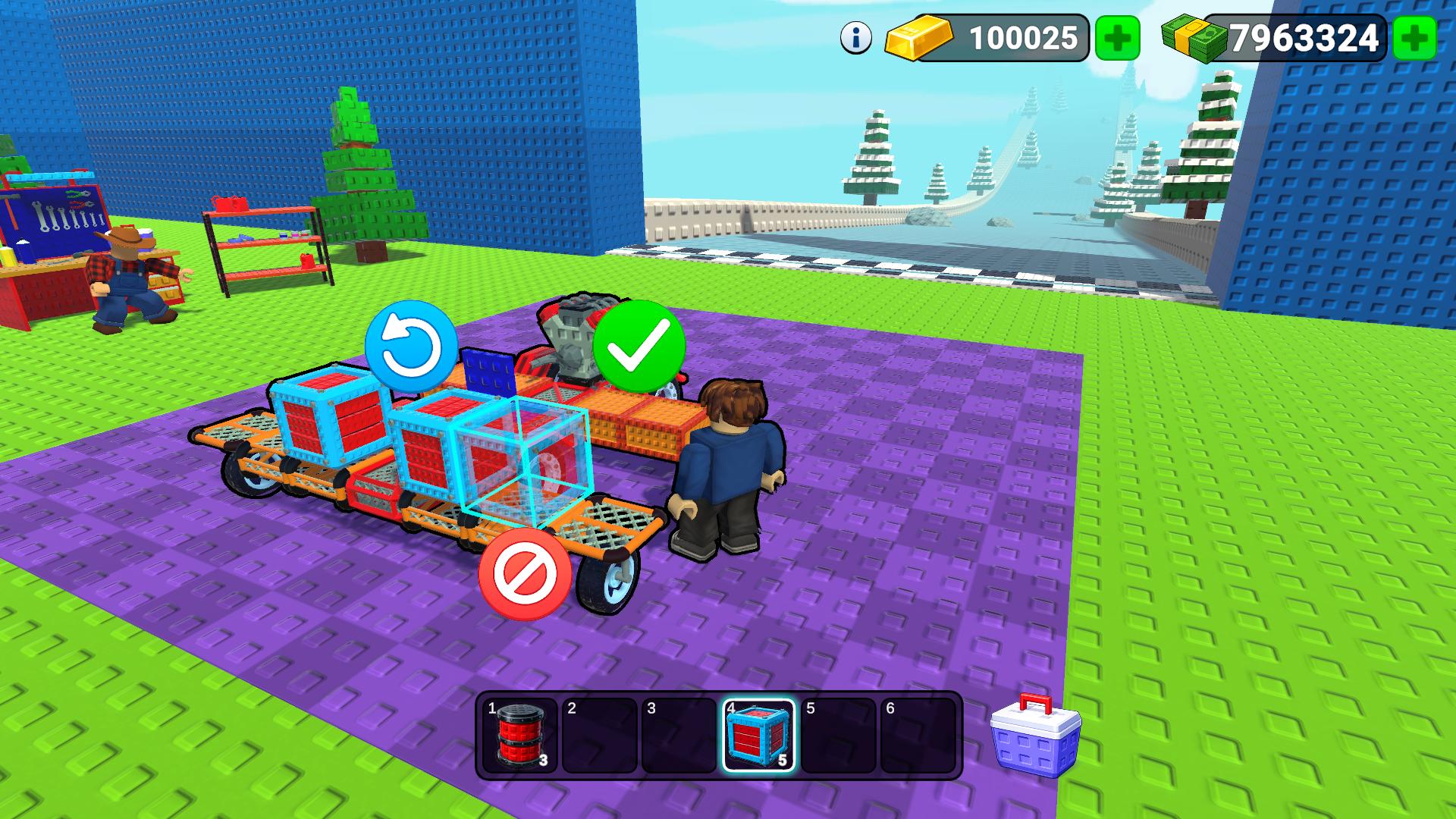
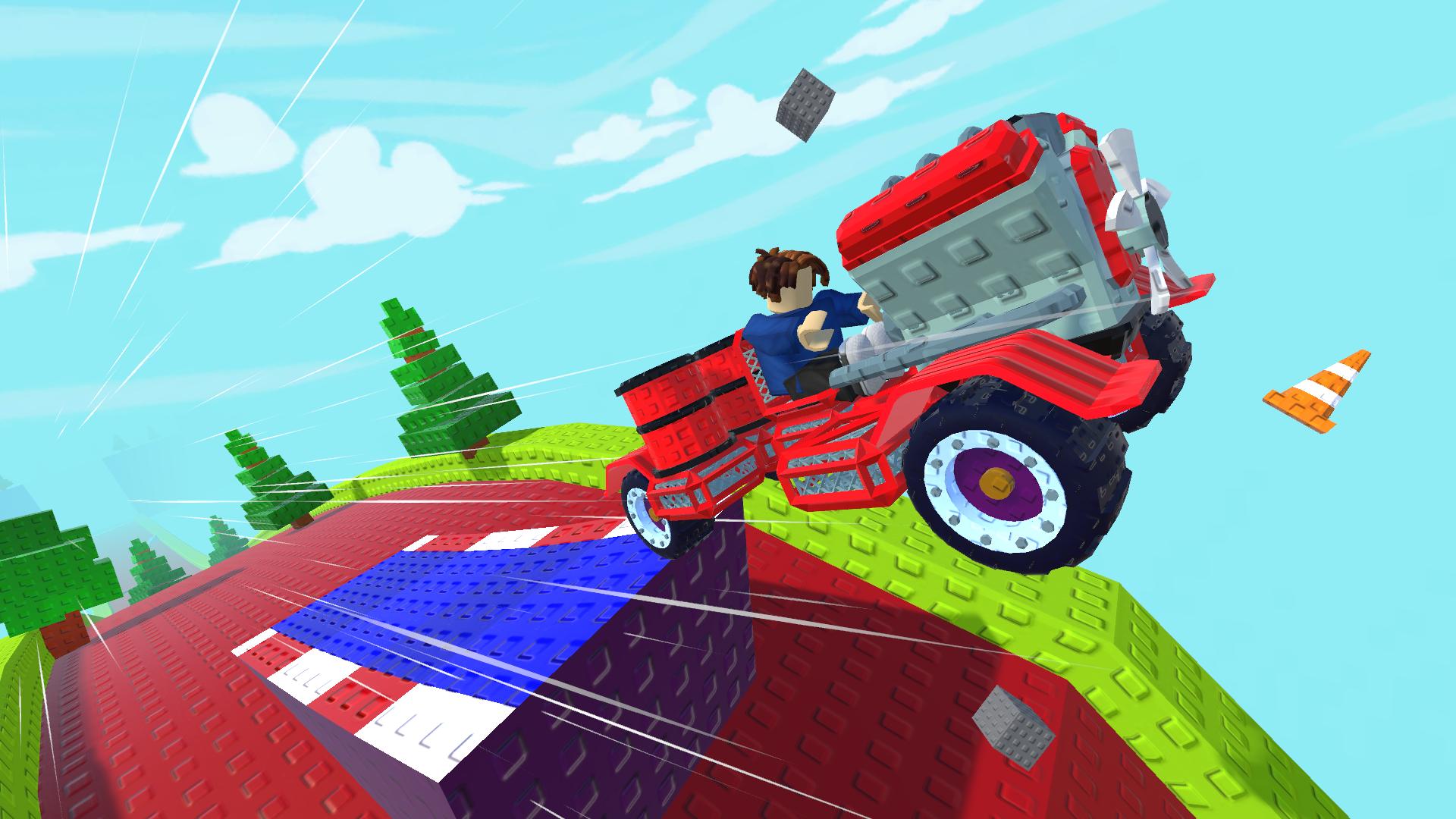
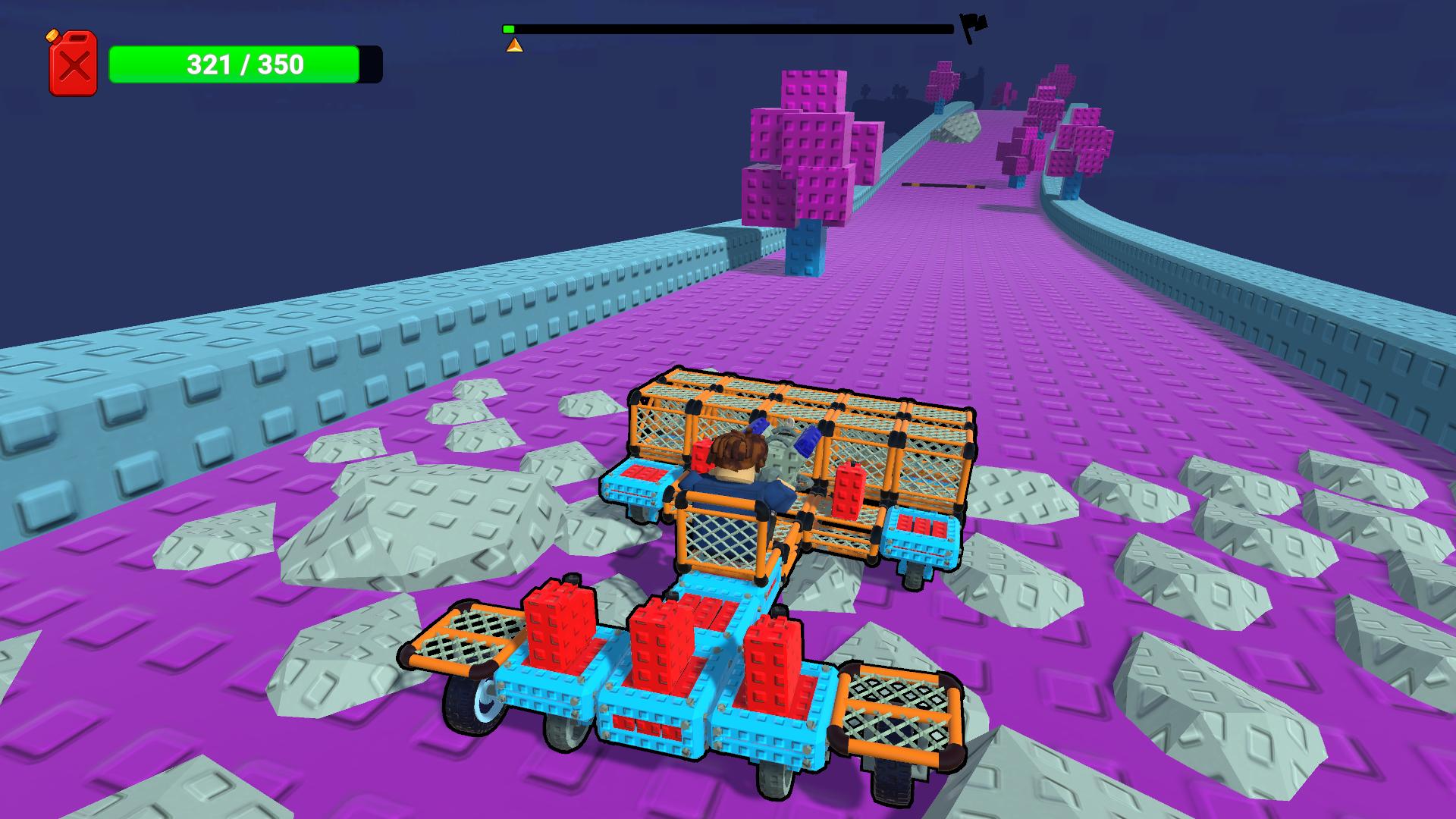
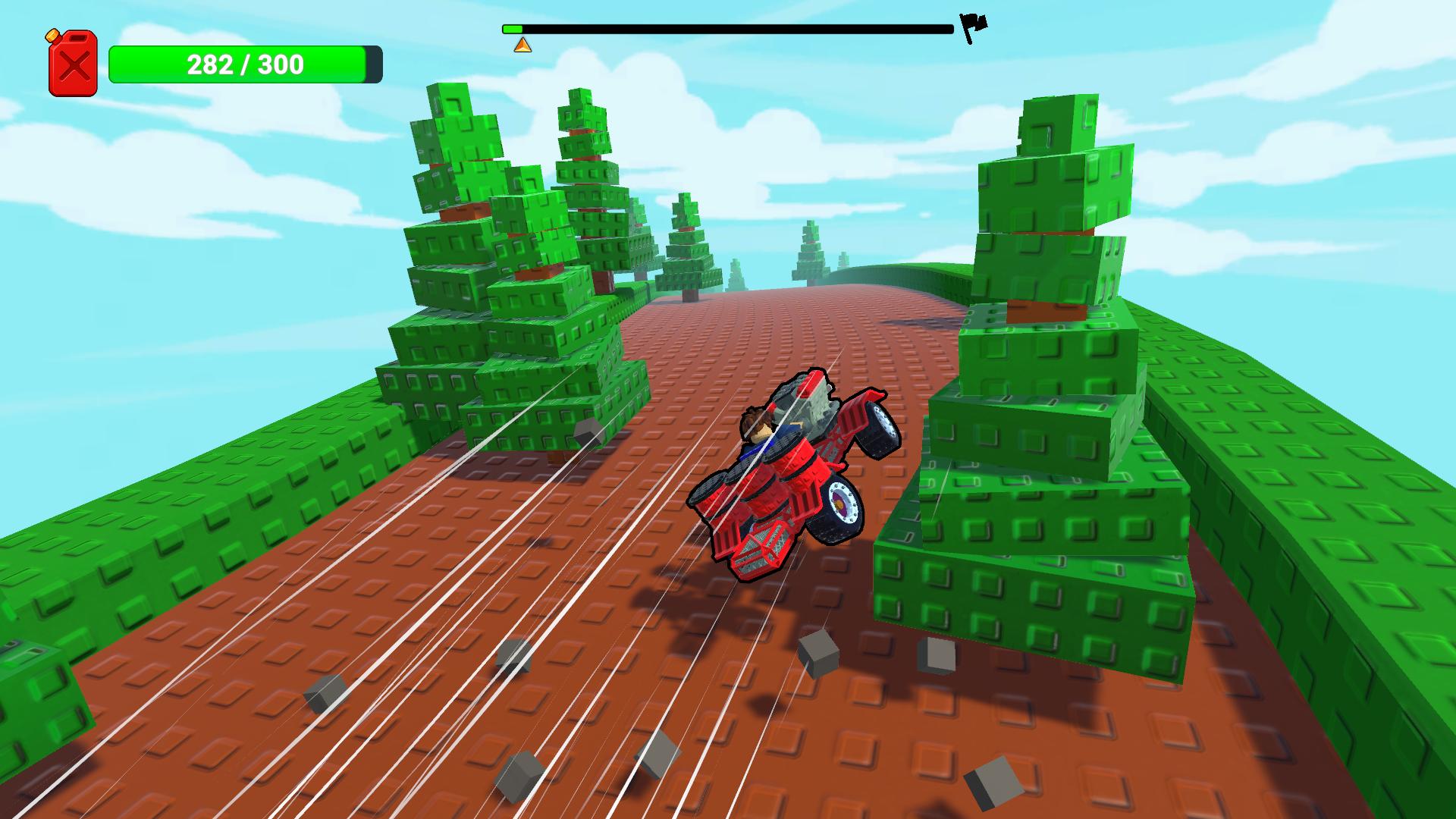
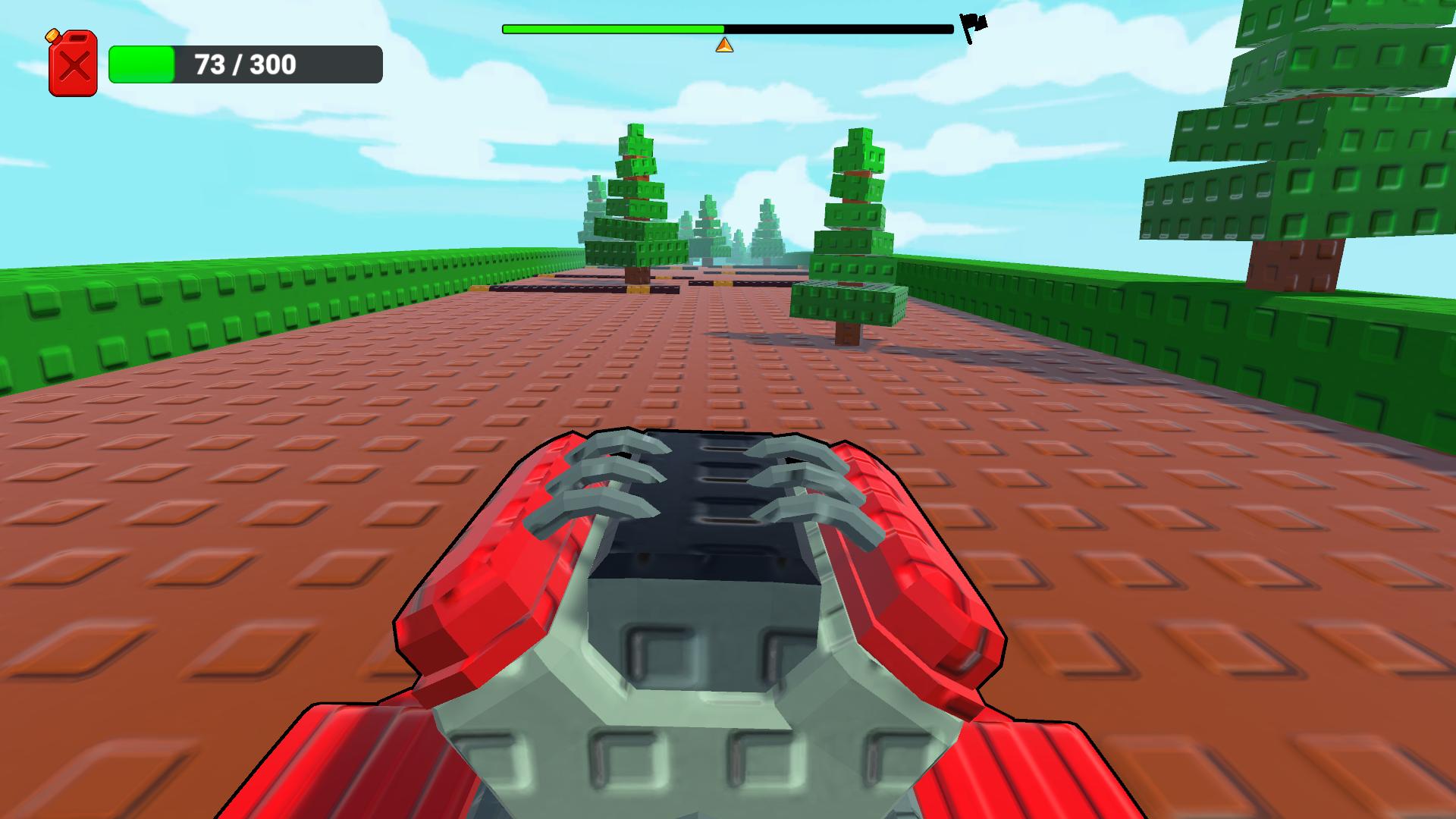
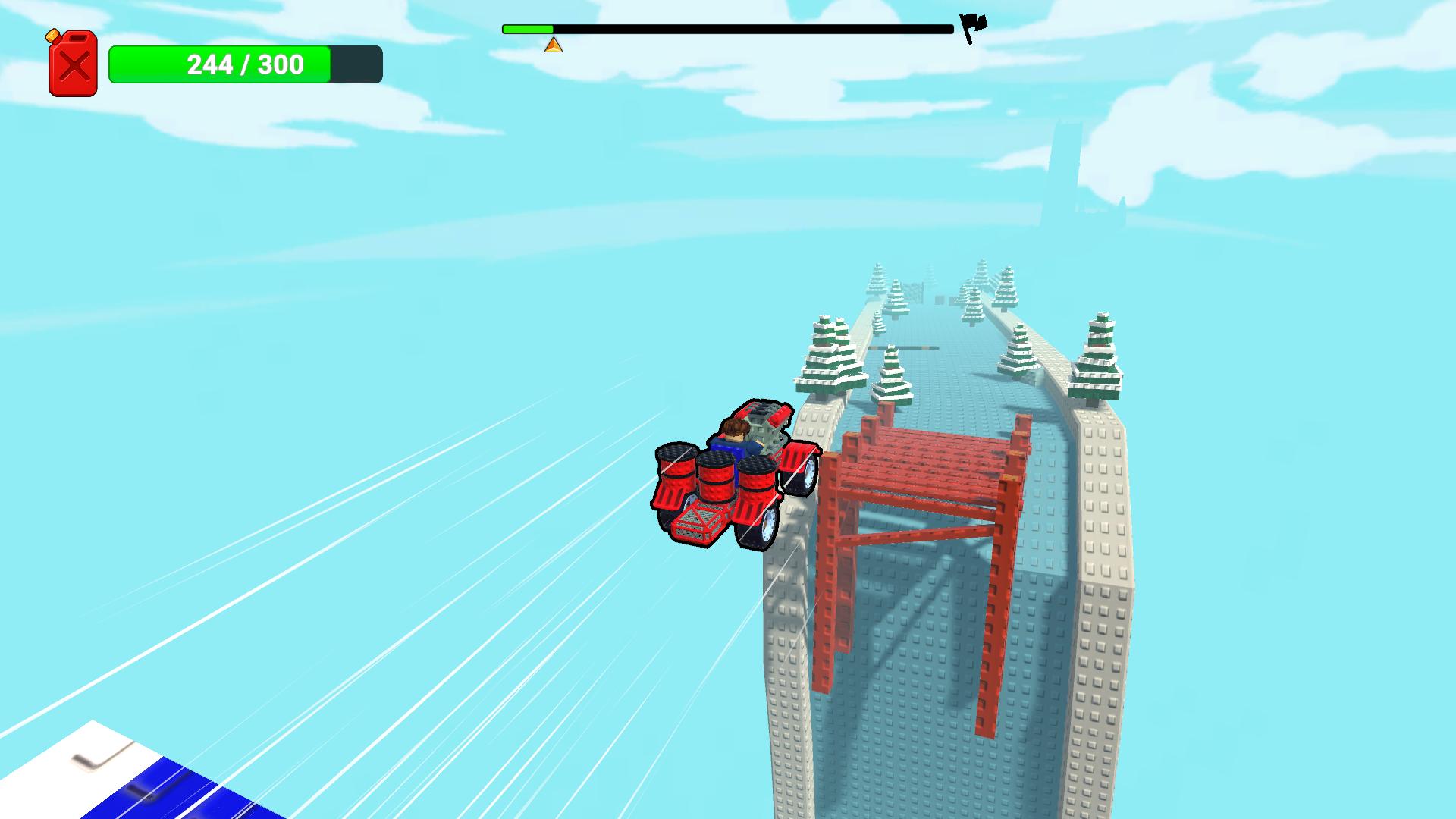
Build your own car and put it to the test! In this game, you’ll assemble a unique vehicle from different parts and complete obstacle-filled levels. Buy new components, install engines, wheels, and other elements to create a machine capable of handling any challenge.
Every part affects how your car behaves: power, stability, and off-road capability. Experiment with different designs, upgrade your vehicle, and find the best combinations to complete the levels.
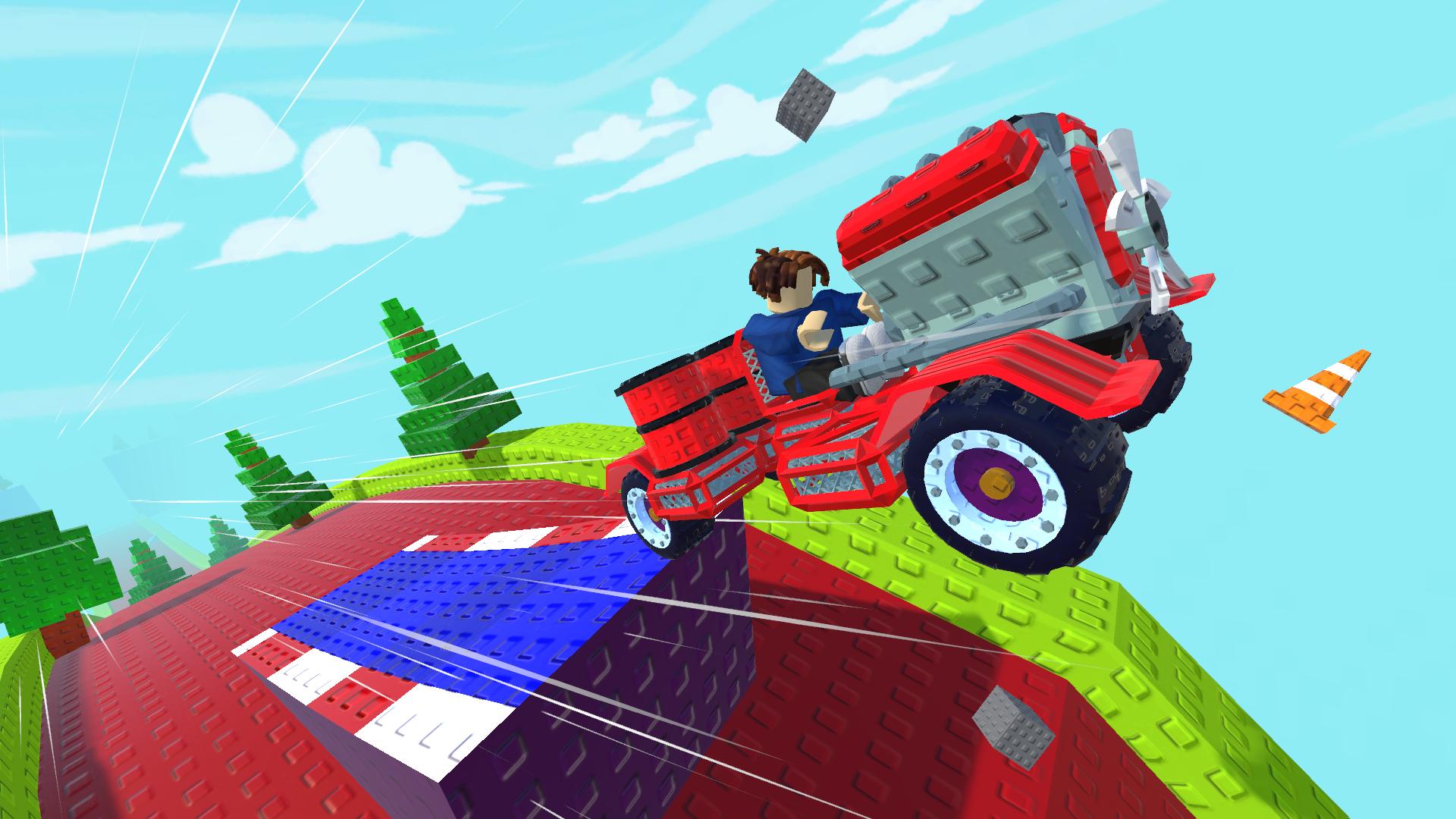
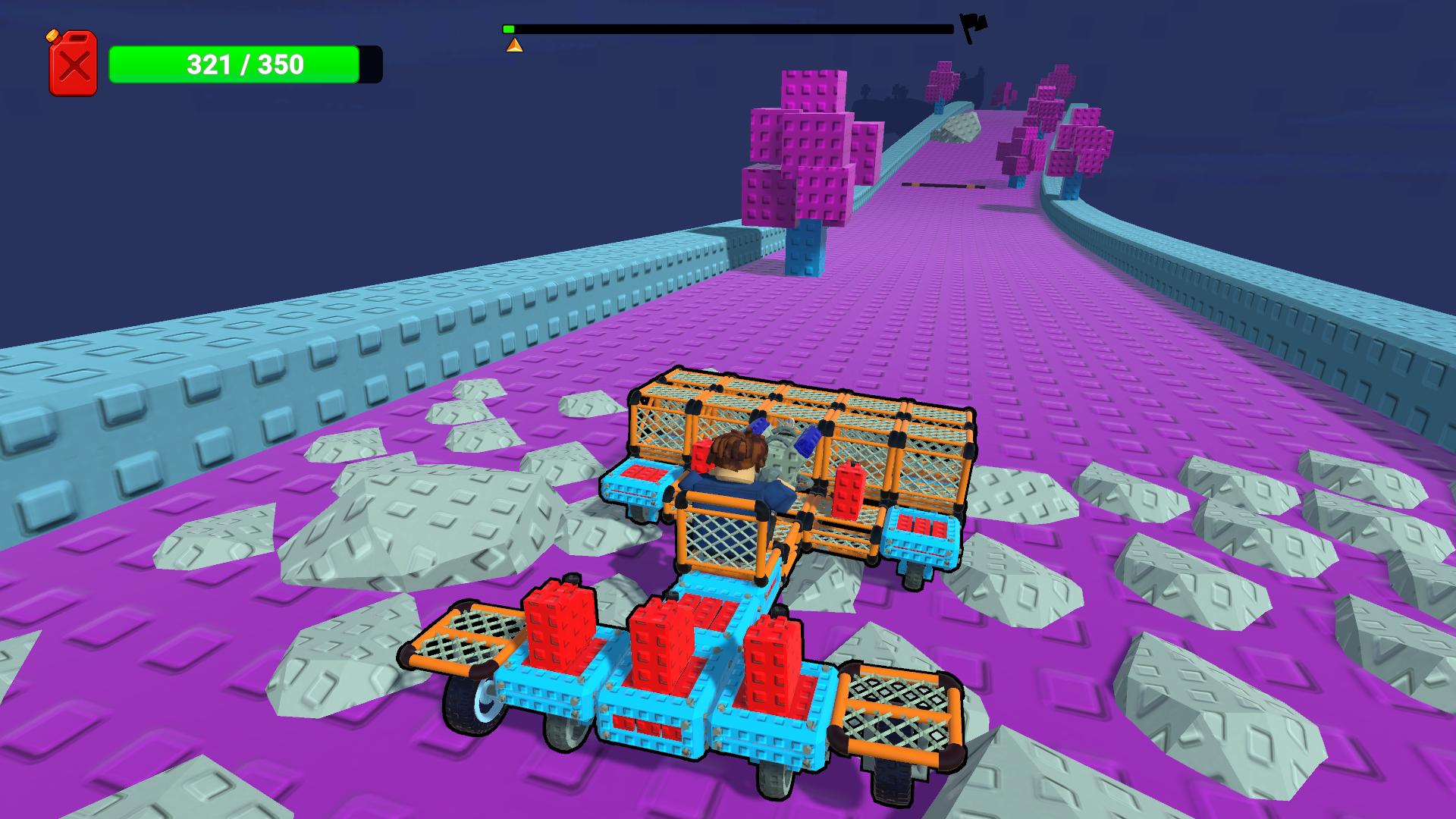
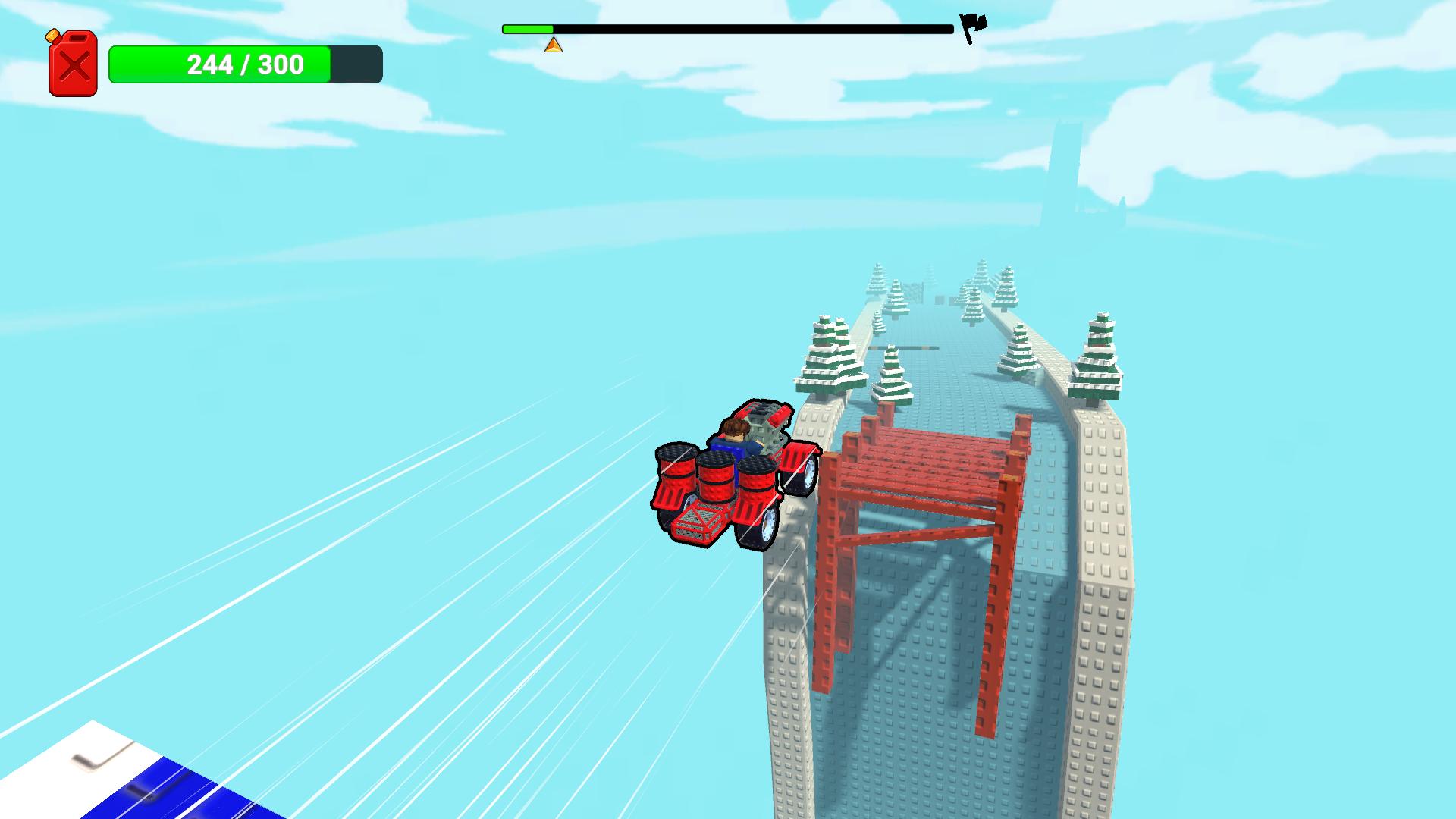
You’ll face a variety of tracks, tough obstacles, and plenty of opportunities to improve your vehicle. The better you build your car, the farther you’ll be able to go.
Can you build the perfect car and complete all the levels?
Videos and screenshots
12,695 players online
How to play
-
Open the game
Press Play now and the game opens on its own screen.
-
Follow the in-game instructions
The controls and goals are shown inside the game as you play.
-
Use the game menu
The floating button over the game reloads it, saves it to your favourites, or takes you back out.