Skip to content
KG
Building Simulator

Building Simulator

517K plays 3.7 out of 5

Overview

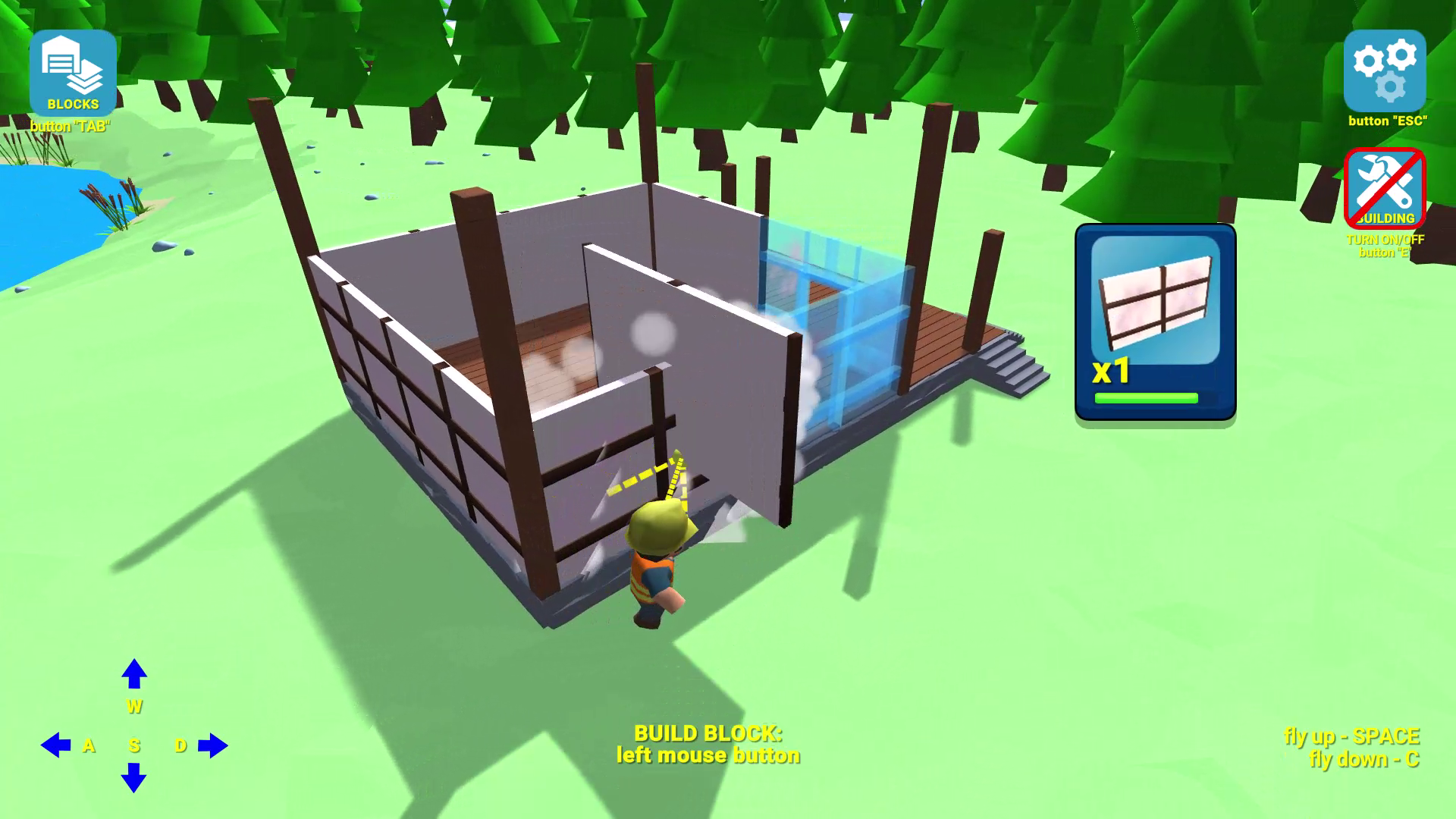
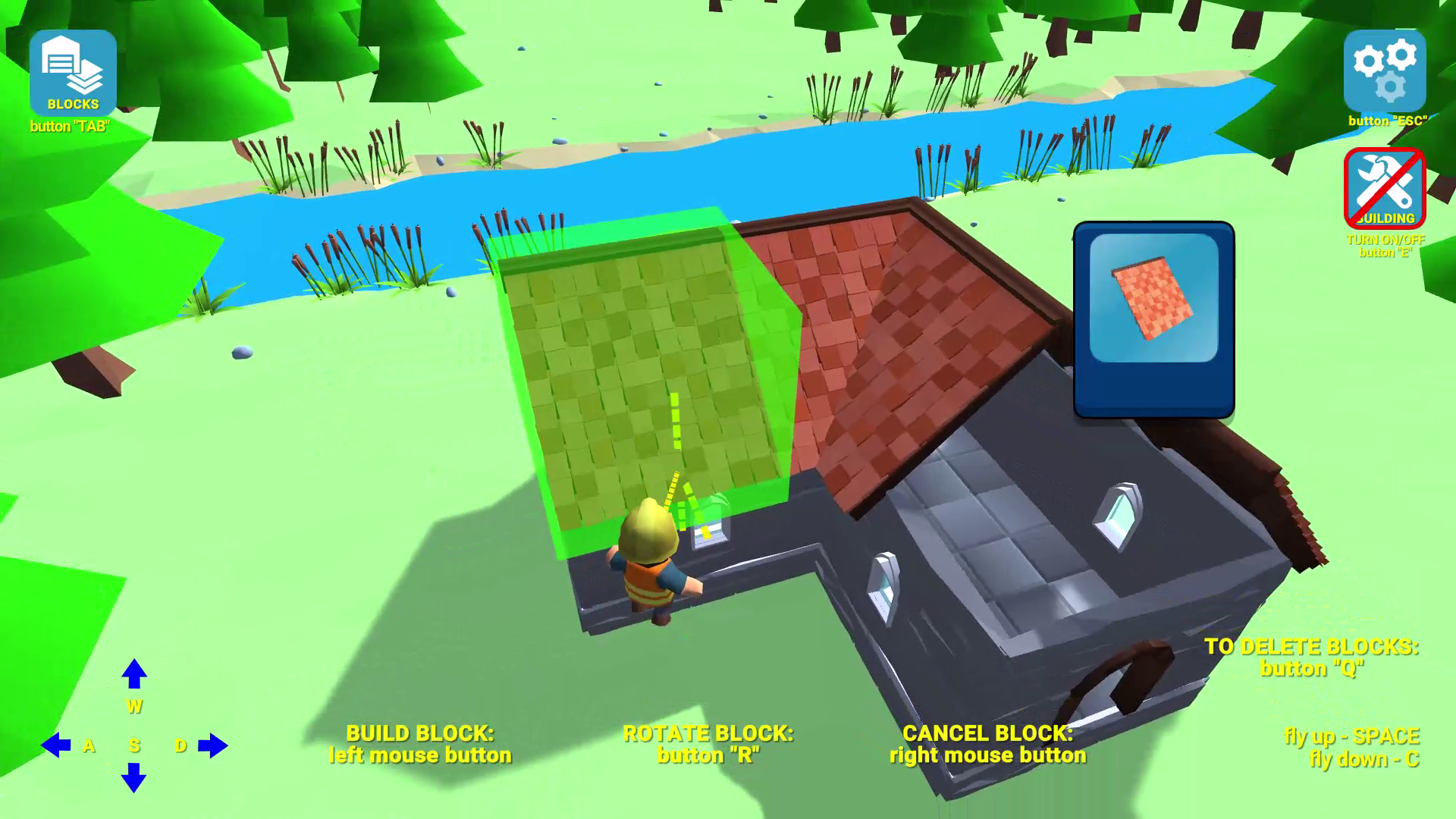
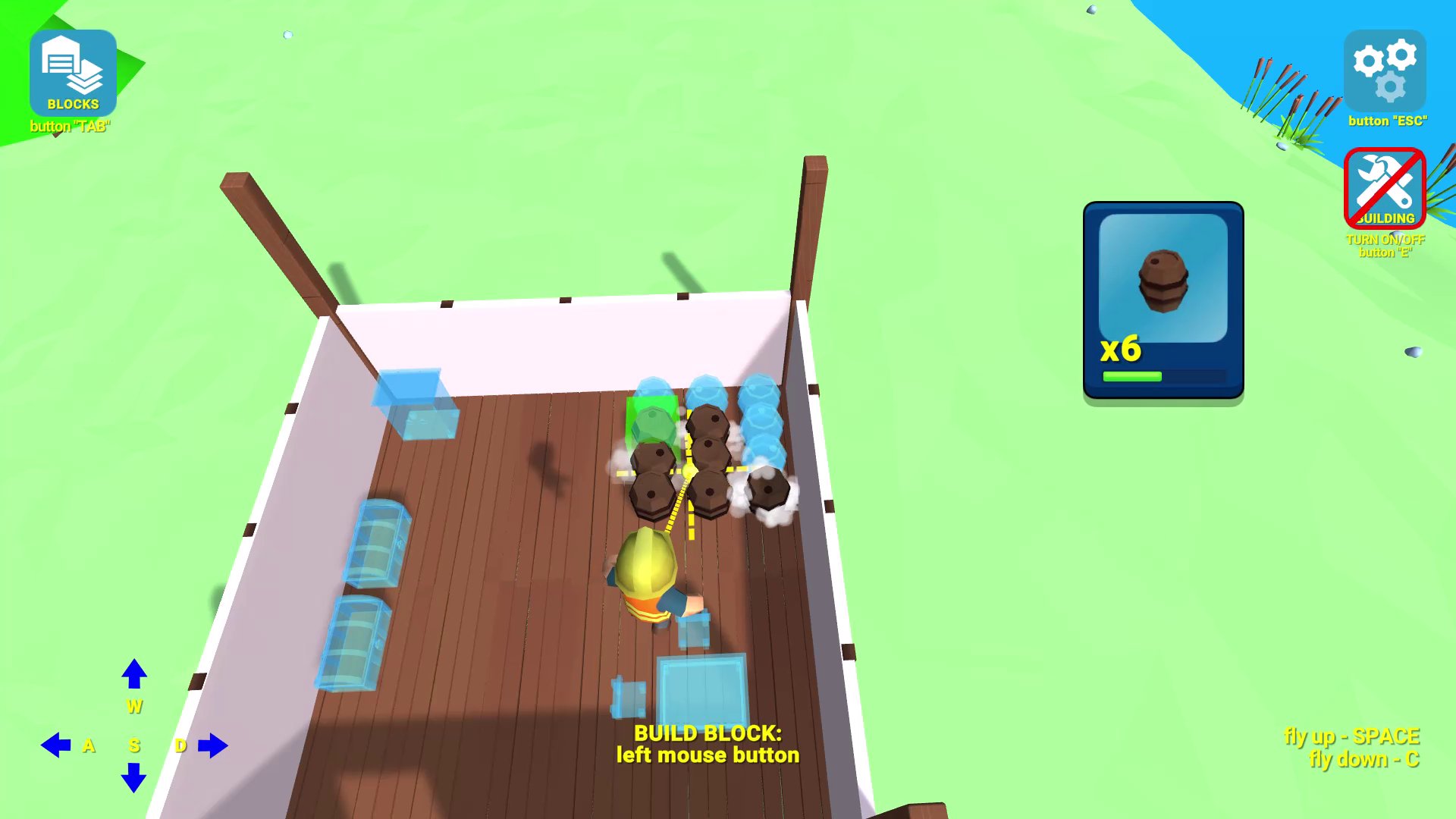
Building Simulator gives complete freedom of architectural creativity! Dozens of building blocks of different shapes, purposes, colors and types of materials are available to you. But that’s not all: use furniture, garden elements and decorations to add comfort and beauty! Interior design with a large selection of elements. No need to gather resources for construction - just get everything at once! The game consists of two modes. In the walkthrough mode, you need to repeat a previously built house using elements and blocks that will open gradually as you progress. With each level passed, the complexity of the building will increase. In custom game there is no plan - just get access to all the blocks and building elements at once and build your own architectural masterpiece! There are no restrictions: build, build and build again! Try the most casual Minecraft! Create an unusual castle or house!

Videos and screenshots
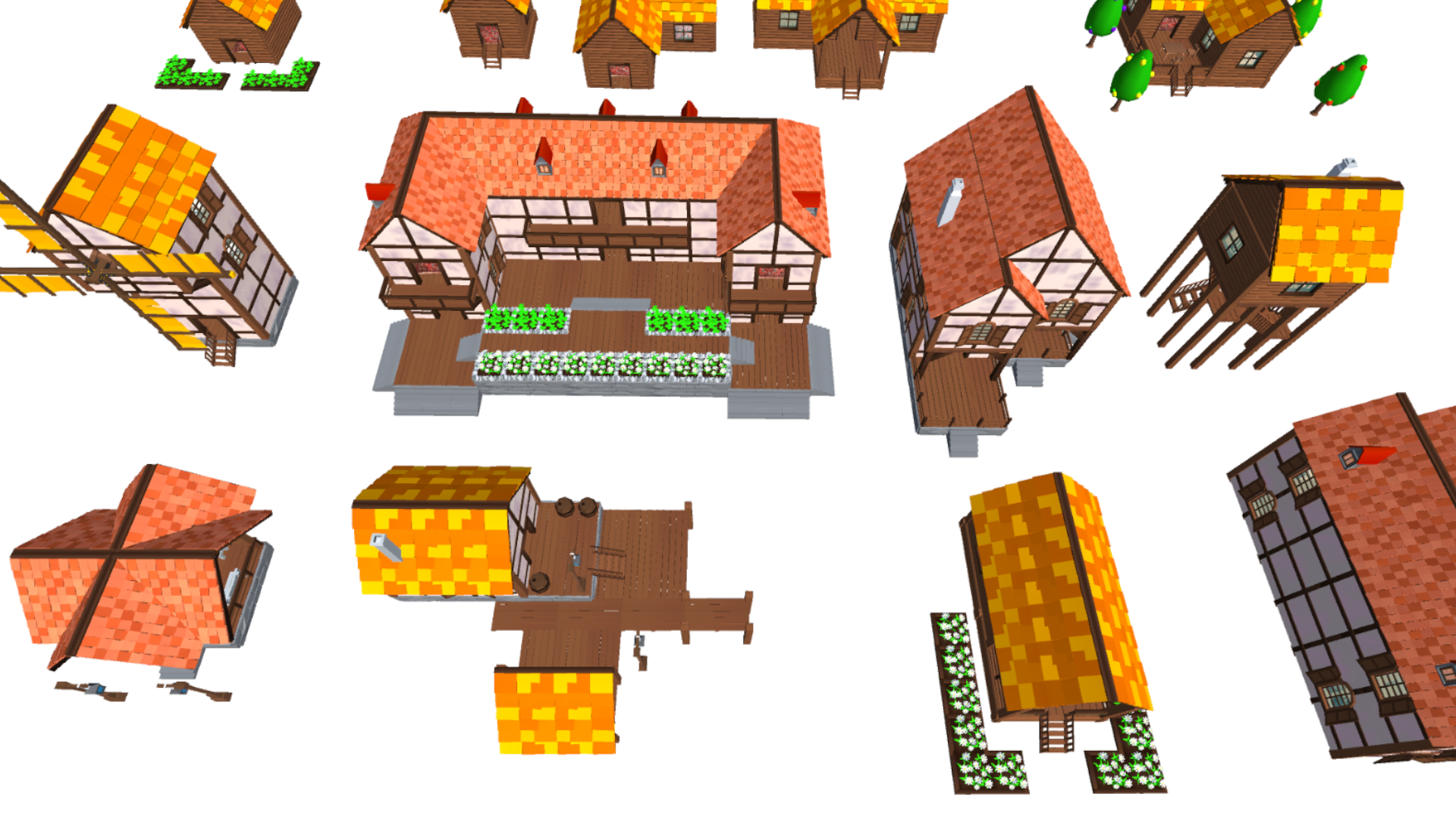
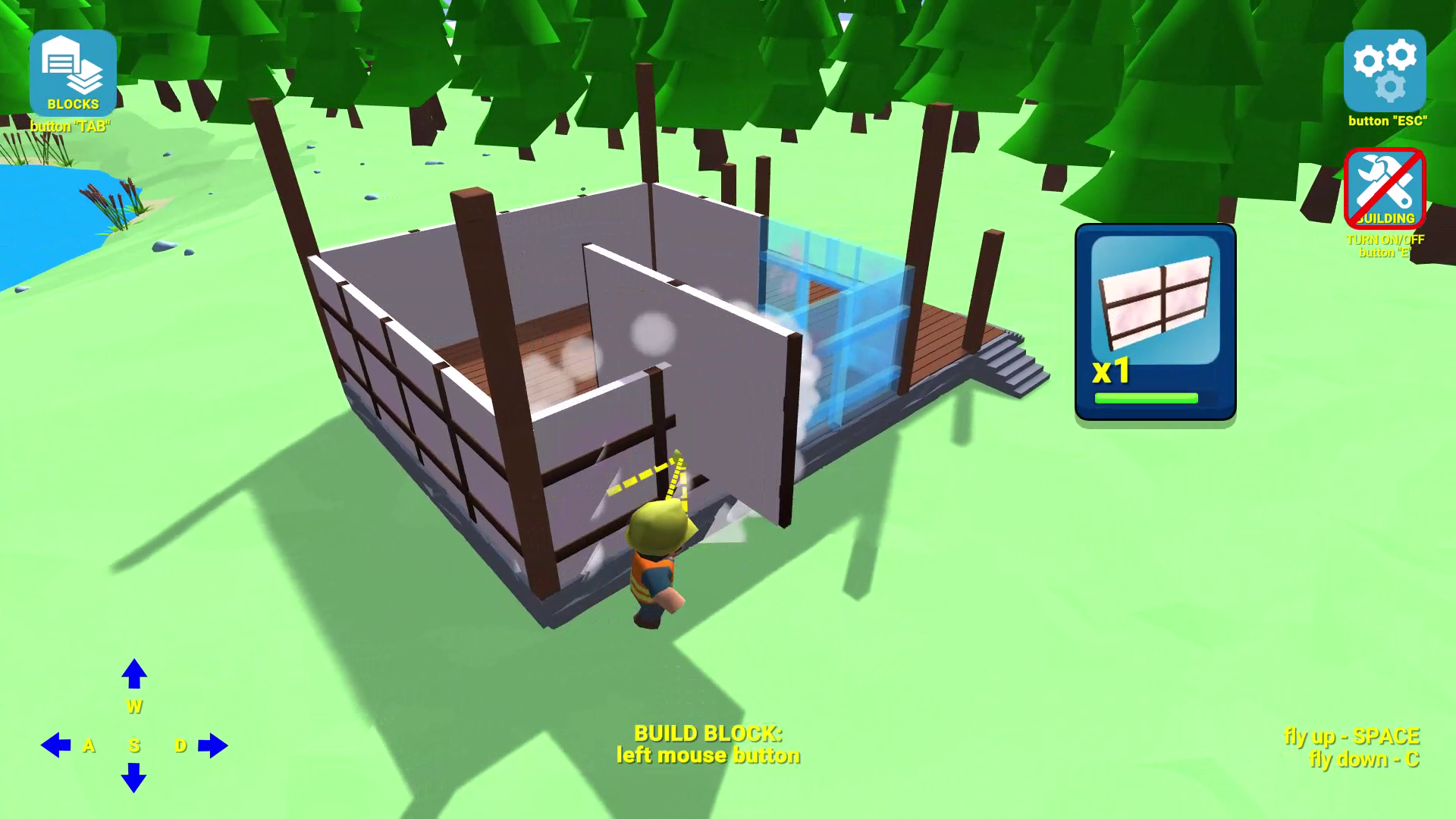
  • Building Simulator screenshot 1
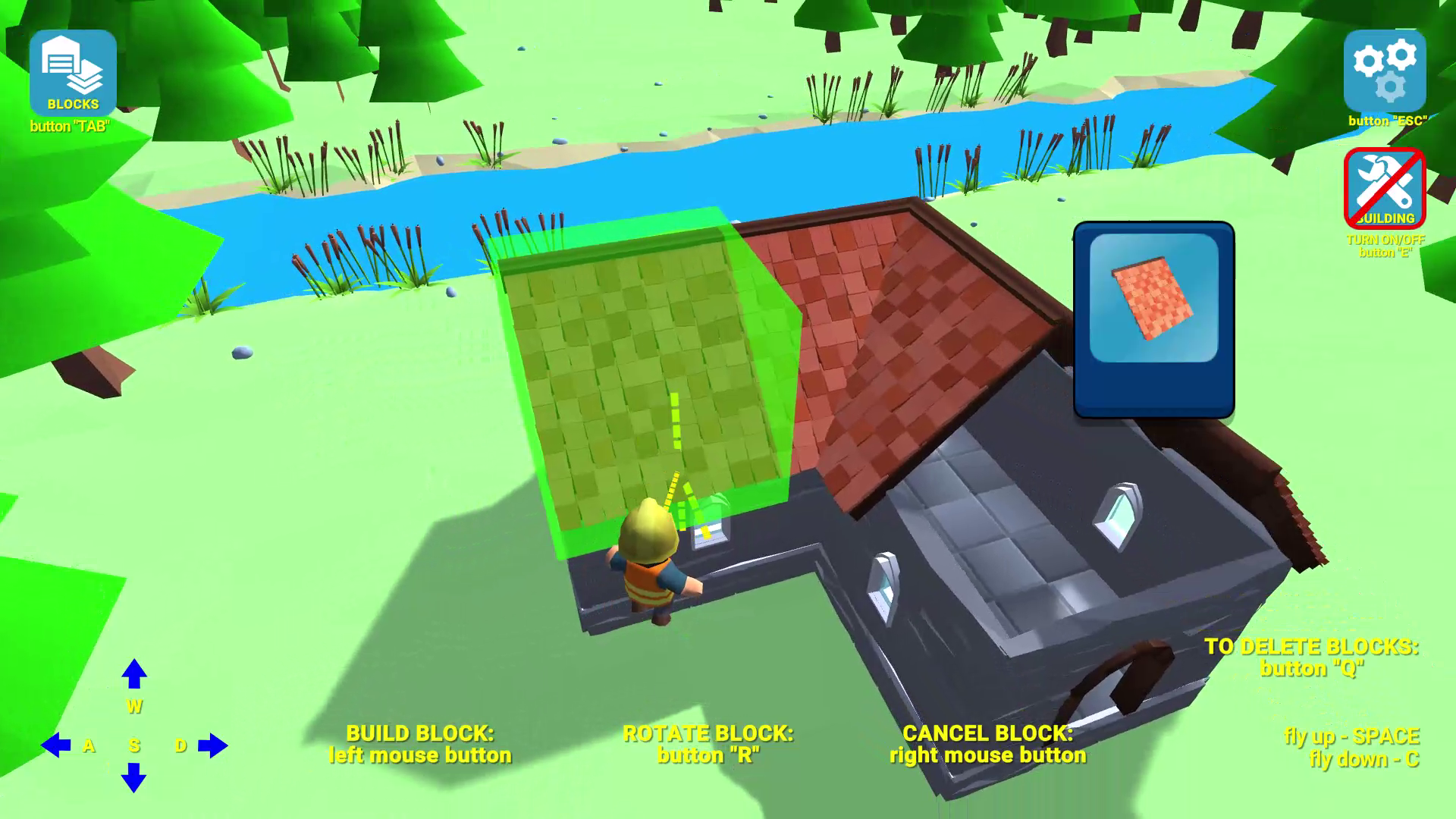
  • Building Simulator screenshot 2
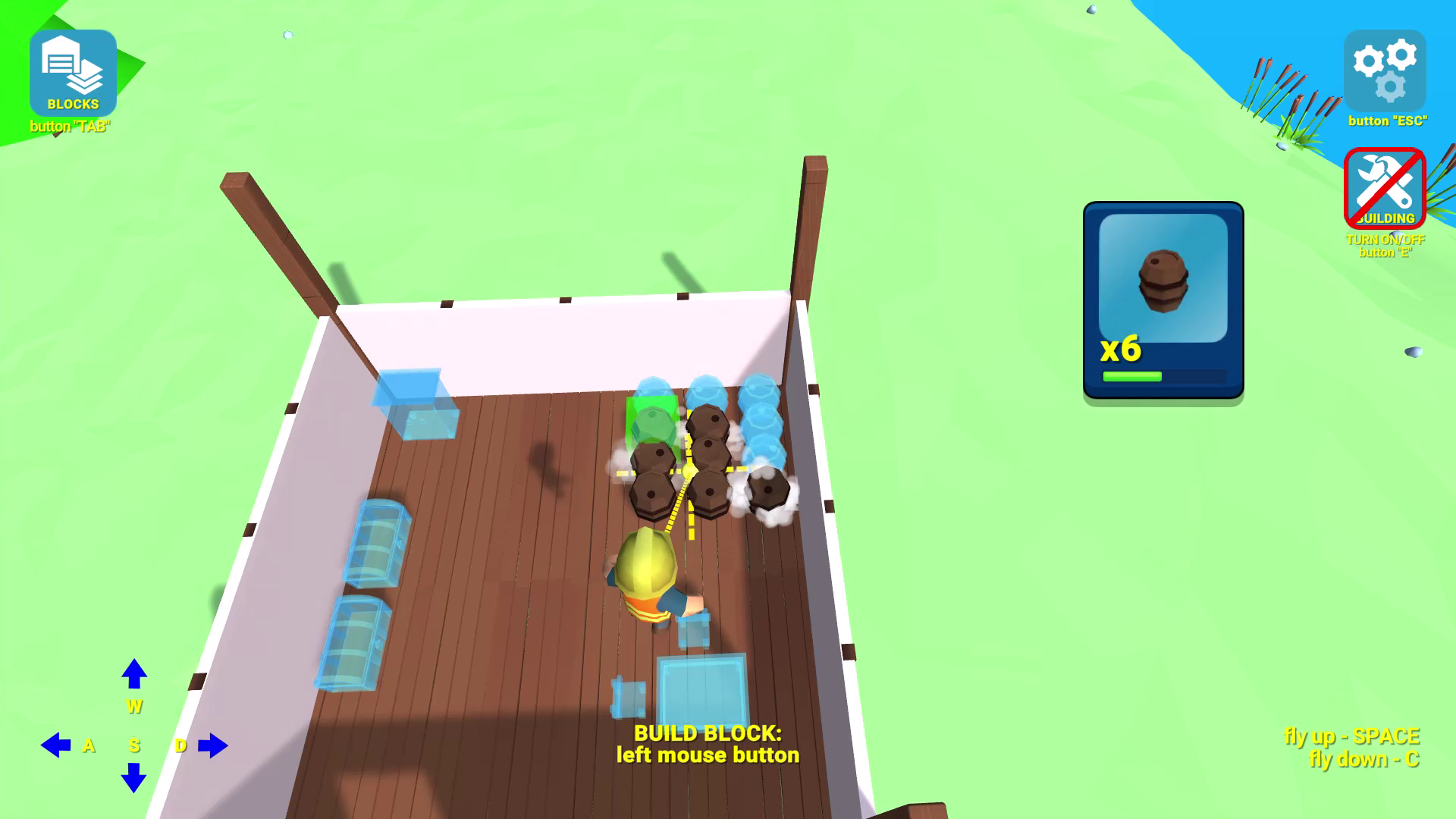
  • Building Simulator screenshot 3
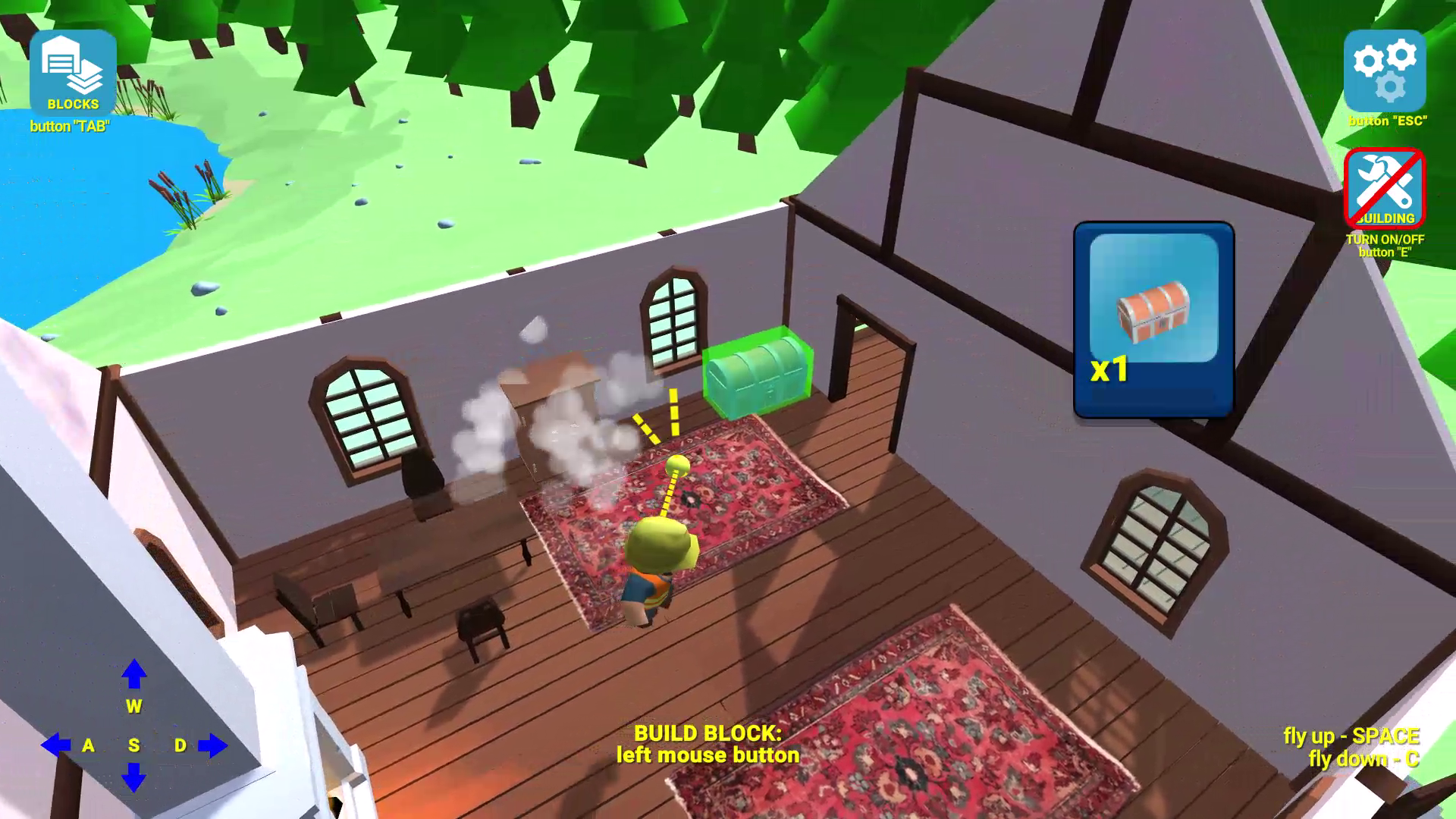
  • Building Simulator screenshot 4
  • Building Simulator screenshot 5
  • Building Simulator screenshot 6
  • Building Simulator screenshot 7
  • Building Simulator screenshot 8
  • Building Simulator screenshot 9
  • Building Simulator screenshot 10
Play Now

14,275 players online

How to play

  1. Open the game

    Press Play now and the game opens on its own screen.

  2. Follow the in-game instructions

    The controls and goals are shown inside the game as you play.

  3. Use the game menu

    The floating button over the game reloads it, saves it to your favourites, or takes you back out.

Game instructions

Mobile: Switching to building mode or spectator mode - the "BUILDING" button on the right side of the screen; Open a menu with a selection of blocks for building - the "BLOCKS" button at the top left of the screen; Install the current block - the "BUILD" button on the screen; Rotate the current block - the "ROTATE" button on the screen; Cancel the last block - the "CANCEL" button on the screen; Go to delete mode - the “deleting regime” button on the screen; Movement - joystick at the bottom left; Jump - button at the bottom right; Flying up and down - buttons at the bottom right; PC: Switching to building mode or spectator mode - button "E"; Open a menu with a selection of blocks for building - the "TAB" button; Install the current block - left mouse button; Rotate the current block - button "R"; Cancel the last block - right mouse button; Go to delete mode - button "Q"; Movement - buttons "W" "A" "S" "D" Jump - "SPACE" button; Flight up - "SPACE" button; Flight down - button "C".

More games

More games