Skip to content
KG
Car Accident and Crash Test Simulator

Car Accident and Crash Test Simulator

24K plays 4.2 out of 5

Overview

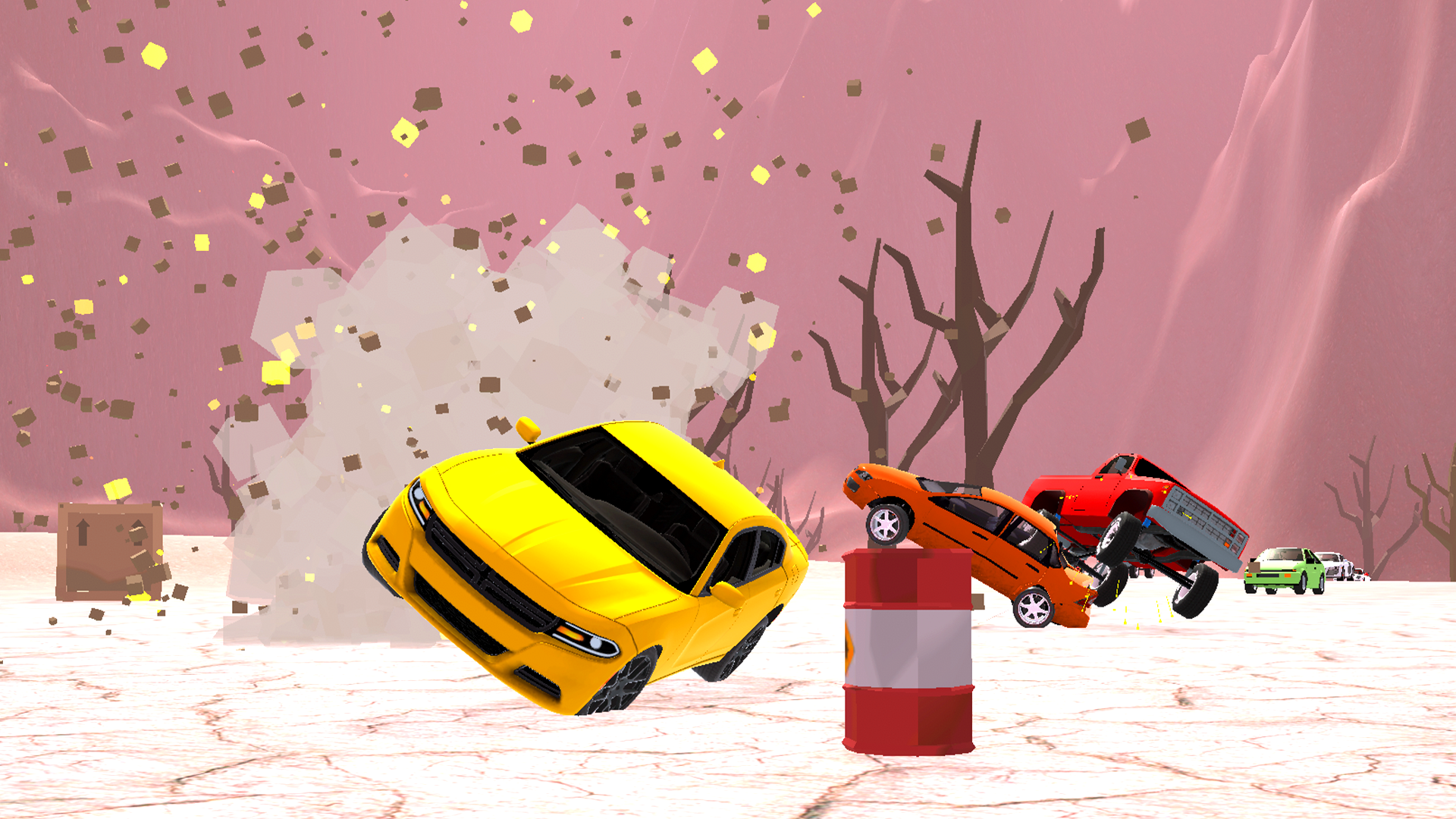
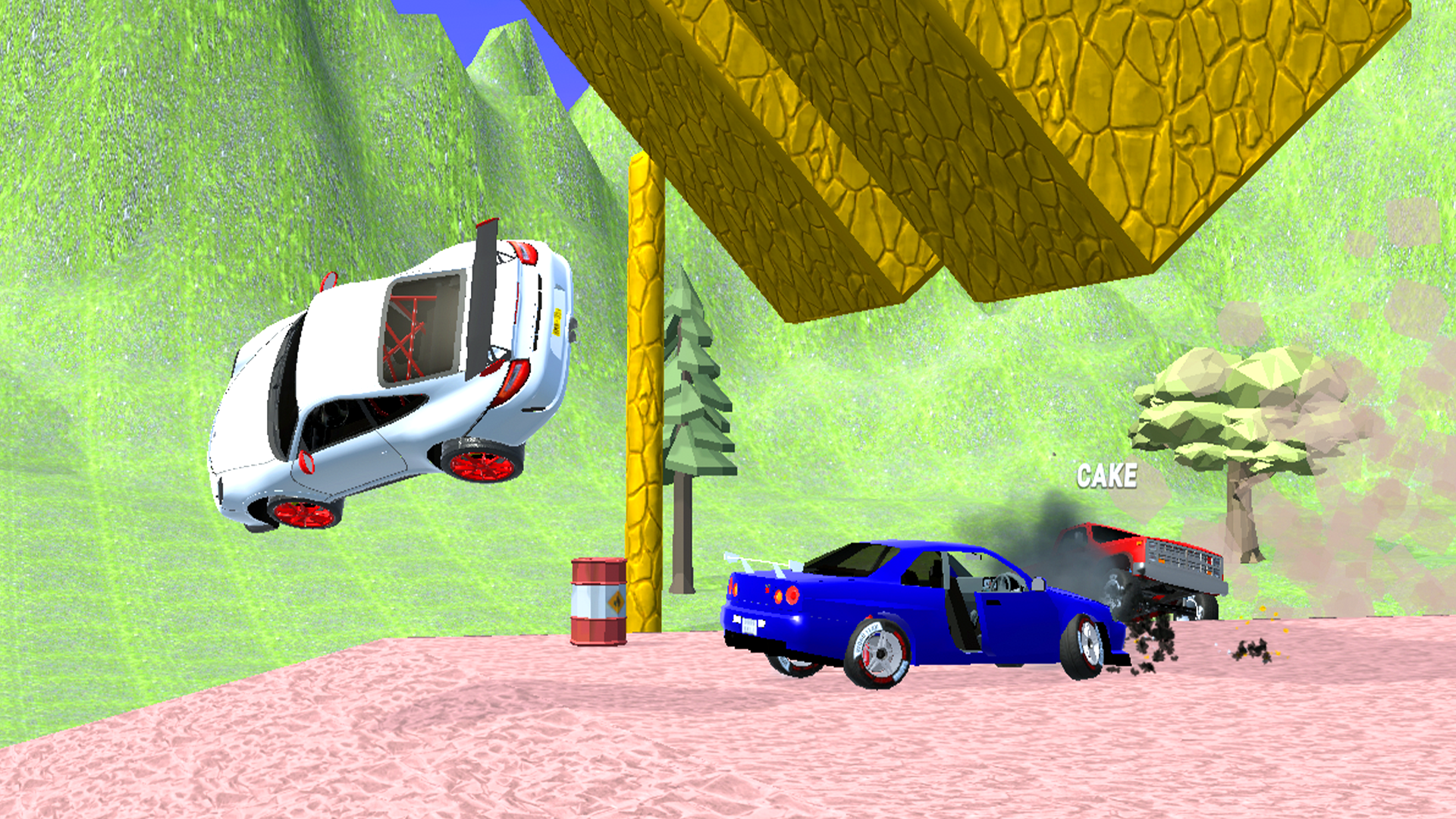
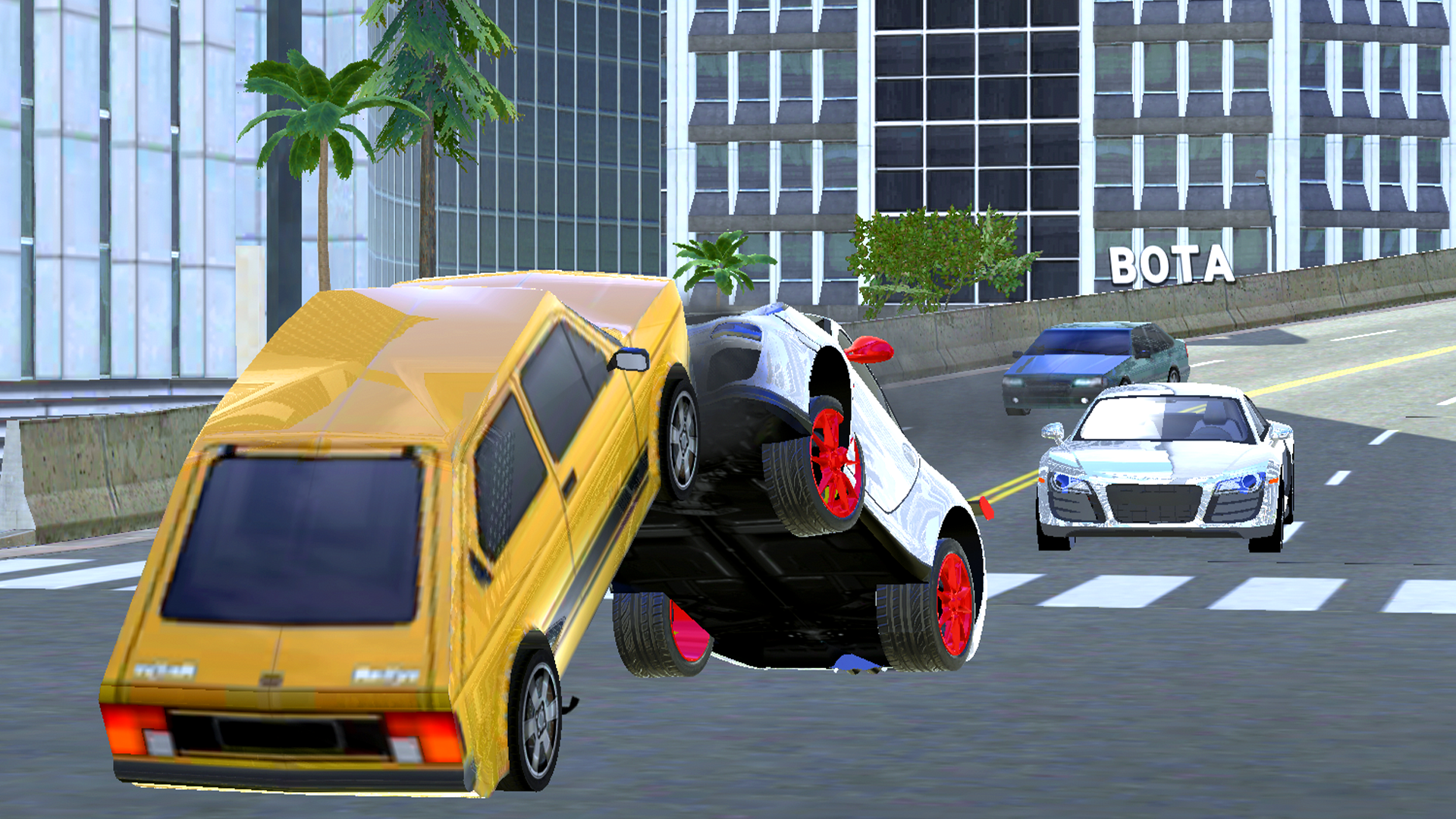
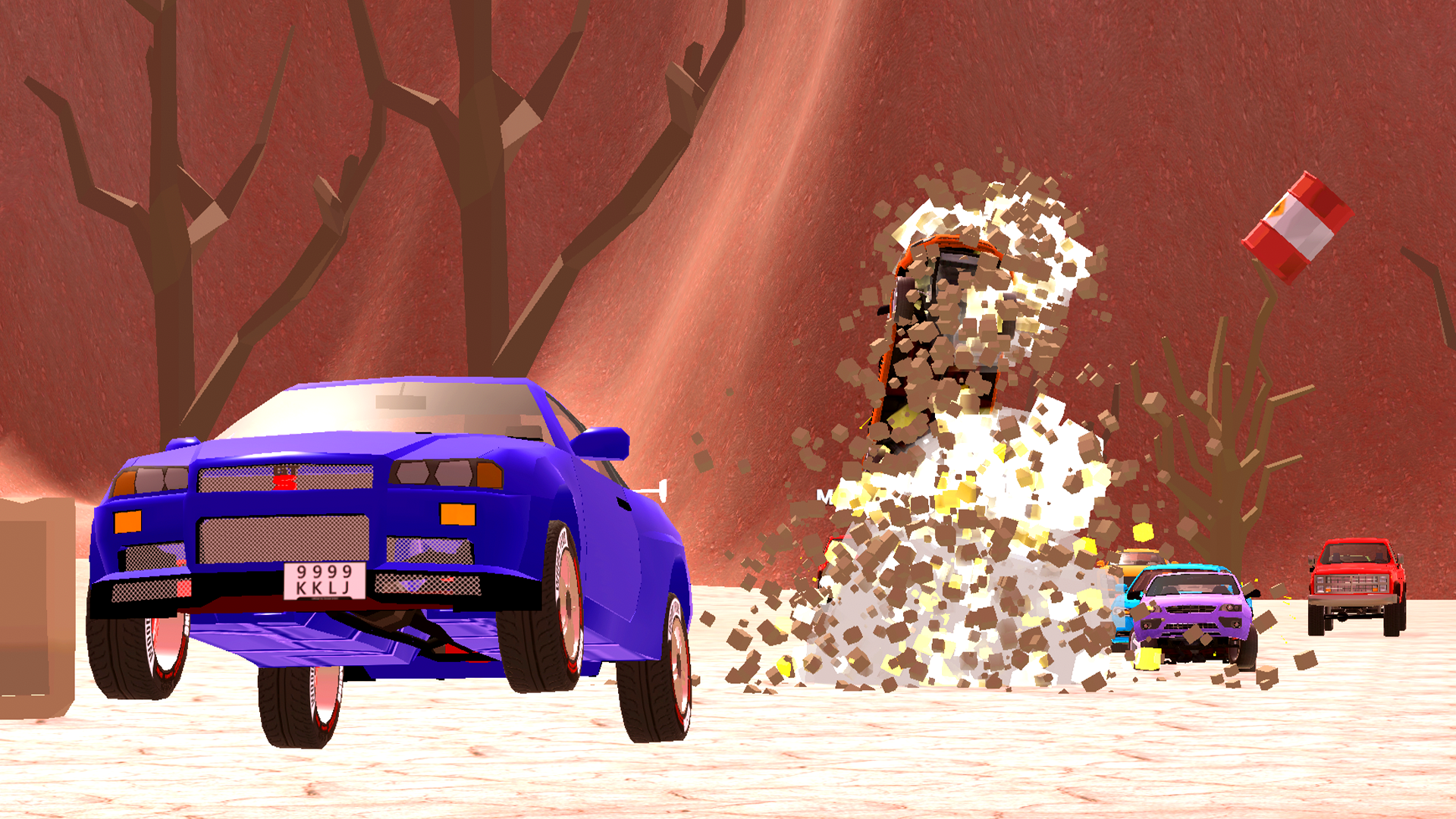
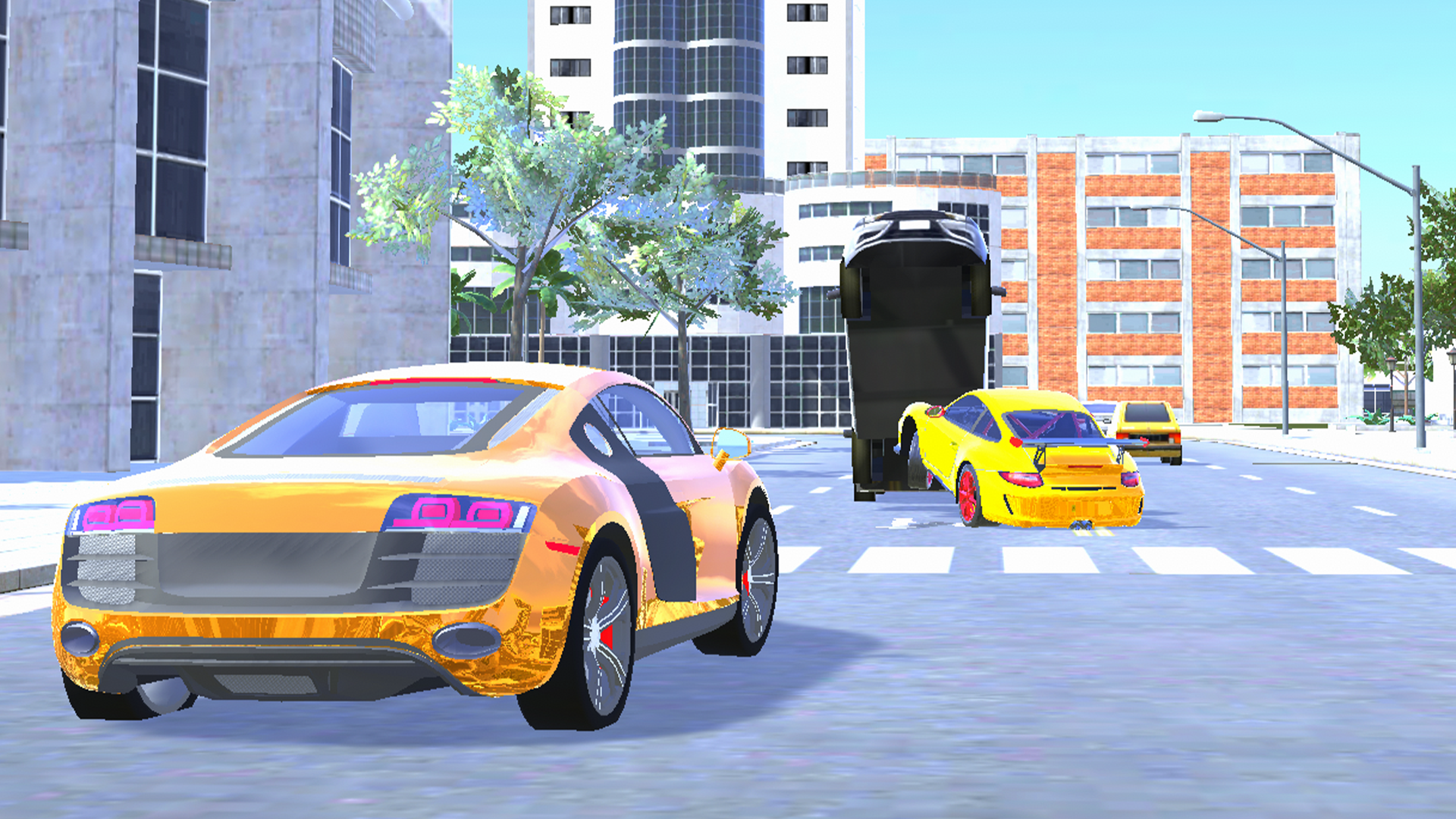
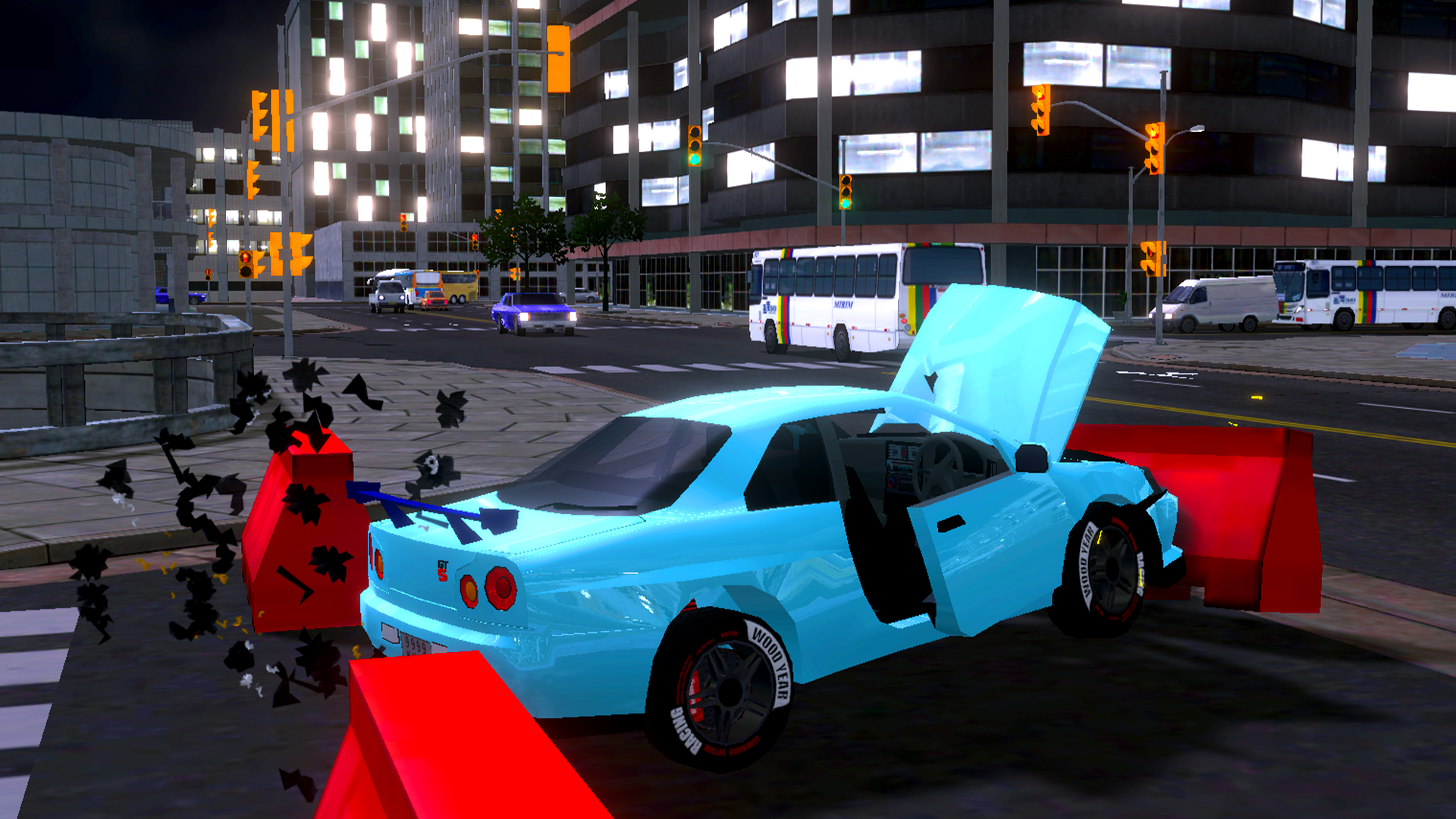
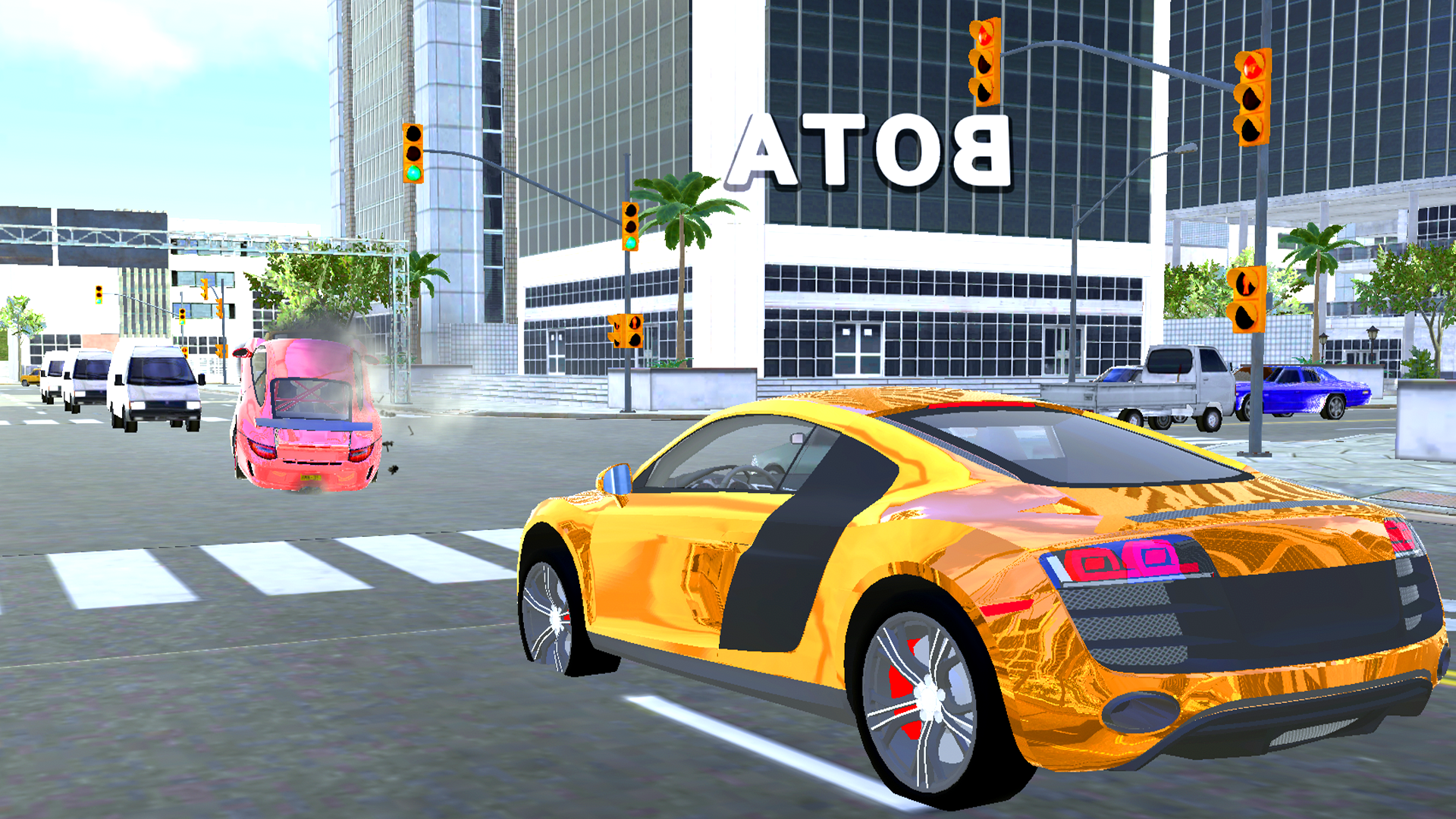
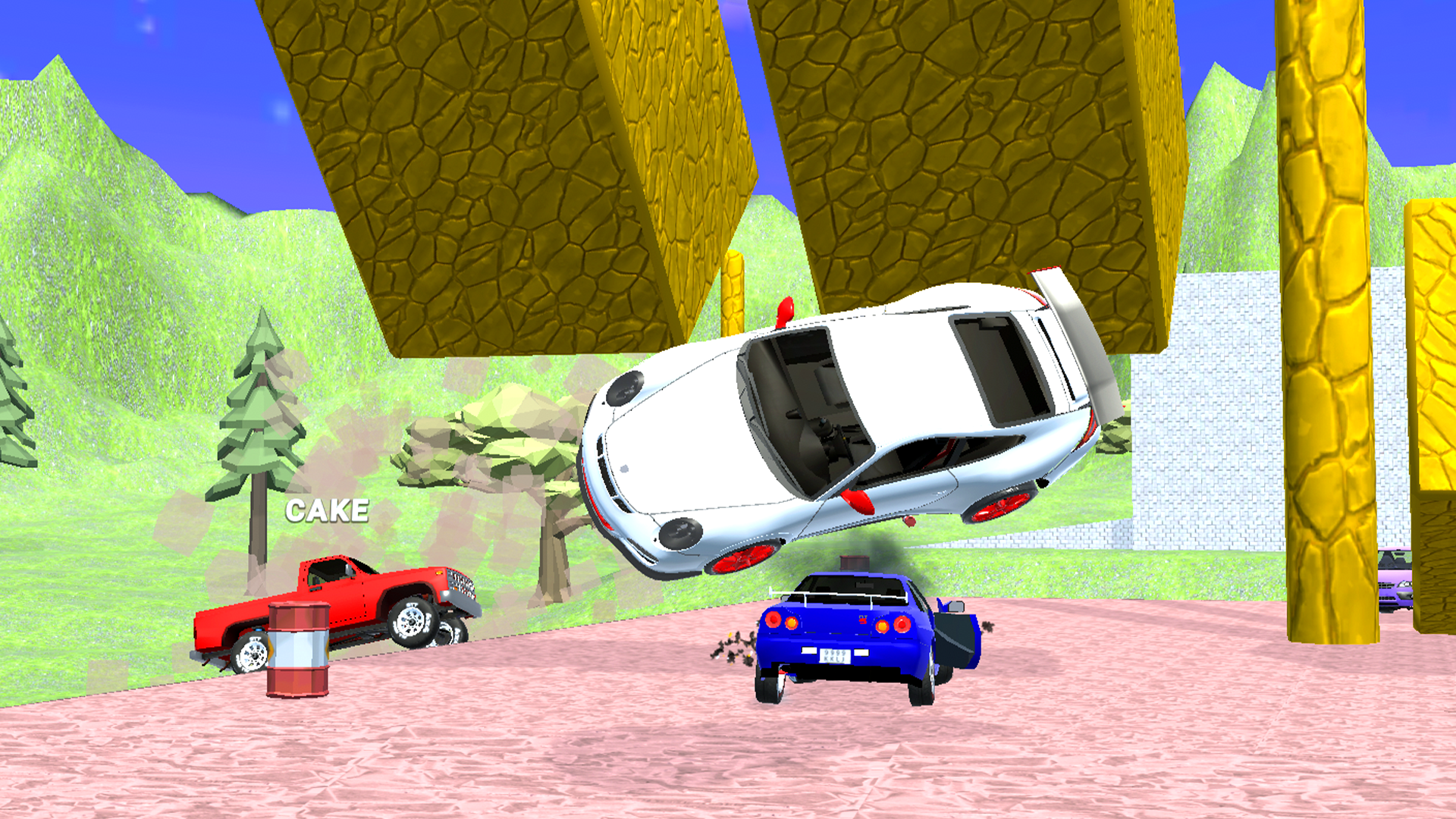
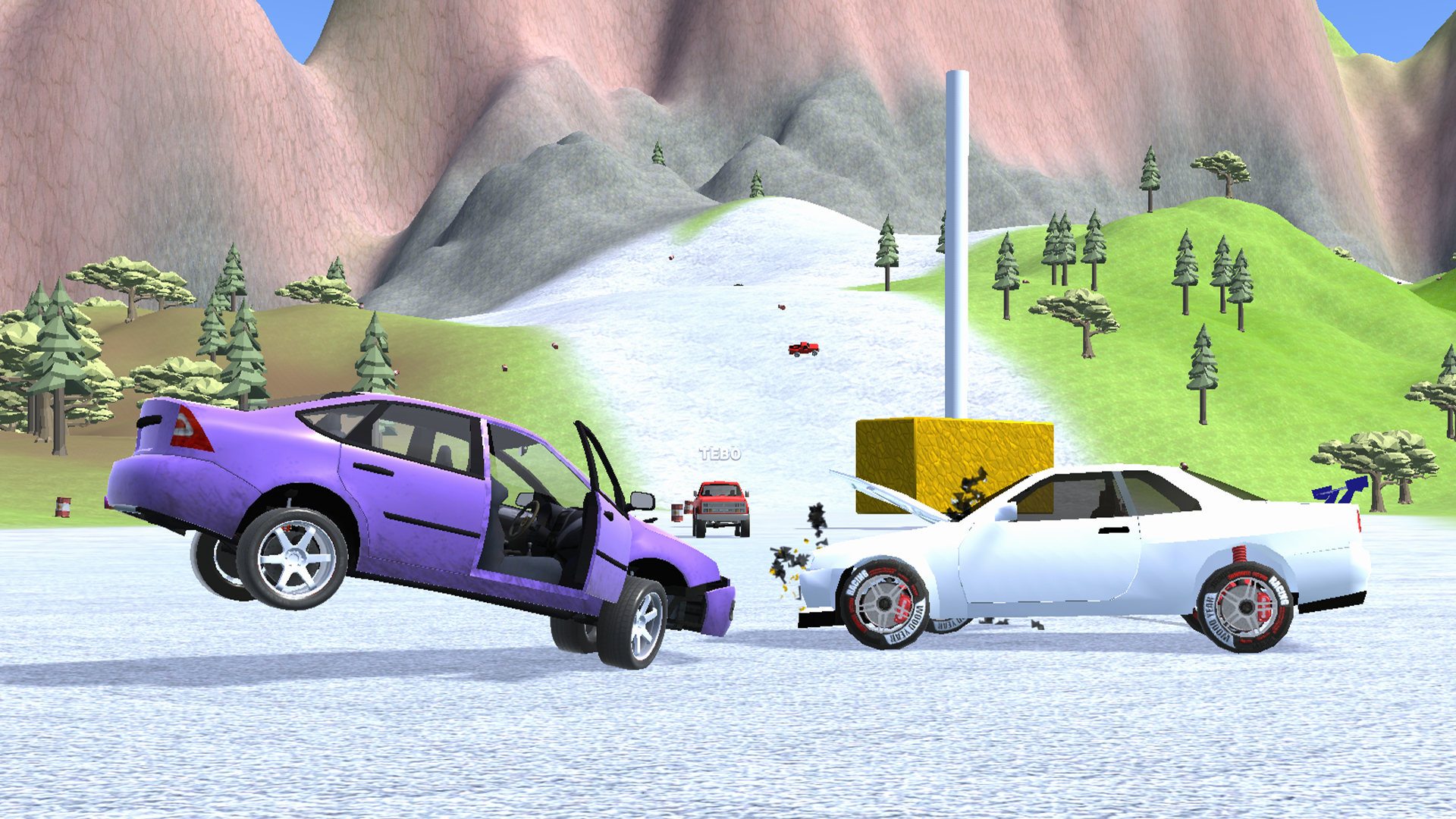
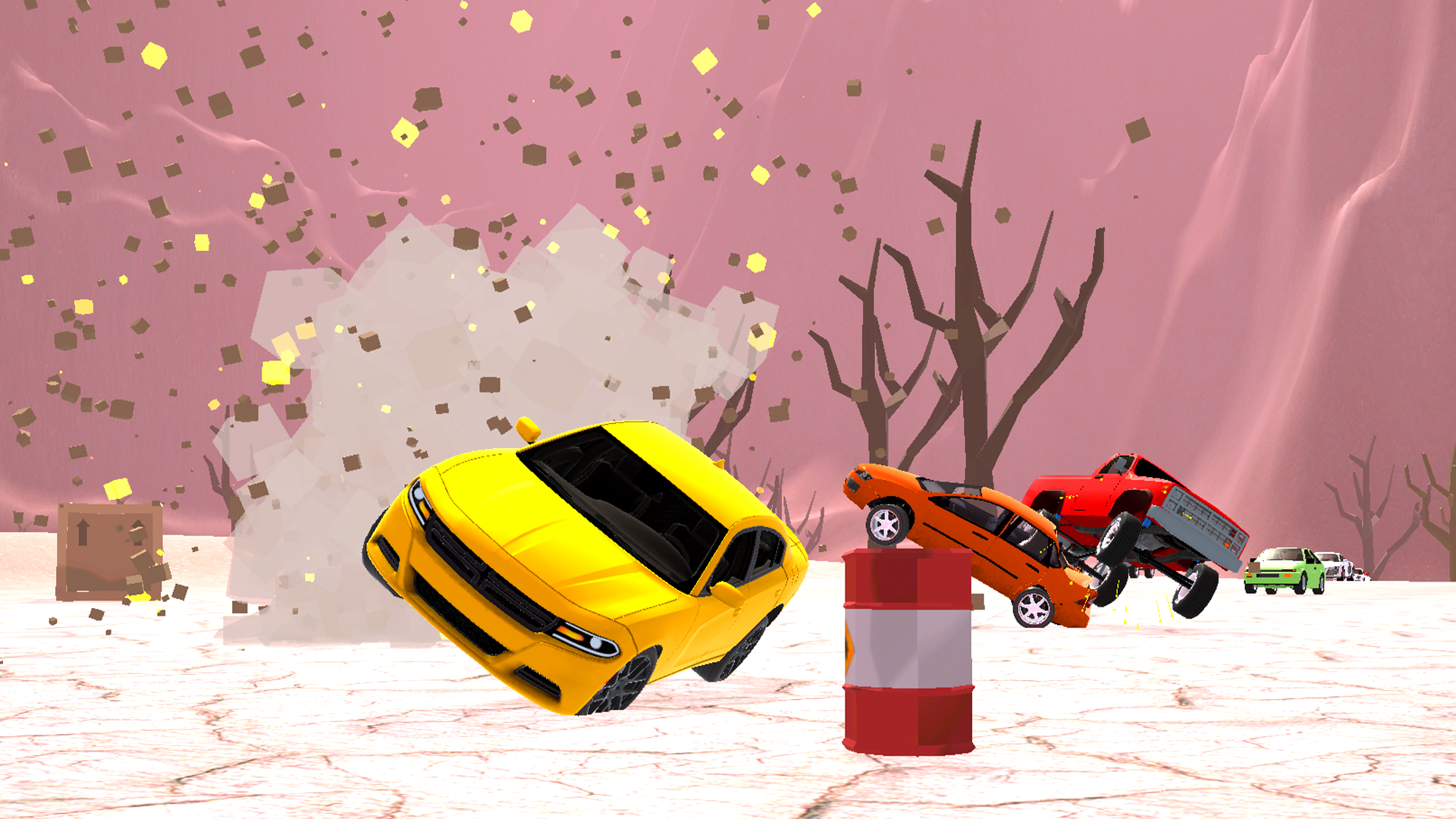
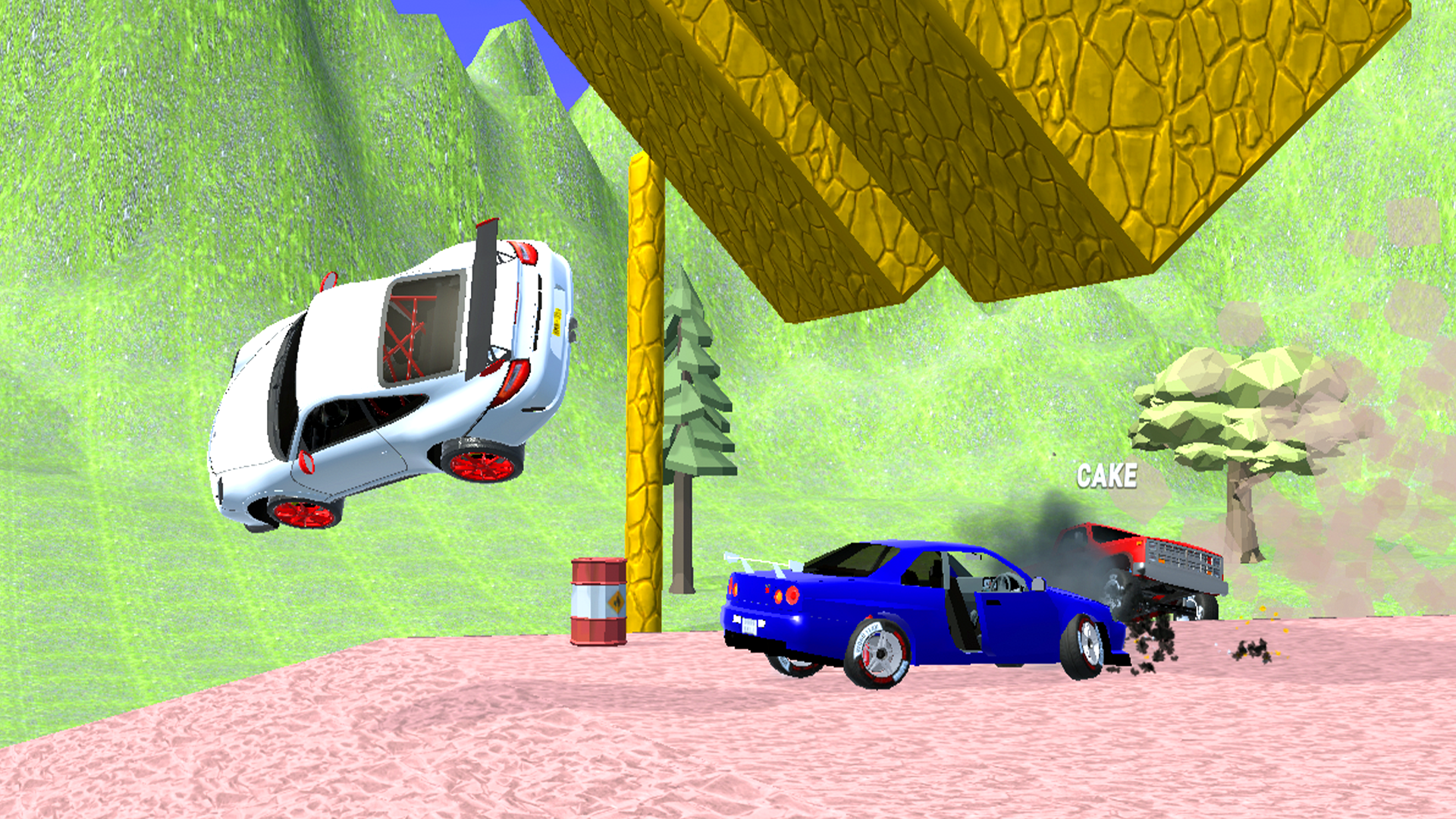
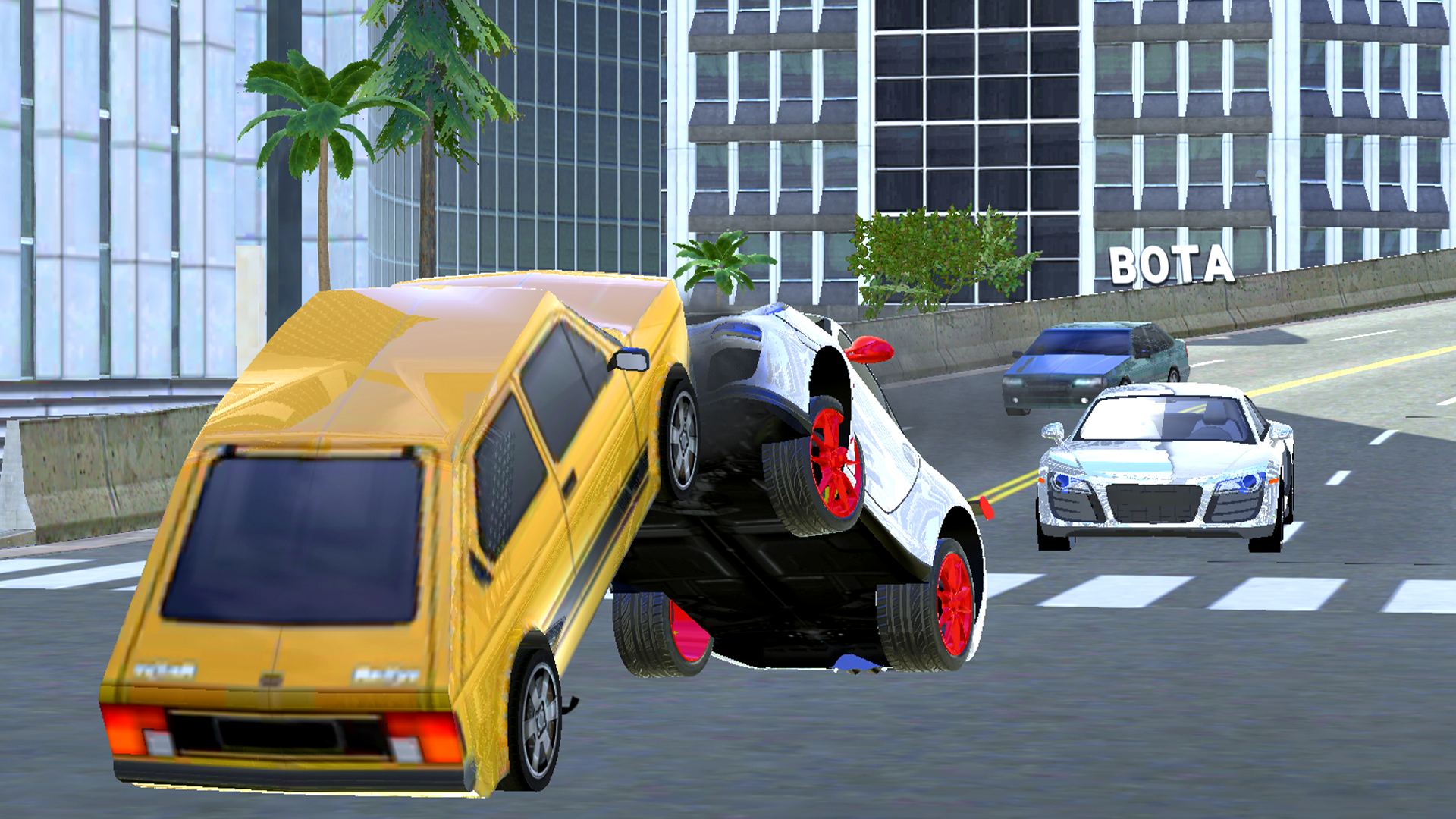
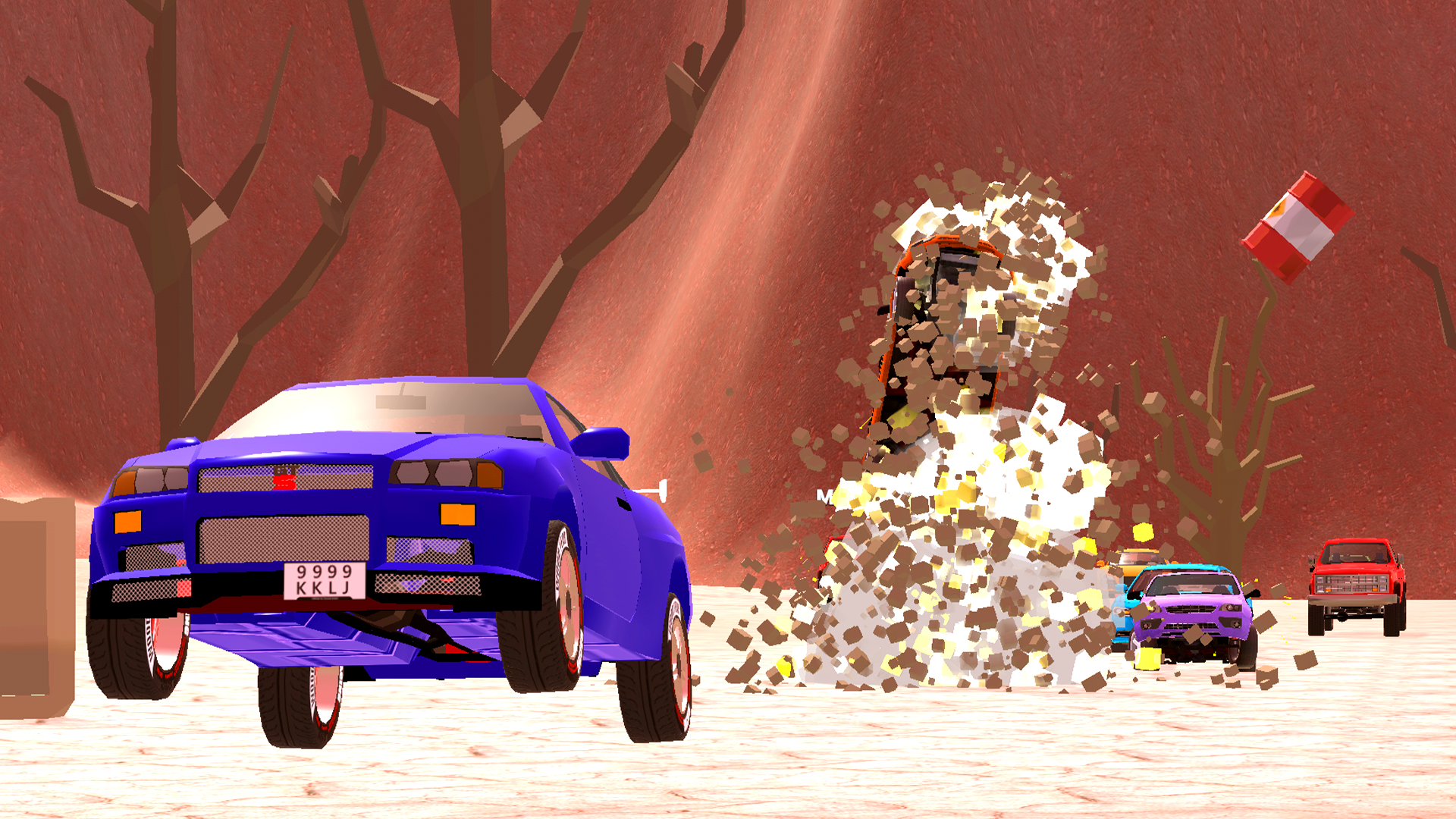
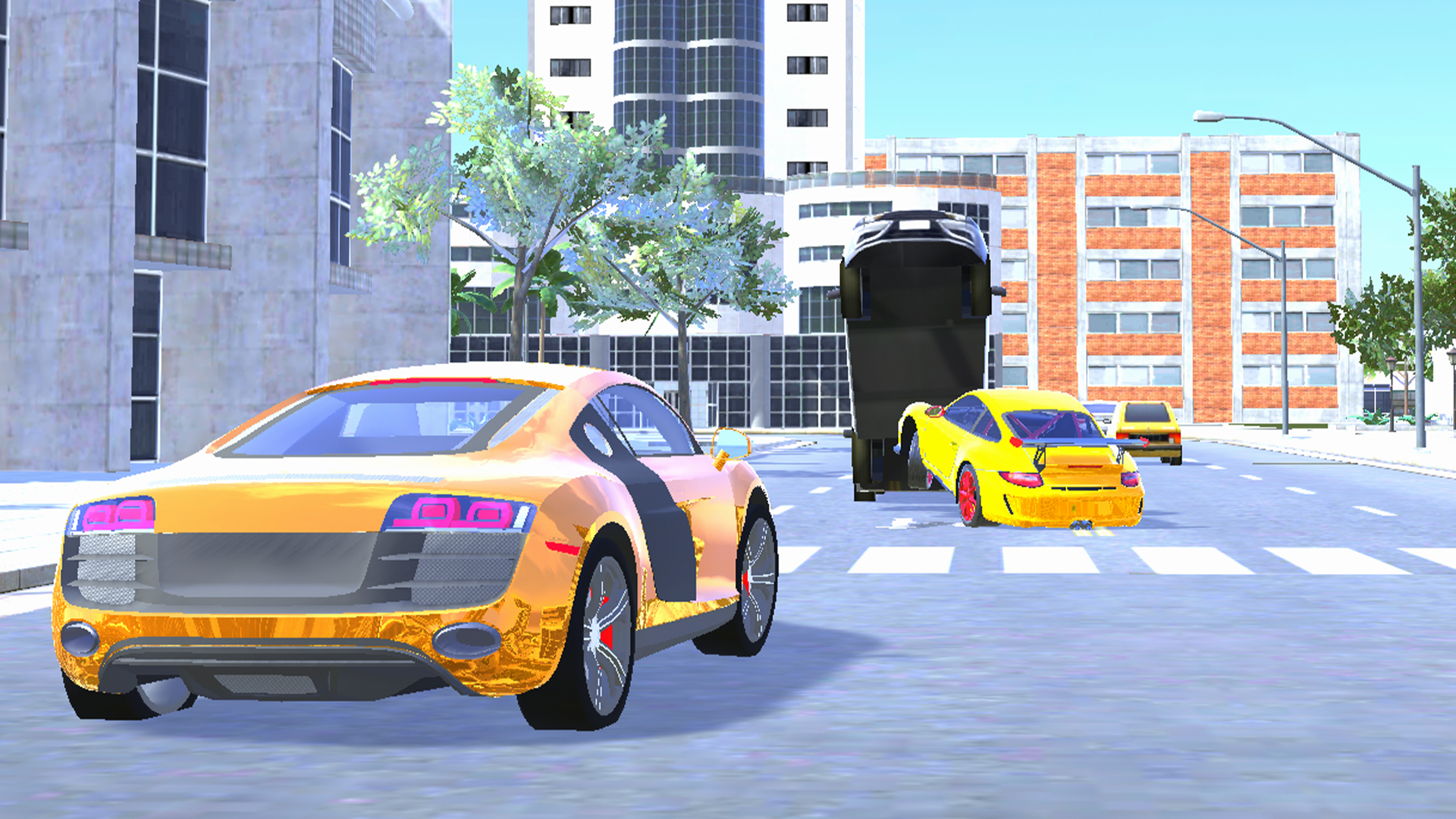
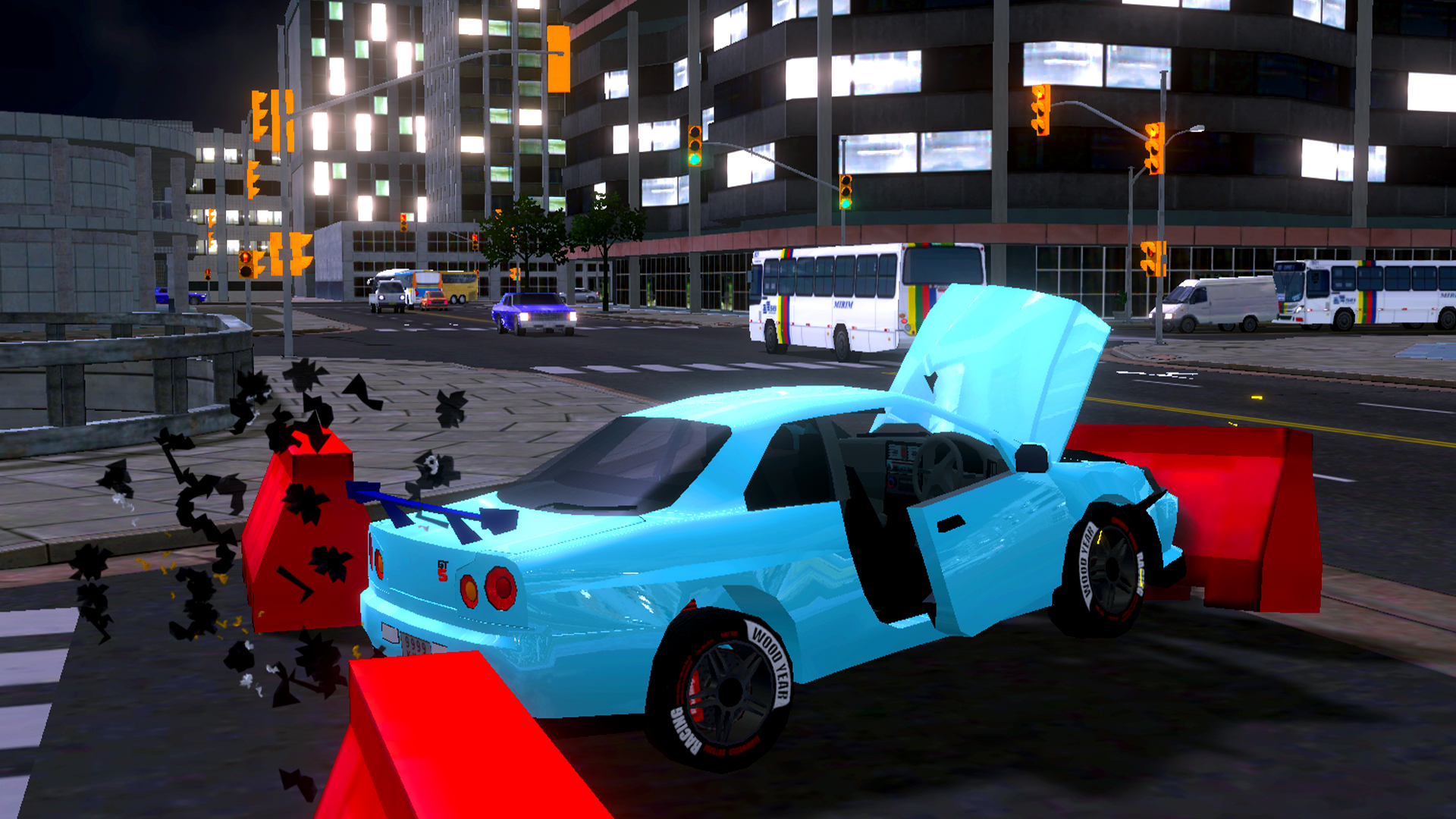
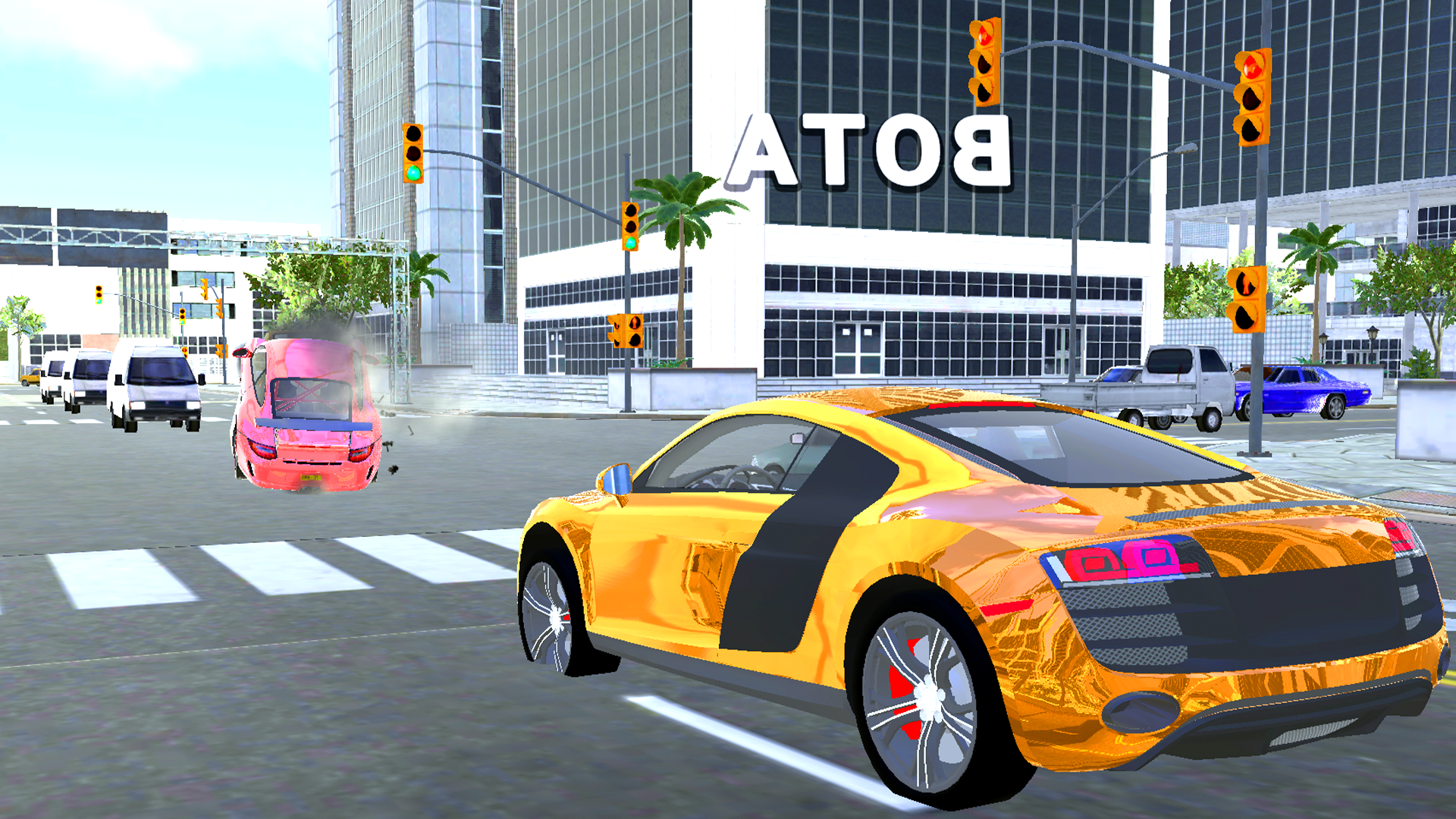
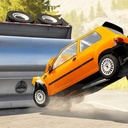
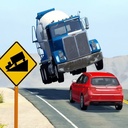
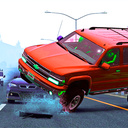
๐Ÿš— A Wide Variety of Cars Choose from an extensive selection of vehicles, each with unique handling and characteristics, offering endless driving possibilities. ๐ŸŒ Dynamic Maps Explore diverse environments, from winding mountain roads to bustling cityscapes and extreme off-road tracks, each filled with unique challenges. ๐Ÿ’ฅ Realistic Collisions Experience the power of soft body physics with lifelike crashes and deformations, bringing unparalleled realism to every impact. ๐Ÿ•น๏ธ Online Multiplayer Compete with friends or players worldwide in real-time collision-based challenges, or create custom scenarios for endless fun and creativity. ๐ŸŽฎ Freedom to Explore Inspired by BeamNG.drive, this game blends realism, innovation, and competitive spirit to deliver the ultimate automotive experience. The adventure starts now!

Videos and screenshots
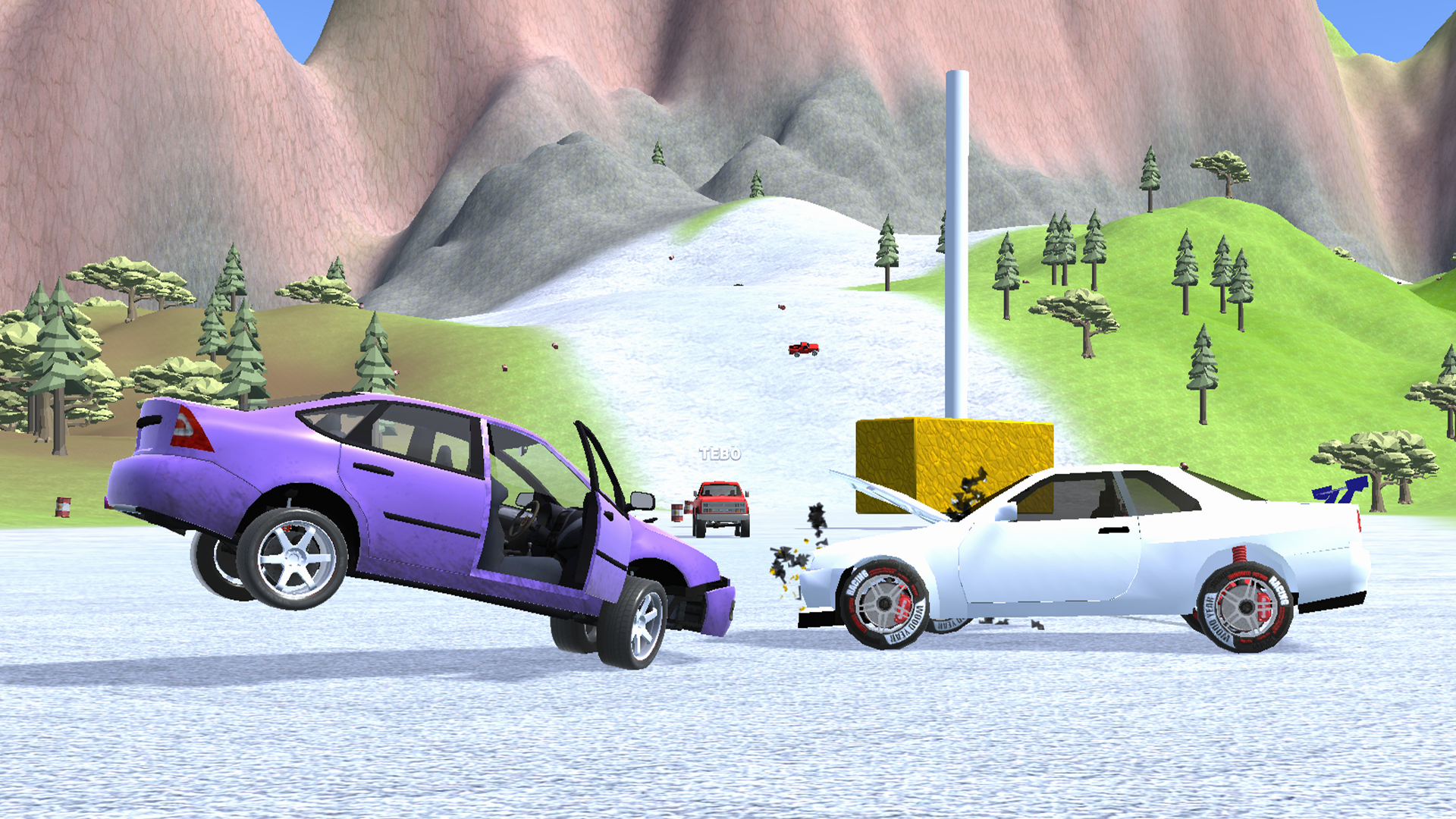
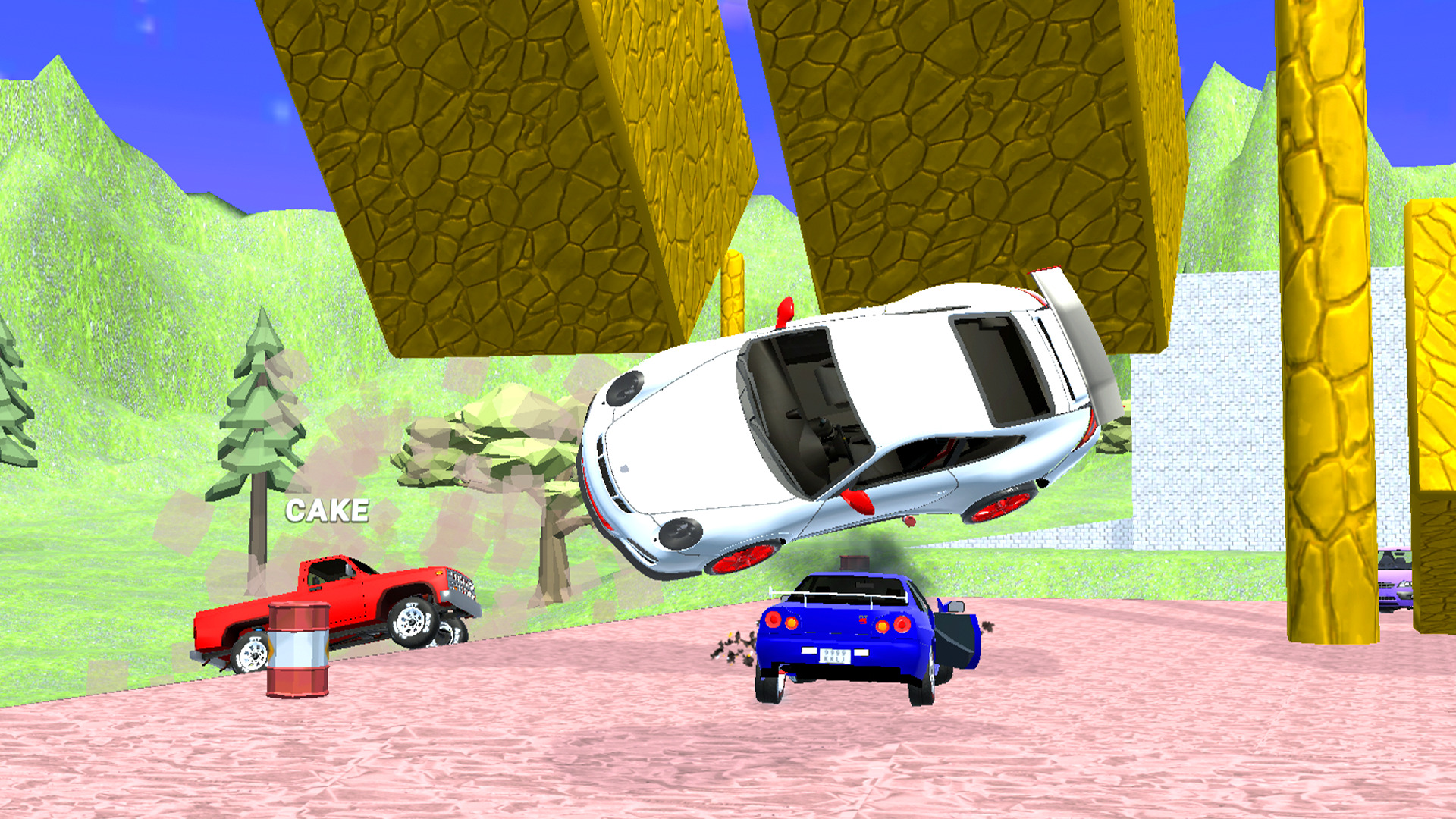
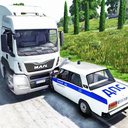
  • Car Accident and Crash Test Simulator screenshot 1
  • Car Accident and Crash Test Simulator screenshot 2
  • Car Accident and Crash Test Simulator screenshot 3
  • Car Accident and Crash Test Simulator screenshot 4
  • Car Accident and Crash Test Simulator screenshot 5
  • Car Accident and Crash Test Simulator screenshot 6
  • Car Accident and Crash Test Simulator screenshot 7
  • Car Accident and Crash Test Simulator screenshot 8
  • Car Accident and Crash Test Simulator screenshot 9
  • Car Accident and Crash Test Simulator screenshot 10
  • Car Accident and Crash Test Simulator screenshot 11
  • Car Accident and Crash Test Simulator screenshot 12
  • Car Accident and Crash Test Simulator screenshot 13
  • Car Accident and Crash Test Simulator screenshot 14
  • Car Accident and Crash Test Simulator screenshot 15
  • Car Accident and Crash Test Simulator screenshot 16
  • Car Accident and Crash Test Simulator screenshot 17
  • Car Accident and Crash Test Simulator screenshot 18
Play Now

10,358 players online

How to play

  1. Open the game

    Press Play now and the game opens on its own screen.

  2. Follow the in-game instructions

    The controls and goals are shown inside the game as you play.

  3. Use the game menu

    The floating button over the game reloads it, saves it to your favourites, or takes you back out.
Game instructions

To start the game, you need to press the "START" button, to exit the map, you need to press the pause button in the upper left corner, and then press "TO MENU". Controls for mobile are written in the help menu and in the pause menu. Controls for PC: TAB - pause L. shift - acceleration R - flip the car N - change the car C - change the camera position B - slow down time F2 - restore the car WASD - control the car Space - handbrake

More games

More games