Skip to content
KG
Cat, get on the right color!

Cat, get on the right color!

416K plays 3.8 out of 5

Overview

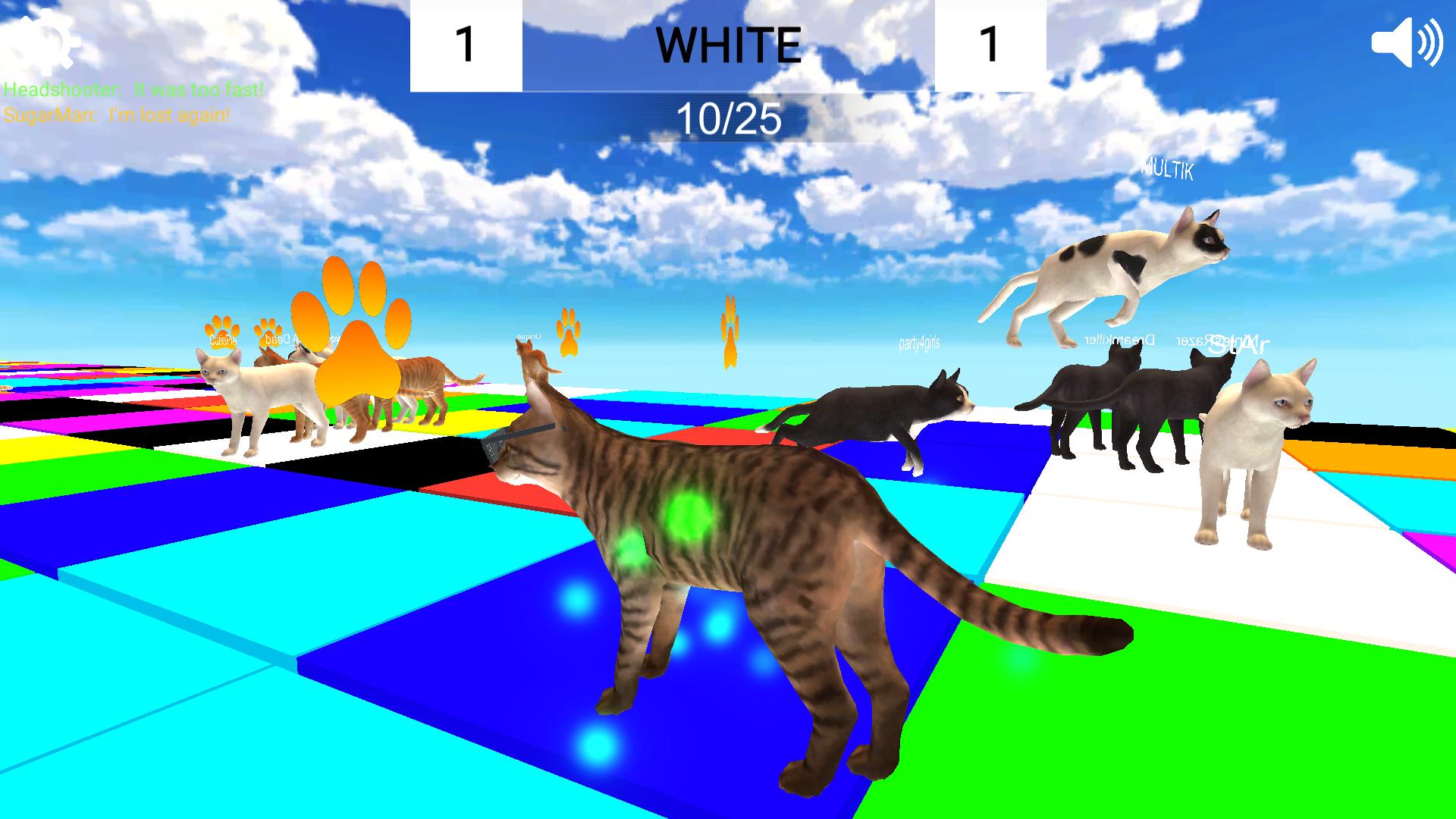
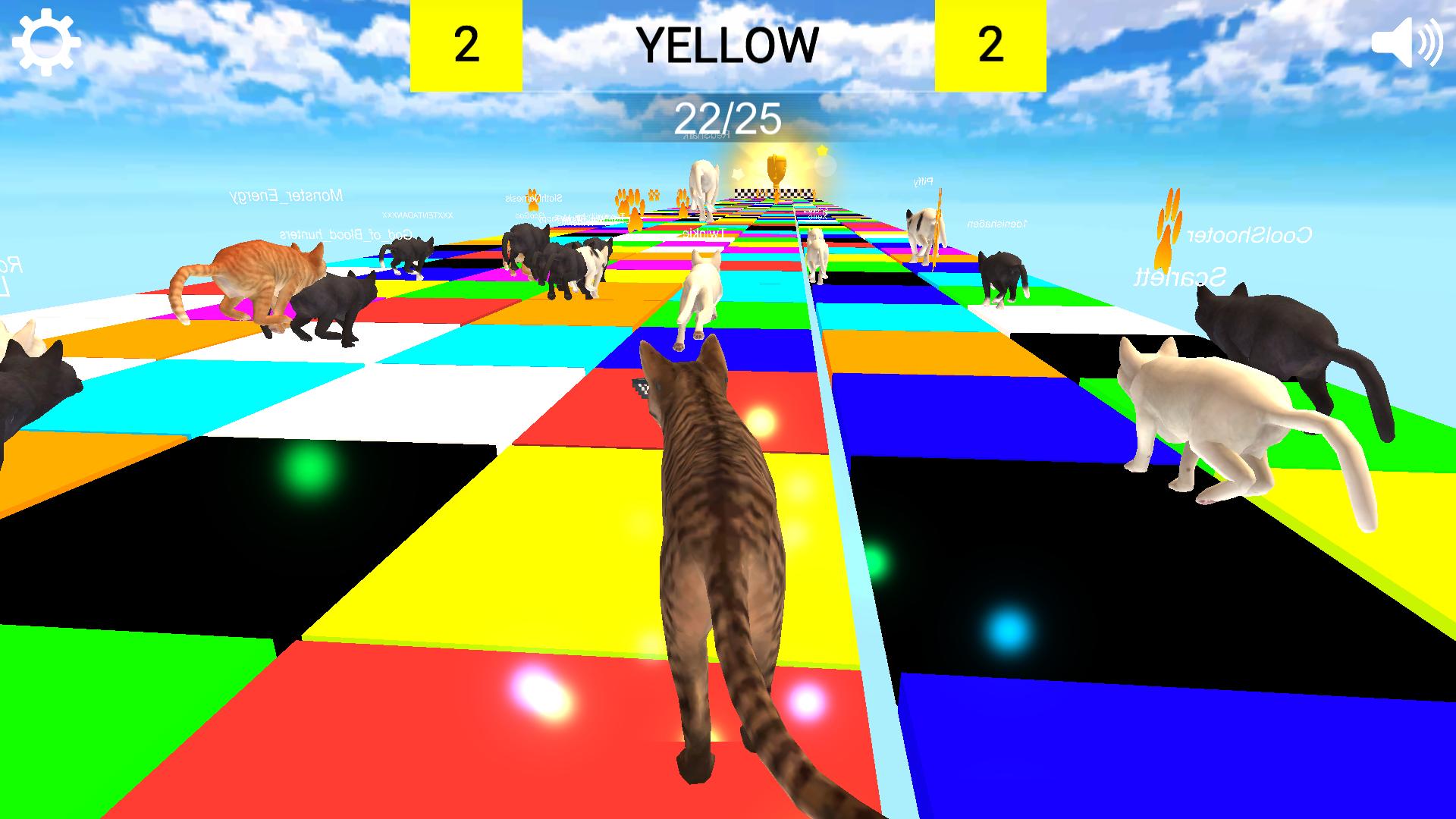
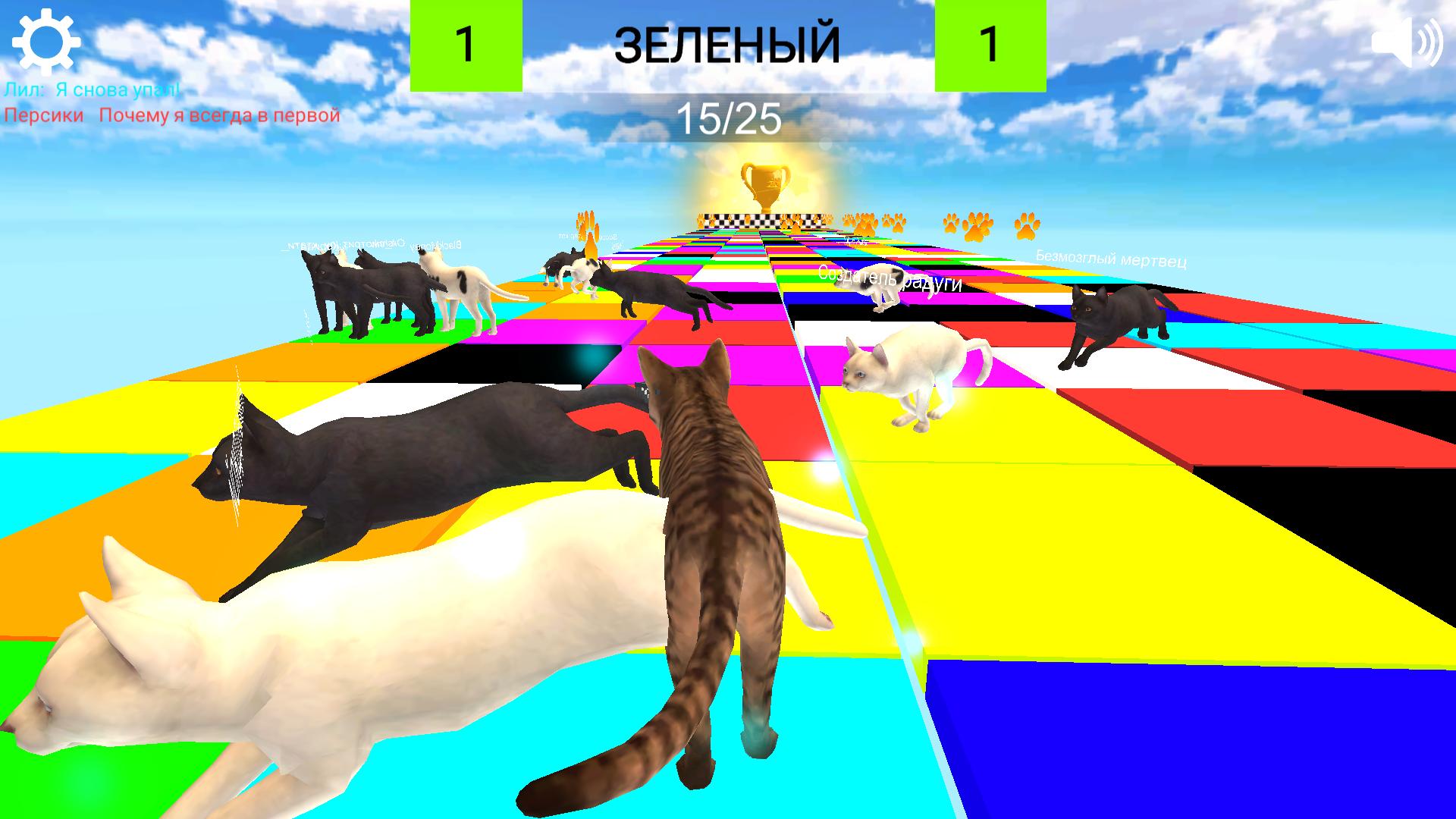
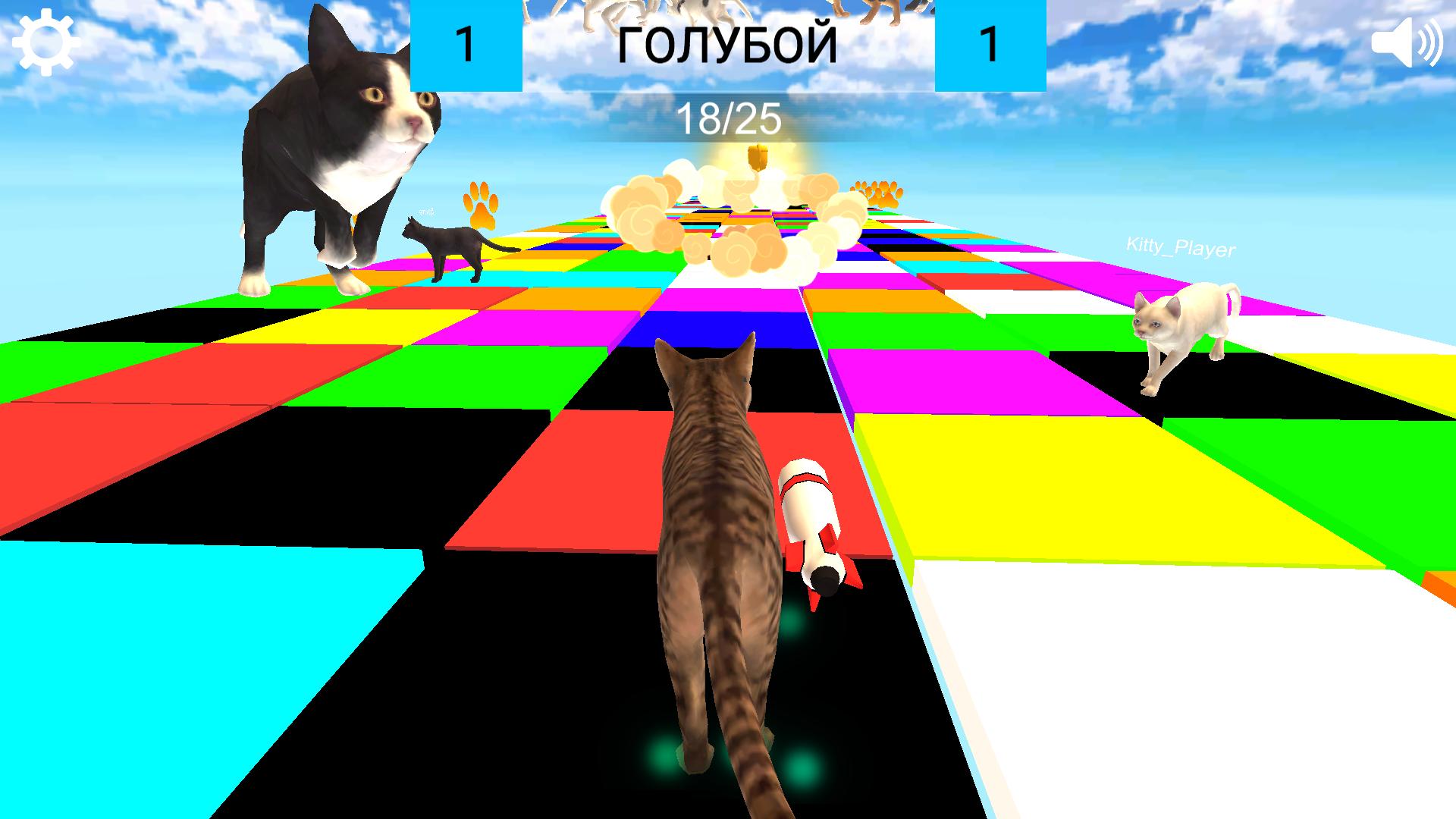
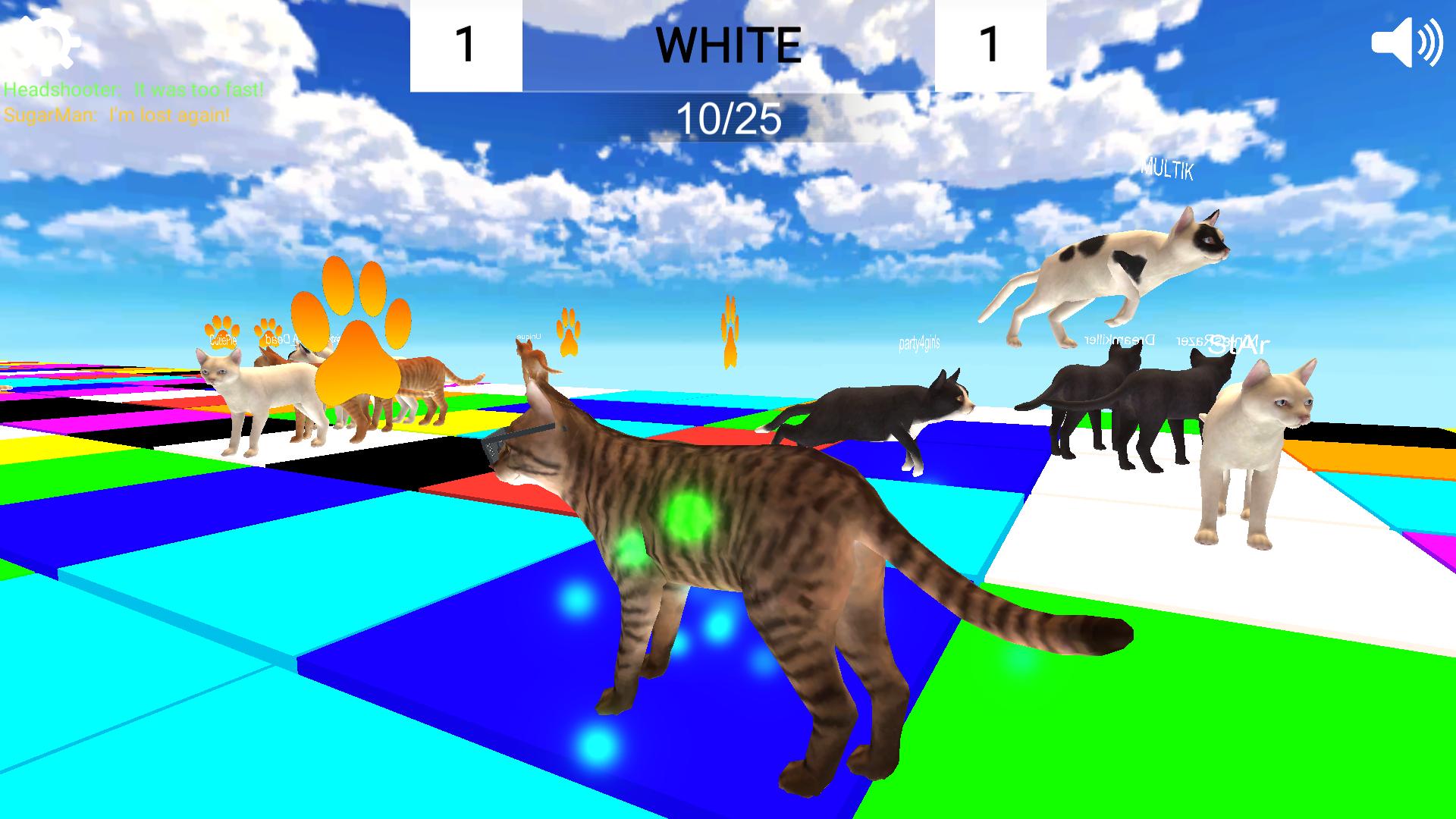
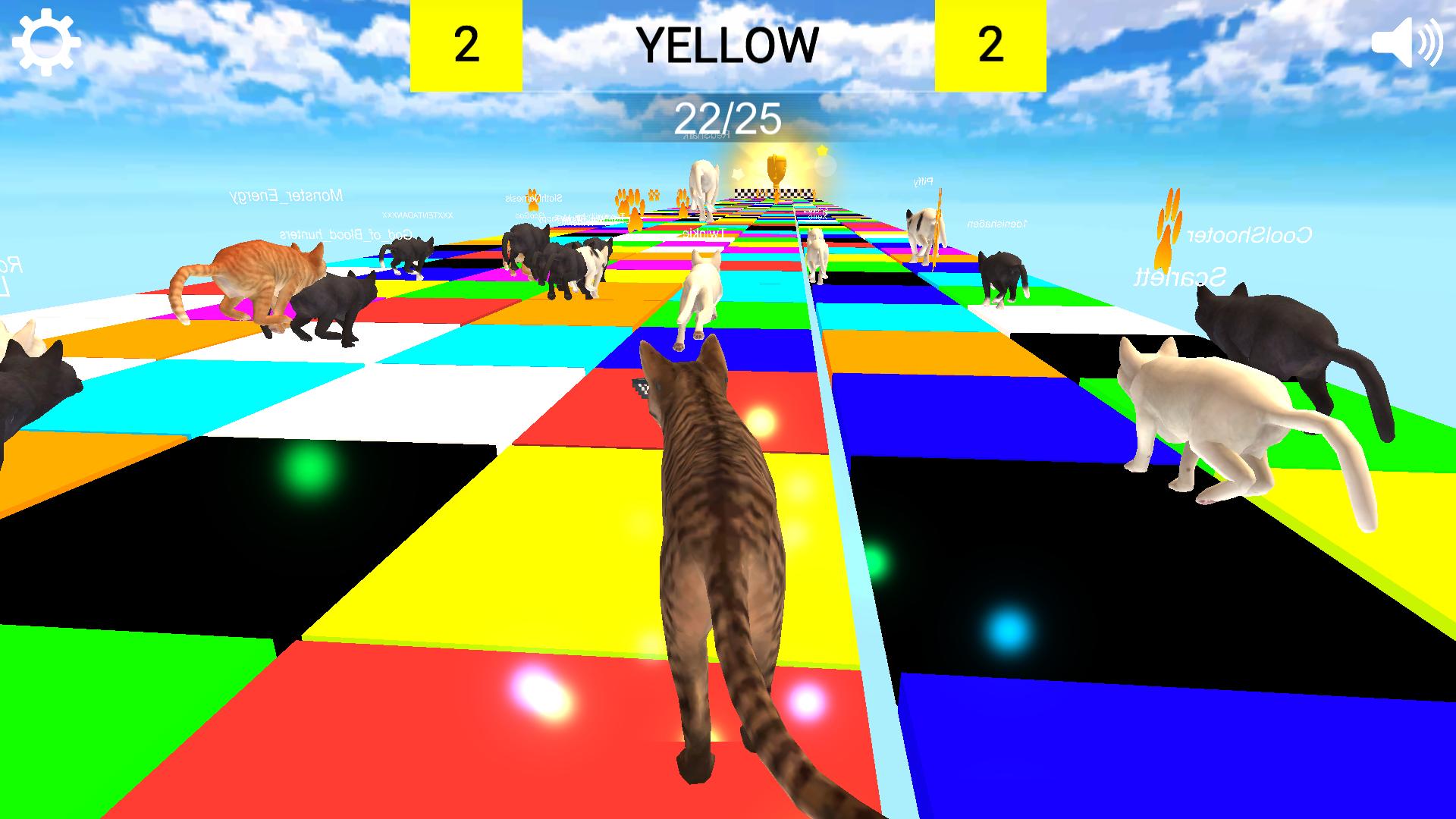
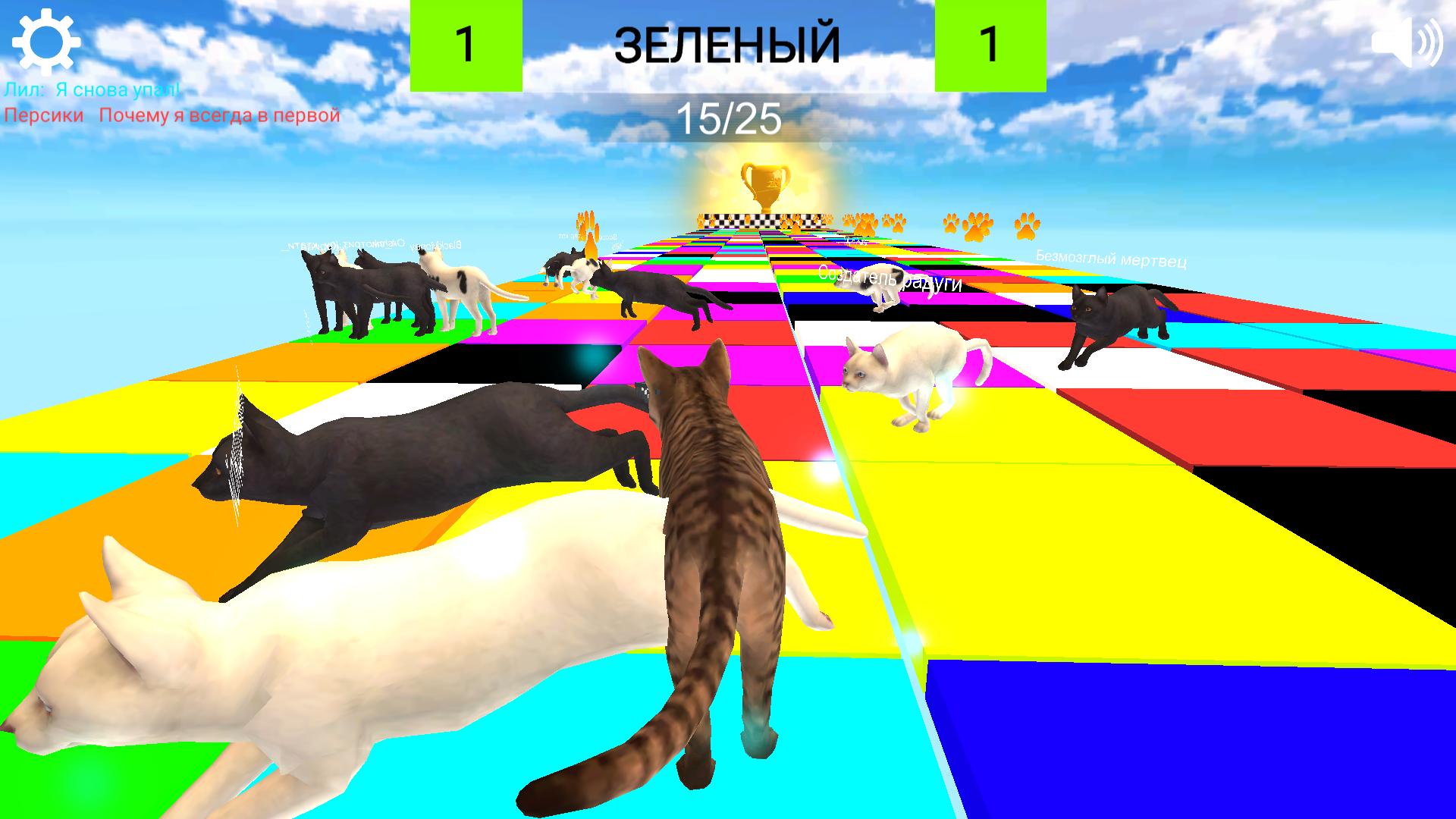
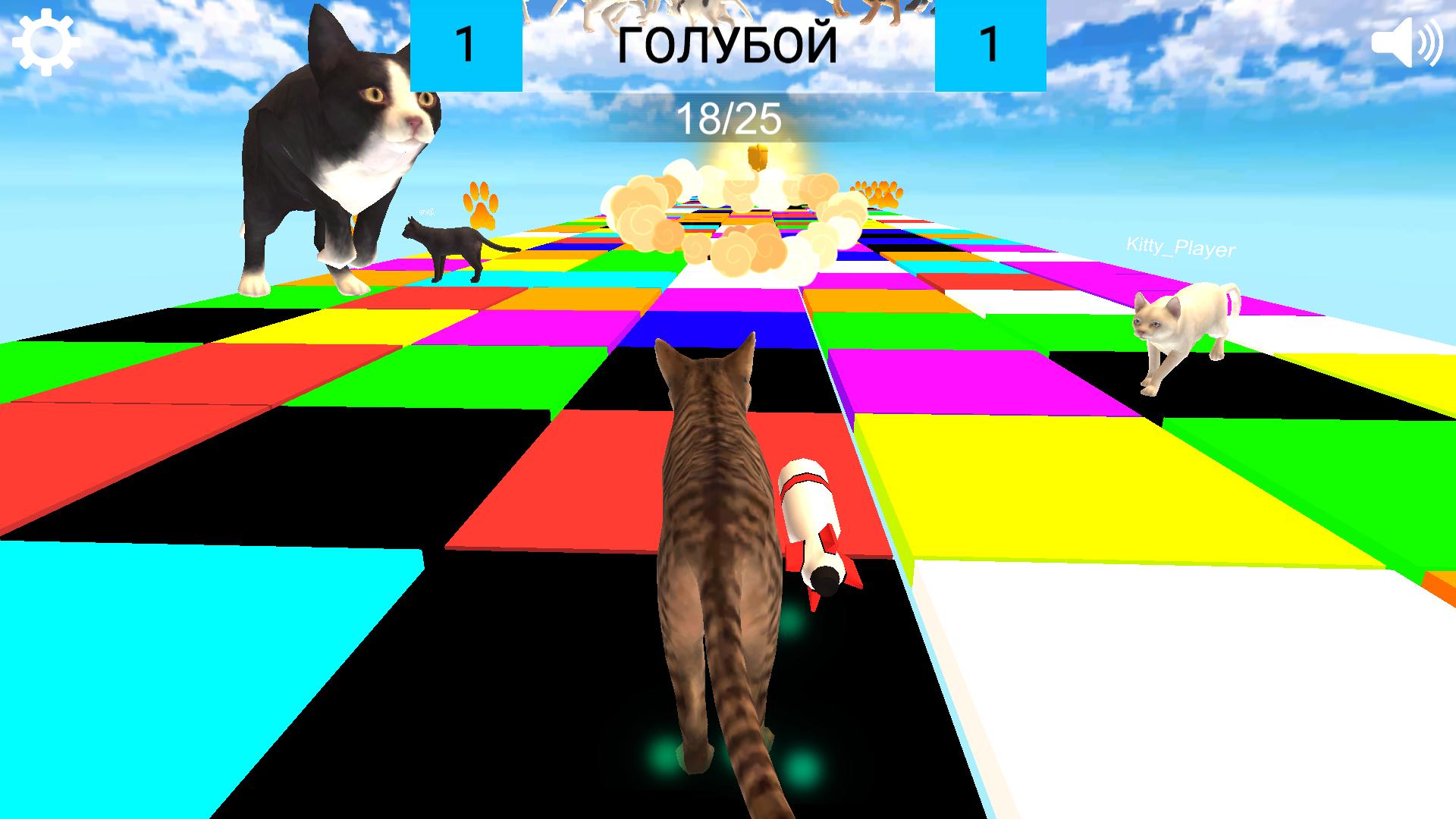
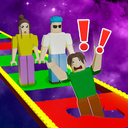
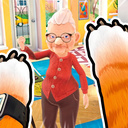
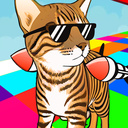
"Cat, get up to the right color!" is a fun arcade, hyper-casual game where you have to test your skills of speed, determination, vigilance and win while playing as a cat! Controlling the cat, run to the tile of the desired color and stay on it until the very moment of color change, always try to run first, this will increase your chances of success! Fight for the golden title of champion among the other participants and become the best thanks to your skills! You have everything in your arsenal to win, it remains only to apply it correctly! Use the paws accumulated during the competition to purchase upgrades for your kitty, from skins to cruise missiles, which will significantly increase your chances! The strongest players will be immortalized in the leaderboard.

Videos and screenshots
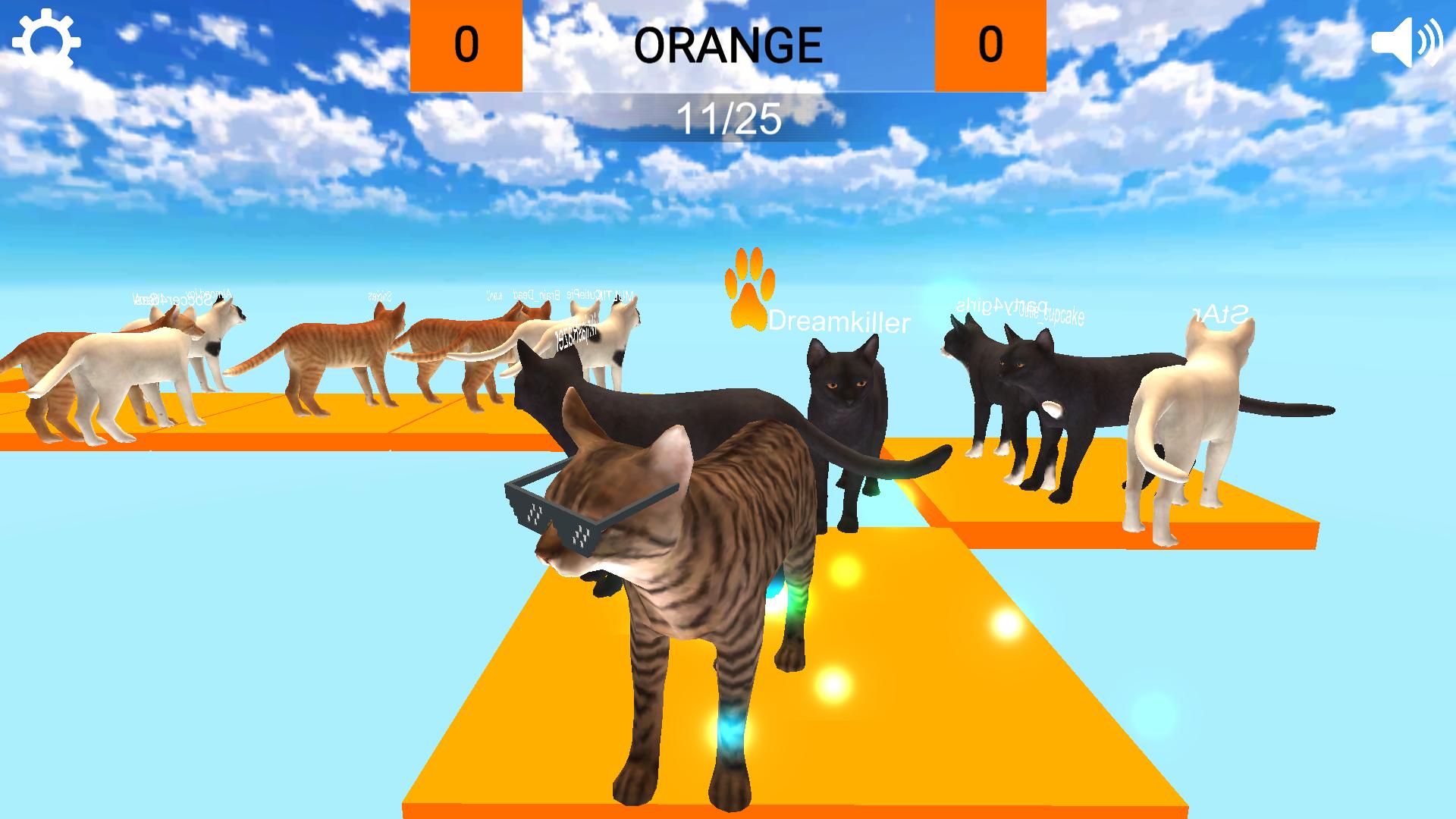
  • Cat, get on the right color! screenshot 1
  • Cat, get on the right color! screenshot 2
  • Cat, get on the right color! screenshot 3
  • Cat, get on the right color! screenshot 4
  • Cat, get on the right color! screenshot 5
  • Cat, get on the right color! screenshot 6
  • Cat, get on the right color! screenshot 7
  • Cat, get on the right color! screenshot 8
  • Cat, get on the right color! screenshot 9
  • Cat, get on the right color! screenshot 10
Play Now

12,629 players online

How to play

  1. Open the game

    Press Play now and the game opens on its own screen.

  2. Follow the in-game instructions

    The controls and goals are shown inside the game as you play.

  3. Use the game menu

    The floating button over the game reloads it, saves it to your favourites, or takes you back out.
Game instructions

Press the game start button, after the game starts, run to the specified color on the map before the timer reaches 0, collect paws for future purchases in the store, try to finish first and win! On a PC: Use the WASD keys to control the character. Space - jump. E- for launching purchased rockets. Esc - to exit the pause menu. On mobile devices: Use the joystick on the left side of the screen to control the character. Use the joystick on the right side of the screen to control the camera. The rocket icon is for launching purchased rockets. The gear icon at the top left is for entering the pause menu. The sound icon at the top right is mute/enable audio.

More games

More games