Overview
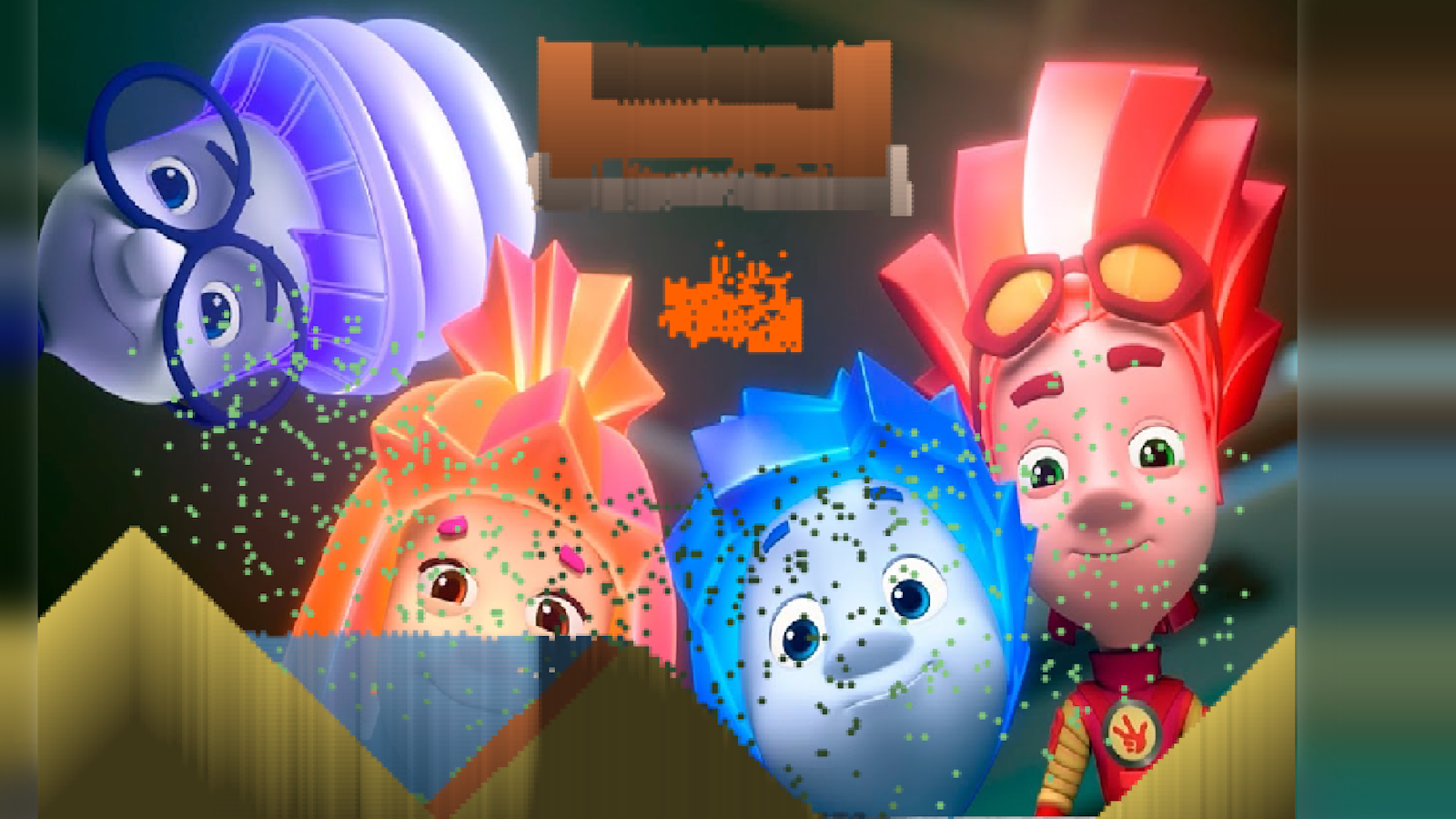
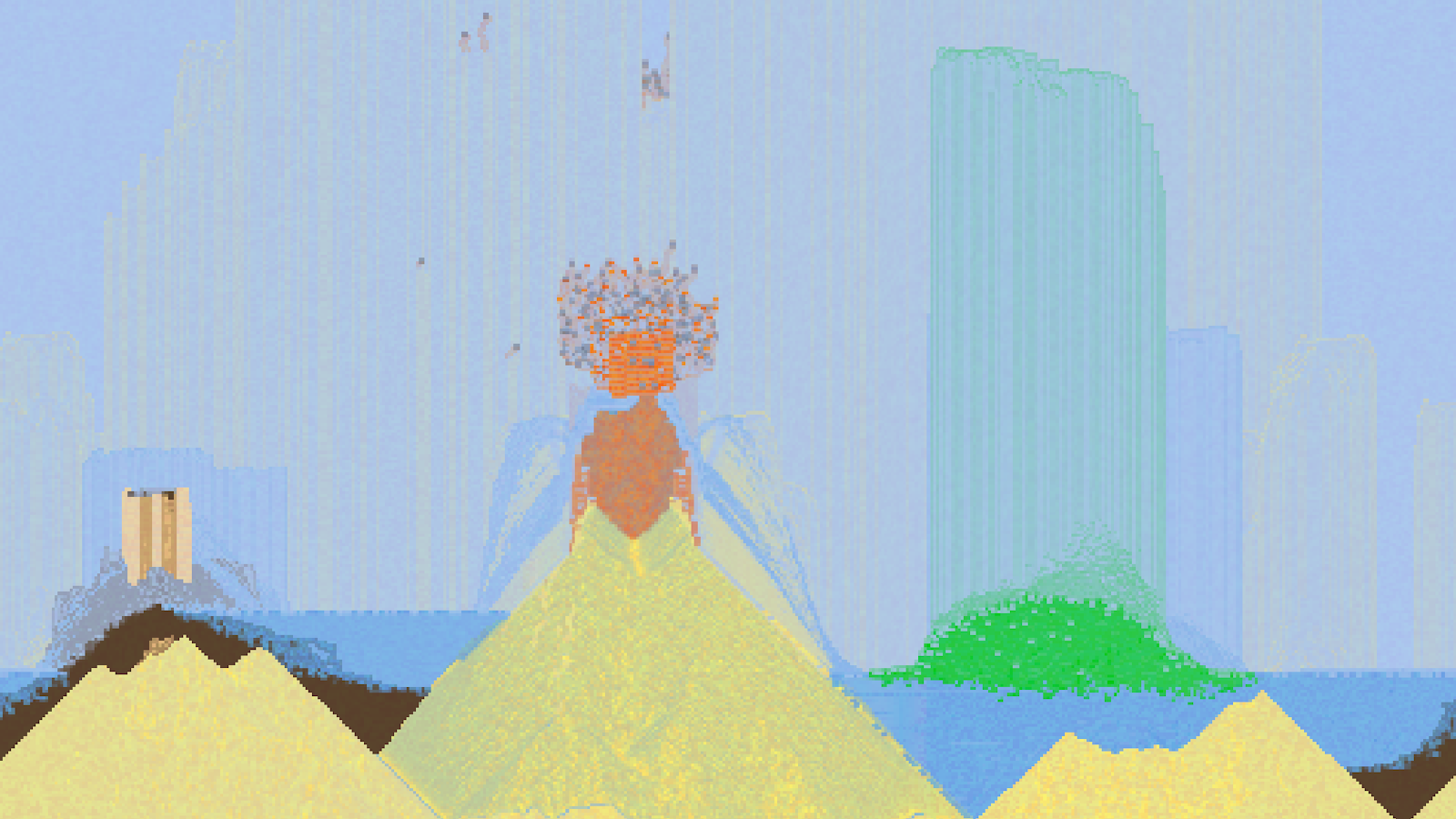
Cause Chaos with Nolik! Sandbox: pick a material, a tool, and a brush size — then draw a world of particles right on the screen.
Pour, build, and mix: watch materials react to physics, create towers and piles, then test your constructions and turn everything into glorious mayhem.
The pace is fully up to you: experiment calmly, pause anytime, tweak settings, and discover new material + tool combinations. There’s no “correct” walkthrough — just creativity.
Perfect for kids and casual players who love sandboxes and physics in short, relaxing sessions. Jump in and make your most satisfying experiment!
Videos and screenshots
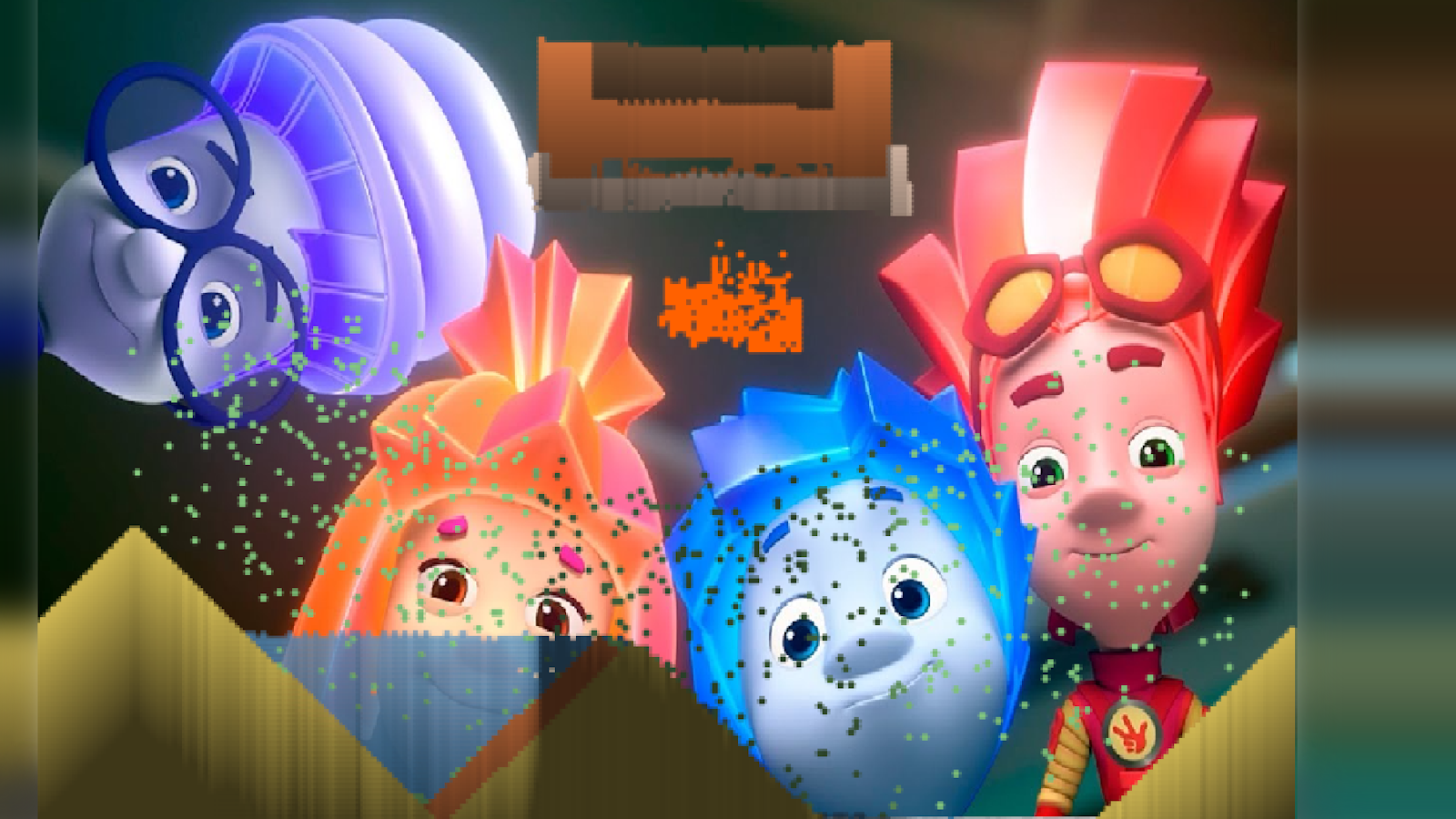
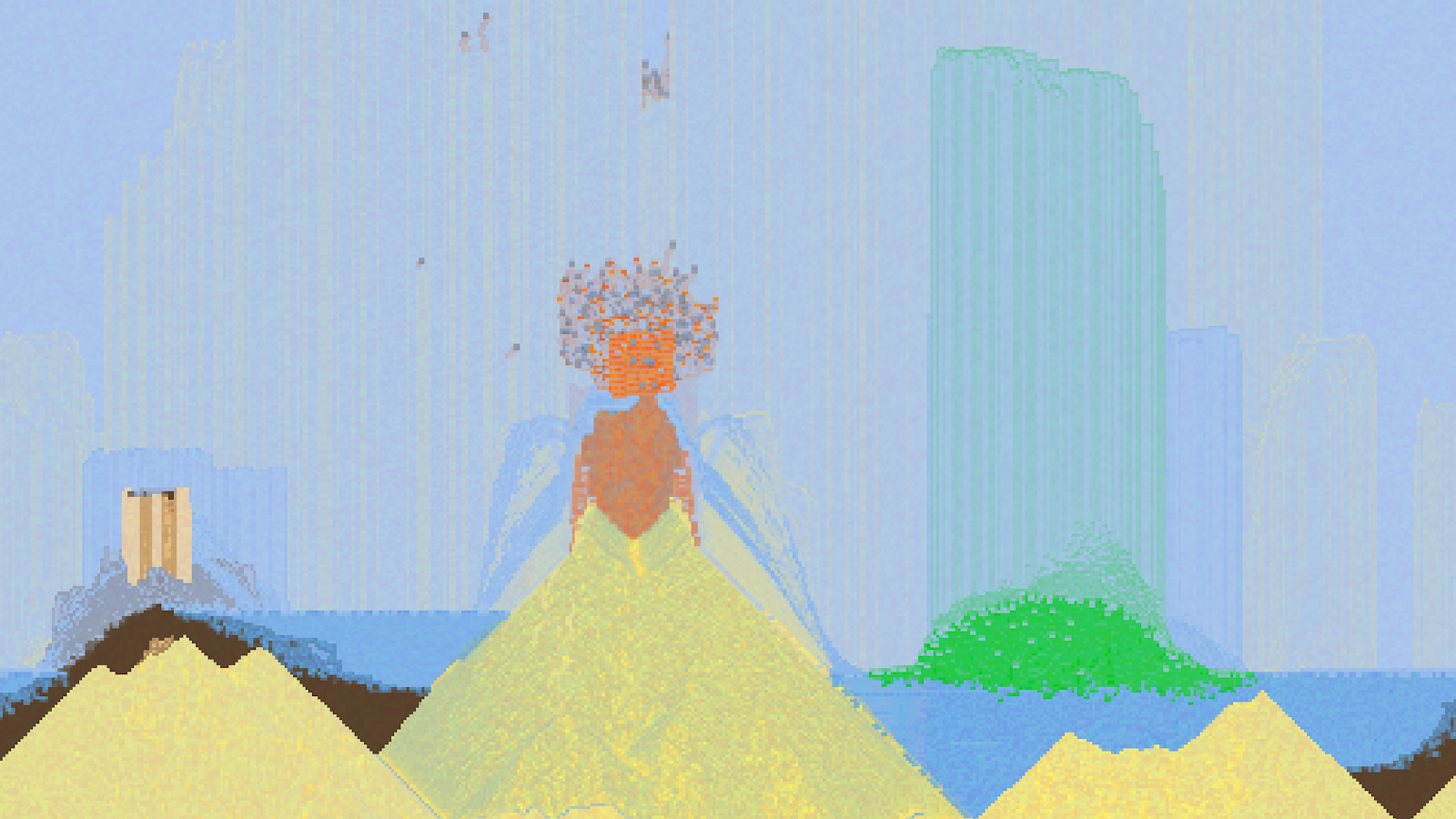
10,275 players online
How to play
-
Open the game
Press Play now and the game opens on its own screen.
-
Follow the in-game instructions
The controls and goals are shown inside the game as you play.
-
Use the game menu
The floating button over the game reloads it, saves it to your favourites, or takes you back out.