Skip to content
KG
Chameleon: Paint and Hide!

Chameleon: Paint and Hide!

510K plays 4.8 out of 5

Overview

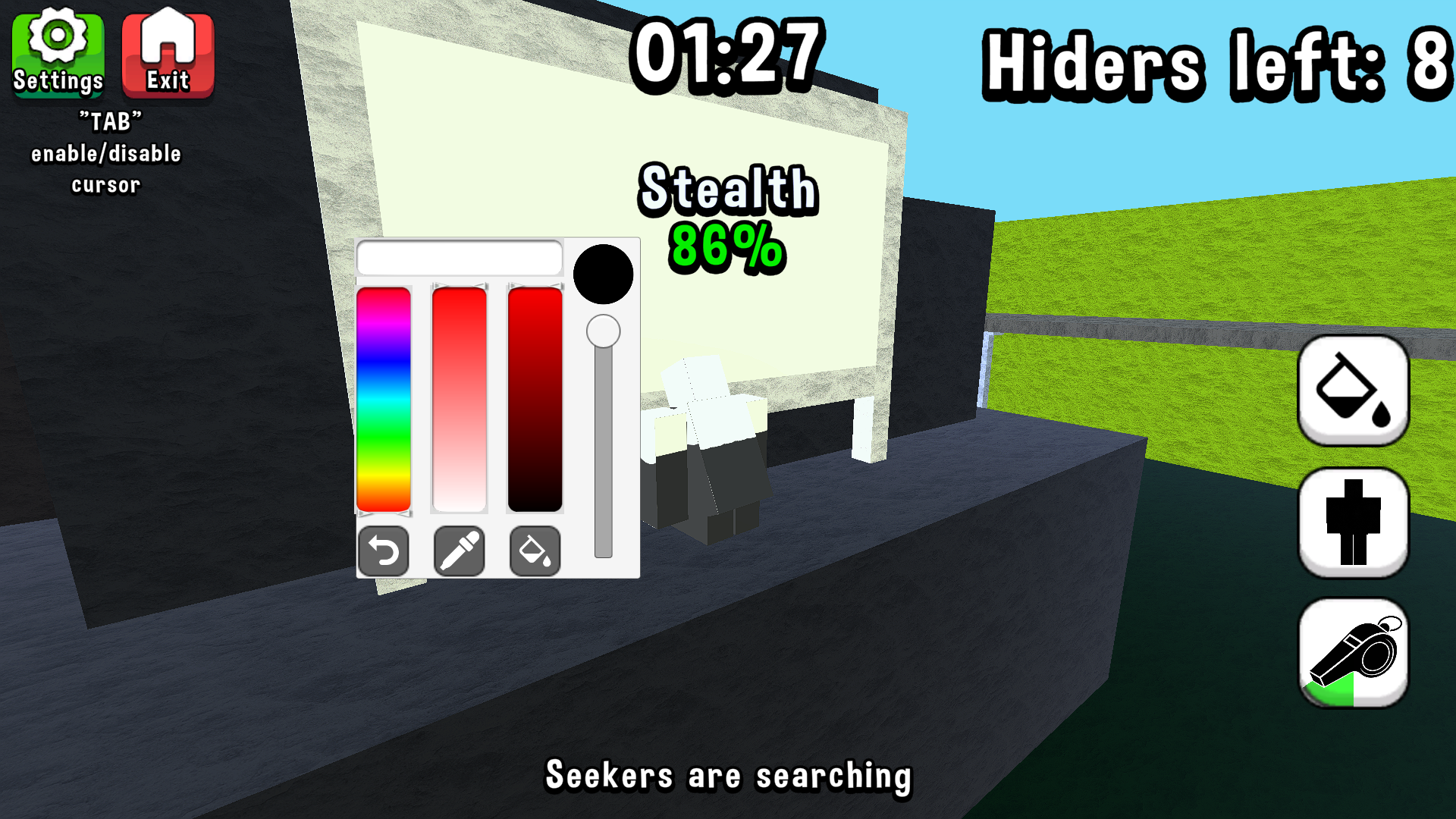
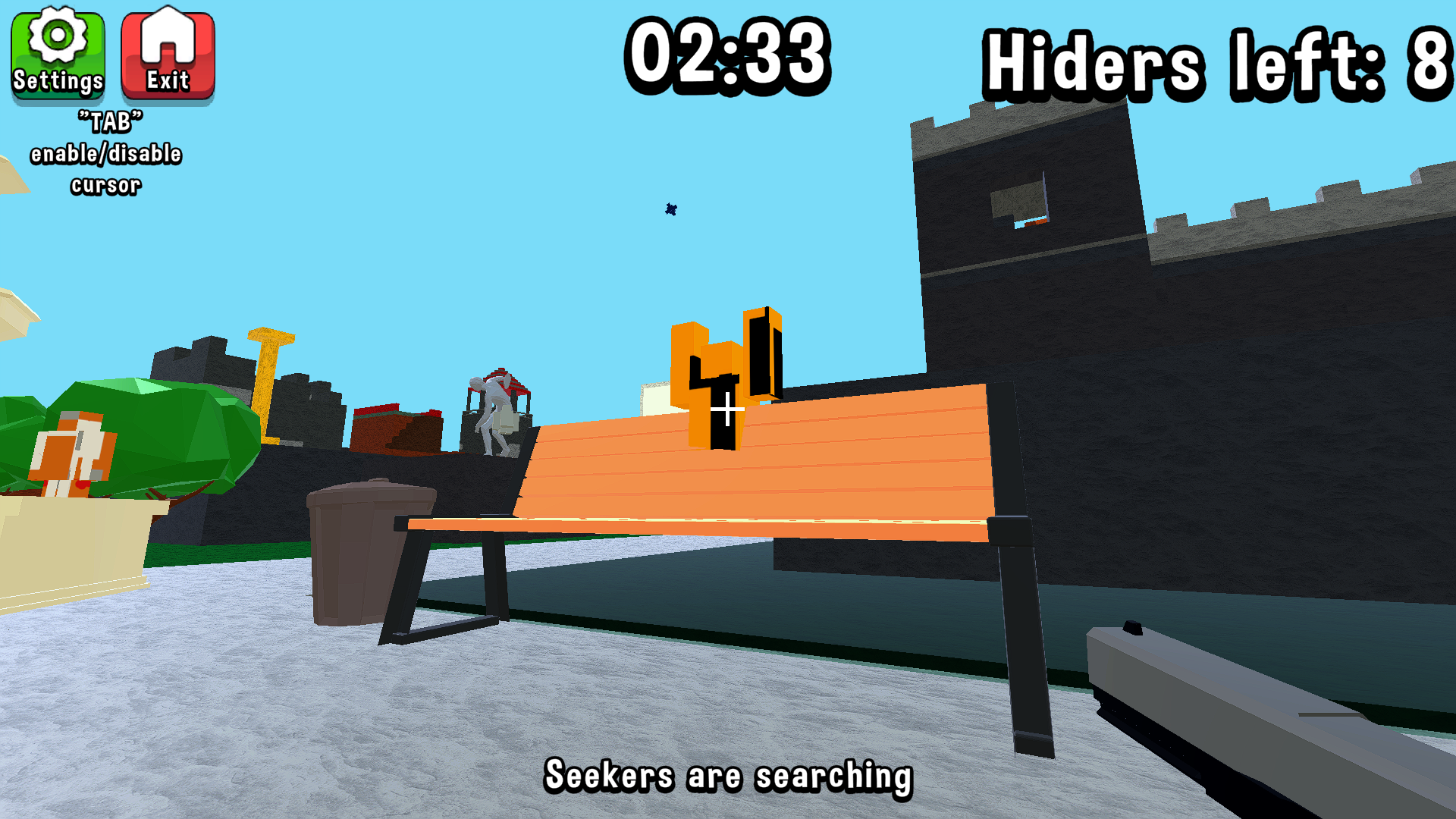
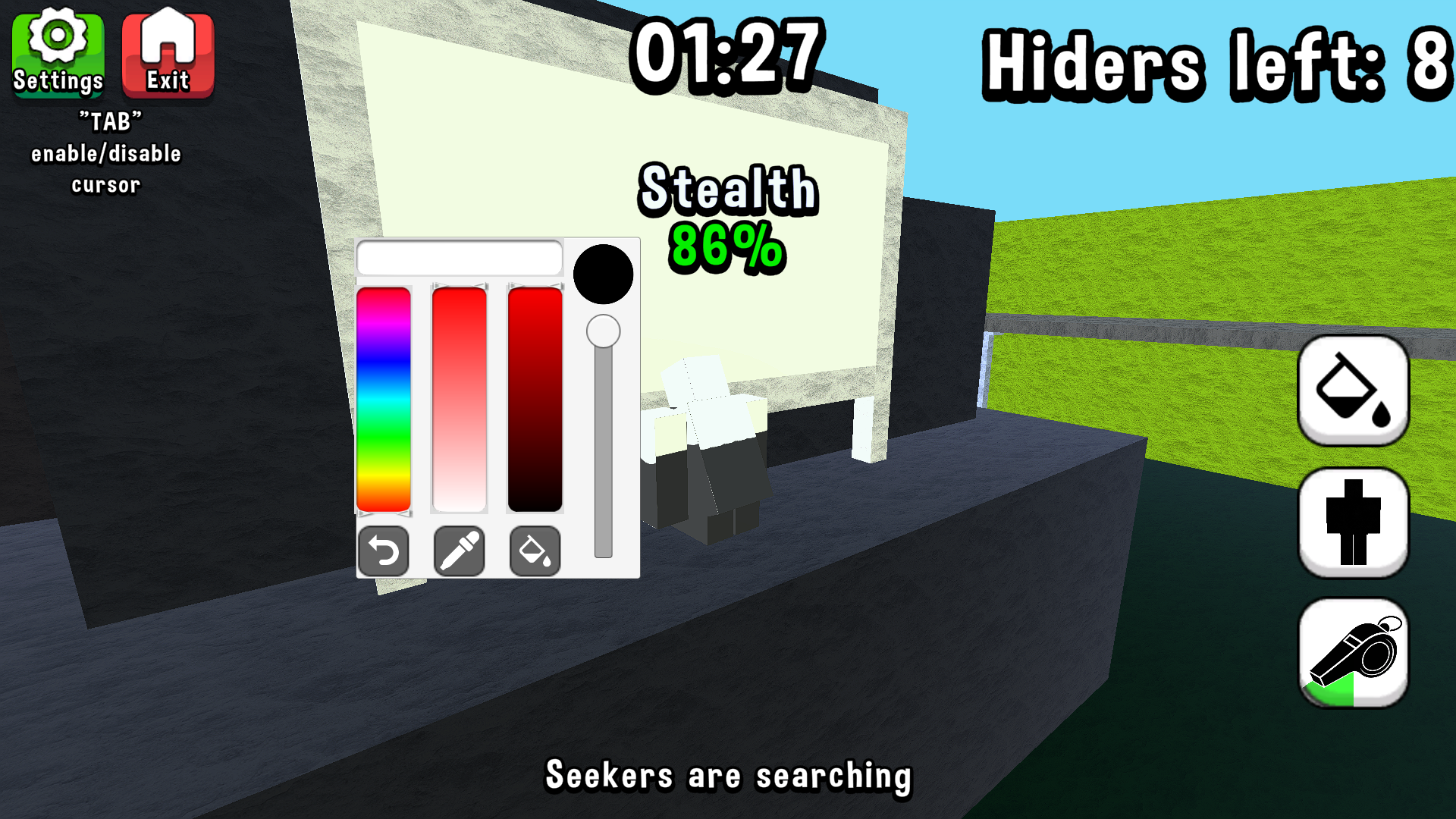
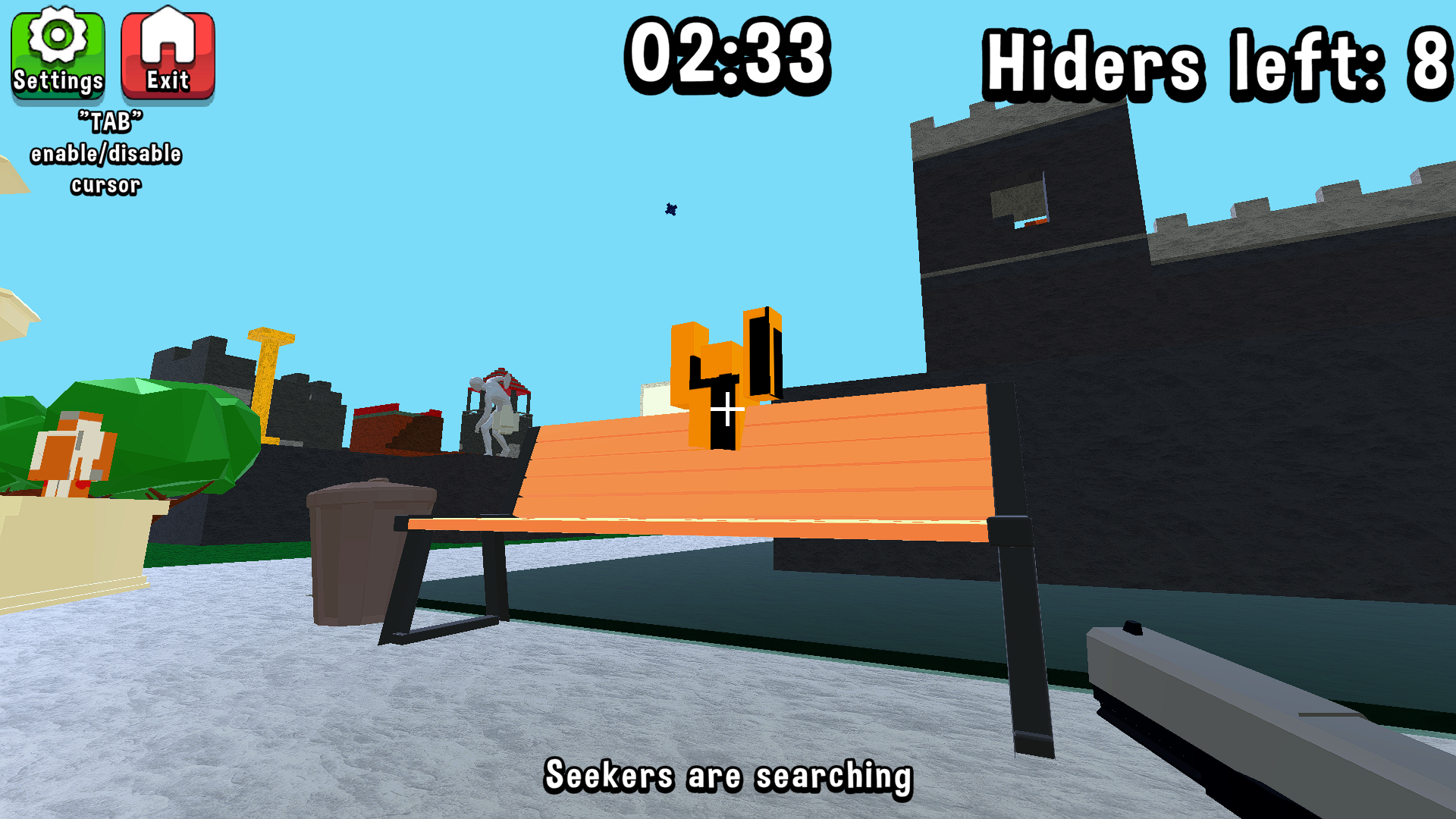
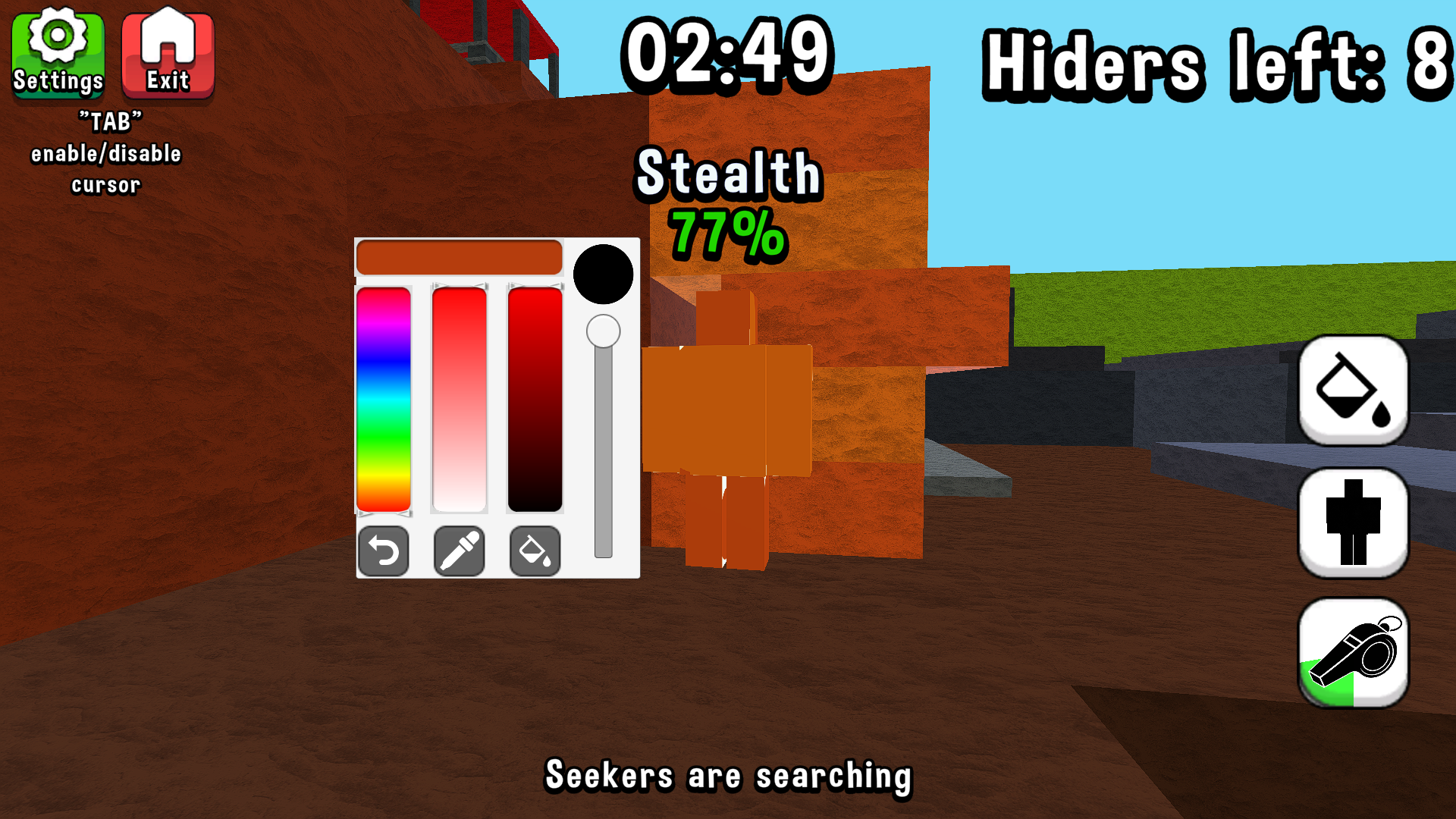
Become a hunter or a chameleon! Chameleon 🏃‍♂️Hurry, find a secluded spot!🏃‍♂️ 🎨Open the palette and paint yourself so that you’re not visible🎨 🤸‍♀️Take a different pose to blend in better with the world🤸‍♀️ 💡The indicator above your head will show how well you’re hidden💡 🏆You’ll win if they can’t find you within the allotted time🏆 Hunter 👀Pay attention to every little detail!👀 🕛You only have a few minutes to find all the chameleons!🕛 🔫If you find a chameleon, shoot it before it runs away!🔫 🏆You win if you find all the chameleons within the allotted time!🏆

Videos and screenshots
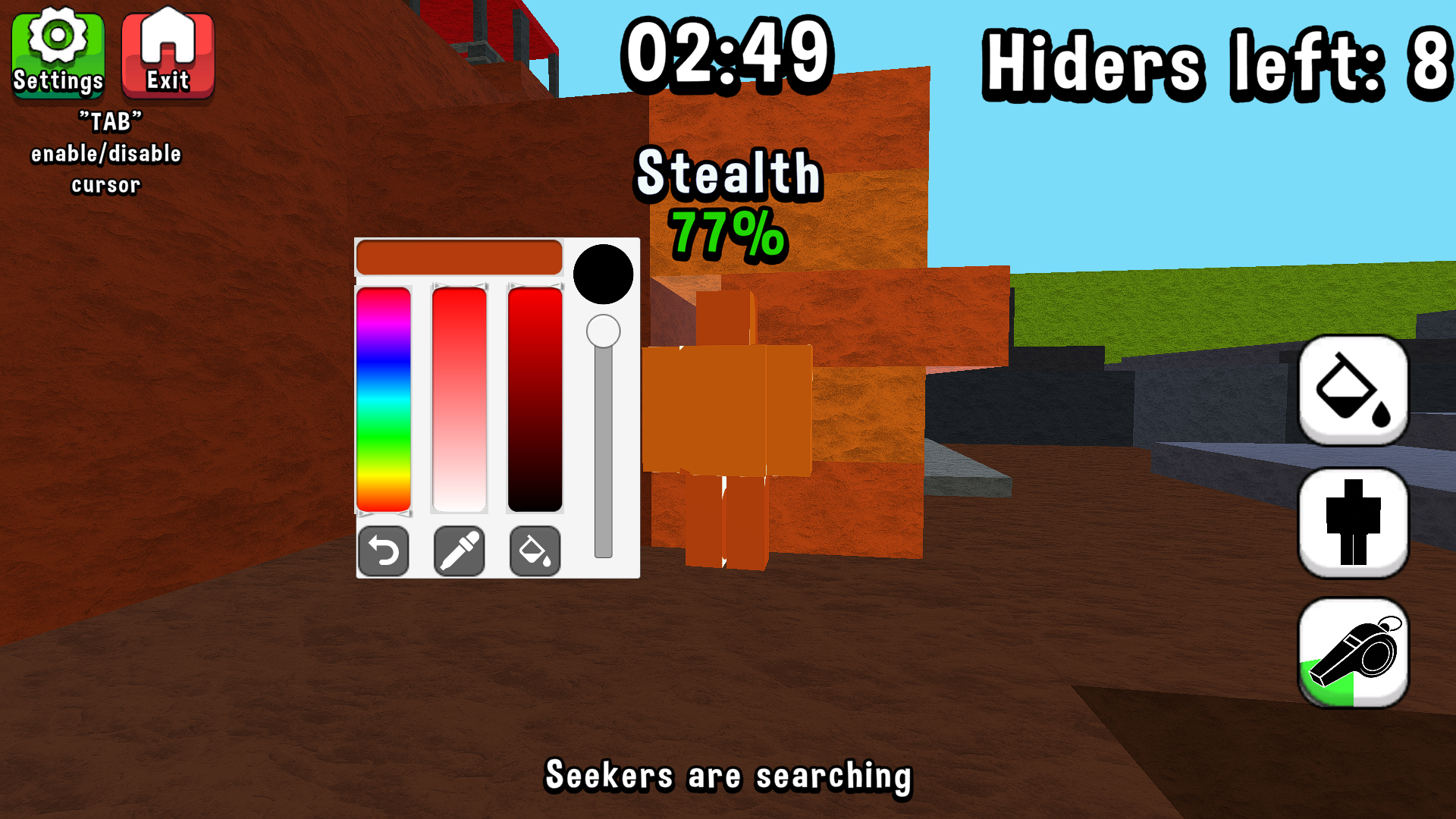
  • Chameleon: Paint and Hide! screenshot 1
  • Chameleon: Paint and Hide! screenshot 2
  • Chameleon: Paint and Hide! screenshot 3
  • Chameleon: Paint and Hide! screenshot 4
  • Chameleon: Paint and Hide! screenshot 5
  • Chameleon: Paint and Hide! screenshot 6
Play Now

10,152 players online

How to play

  1. Open the game

    Press Play now and the game opens on its own screen.

  2. Follow the in-game instructions

    The controls and goals are shown inside the game as you play.

  3. Use the game menu

    The floating button over the game reloads it, saves it to your favourites, or takes you back out.

Game instructions

For the computer: - Movement using the “WASD” keys - If the view is from a third‑person perspective, rotate the camera by moving the mouse while holding down the right mouse button - If the view is from a first‑person perspective, rotate the camera by moving the mouse - Open the palette and select a pose using the buttons on the right side of the screen - Jump using the “Space” key For the phone: - Movement using the joystick on the left side of the screen - Rotate the camera using the right side of the screen - Jump to the button on the right side of the screen - Open the palette and select a pose using the buttons on the right side of the screen

More games

More games