Skip to content
KG
Cheat and Don't Get Caught!

Cheat and Don't Get Caught!

7K plays 4.9 out of 5

Overview

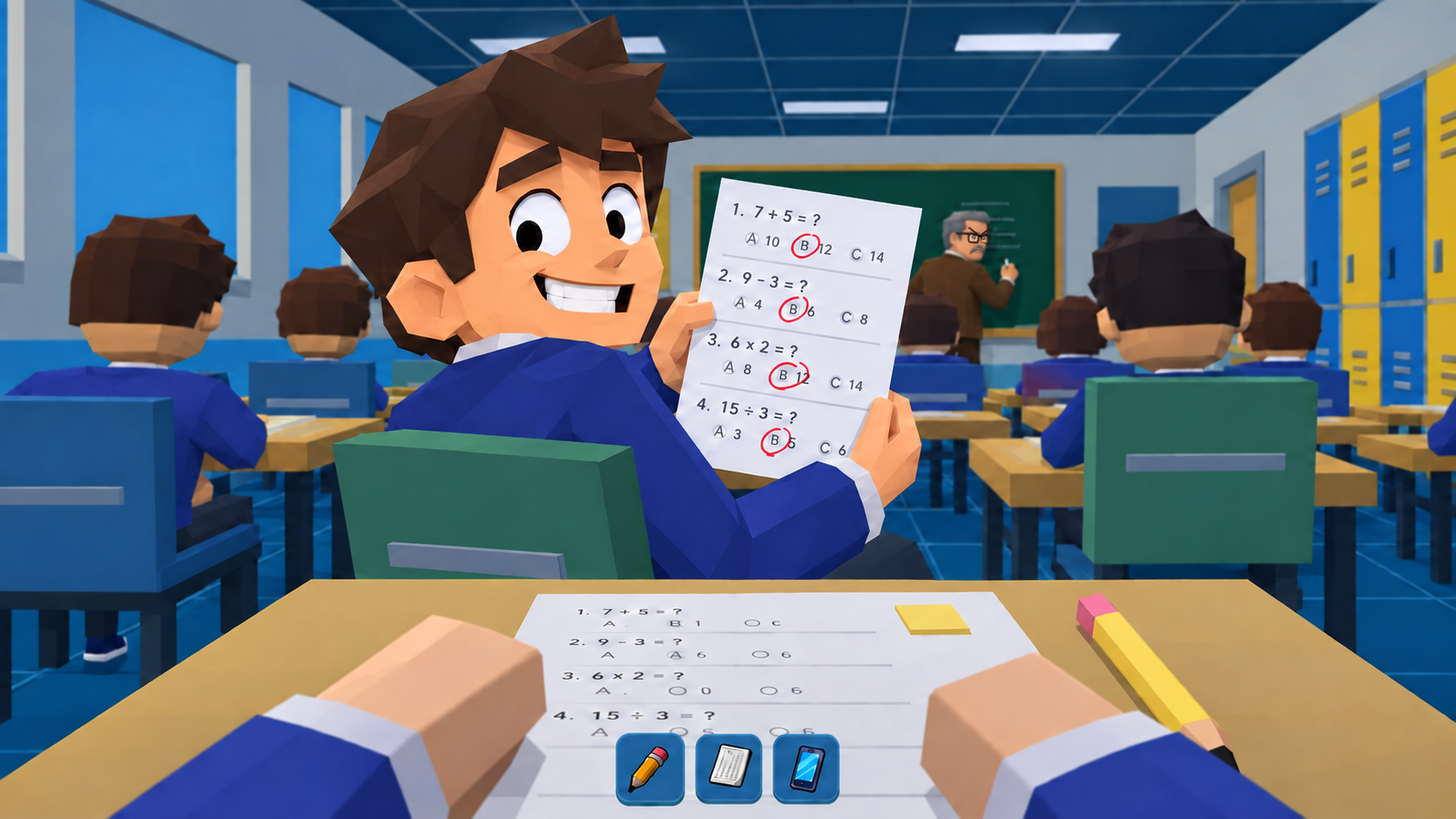
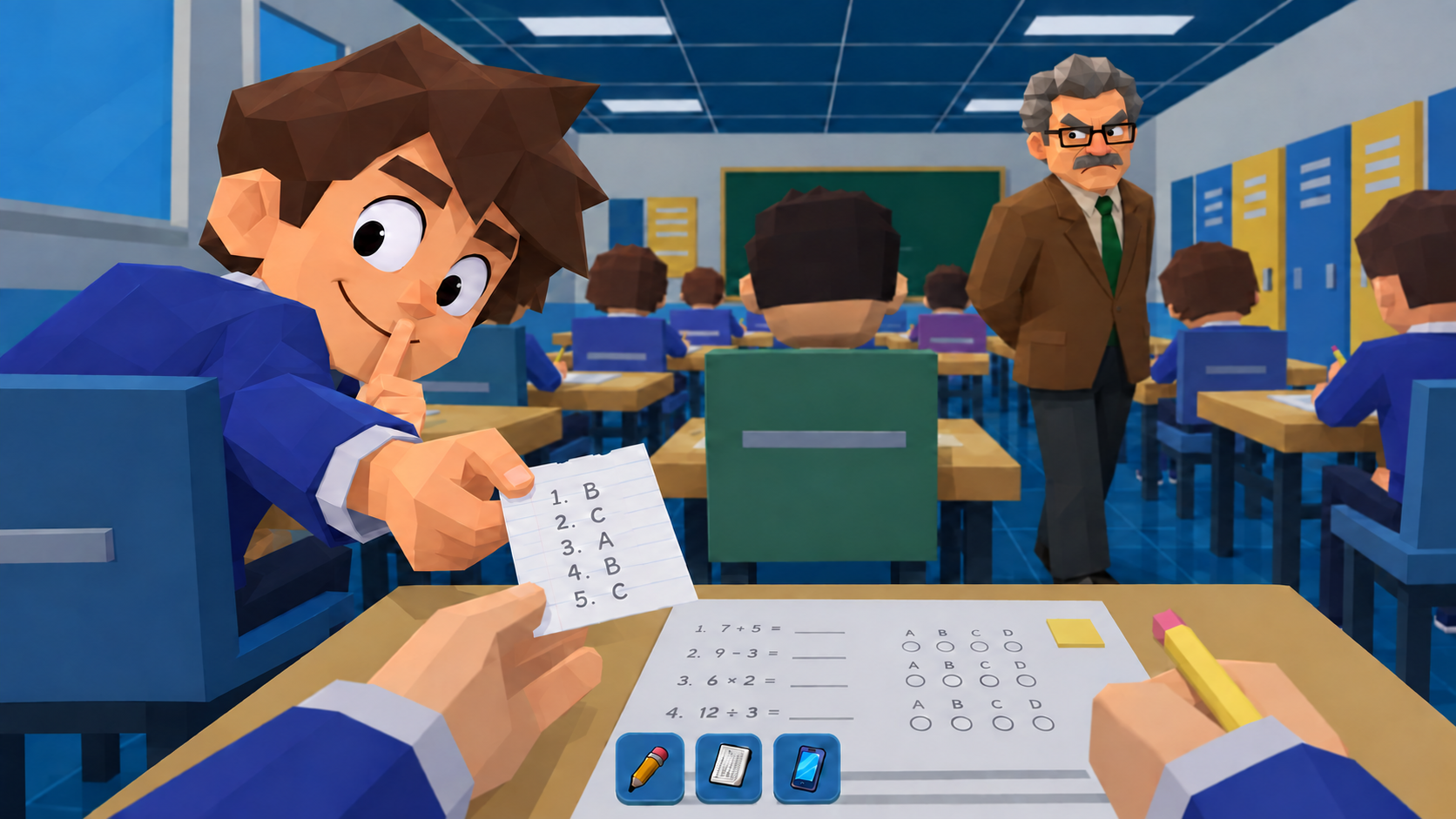
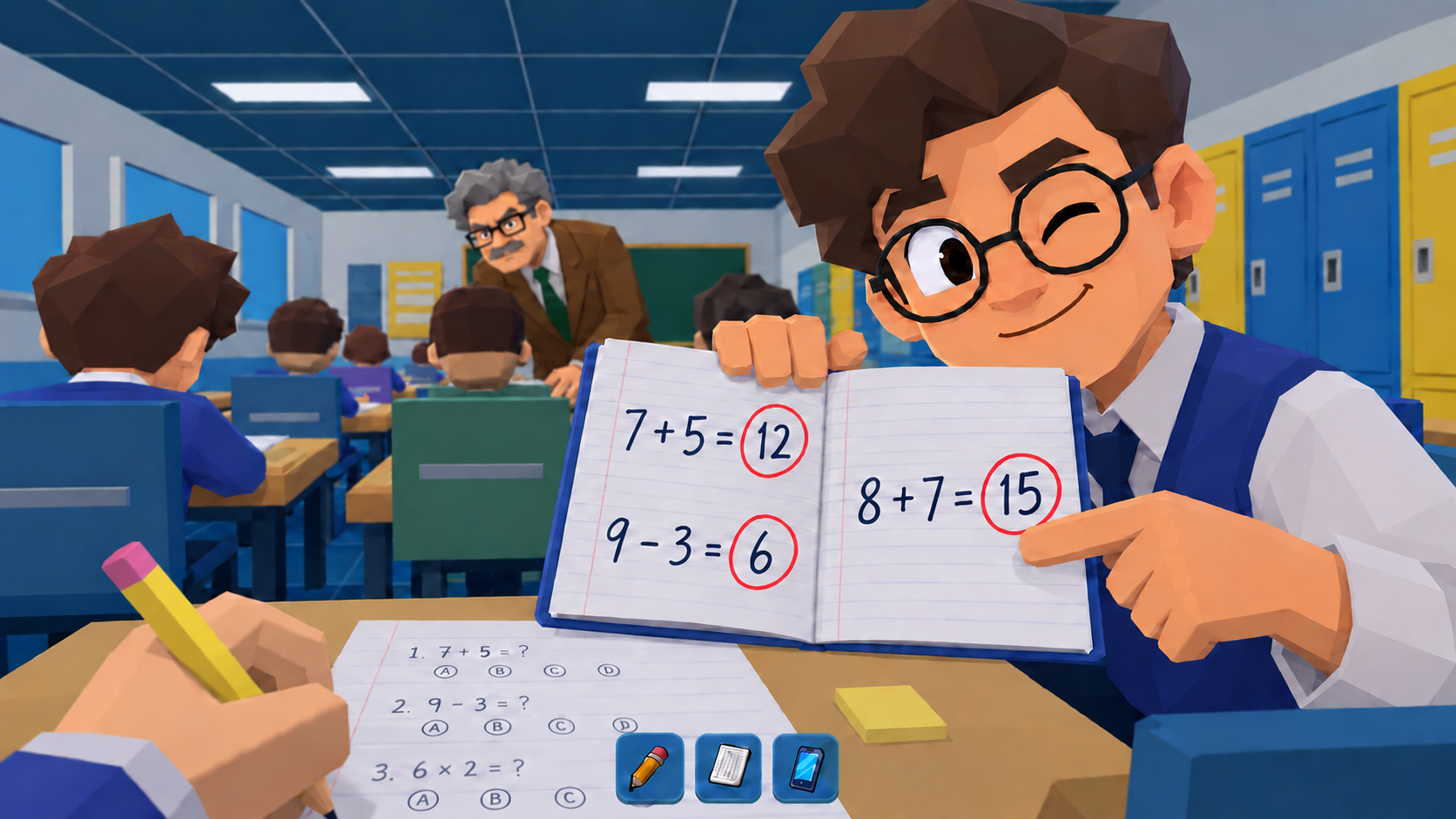
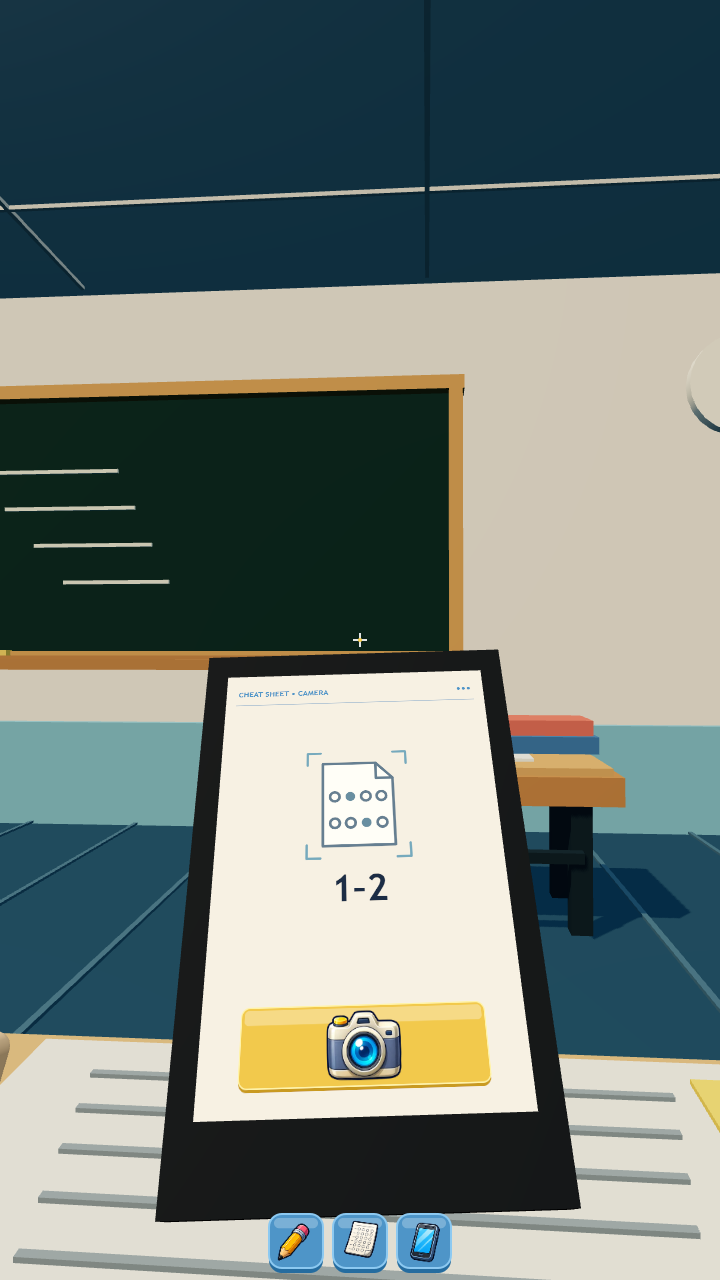
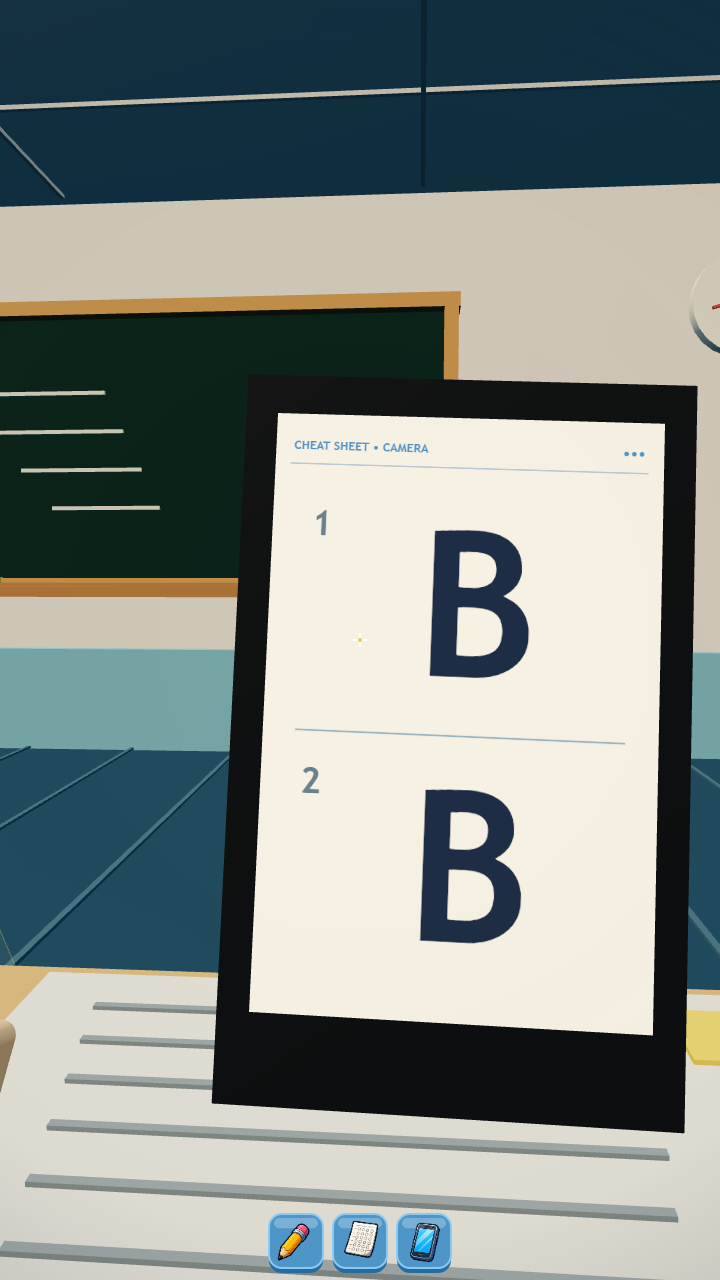
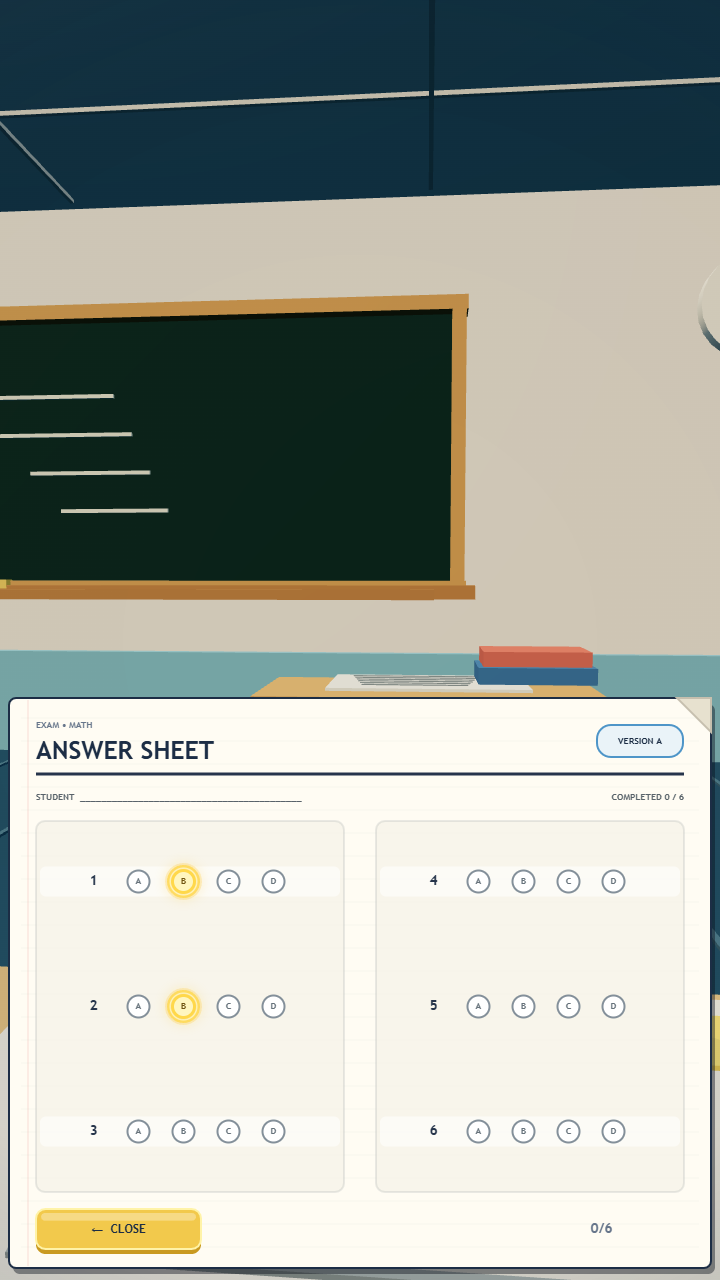
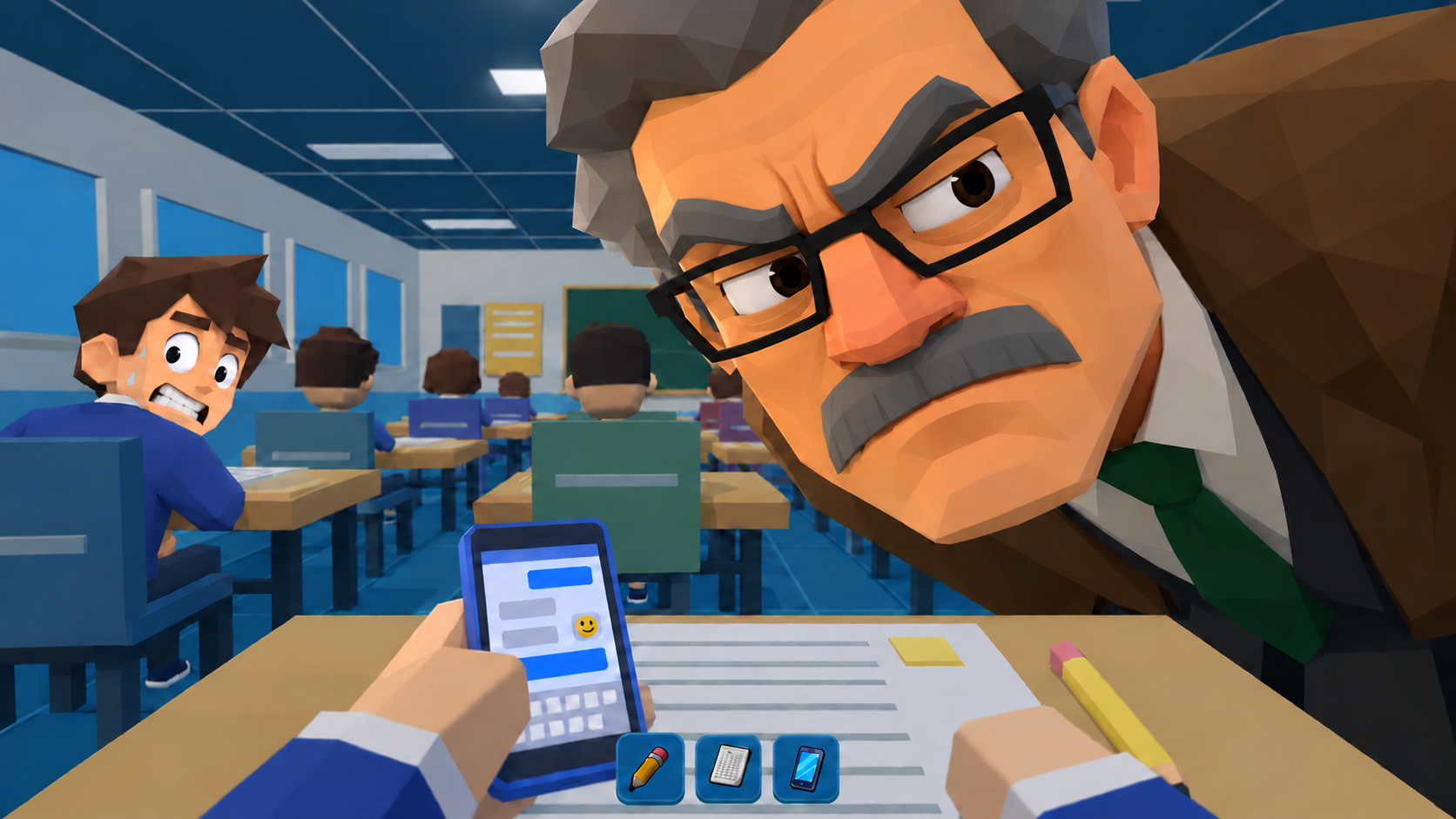
Sneak answers during a school test without getting caught. Wait for the teacher to look away, open your phone, photograph the answers and copy them onto your sheet. Watch the suspicion meter, hide your phone in time and use your pencil to look busy. Play school days with three lessons each and pick upgrades between lessons. Meet your friends: Leo helps with answers and Max distracts the teacher. Complete tasks and collect items for your desk. The challenge grows, while experience and records carry over between runs. A tutorial introduces the controls. Optional rewarded ads offer extra upgrades and help from friends; a free upgrade option is also available. Fullscreen ads may appear after lesson results, before the upgrade screen.

Videos and screenshots
  • Cheat and Don't Get Caught! screenshot 1
  • Cheat and Don't Get Caught! screenshot 2
  • Cheat and Don't Get Caught! screenshot 3
  • Cheat and Don't Get Caught! screenshot 4
  • Cheat and Don't Get Caught! screenshot 5
  • Cheat and Don't Get Caught! screenshot 6
  • Cheat and Don't Get Caught! screenshot 7
Play Now

11,595 players online

How to play

  1. Open the game

    Press Play now and the game opens on its own screen.

  2. Follow the in-game instructions

    The controls and goals are shown inside the game as you play.

  3. Use the game menu

    The floating button over the game reloads it, saves it to your favourites, or takes you back out.

Game instructions

Photograph answers while the teacher is distracted, then open your answer sheet and mark the matching options. Hide your phone when suspicion rises. Tap or hold the pencil button to look busy. Desktop: drag the mouse to look around; 1 selects the pencil, 2 the phone, Q the answer sheet and F takes a photo. When a paper ball is available, press 3 or its icon, then click a target. On-screen buttons are also available. Mobile: drag to look around and tap the item, camera and answer buttons. Tap a friend’s help icon when available. Choose an upgrade after each lesson. Buttons marked with an ad symbol or label offer an extra reward for an optional ad. The pause button in the top-right opens the menu with sound and language settings.

More games

More games