Skip to content
KG
Chess Checkers: 4 Games on One Board

Chess Checkers: 4 Games on One Board

25K plays 3.7 out of 5

Overview

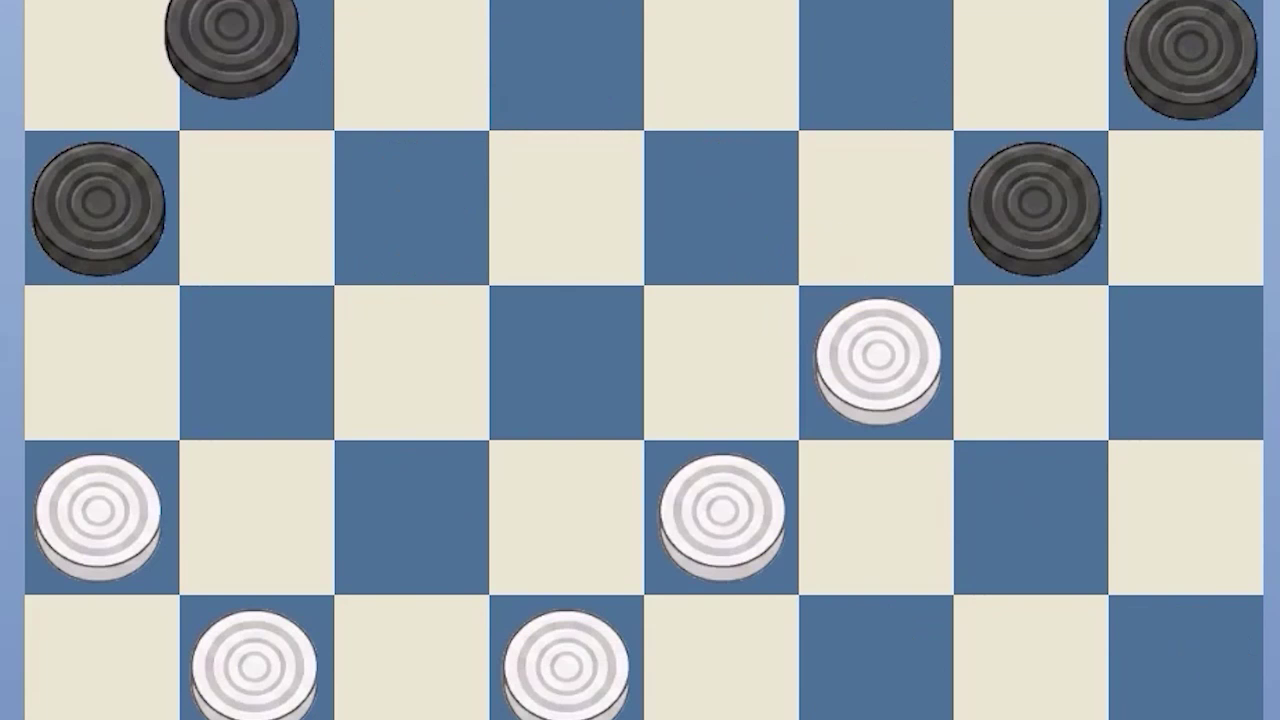
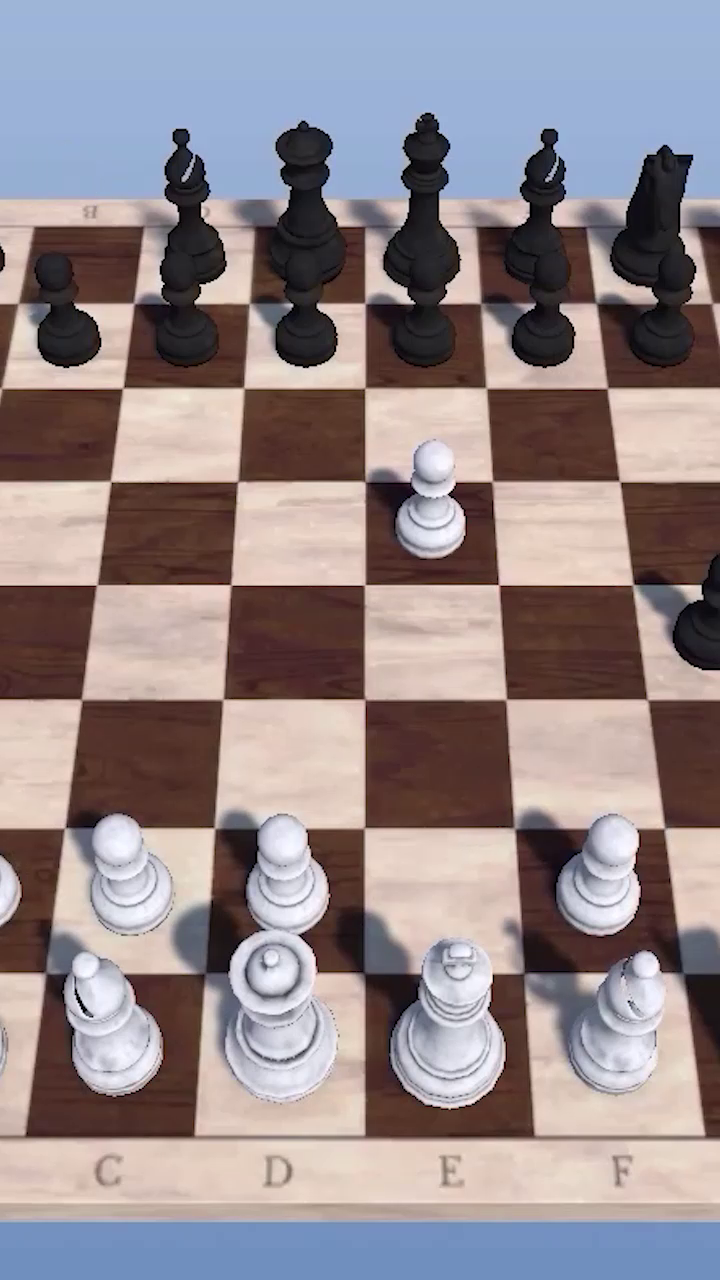
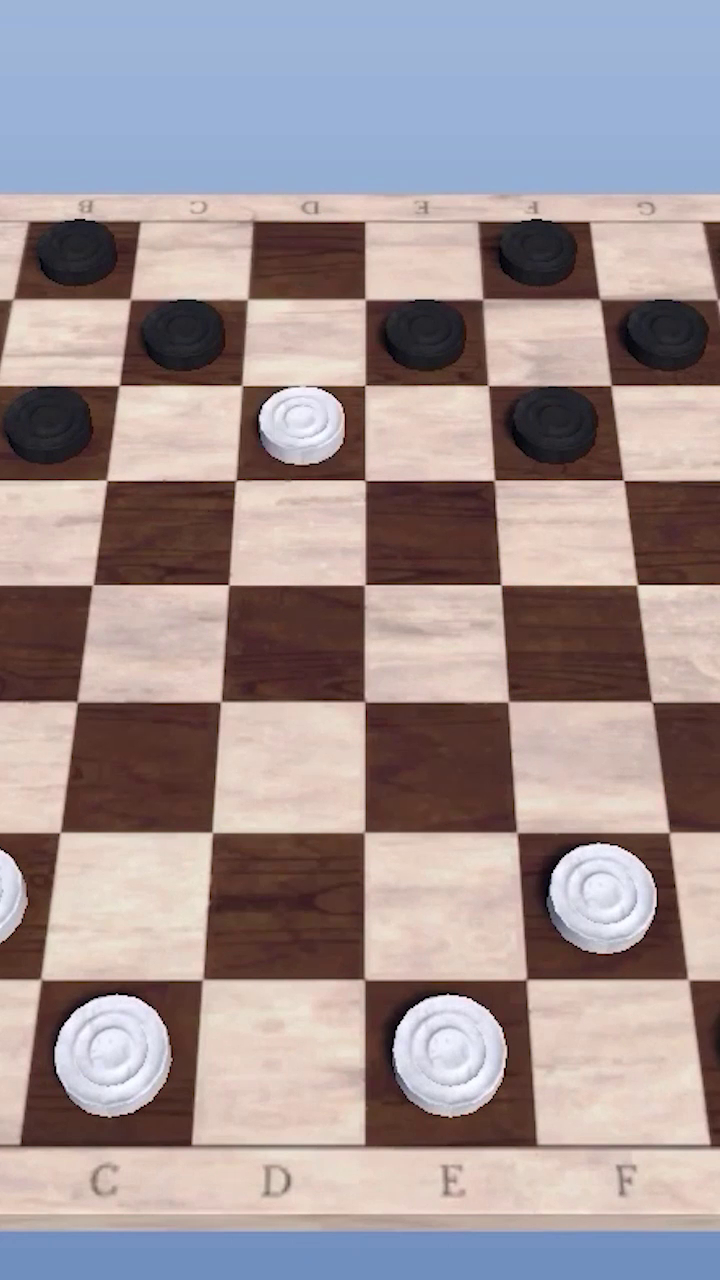
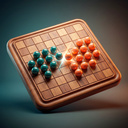
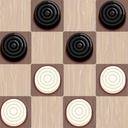
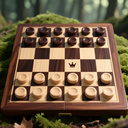
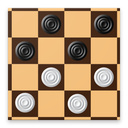
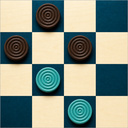
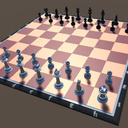
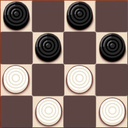
What you get: • Chess — full rules: castling, en passant, pawn promotion with your choice of piece, checkmate and stalemate. • Russian Draughts — flying kings, mandatory captures and backward jumps. • Giveaway — the first player to lose all their pieces wins. • Corners — move your pieces into the opposite corner before your opponent. Play against the computer on four difficulty levels — from beginner to expert — or sit down with a friend on the same device. Switch between immersive 3D and the classic top-down 2D view at any time during a game. Made a mistake? Undo your move with one tap. Win games and climb the leaderboard!

Videos and screenshots
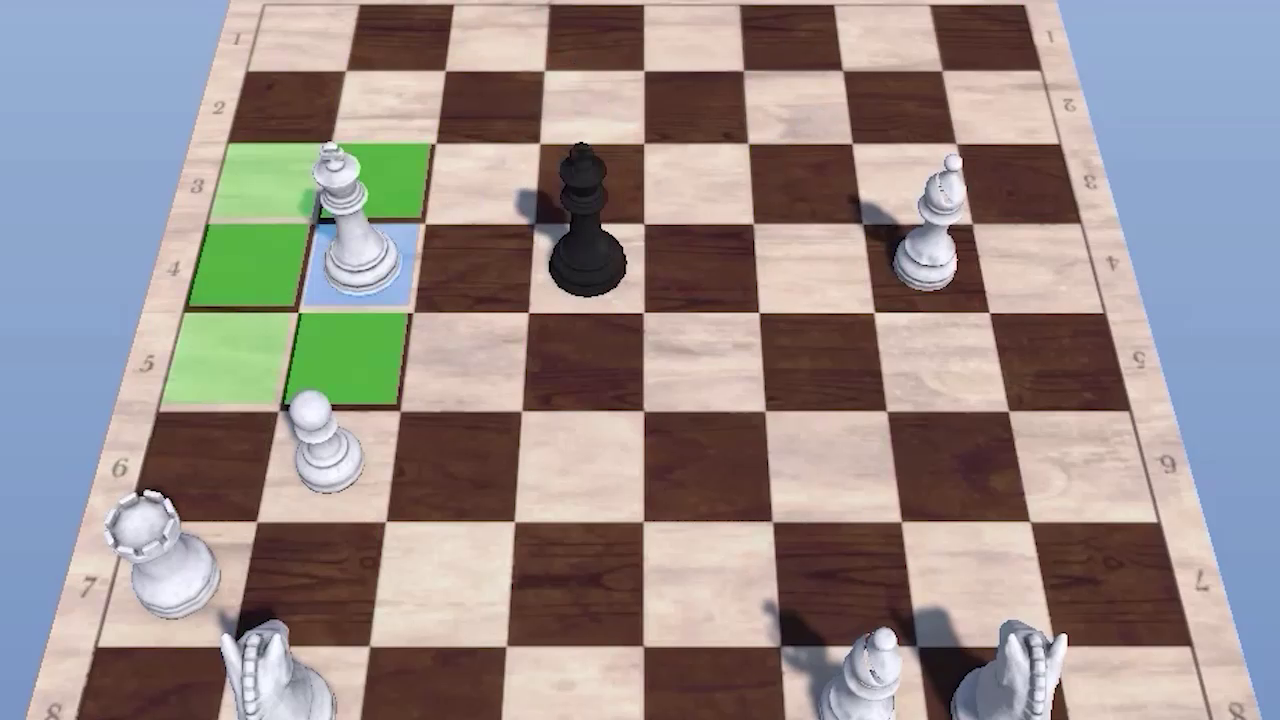
  • Chess Checkers: 4 Games on One Board screenshot 1
  • Chess Checkers: 4 Games on One Board screenshot 2
  • Chess Checkers: 4 Games on One Board screenshot 3
  • Chess Checkers: 4 Games on One Board screenshot 4
  • Chess Checkers: 4 Games on One Board screenshot 5
  • Chess Checkers: 4 Games on One Board screenshot 6
Play Now

13,051 players online

How to play

  1. Open the game

    Press Play now and the game opens on its own screen.

  2. Follow the in-game instructions

    The controls and goals are shown inside the game as you play.

  3. Use the game menu

    The floating button over the game reloads it, saves it to your favourites, or takes you back out.

Game instructions

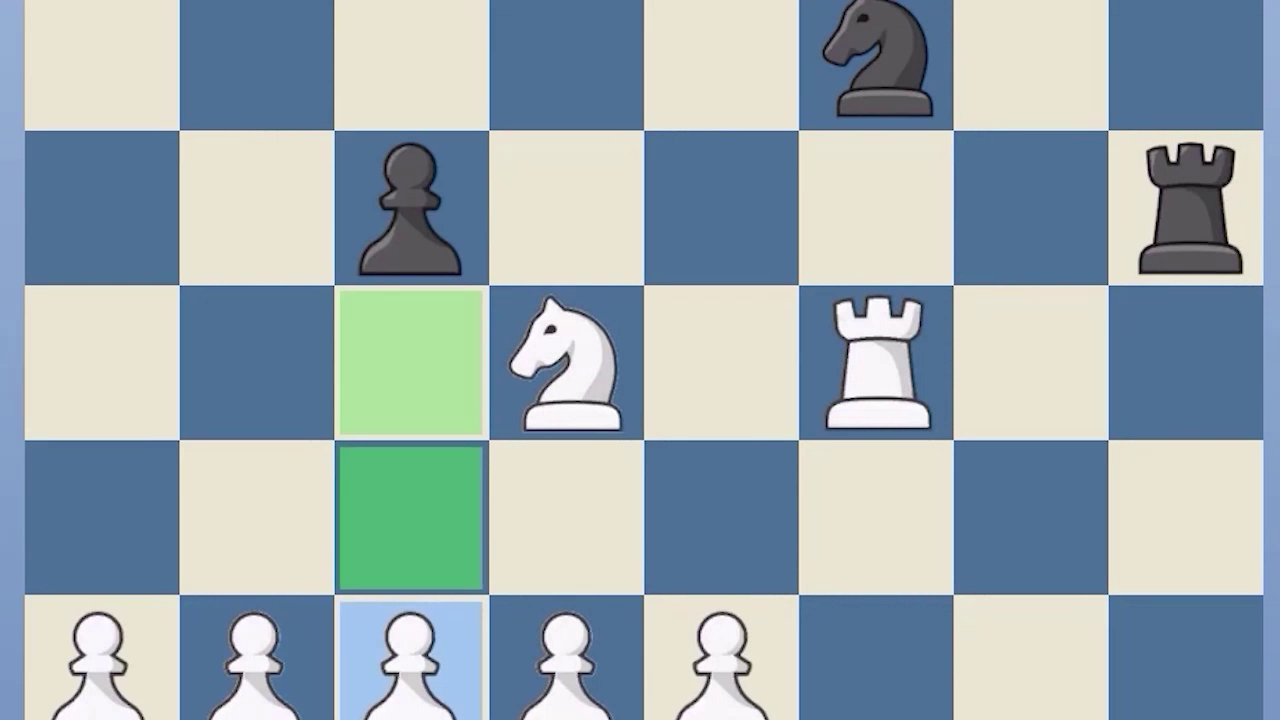
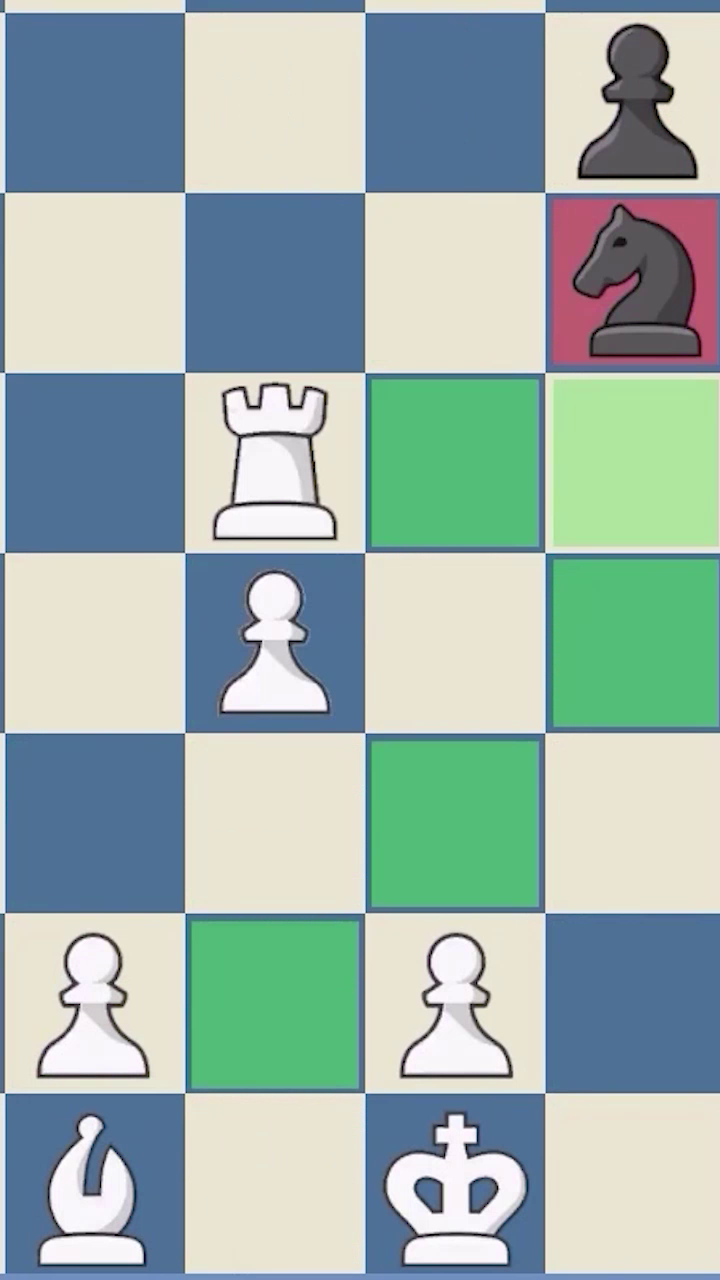
Choose a game (chess, checkers, giveaway or corners), a difficulty level and tap “Play”. How to move: 1. Tap your piece — the available moves light up. Blue marks the selected square, green shows where you can move, red marks a capture. 2. Tap a highlighted square to complete the move. Chess: you play White. Castling, en passant and pawn promotion are supported — when a pawn reaches the last rank, pick a piece (queen, rook, bishop or knight). Checkers and giveaway: captures are mandatory and kings strike from any distance. In giveaway the goal is reversed — get rid of all your pieces. Corners: move and jump your pieces to reach your opponent’s corner first. In-game buttons: • “Undo move” — take back the last move (enable it in the menu). • “2D/3D” — switch the board view anytime. • “Restart” — start the game over. • “Menu” — return to the main menu. In Two-player mode, take turns on the same device.

More games

More games