Overview
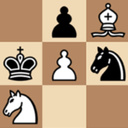
"Chess online with a computer" is the best free online chess with a computer with full functionality for amateurs and professionals. A classic chess game in a modern version. ♟️
How can I play?
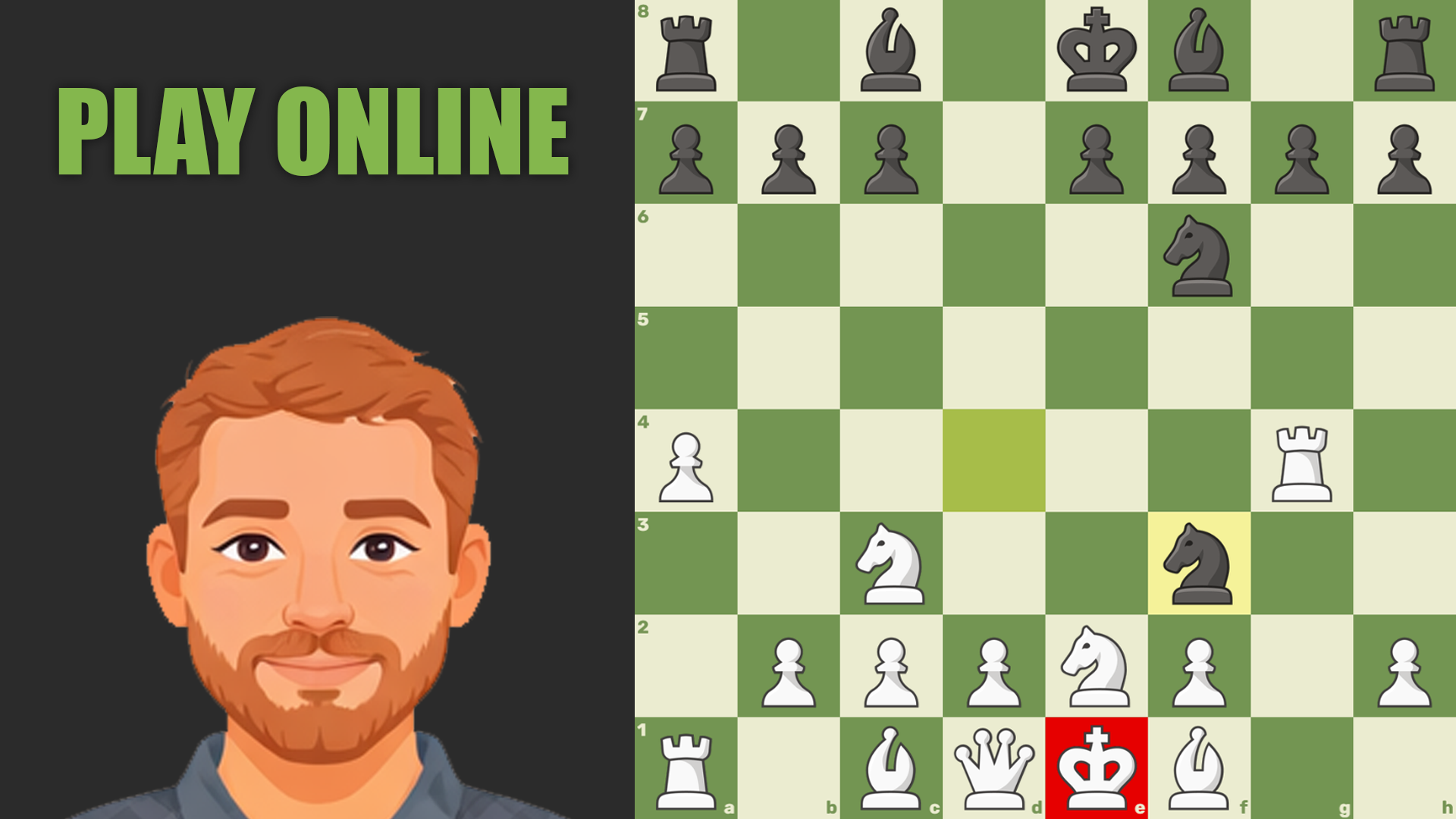
- With real players: Challenge opponents from all over the world online. Increase your rating and prove your superiority! 💪
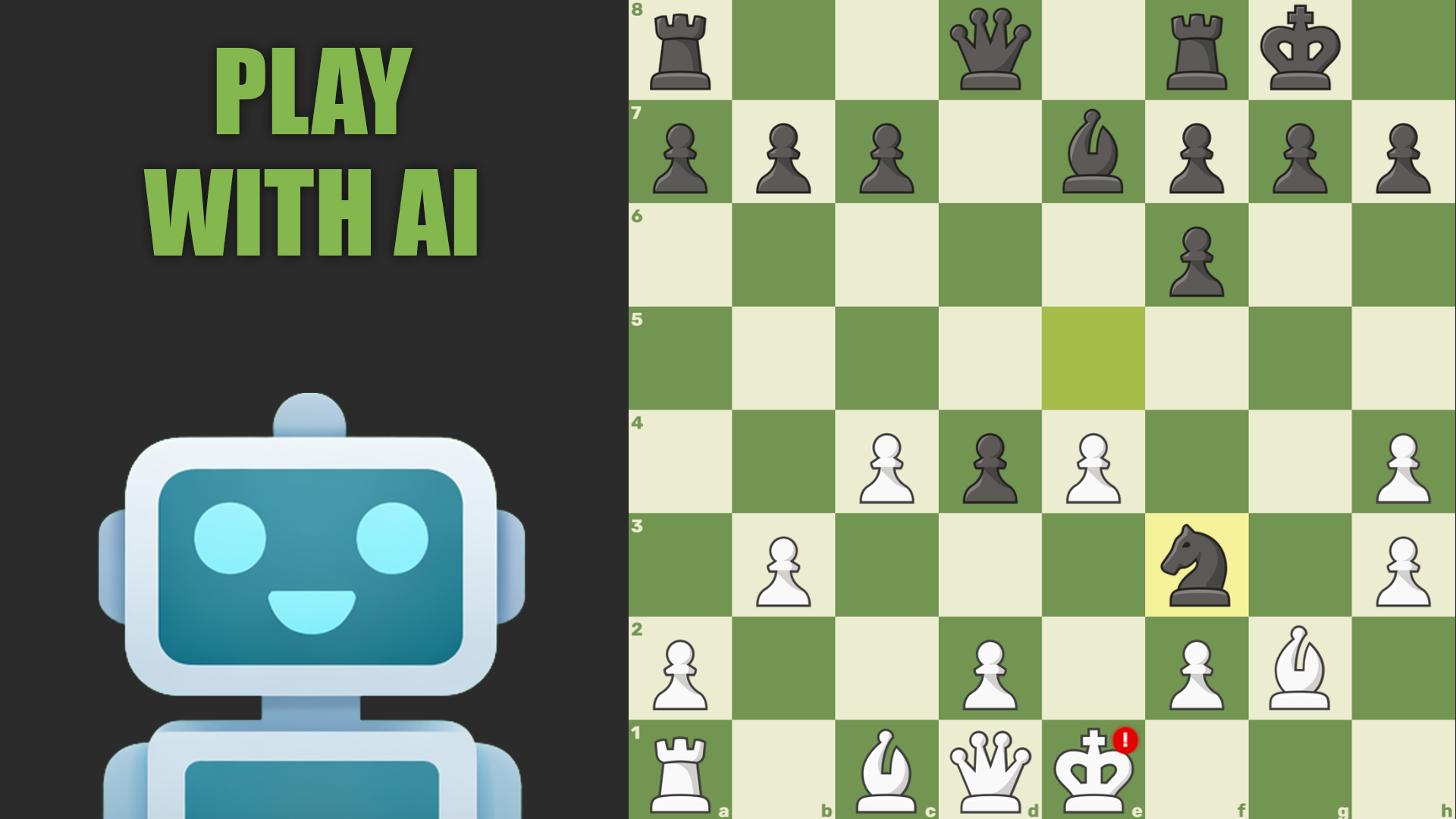
- With a computer: train with advanced AI. Choose the difficulty level from beginner to master level. 🤖
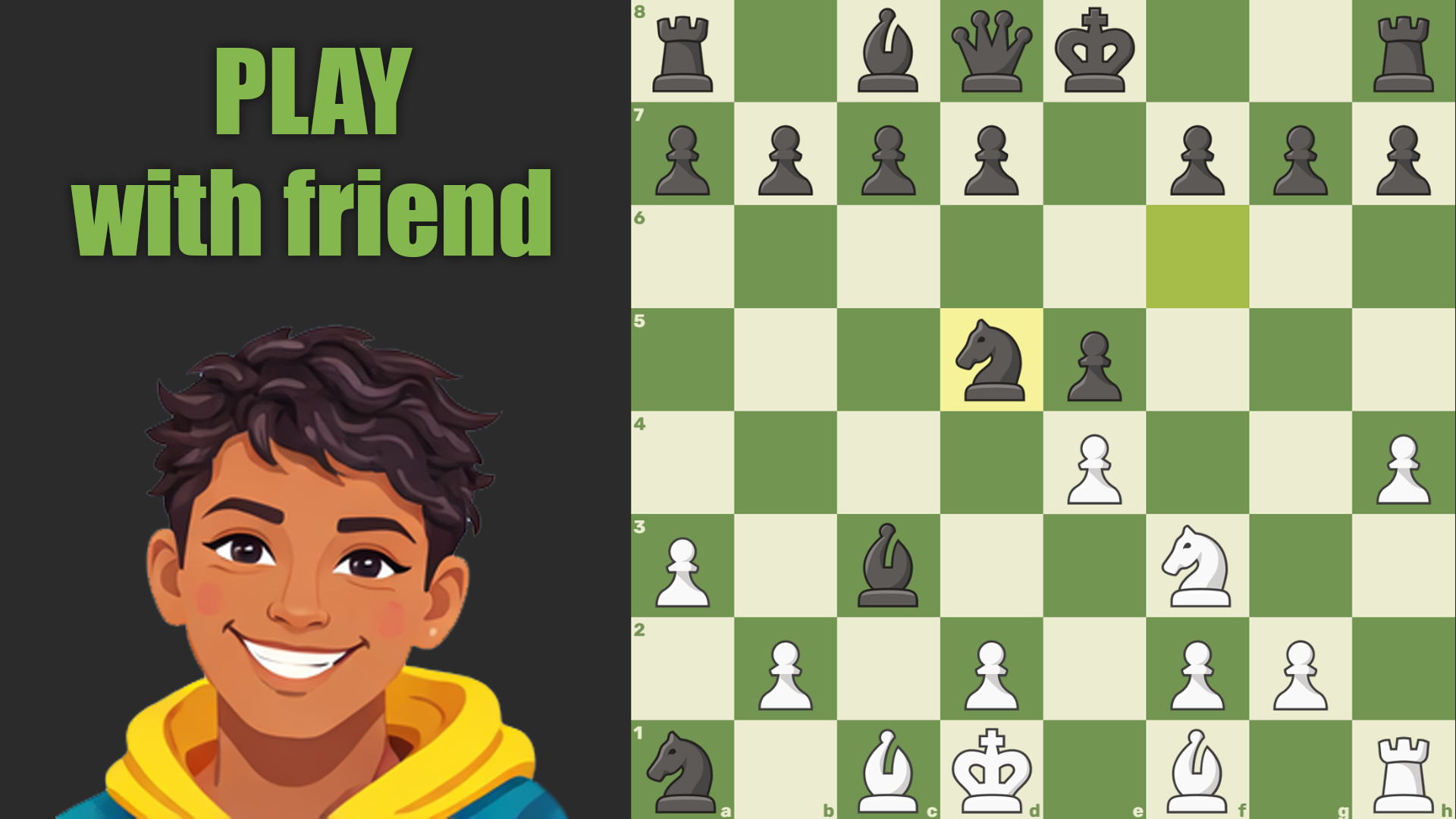
- With friends: create private rooms for online battles or play classic mode on the same phone, passing the move to each other. 🤝
Videos and screenshots
14,677 players online
How to play
-
Open the game
Press Play now and the game opens on its own screen.
-
Follow the in-game instructions
The controls and goals are shown inside the game as you play.
-
Use the game menu
The floating button over the game reloads it, saves it to your favourites, or takes you back out.