Skip to content
KG
Chupa's Adventure

Chupa's Adventure

615K plays 4.2 out of 5

Overview

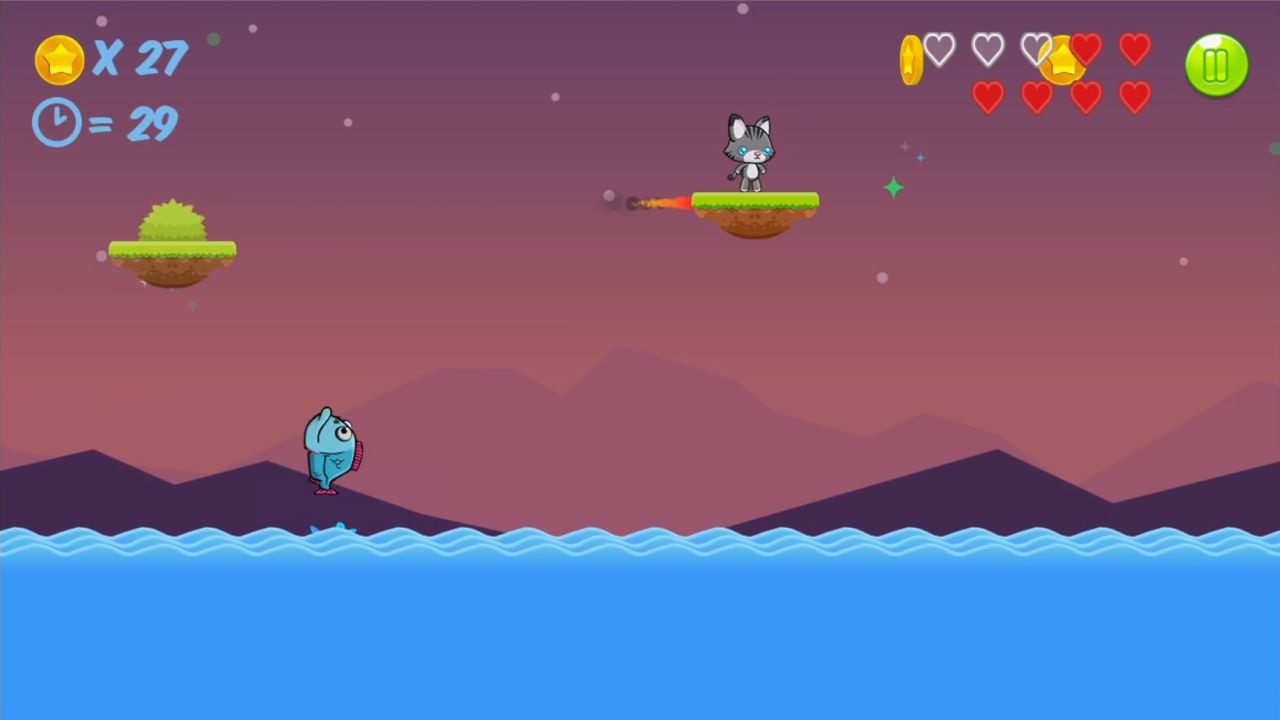
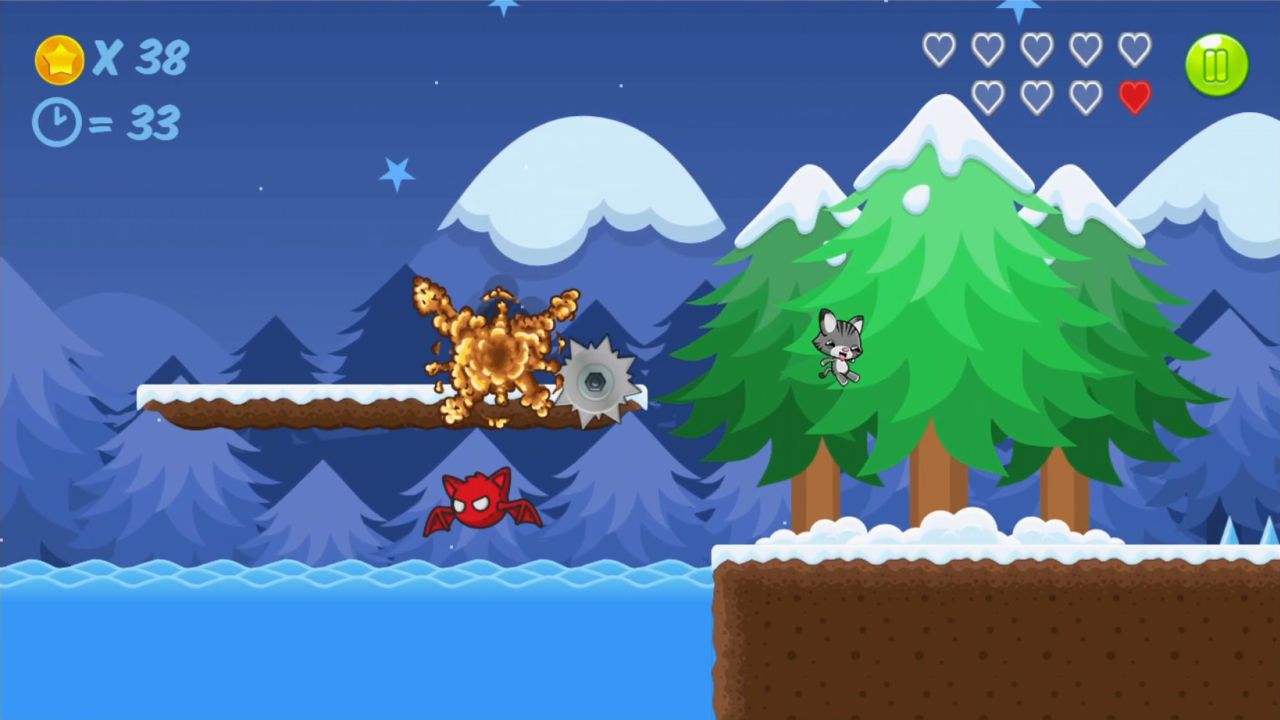
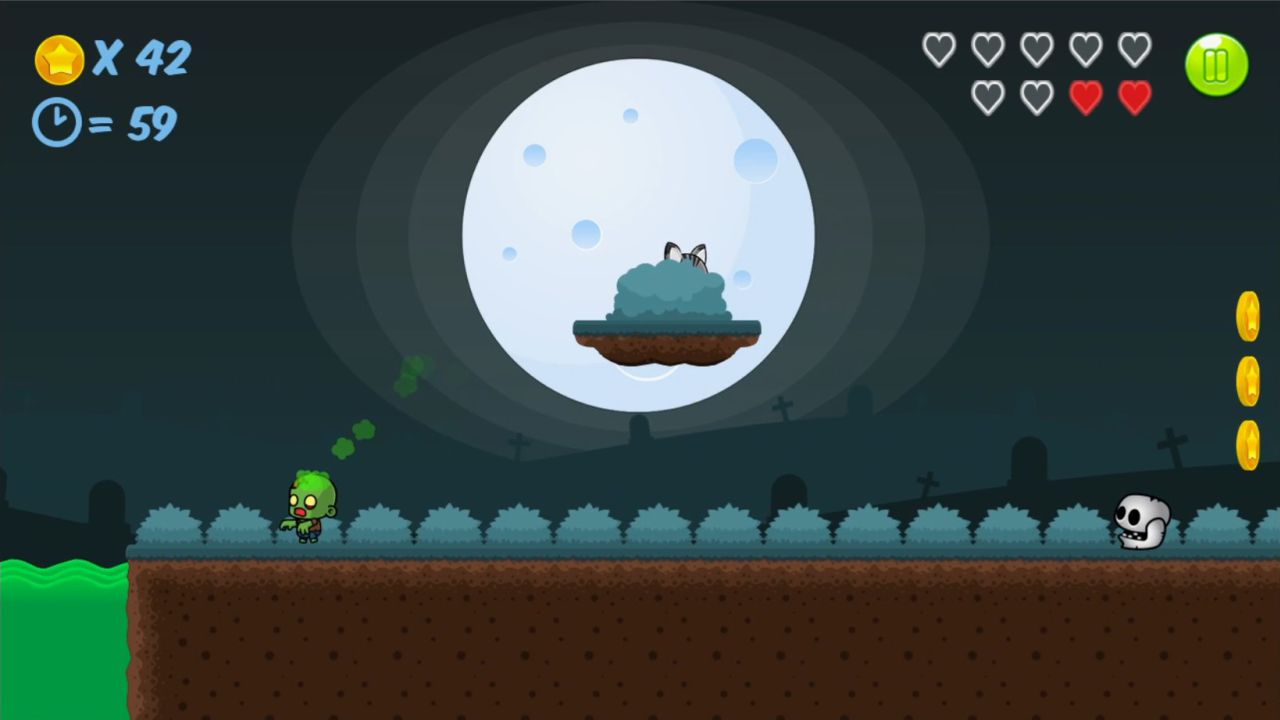
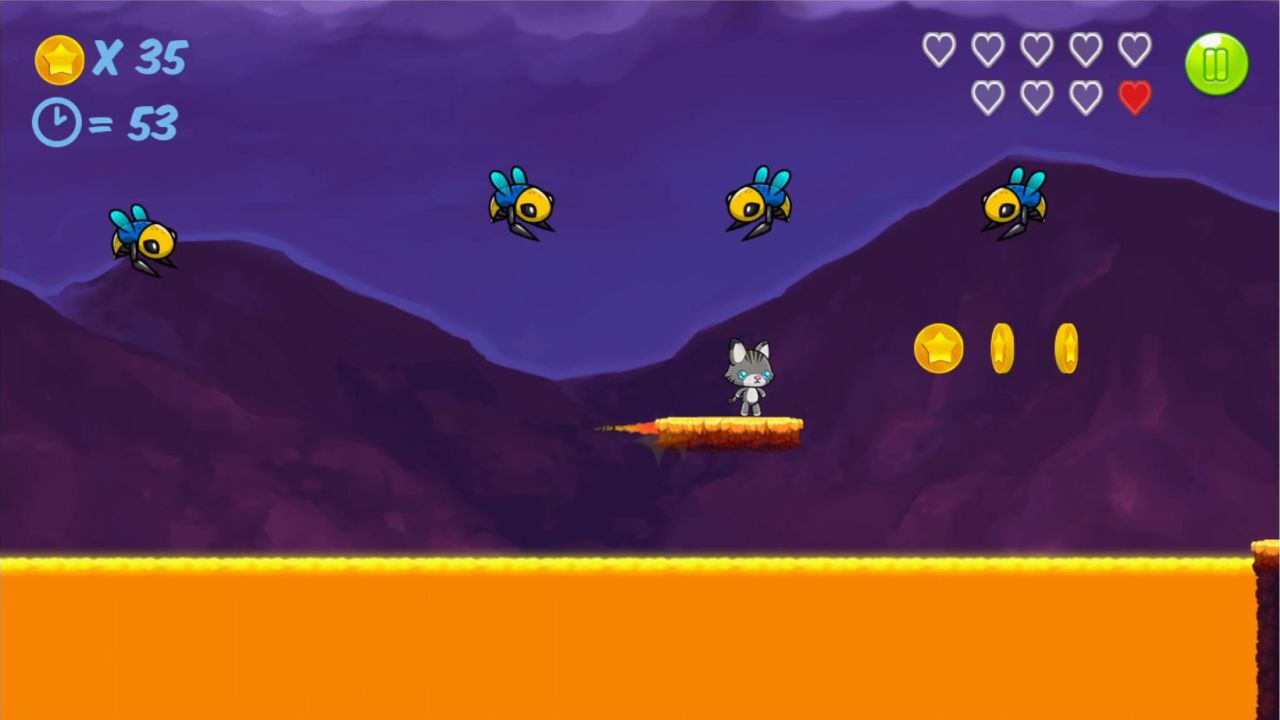
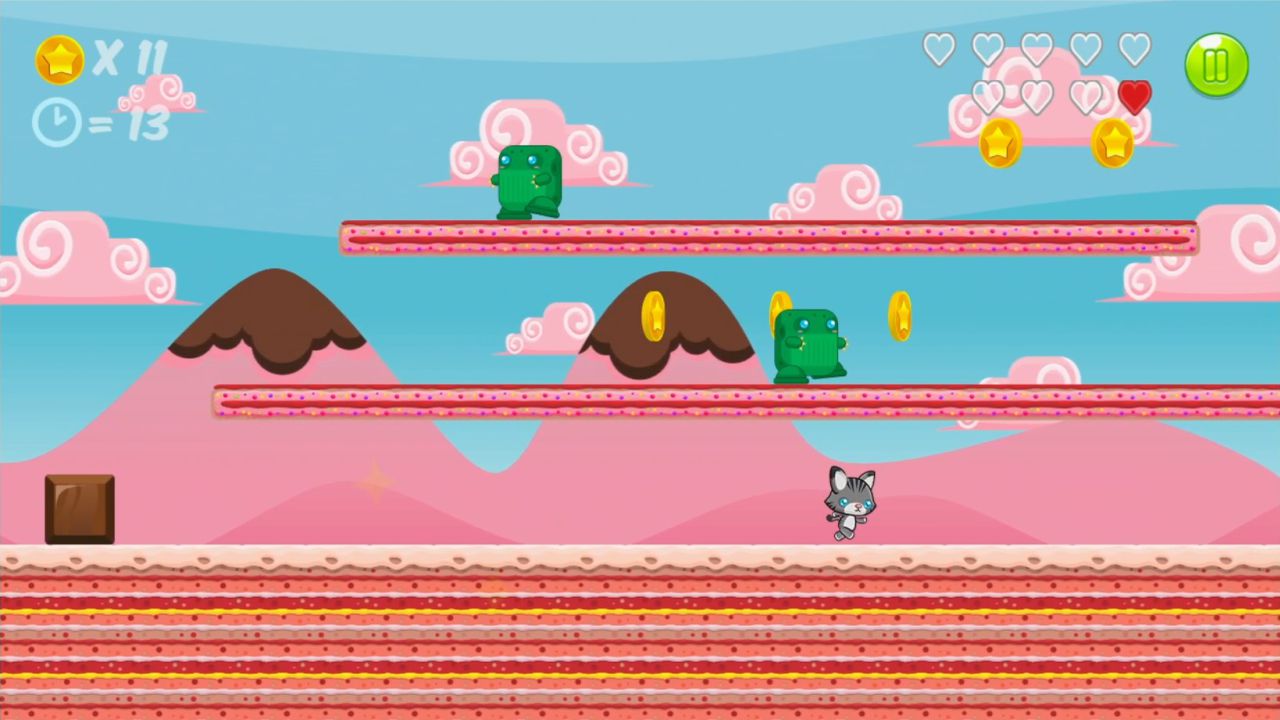
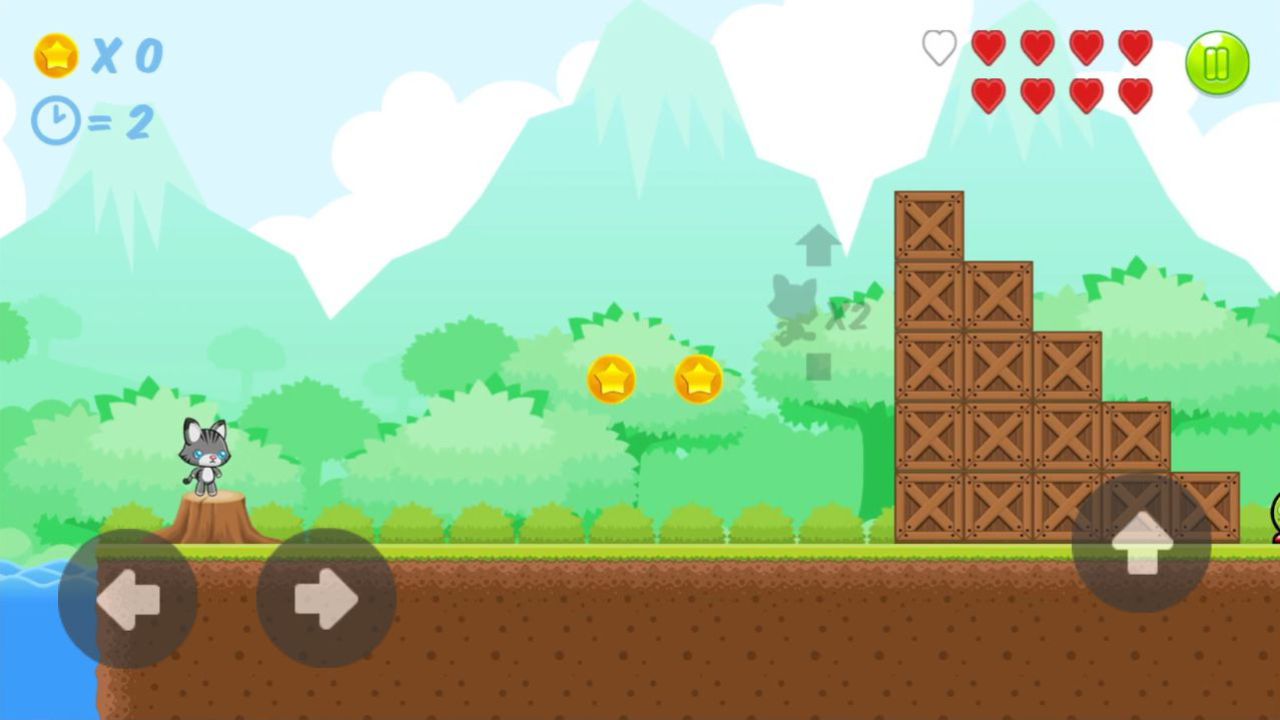
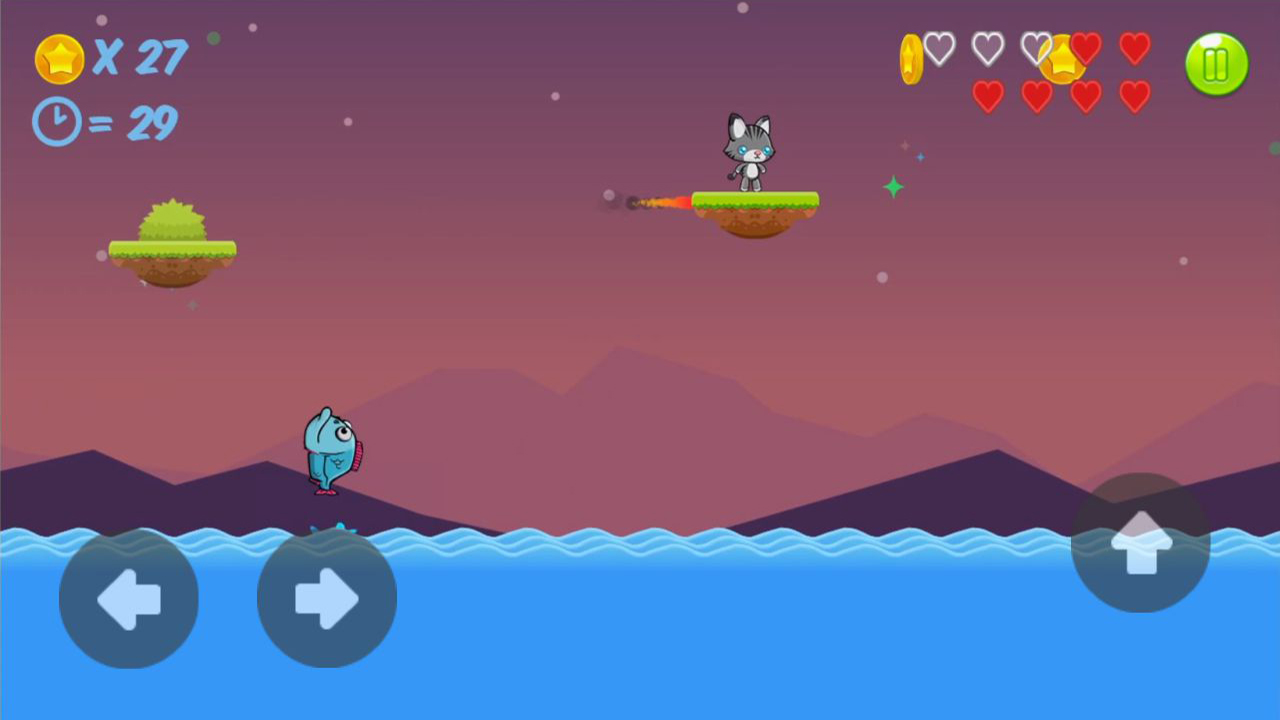
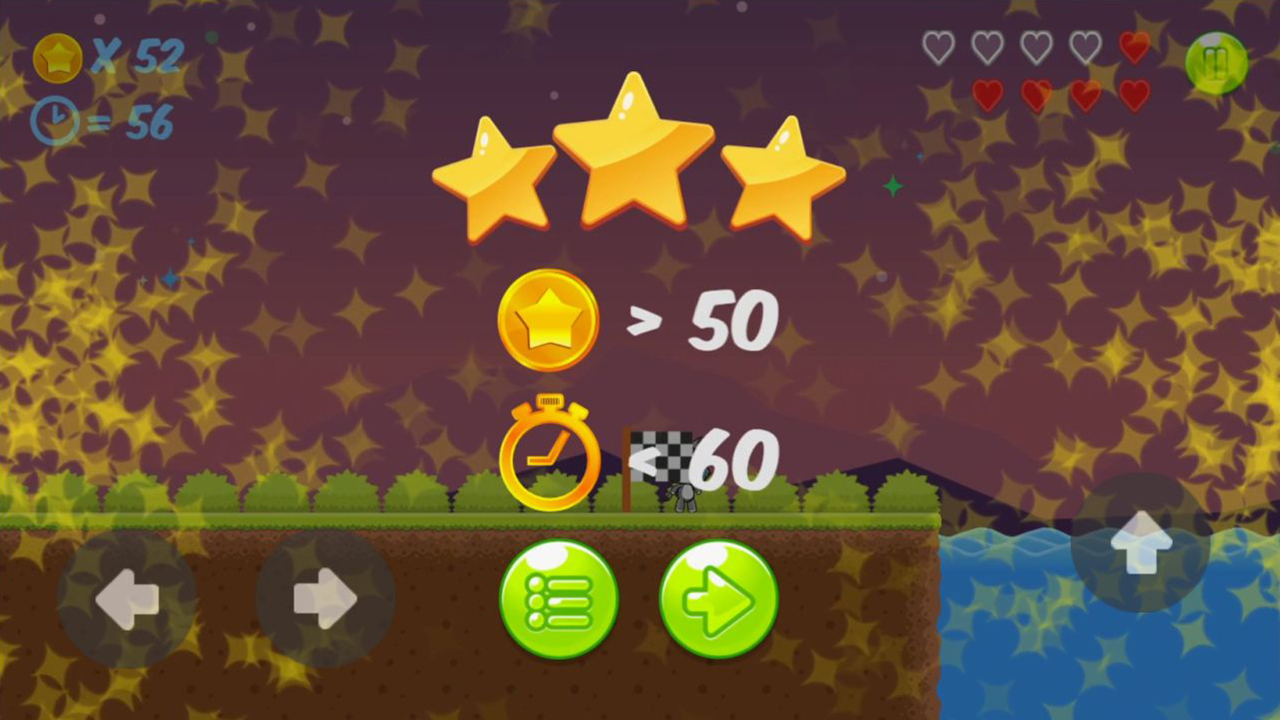
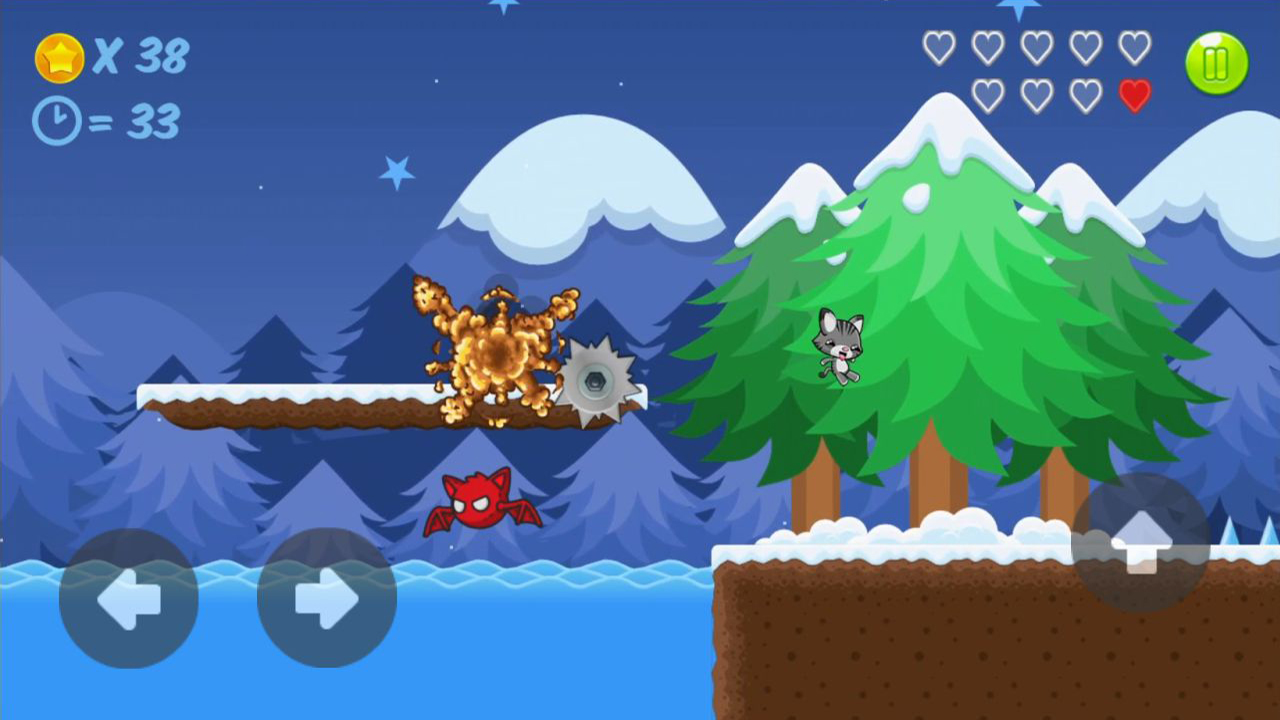
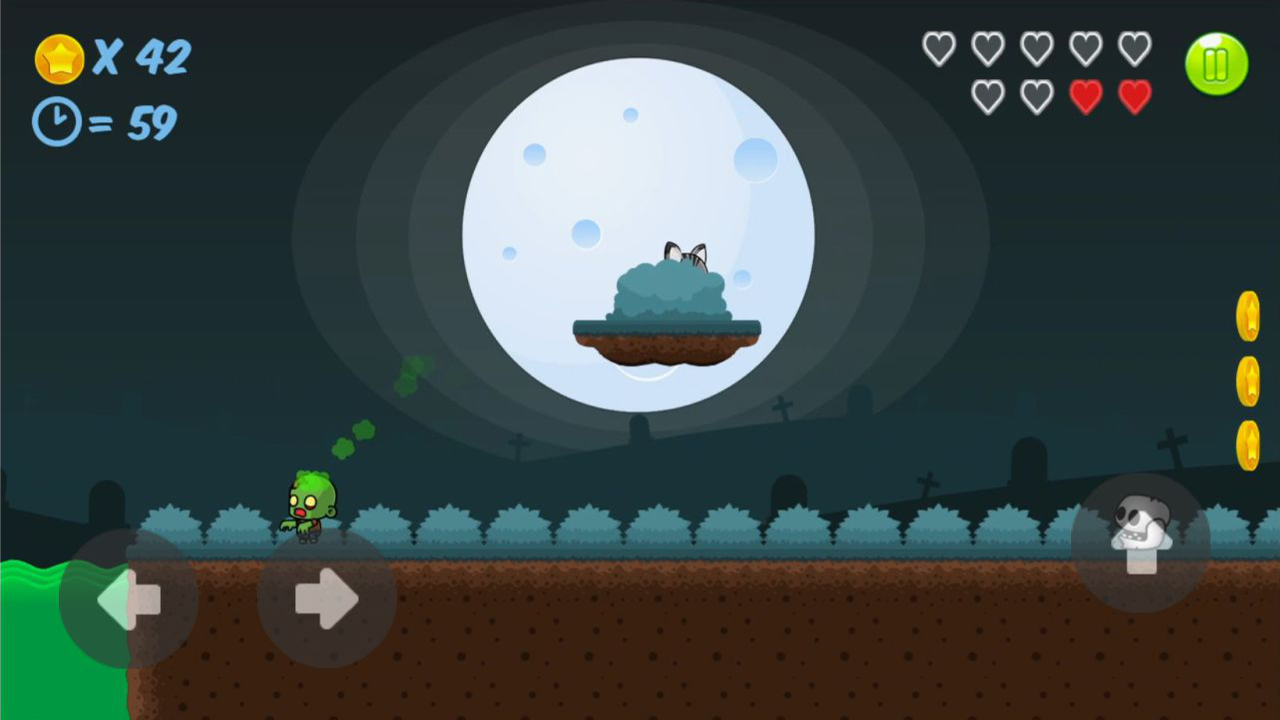
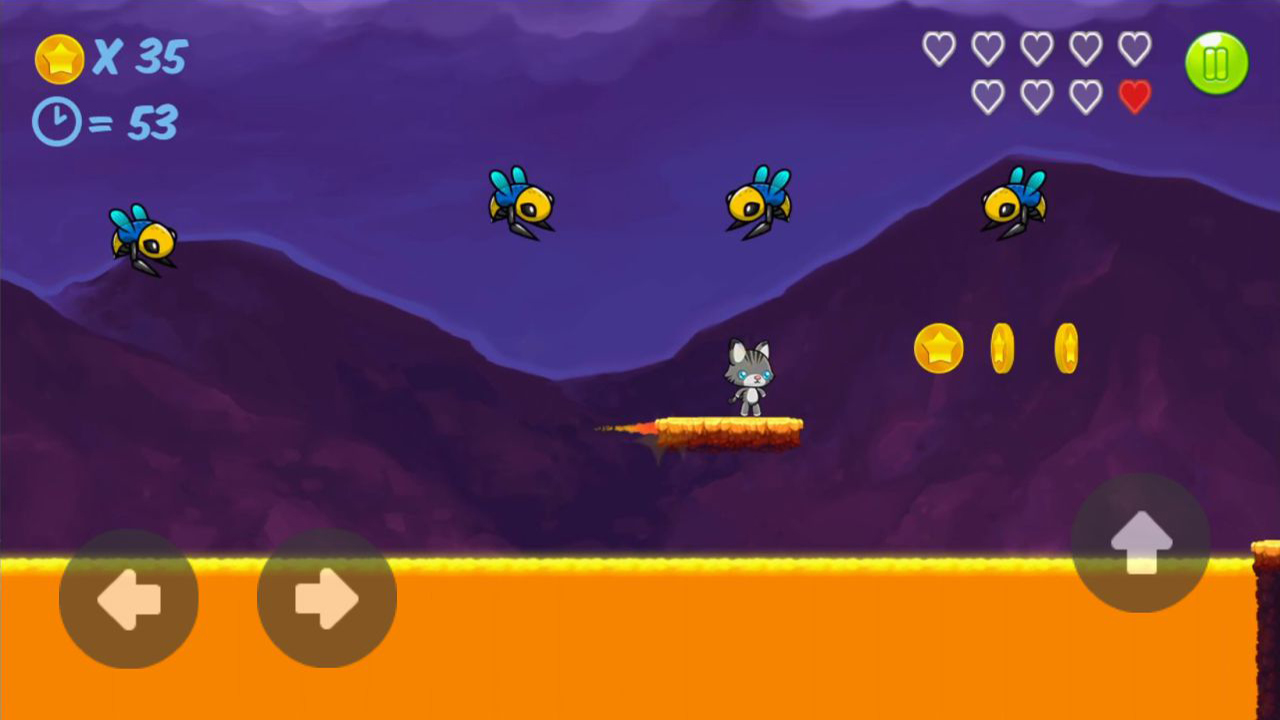
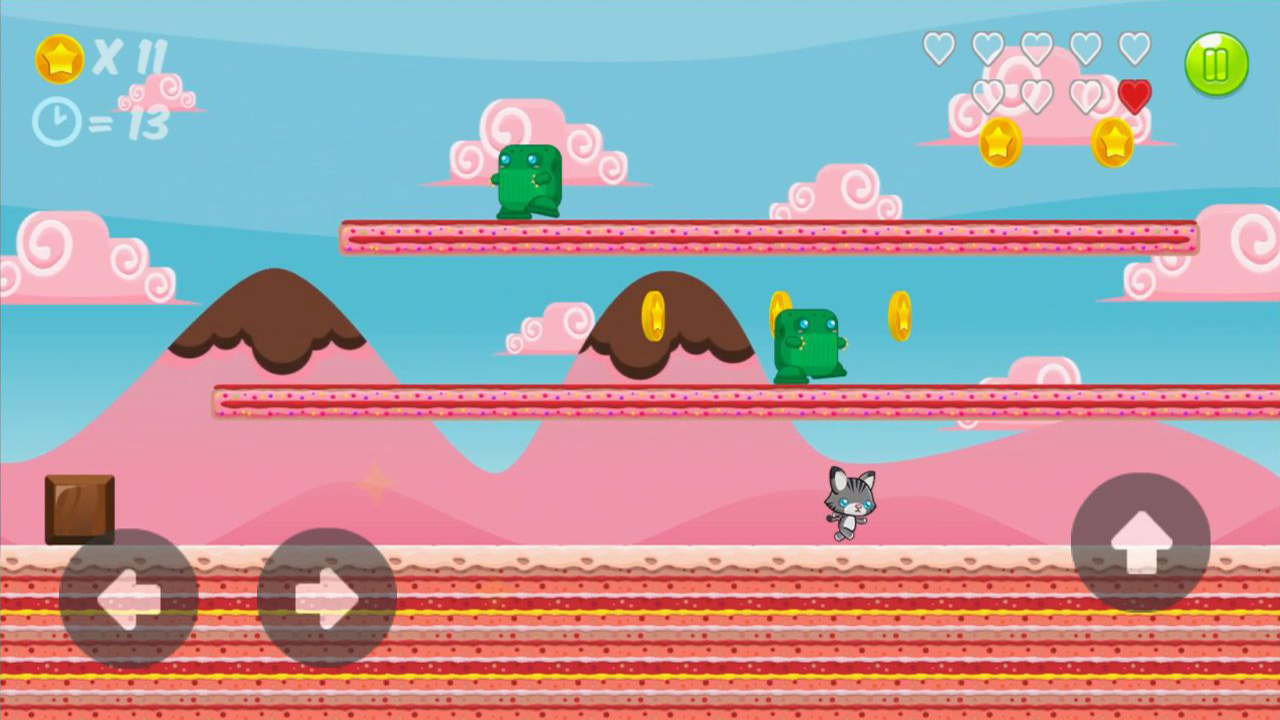
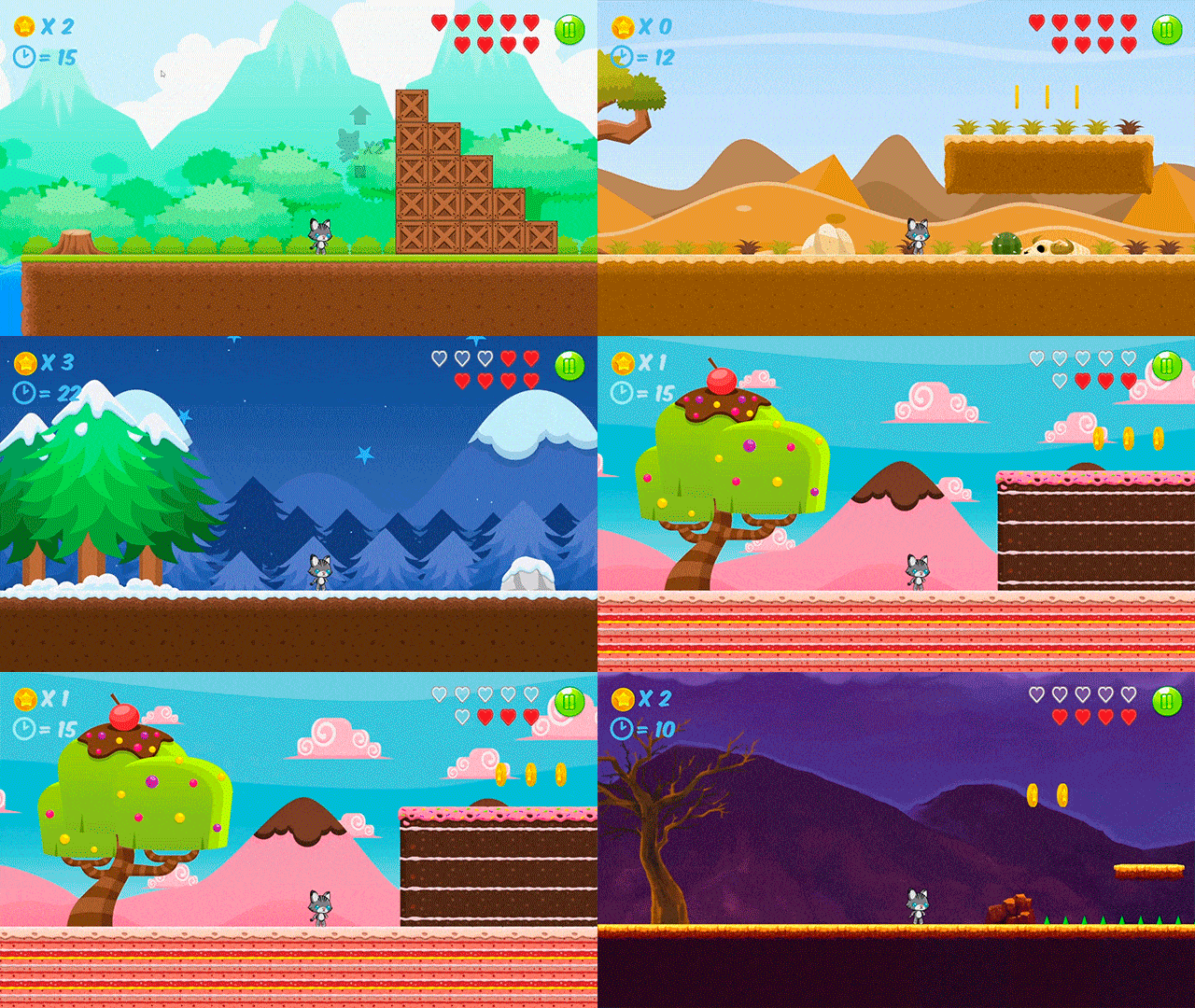
In "Chupa's Adventure", players take on the role of a charming cat named Chupa, who is lost in a large mysterious world and desperately wants to return to his owners. Plot: During a picnic with his family in nature, Chupa discovered an unusual butterfly that circled near him. Deciding to follow her, he found himself in another world filled with strange creatures. Now Chupa wants only one thing: to return to his masters. During his journey, he will meet funny and strange inhabitants who will interfere with him on the way to his family. Each level of the game is a unique location with its characteristic obstacles and opponents. Gameplay: The game offers classic platformer mechanics: players can run, jump, and there is also a double jump to overcome difficult sections of locations. At the levels, players will collect coins that affect the score of passing the level. Passing time also affects the score.

Videos and screenshots
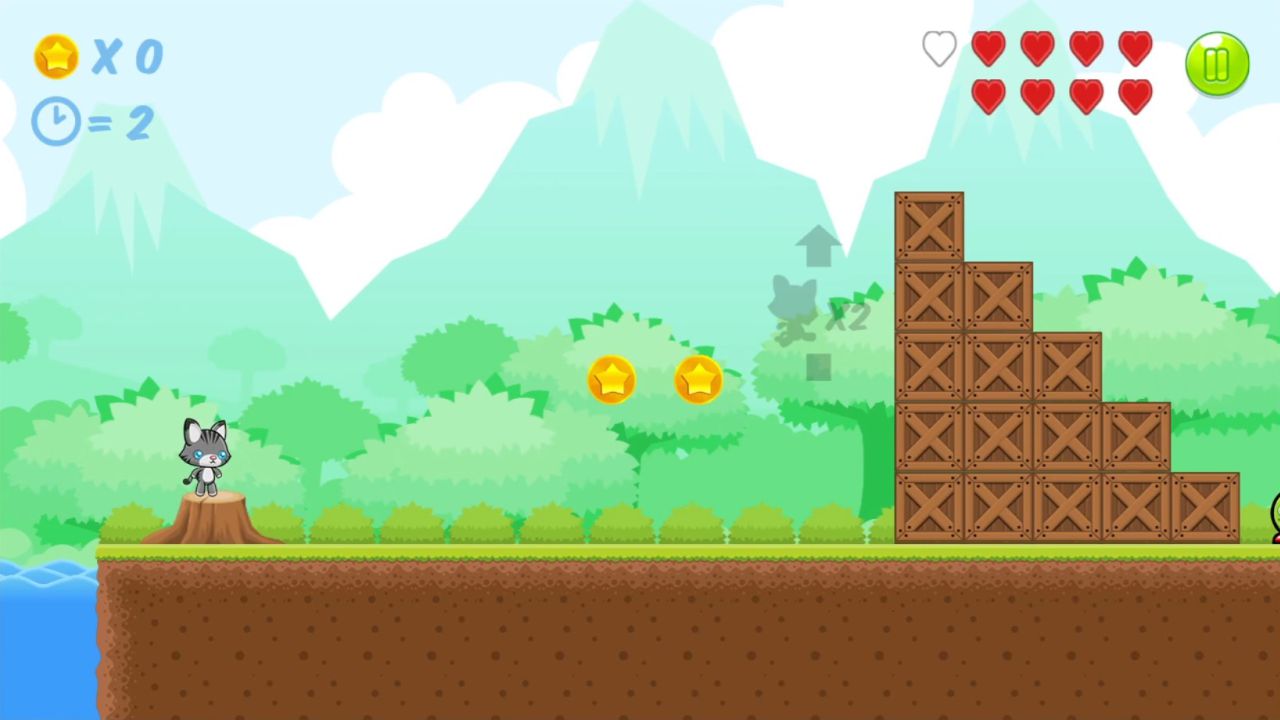
  • Chupa's Adventure screenshot 1
  • Chupa's Adventure screenshot 2
  • Chupa's Adventure screenshot 3
  • Chupa's Adventure screenshot 4
  • Chupa's Adventure screenshot 5
  • Chupa's Adventure screenshot 6
  • Chupa's Adventure screenshot 7
  • Chupa's Adventure screenshot 8
  • Chupa's Adventure screenshot 9
  • Chupa's Adventure screenshot 10
  • Chupa's Adventure screenshot 11
  • Chupa's Adventure screenshot 12
  • Chupa's Adventure screenshot 13
  • Chupa's Adventure screenshot 14
  • Chupa's Adventure screenshot 15
  • Chupa's Adventure screenshot 16
  • Chupa's Adventure screenshot 17
Play Now

11,277 players online

How to play

  1. Open the game

    Press Play now and the game opens on its own screen.

  2. Follow the in-game instructions

    The controls and goals are shown inside the game as you play.

  3. Use the game menu

    The floating button over the game reloads it, saves it to your favourites, or takes you back out.

Game instructions

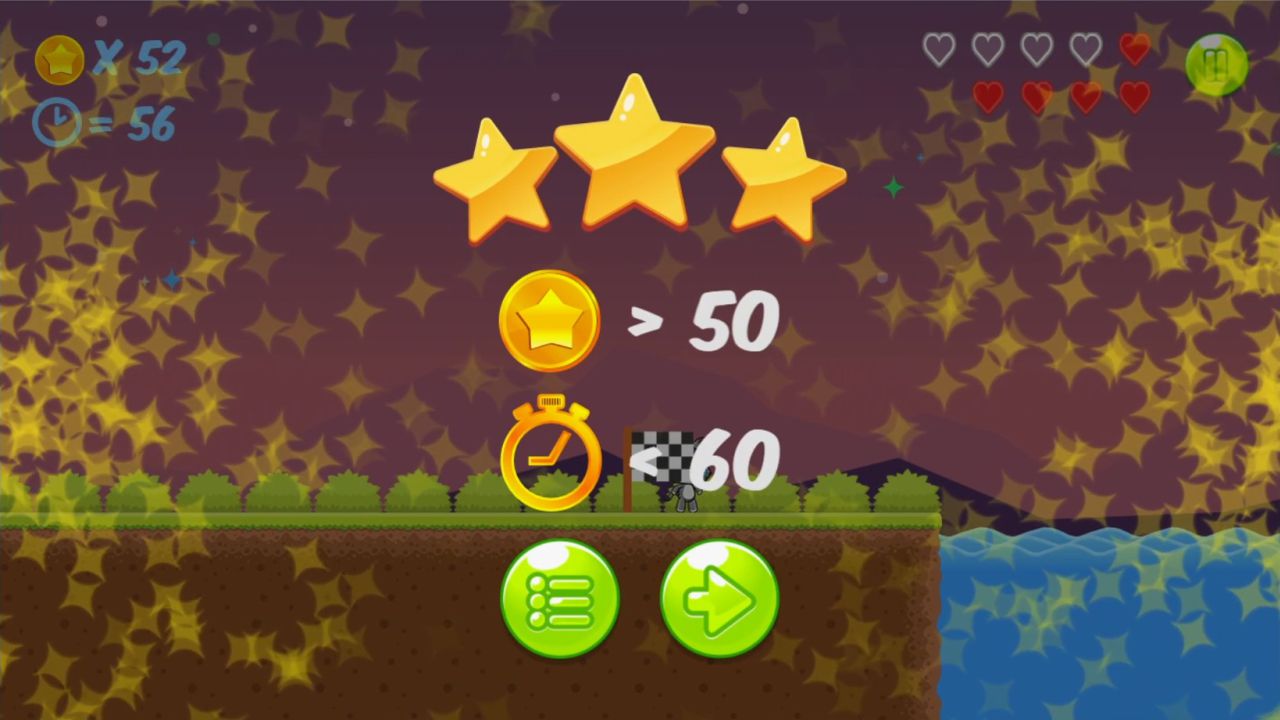
On the computer: To make the character run to the right, press the D button (or the right arrow) on the keyboard. To make the character run to the left, press the A button (or the left arrow). To jump, press the space bar, and double jump is necessary at the moment when the character is in the air, press the space bar again. On a smartphone or tablet: To make the character run to the right, click on the right arrow at the bottom of the screen. To make the character run to the left, click on the arrow to the left. To jump, click on the up arrow, and double jump is necessary at the moment when the character is in the air, click on the up arrow again. The player must complete each level from start to finish. After completing a level, the game will rate your progress from 0 to 3 stars. The score is influenced by the passing time, as well as points earned for taking coins and jumping on the heads of opponents.

More games

More games