Skip to content
KG
Classic Solitaire Free Cell

Classic Solitaire Free Cell

972 plays 4.3 out of 5

Overview

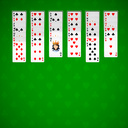
Switch between columns and help yourself with 4 empty stacks to discards all the cards, going from Ace to King. In this version, create your own gaming experience thanks to a lot of custom options. Features: Customize the look and feel of your Board and your Cards Try out different difficulty levels Leverage Hints to get yourself out of tricky situations Get access to detailed statistics and track your progression

Videos and screenshots
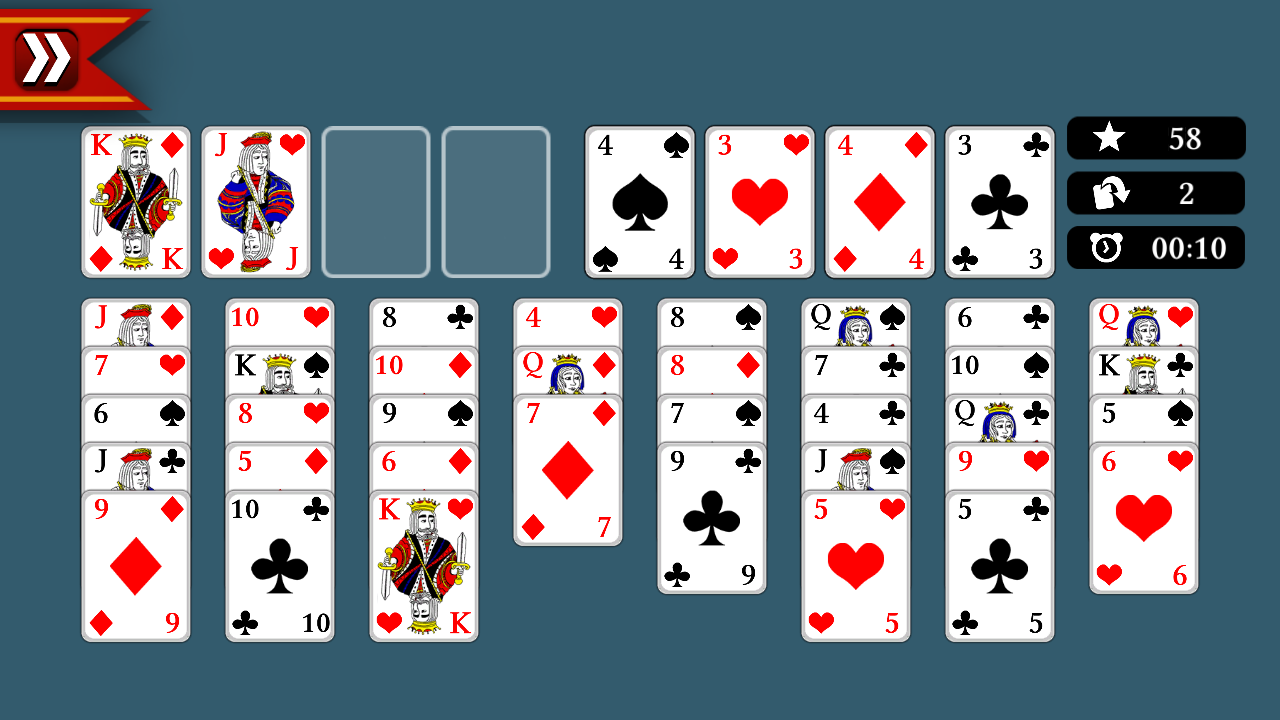
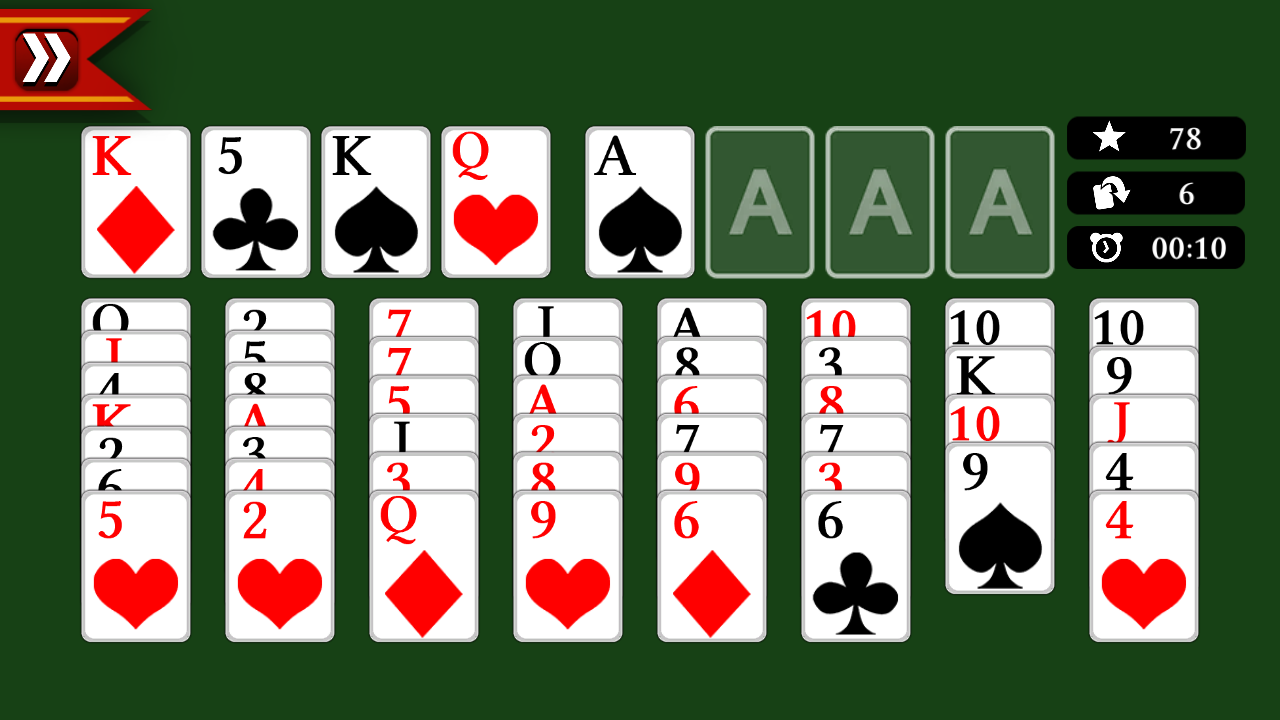
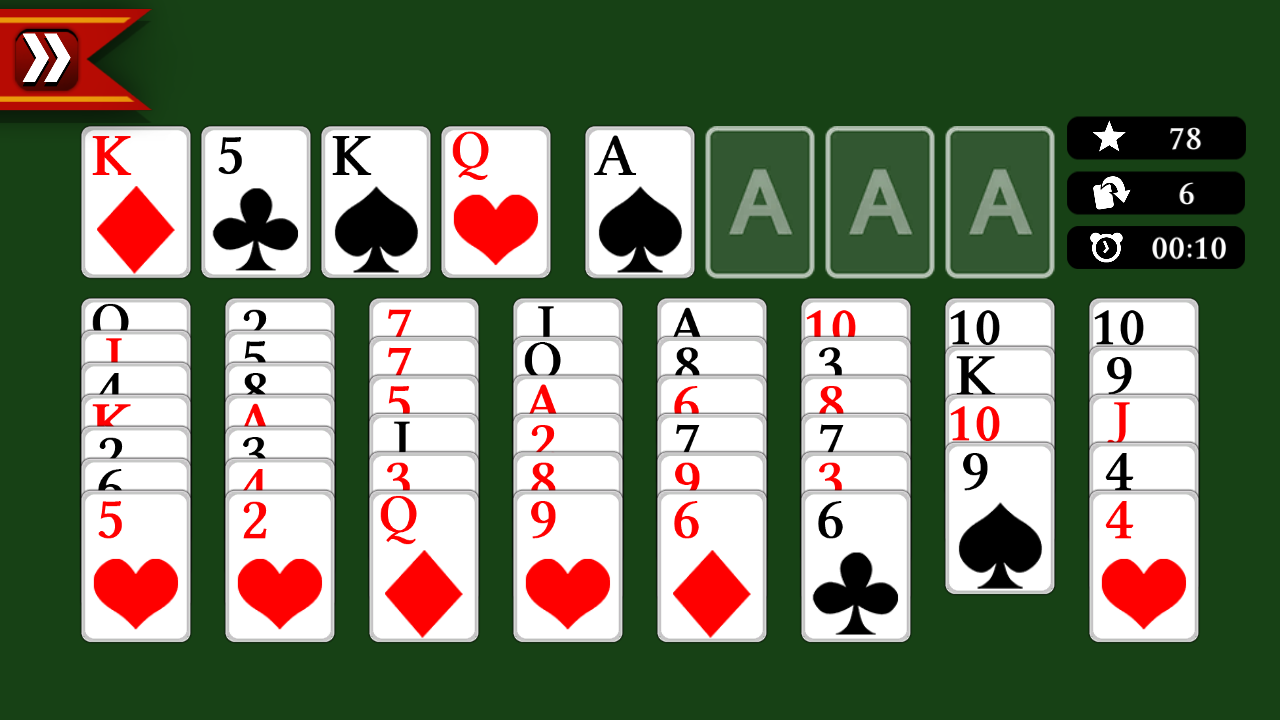
  • Classic Solitaire Free Cell screenshot 1
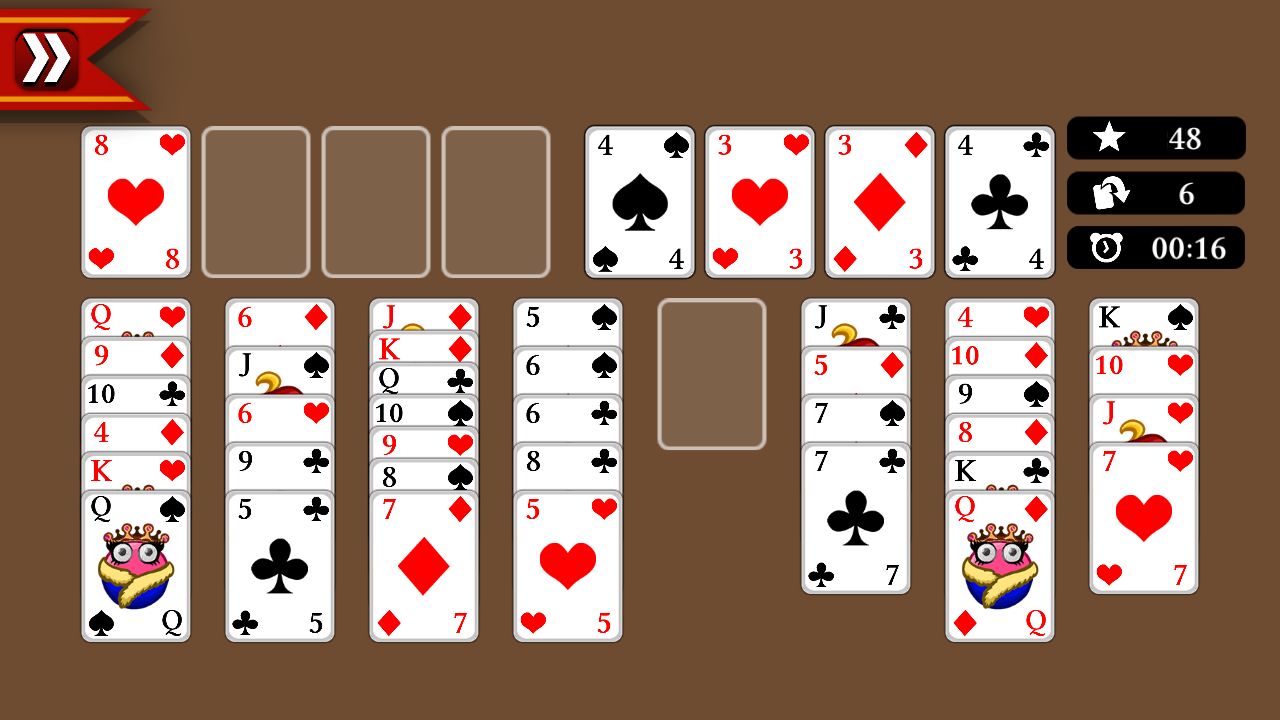
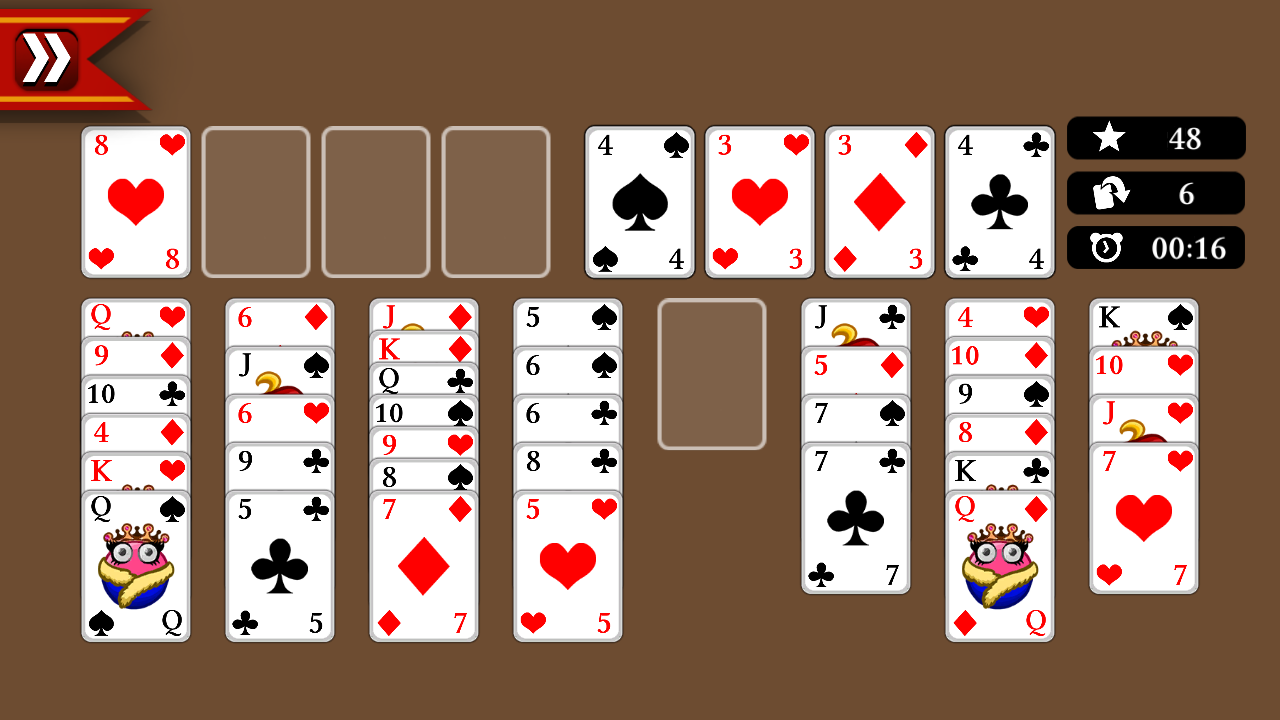
  • Classic Solitaire Free Cell screenshot 2
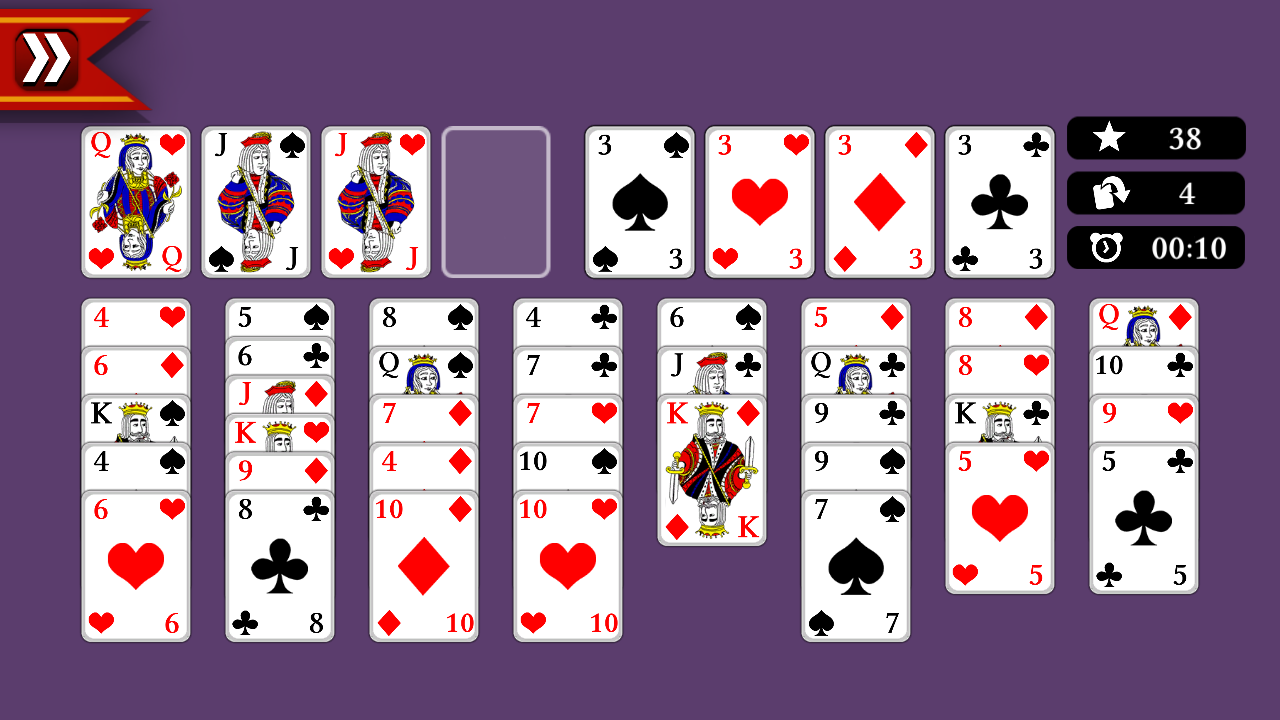
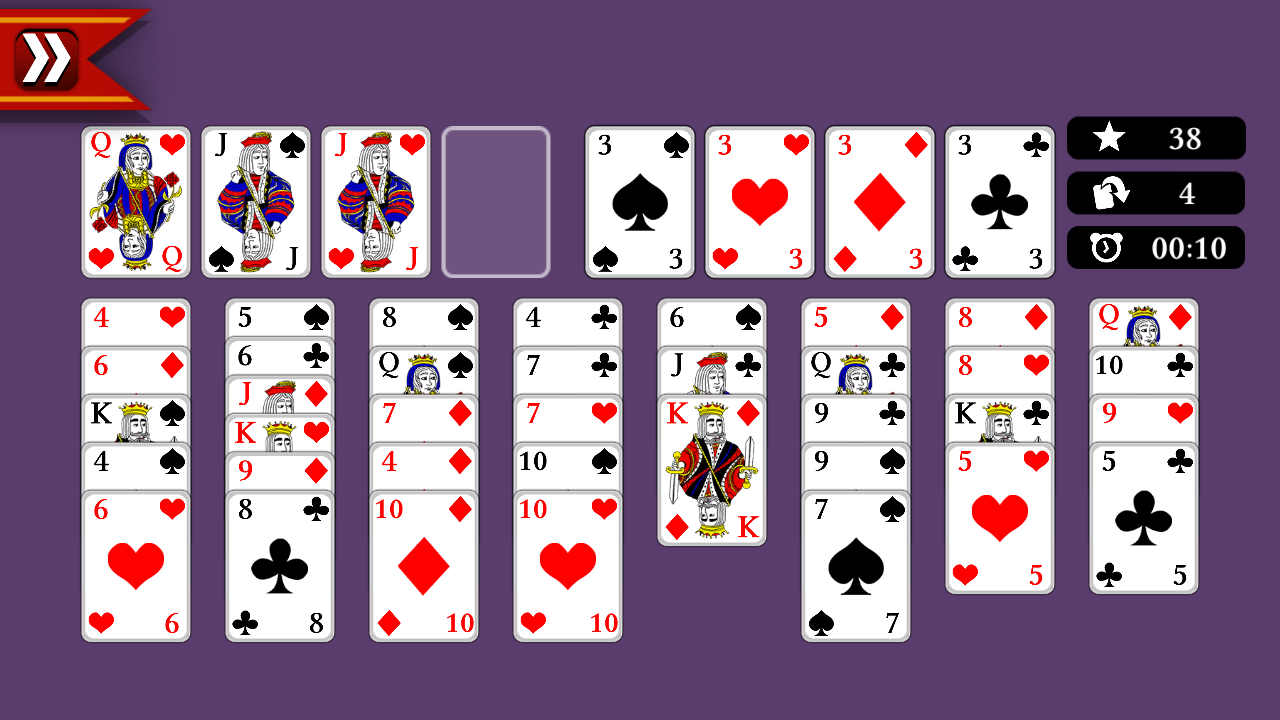
  • Classic Solitaire Free Cell screenshot 3
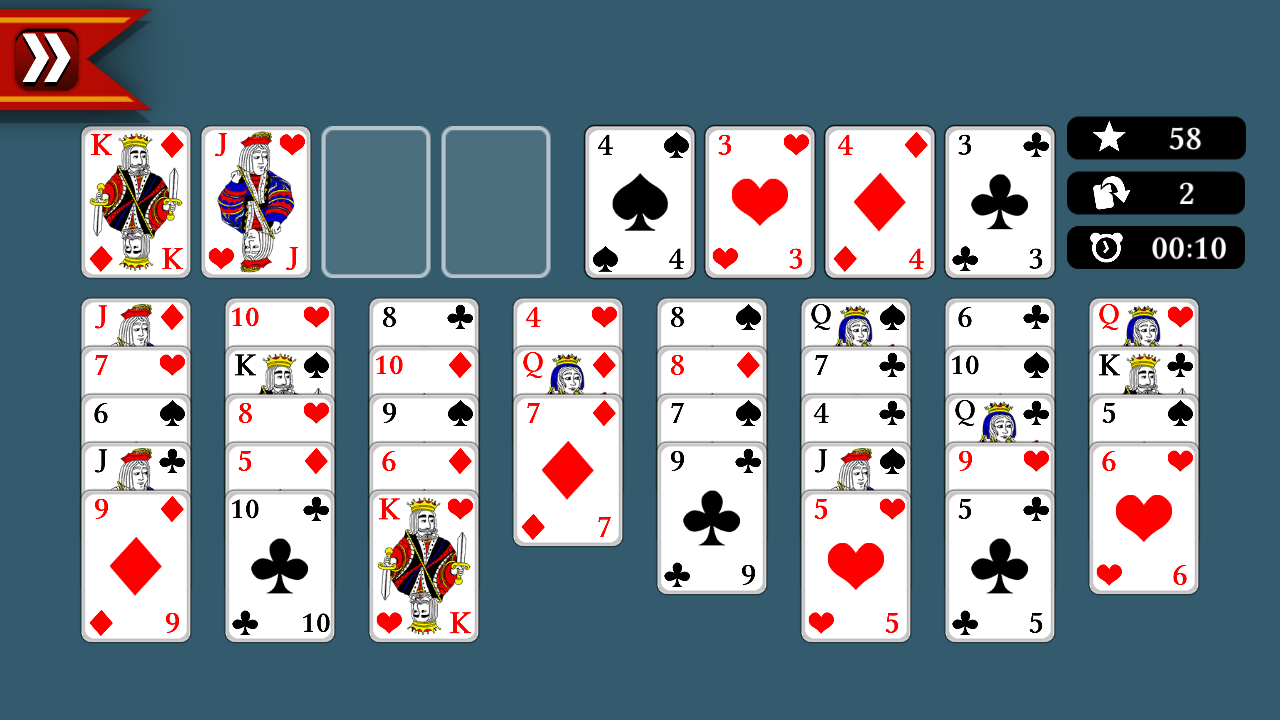
  • Classic Solitaire Free Cell screenshot 4
  • Classic Solitaire Free Cell screenshot 5
  • Classic Solitaire Free Cell screenshot 6
  • Classic Solitaire Free Cell screenshot 7
  • Classic Solitaire Free Cell screenshot 8
Play Now

10,096 players online

How to play

  1. Open the game

    Press Play now and the game opens on its own screen.

  2. Follow the in-game instructions

    The controls and goals are shown inside the game as you play.

  3. Use the game menu

    The floating button over the game reloads it, saves it to your favourites, or takes you back out.
Game instructions

There are 4 cells called "house" and 4 "free" cells. At the beginning of the game they are all empty. It is allowed to move one card from a column or a free cell: to any other column - to the next highest card of a different color (for example, the black jack - only to the red queen). or to a free cell if it is empty (thus, each free cell can store only one card); or to an empty column - no restrictions; or into the "house" - cards of one suit, starting with the Ace and ending with the King. A solitaire game is converged if you manage to move the whole deck to the "house". If it is necessary to move a stack of cards, it can be done only one by one, using empty columns and free cells.

More games

More games