Skip to content
KG
Classic Sudoku (9x9)

Classic Sudoku (9x9)

940 plays 3.8 out of 5

Overview

Classic Sudoku (9x9) is an intellectual puzzle that tests your logical thinking and attention. You have to fill the empty cells of the field with numbers from 1 to 9, strictly adhering to three simple rules.

Videos and screenshots
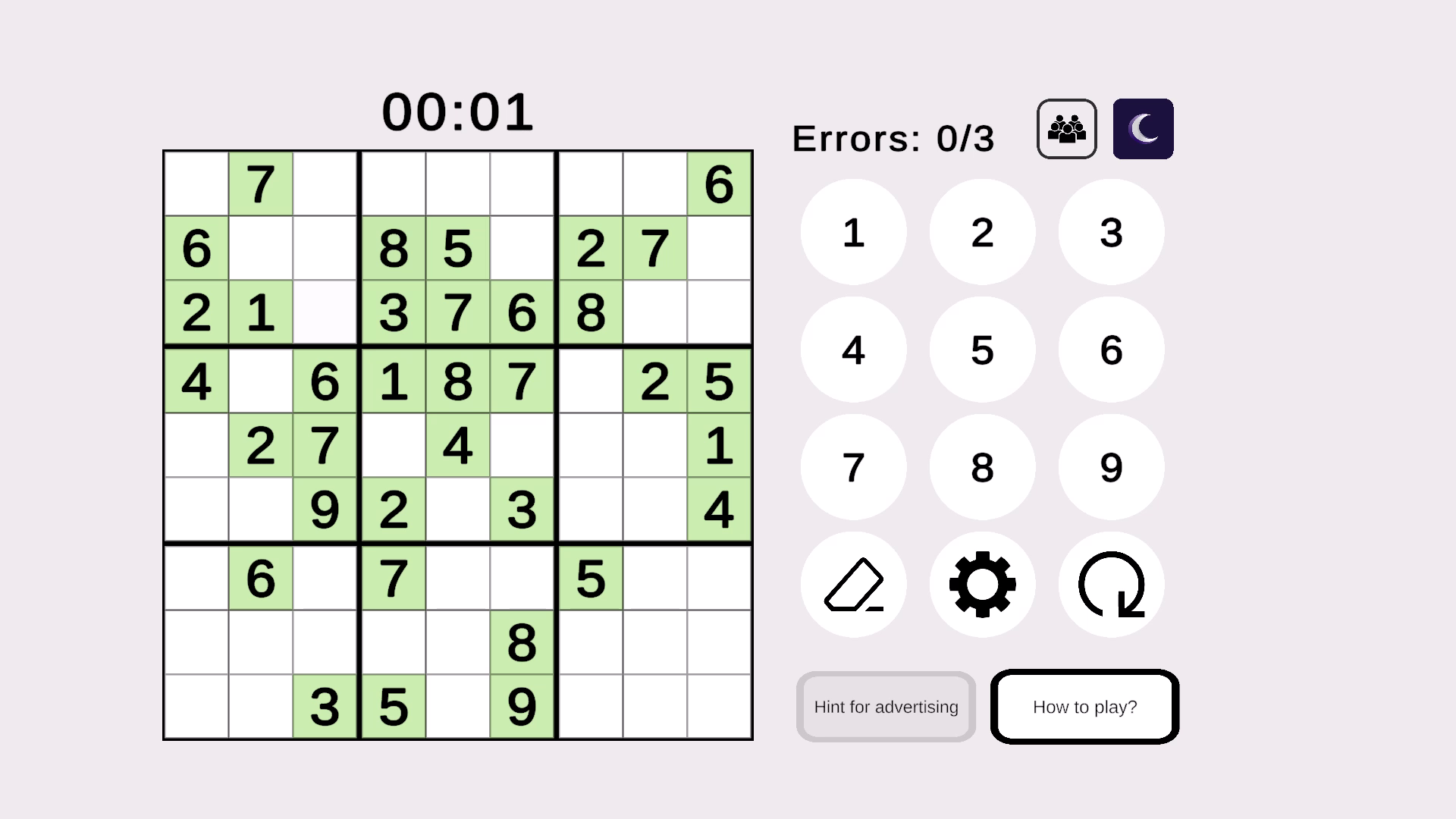
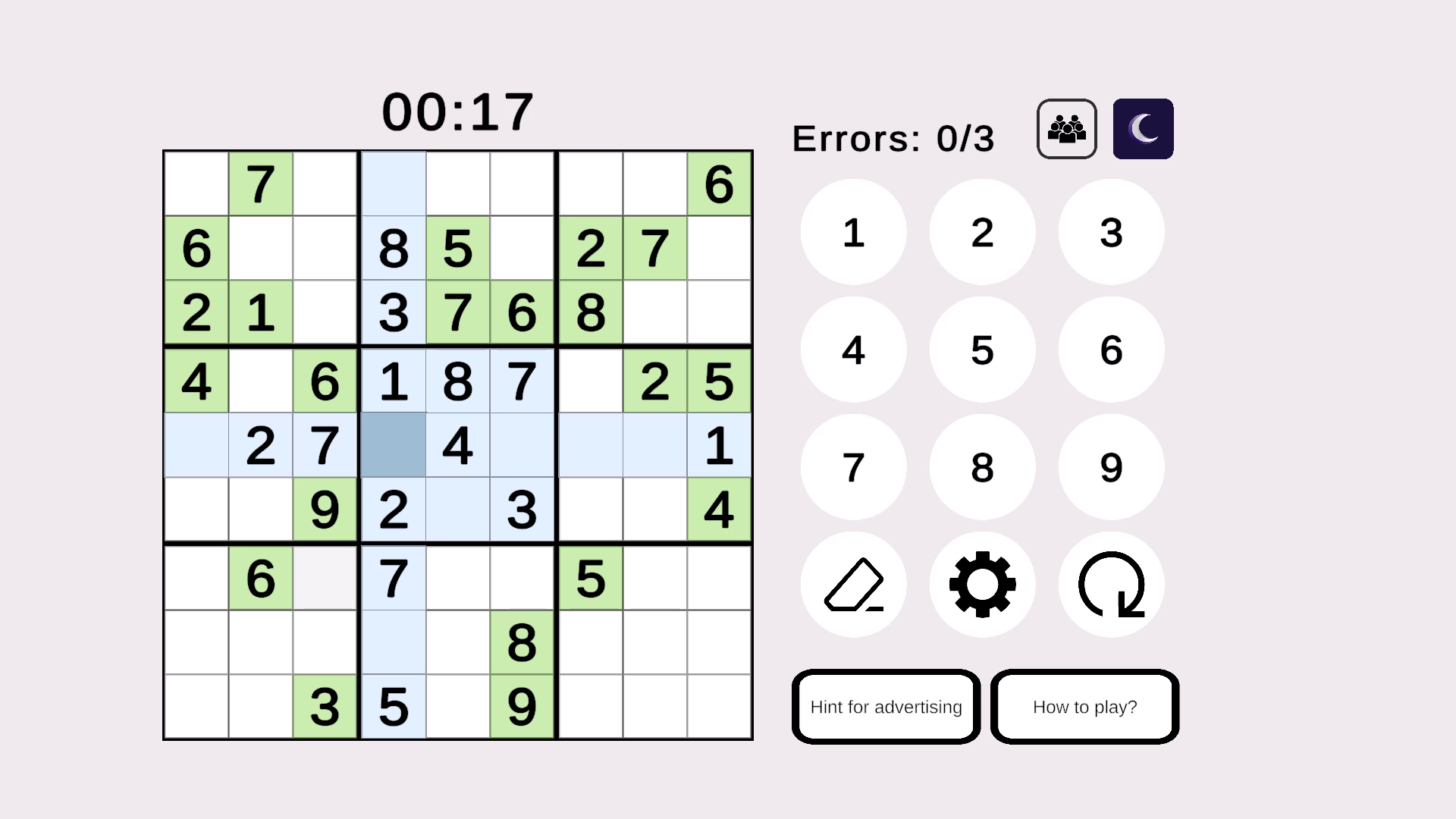
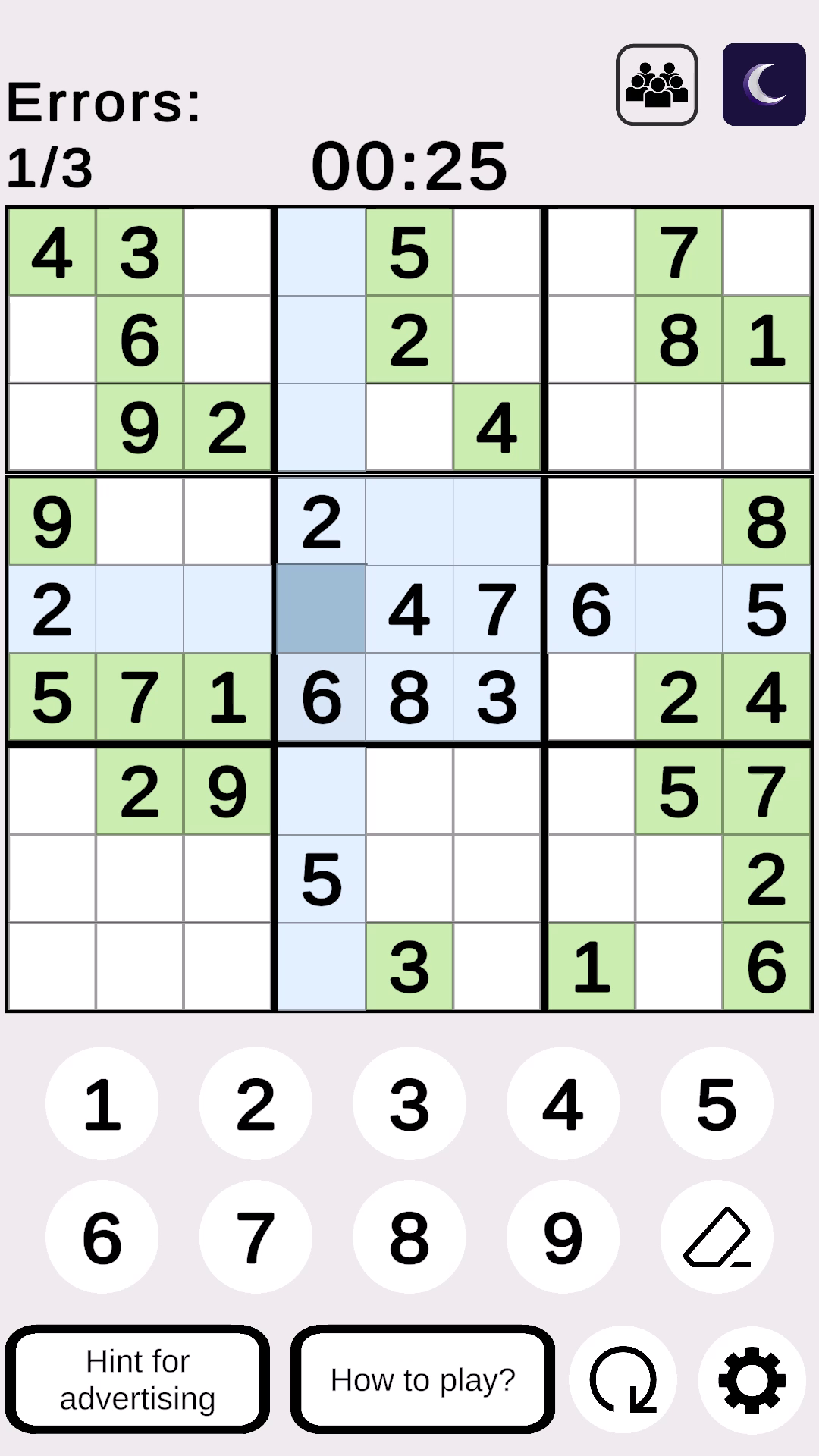
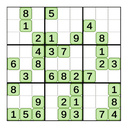
  • Classic Sudoku (9x9) screenshot 1
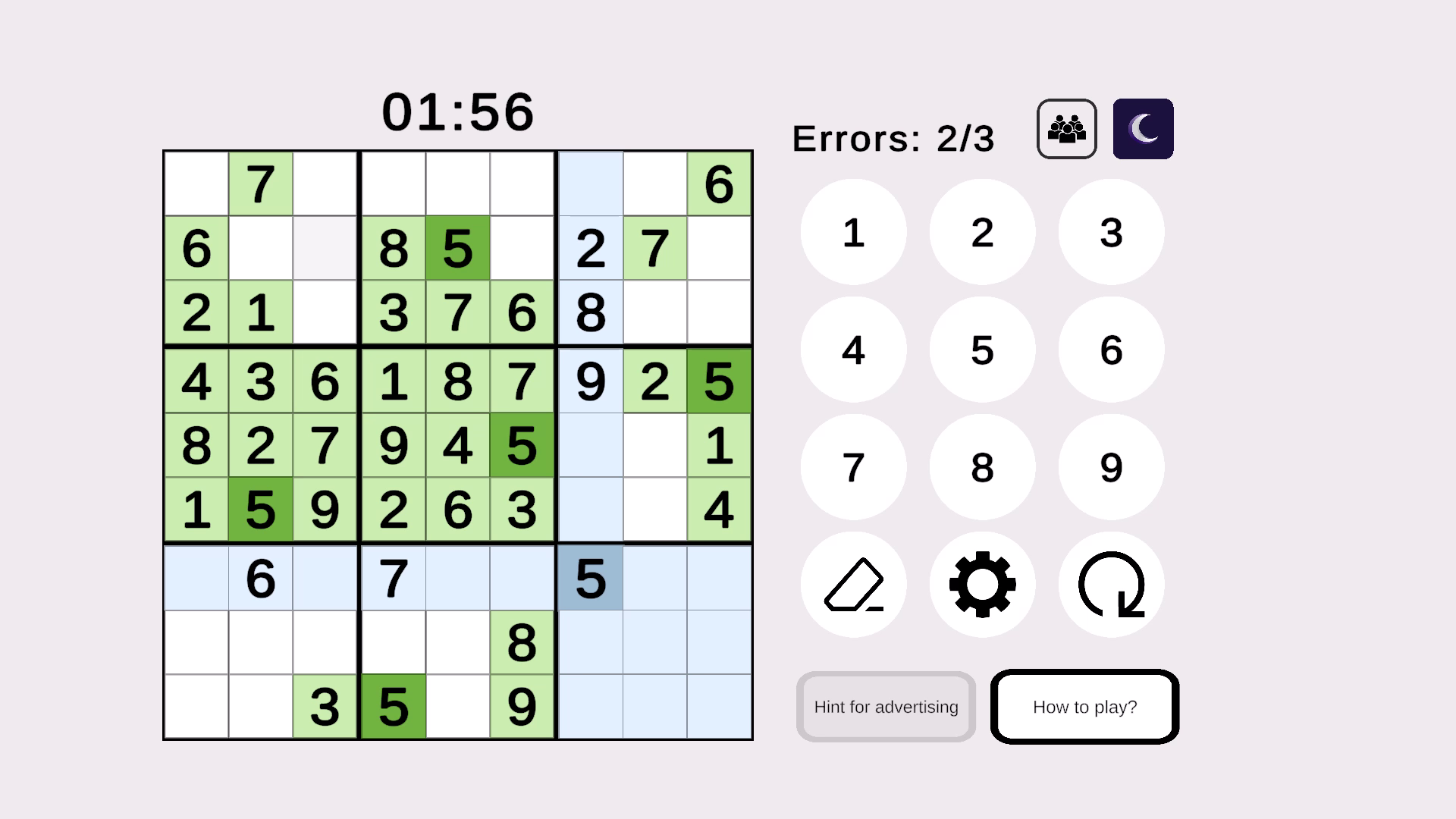
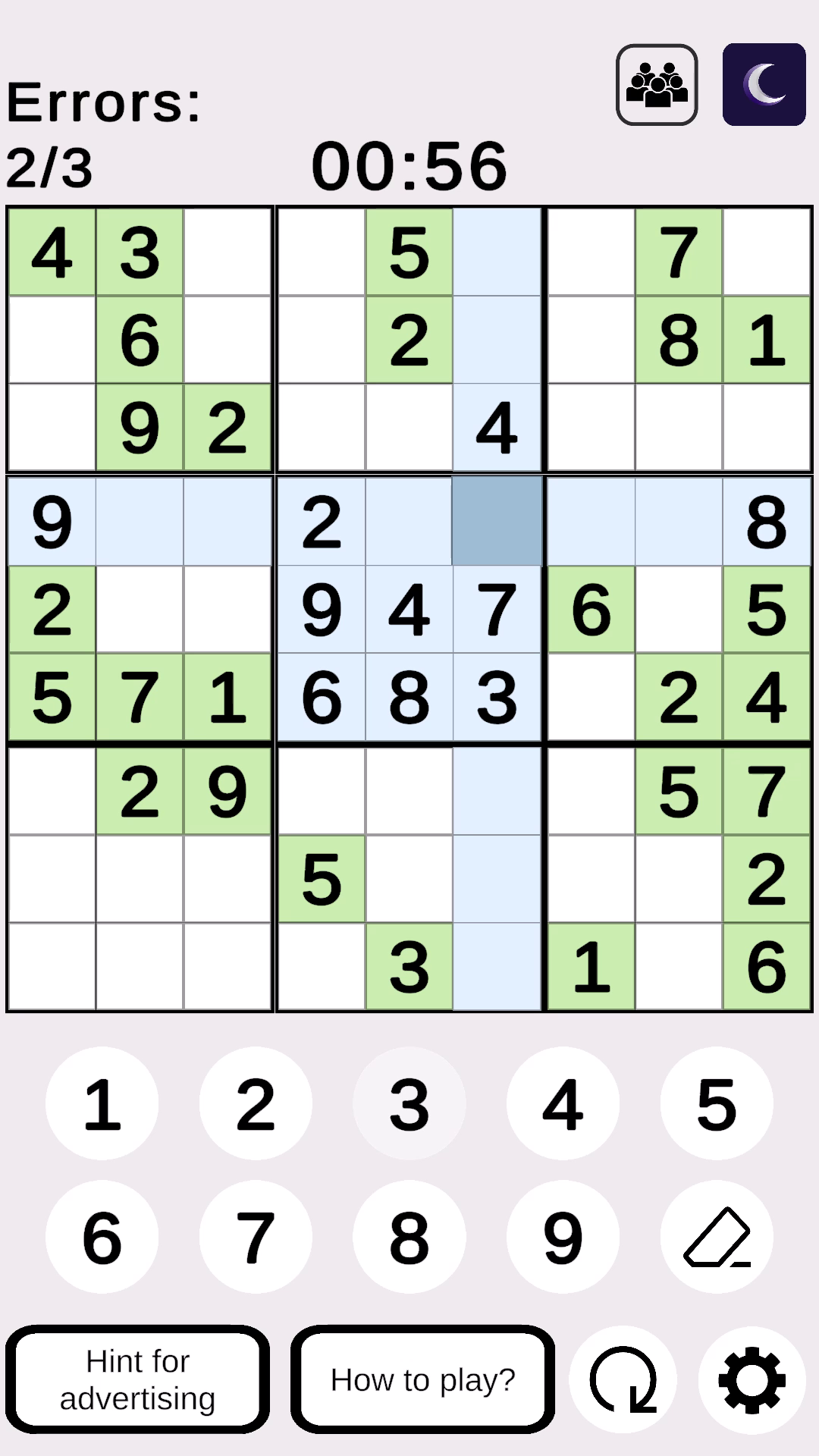
  • Classic Sudoku (9x9) screenshot 2
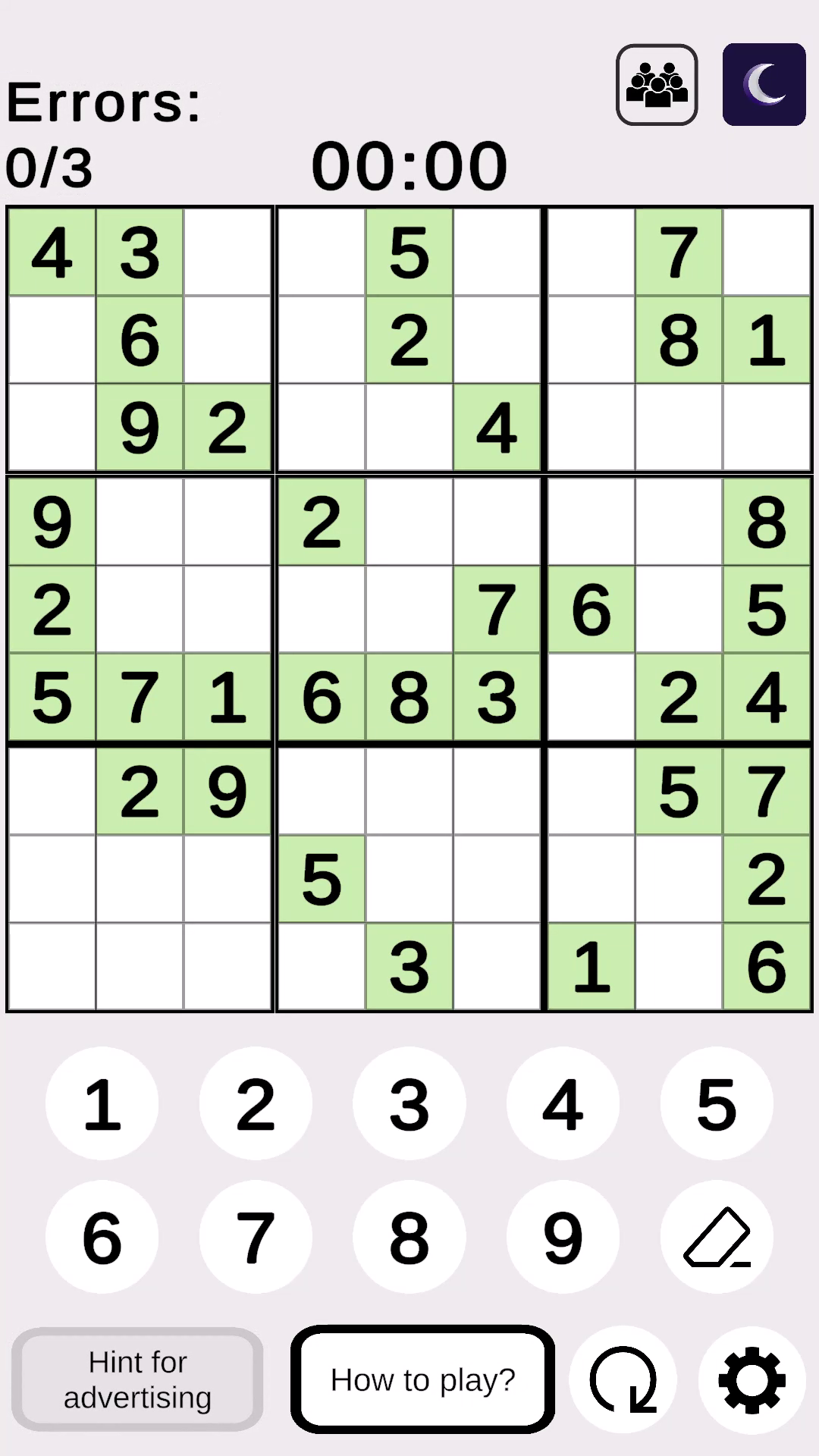
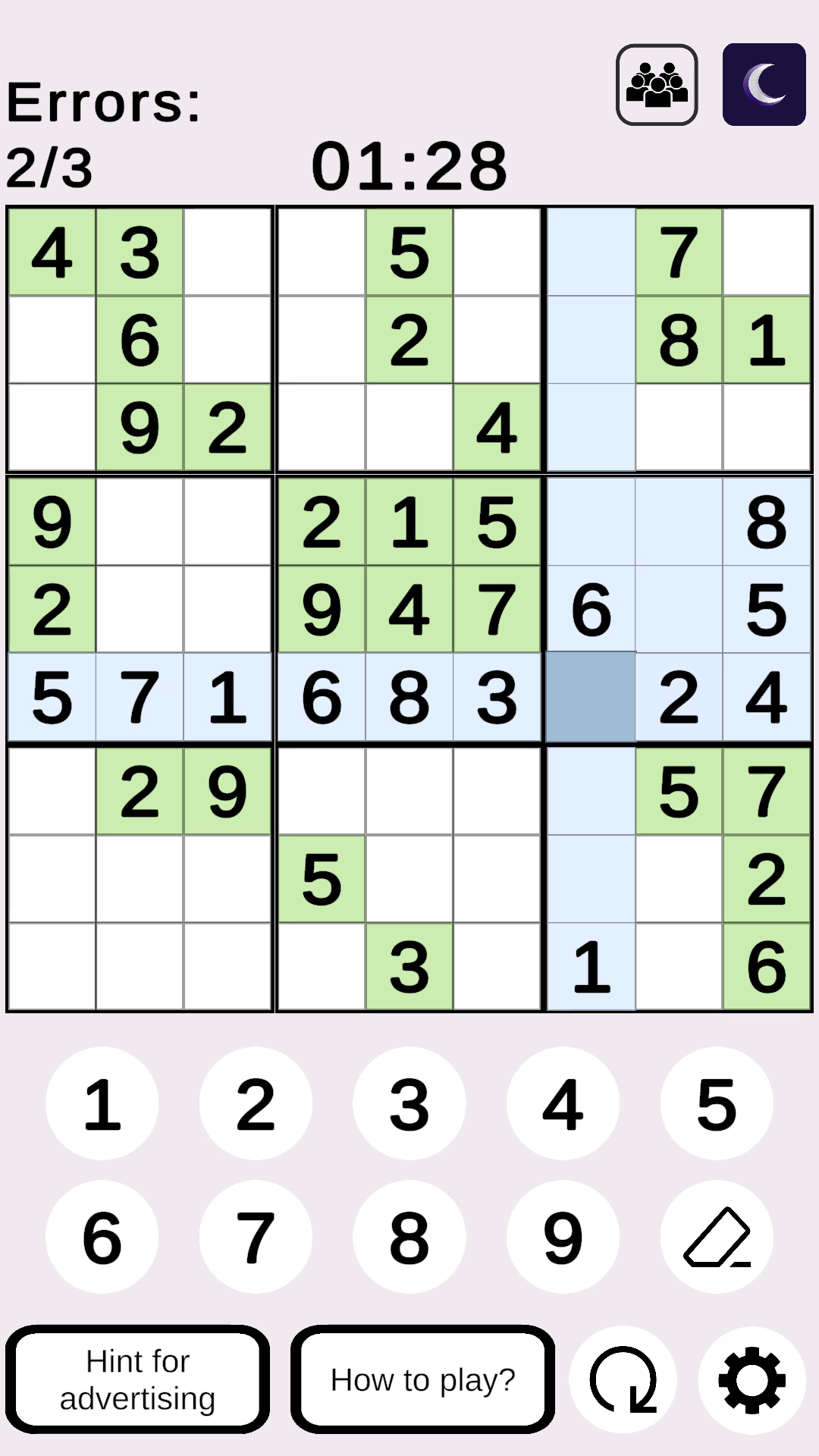
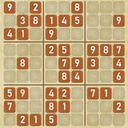
  • Classic Sudoku (9x9) screenshot 3
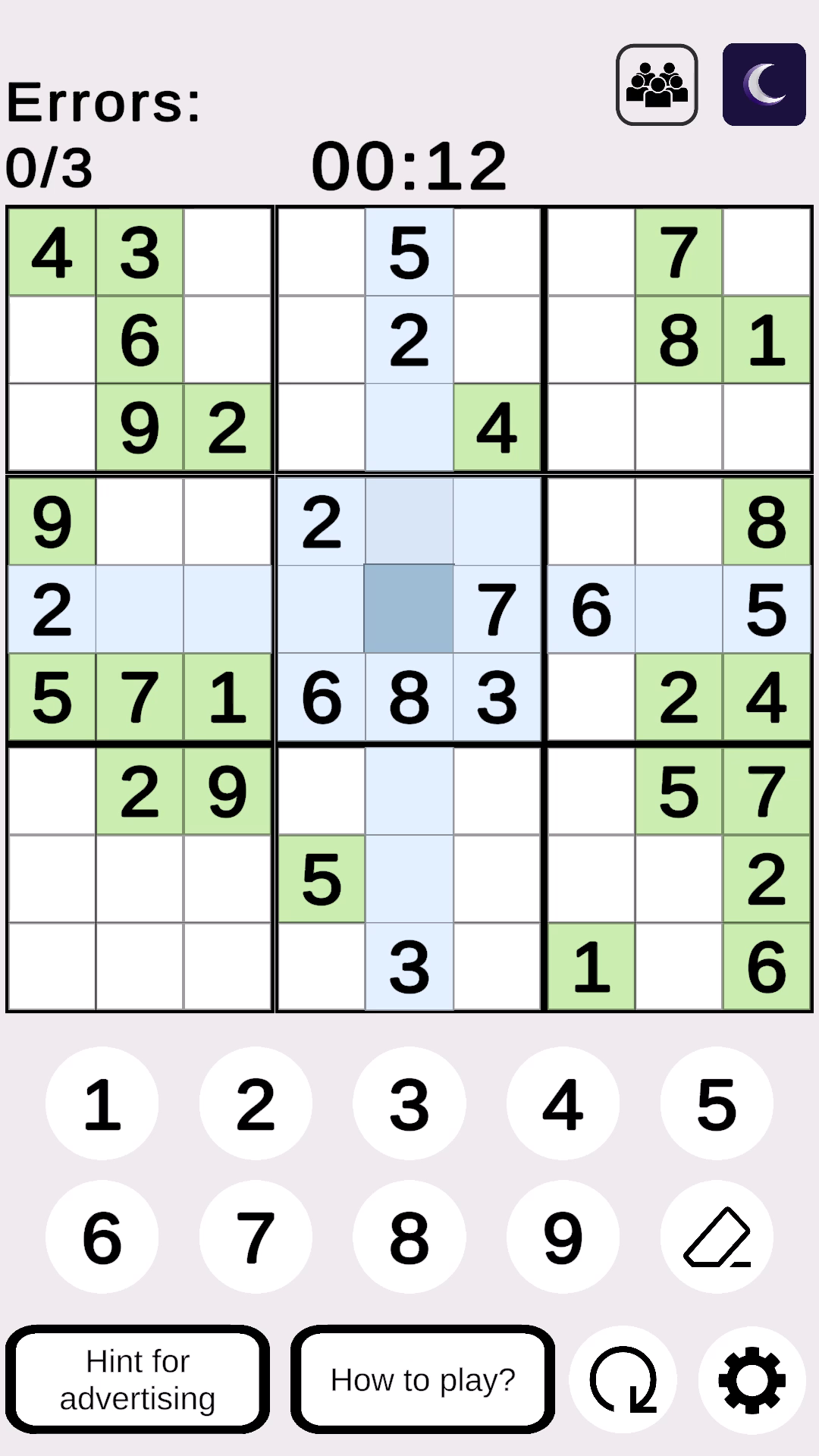
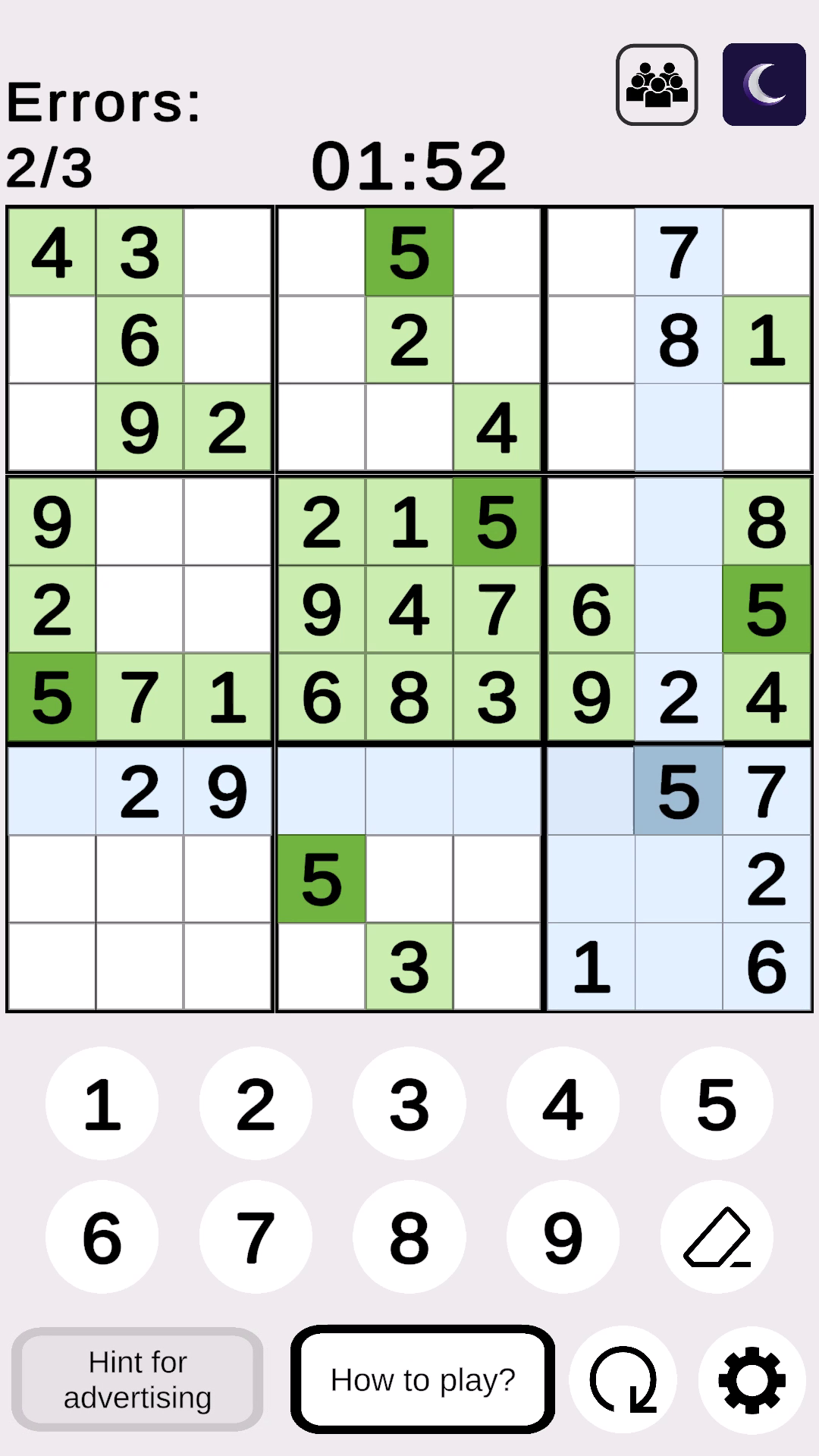
  • Classic Sudoku (9x9) screenshot 4
  • Classic Sudoku (9x9) screenshot 5
  • Classic Sudoku (9x9) screenshot 6
  • Classic Sudoku (9x9) screenshot 7
  • Classic Sudoku (9x9) screenshot 8
  • Classic Sudoku (9x9) screenshot 9
Play Now

12,639 players online

How to play

  1. Open the game

    Press Play now and the game opens on its own screen.

  2. Follow the in-game instructions

    The controls and goals are shown inside the game as you play.

  3. Use the game menu

    The floating button over the game reloads it, saves it to your favourites, or takes you back out.

Game instructions

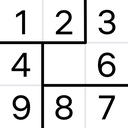
Your task is to fill all the empty cells of the 9×9 field with numbers from 1 to 9, following three basic rules: There should be no repeating numbers in a row (all numbers from 1 to 9). In a column, each number appears only once. In each small 3×3 square (highlighted in bold), the numbers should also not be duplicated. Management To enter a digit, click on an empty cell (it will be highlighted), then click on the desired digit on the control panel. The editing modes are switched by the "Eraser" button: The green indicator (note mode) allows you to enter multiple digits in a cell. The red indicator (clear mode) completely removes all digits and notes from any cell when clicked. The white indicator (normal mode) is the standard mode for entering final digits (like a pen). Hint: Click on the "Hint" button when a cell is highlighted, and one correct digit will be automatically inserted into the cell.

More games

More games