Skip to content
KG
Click the Button

Click the Button

92K plays 4.1 out of 5

Overview

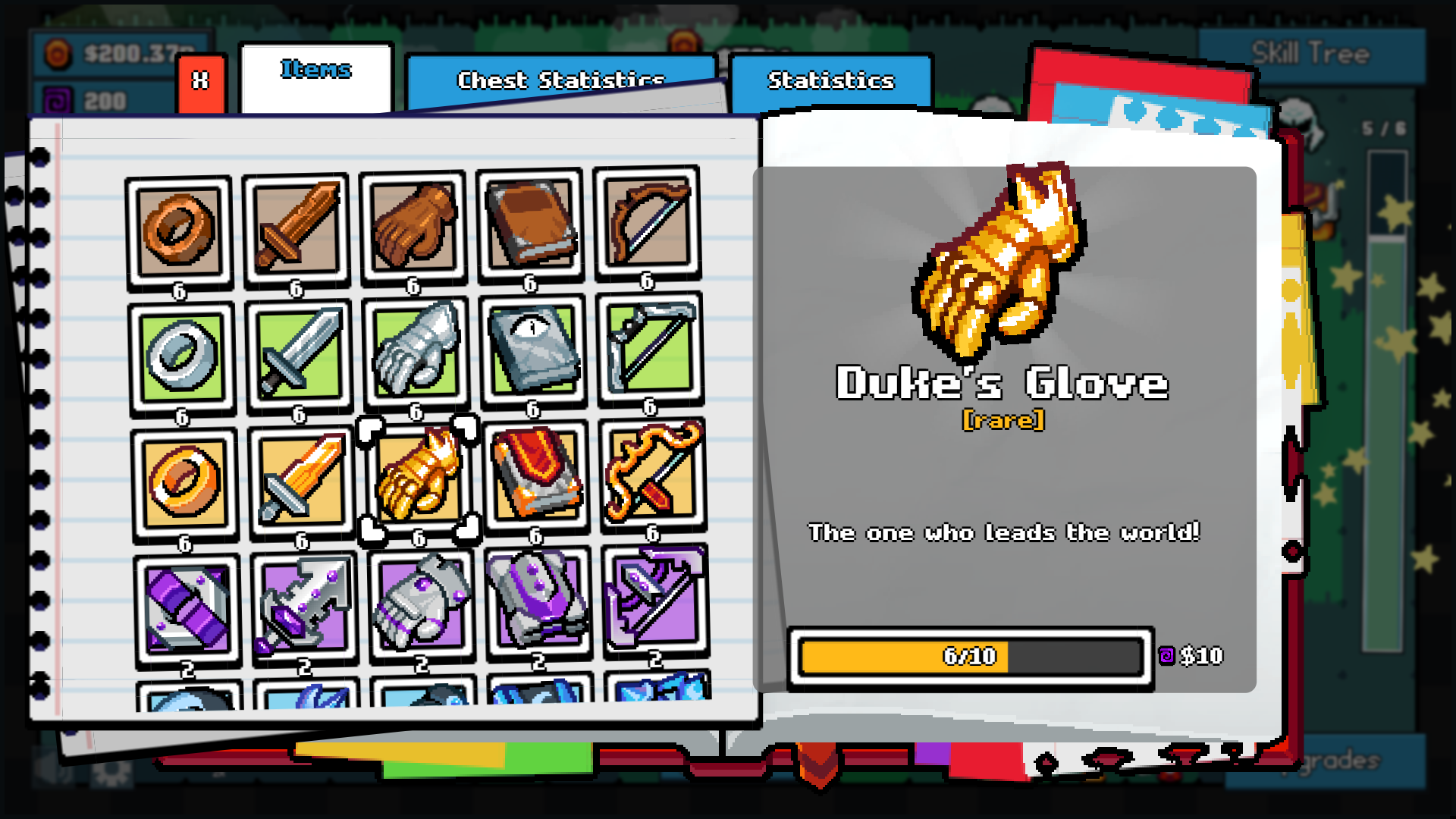
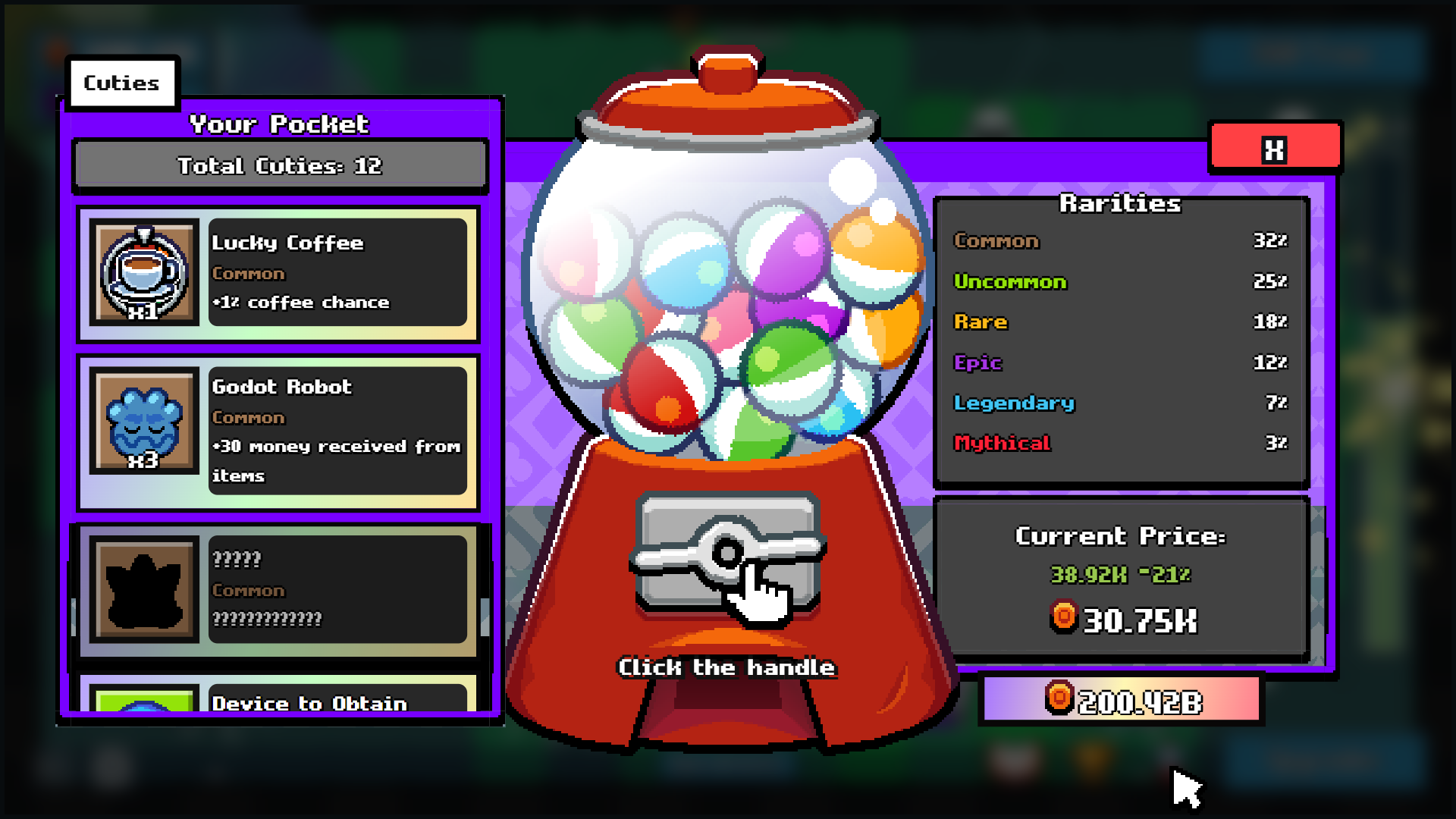
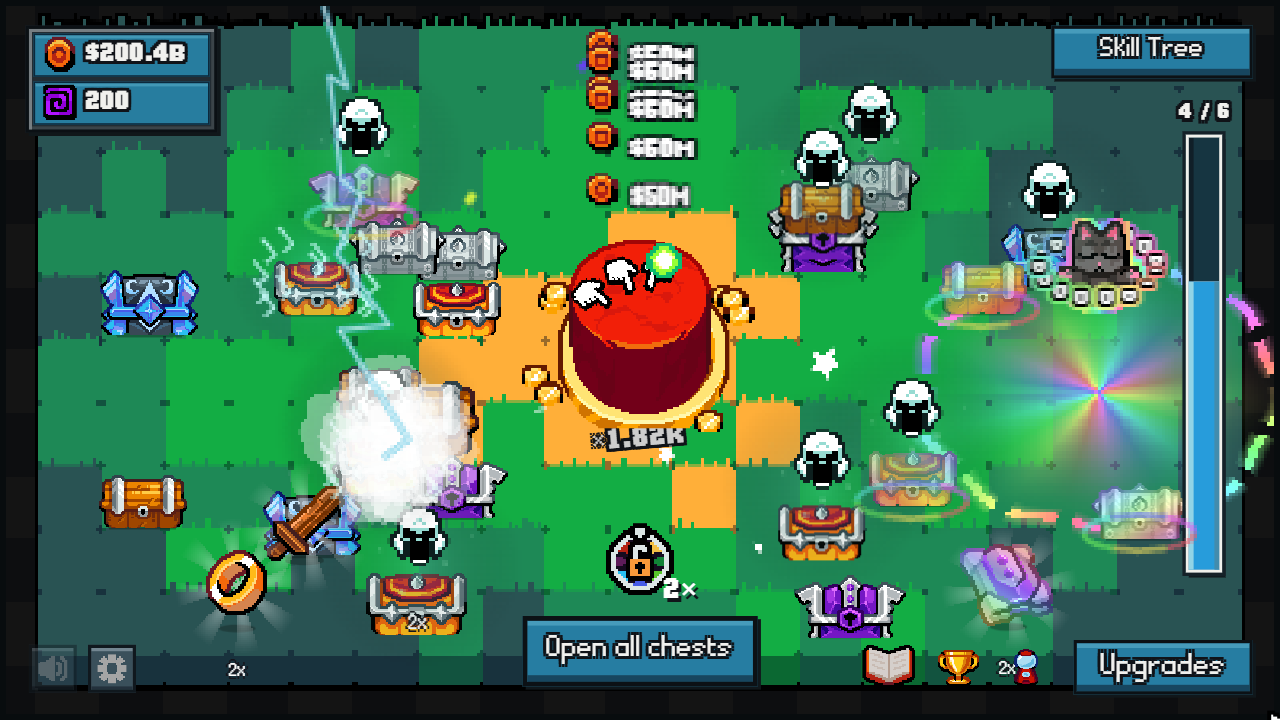
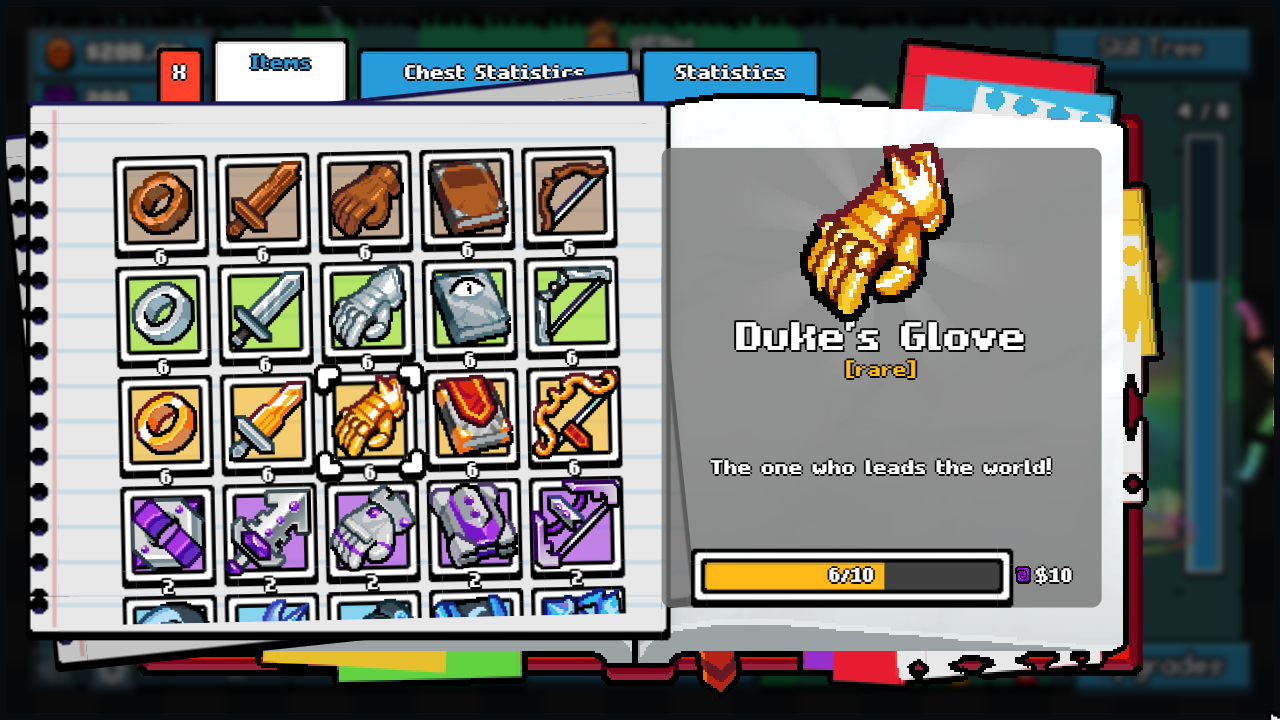
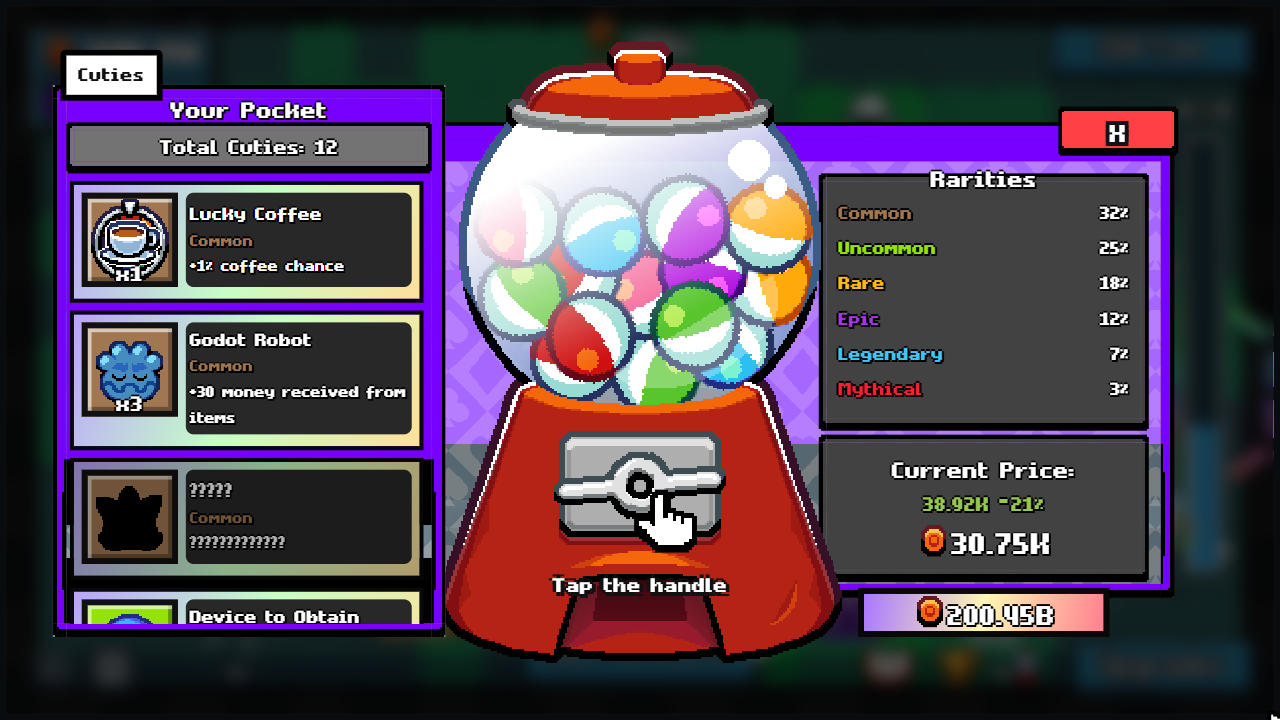
Click the Button — a pixel clicker about a big hunt for little treasures. It all starts with a red button: a few more presses — and another chest appears. What is inside this time? Collect and discover • Find items of different rarities and fill your collection book. • Collect duplicate finds, complete goals and earn purple coins. Grow stronger • Upgrade the button and get more chests and coins. • Develop permanent skills, unlock helpers and new possibilities. • Try your luck at the gacha machine and reward wheel. Ready for another round? Choose rebirth, keep your skills and start again with renewed strength. From your first chest to a stream of finds — how far will you go?

Videos and screenshots
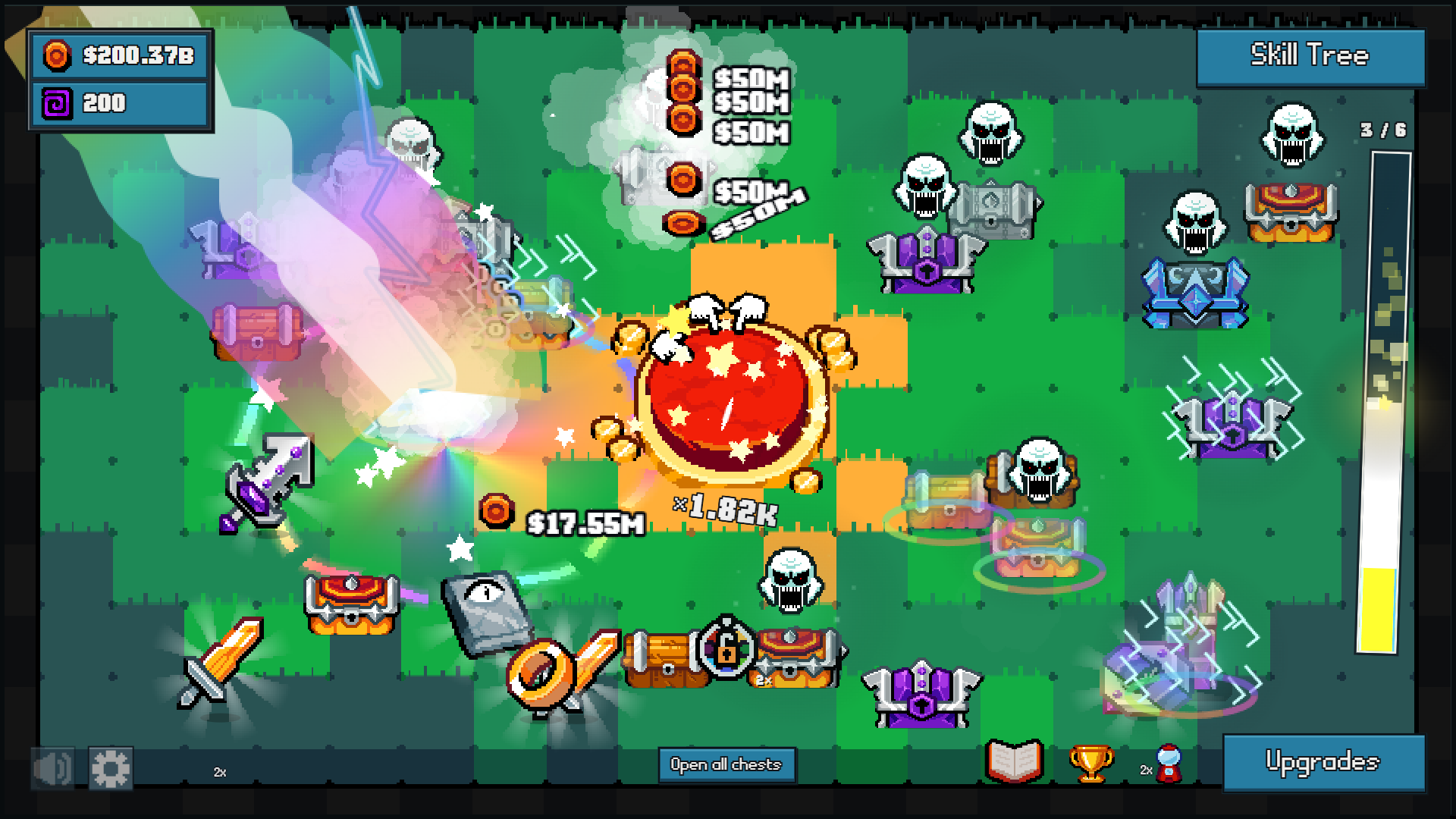
  • Click the Button screenshot 1
  • Click the Button screenshot 2
  • Click the Button screenshot 3
  • Click the Button screenshot 4
  • Click the Button screenshot 5
  • Click the Button screenshot 6
  • Click the Button screenshot 7
  • Click the Button screenshot 8
Play Now

12,186 players online

How to play

  1. Open the game

    Press Play now and the game opens on its own screen.

  2. Follow the in-game instructions

    The controls and goals are shown inside the game as you play.

  3. Use the game menu

    The floating button over the game reloads it, saves it to your favourites, or takes you back out.
Game instructions

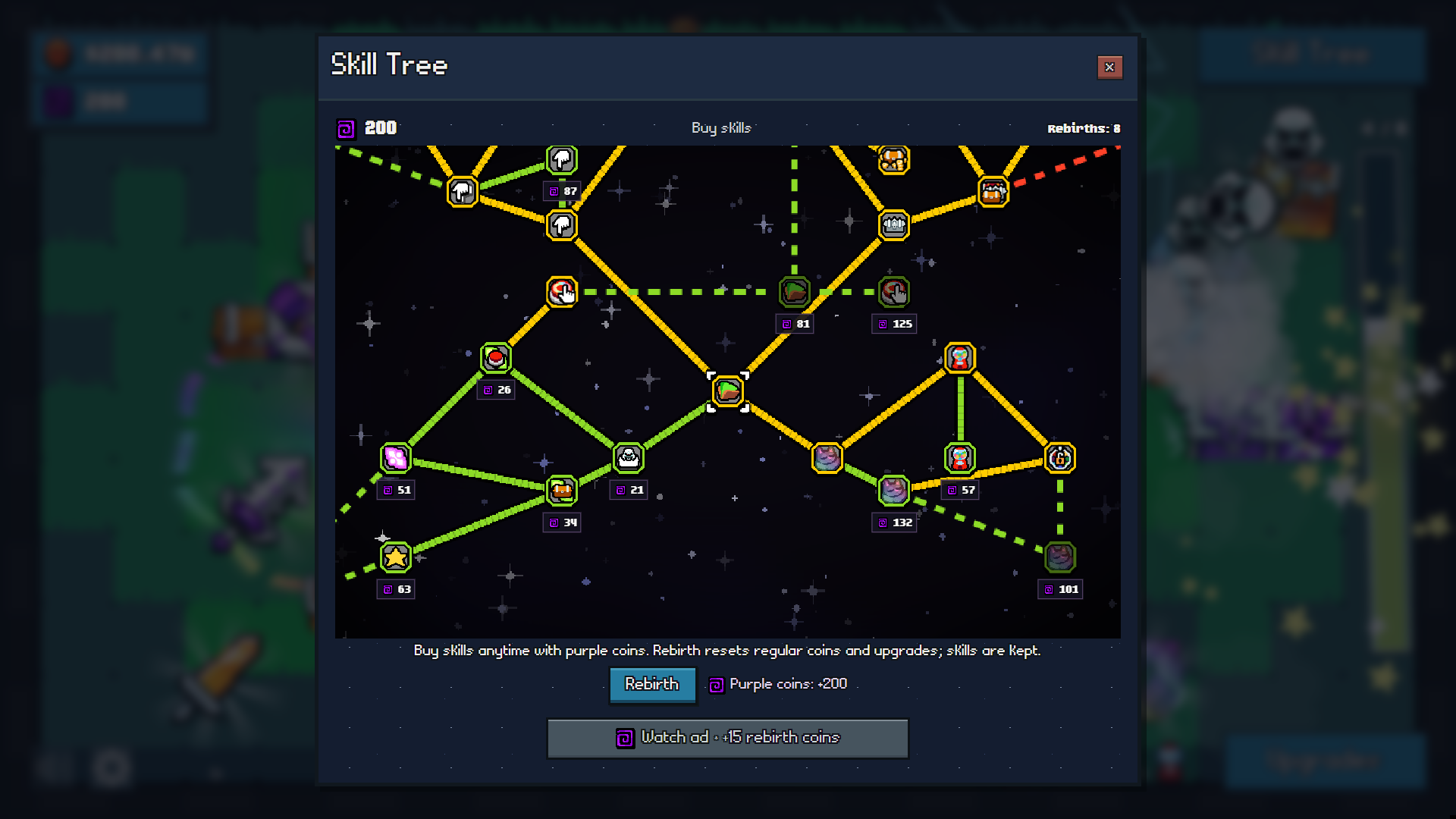
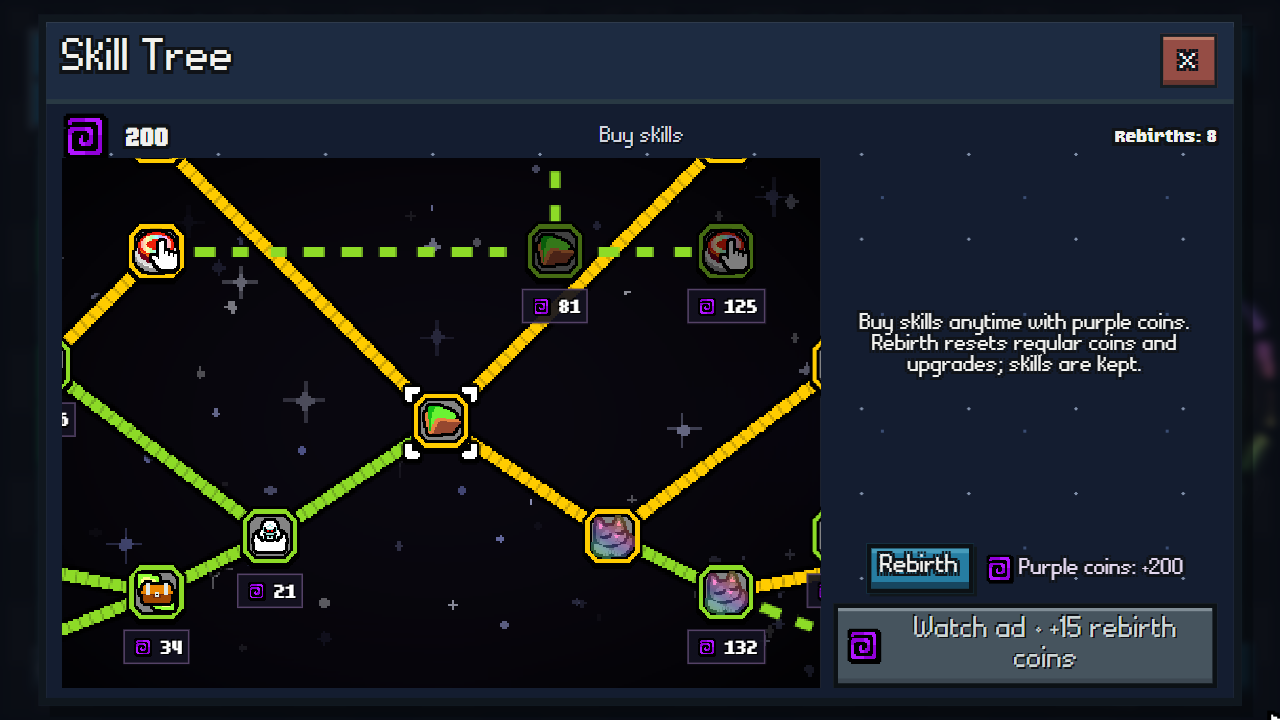
Controls • Red button: use a mouse click, a tap or the Space key — fill the bar and earn chests. • Chests: click or tap chests to open them. To open every chest use the Open all chests button. • Items: collect finds by hovering or tapping and earn coins. • Upgrades: open the Upgrades menu and press Buy beside the chosen upgrade. • Collection: press the book icon and select an item. If the goal is complete, press Collect to claim the reward. • Skill tree: drag the field with a mouse or finger. Zoom with the mouse wheel or by pinching with two fingers. Hover over a skill to read its description and click to buy it. With touch controls read the description first, then press Buy. • Menus: close windows with the cross button. The Esc key closes a window or pauses the game.

More games

More games