Skip to content
KG
CoD

CoD

1K plays 3.9 out of 5

Overview

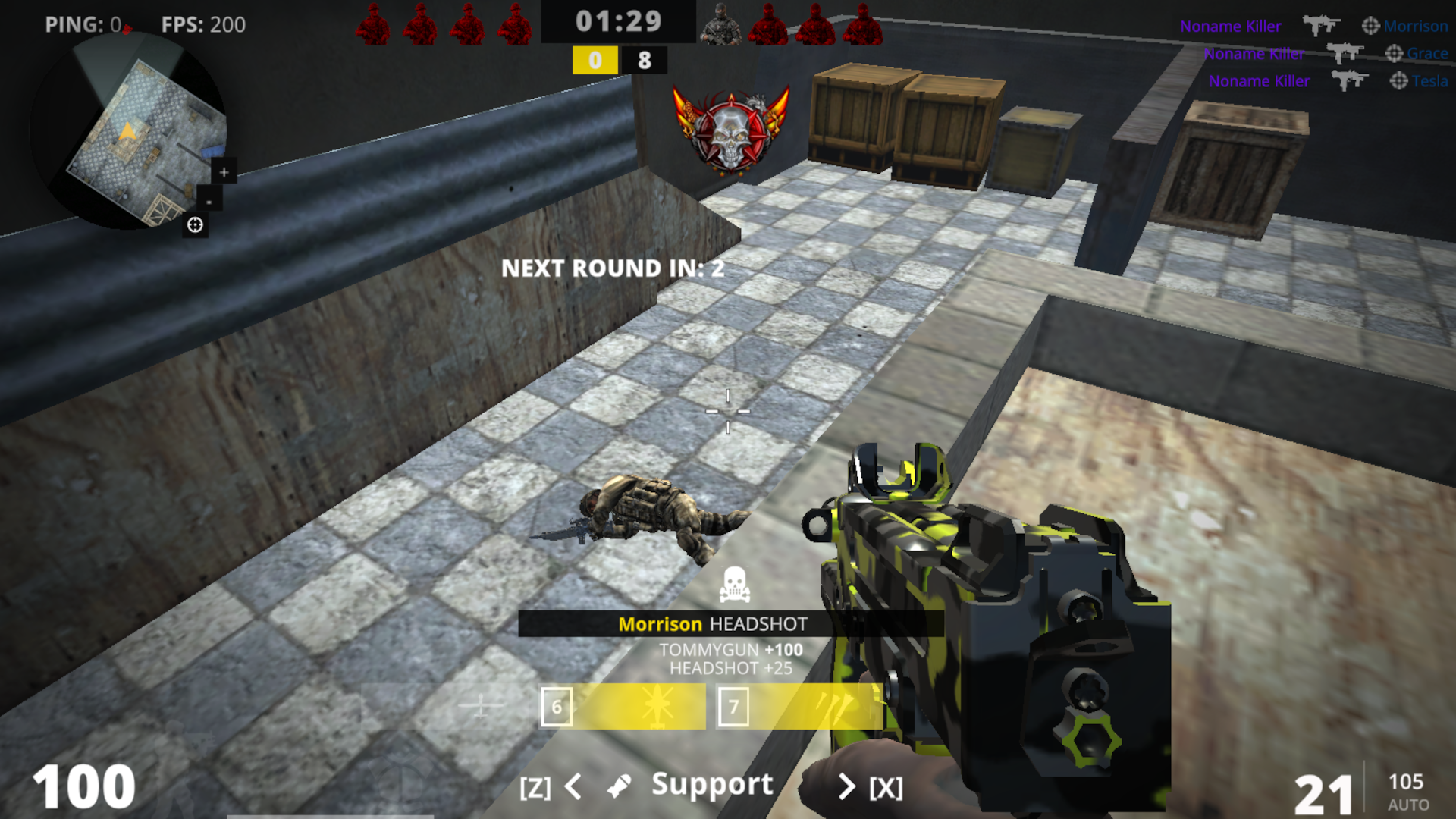
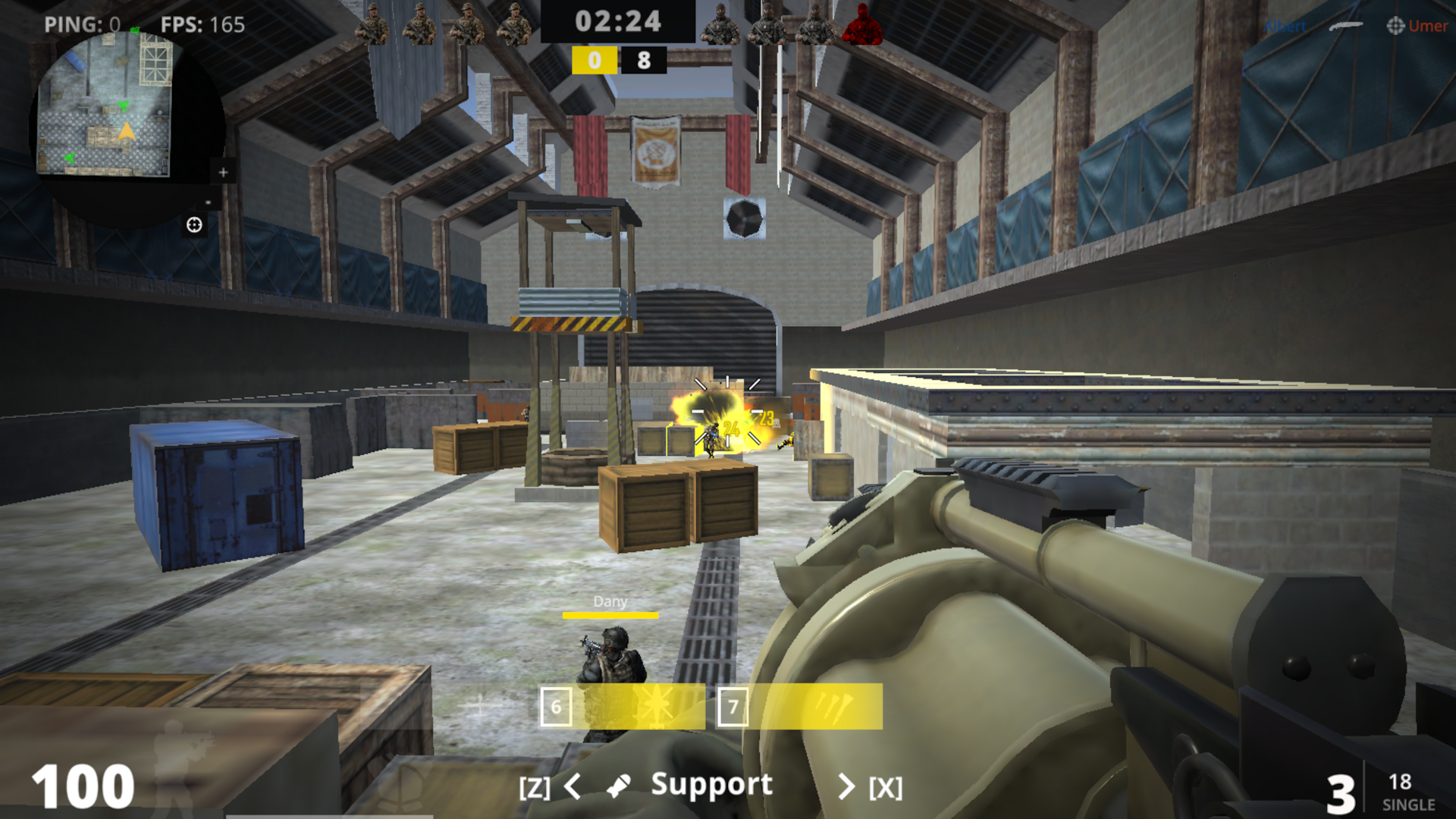
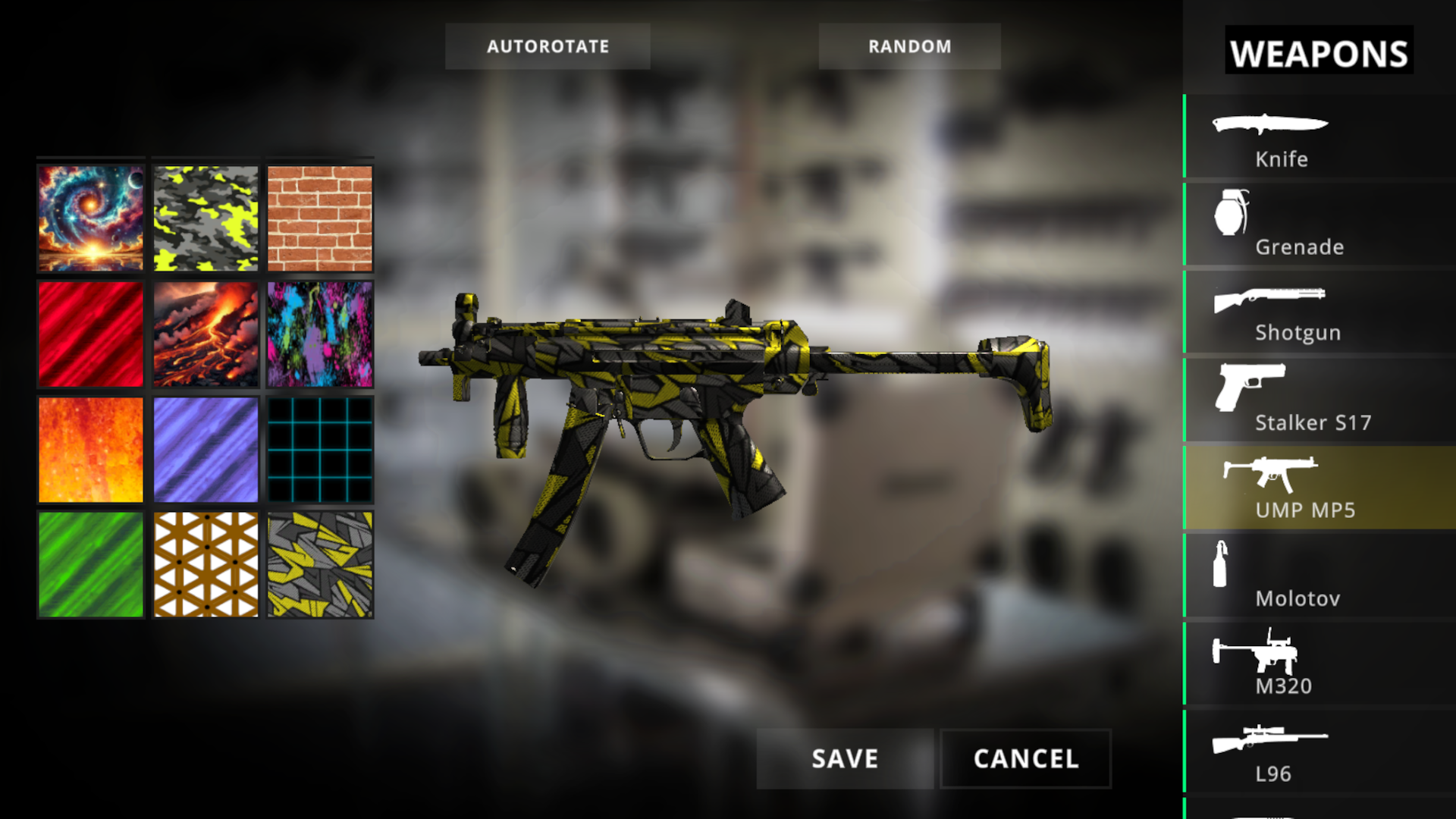
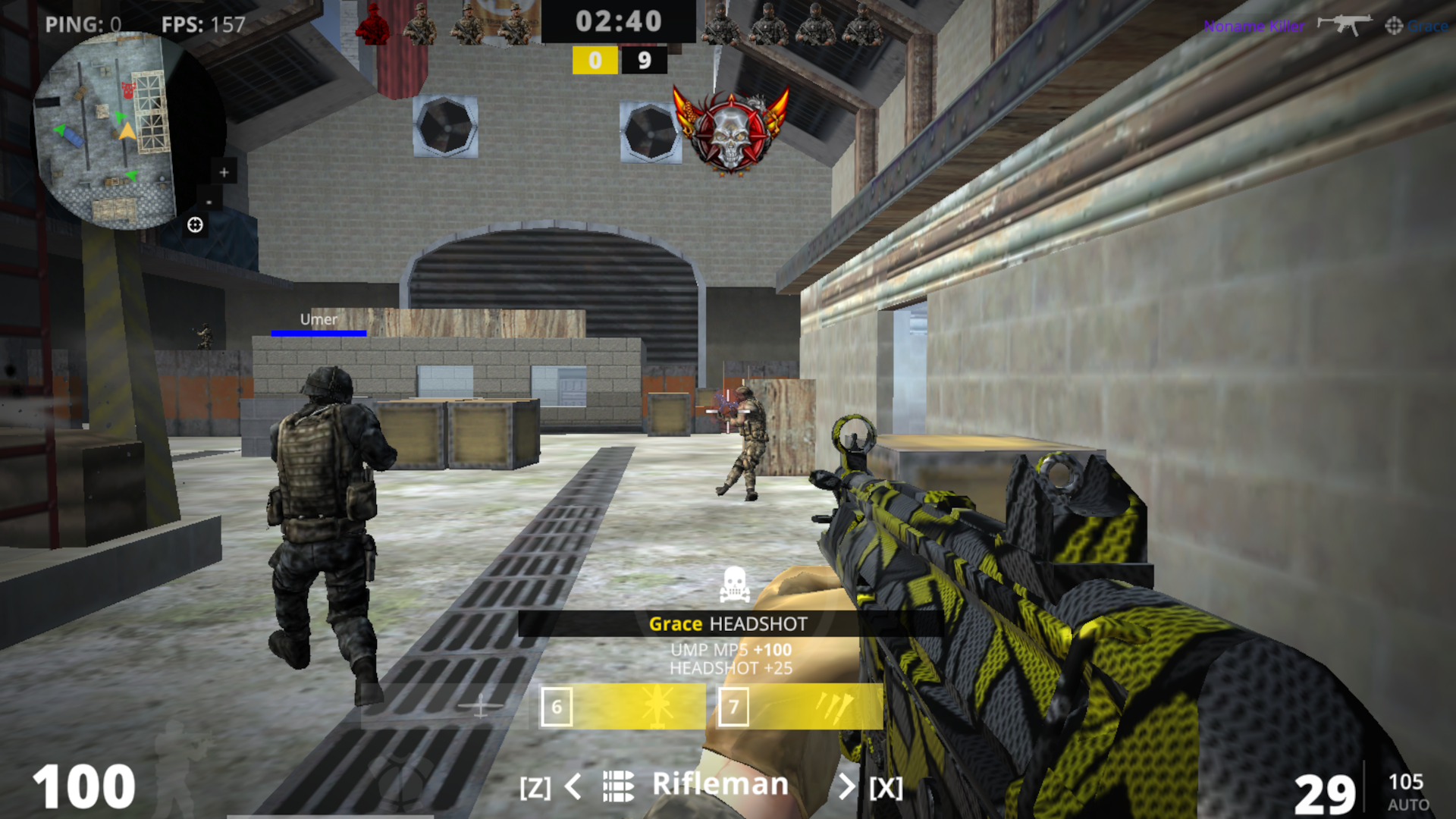
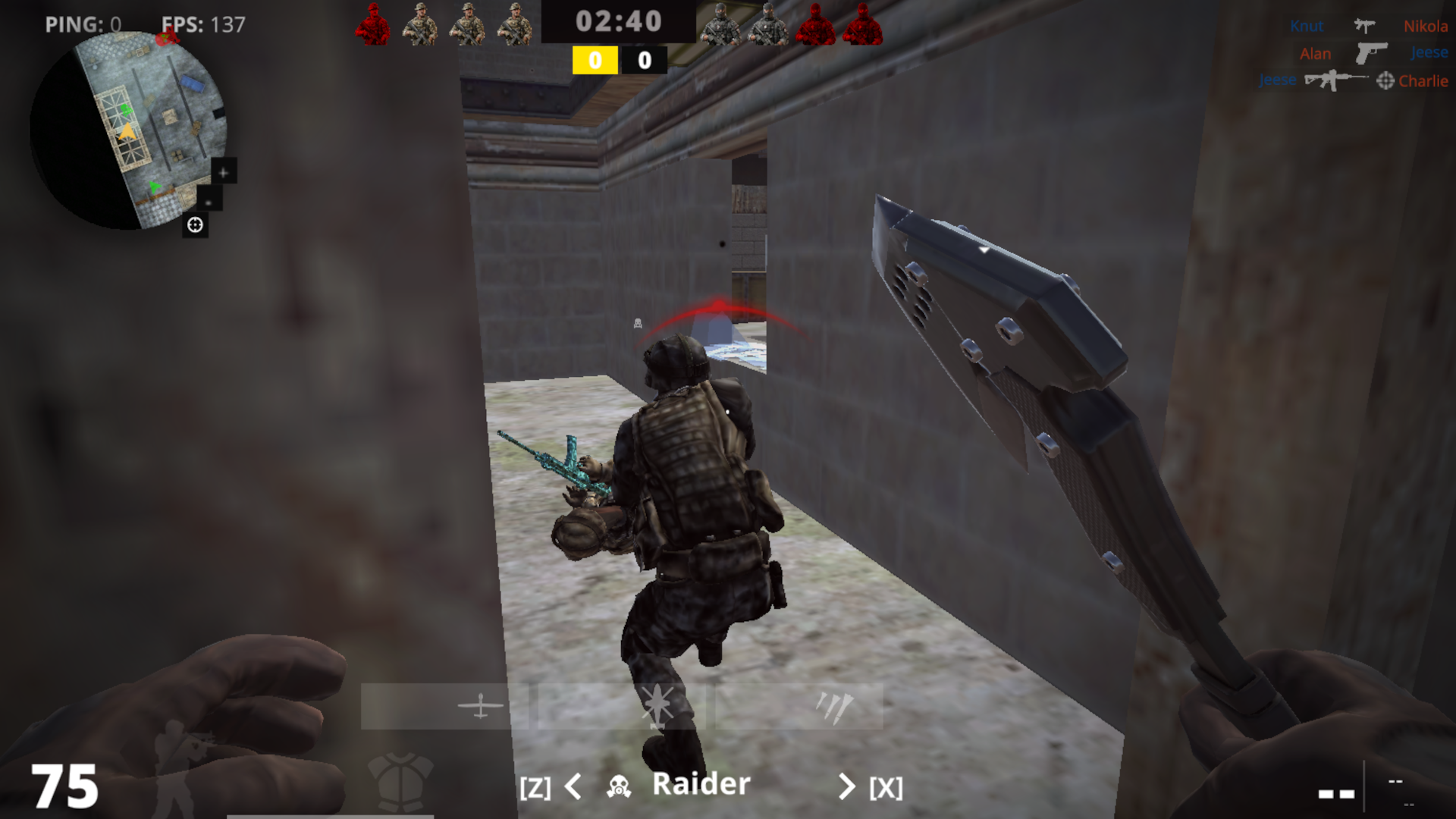
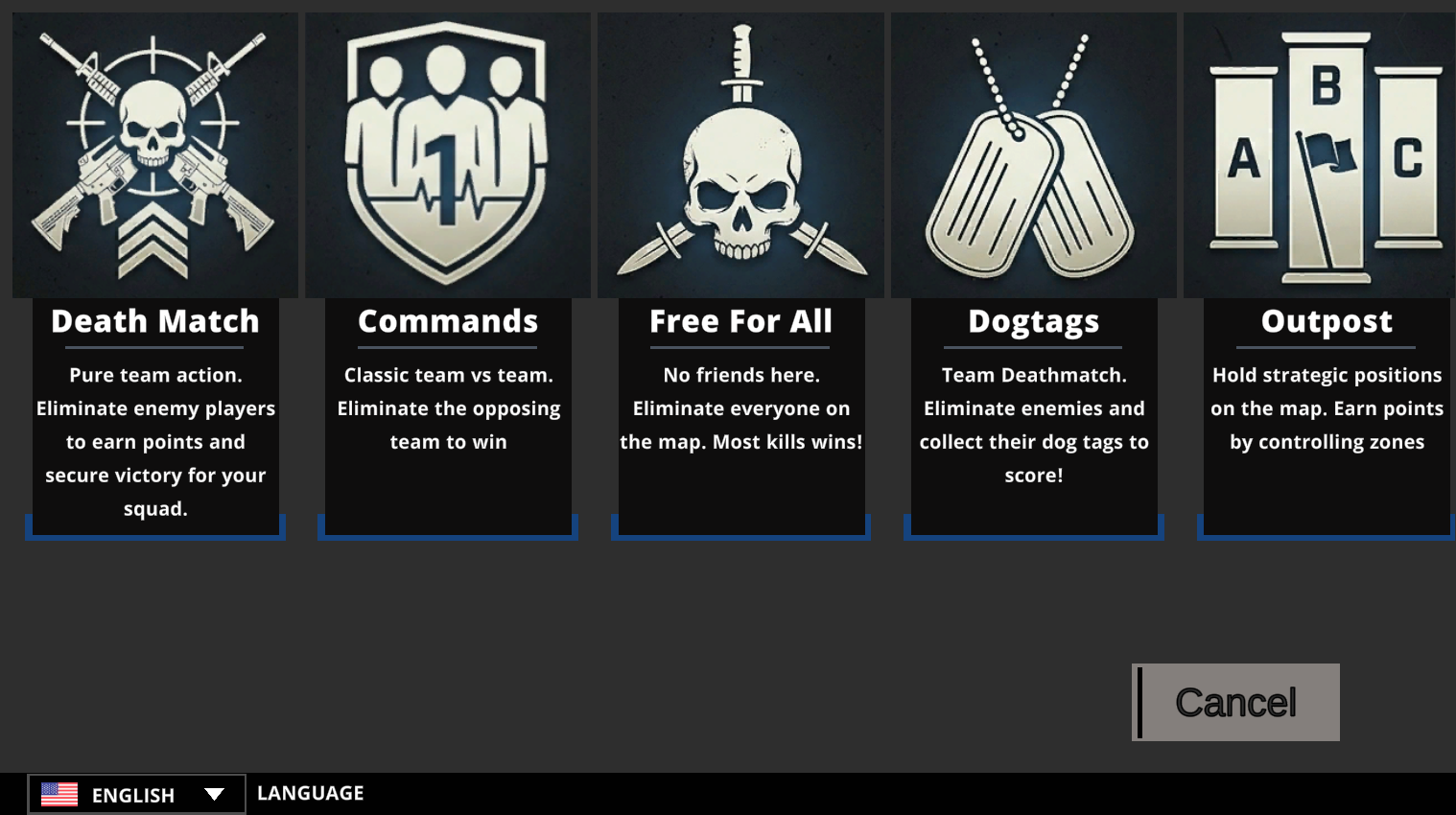
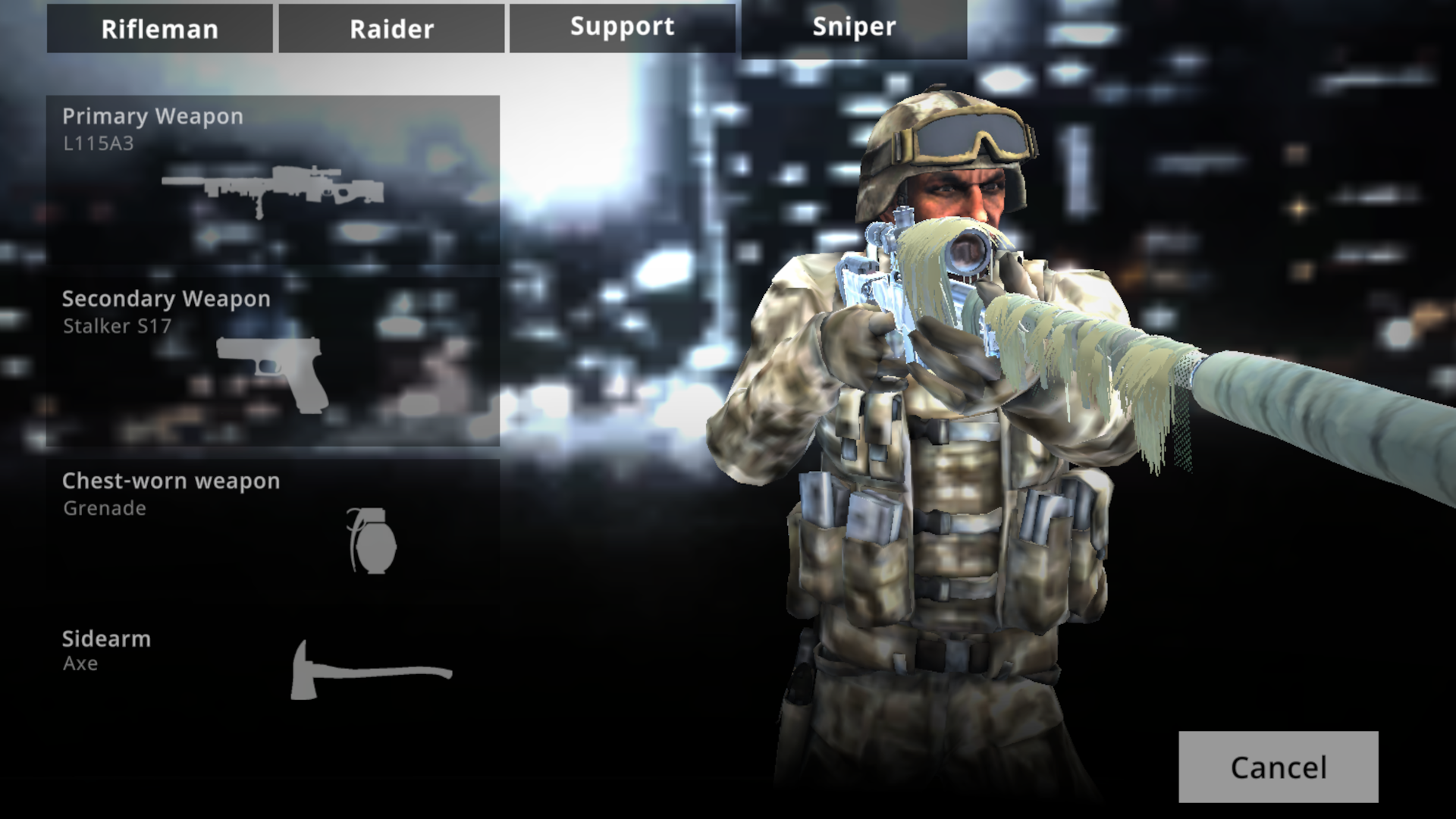
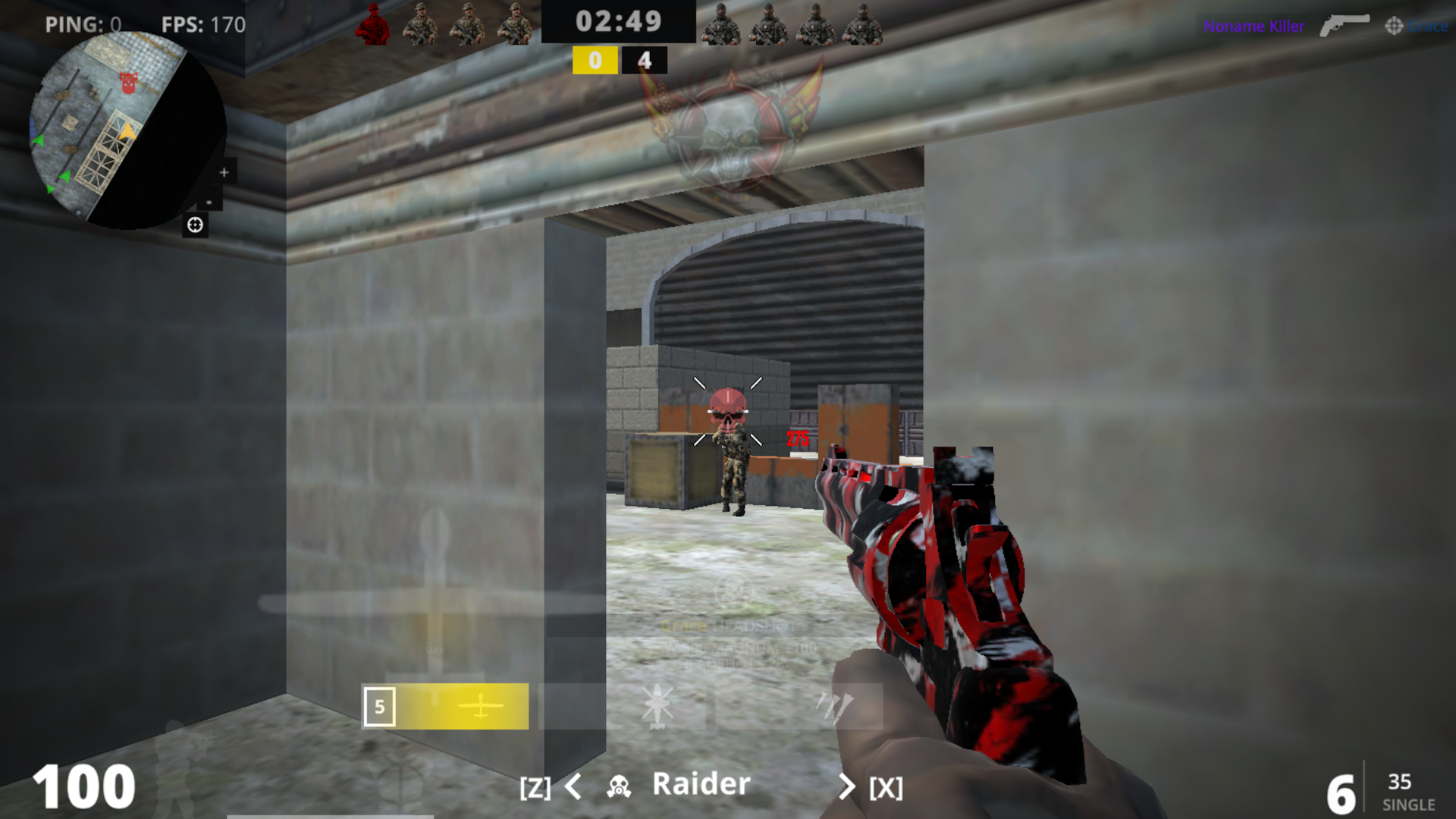
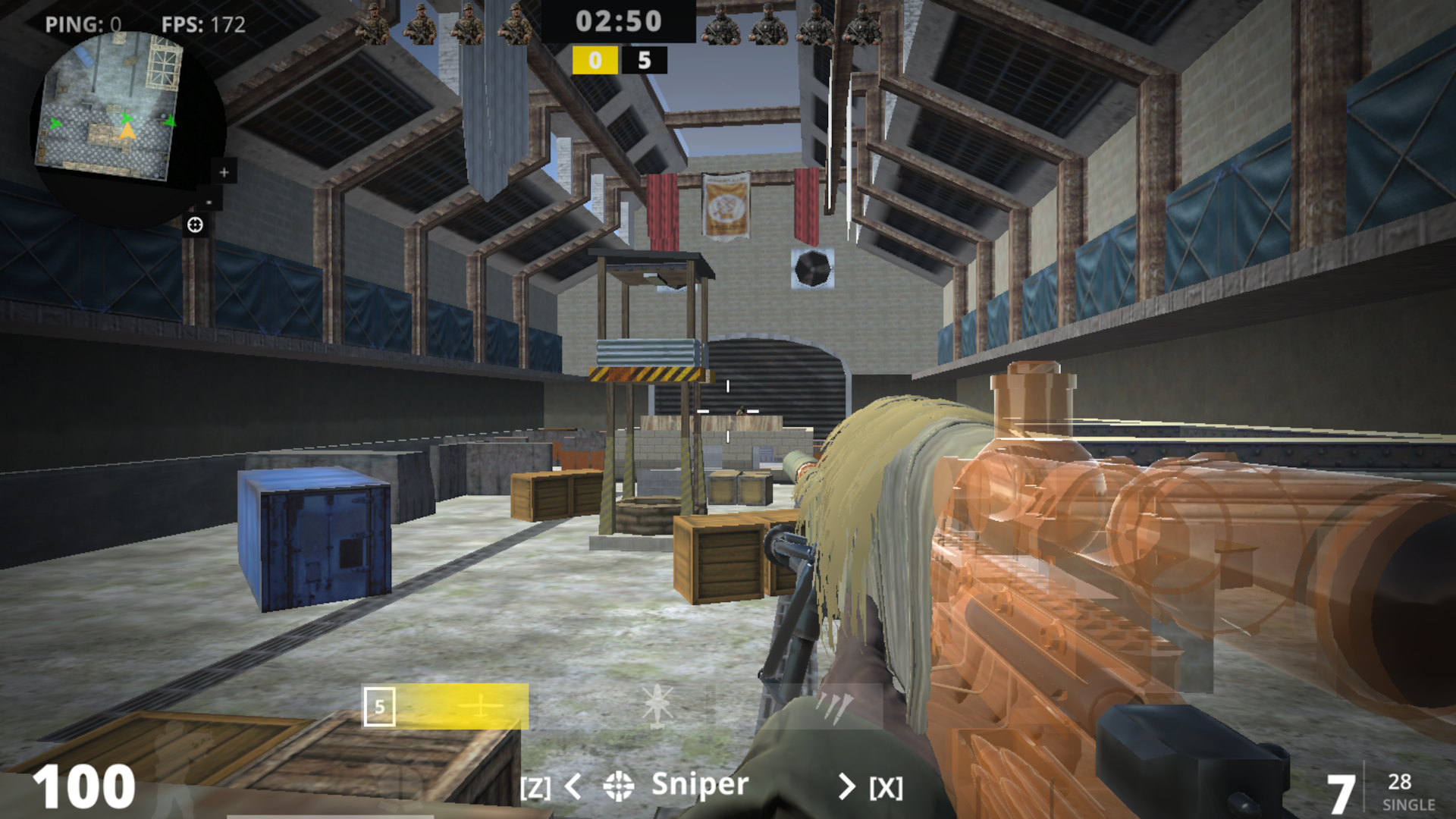
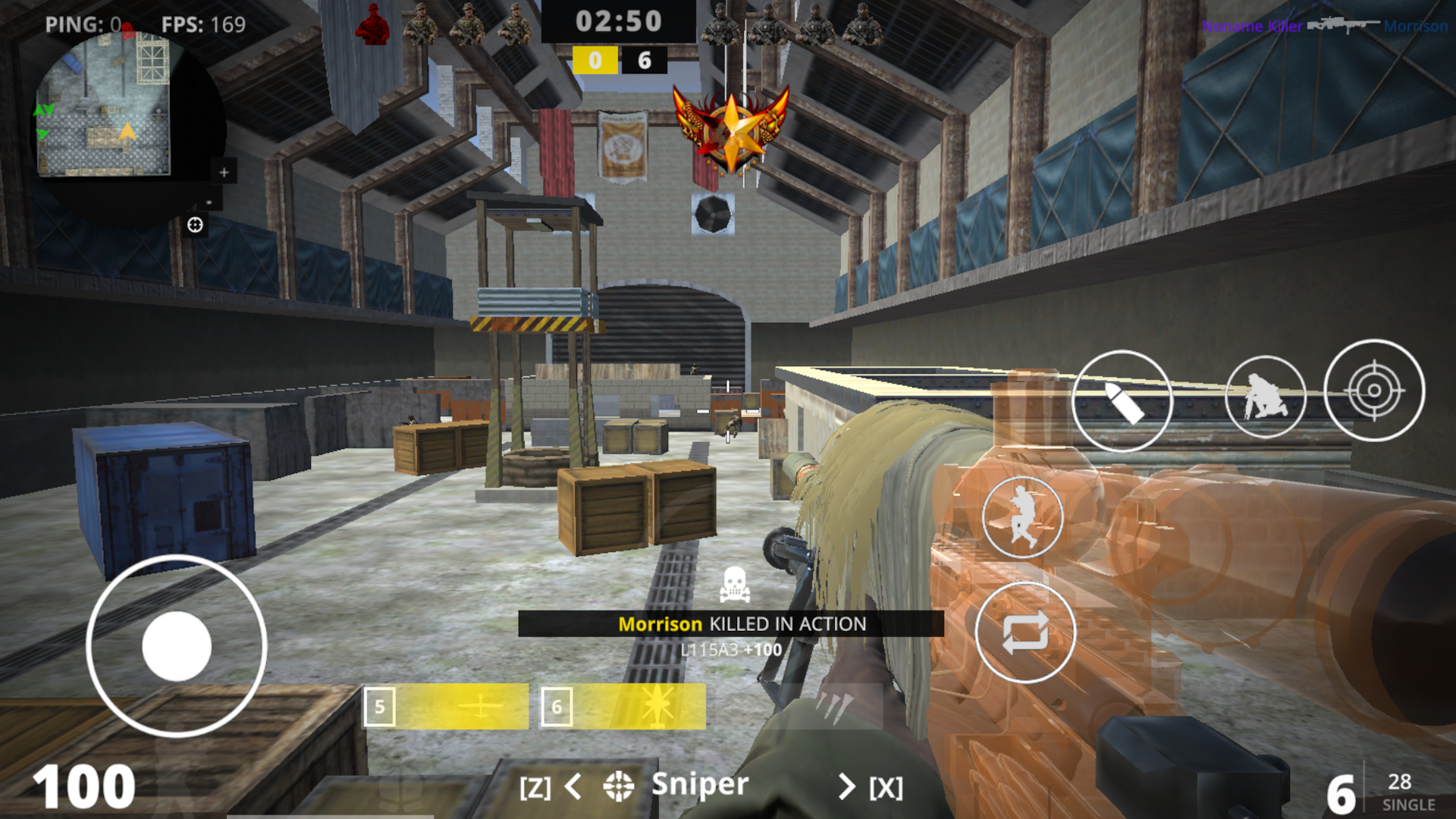
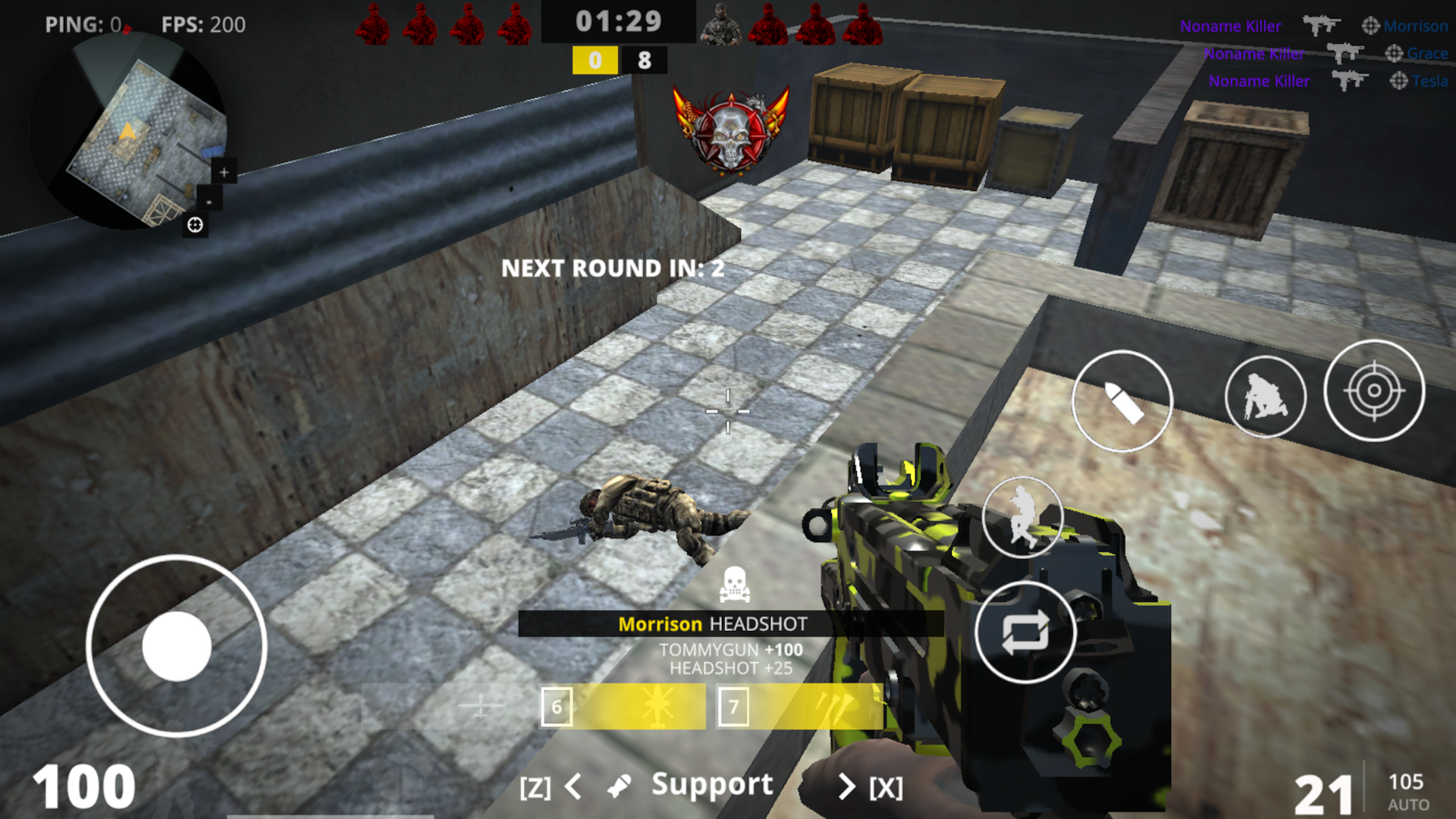
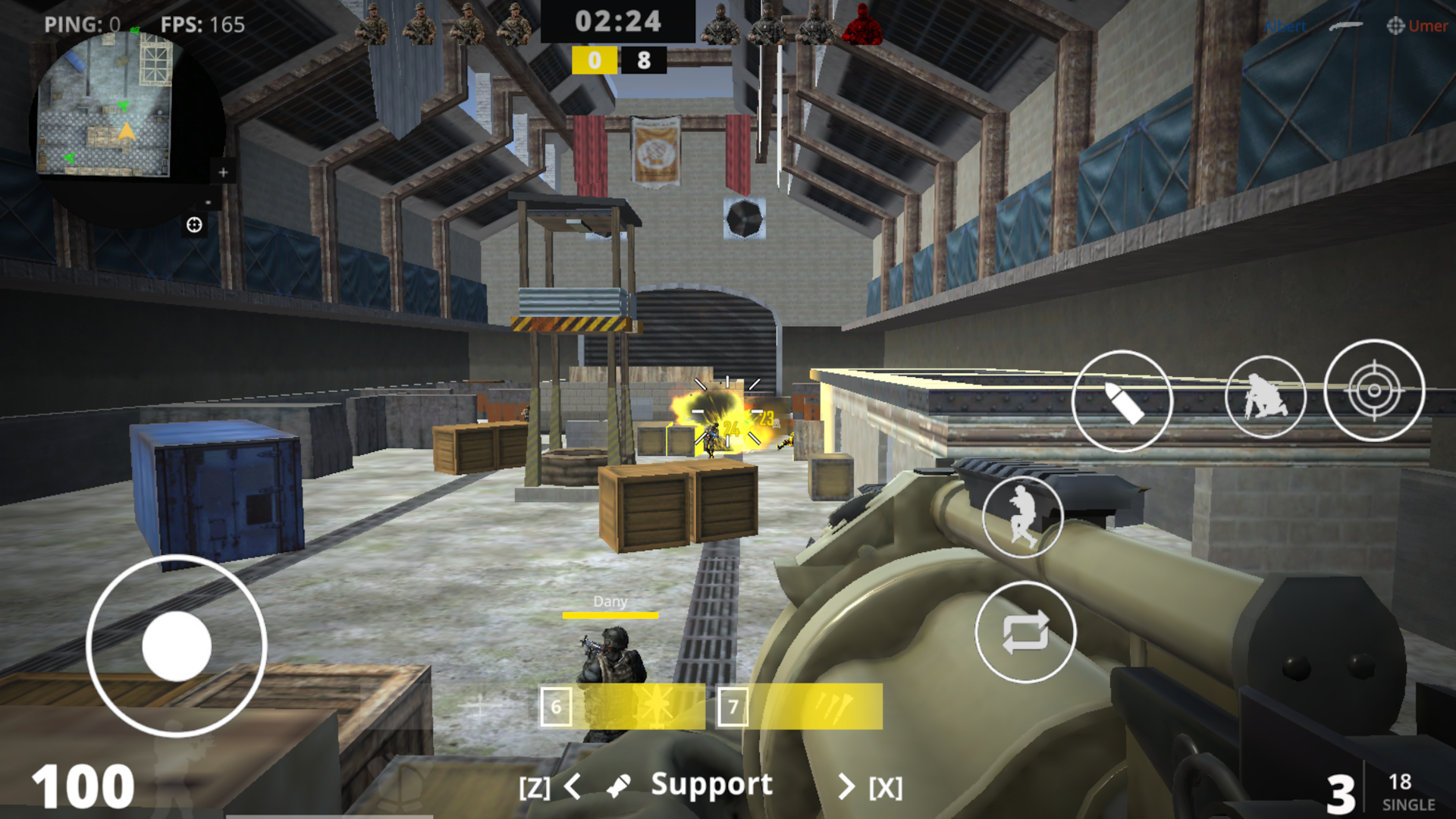
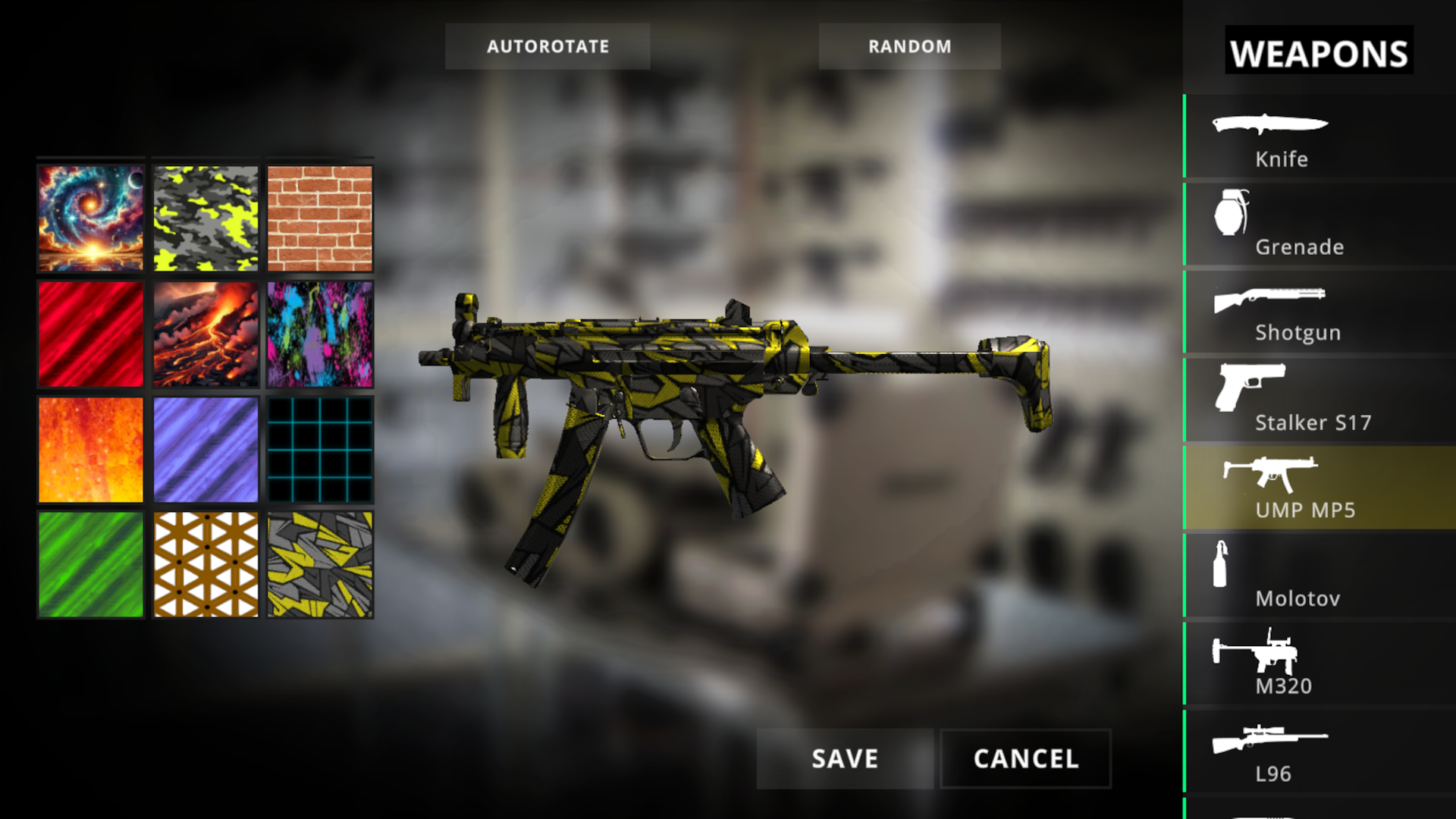
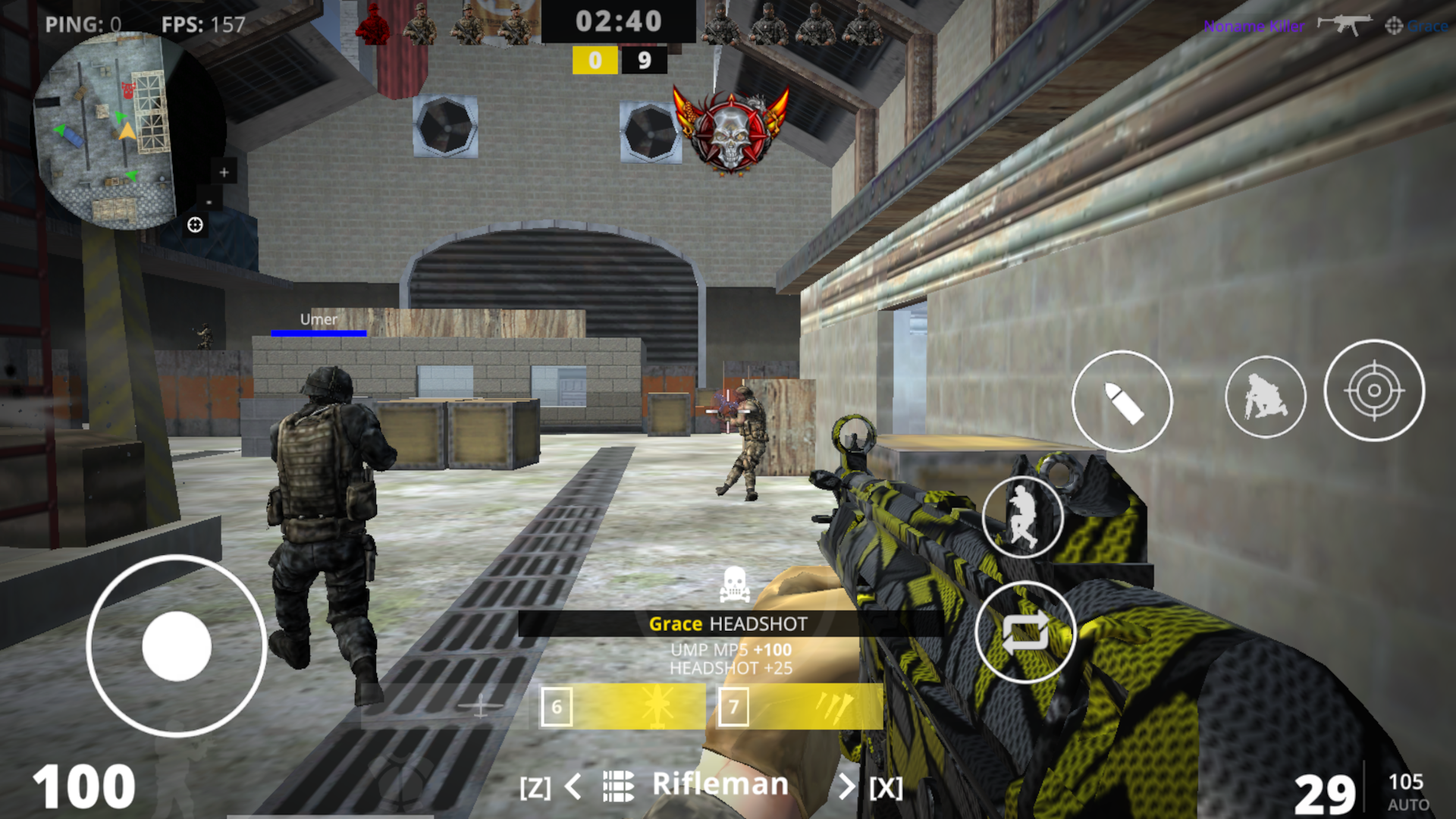
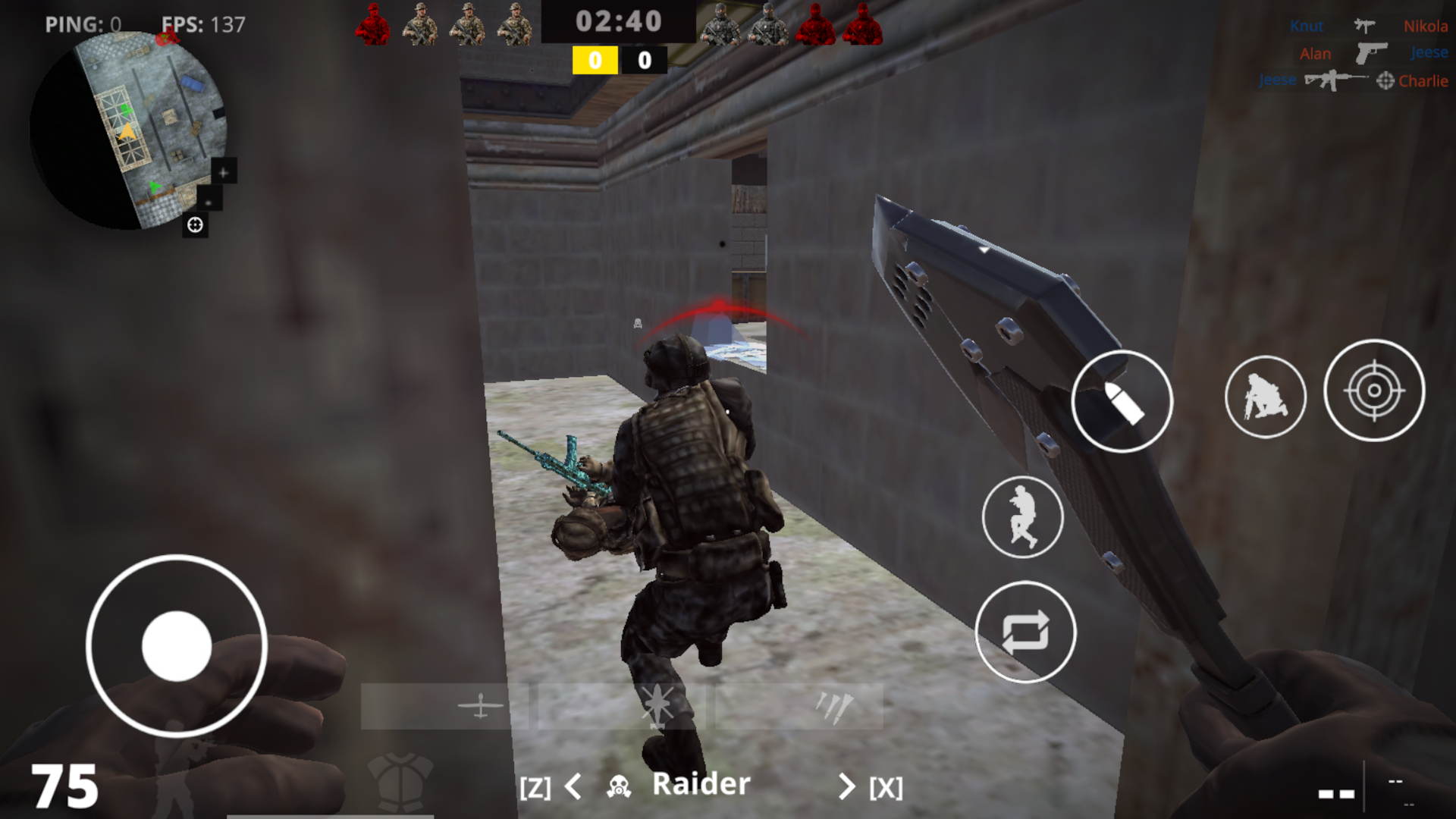
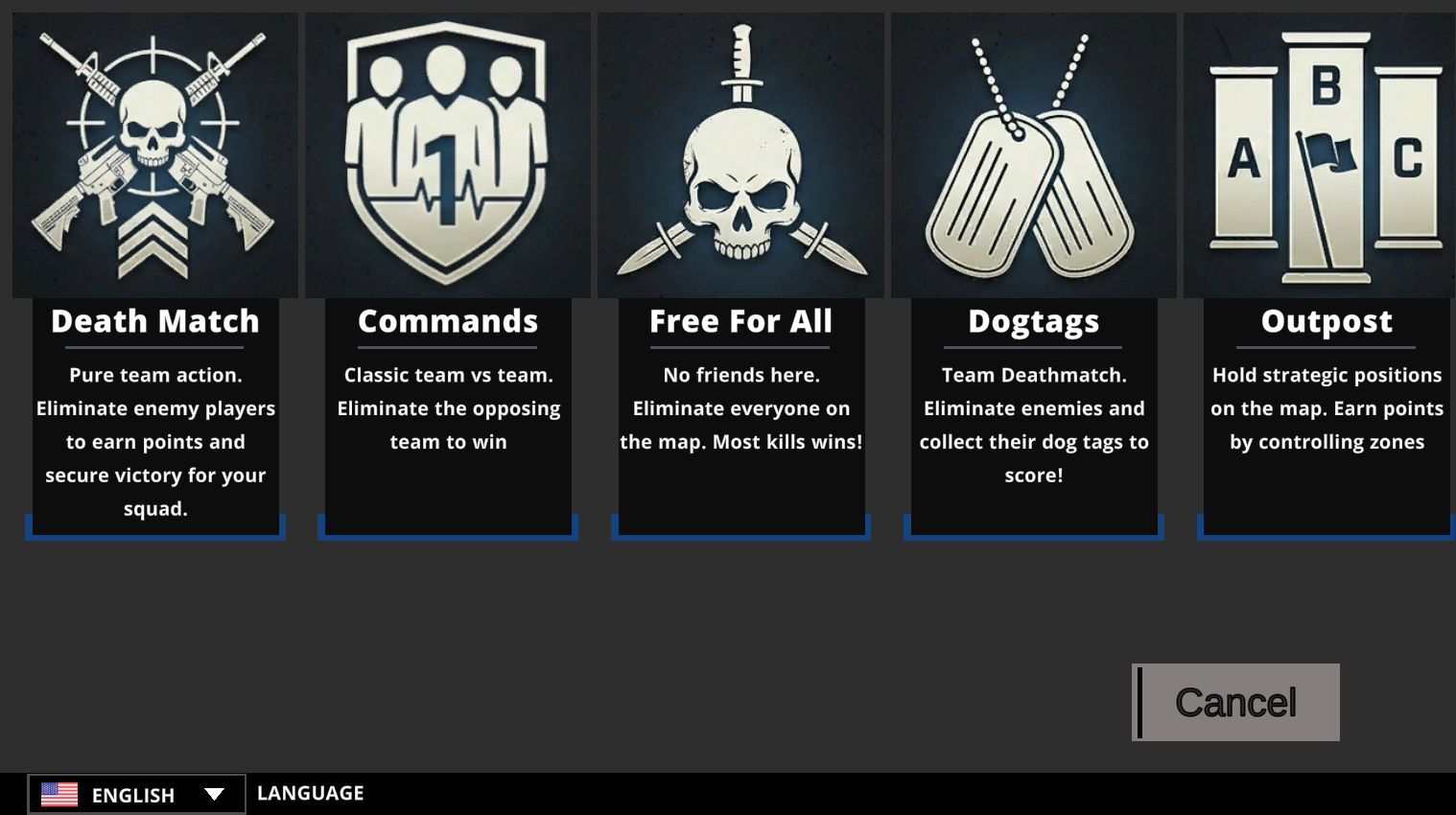
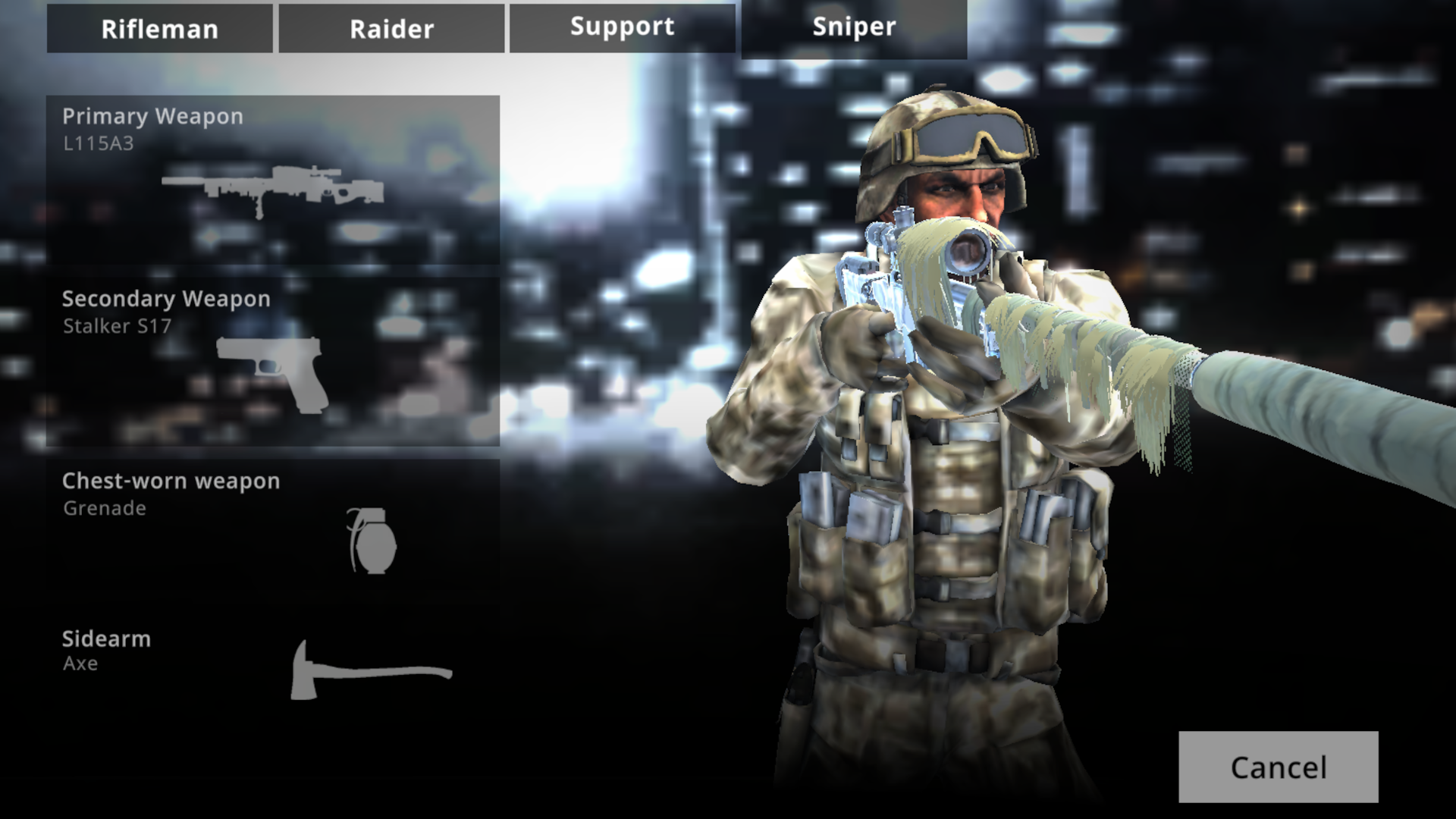
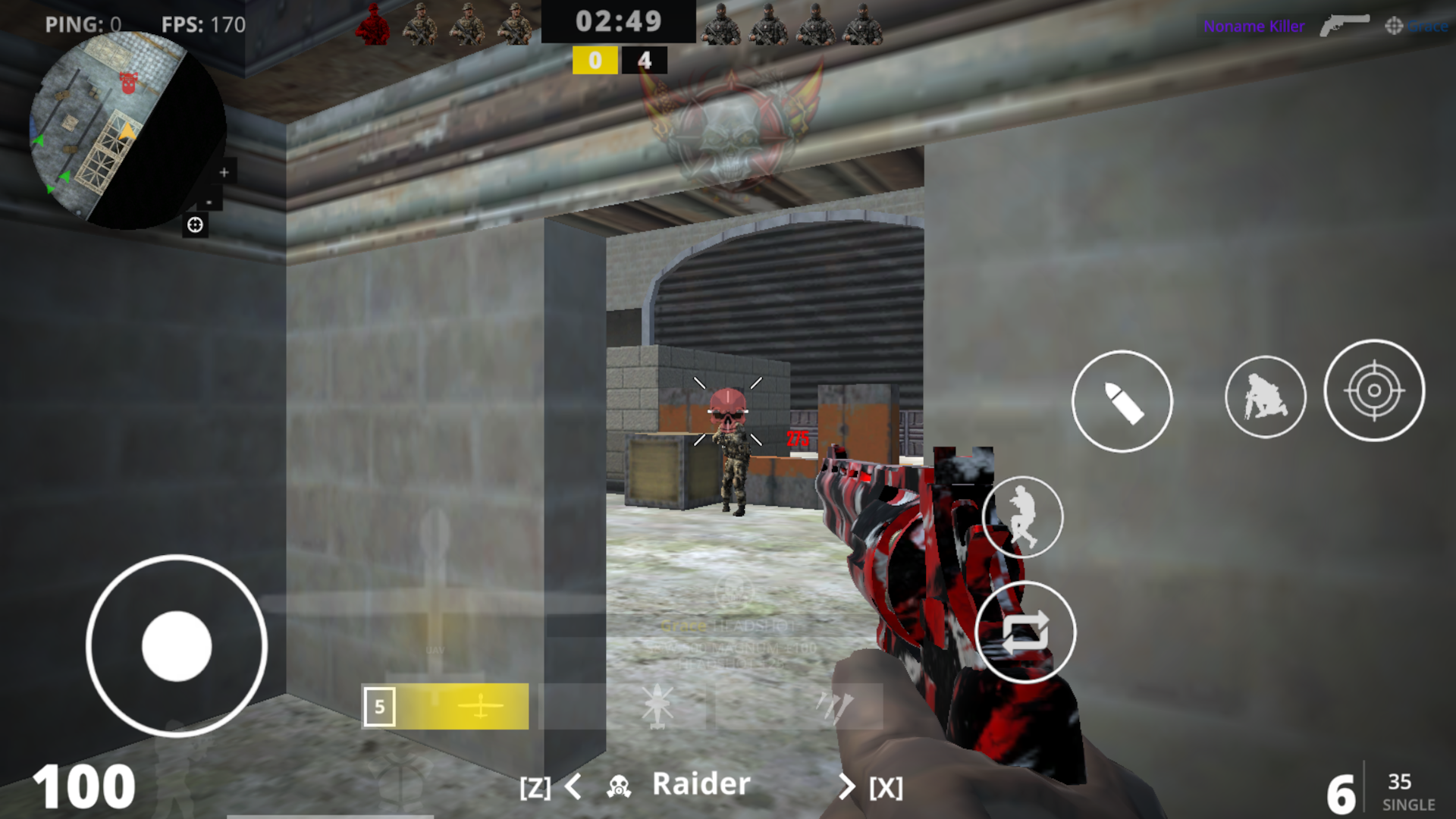
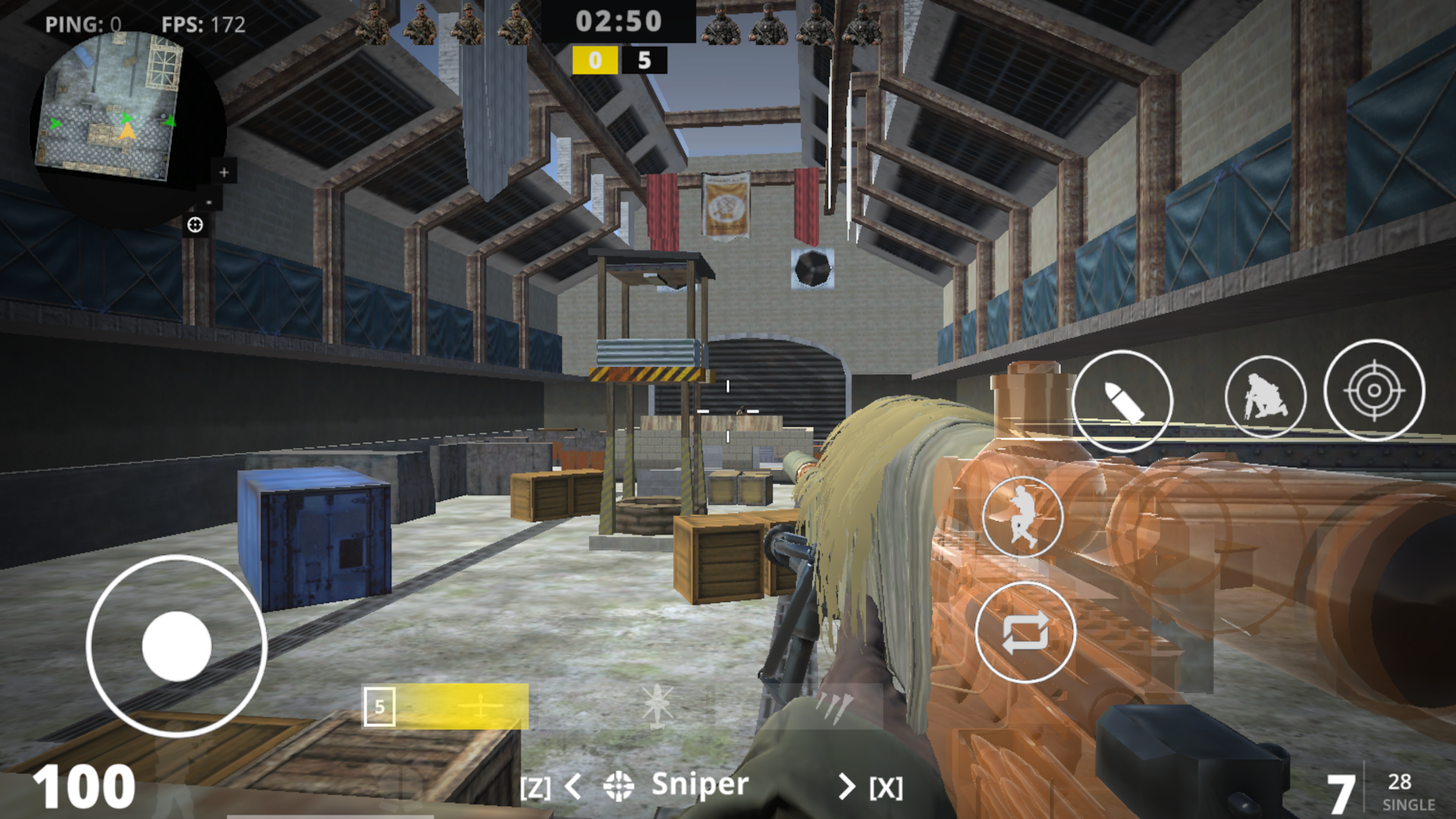
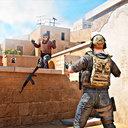
CoD — a fast-paced first-person shooter directly in your browser. Experience a browser-based multiplayer take on the legendary Call of Duty: Modern Warfare, combining iconic FPS action with competitive, esports-inspired elements from Standoff 2, CS, and Valorant! Assemble your squad and battle across diverse maps to test your tactical skills and marksmanship. Immerse yourself in the classic vibe of Call of Duty: Modern Warfare, CS 1.6, and CS:GO, combined with the high-adrenaline tactical gameplay of Valorant. Become a CoD pro and compete against players in the world of esports shooters. Train your aim, unlock new guns, and customize your firepower. Switch up your class loadouts to master every match. Are you ready to climb to the top of online FPS games? Prove your skills in CoD and become a legend! Perfect for fans of Standoff, Valorant, and Counter-Strike, delivered with an esports edge.

Videos and screenshots
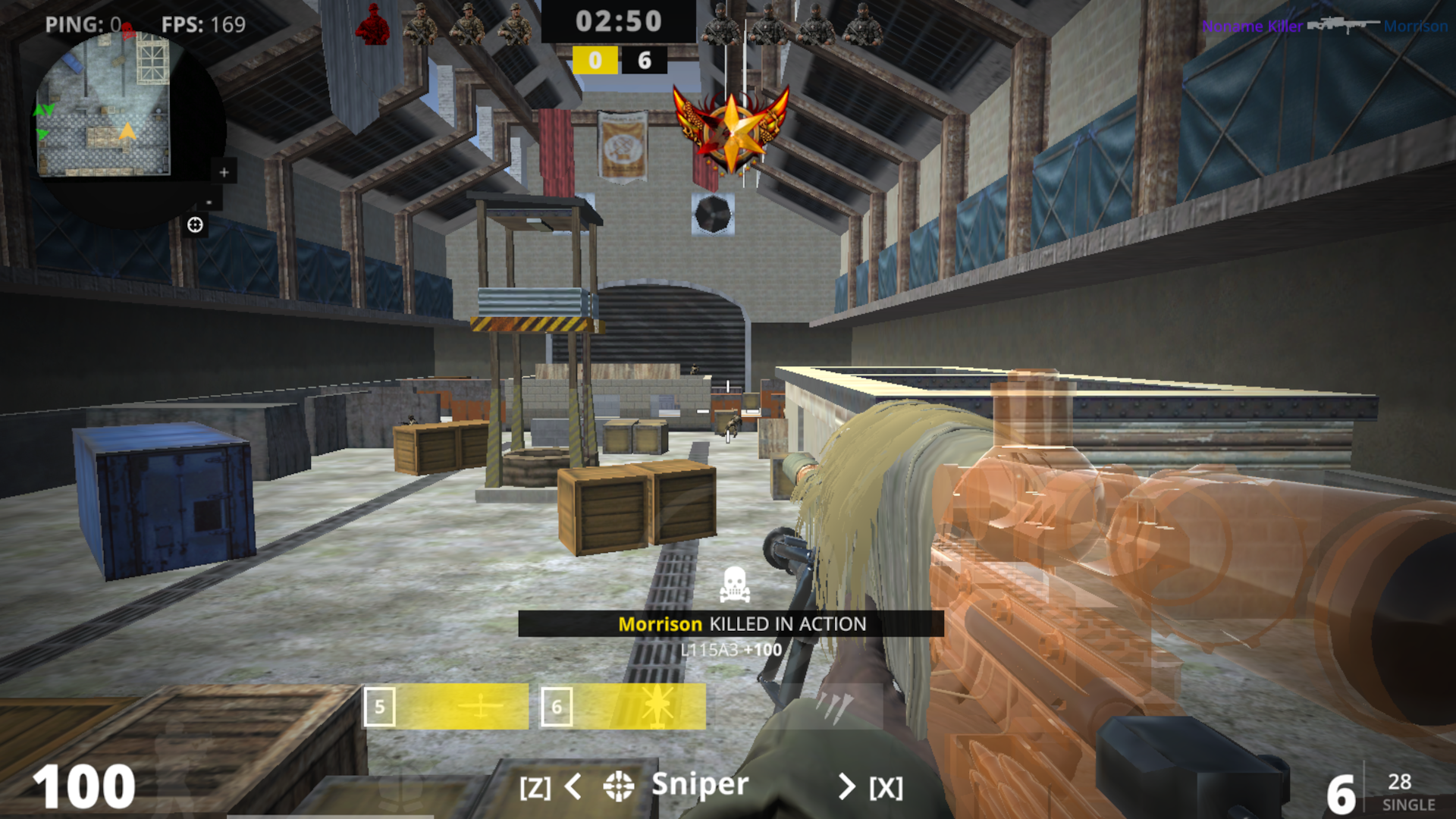
  • CoD screenshot 1
  • CoD screenshot 2
  • CoD screenshot 3
  • CoD screenshot 4
  • CoD screenshot 5
  • CoD screenshot 6
  • CoD screenshot 7
  • CoD screenshot 8
  • CoD screenshot 9
  • CoD screenshot 10
  • CoD screenshot 11
  • CoD screenshot 12
  • CoD screenshot 13
  • CoD screenshot 14
  • CoD screenshot 15
  • CoD screenshot 16
  • CoD screenshot 17
  • CoD screenshot 18
  • CoD screenshot 19
  • CoD screenshot 20
Play Now

14,659 players online

How to play

  1. Open the game

    Press Play now and the game opens on its own screen.

  2. Follow the in-game instructions

    The controls and goals are shown inside the game as you play.

  3. Use the game menu

    The floating button over the game reloads it, saves it to your favourites, or takes you back out.

Game instructions

Controls: PC: - WASD - walk; - E — lean to the right; - Q — lean to the left; - Left shift - run; - Space - jump; - C - sit down; - Left mouse button – shoot; - Right mouse button – aim; - R — reload; - You can change weapons using keys 1, 2, 3, 4; - X — switch to the next specialization; - Z — switch to the previous specialization; - Esc - menu; - Tab - score; Phone\Tablet: - Left joystick - walk; - There are buttons above the left joystick to bend over; - Hold the left joystick forward - run; - Virtual button with the image of a jumping person - jump; - Virtual button with the image of a crouching person - sit down; - Point at an enemy or press the button with the image of a bullet - shoot; - Button with a picture of an aim - take aim; - Button on the right with two arrows - reload; - You can change weapons and specialization using the arrows at the bottom; - Pause button on top - menu and score;

More games

More games