Overview
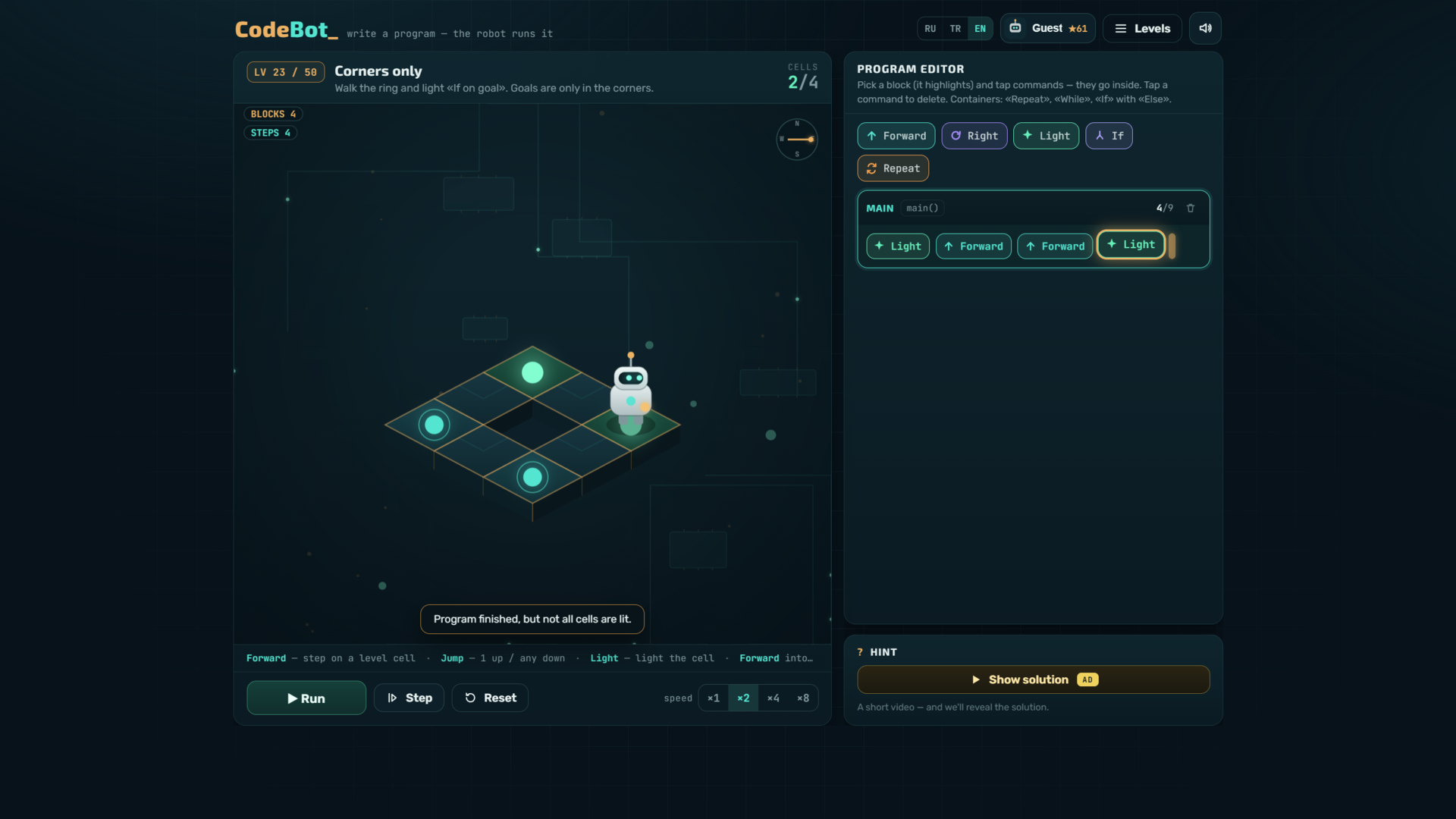
🤖 CodeBot is a cozy puzzle where you program a robot on a circuit board. Build a program from command blocks, hit run — and watch the robot light up the target cells step by step.
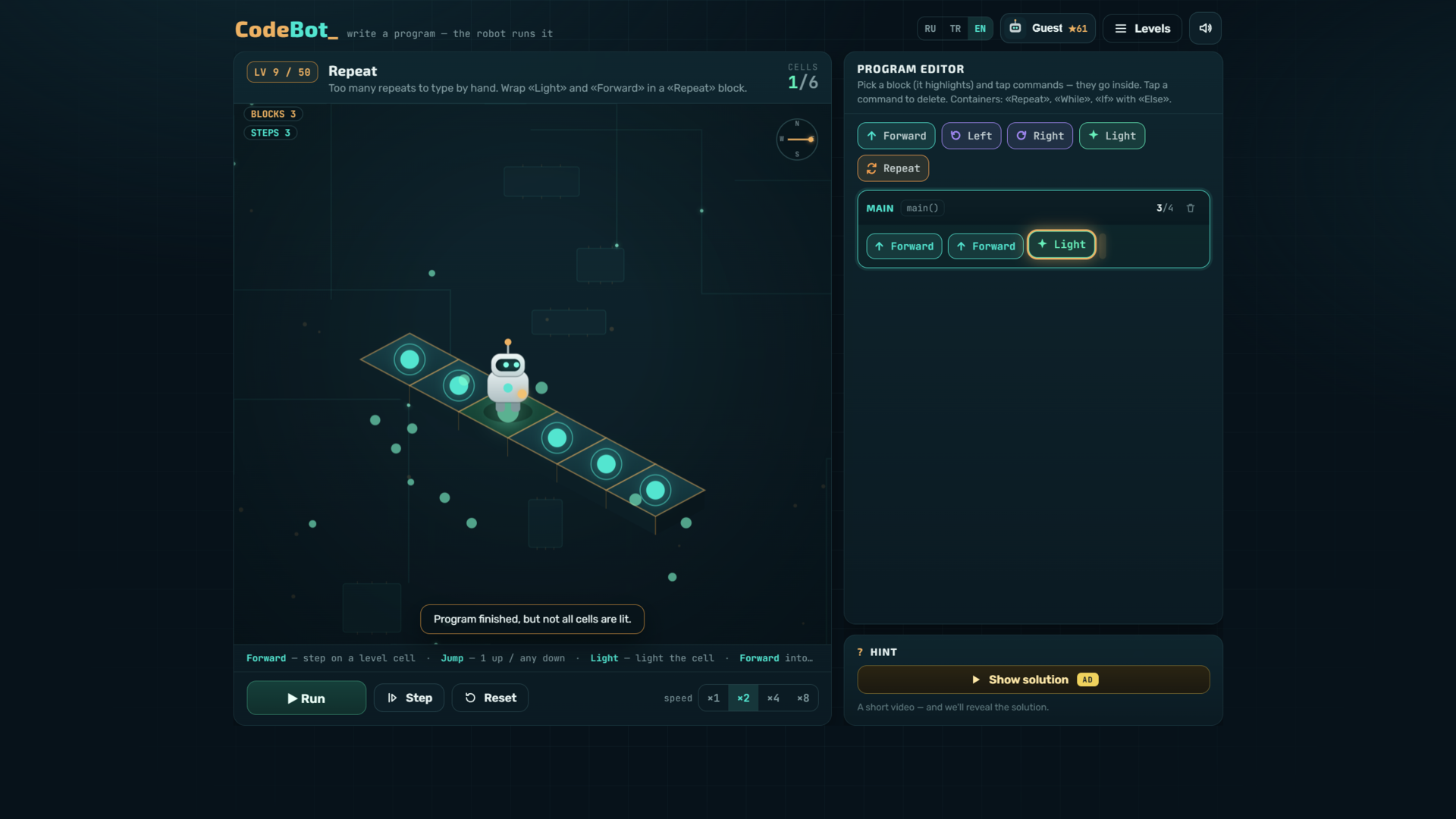
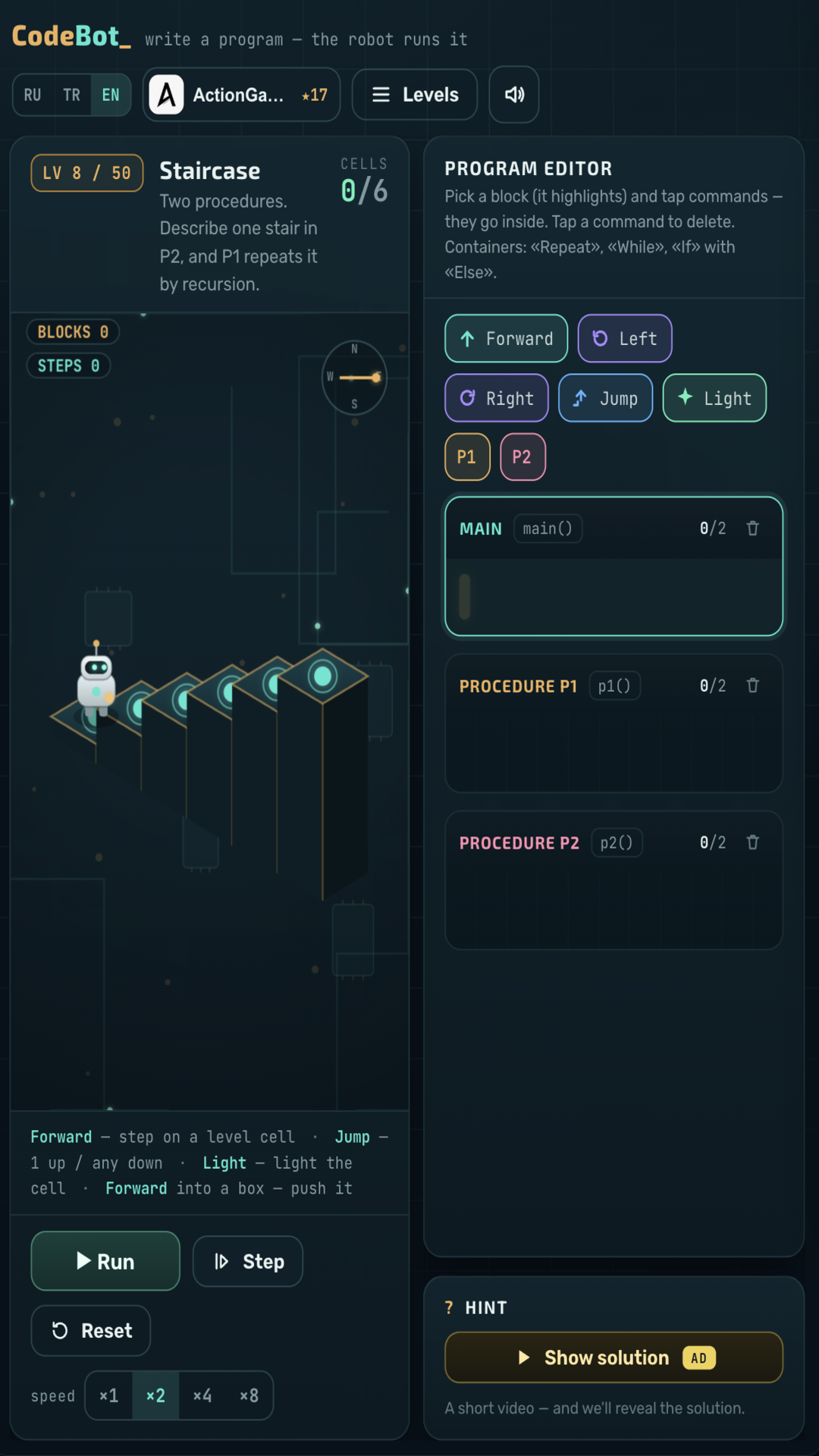
🧩 From simple to deep: 50 levels across 16 chapters. Start with “Forward” and “Light”, then master “Repeat” and “While” loops, “If/Else” conditions, your own procedures, and even recursion.
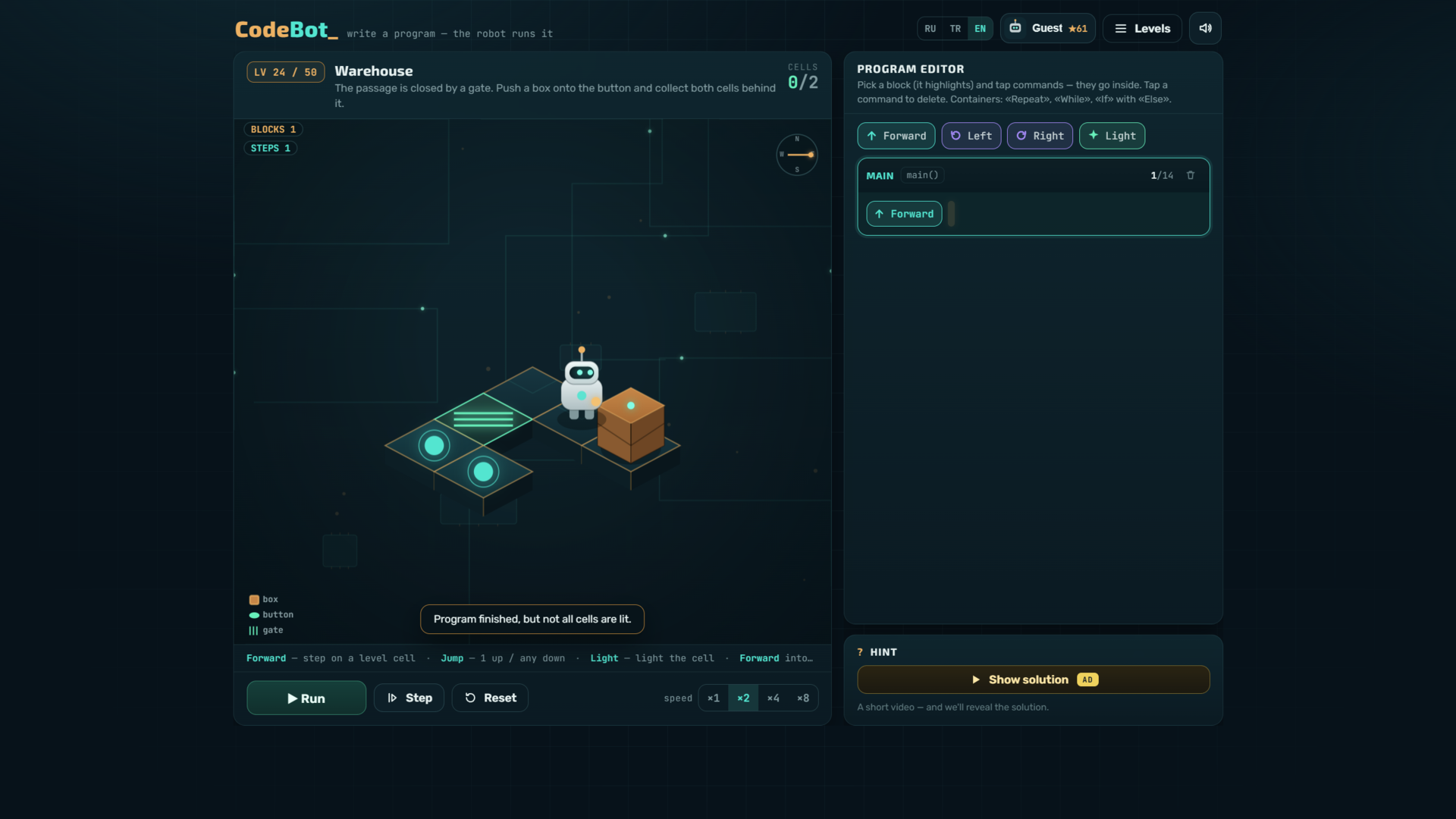
🌀 Mechanics that make you think: height jumps, portals, boxes and pits, buttons and gates. Earn up to three stars for efficient solutions and climb the leaderboard.
✨ No sign-up, plays in the browser on phone and desktop, and supports English, Russian and Turkish.
Videos and screenshots
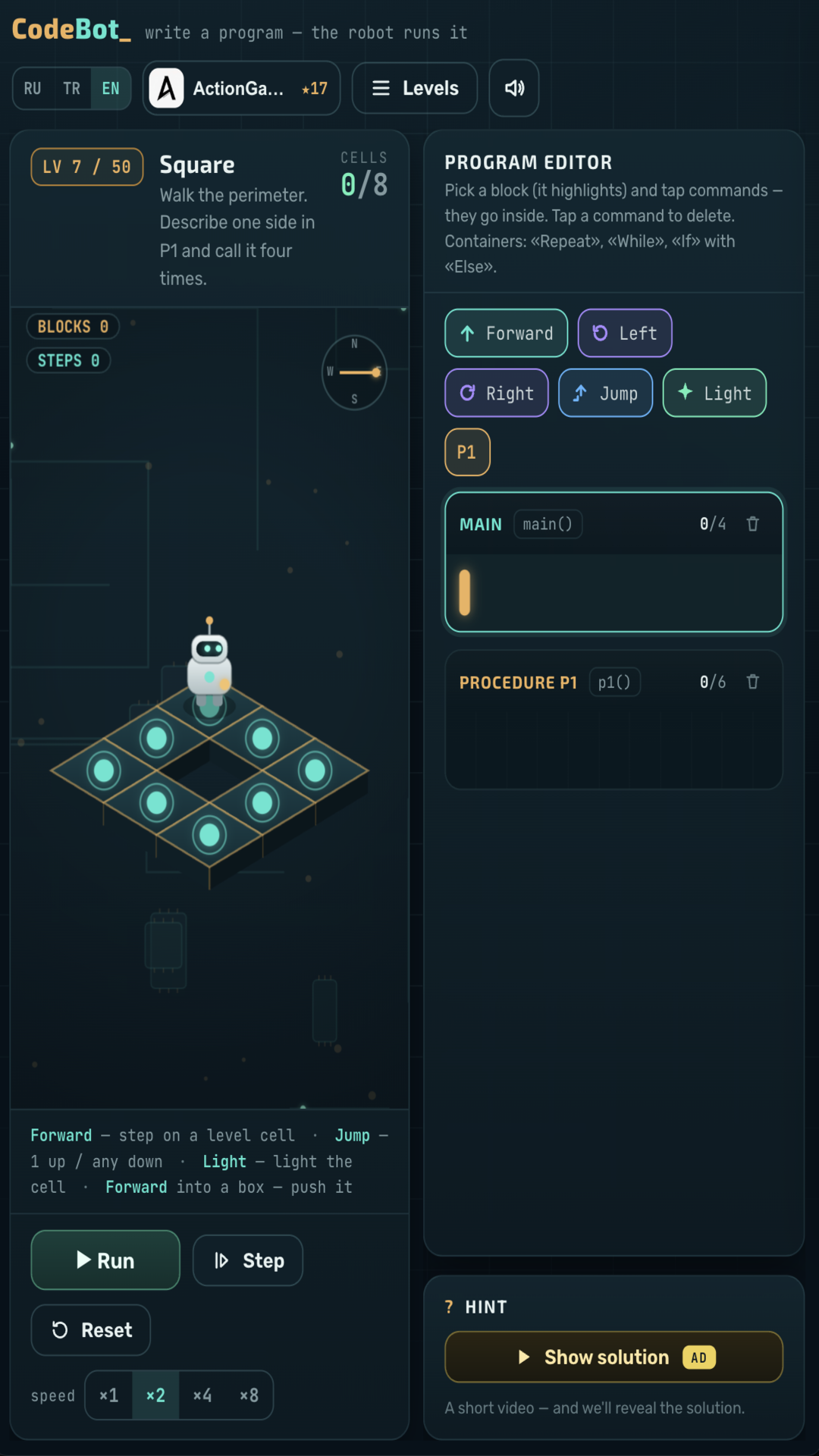
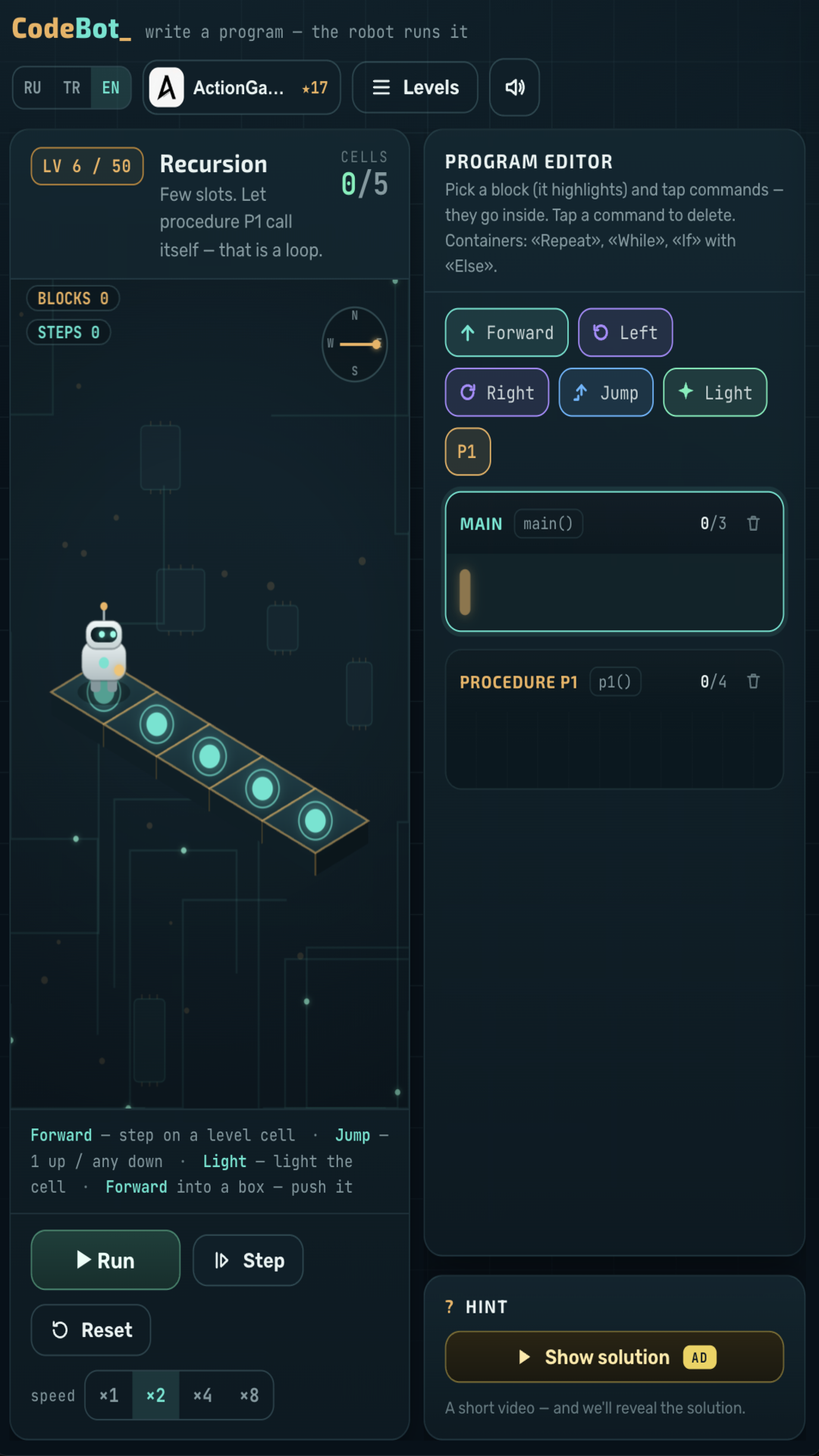
12,320 players online
How to play
-
Open the game
Press Play now and the game opens on its own screen.
-
Follow the in-game instructions
The controls and goals are shown inside the game as you play.
-
Use the game menu
The floating button over the game reloads it, saves it to your favourites, or takes you back out.