Skip to content
KG
Color by Color

Color by Color

19K plays 3.9 out of 5

Overview

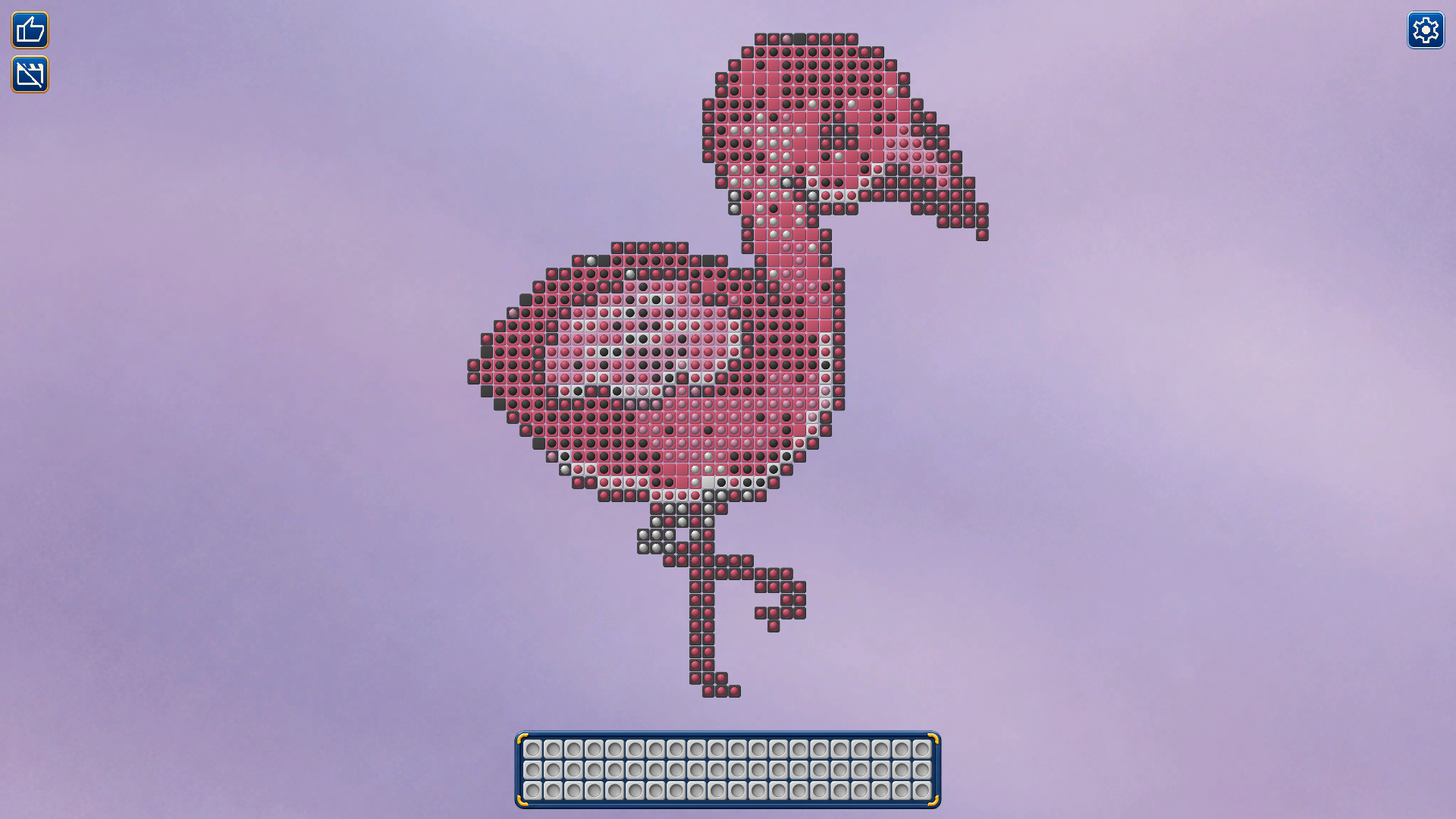
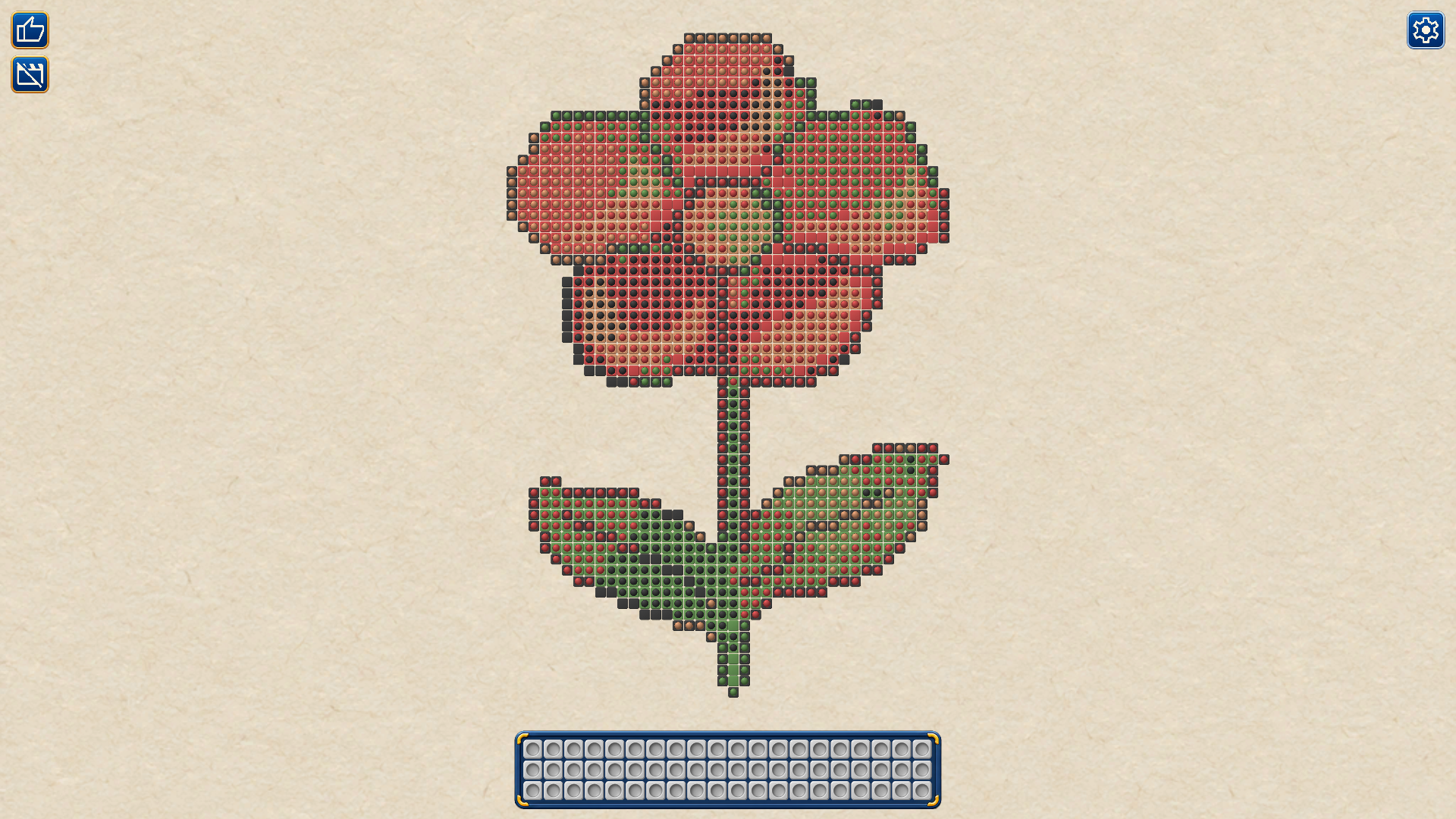
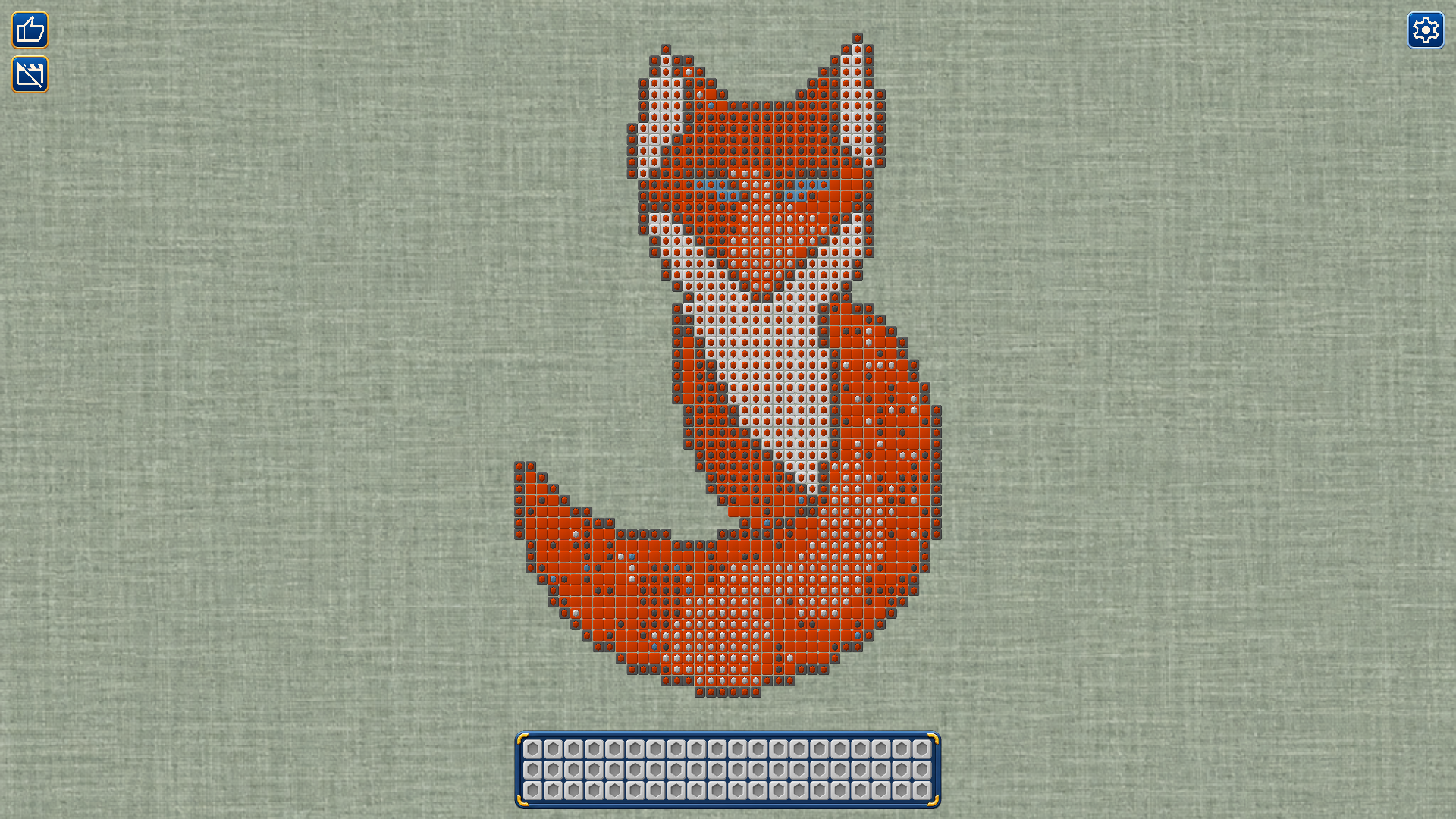
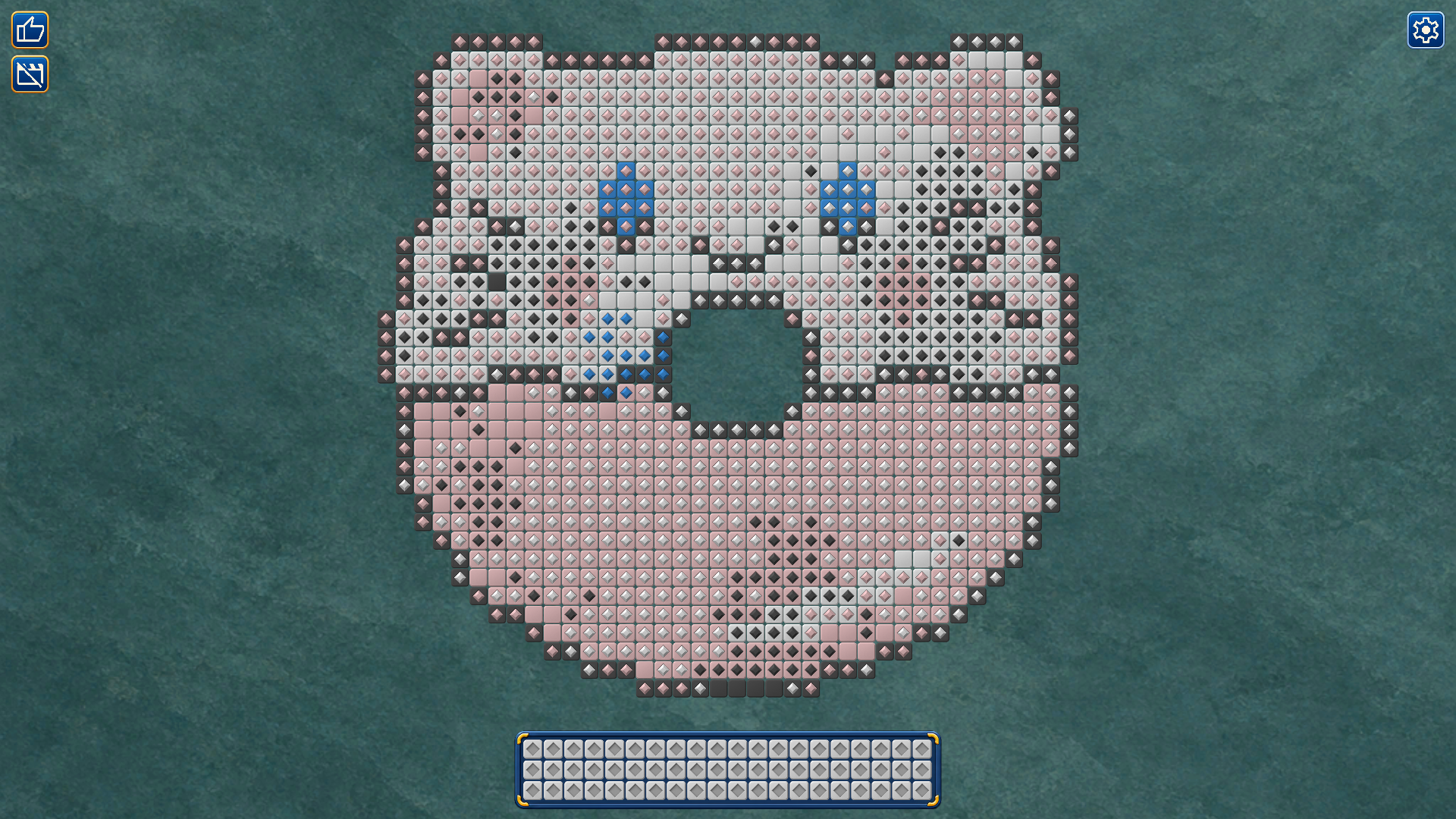
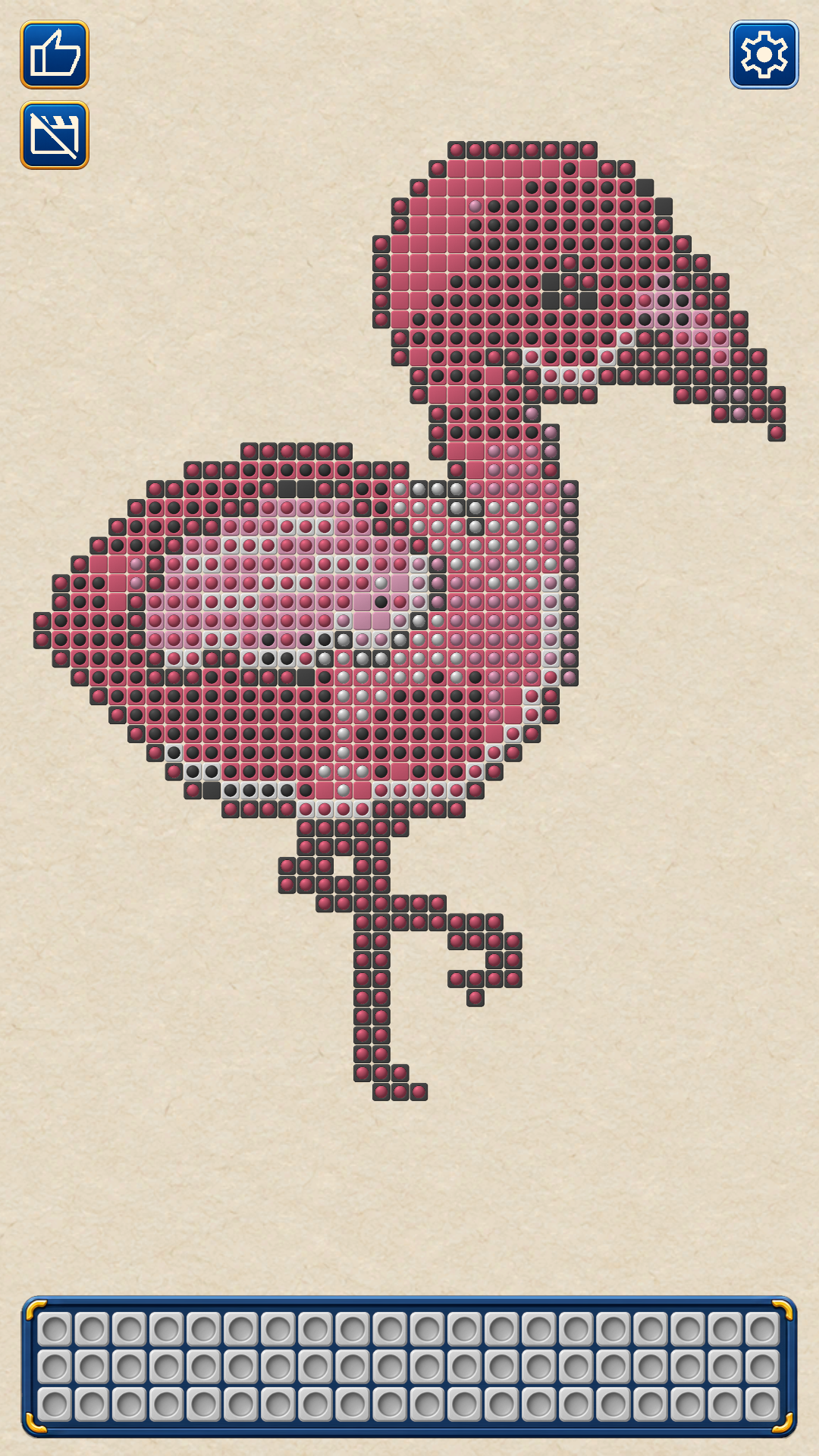
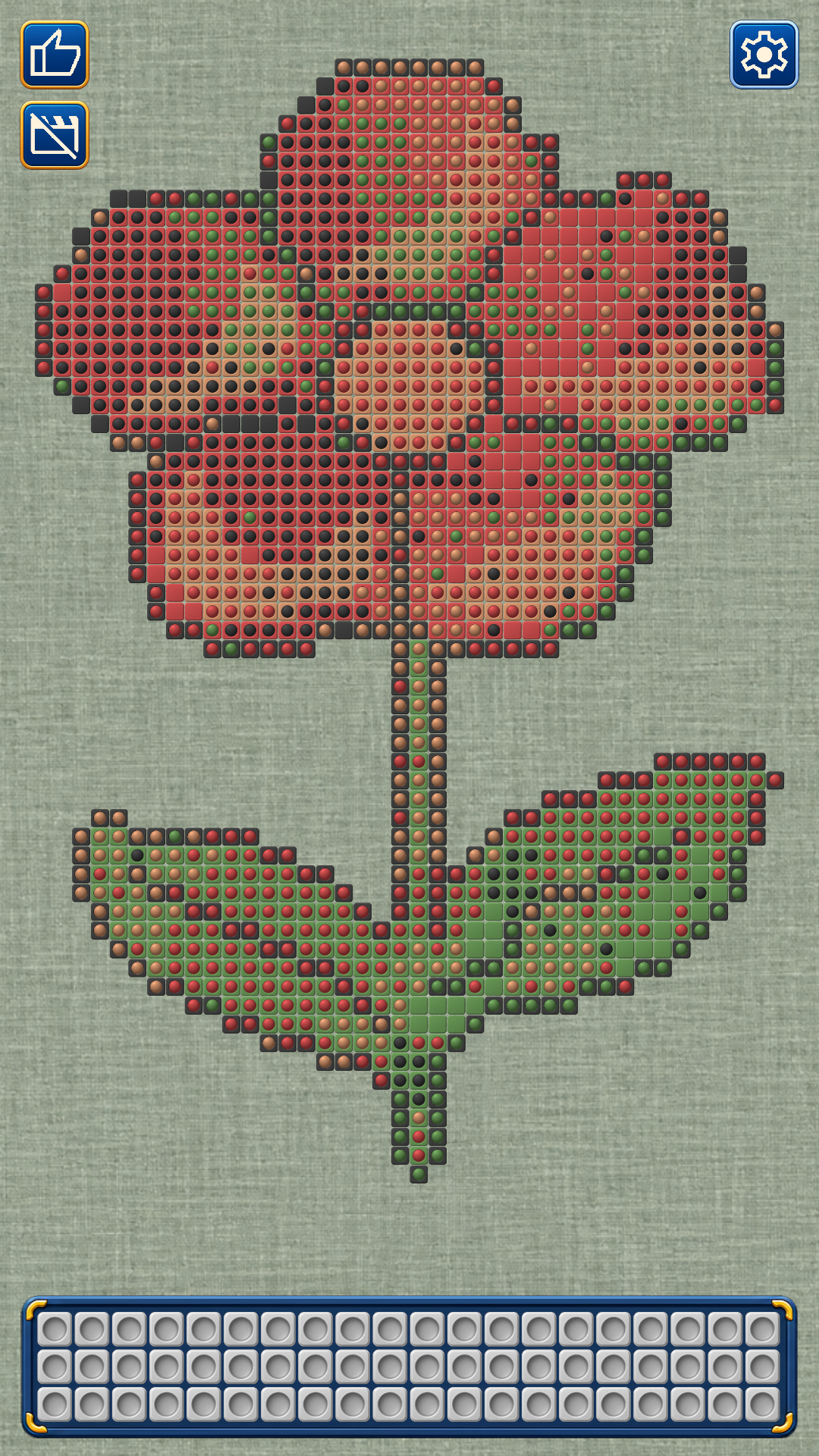
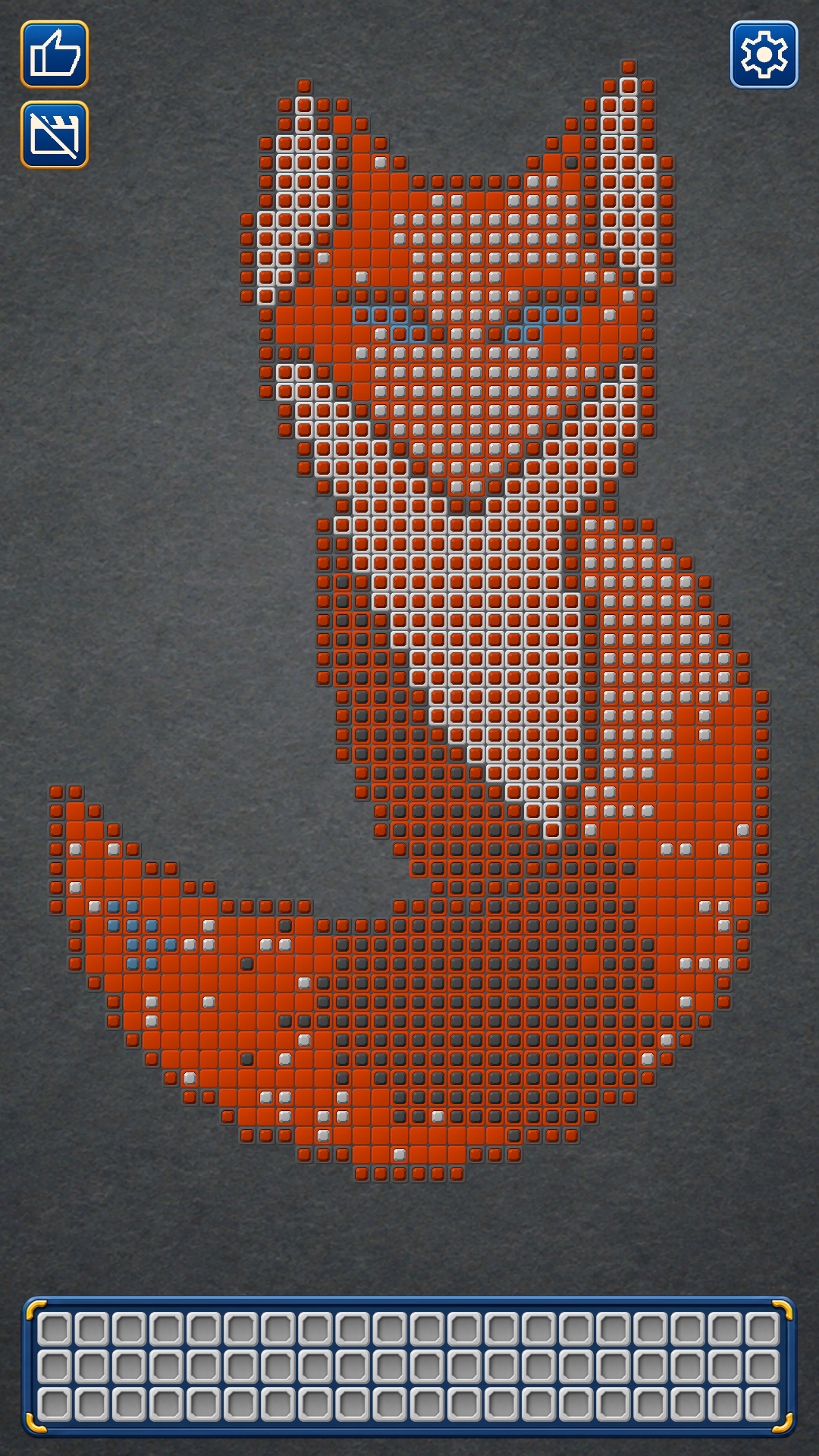
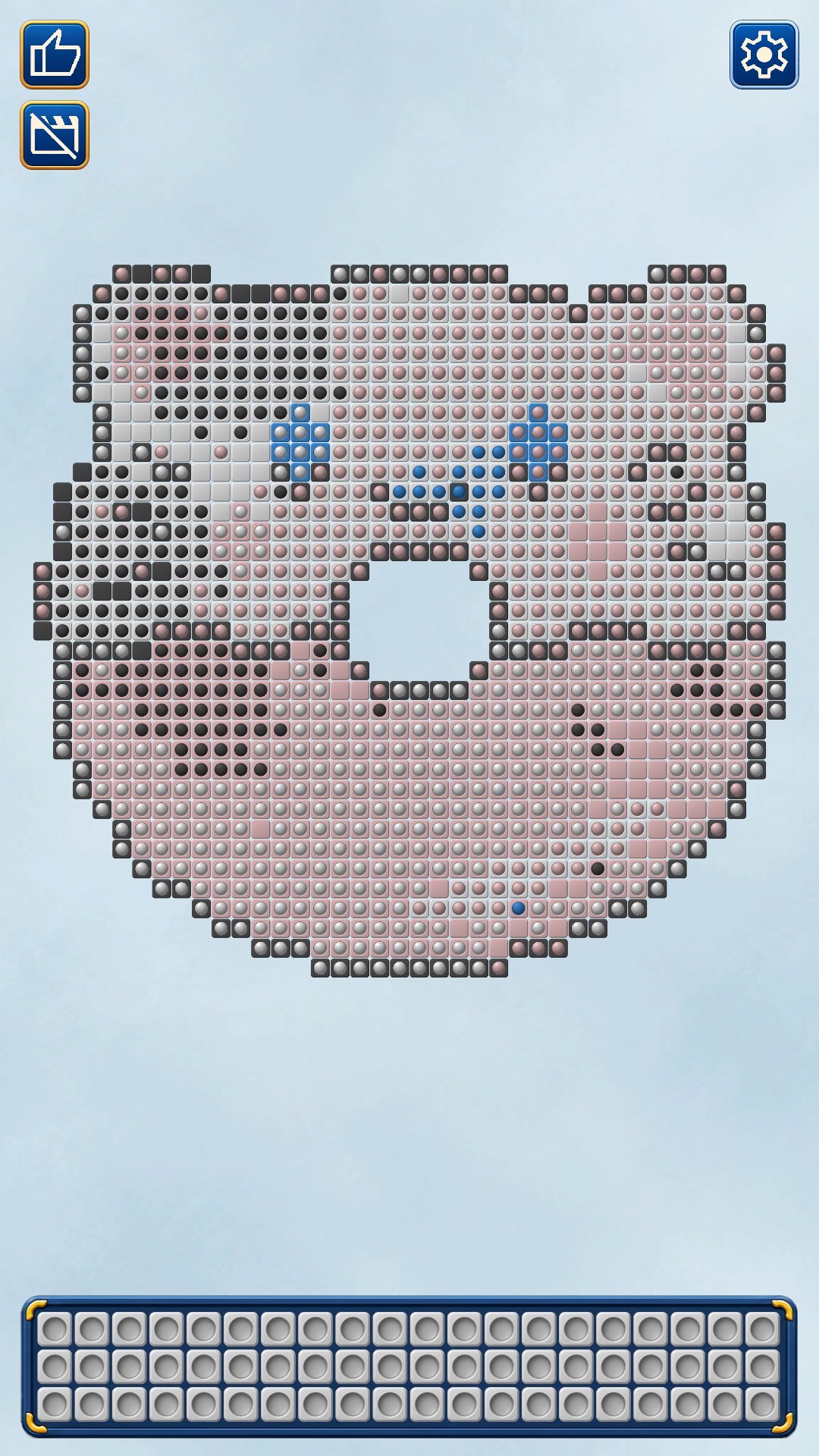
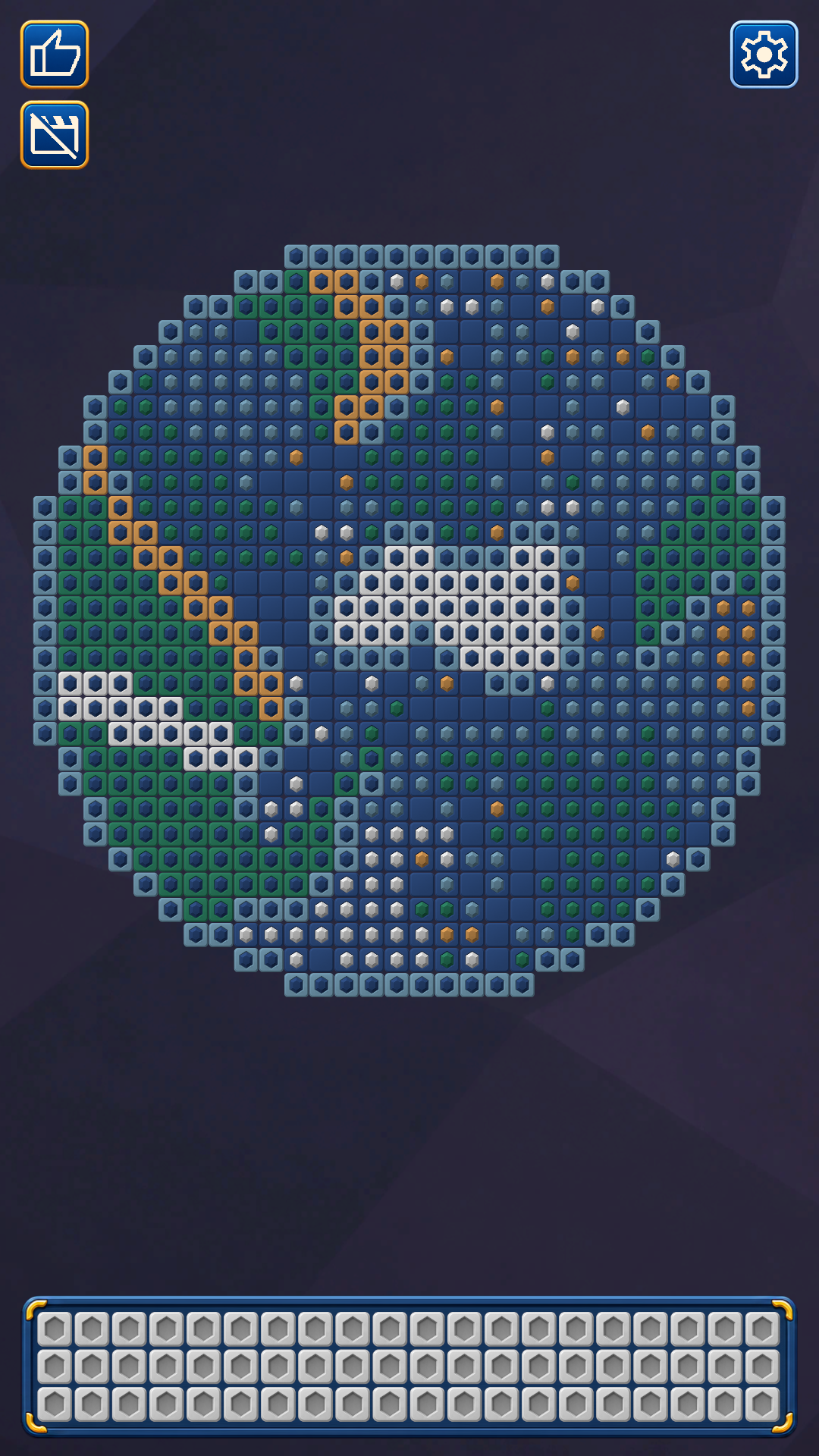
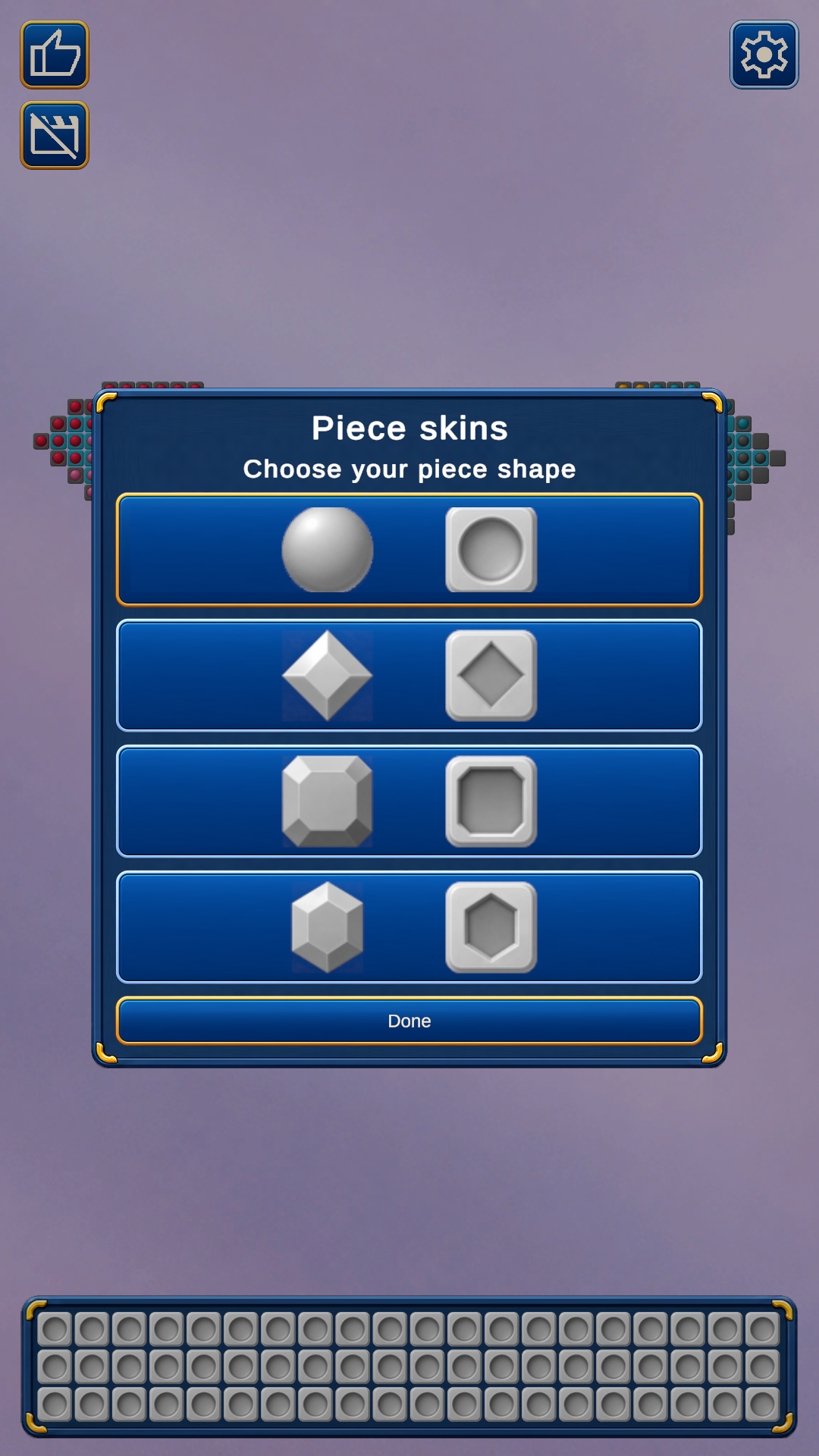
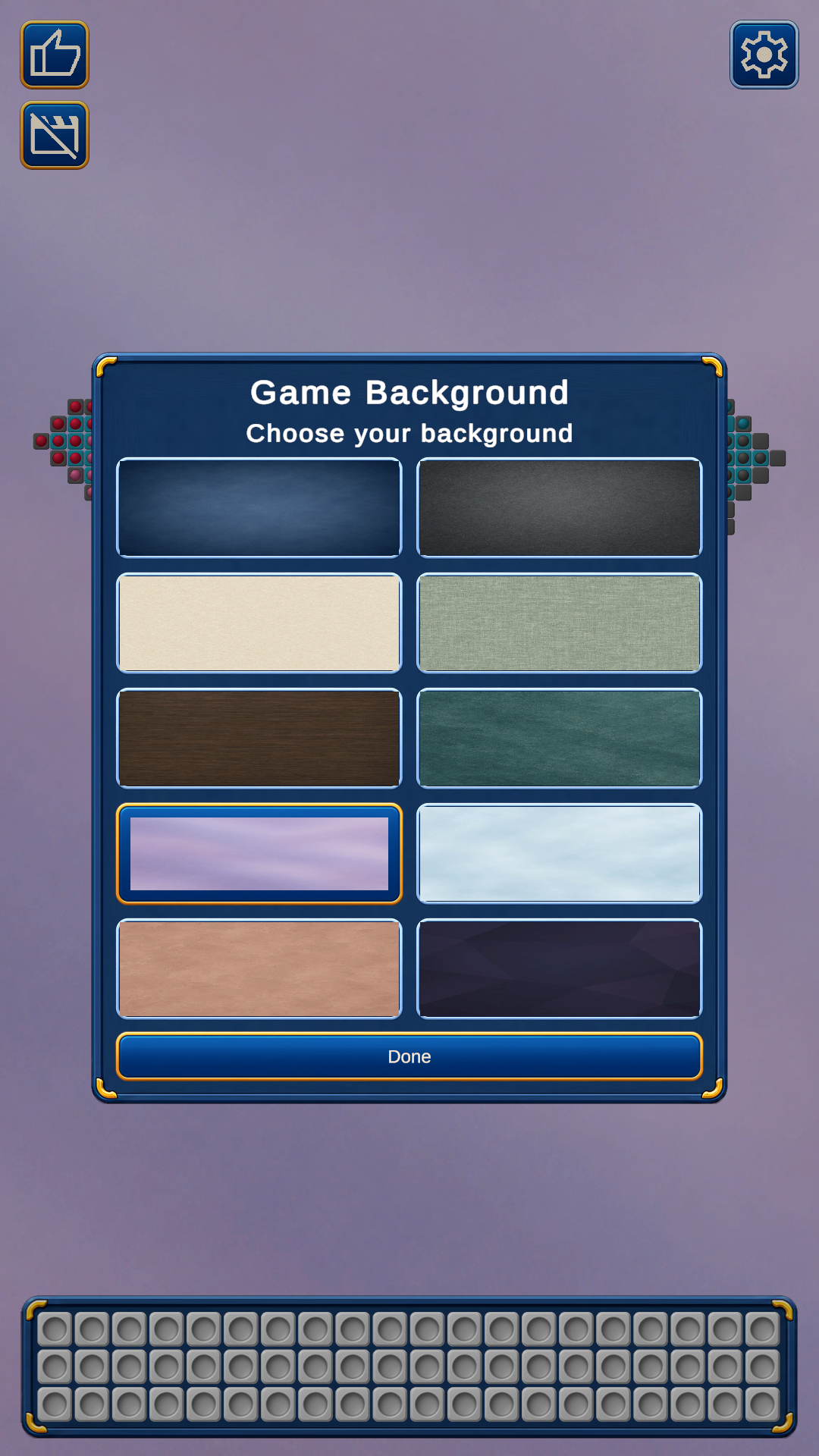
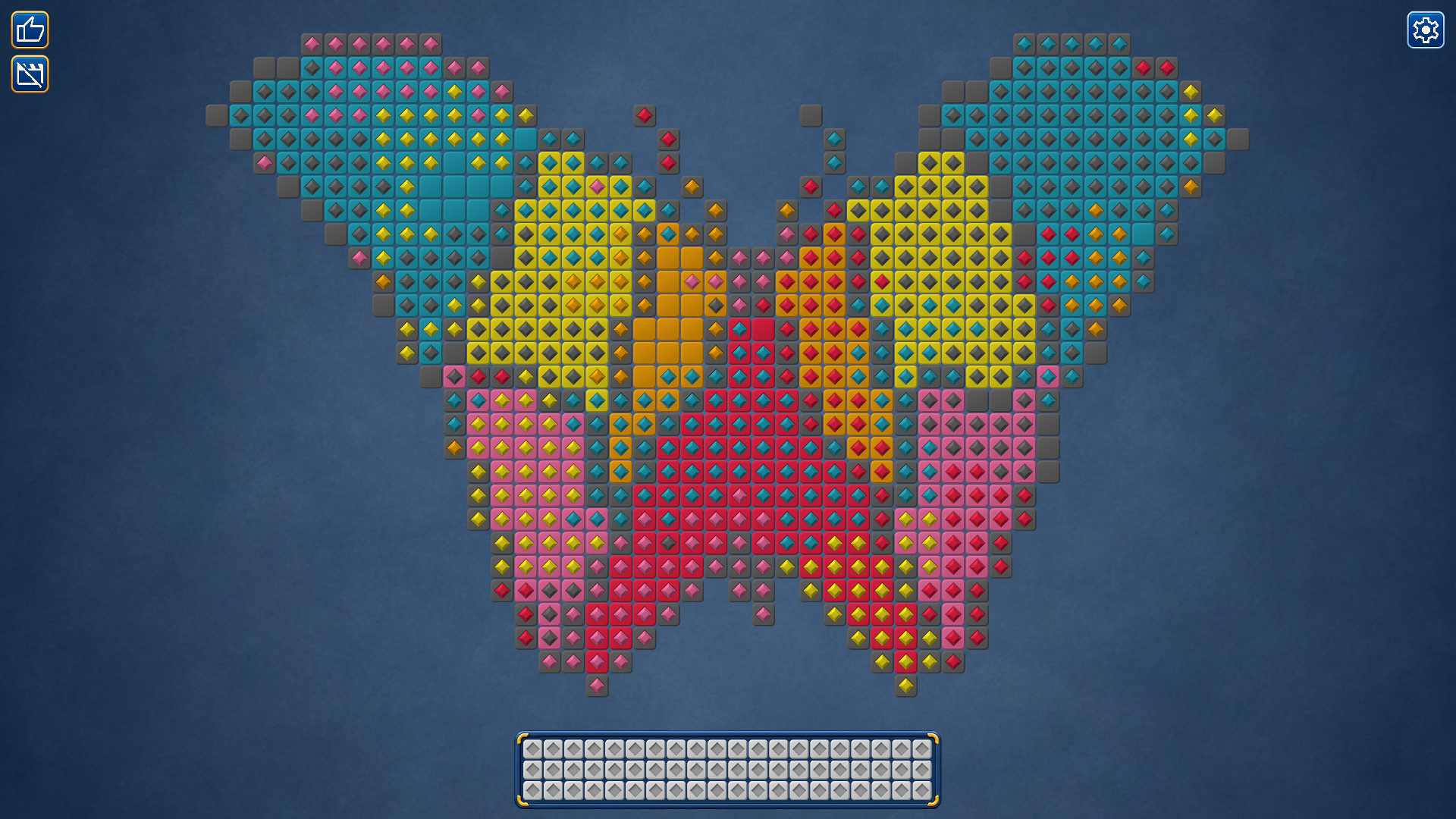
Turn a jumble of colors into a picture! Color by Color is a relaxing puzzle where you sort groups of crystals to restore colorful pixel art. Find matching cells, free up space on the board and use the storage tray to hold crystals temporarily. Correctly placed pieces lock in, revealing more of the picture with every move. Complete colors to earn extra storage spaces for the current level. Discover pictures of animals, plants and everyday objects as you progress through the levels. Use Auto Move when you need a little help, zoom in for a closer look and choose crystal styles and backgrounds to suit your mood. Play with a mouse or by touch. With no timer or move limit, you can take your time and enjoy putting every color in its place.

Videos and screenshots
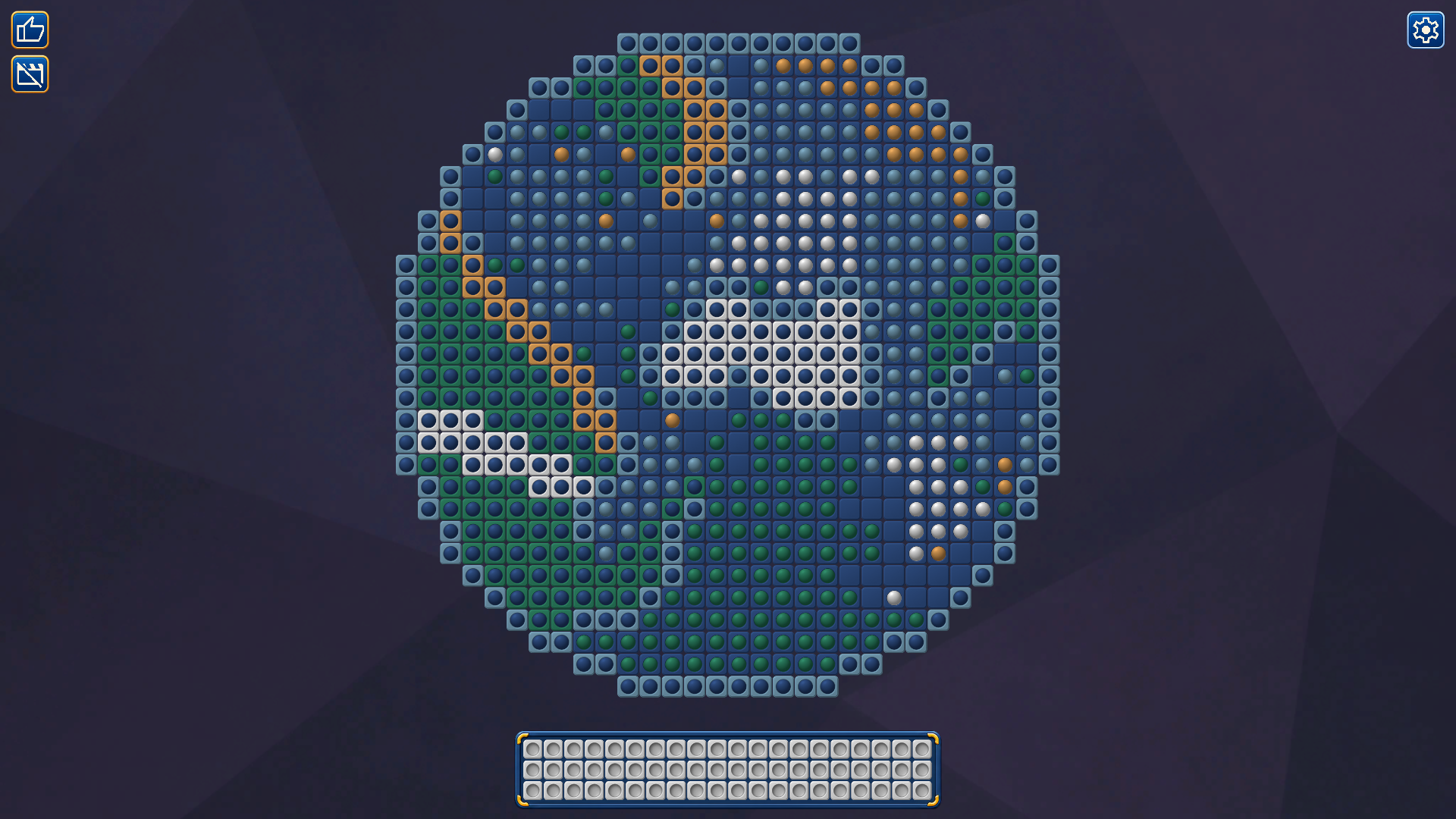
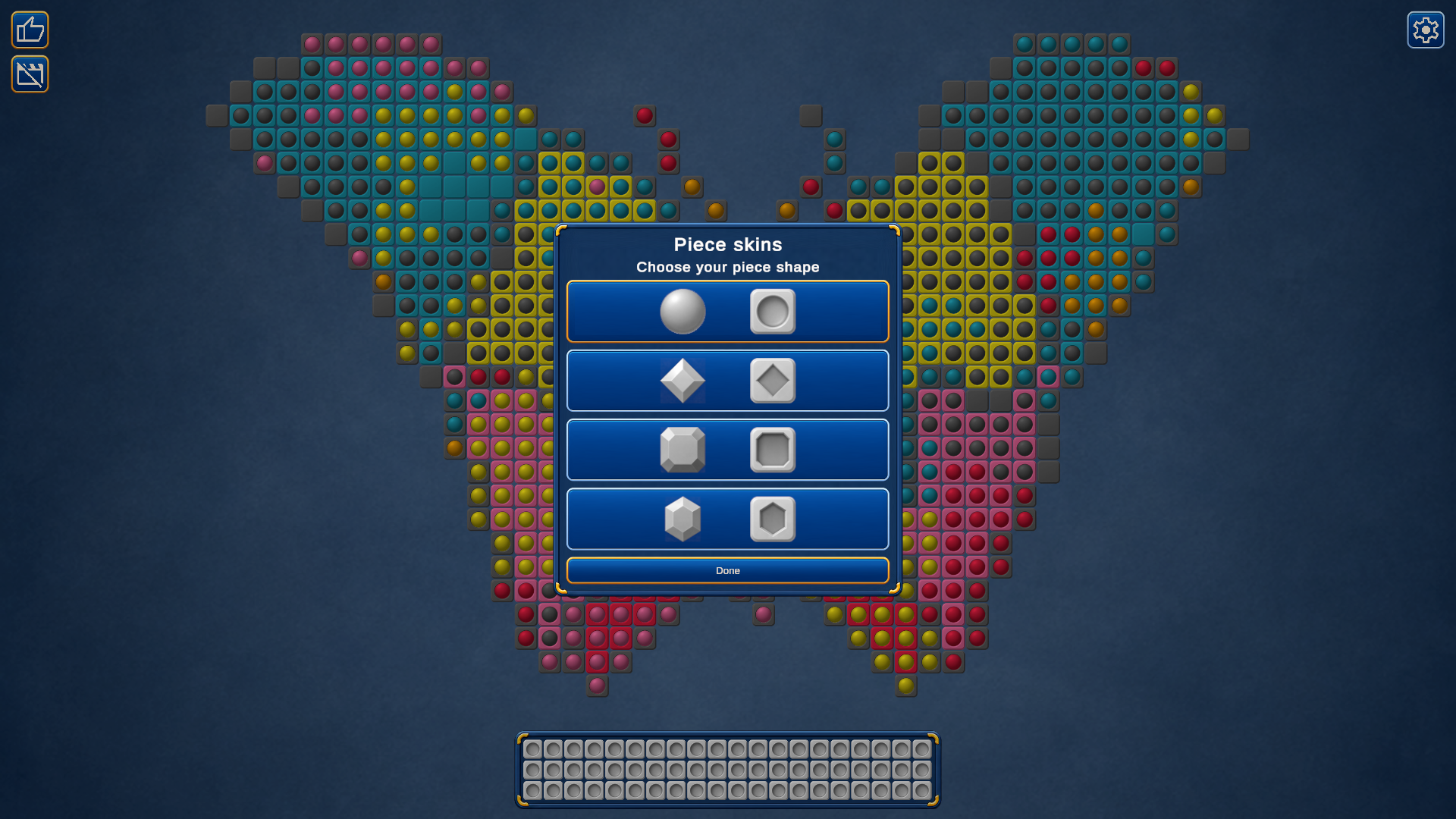
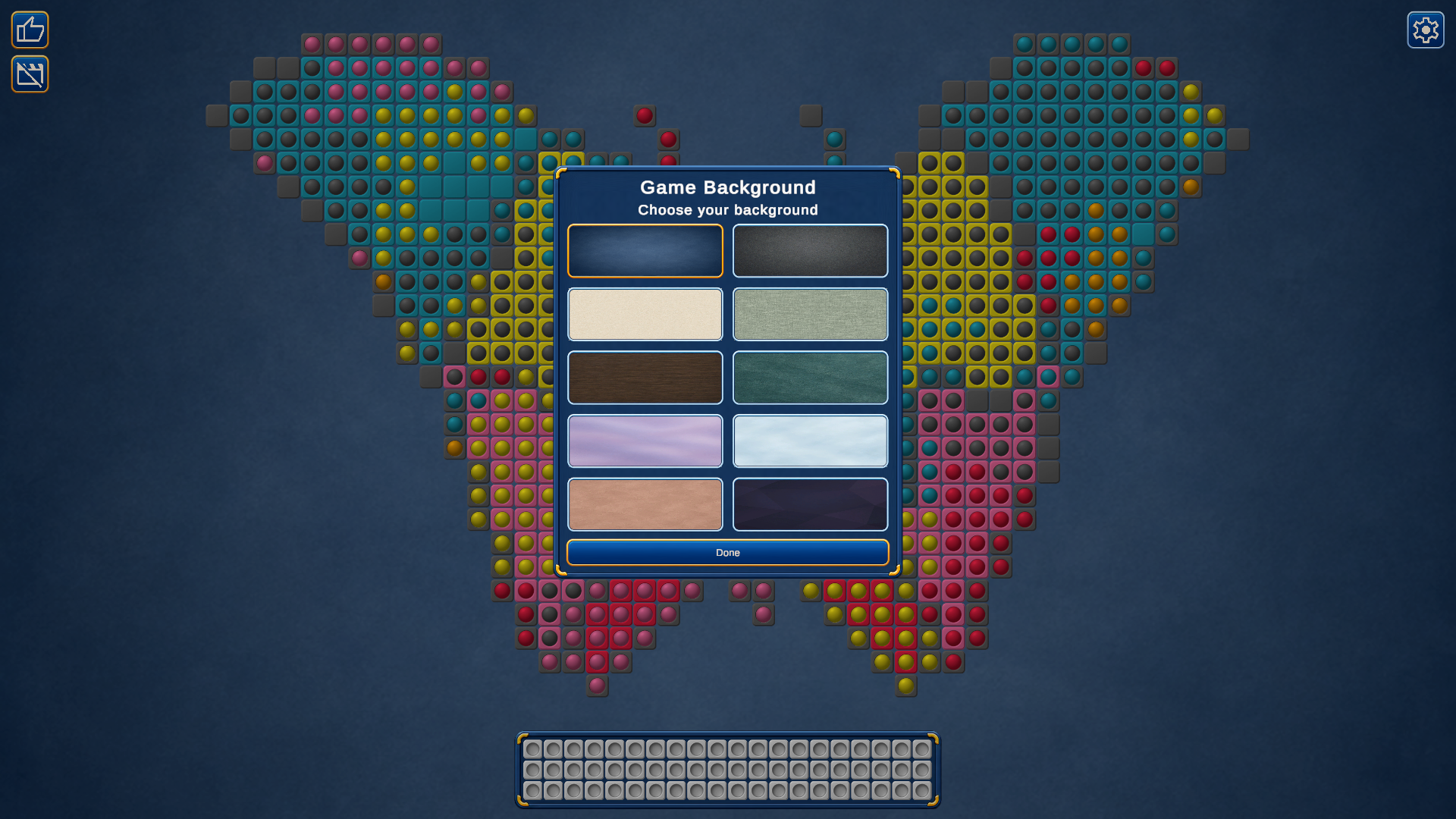
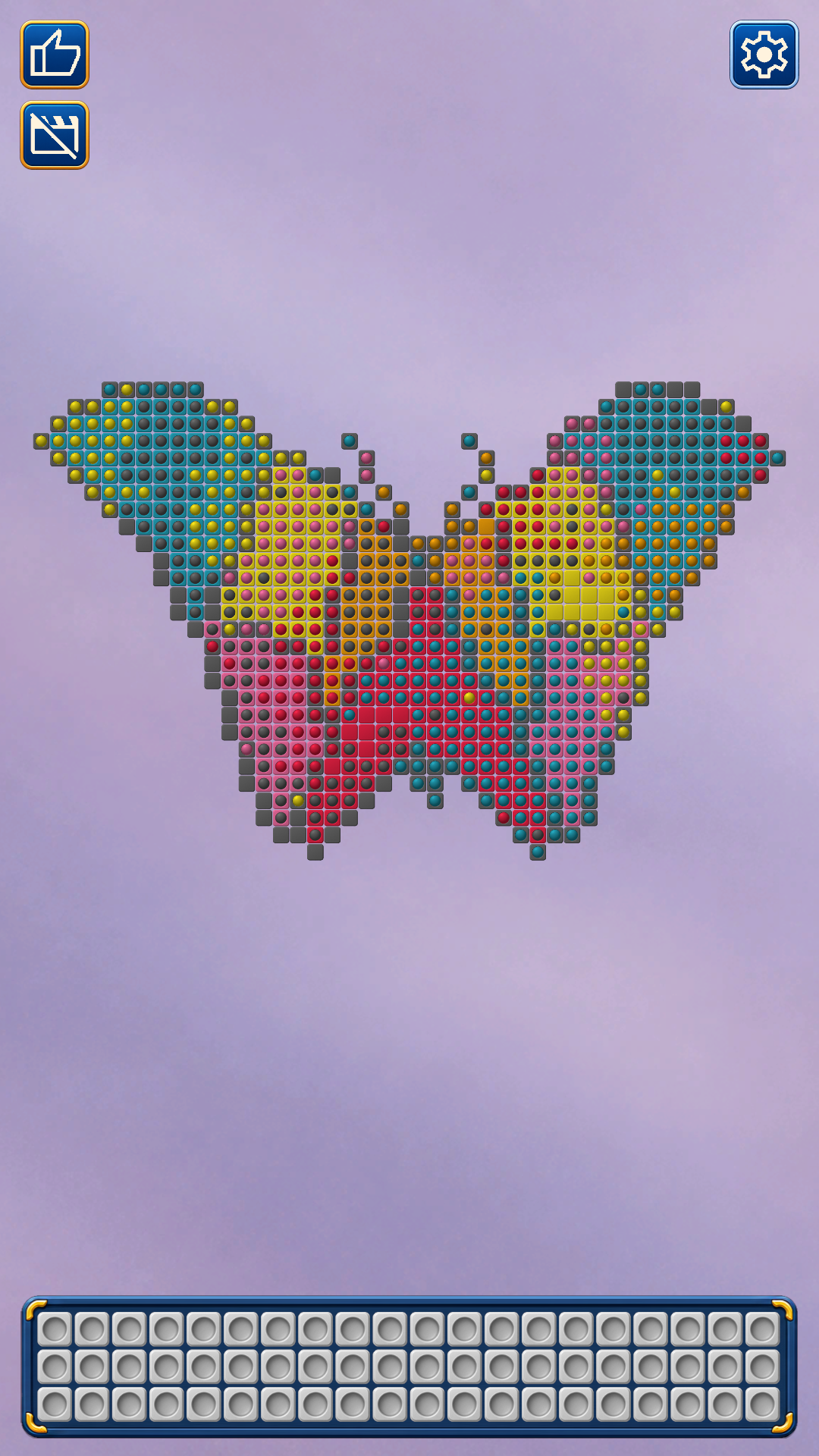
  • Color by Color screenshot 1
  • Color by Color screenshot 2
  • Color by Color screenshot 3
  • Color by Color screenshot 4
  • Color by Color screenshot 5
  • Color by Color screenshot 6
  • Color by Color screenshot 7
  • Color by Color screenshot 8
  • Color by Color screenshot 9
  • Color by Color screenshot 10
  • Color by Color screenshot 11
  • Color by Color screenshot 12
  • Color by Color screenshot 13
  • Color by Color screenshot 14
  • Color by Color screenshot 15
  • Color by Color screenshot 16
Play Now

11,418 players online

How to play

  1. Open the game

    Press Play now and the game opens on its own screen.

  2. Follow the in-game instructions

    The controls and goals are shown inside the game as you play.

  3. Use the game menu

    The floating button over the game reloads it, saves it to your favourites, or takes you back out.

Game instructions

Your goal is to fill each colored cell with a matching crystal and restore the whole picture. Click or tap a movable group of crystals. In the default mode, the game sends the group to suitable empty cells automatically, using available space in the storage tray to hold crystals temporarily. When matching cells become available, click or tap a stored crystal to return pieces of that color to the board. Correctly placed crystals lock in. Keep going until the picture is complete. Drag to move around the board. Zoom with the mouse wheel or a two-finger pinch. In Settings, you can switch to a mode where a second click or tap chooses the destination. Use Auto Move for help when it is available.

More games

More games