Skip to content
KG
Color by Numbers: Brainrot, Fnaf, Sprunki, PvZ

Color by Numbers: Brainrot, Fnaf, Sprunki, PvZ

618K plays 3.9 out of 5

Overview

Color by Numbers: Brainrot, Fnaf, Sprunki, PvZ — this is a relaxing game where you create beautiful pixel art step by step. Each cell on the grid is marked with a number corresponding to a specific color. Select the right color from the palette and fill in the cells—gradually, a vibrant picture emerges from the chaos of numbers. The game is perfect for relaxation and stress relief. No timer, no pressure—just you, the colors, and the joy of the process. Track your progress and unlock new levels with different pictures.

Videos and screenshots
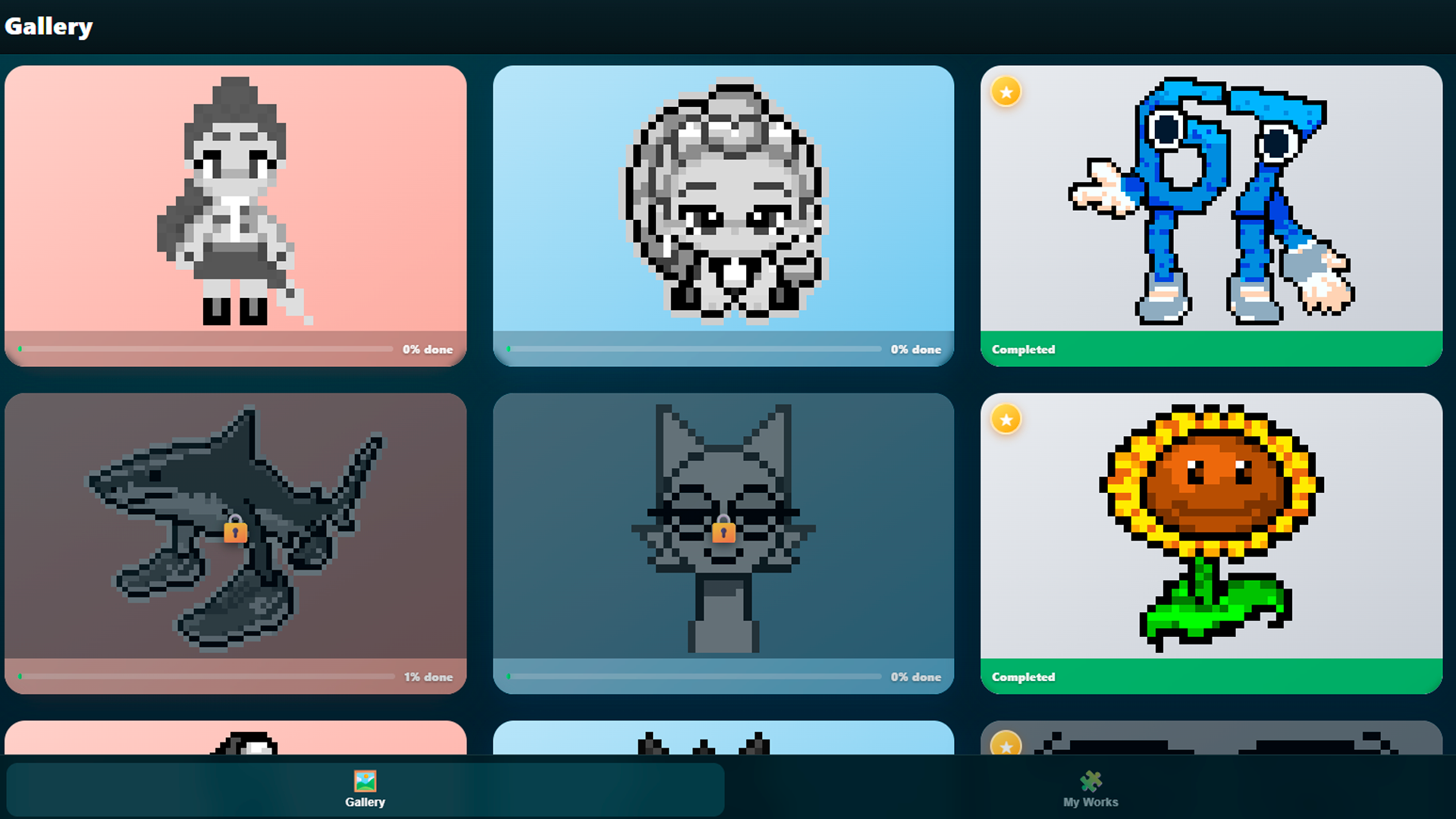
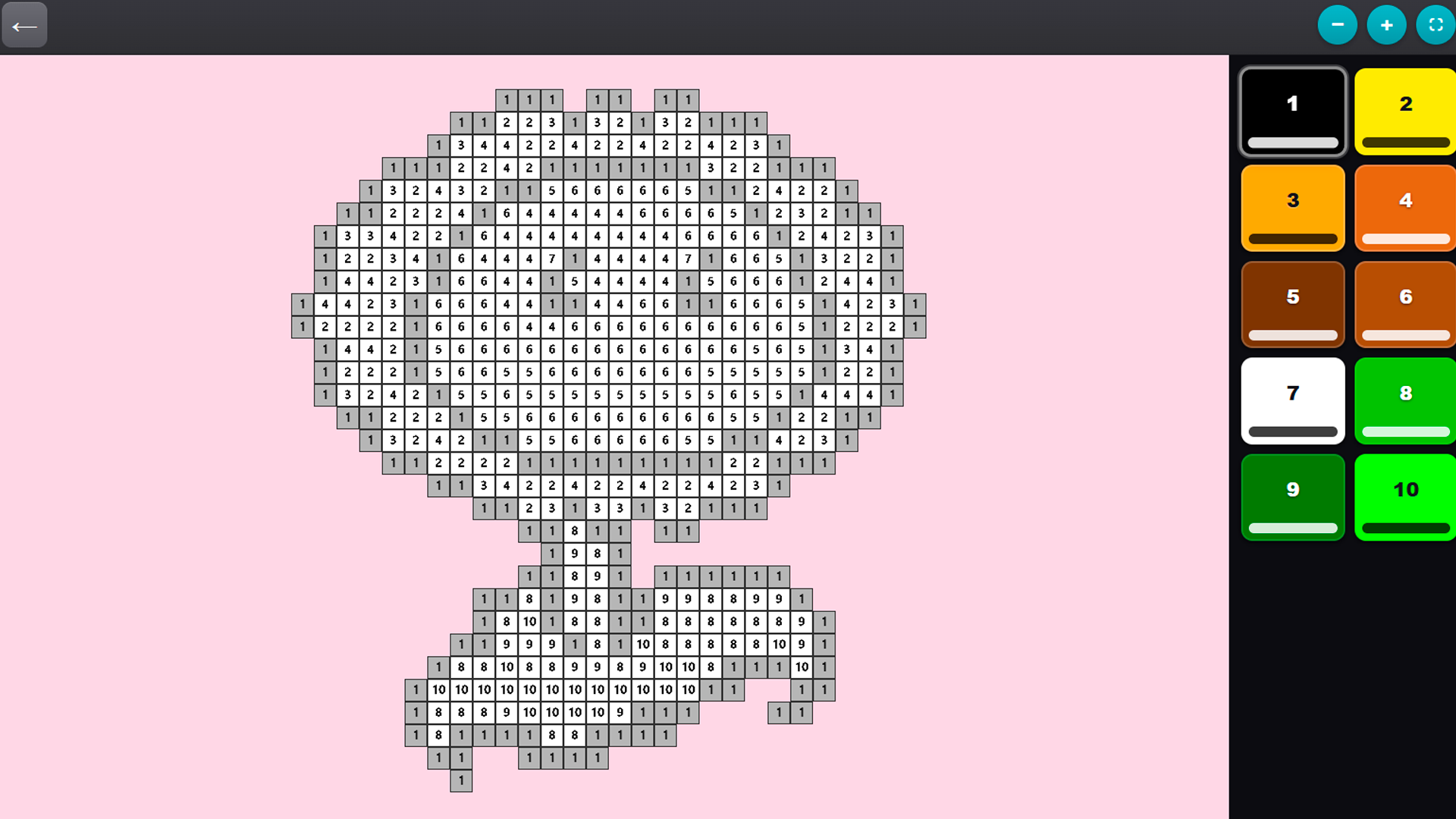
  • Color by Numbers: Brainrot, Fnaf, Sprunki, PvZ screenshot 1
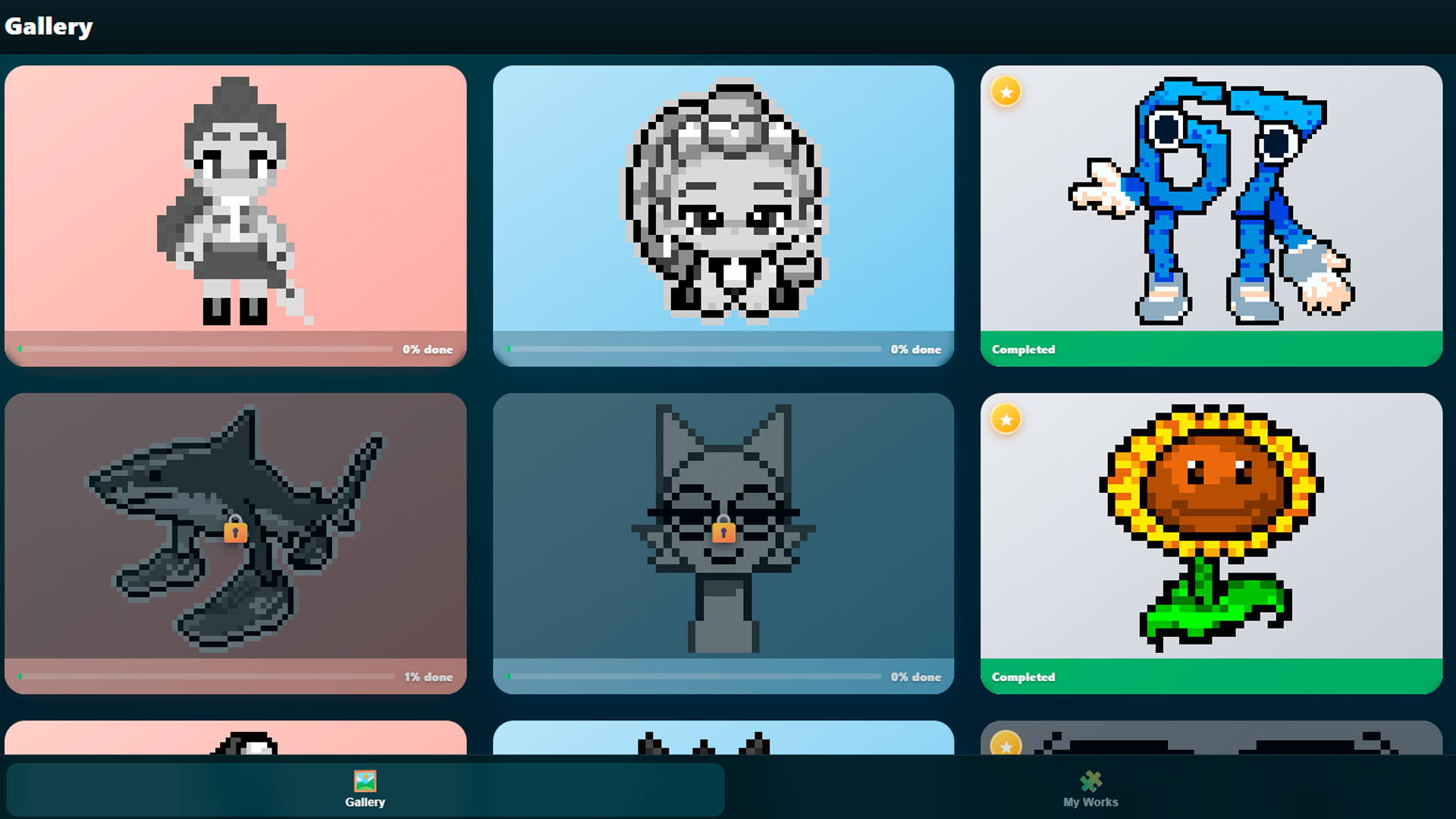
  • Color by Numbers: Brainrot, Fnaf, Sprunki, PvZ screenshot 2
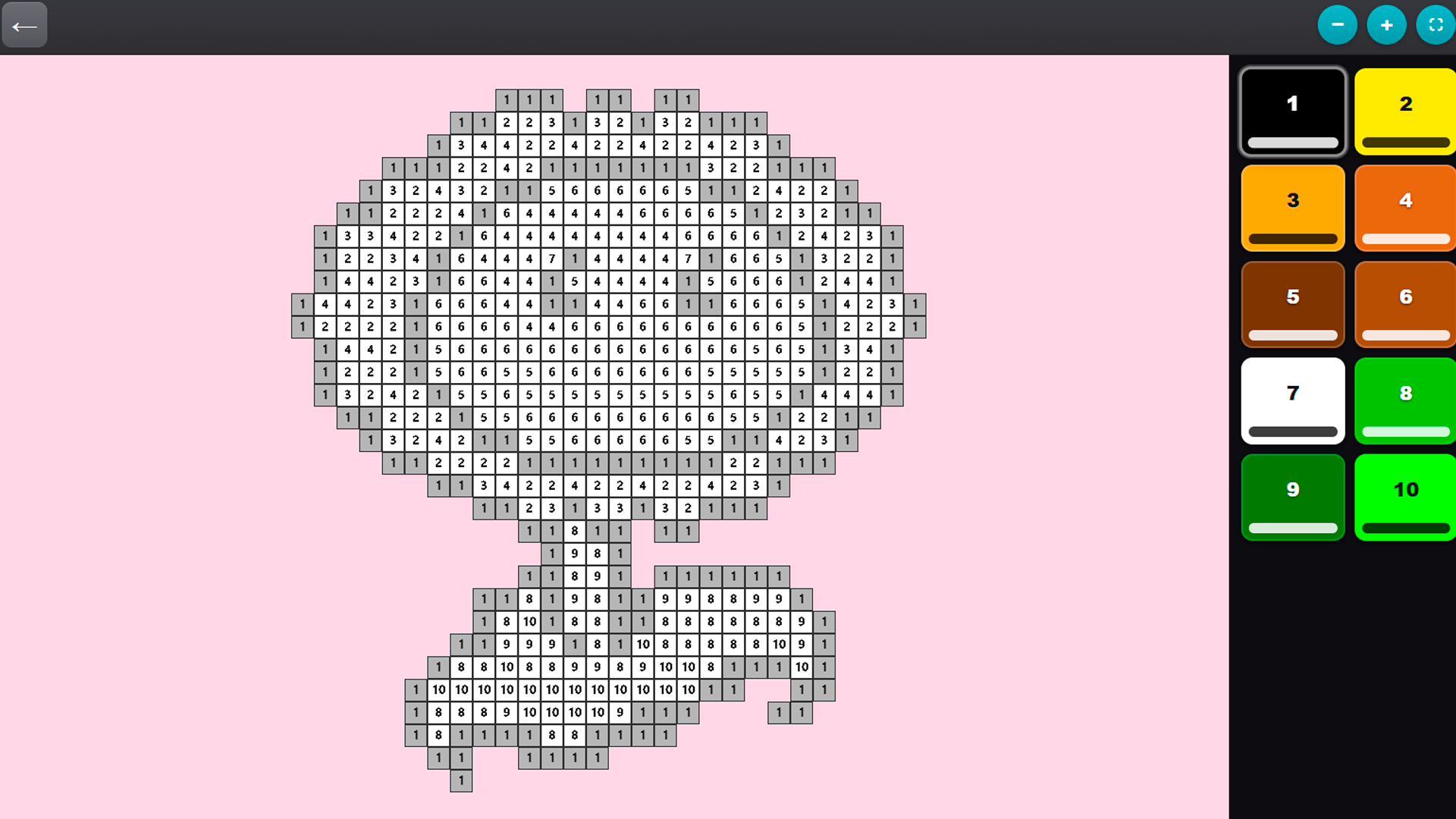
  • Color by Numbers: Brainrot, Fnaf, Sprunki, PvZ screenshot 3
  • Color by Numbers: Brainrot, Fnaf, Sprunki, PvZ screenshot 4
Play Now

12,468 players online

How to play

  1. Open the game

    Press Play now and the game opens on its own screen.

  2. Follow the in-game instructions

    The controls and goals are shown inside the game as you play.

  3. Use the game menu

    The floating button over the game reloads it, saves it to your favourites, or takes you back out.

Game instructions

1. Select a level from the gallery and click “Play.” 2. All the colors for the level will appear on the panel on the right—choose any one. 3. Click on the cells with the corresponding number to fill them in. 4. Use a pinch gesture or the mouse wheel to zoom in and out of the grid. 5. Move the grid with one finger (or by holding down the mouse button) to easily reach any area. 6. Fill in all the cells—and the picture will be fully revealed! Tip: It’s helpful to fill in all the cells of one color at once before moving on to the next.

More games

More games