Overview
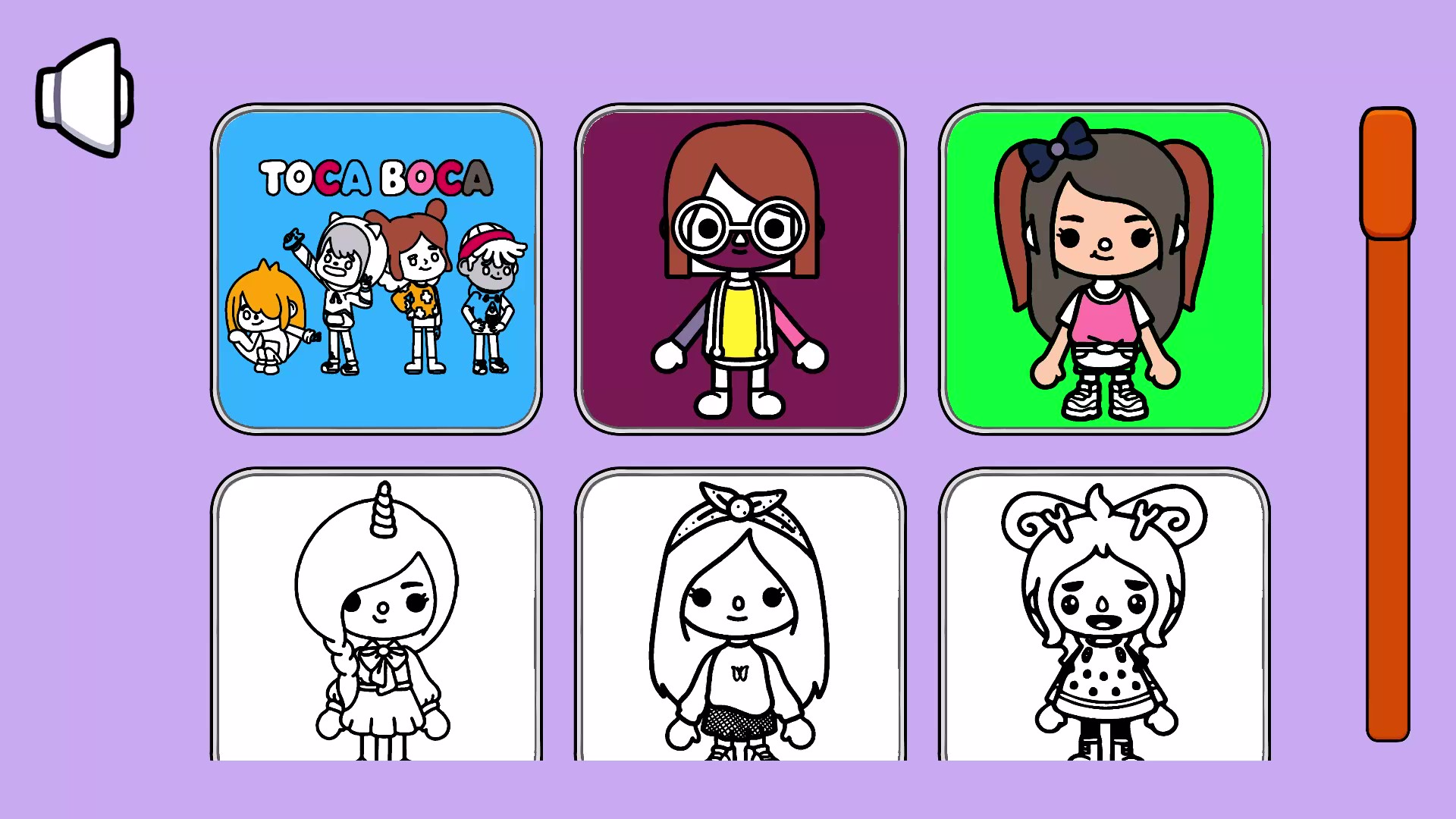
Welcome to the exciting world of our new coloring game. In our game, you can color various drawings depicting TOСA BOСA, creating your own unique masterpieces.
The main feature of our game is the ability to draw within the boundaries without worrying about going beyond the limits. Choose a picture, choose your favorite marker and start creating bright, colorful images.
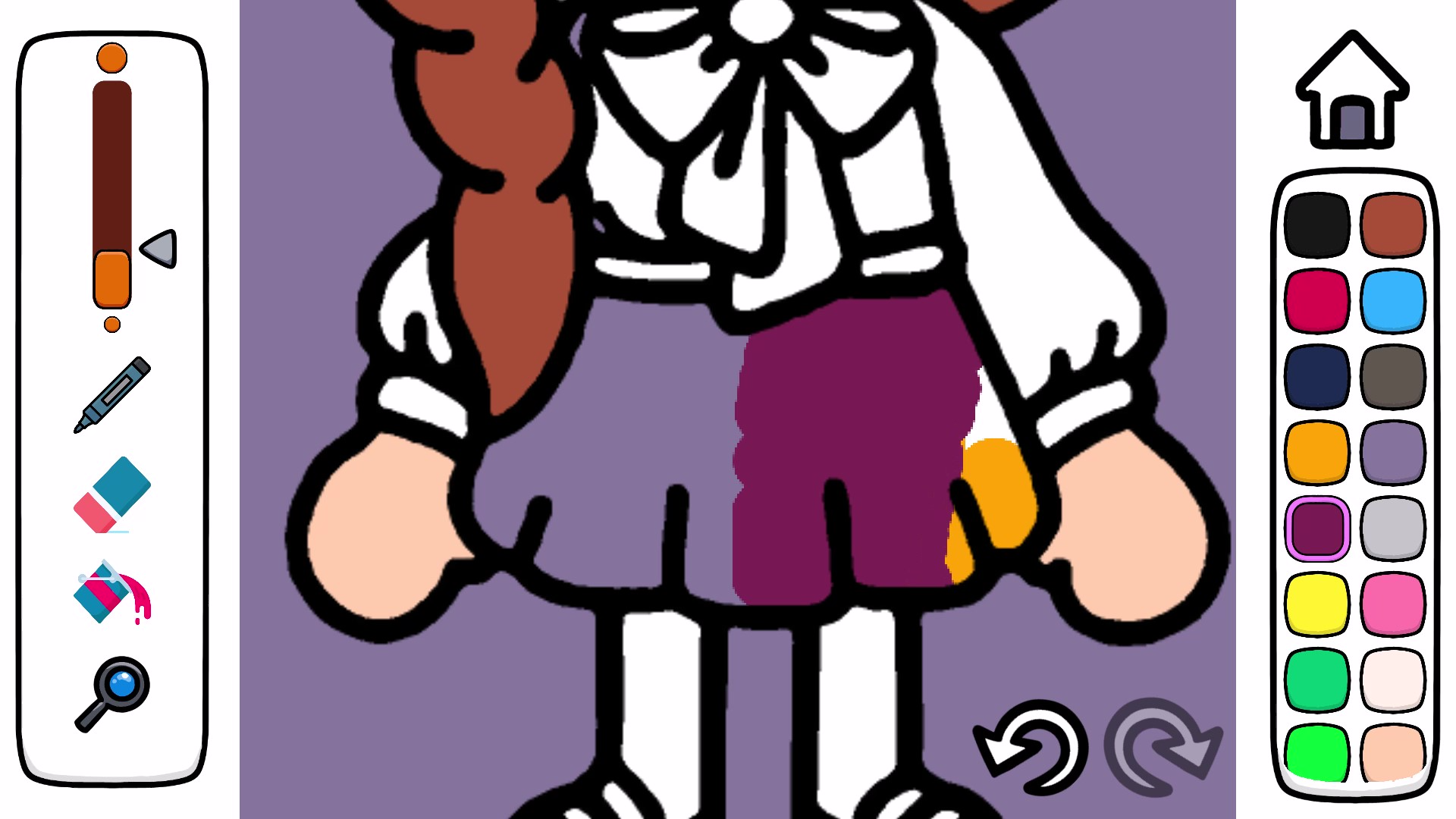
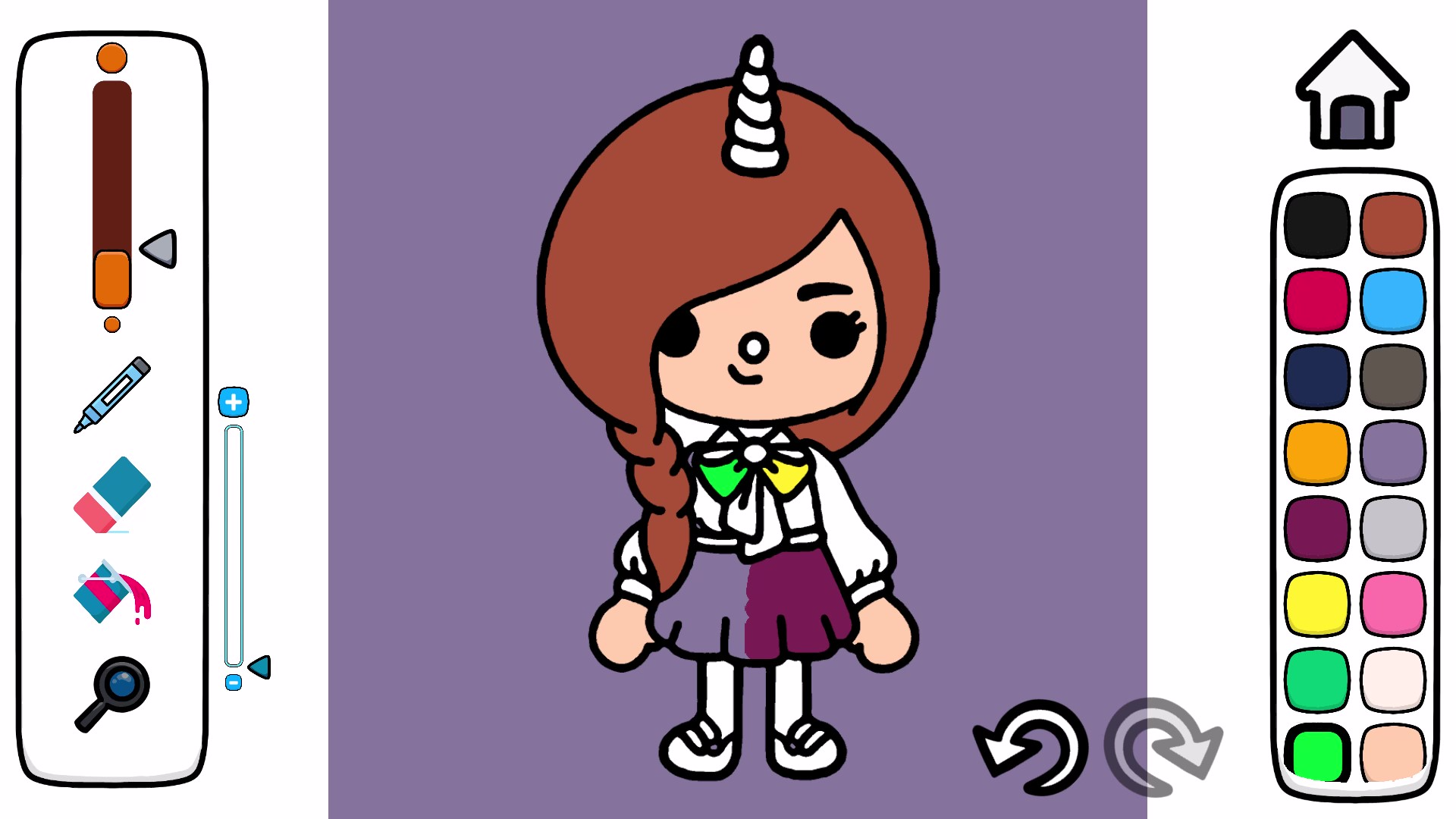
Use the handy fill function that allows you to quickly and accurately fill in the selected area. Just select a color and click on the area you want to fill.
The game has a wide selection of drawing tools available. You can adjust the thickness of the marker to create thin lines for details or thick strokes to highlight. In addition, you have the opportunity to choose from many bright, saturated colors to give your drawings liveliness and energy.
Immerse yourself in the exciting world of bright colors and fantasy, embody your dreams on the screen of your device and create real works of art.
Videos and screenshots
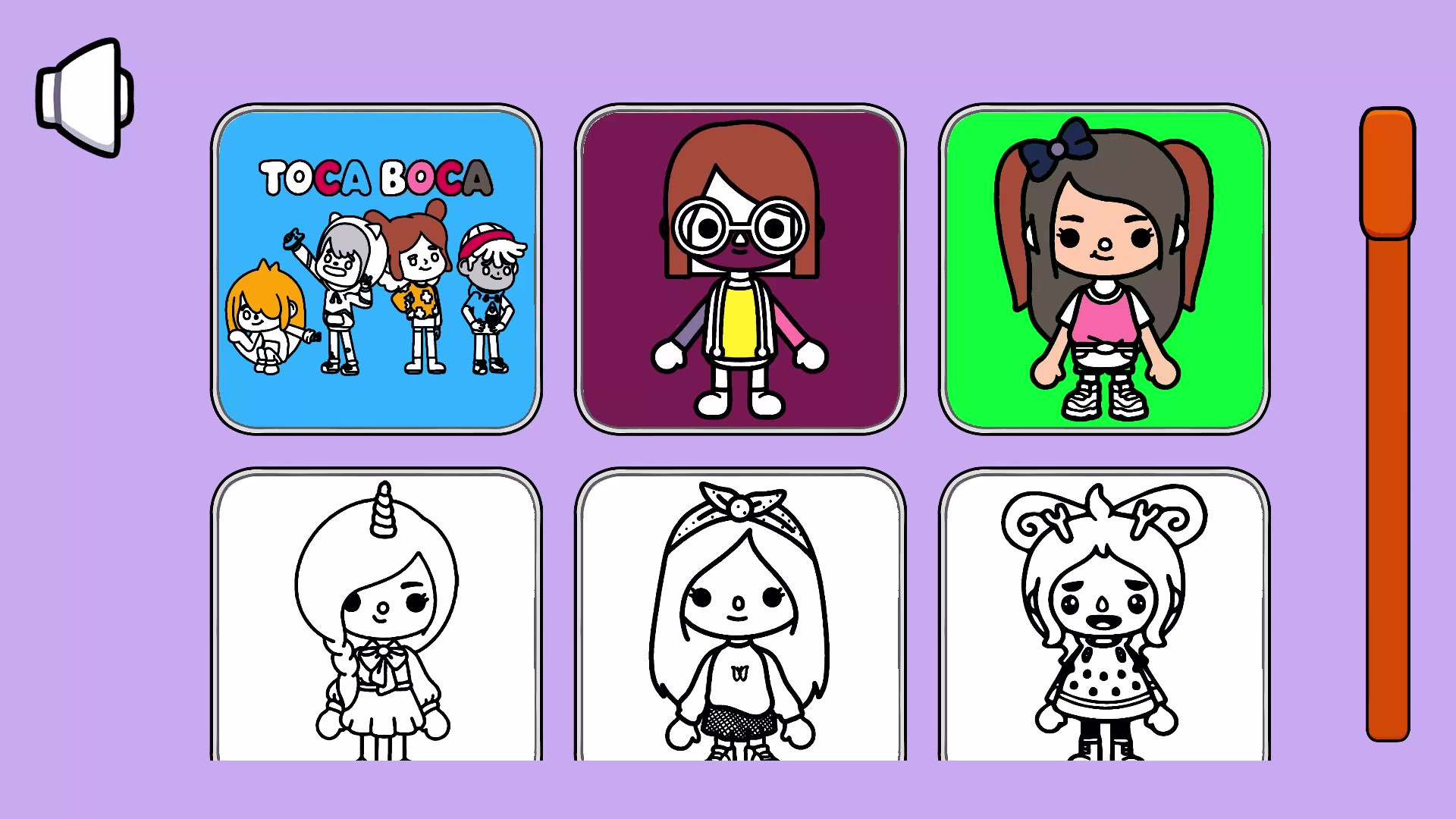
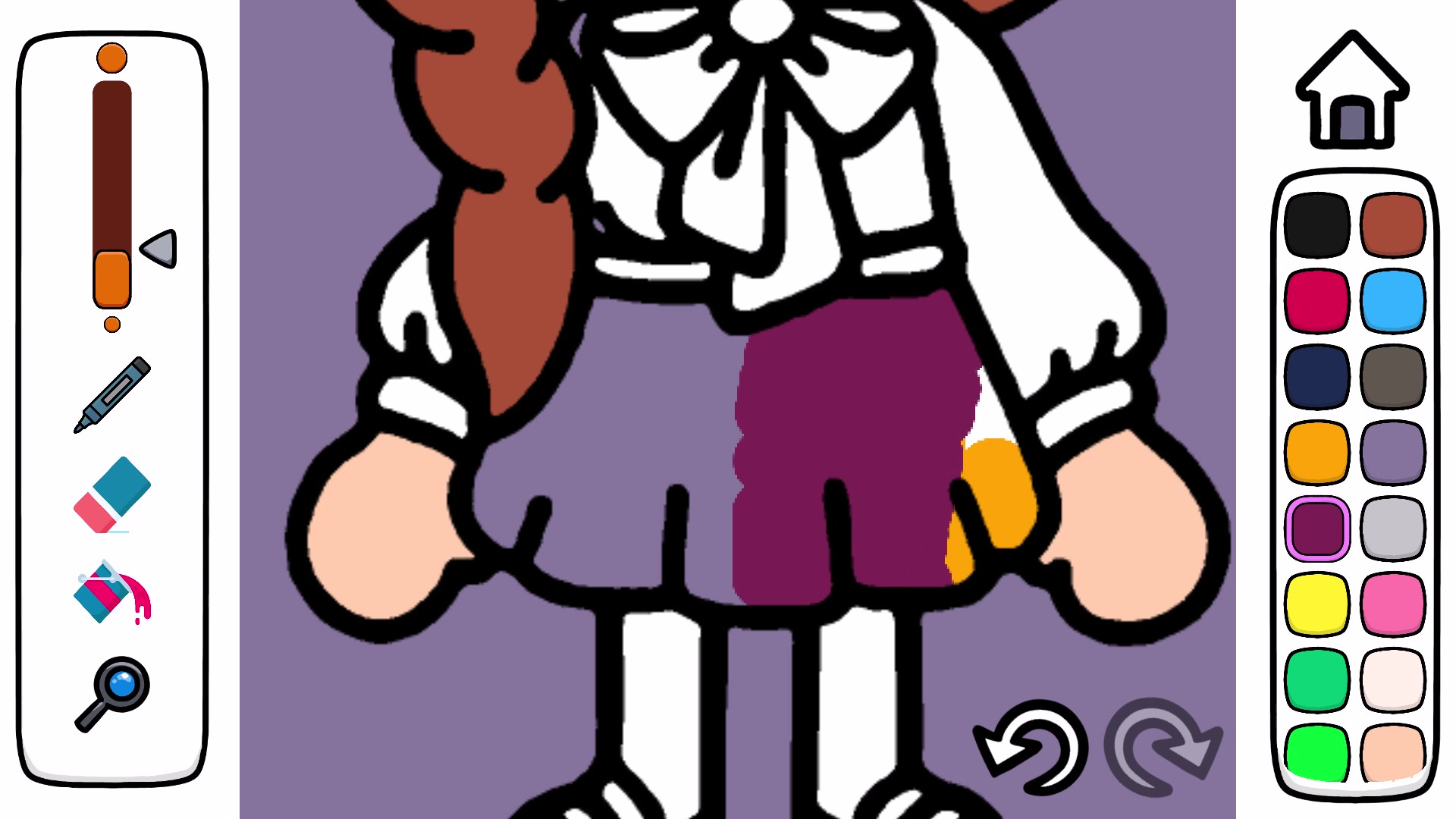
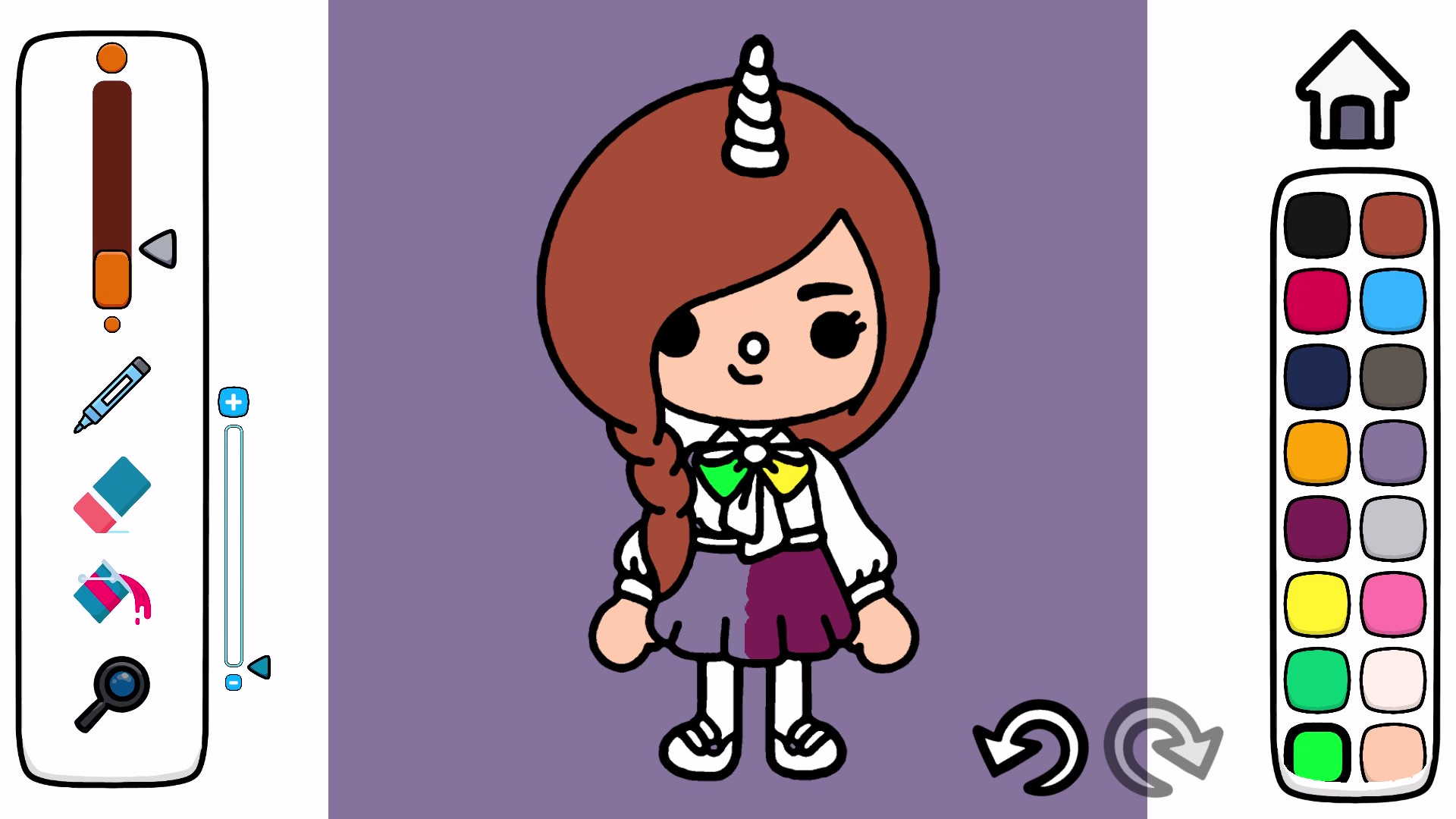
14,626 players online
How to play
-
Open the game
Press Play now and the game opens on its own screen.
-
Follow the in-game instructions
The controls and goals are shown inside the game as you play.
-
Use the game menu
The floating button over the game reloads it, saves it to your favourites, or takes you back out.