Skip to content
KG
Coloring by numbers

Coloring by numbers

102K plays 3.8 out of 5

Overview

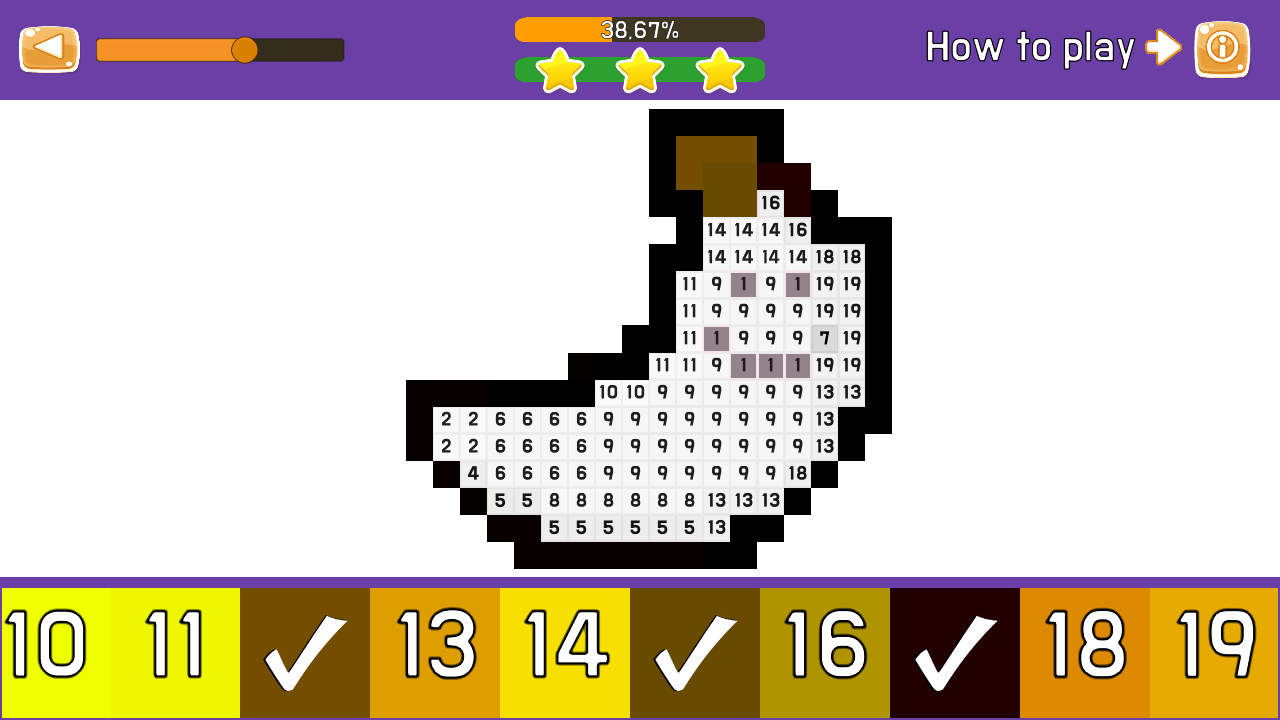
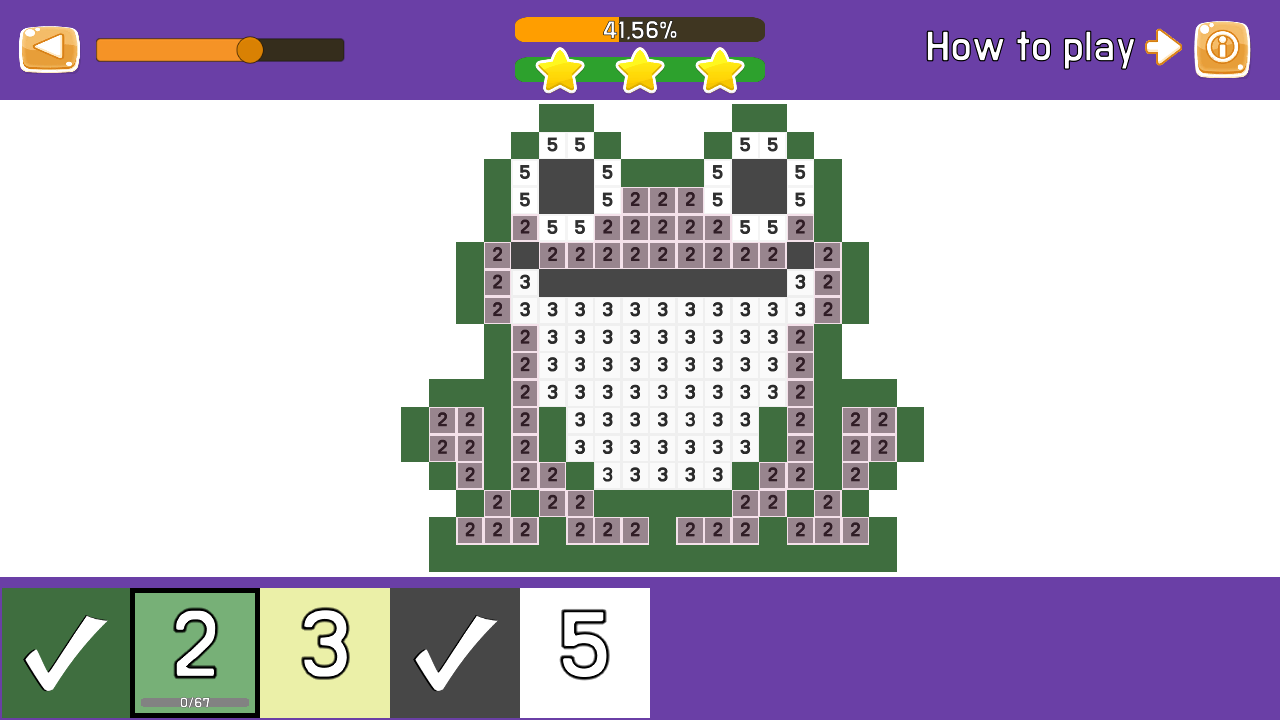
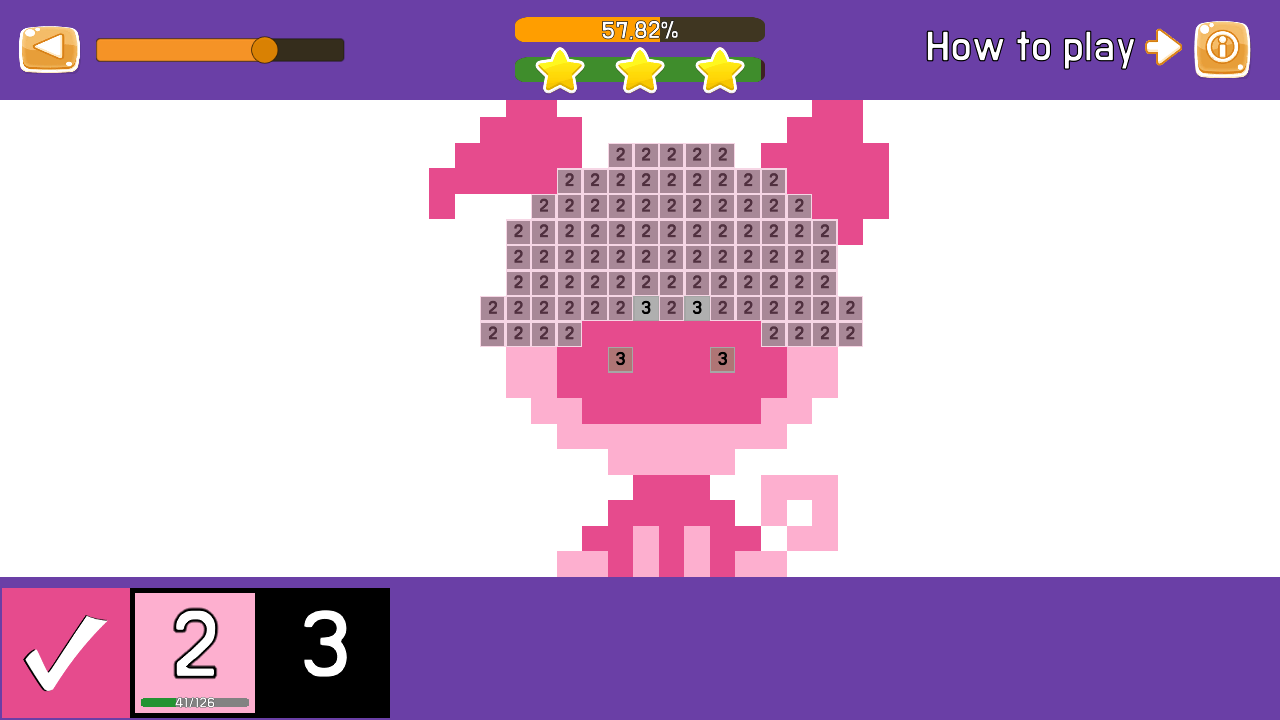
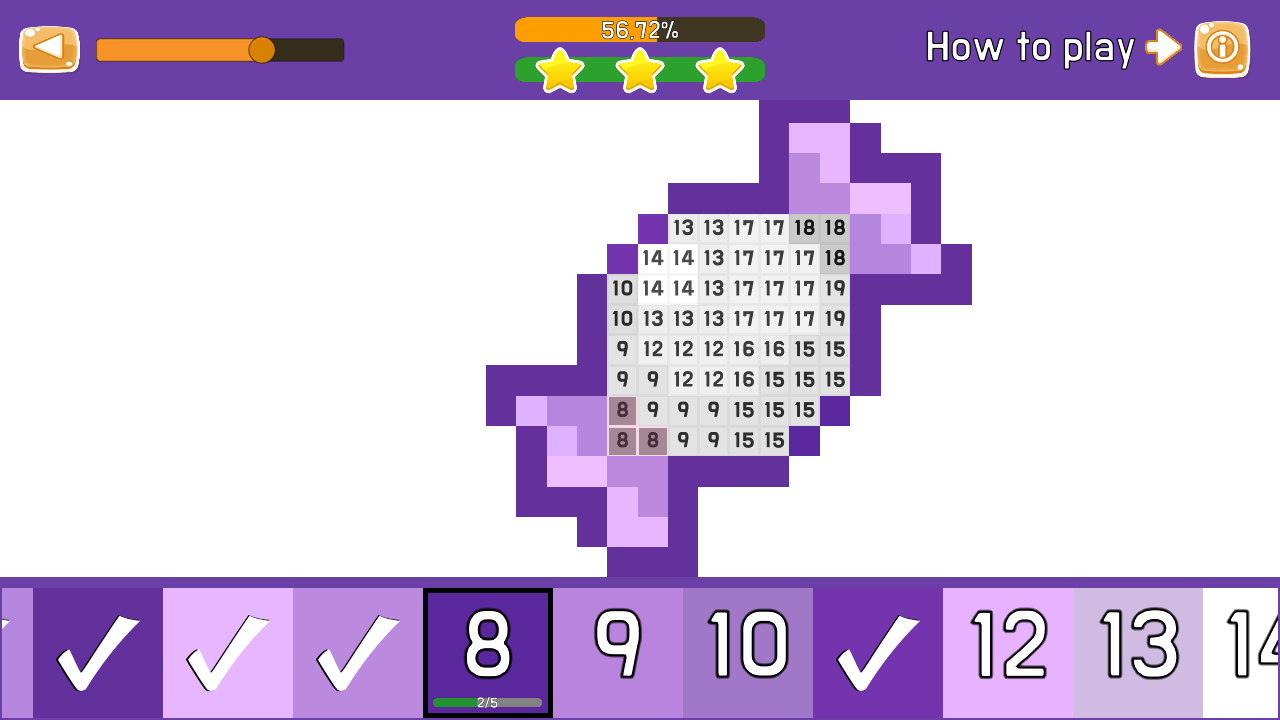
Coloring by Numbers is the best Pixel Art style game to color pictures by numbers and create modern masterpieces based on numbers! The game can be played both on a computer and on tablets and smartphones, right in the browser, without even downloading! The goal of the game: Earn as many stars as possible and climb the leaderboard as high as possible!

Videos and screenshots
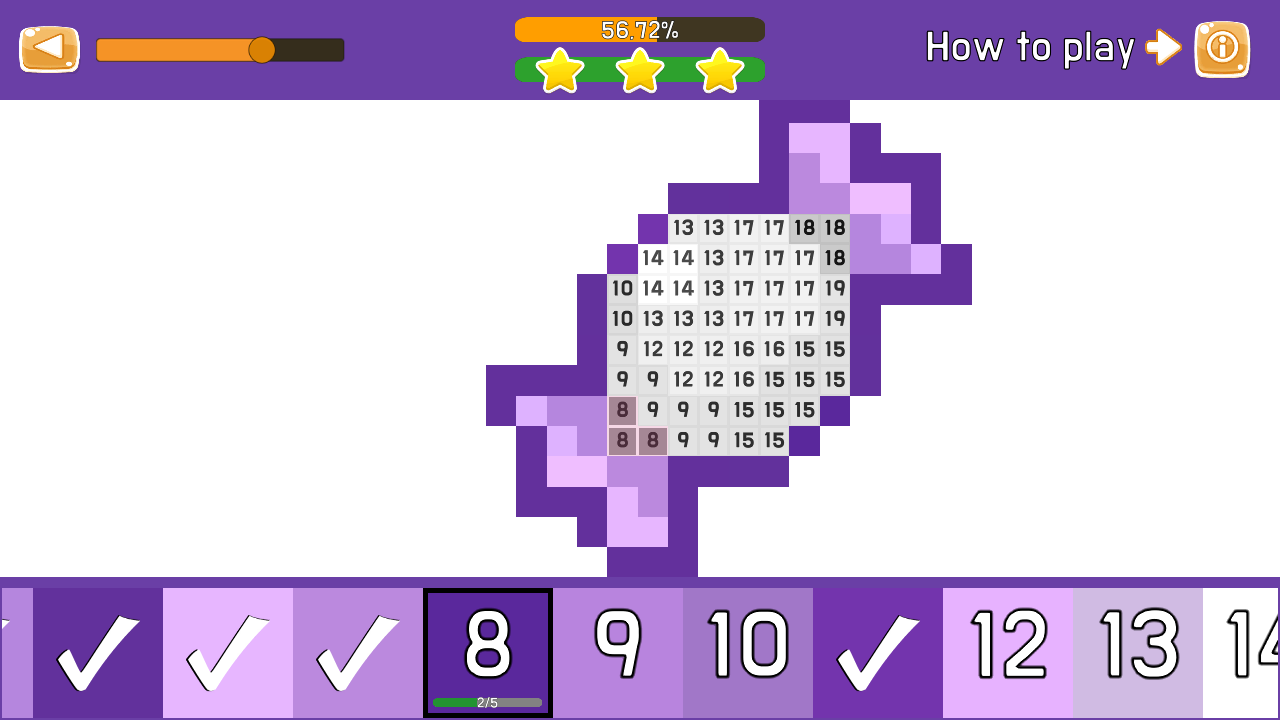
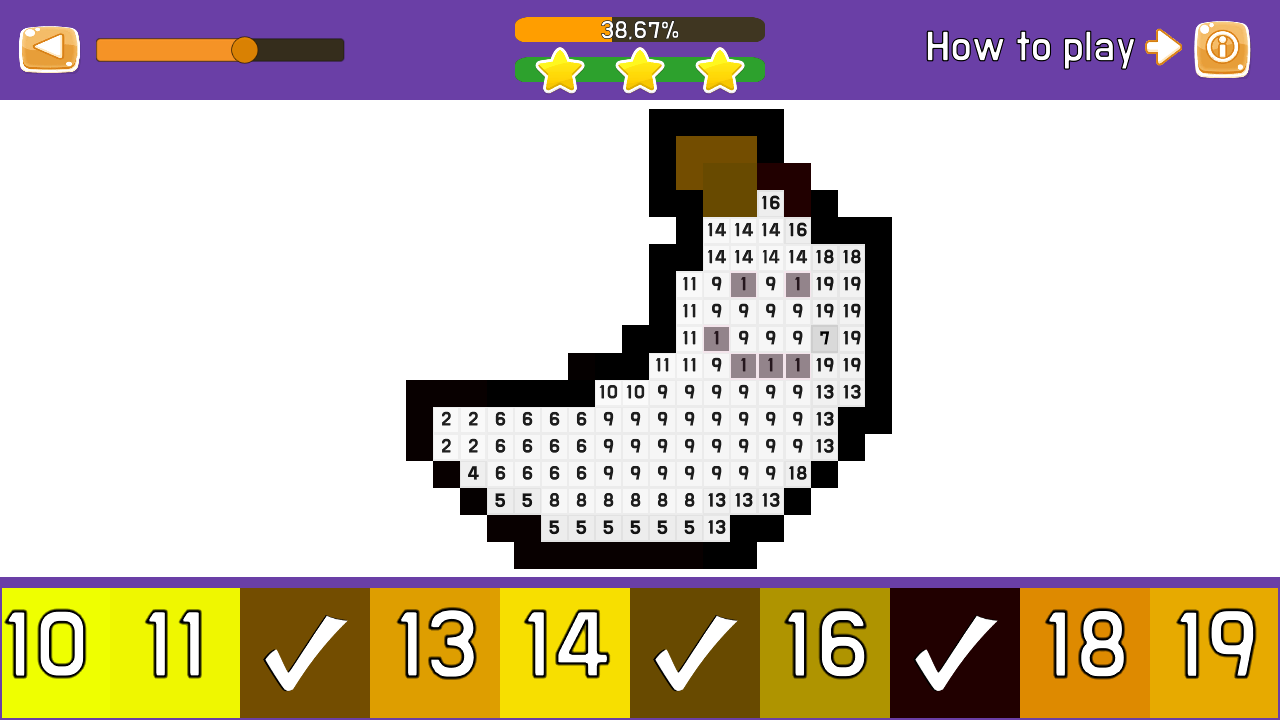
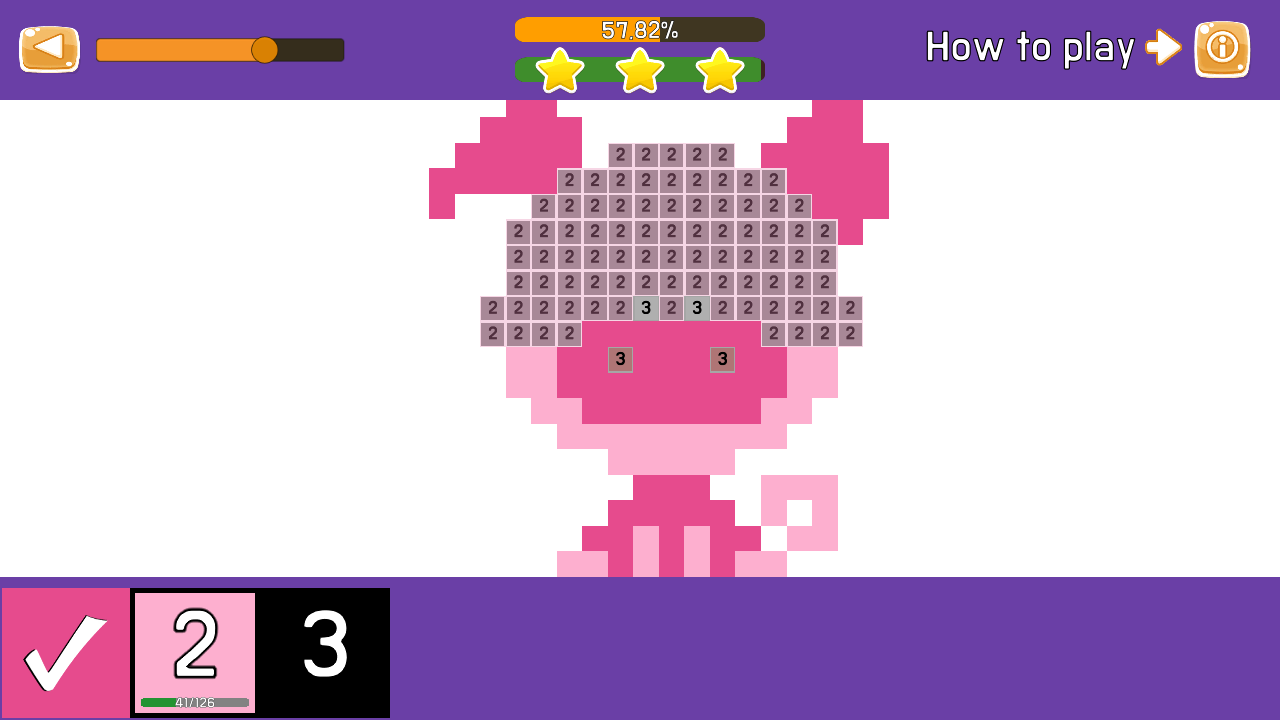
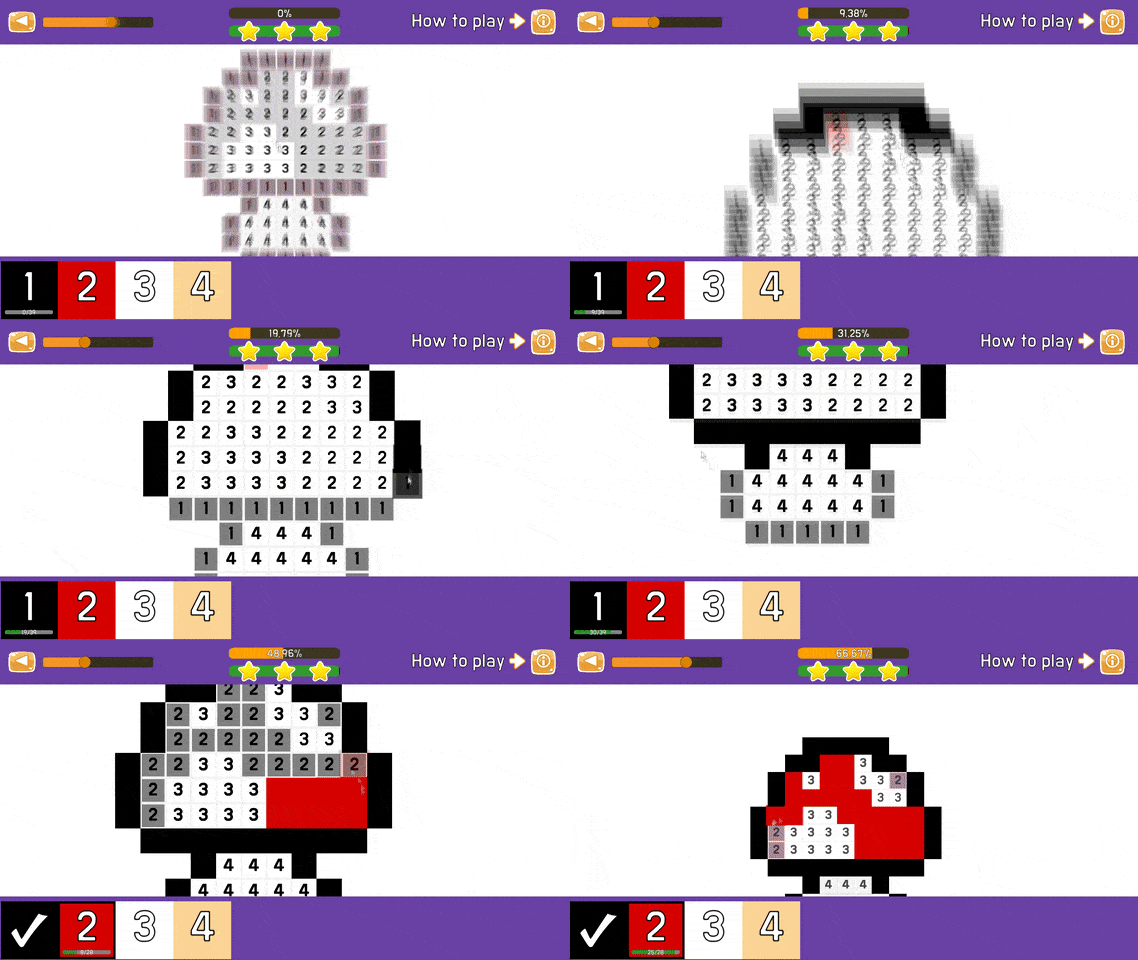
  • Coloring by numbers screenshot 1
  • Coloring by numbers screenshot 2
  • Coloring by numbers screenshot 3
  • Coloring by numbers screenshot 4
  • Coloring by numbers screenshot 5
  • Coloring by numbers screenshot 6
  • Coloring by numbers screenshot 7
  • Coloring by numbers screenshot 8
  • Coloring by numbers screenshot 9
Play Now

13,910 players online

How to play

  1. Open the game

    Press Play now and the game opens on its own screen.

  2. Follow the in-game instructions

    The controls and goals are shown inside the game as you play.

  3. Use the game menu

    The floating button over the game reloads it, saves it to your favourites, or takes you back out.

Game instructions

Control on PC: The left mouse button is responsible for choosing the color, as well as coloring the field. Right mouse button - when you hold it and move the mouse, you can move around the playing field. The mouse wheel, when scrolling, moves away or zooms in on a section of the drawing. Control on mobile devices: With a single tap on the screen, you can paint a cell on the field, as well as choose a color. If you click on the screen and hold it a little bit, then you can paint over all the cells under your finger without looking up from the screen. If you immediately move your finger across the screen, then you can move around the playing field using the movement of your finger. When pinching with two fingers on the playing field, the picture will move away or get closer.

More games

More games