Skip to content
KG
Combine flowers! 2048 bouquets

Combine flowers! 2048 bouquets

517K plays 4.3 out of 5

Overview

Welcome to the magical flower garden, where every bud is a step towards perfect harmony. In this game, you will create increasingly rare and beautiful flowers by combining identical ones and watching them merge into something amazing. What awaits you: - Visually rich graphics with realistically drawn flowers. - Simple but addictive gameplay based on the mechanics of merging and accumulation. - The ability to collect a collection of unique flowers - share your achievements with friends. Immerse yourself in an atmosphere of comfort and tranquility. Create compositions, discover new flowers, improve your garden and watch it bloom with every touch. Relax. Connect. Enjoy.

Videos and screenshots
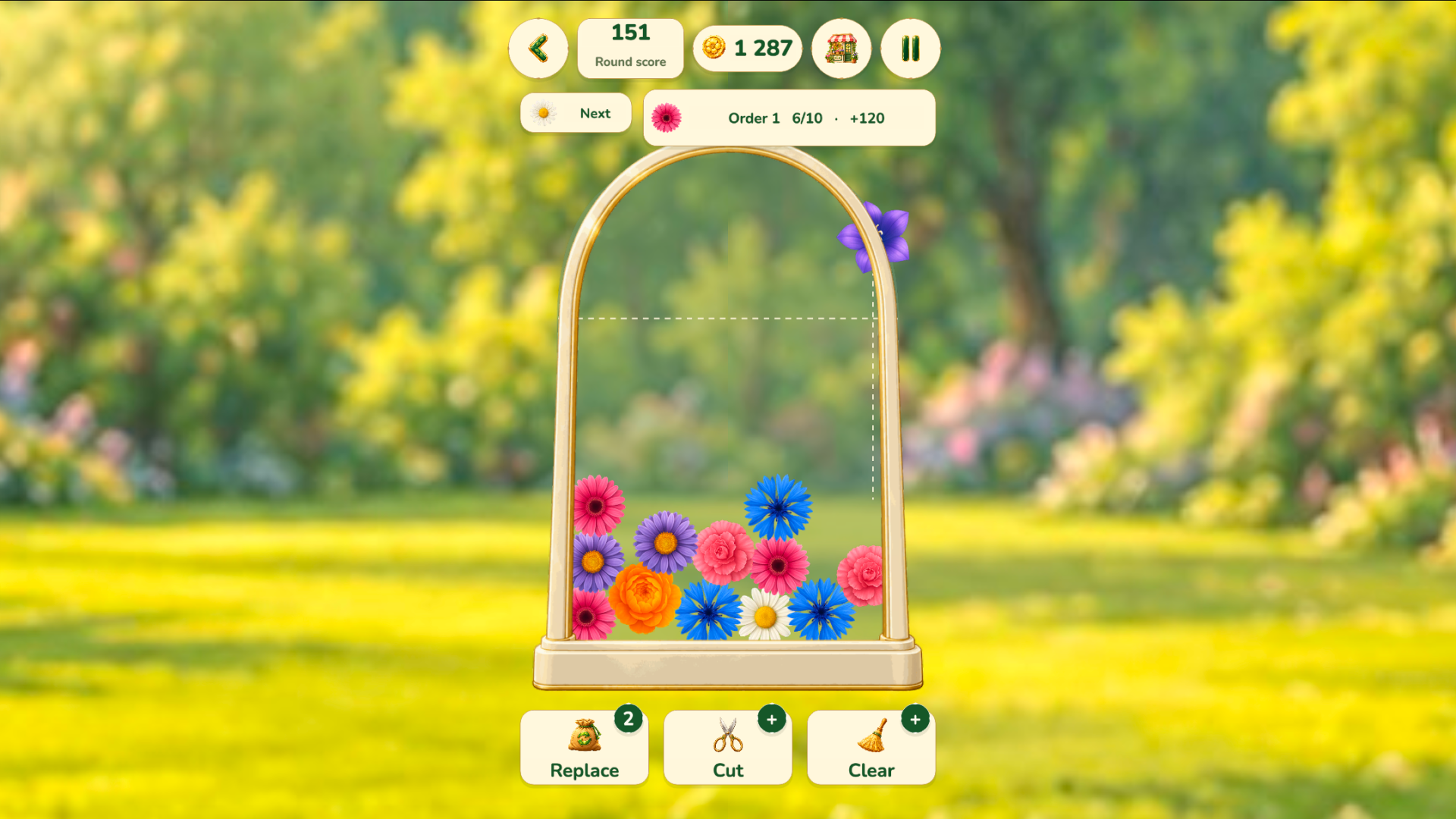
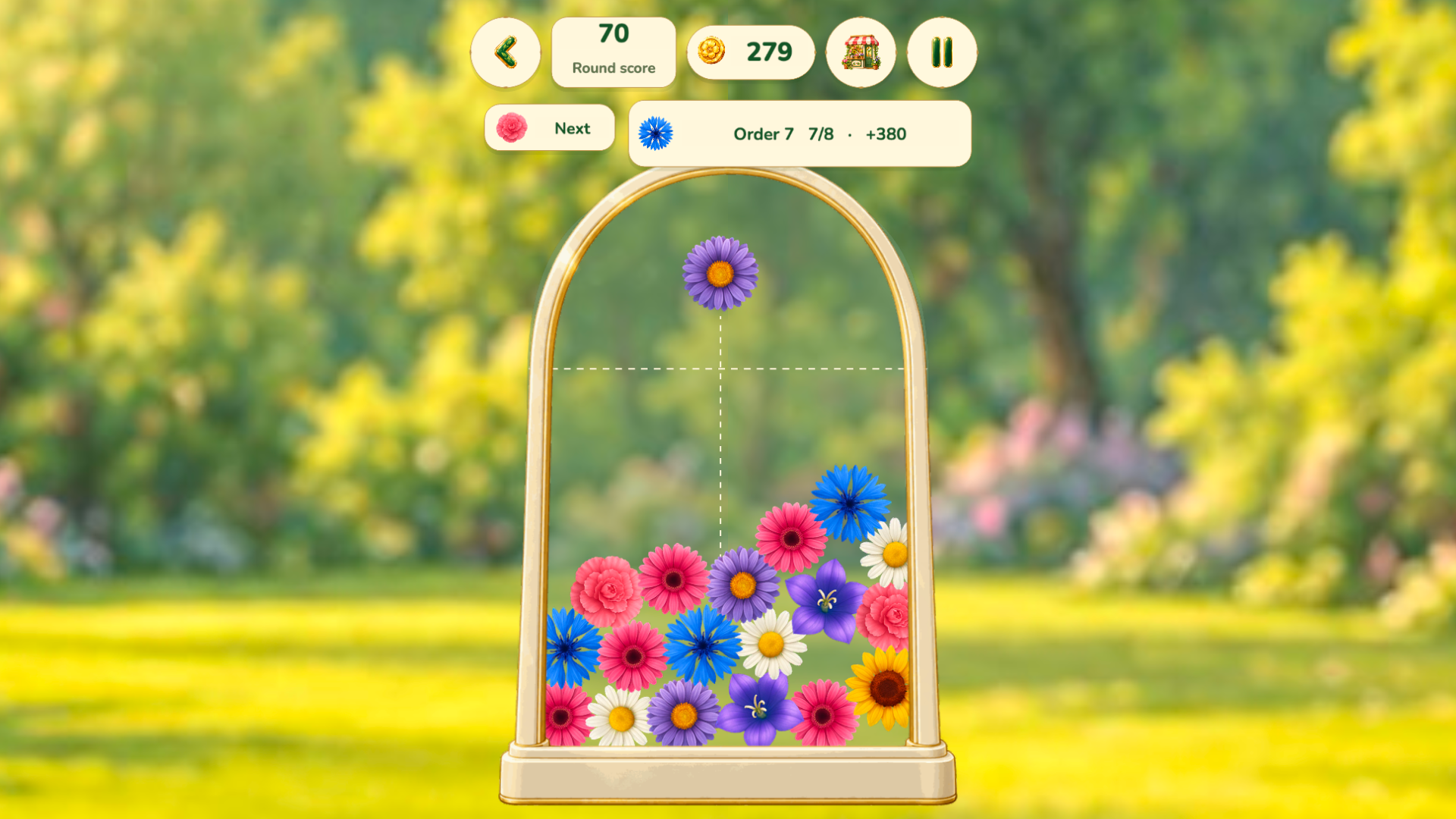
  • Combine flowers! 2048 bouquets screenshot 1
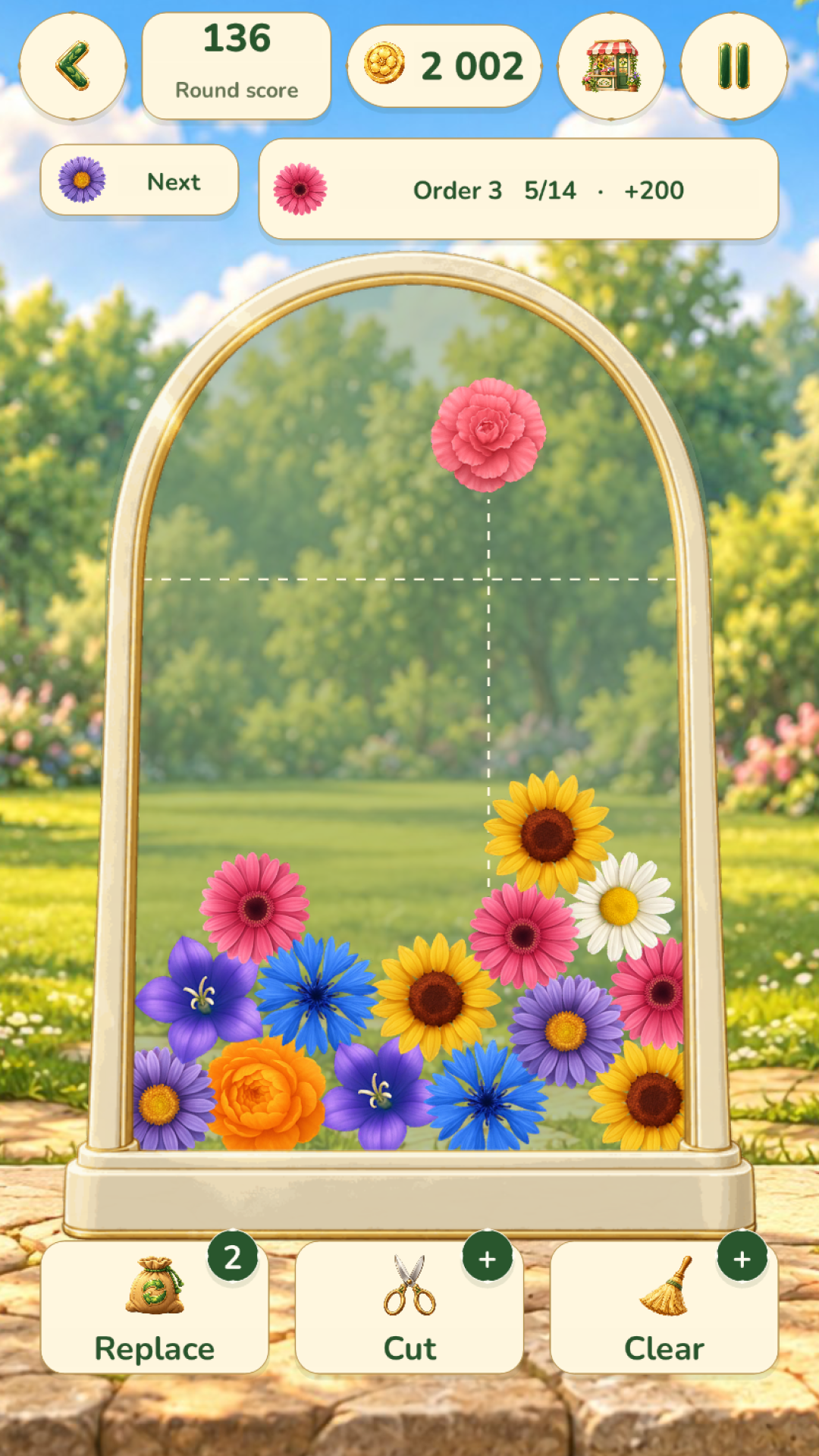
  • Combine flowers! 2048 bouquets screenshot 2
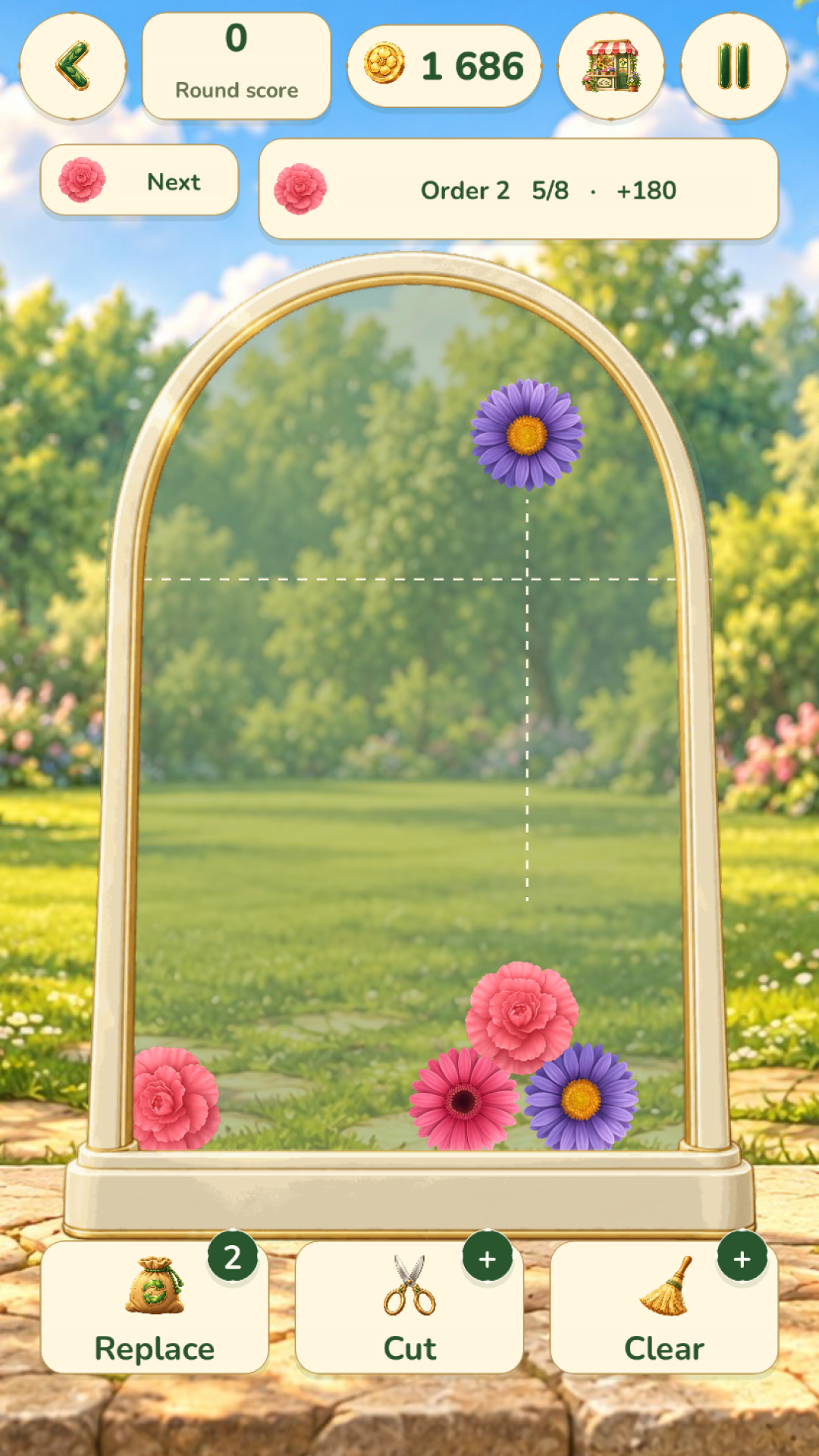
  • Combine flowers! 2048 bouquets screenshot 3
  • Combine flowers! 2048 bouquets screenshot 4
Play Now

11,343 players online

How to play

  1. Open the game

    Press Play now and the game opens on its own screen.

  2. Follow the in-game instructions

    The controls and goals are shown inside the game as you play.

  3. Use the game menu

    The floating button over the game reloads it, saves it to your favourites, or takes you back out.

Game instructions

🎮 Controls The game is easy and convenient to control — suitable for both computers and phones. 🖥 If you are playing on a computer: - Move the mouse around the screen to point the flower. - Click to throw it into the glass. 📱 If you are playing on a phone: - Hold your finger on the screen to point the flower. - Release your finger — and the flower will fall to the right place. 🚀 Boosters Use boosters to cope with difficult situations: - ✂ Scissors — removes one flower. Click on the scissors and select the desired one. - 🌱 Seed bag — replaces the current flower with a random one. - 🪓 Axe — a powerful booster that removes an entire area with flowers. How the axe works: On a computer: - Point the cursor to where you want to clear the field. - Click — and the selected zone will disappear. On the phone: - Move the pink rectangle around the field, highlighting the desired zone. - Press the "Clear" button to use the axe.

More games

More games