Skip to content
KG
Corners

Corners

401K plays 4.1 out of 5

Overview

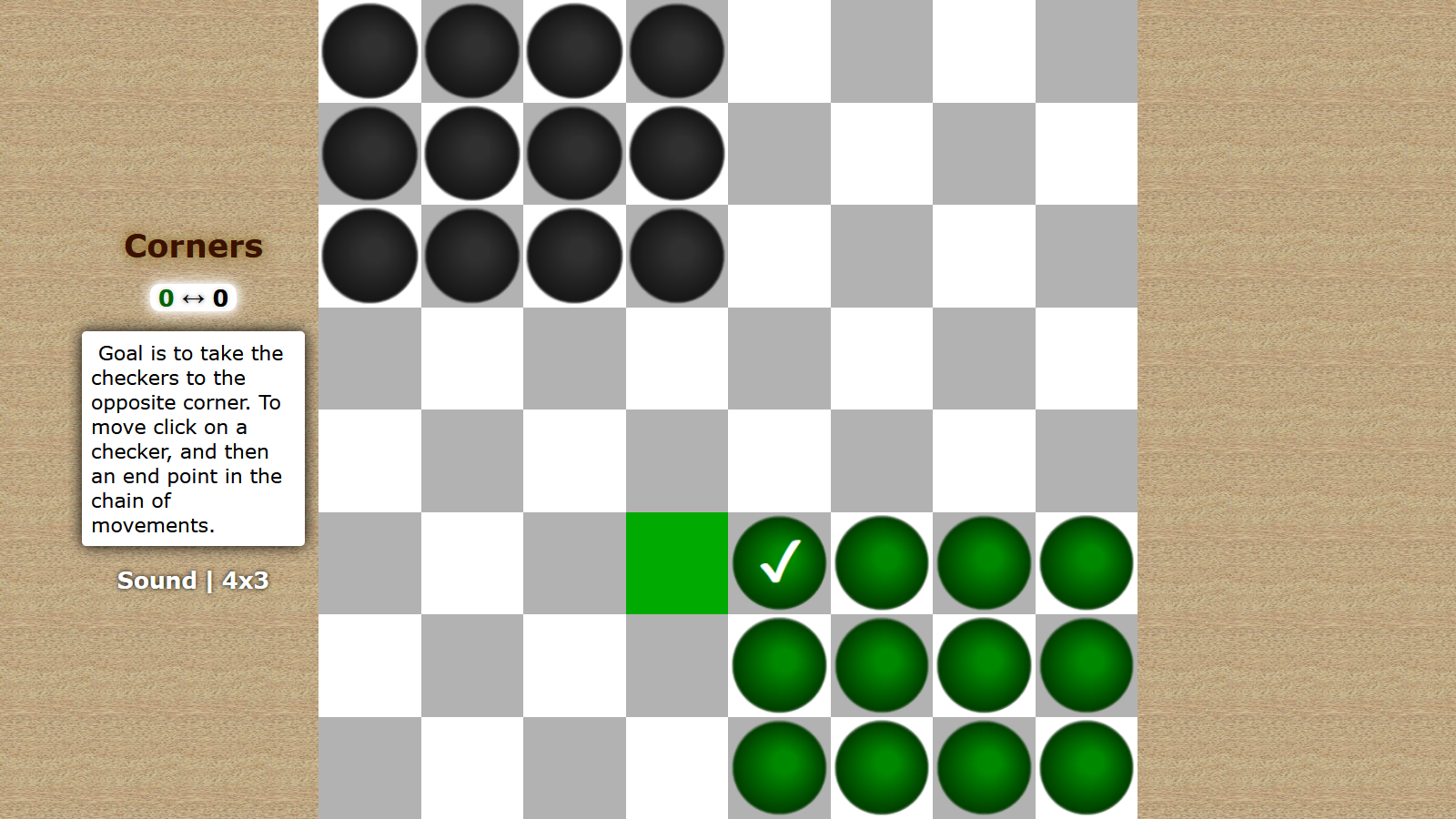
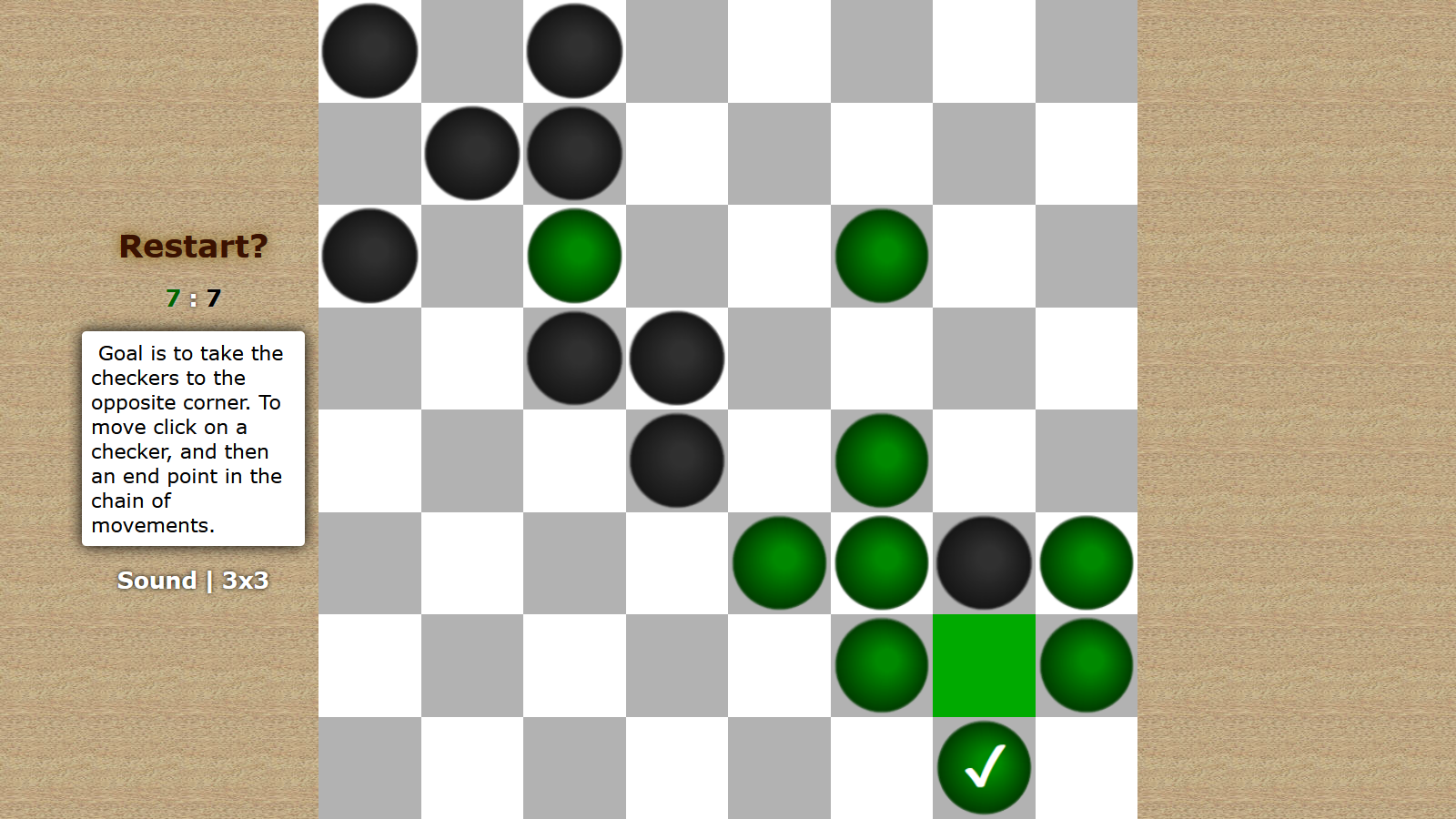
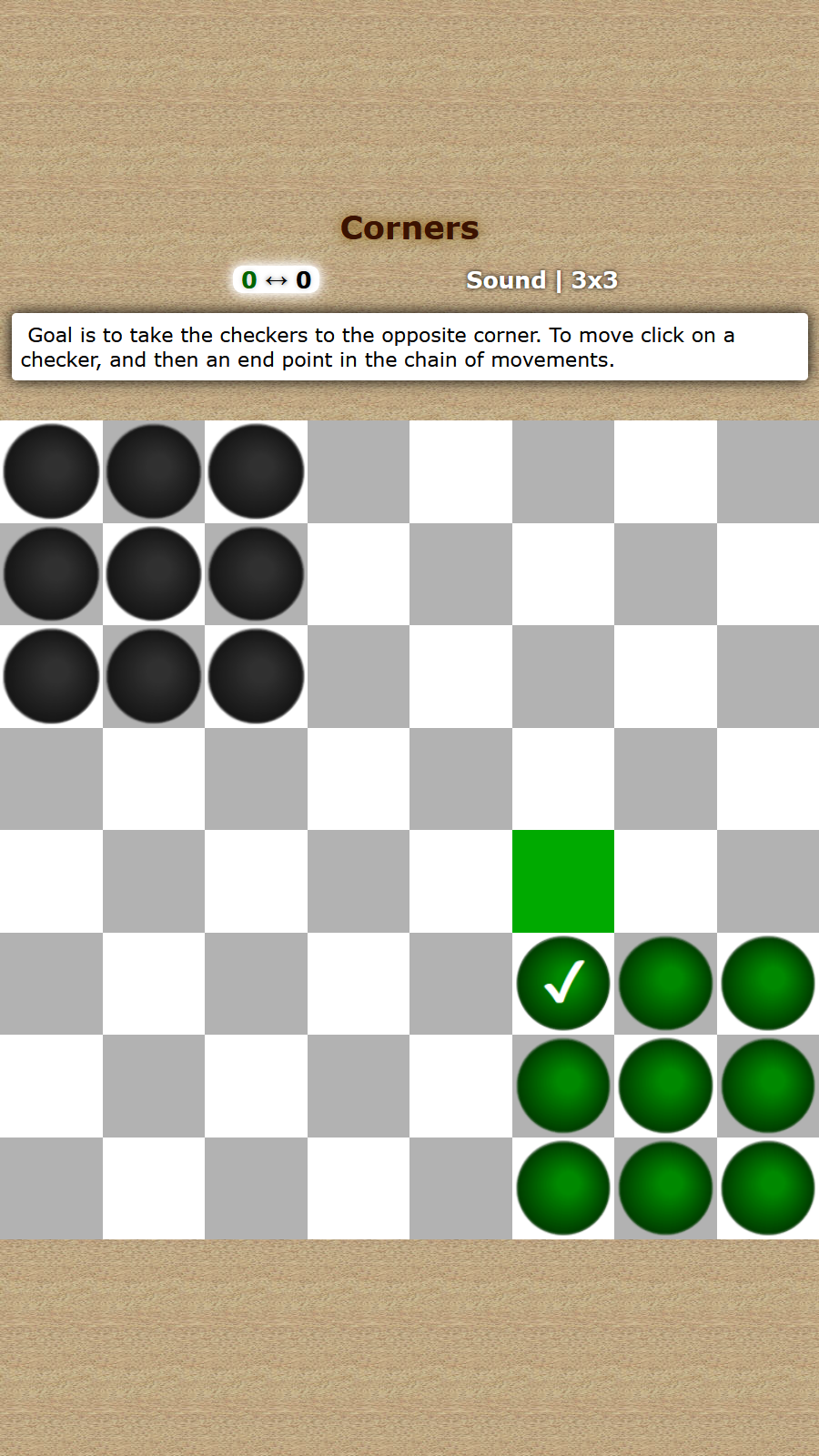
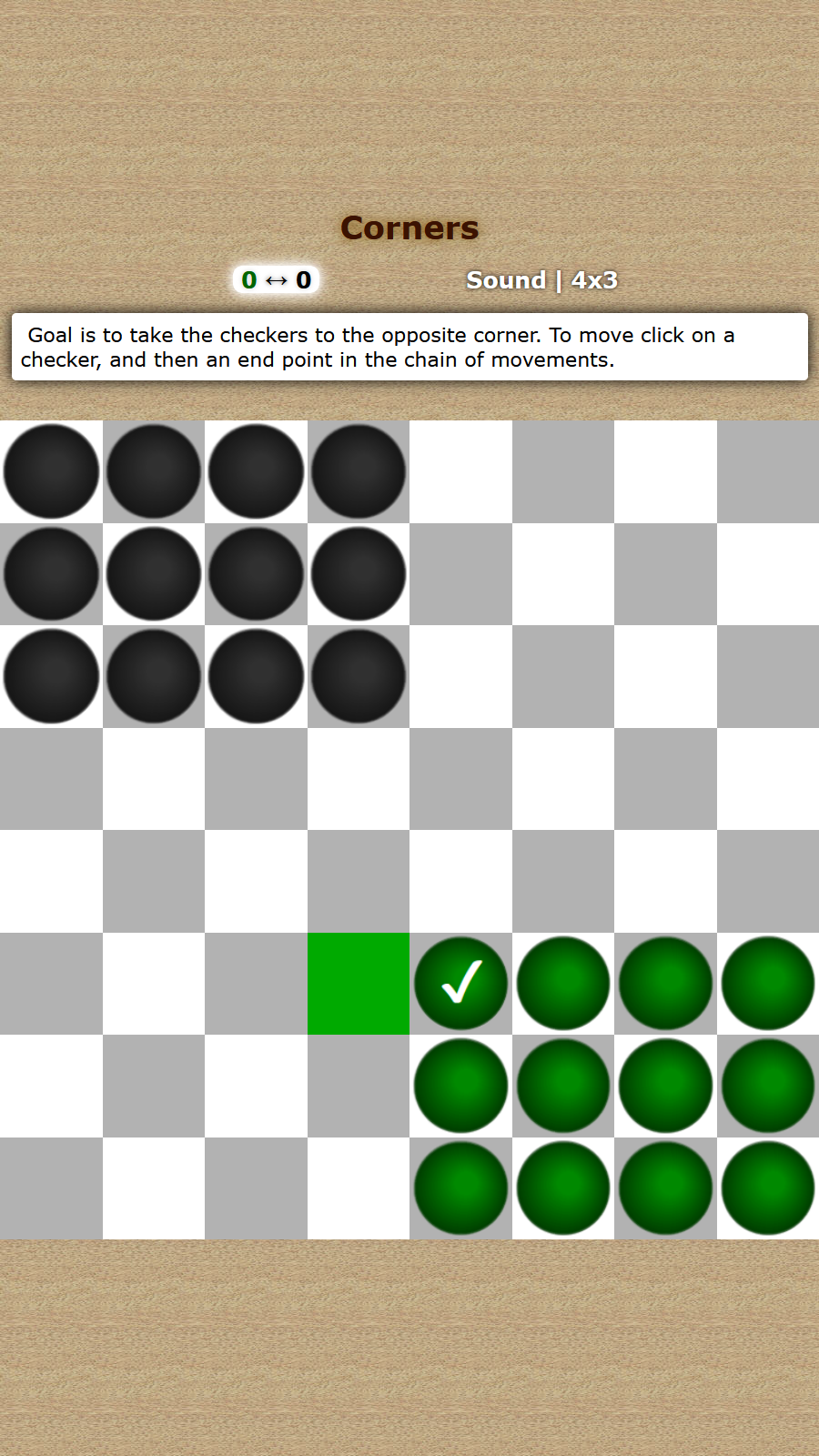
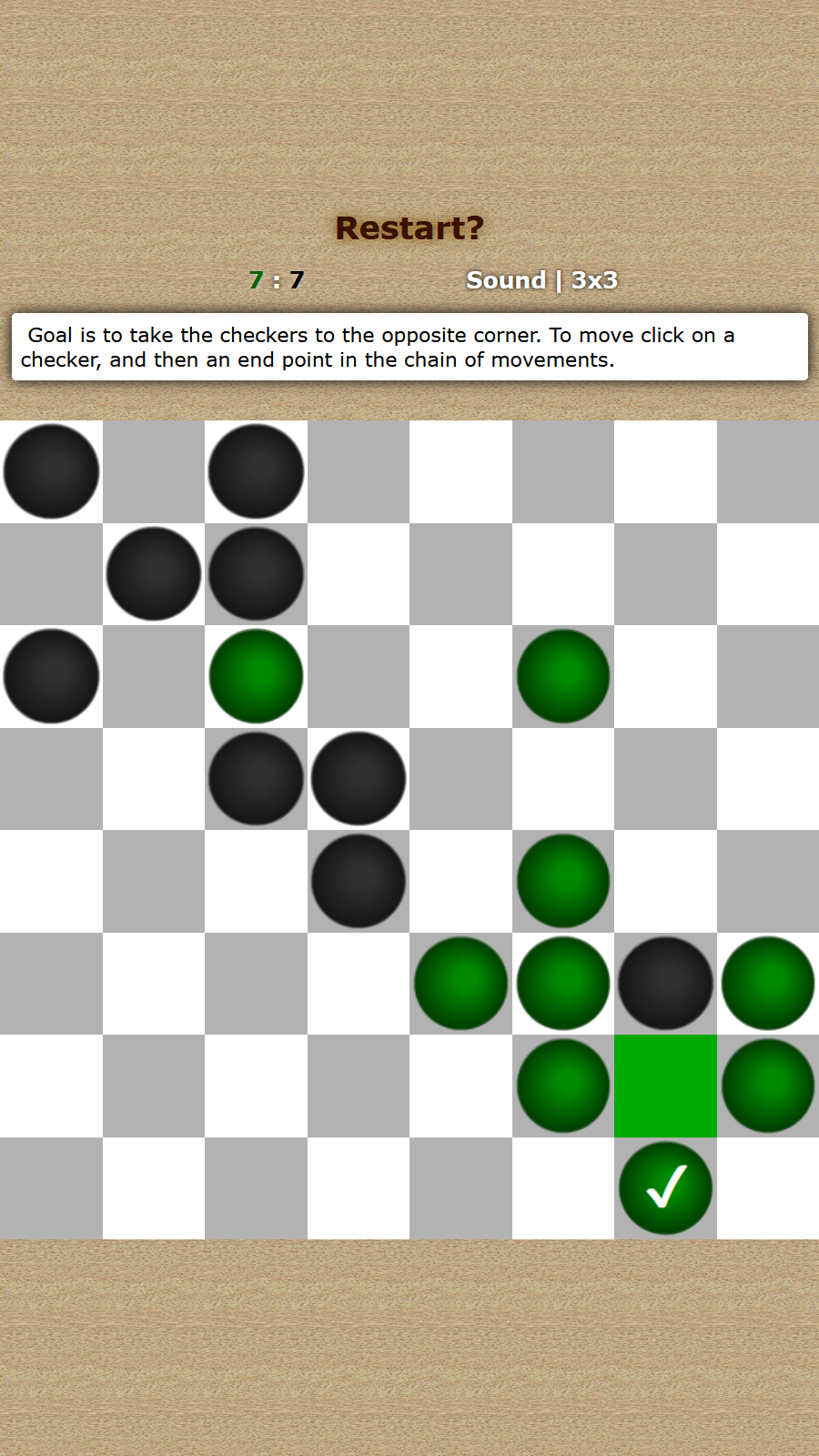
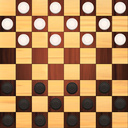
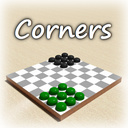
Goal is to take the checkers to the opposite corner, ahead of a computer. To move click on a checker, and then an end point in the chain of movements. There are two variants of the game: with corners of 9 (3x3) and 12 (4x3) checkers.

Videos and screenshots
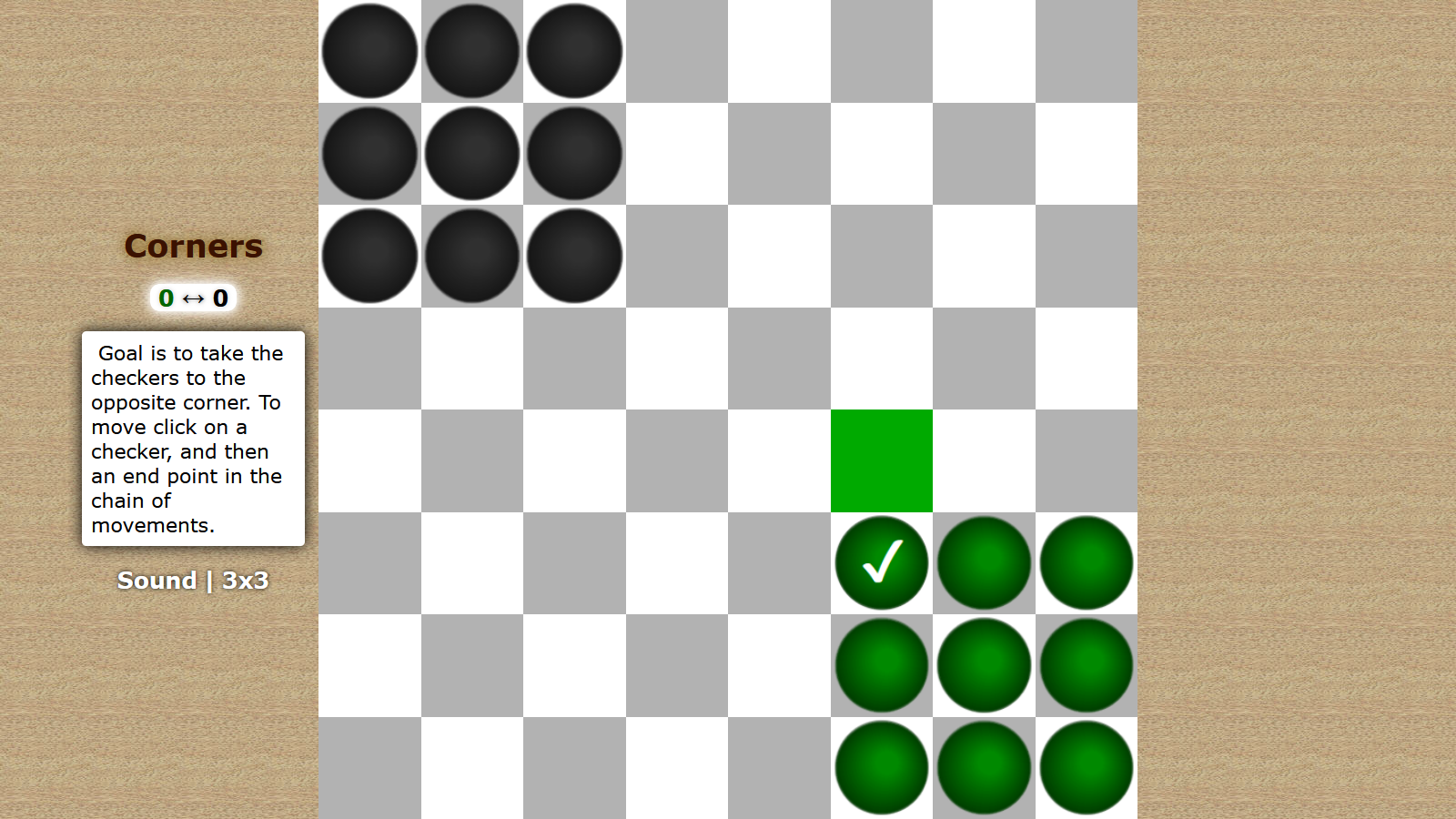
  • Corners screenshot 1
  • Corners screenshot 2
  • Corners screenshot 3
  • Corners screenshot 4
  • Corners screenshot 5
  • Corners screenshot 6
Play Now

12,930 players online

How to play

  1. Open the game

    Press Play now and the game opens on its own screen.

  2. Follow the in-game instructions

    The controls and goals are shown inside the game as you play.

  3. Use the game menu

    The floating button over the game reloads it, saves it to your favourites, or takes you back out.
Game instructions

Point is to take the opposite corner, ahead of a computer. Both sides have the same number of moves. If the player occupies the opposite corner, and on the next move the computer does the same, the game ends in a draw. To make a move, you need to click on a checker, and then on an endpoint in the chain of movements. At any time you can start the game again by clicking on "Restart?" (appears after the first move). "Sound" is turning off at the bottom left. There you can also choose the game type: 3x3 (corners of 9 checkers) or 4x3 (12 checkers). At very beginning of a game, before a first move, you can choose the other side by clicking on the arrows icon (between a moves counters, under the caption "Corners").

More games

More games