Overview
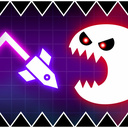
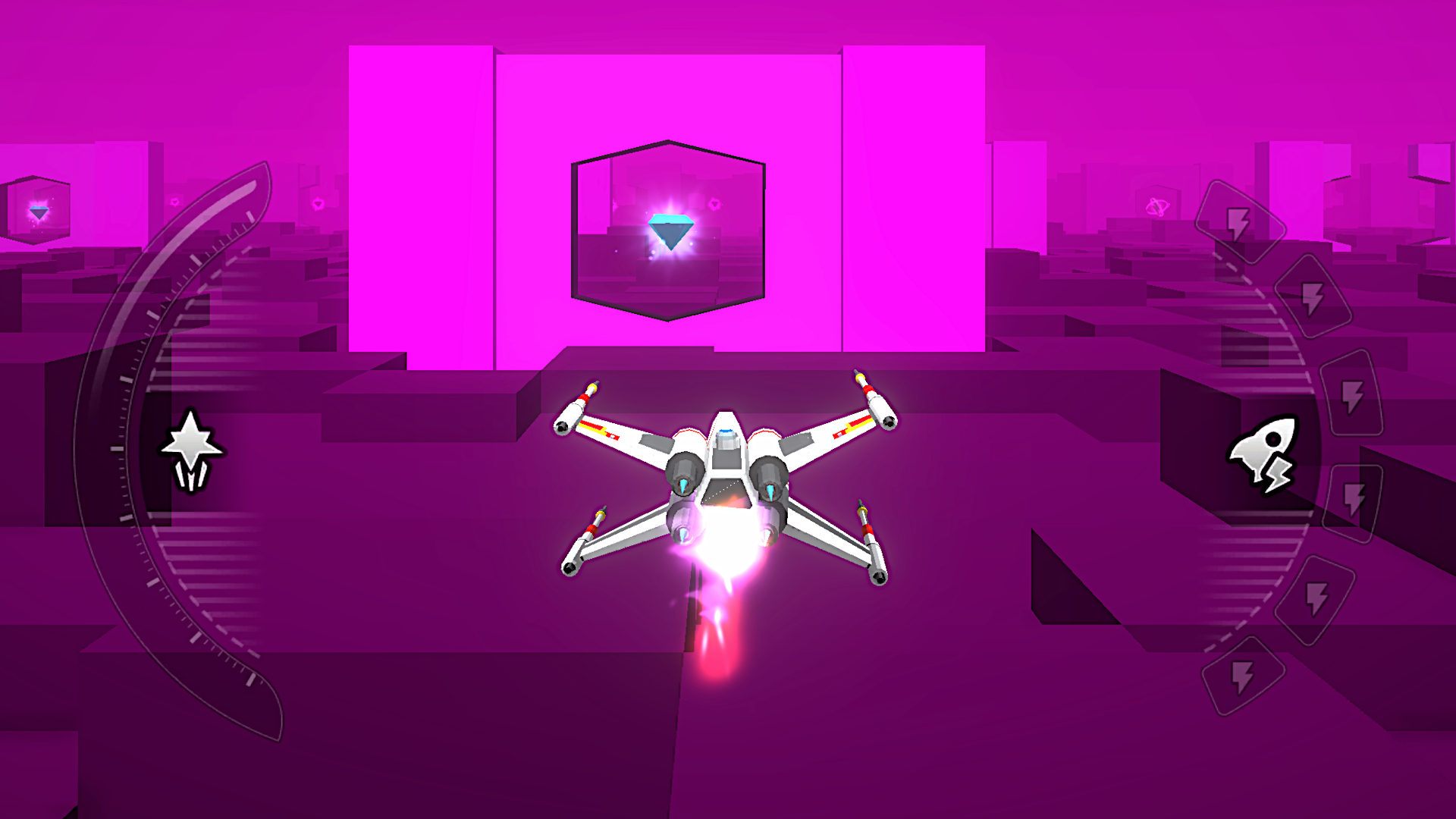
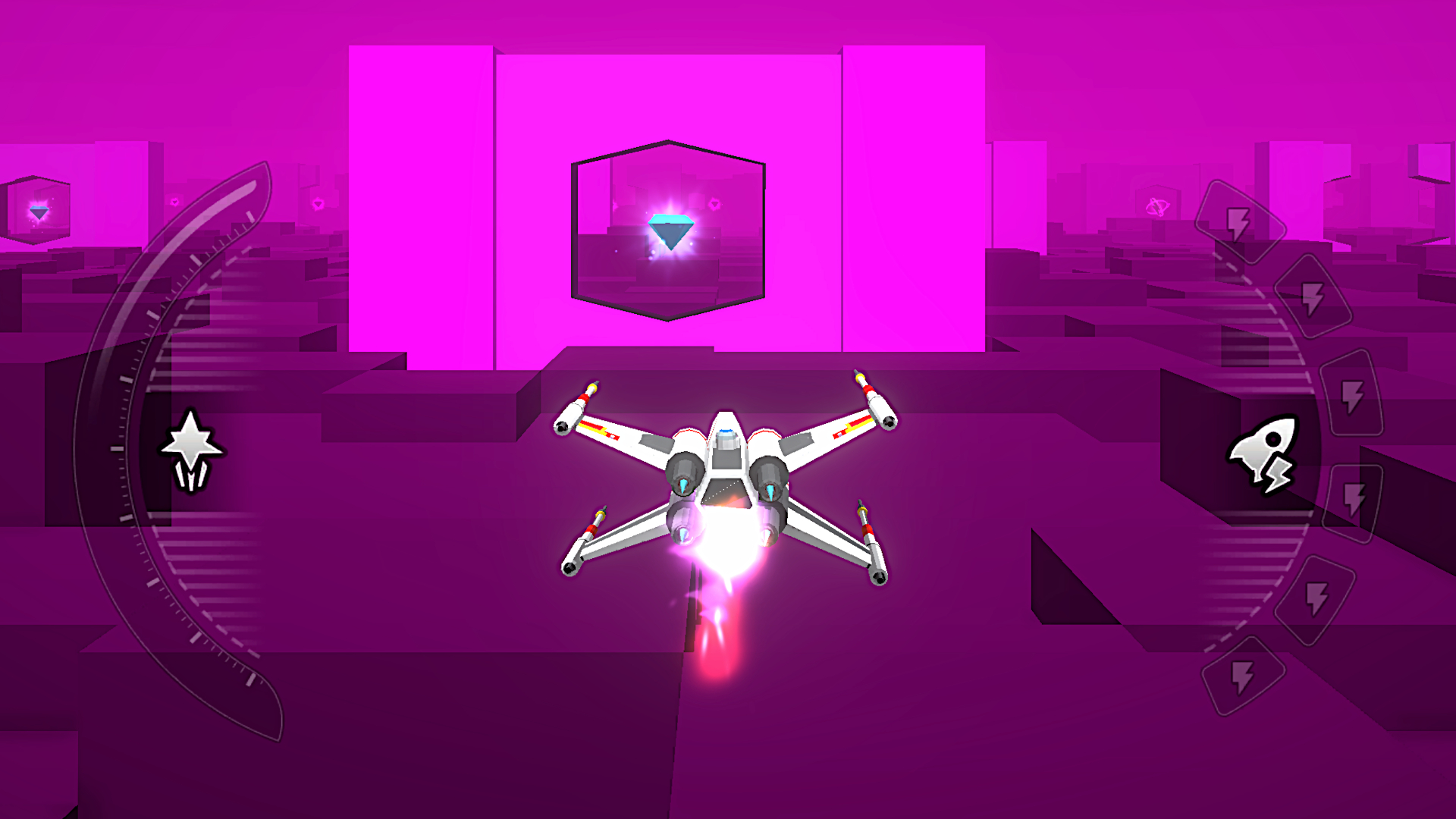
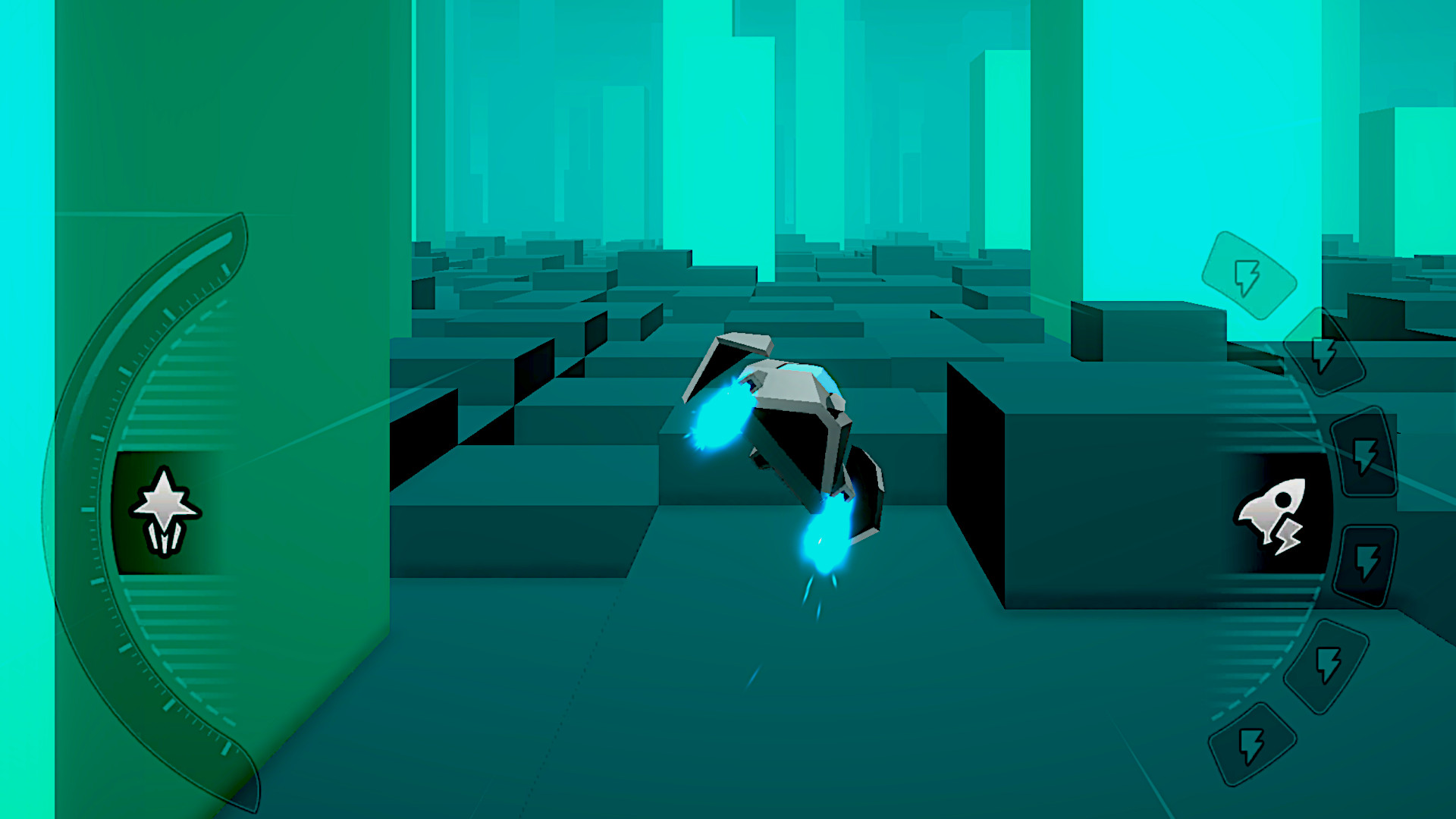
Are you ready to push your reflexes to the limit in deep space? 🚀 This journey will test your speed, focus, and quick thinking all at once. Each level gets faster, obstacles change, and your instant decisions keep you alive. Use dash boosts at the right moment, brake wisely to avoid overheating, and activate Hyper Mode to smash through anything in your way. Play solo or challenge a friend in local 2 player mode to see who has better reflexes.
Game Features:
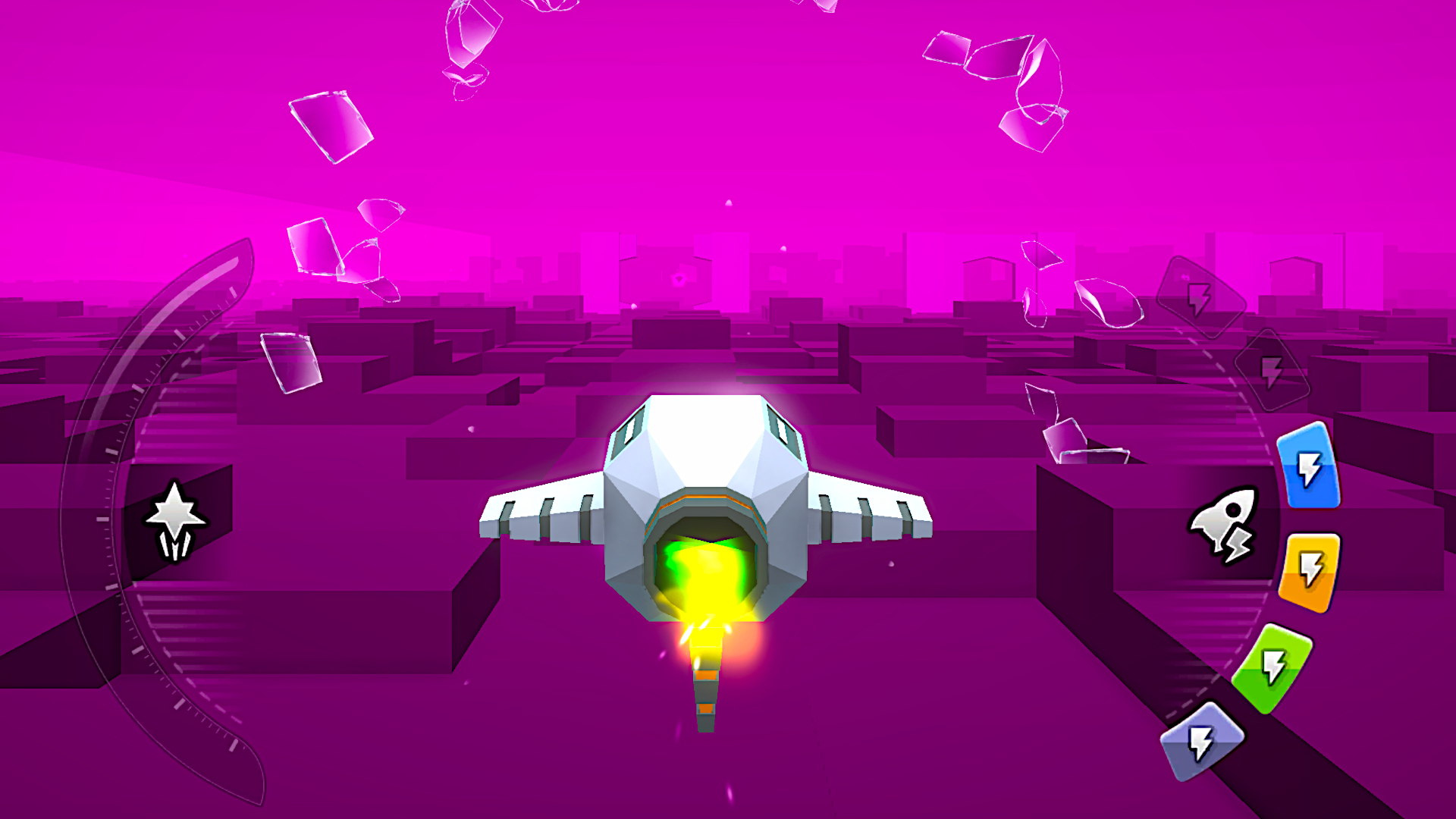
Dodge traps and react in a split second 🛸
Dash forward to clear gaps and levels faster ⚡
Collect boosters to unlock Hyper Mode 💥
Brake carefully, watch the heat bar to avoid explosions 🔥
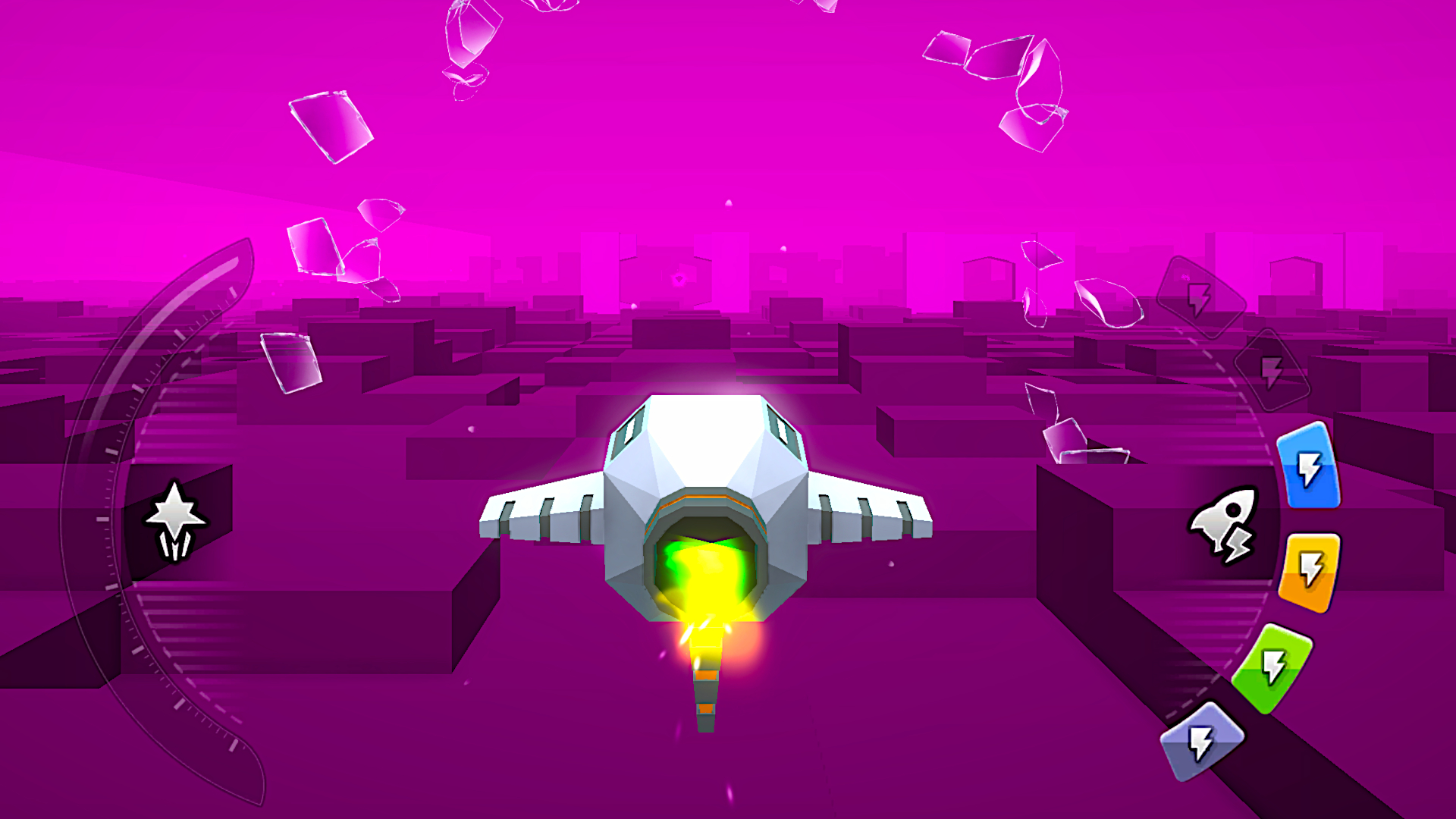
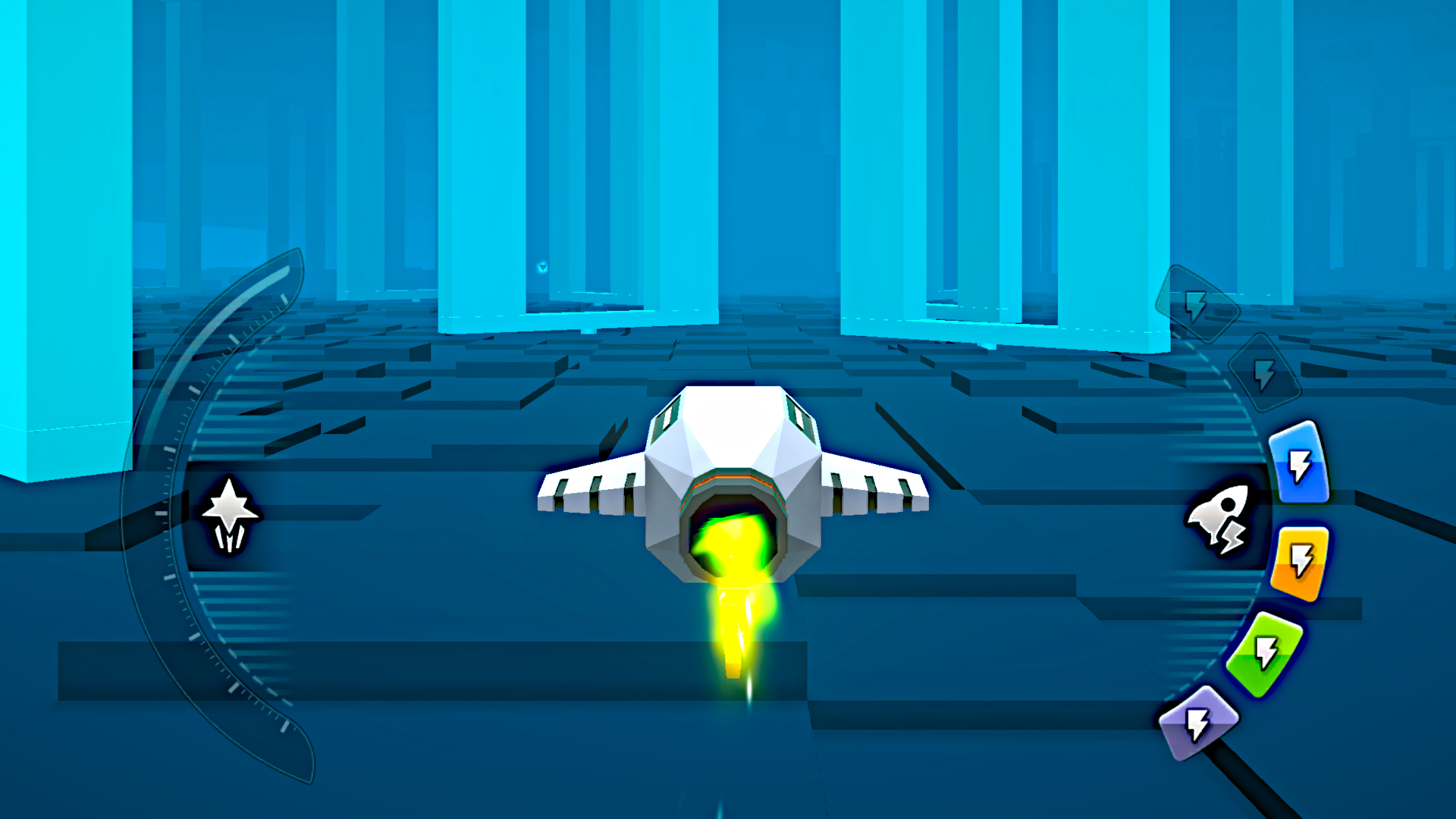
Check your brake and hyper bars during the run 📊
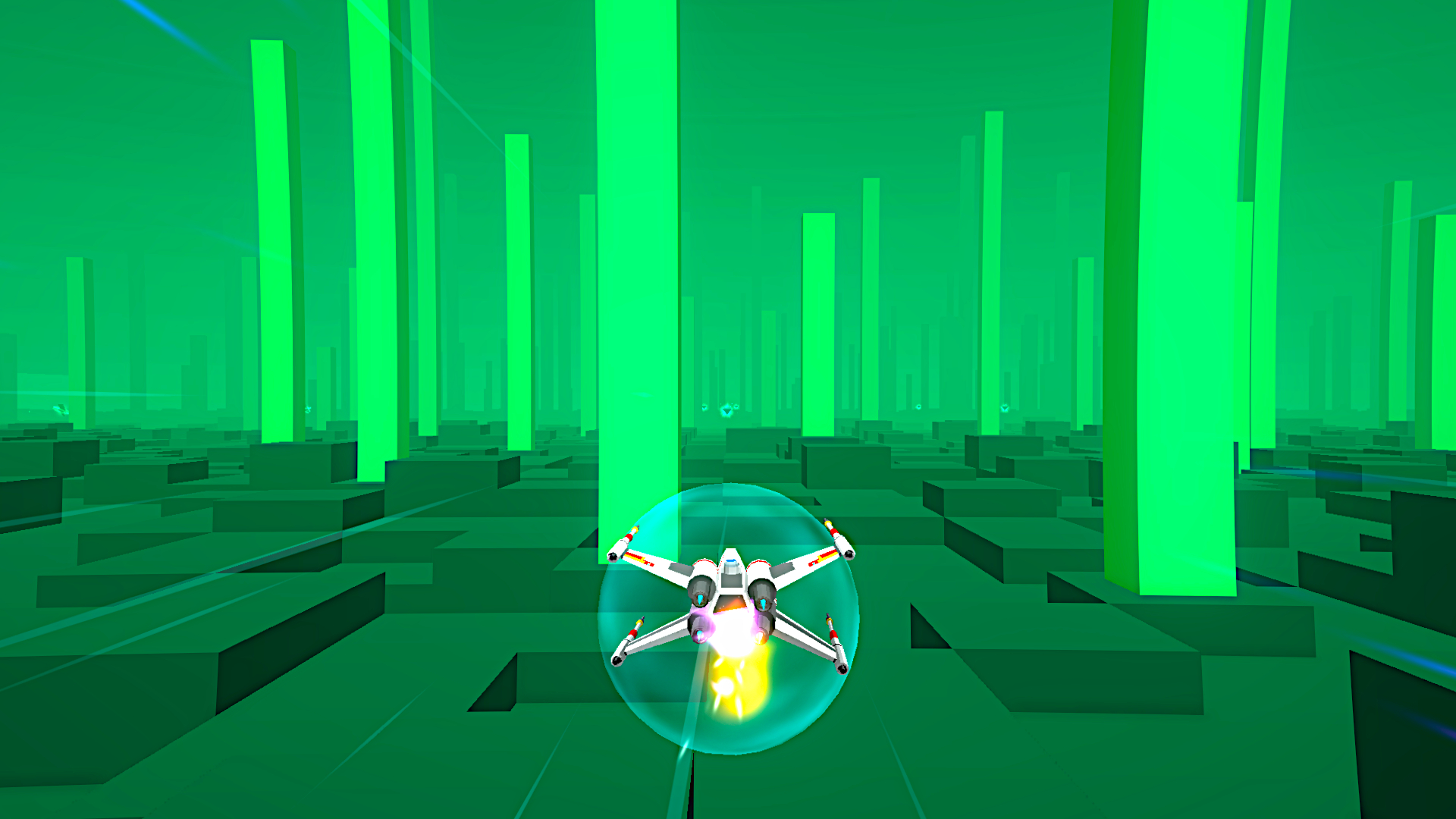
Unlock 21 different space ships in the market 🚀
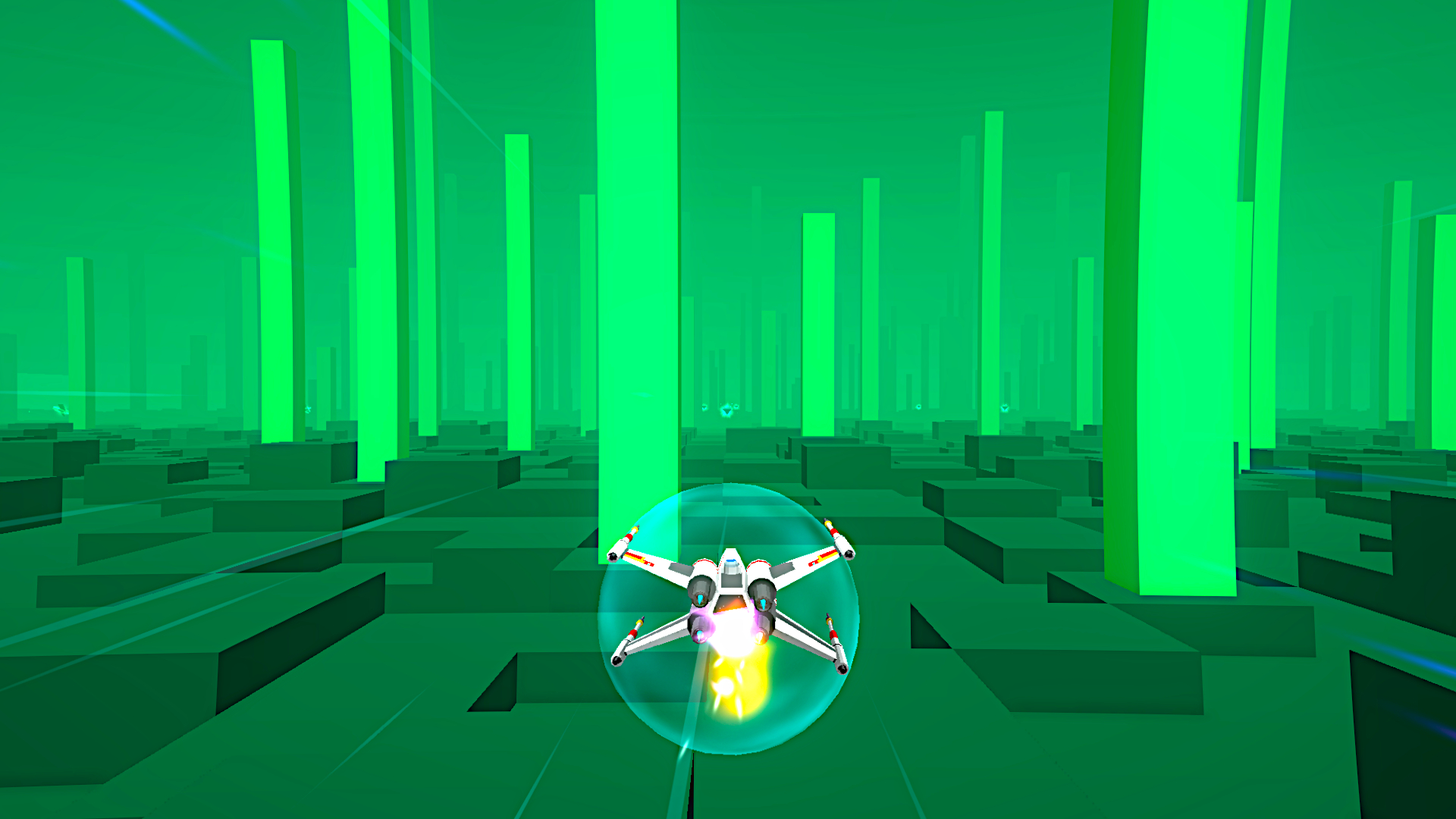
Watch moving obstacles and adapt your route in real time 👀
In 2 Player Mode there’s no brake or Hyper Mode, only pure skill. First to crash loses! Test yourself and reach new records every run 🌌✨
Videos and screenshots


14,268 players online
How to play
-
Open the game
Press Play now and the game opens on its own screen.
-
Follow the in-game instructions
The controls and goals are shown inside the game as you play.
-
Use the game menu
The floating button over the game reloads it, saves it to your favourites, or takes you back out.