Skip to content
KG
Counter Strike Craft 2: Online Mod

Counter Strike Craft 2: Online Mod

97K plays 4.8 out of 5

Overview

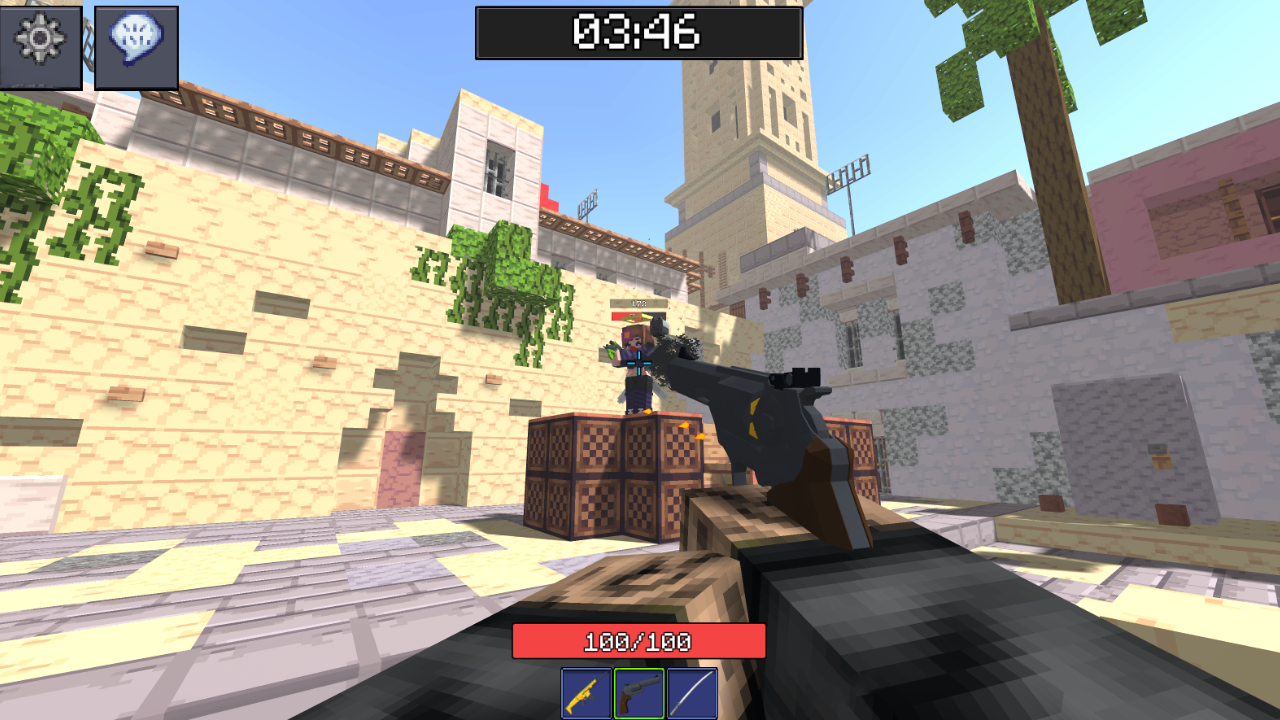
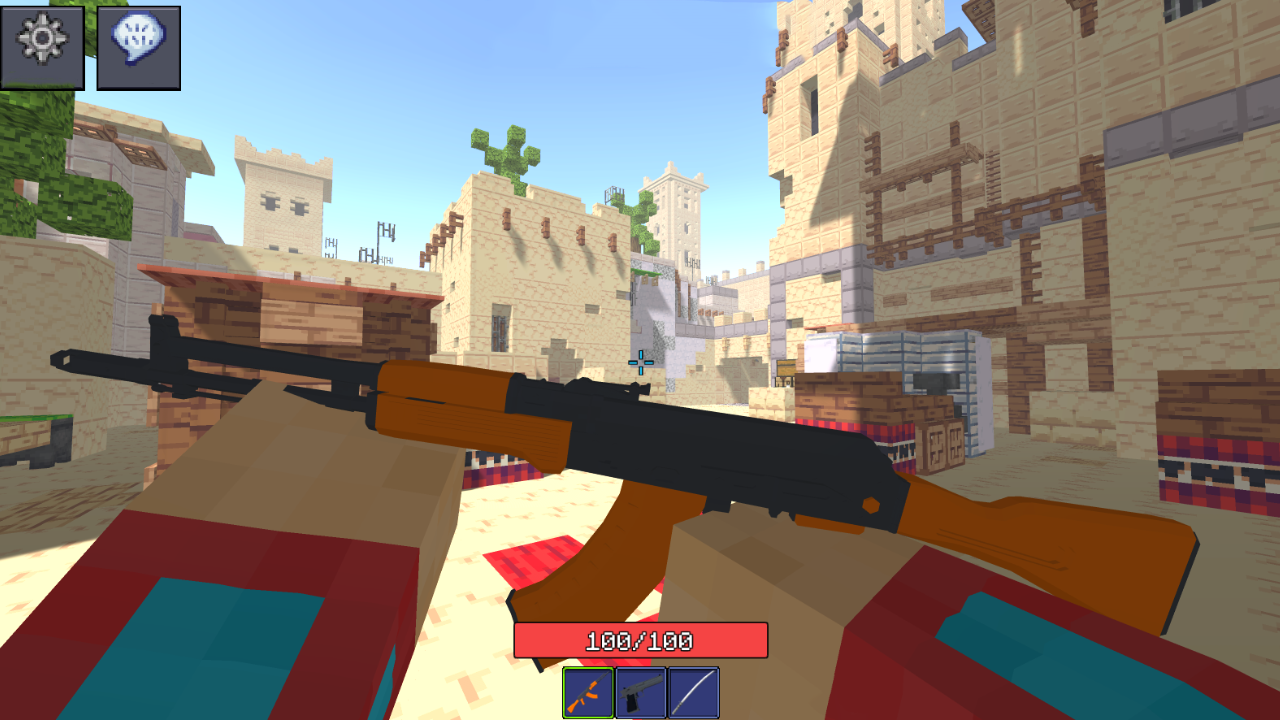
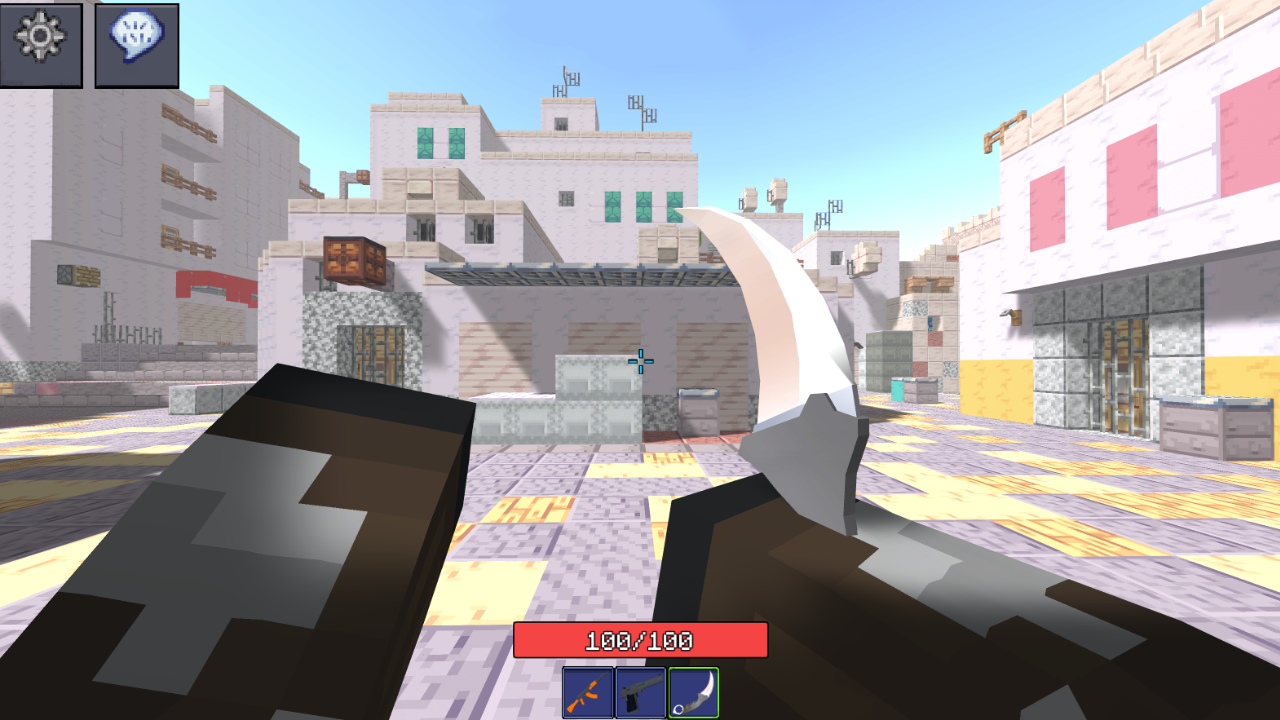
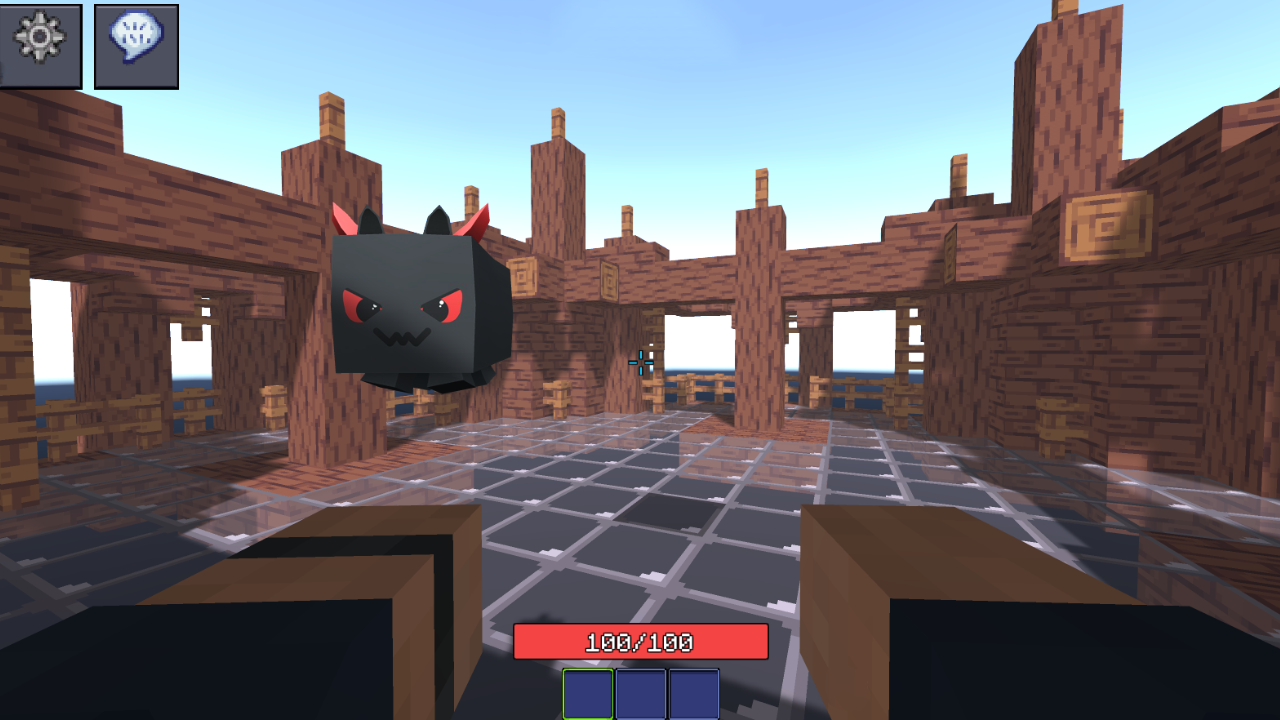
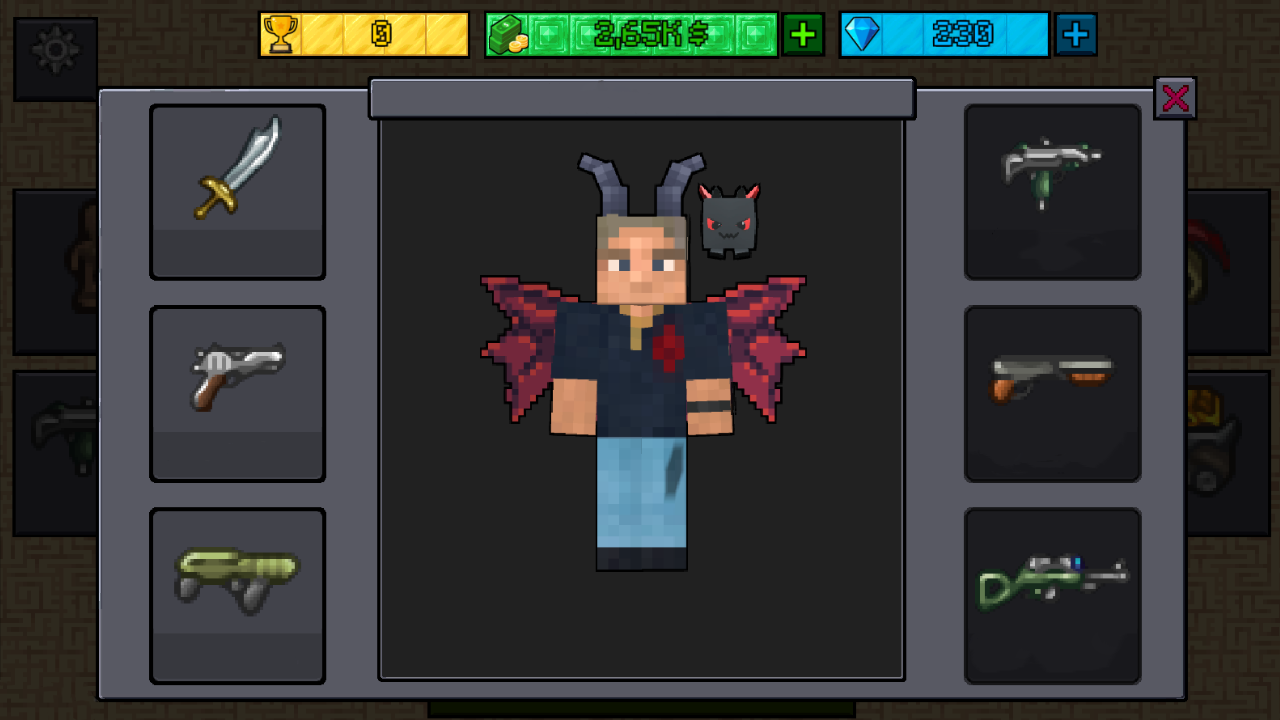
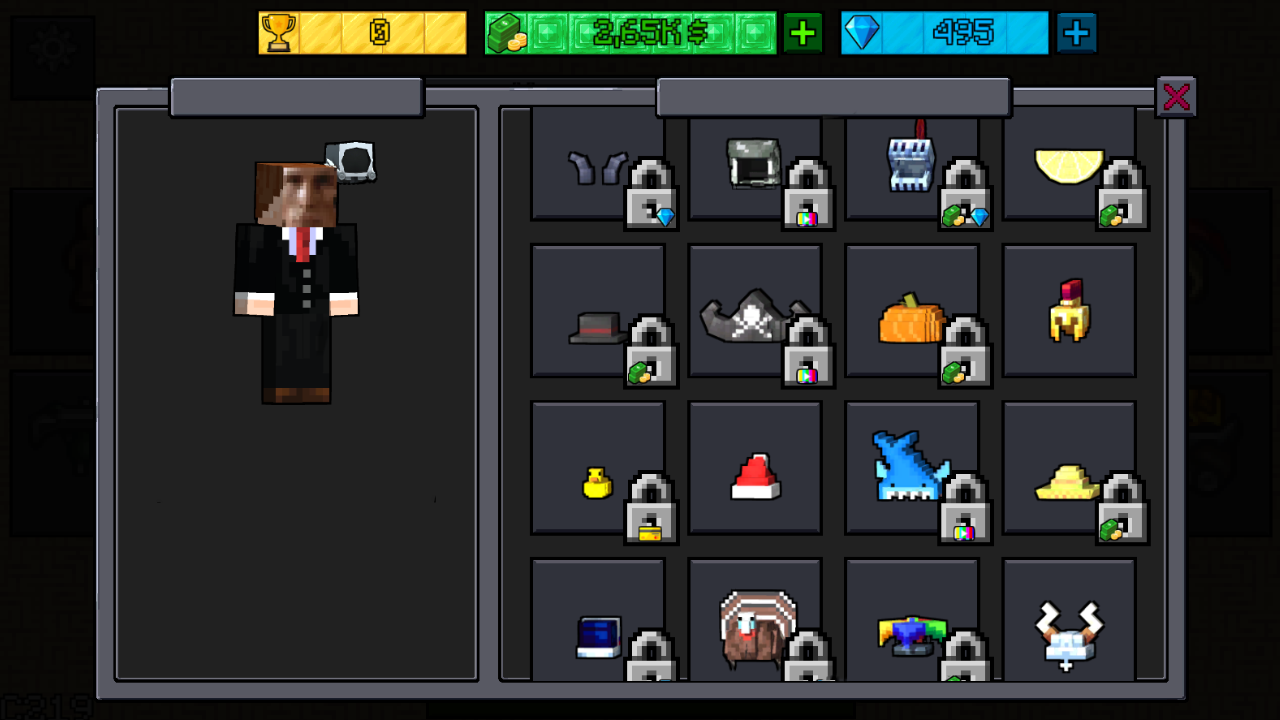
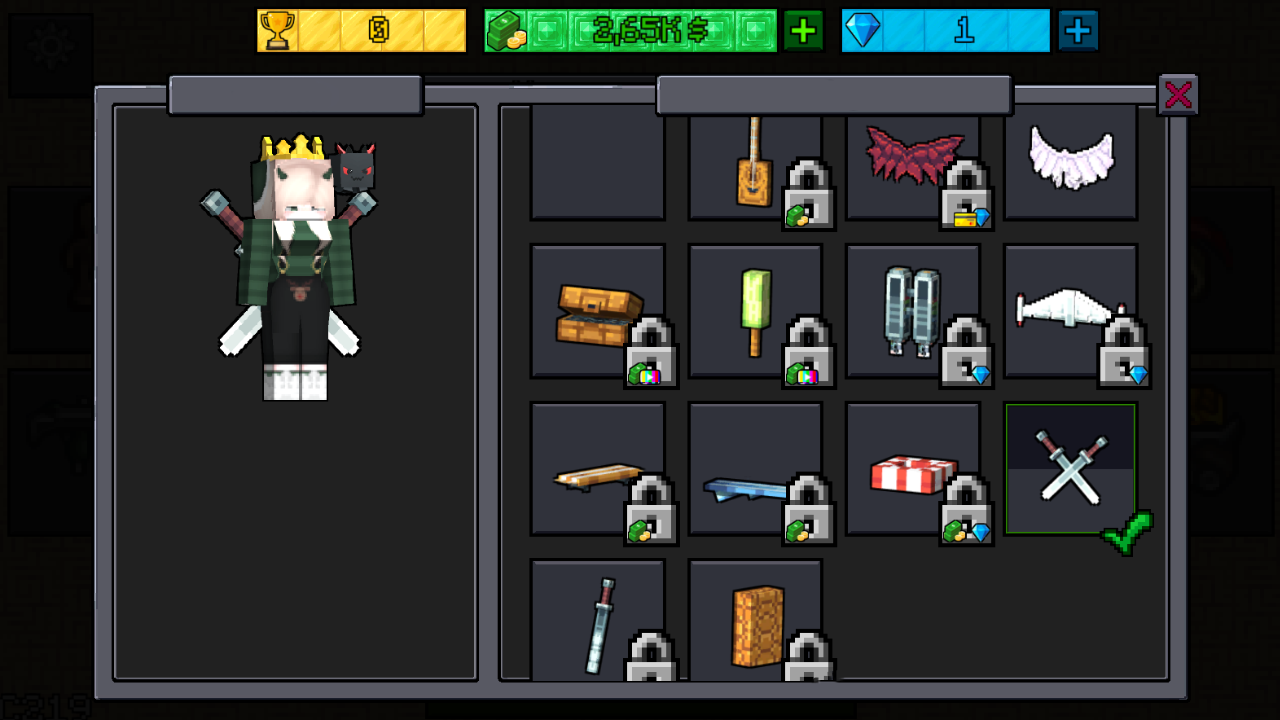
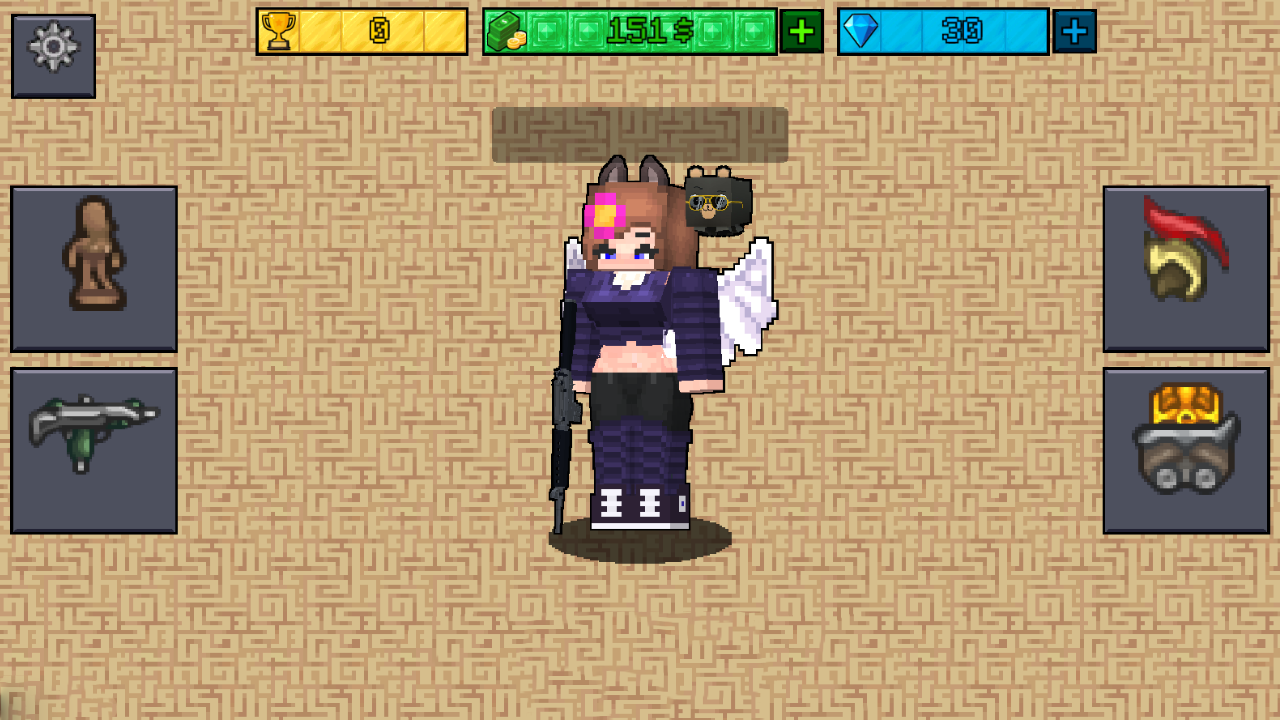
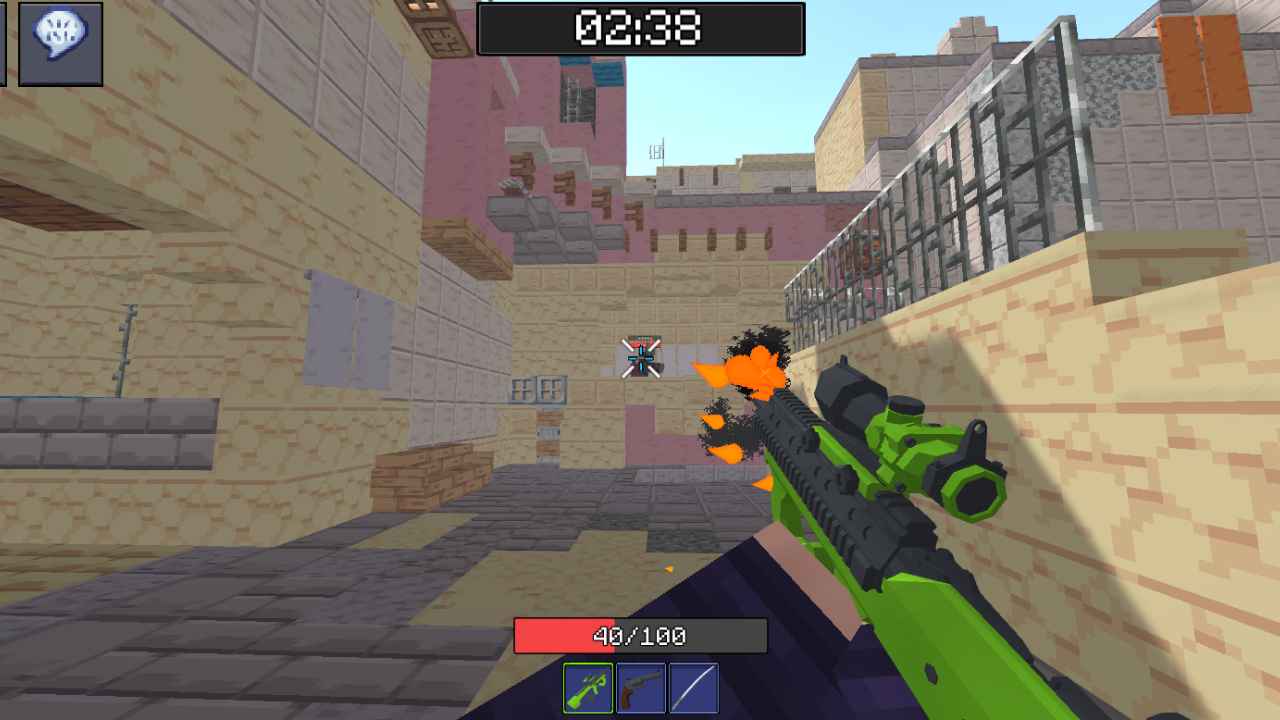
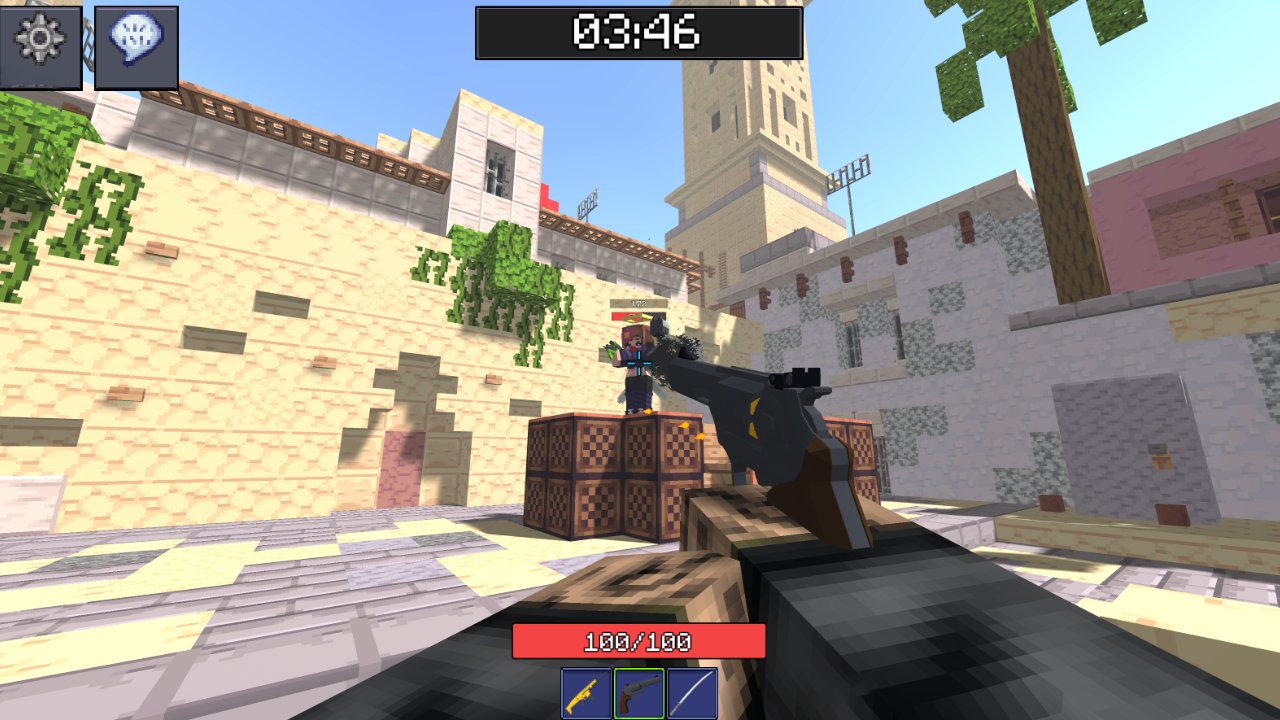
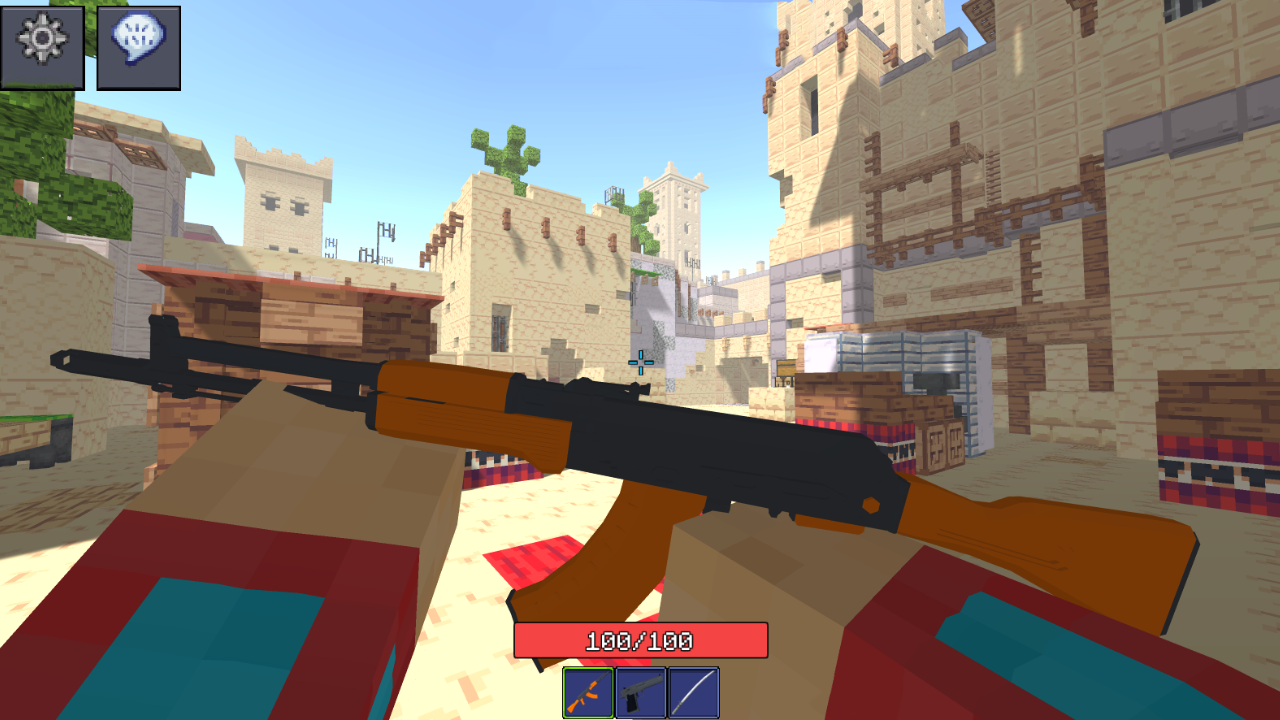
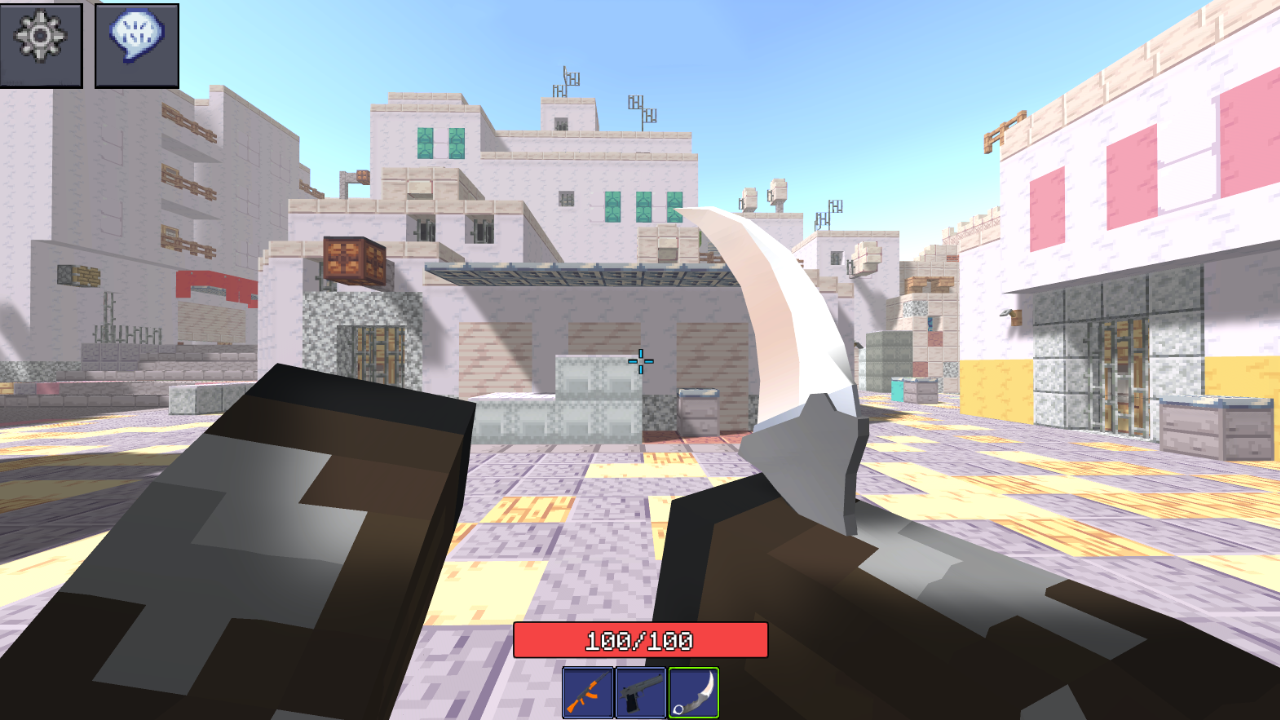
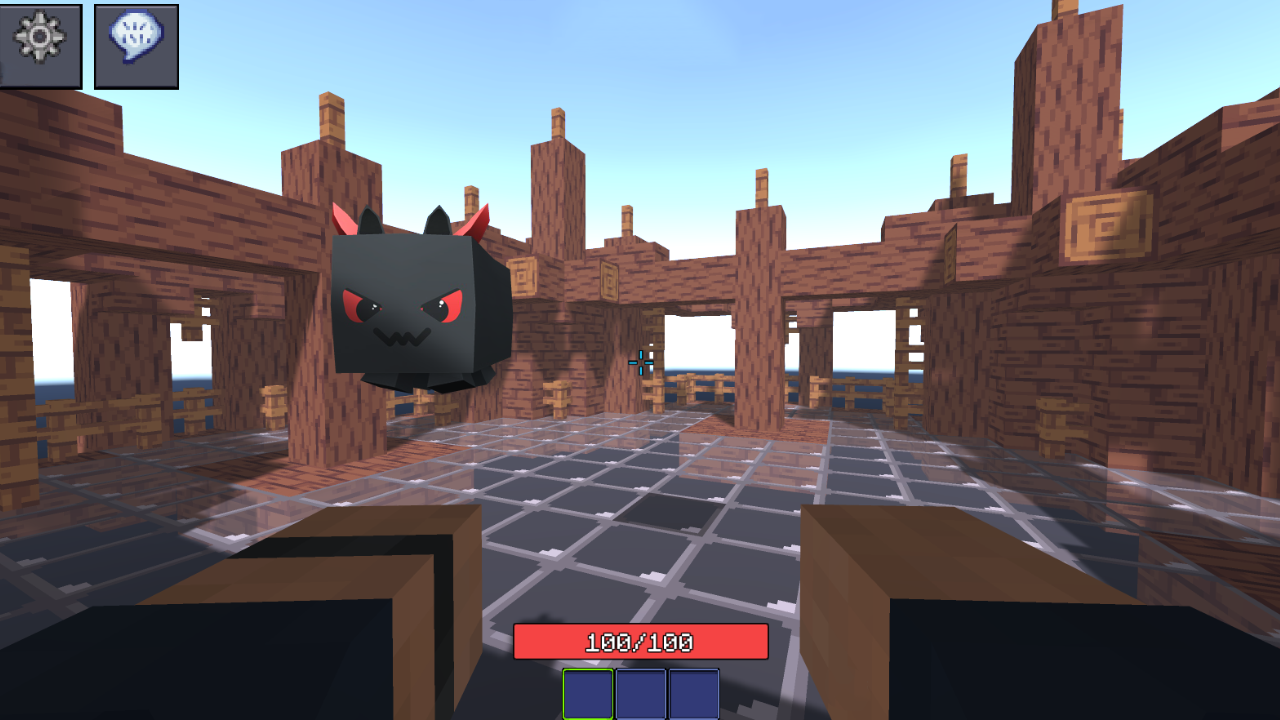
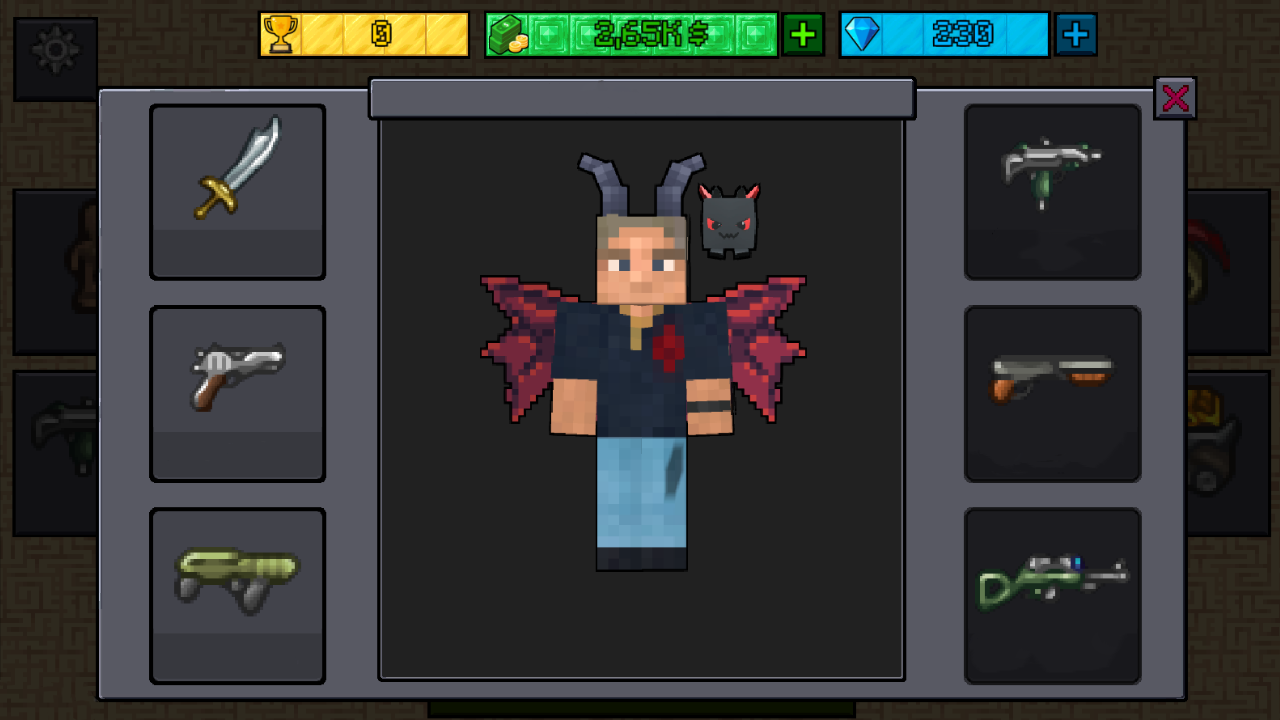
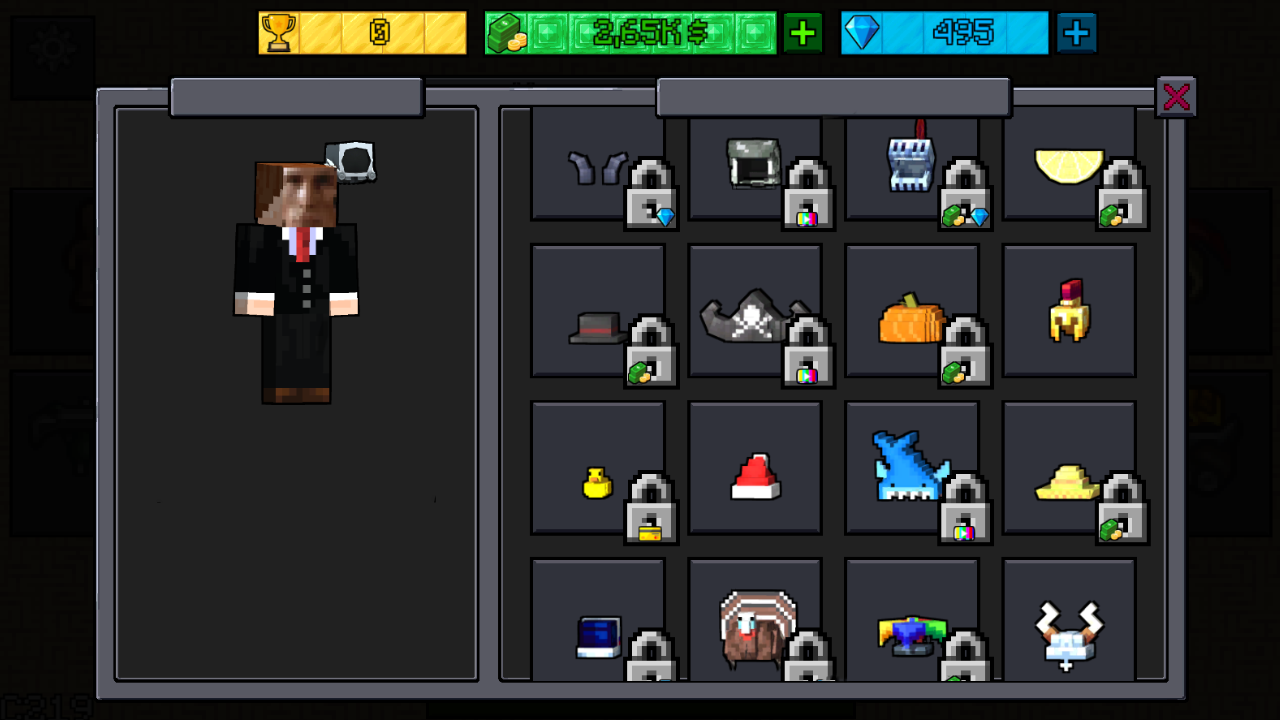
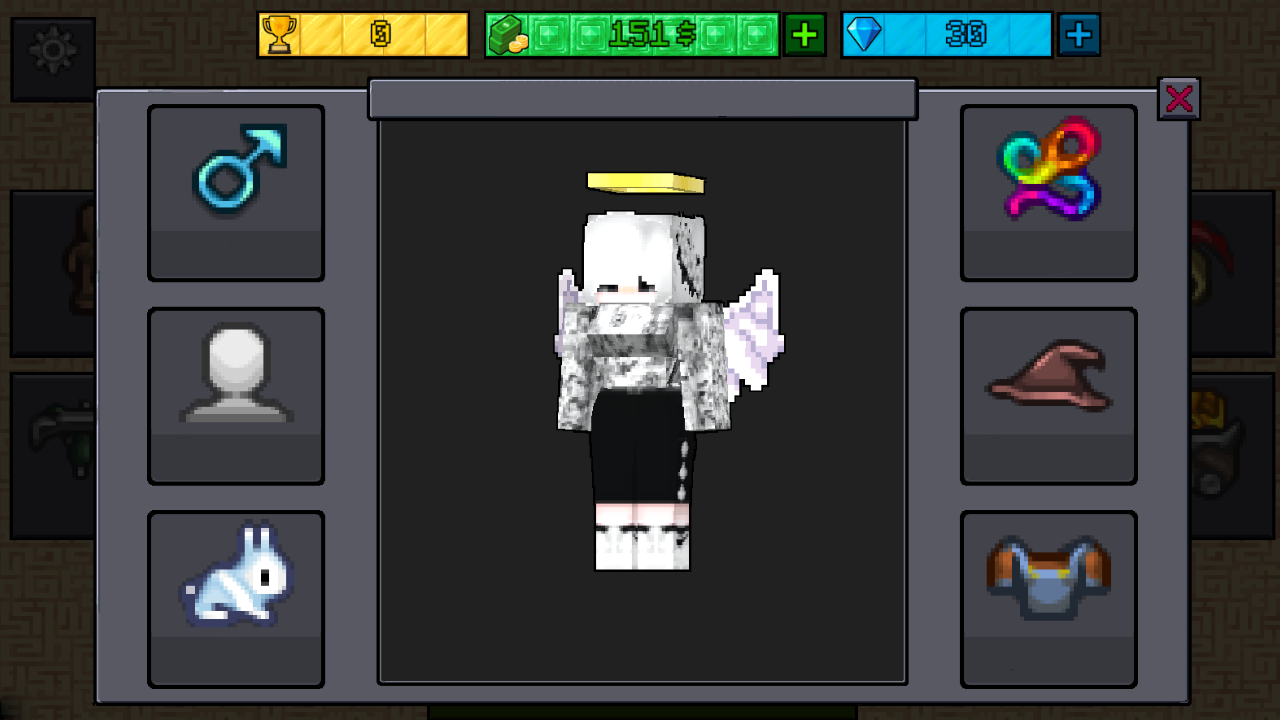
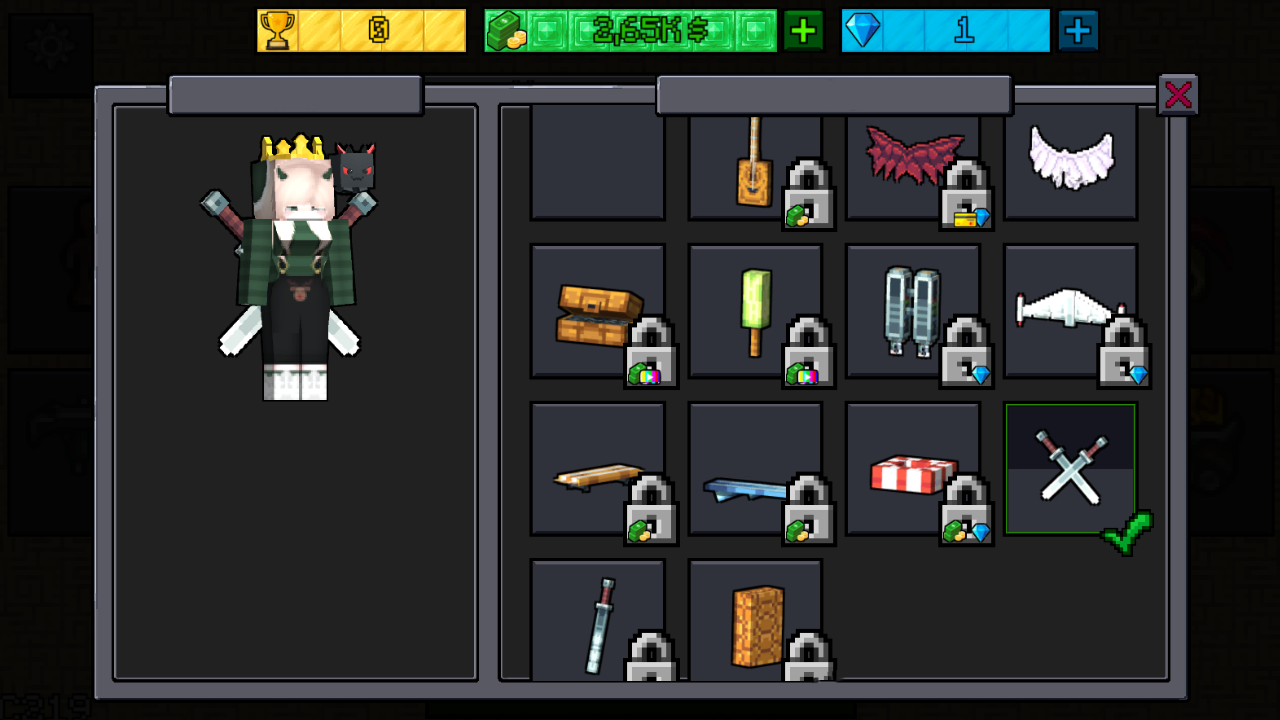
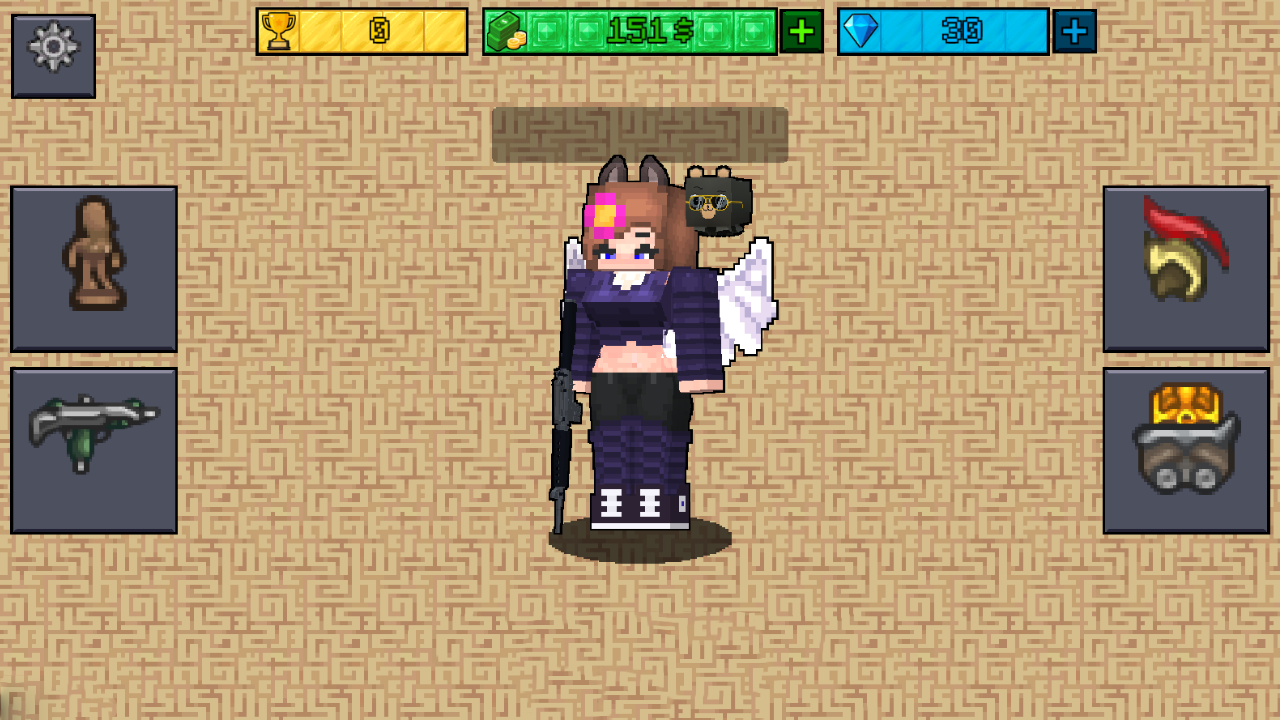
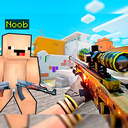
THIS IS AN ONLINE SHOOTER GAME Where to find you: - LIVE PLAYERS - Huge customization of the player, with more than 70 skins, a change of nickname, pet, hat and so on ๐Ÿ’€โ˜ ๏ธ๐Ÿ’€ - There are also quite a few weapons, from a knife to a kerambit ๐Ÿ˜ˆ - Of course, there are also tops that you can grab if you're a good enough shooter ๐Ÿคซ Many nubicks are waiting for you to fight them ๐Ÿคฏ Hurry up and start playing!!!!!!!!!

Videos and screenshots
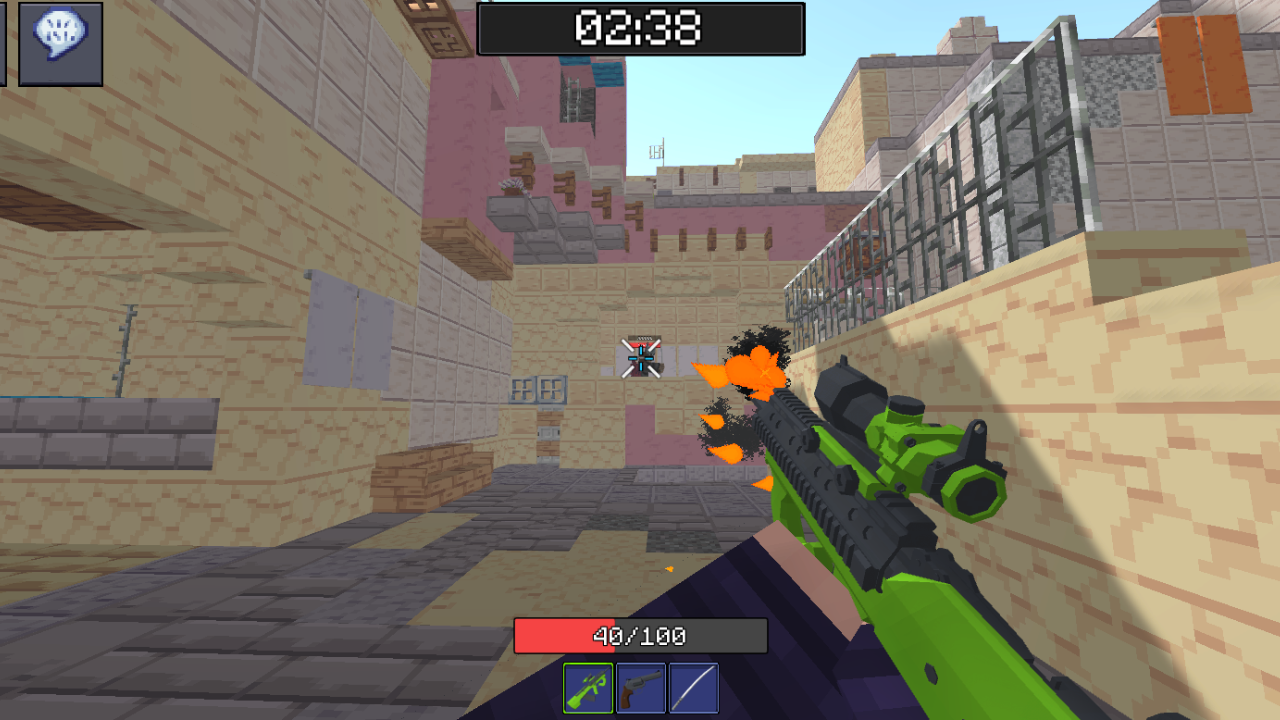
  • Counter Strike Craft 2: Online Mod screenshot 1
  • Counter Strike Craft 2: Online Mod screenshot 2
  • Counter Strike Craft 2: Online Mod screenshot 3
  • Counter Strike Craft 2: Online Mod screenshot 4
  • Counter Strike Craft 2: Online Mod screenshot 5
  • Counter Strike Craft 2: Online Mod screenshot 6
  • Counter Strike Craft 2: Online Mod screenshot 7
  • Counter Strike Craft 2: Online Mod screenshot 8
  • Counter Strike Craft 2: Online Mod screenshot 9
  • Counter Strike Craft 2: Online Mod screenshot 10
  • Counter Strike Craft 2: Online Mod screenshot 11
  • Counter Strike Craft 2: Online Mod screenshot 12
  • Counter Strike Craft 2: Online Mod screenshot 13
  • Counter Strike Craft 2: Online Mod screenshot 14
  • Counter Strike Craft 2: Online Mod screenshot 15
  • Counter Strike Craft 2: Online Mod screenshot 16
  • Counter Strike Craft 2: Online Mod screenshot 17
  • Counter Strike Craft 2: Online Mod screenshot 18
  • Counter Strike Craft 2: Online Mod screenshot 19
  • Counter Strike Craft 2: Online Mod screenshot 20
Play Now

13,073 players online

How to play

  1. Open the game

    Press Play now and the game opens on its own screen.

  2. Follow the in-game instructions

    The controls and goals are shown inside the game as you play.

  3. Use the game menu

    The floating button over the game reloads it, saves it to your favourites, or takes you back out.
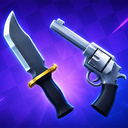
Game instructions

for PC๐Ÿ’ป - WASD: Walking. - Space bar: Jump. - Tab: Show remove mouse. - Mouse wheel: Zoom in and out of the camera. - V: Change the face. - LMB: Shoot, Hit - Tilde(~): Show the list of players - M: Change the team For Phones๐Ÿ“ฑ - Joystick: Walking. - A button for Jumping. - Button for on/off control. - A button to change the face. - A button for Firing, hitting. - A button to show the list of players

More games

More games