Overview
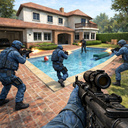
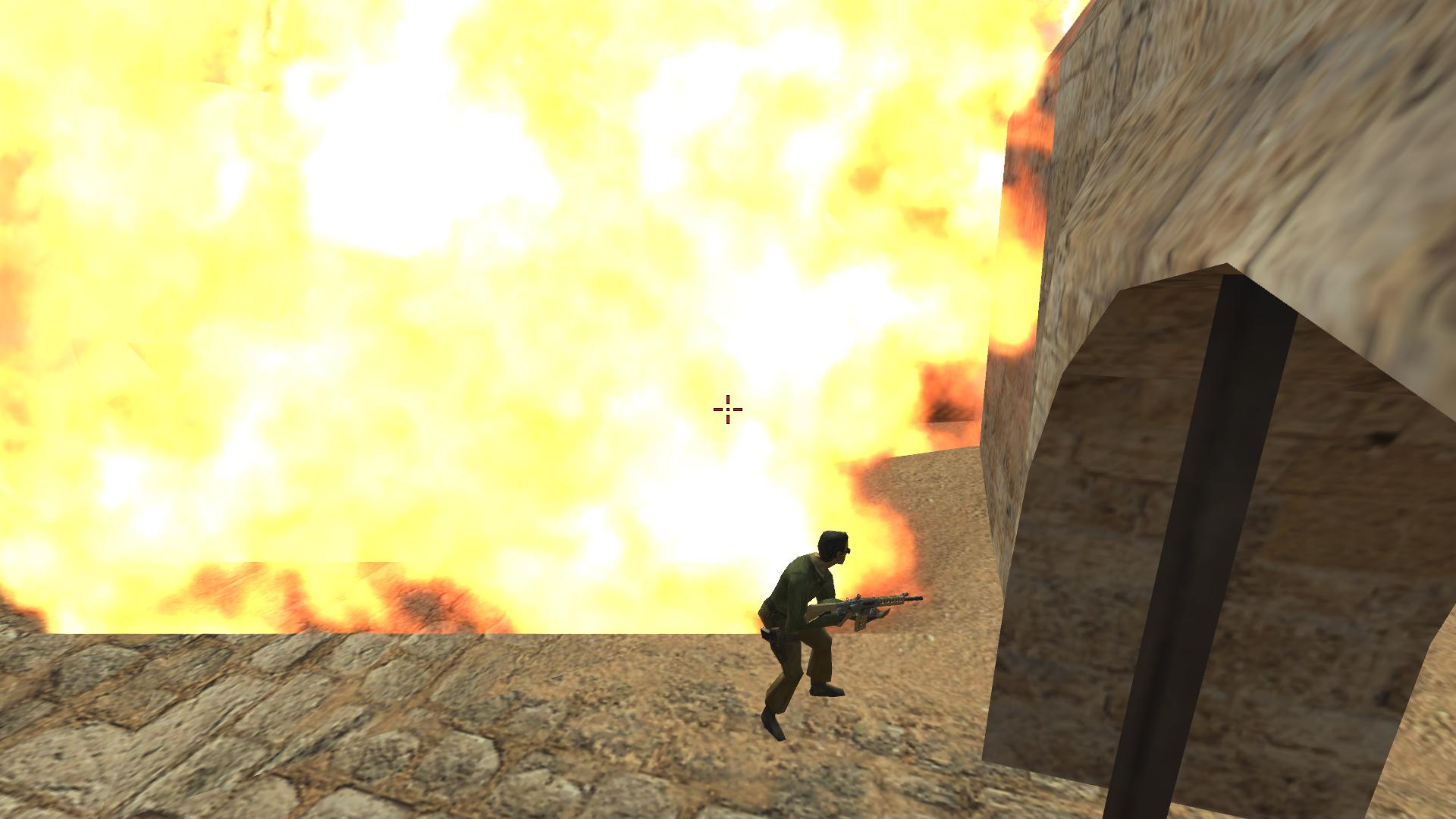
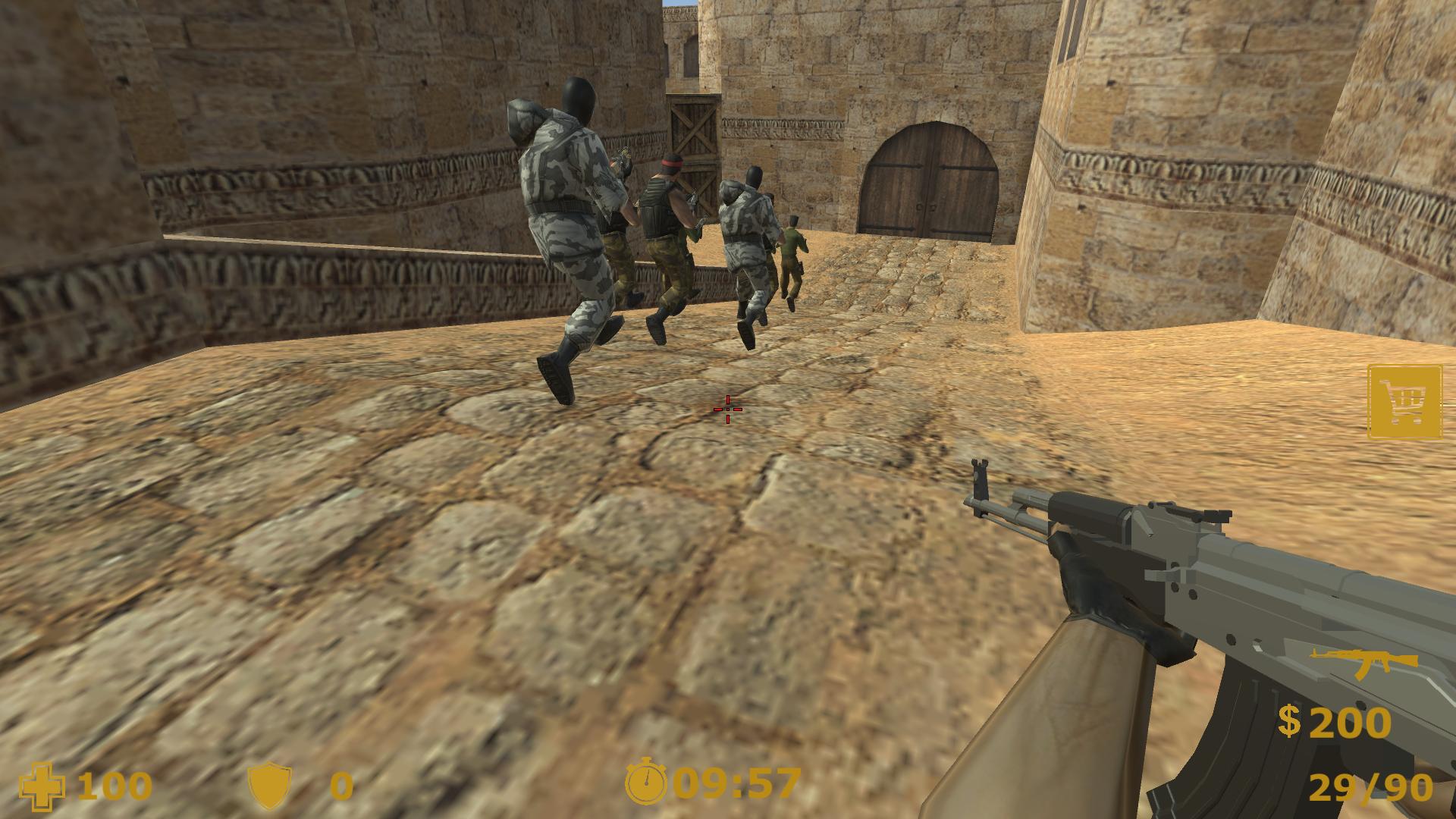
"Counter Terrorist 2 FPS" is a classic first-person shooter where you can dive into intense battles and challenges, even if you prefer to play alone. You will have to take on the role of a special forces or terrorist and complete a variety of missions, including bomb disposal and more.
The single player can enjoy a variety of cards and scenarios that provide a varied gaming experience. Choose your side and then use tactics, shooting and skills to accomplish the objectives. "Counter Terrorist 2 FPS" also allows you to customize your weapons and equipment to make your character more effective in battle.
Clash with enemies, squash bombs in "Counter Terrorist 2 FPS", a great single-player game for true fans of first-person shooters.
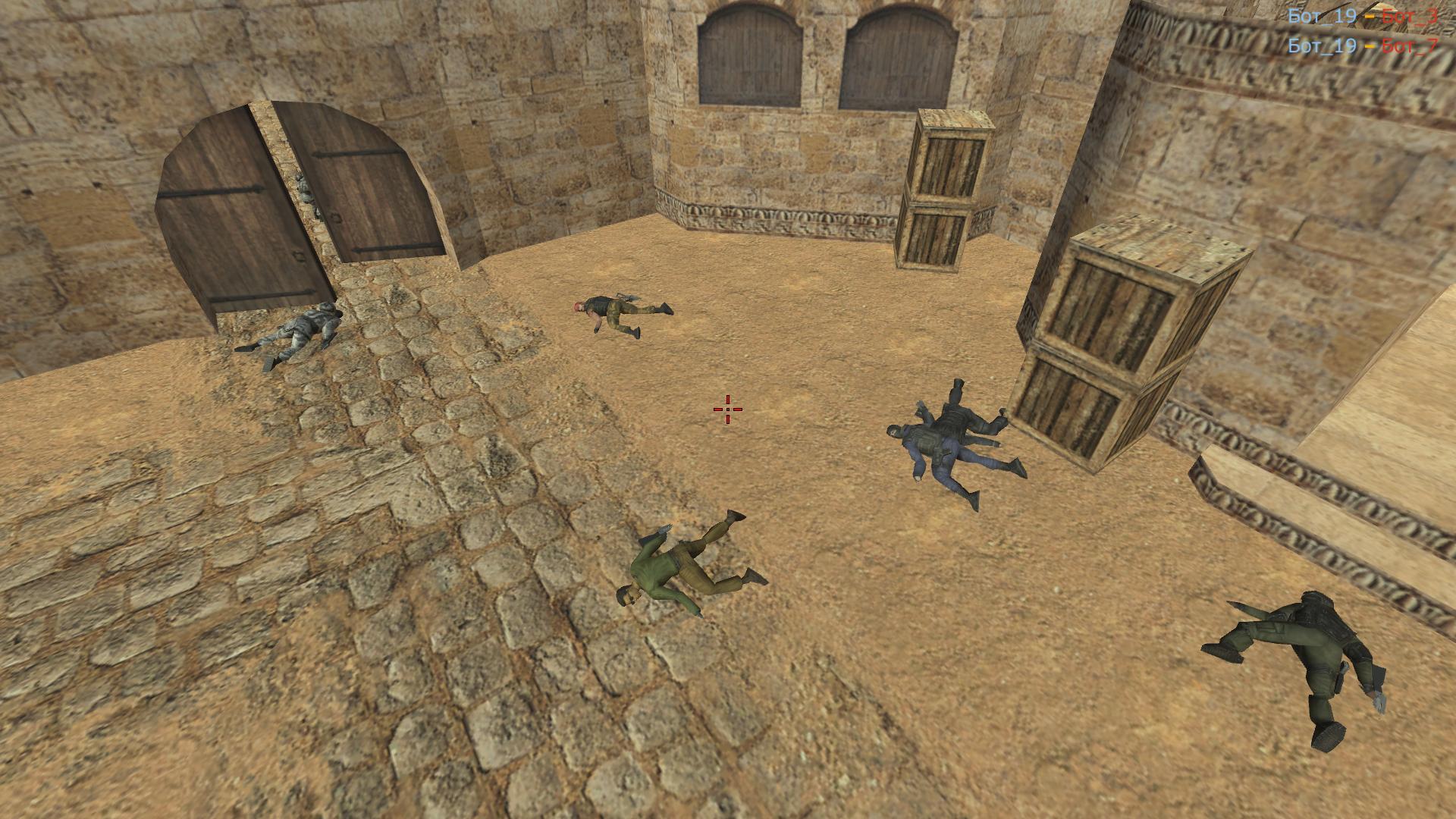
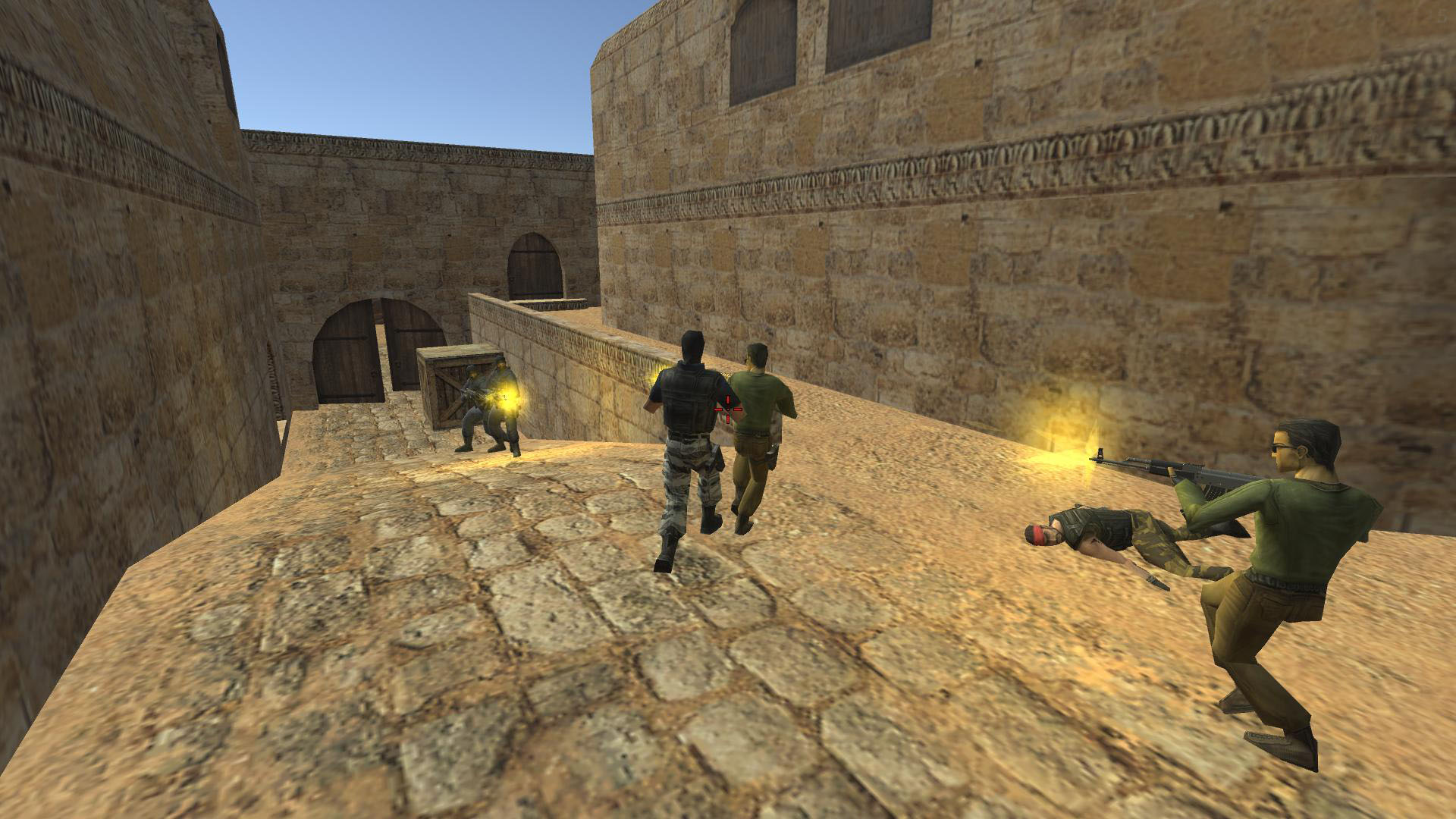
Videos and screenshots
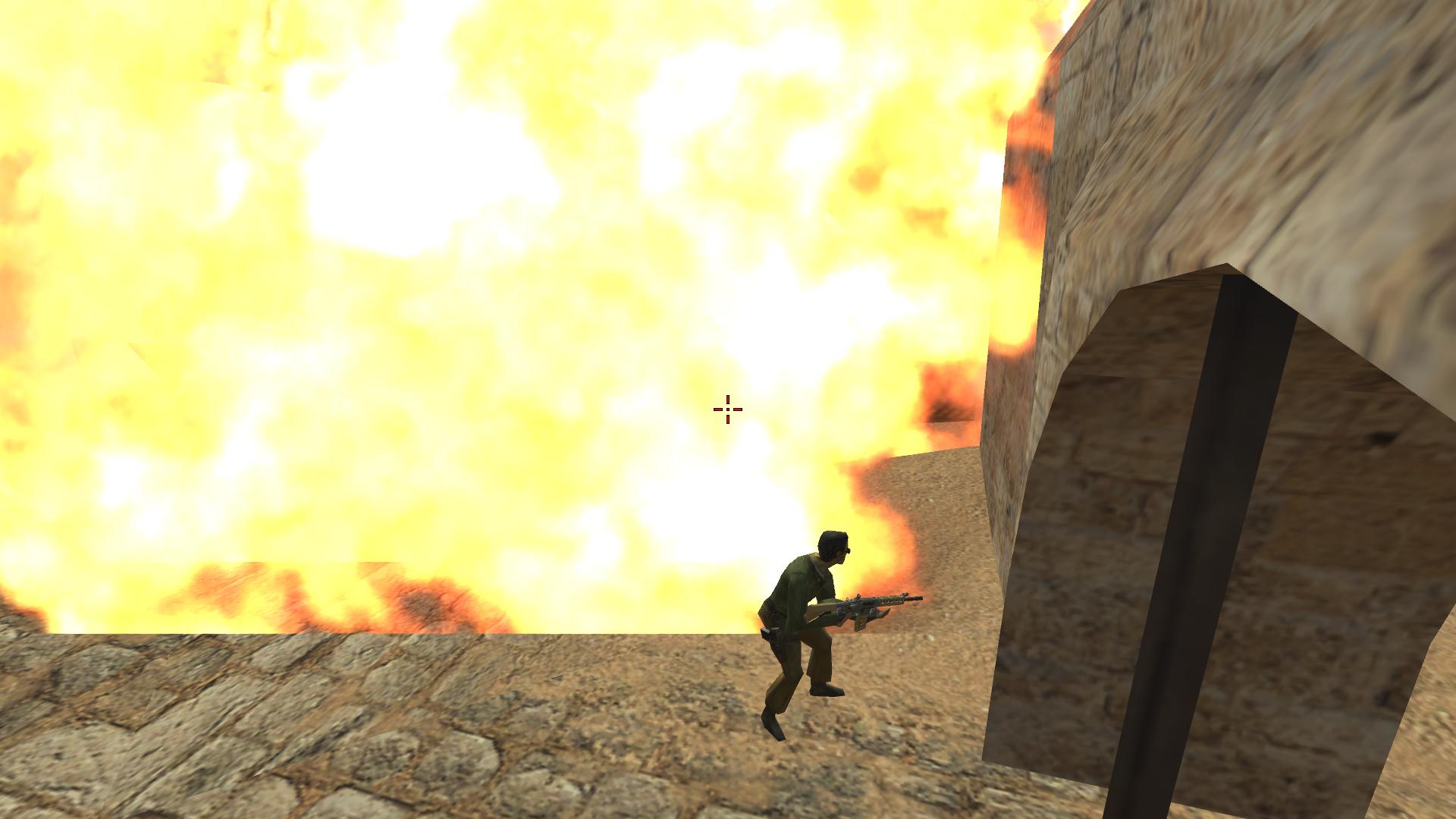
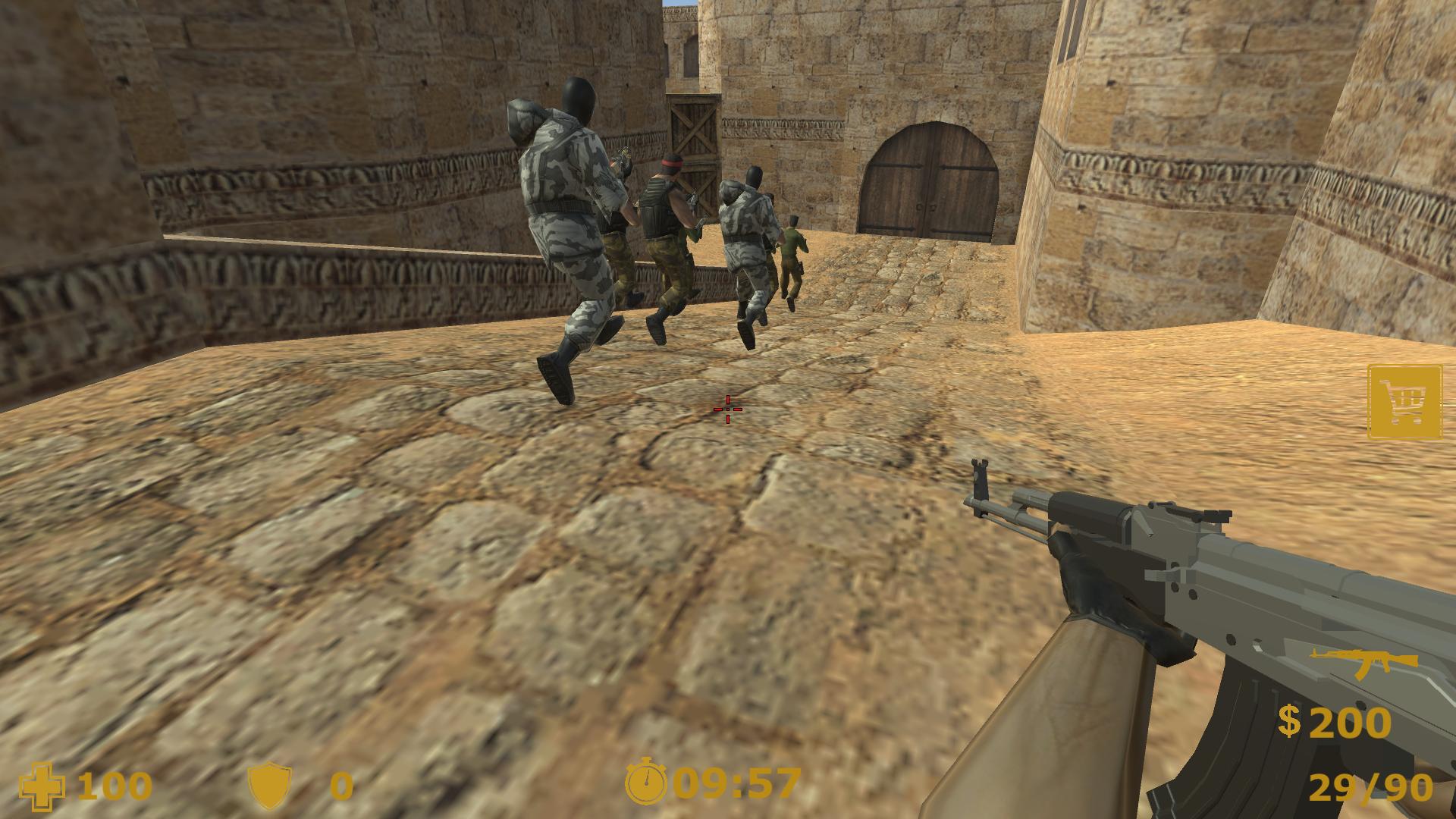
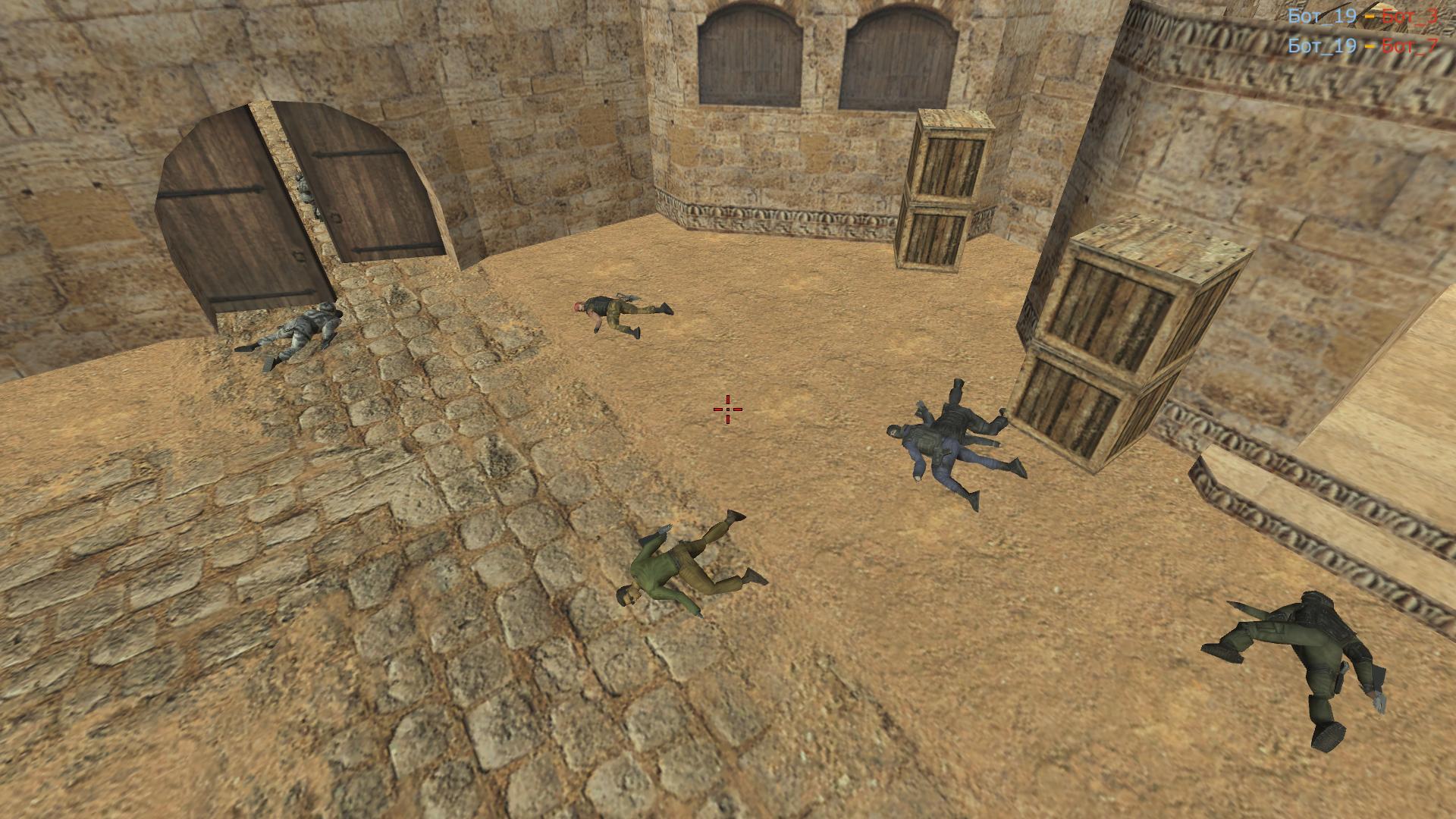
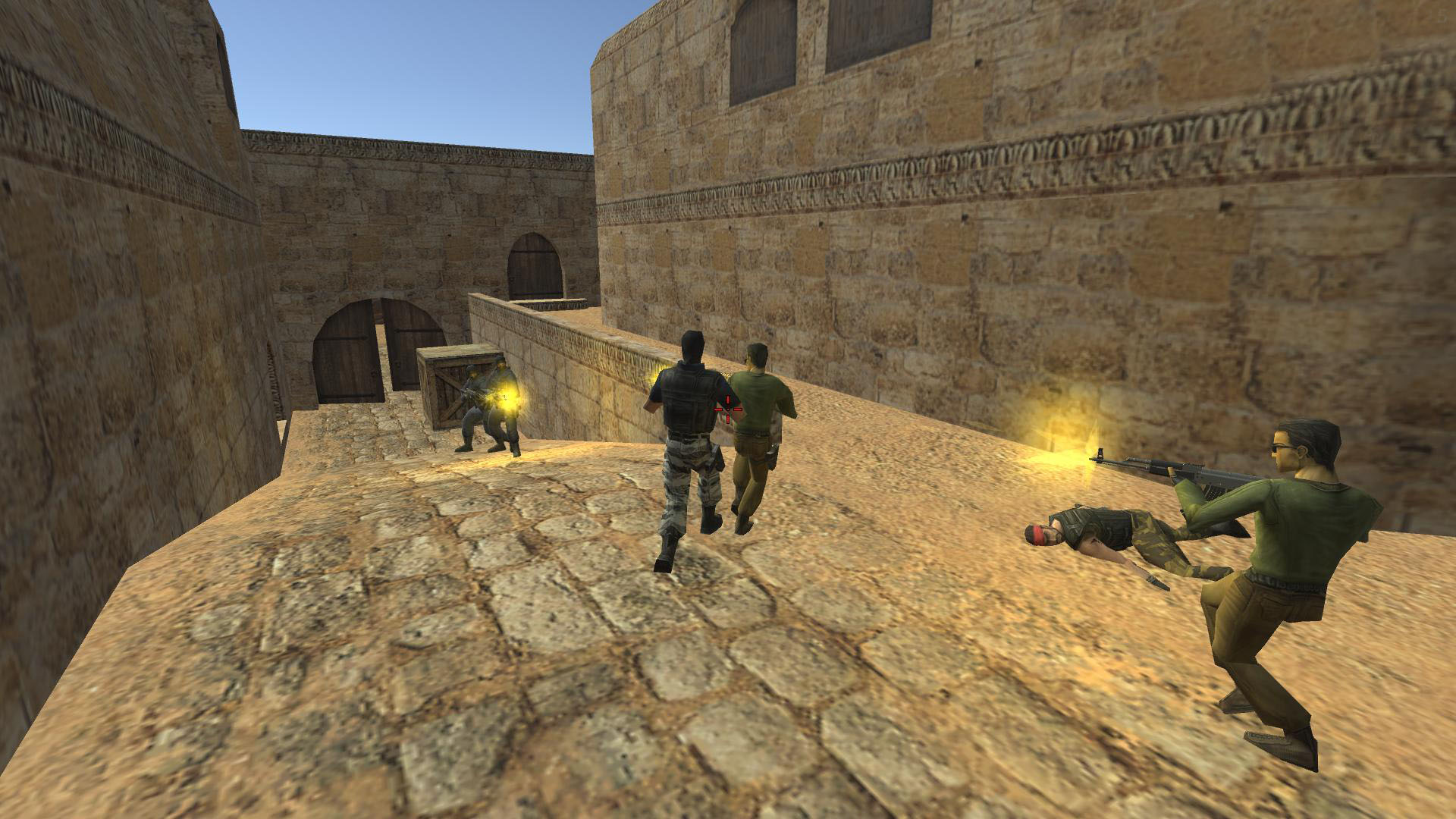
10,935 players online
How to play
-
Open the game
Press Play now and the game opens on its own screen.
-
Follow the in-game instructions
The controls and goals are shown inside the game as you play.
-
Use the game menu
The floating button over the game reloads it, saves it to your favourites, or takes you back out.