Overview
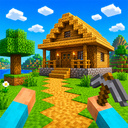
You are not far from the cubic world of your dreams, start creating the designs you want by using the material and item menu. You can also dominate your world even more by using the flying and acceleration modes. Start showing off your craft skills!
Videos and screenshots
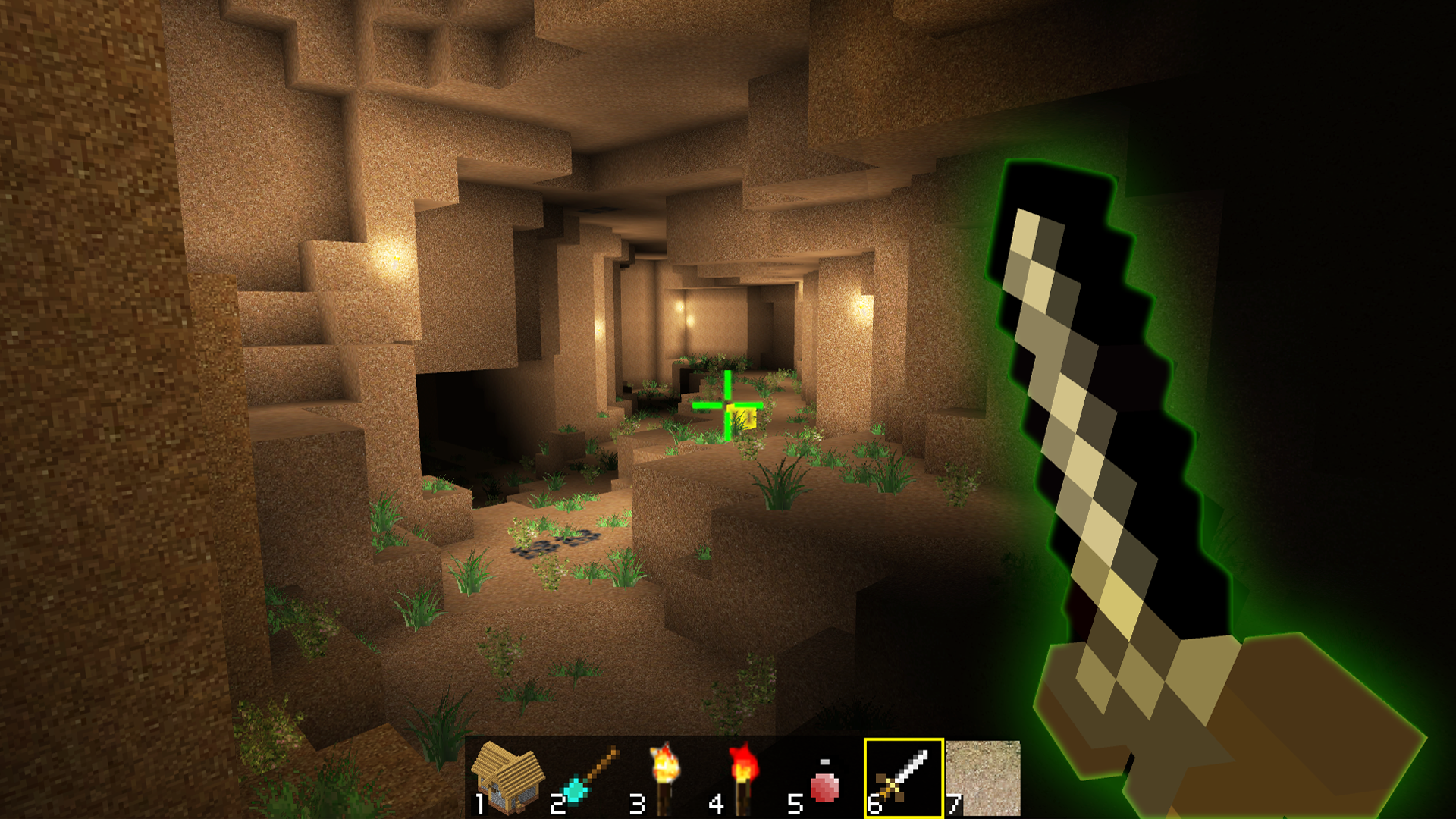
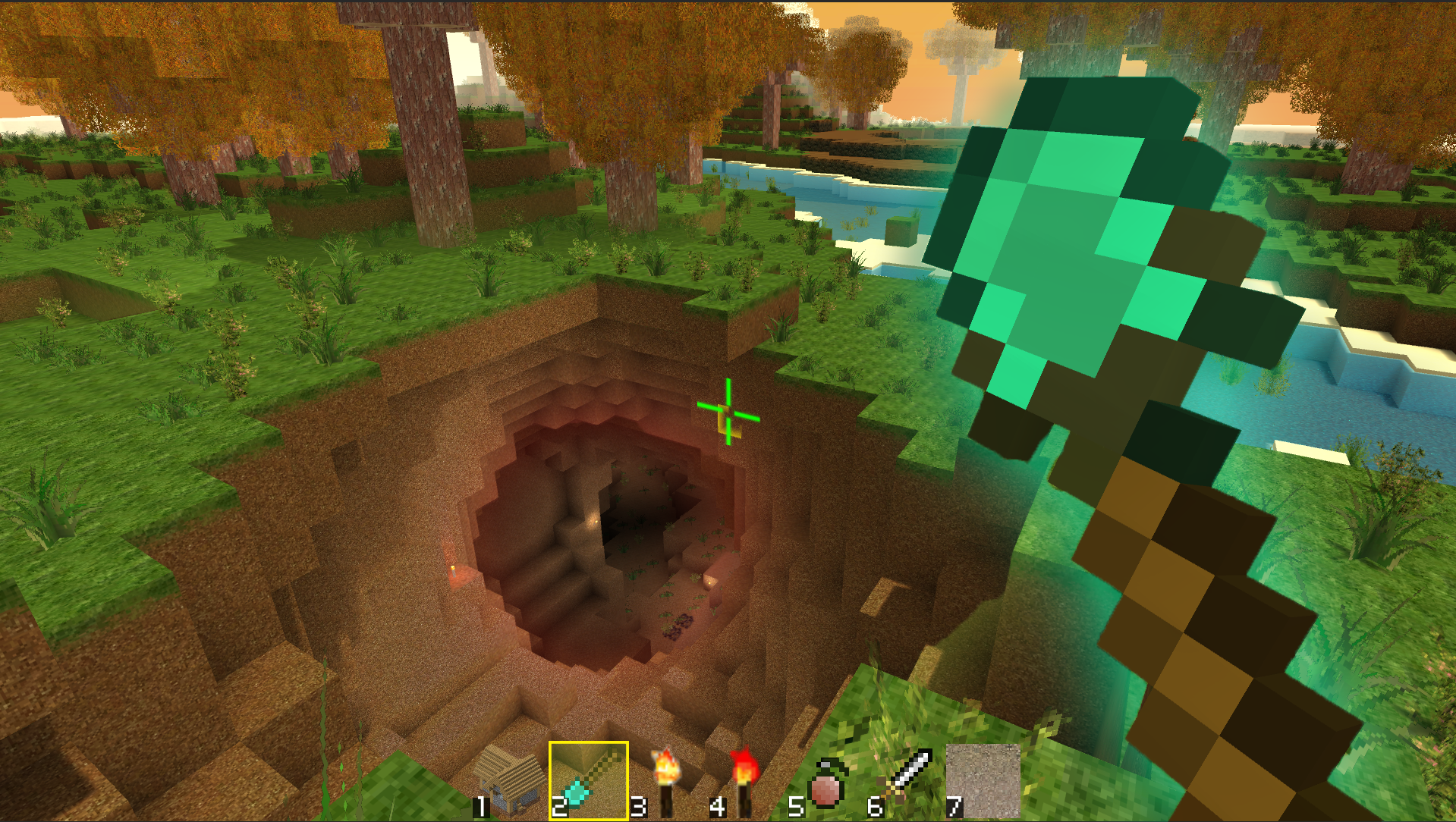
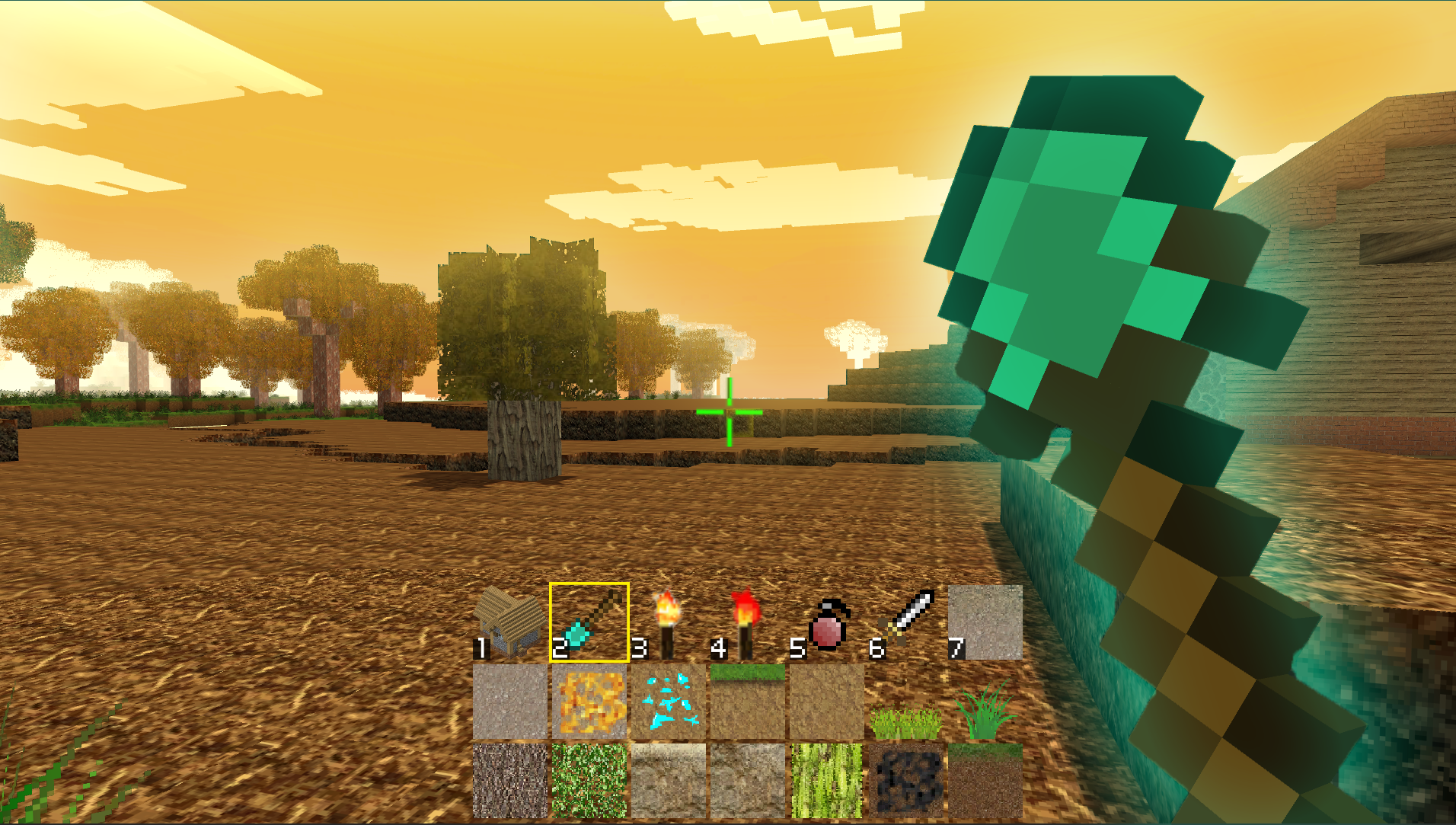
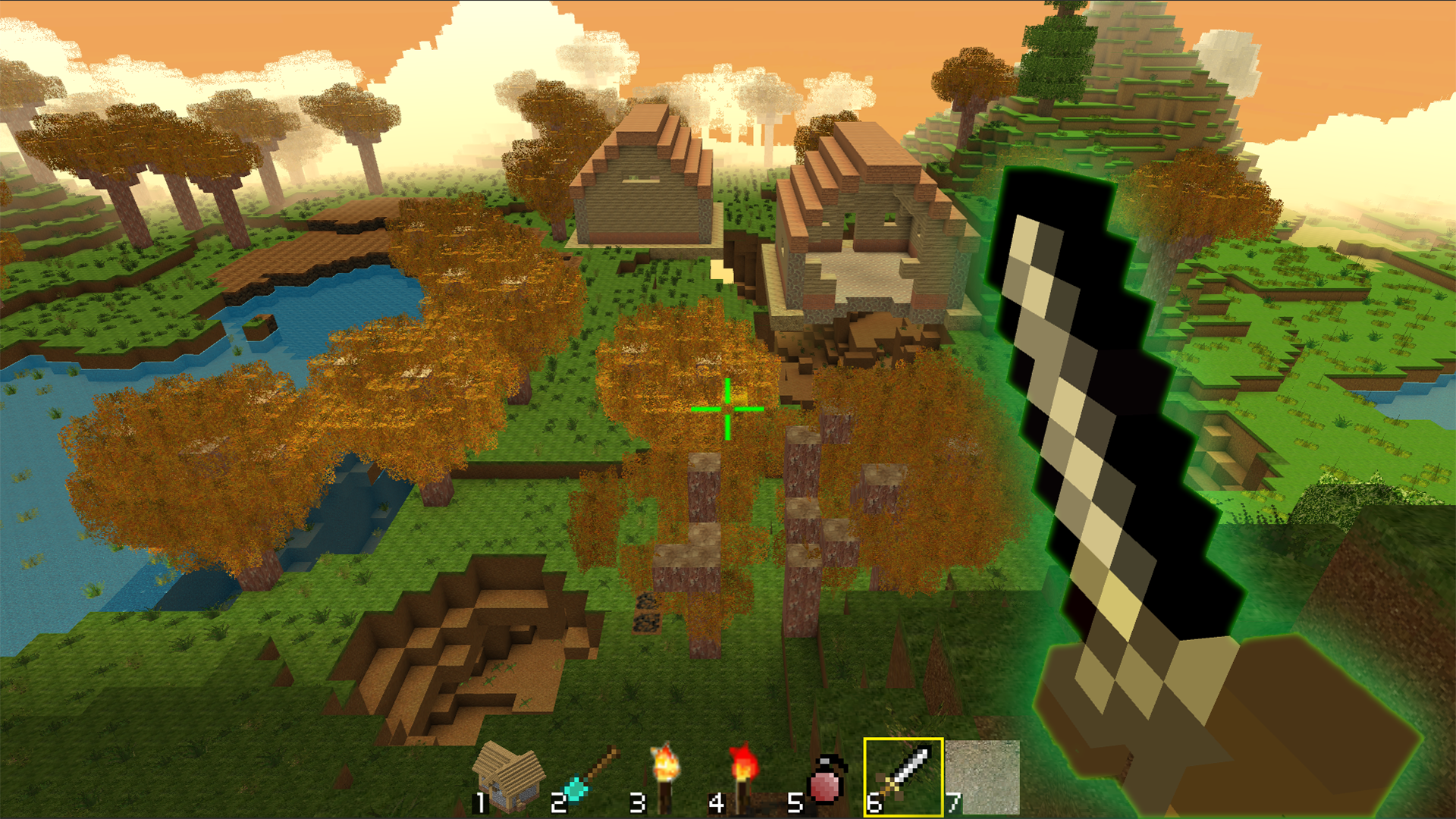
12,728 players online
How to play
-
Open the game
Press Play now and the game opens on its own screen.
-
Follow the in-game instructions
The controls and goals are shown inside the game as you play.
-
Use the game menu
The floating button over the game reloads it, saves it to your favourites, or takes you back out.