Skip to content
KG
Create your own room in the Digital Circus

Create your own room in the Digital Circus

355K plays 4.2 out of 5

Overview

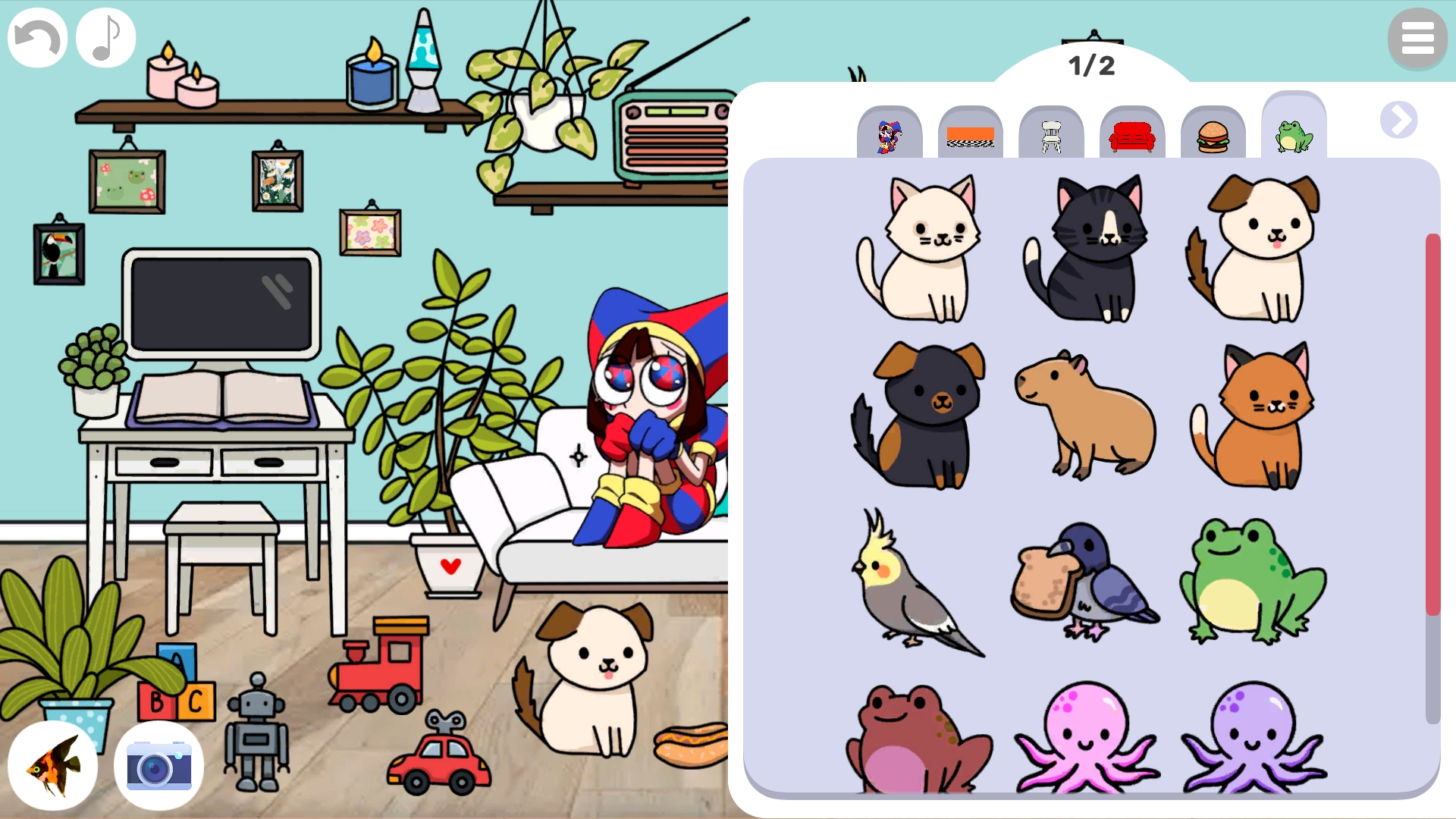
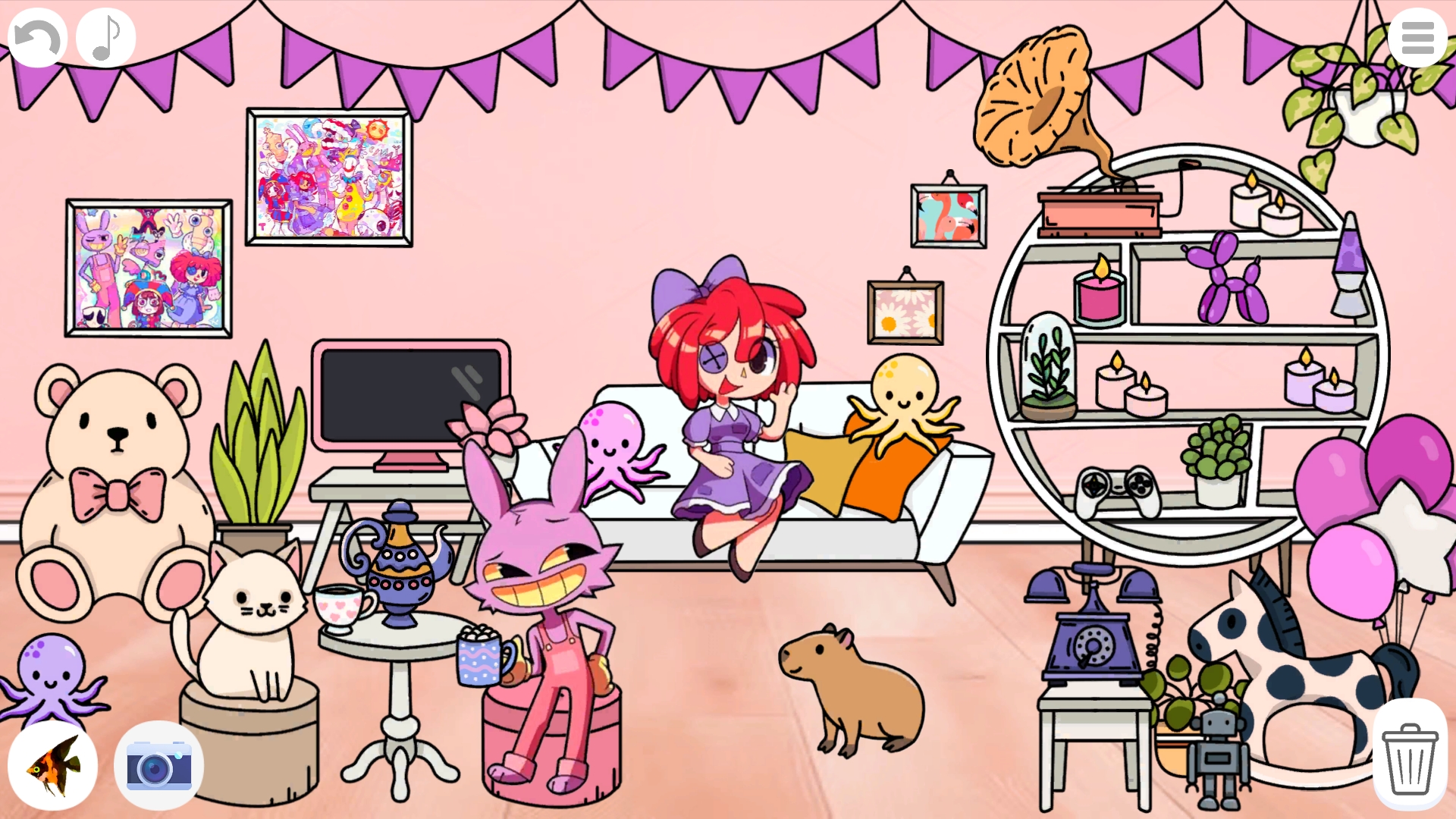
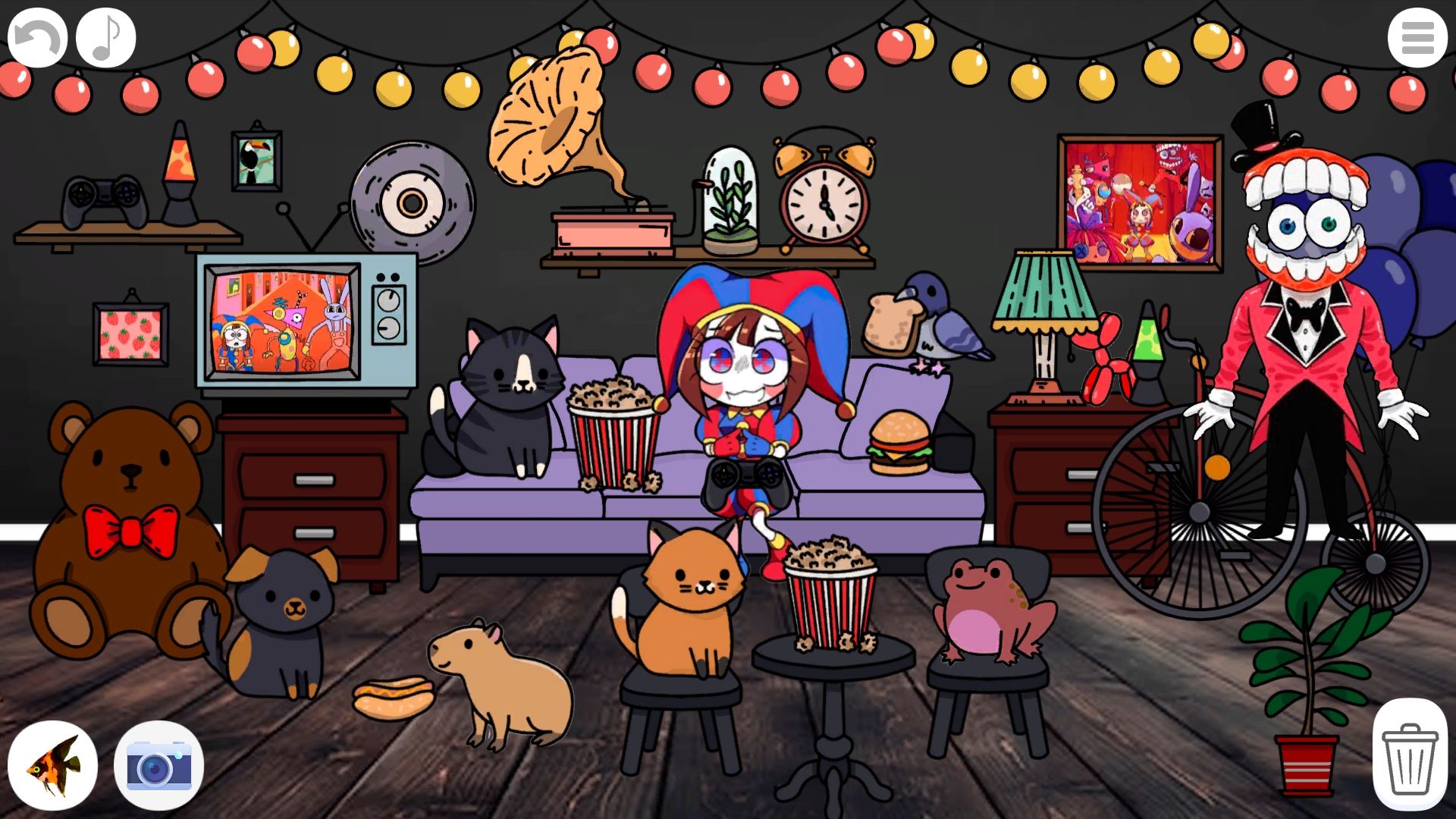
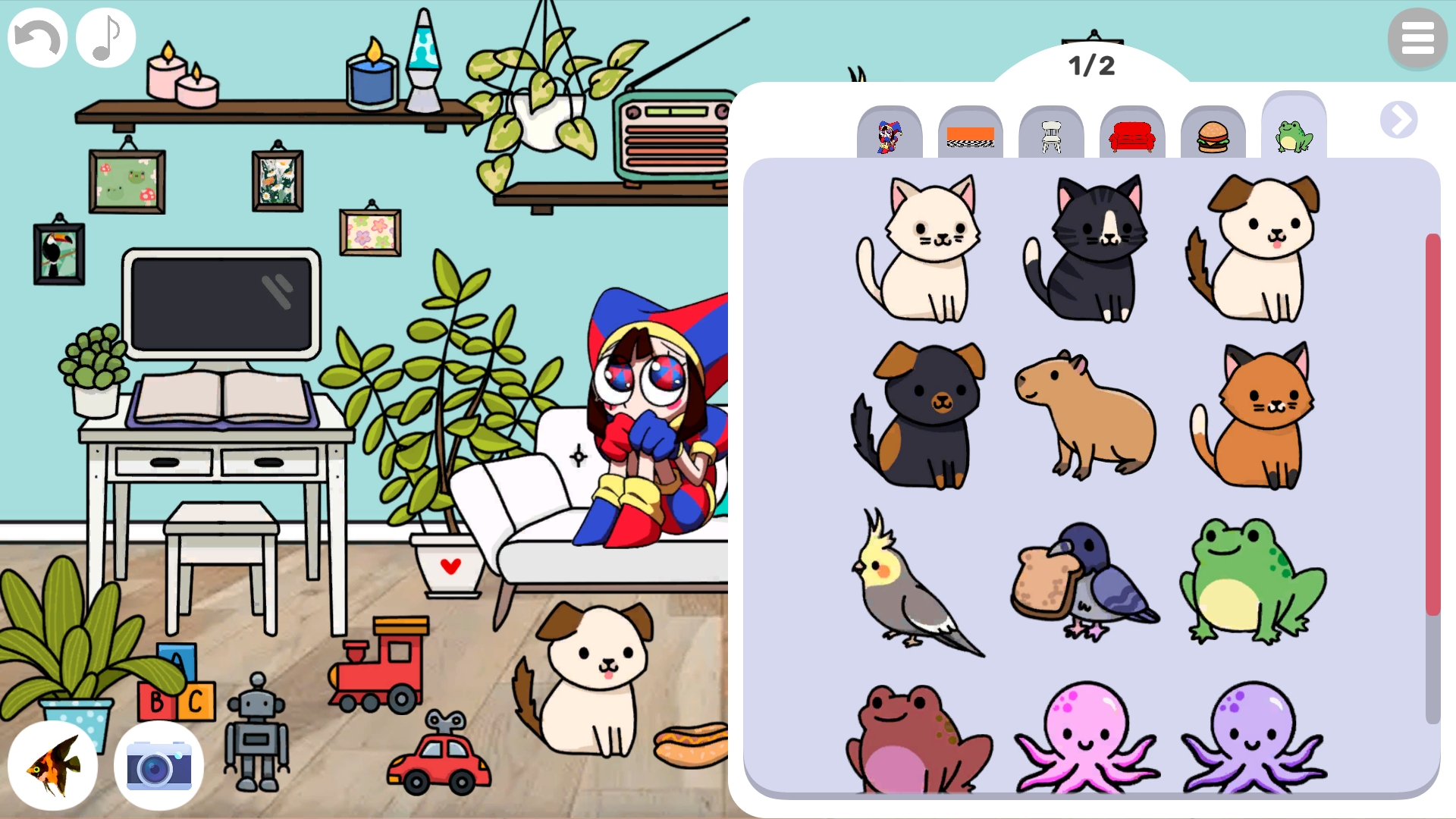
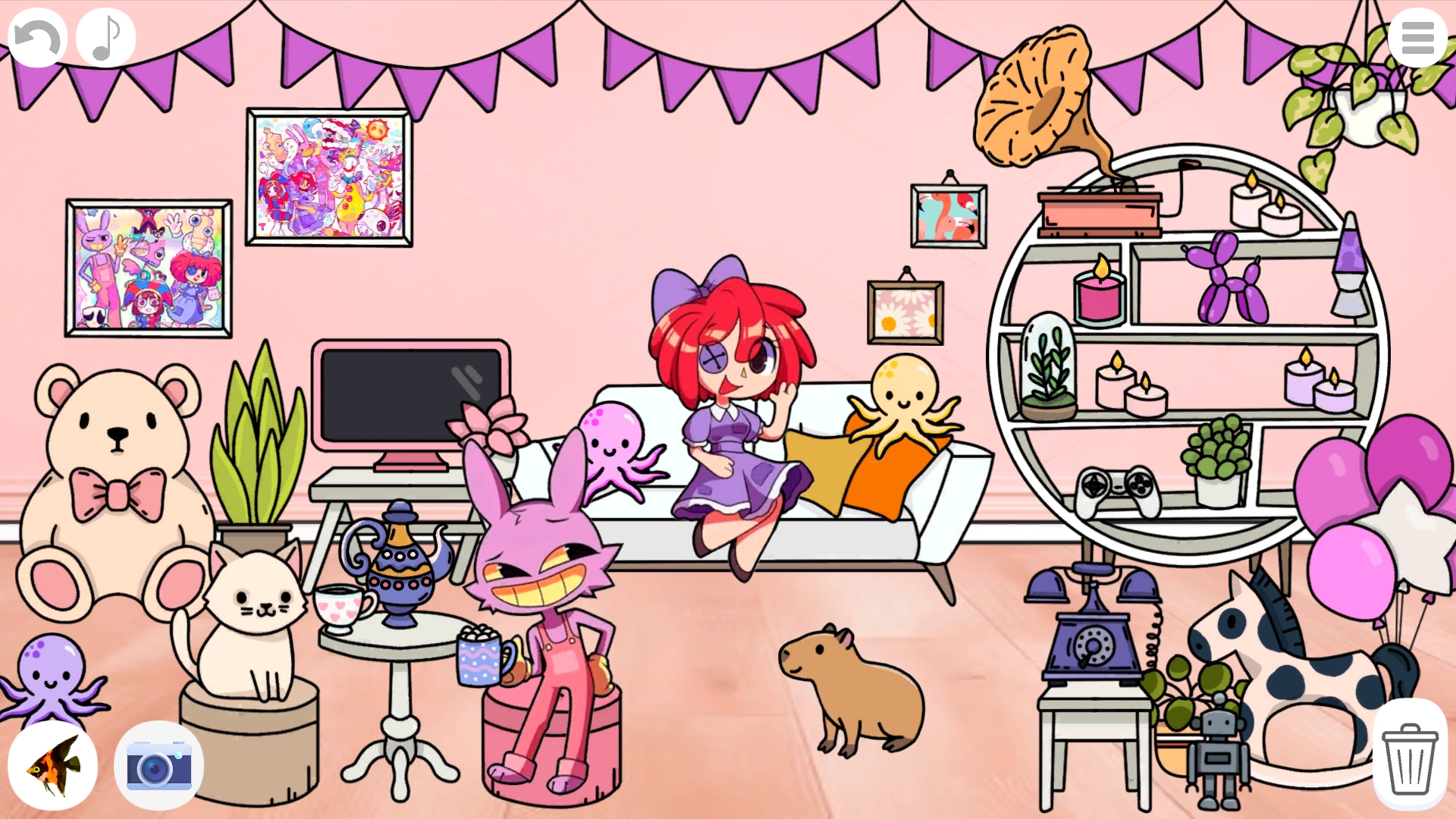
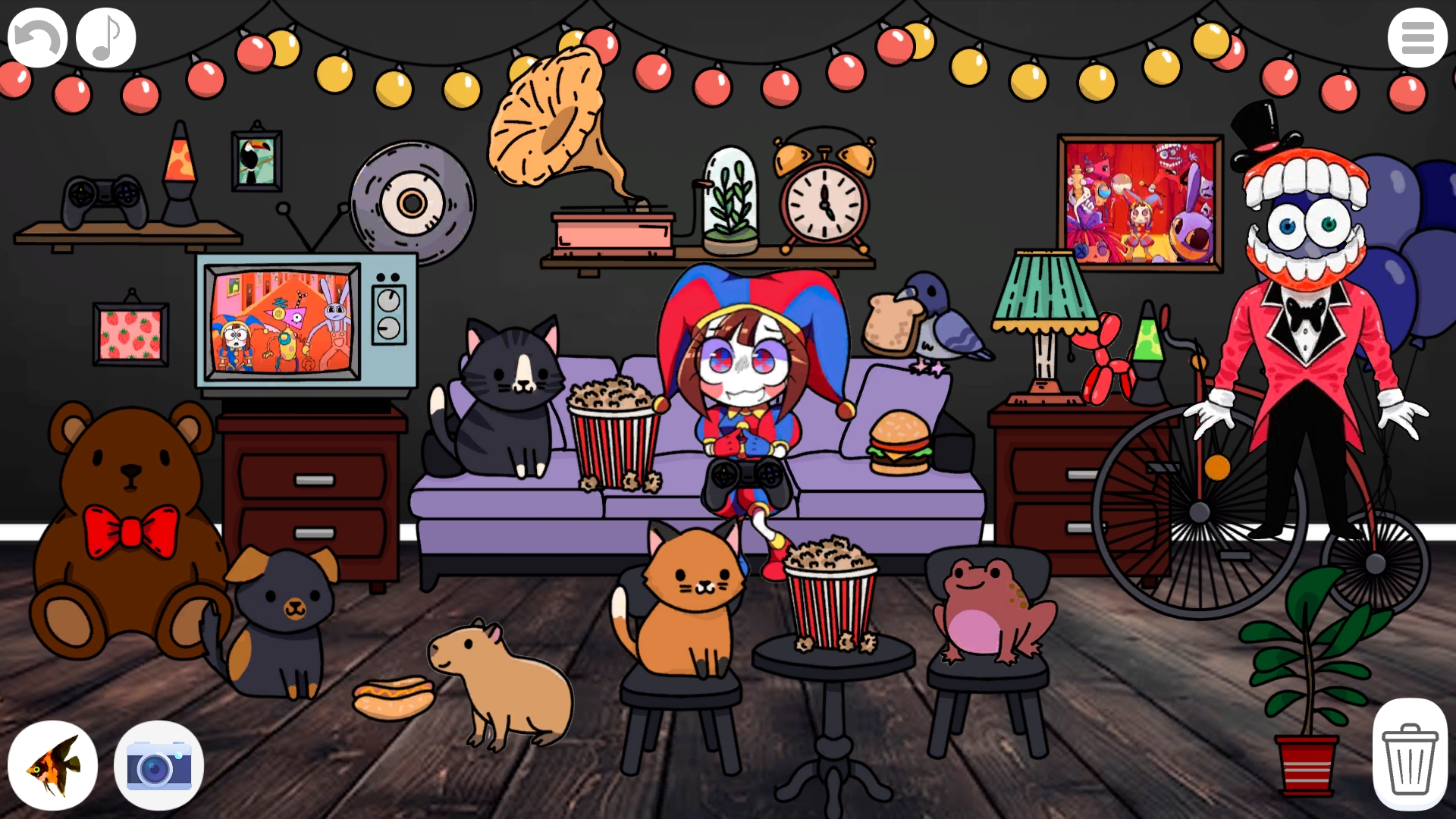
Create your own room in the Digital Circus in this game! Show your imagination and create a room, arrange furniture, paintings, decorations, dishes, food, pets and characters - there are more than 200 elements in the game! Combine them and create your own room with different characters from the digital circus. Add your favorite animals, hang garlands and prepare lots of delicious treats! Take a screenshot and show off to your friends!

Videos and screenshots
  • Create your own room in the Digital Circus screenshot 1
  • Create your own room in the Digital Circus screenshot 2
  • Create your own room in the Digital Circus screenshot 3
  • Create your own room in the Digital Circus screenshot 4
  • Create your own room in the Digital Circus screenshot 5
  • Create your own room in the Digital Circus screenshot 6
Play Now

14,113 players online

How to play

  1. Open the game

    Press Play now and the game opens on its own screen.

  2. Follow the in-game instructions

    The controls and goals are shown inside the game as you play.

  3. Use the game menu

    The floating button over the game reloads it, saves it to your favourites, or takes you back out.
Game instructions

The button in the upper right corner opens and closes the menu. In the menu, click on the category labels to see another category, clicking on the arrows will open new category pages. Click on items in the menu to add them to the room. Click on the menu button again to close it. Click on an element with a background to replace it. Place elements in the room using drag. Click on them to change their sorting order. Click on the trash can in the lower right corner to turn it on. In this mode, clicking on elements will delete them. Click on the trash can again to turn off this mode. Click on the arrow button to undo the last action (20 actions are stored). Click on the note button to turn off the sounds. Click on the camera button to take a screenshot! Click on the fish button to play even more cool games!

More games

More games